Project 1 : CFD Meshing for Tesla Cyber Truck
OBJECTIVE:
For the given model, check and solve all geometrical errors and Assign appropriate PIDs. Perform meshing with the suitable Target length and element Quality criteria.
PROCEDURE:
We have the following model of a Tesla Cybertruck:
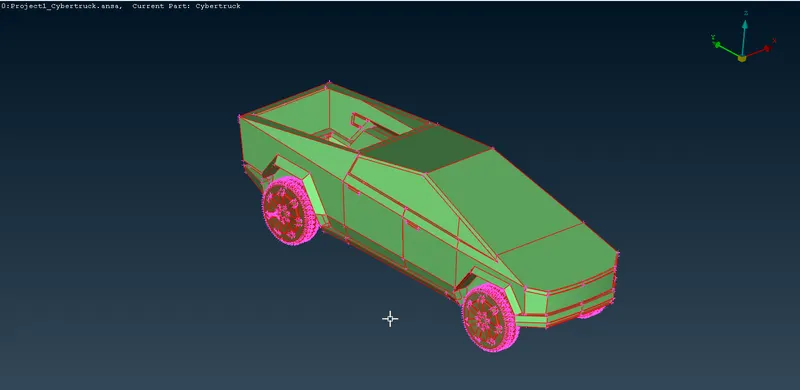
First, we will apply TOPO to see if there are any surfaces missing and actual single cons present and divide the model into two since the model is symmetric:
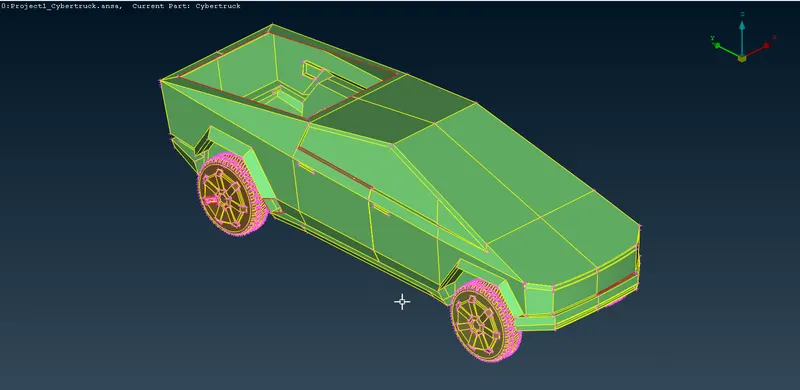
We will also draw a line using CREATE CURVE tool as a placeholder for the trunk shutter, and work on this half of the model, then replicate it to save time and effort:
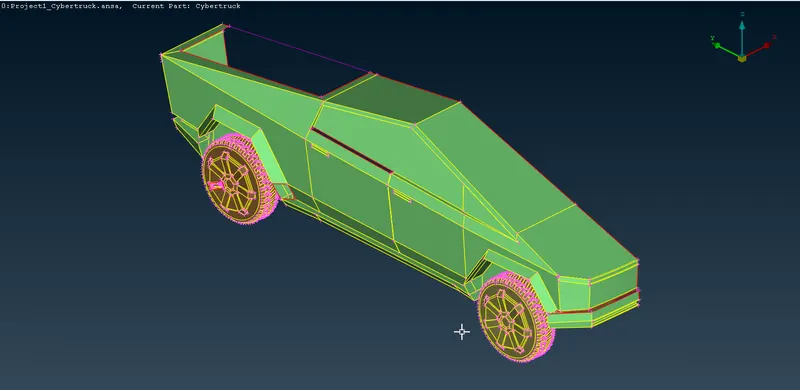
Then, we will resolve all the single cons and missing surfaces:
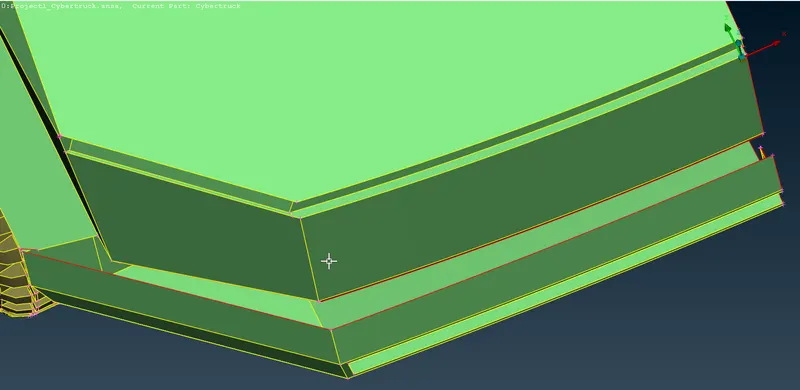
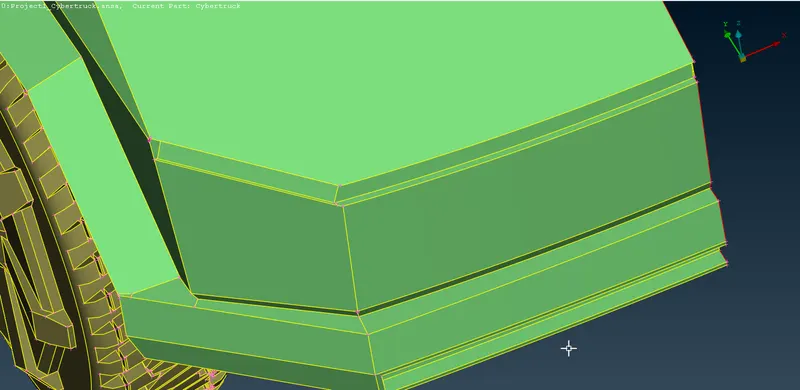
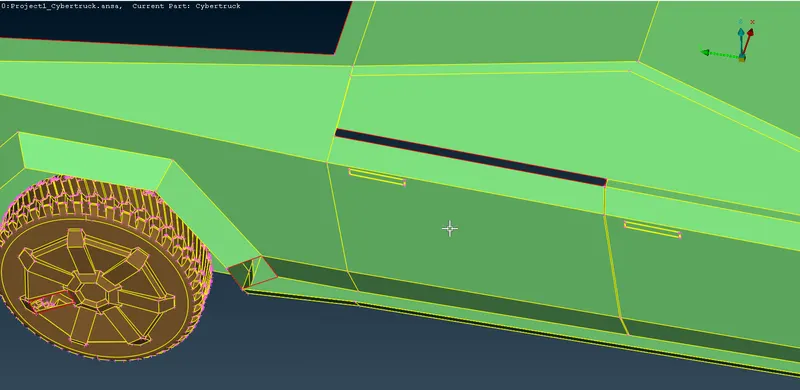
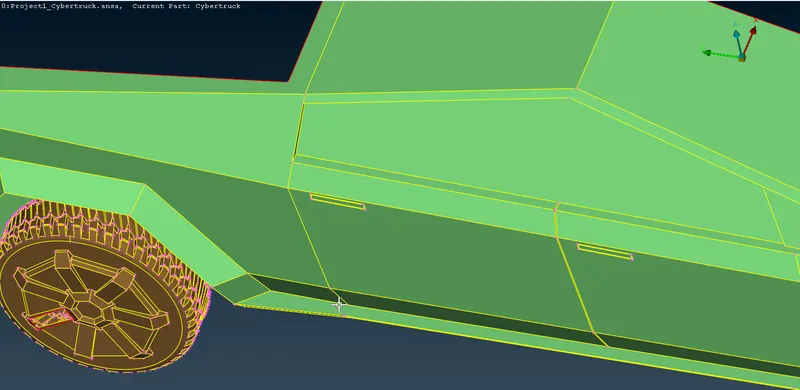
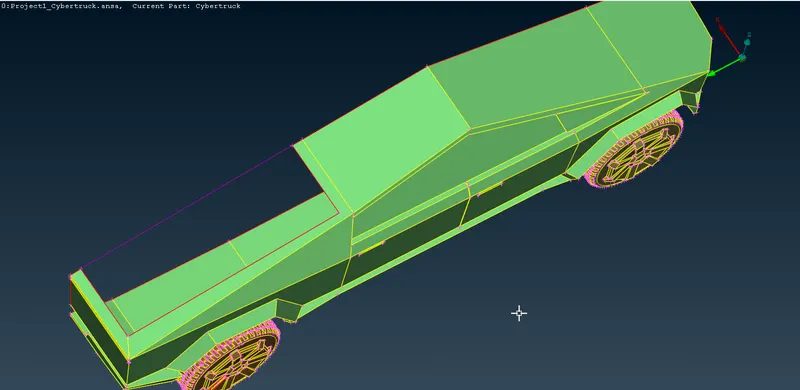
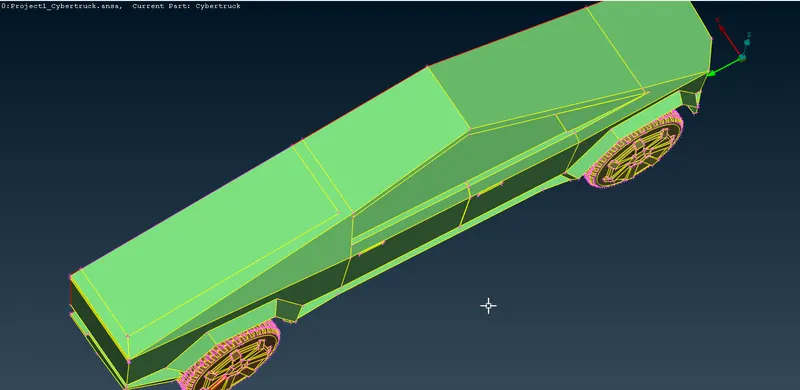
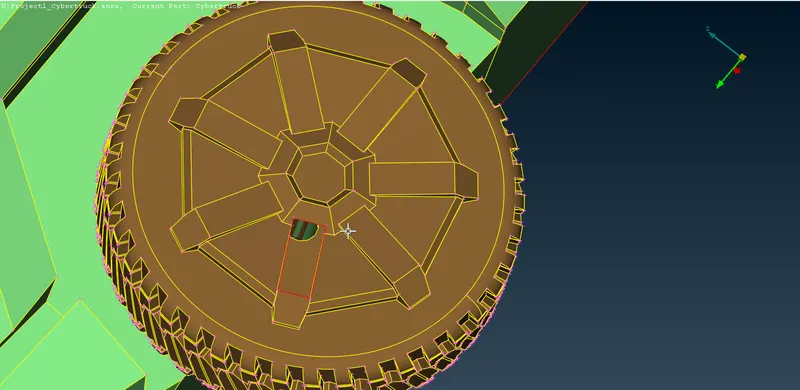
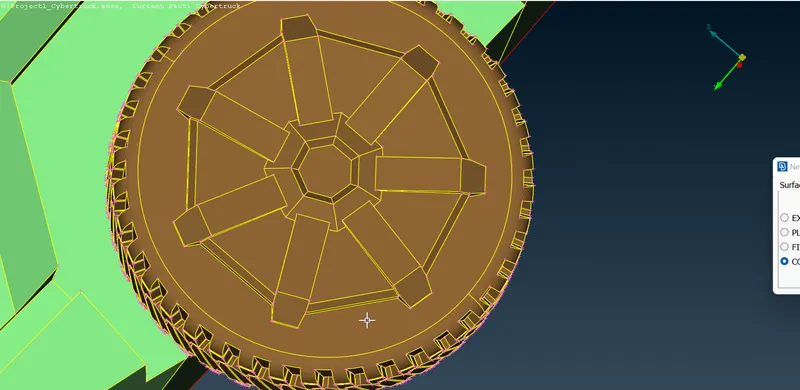
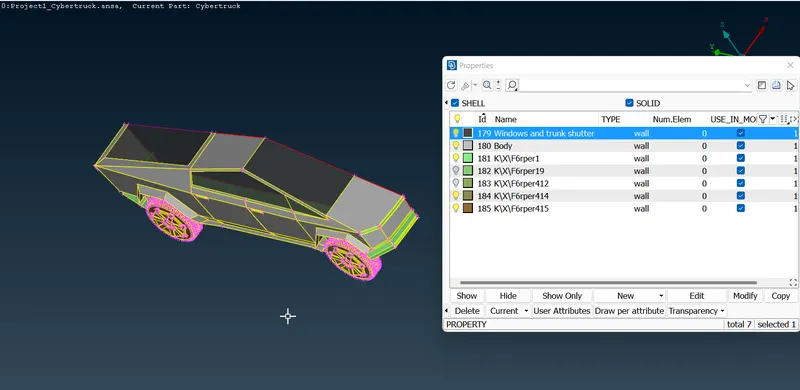
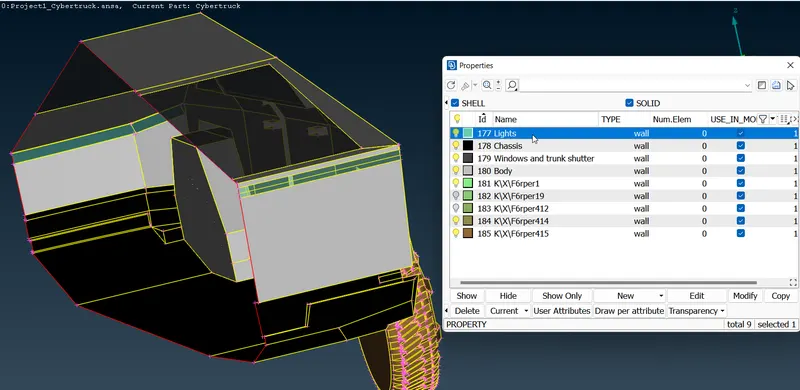
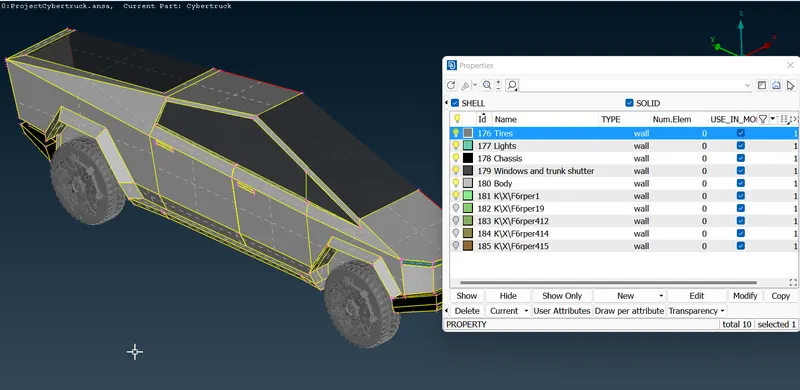
Once we are done with the cleanup of visual defects, we will assign PIDs to the model:
BODY:
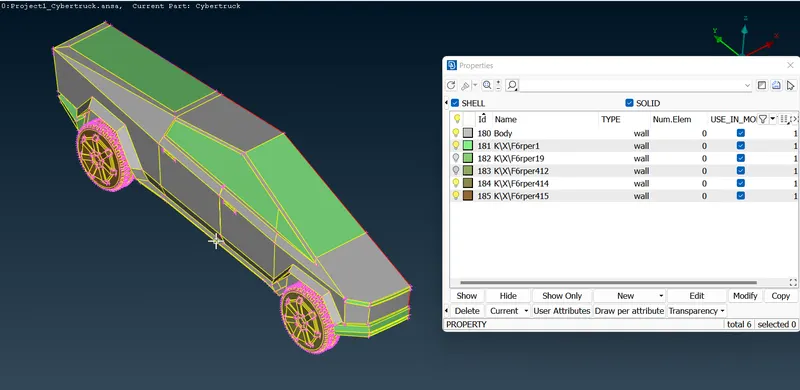
WINDOWS AND TRUNK:
LIGHTS:
TIRES:
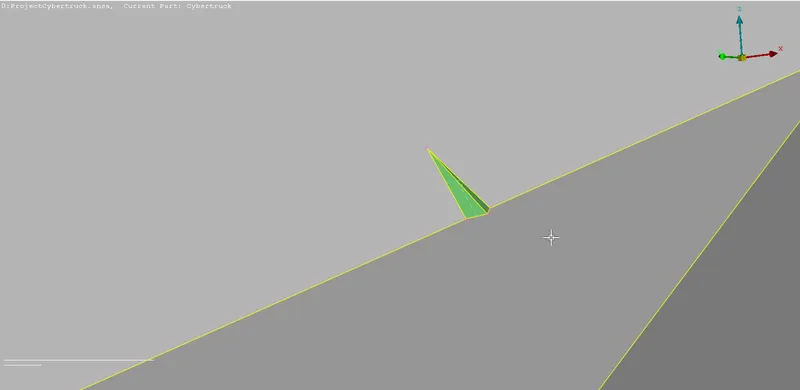
Next, we get rid of small surfaces that could cause error and off faces while meshing:
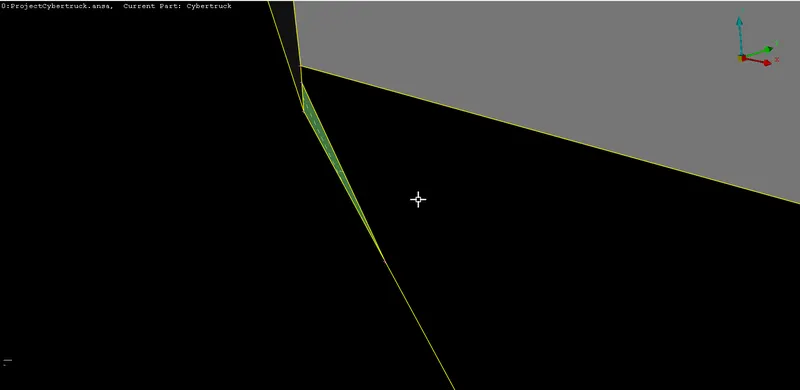
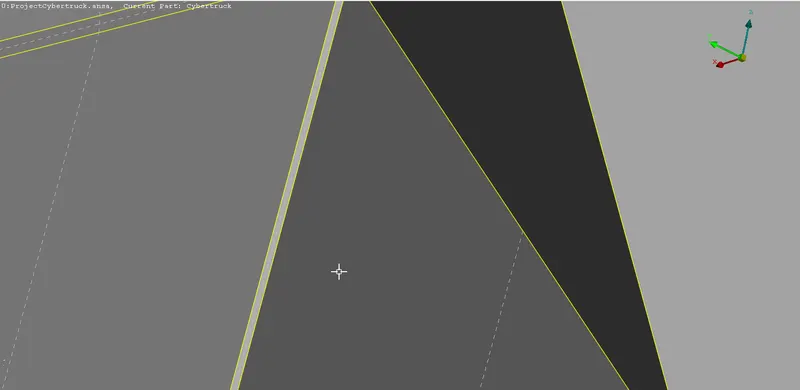
After finishing the cleanup, we can move towards Meshing:
TIRES, WINDOWS AND LIGHTS - 3MM:
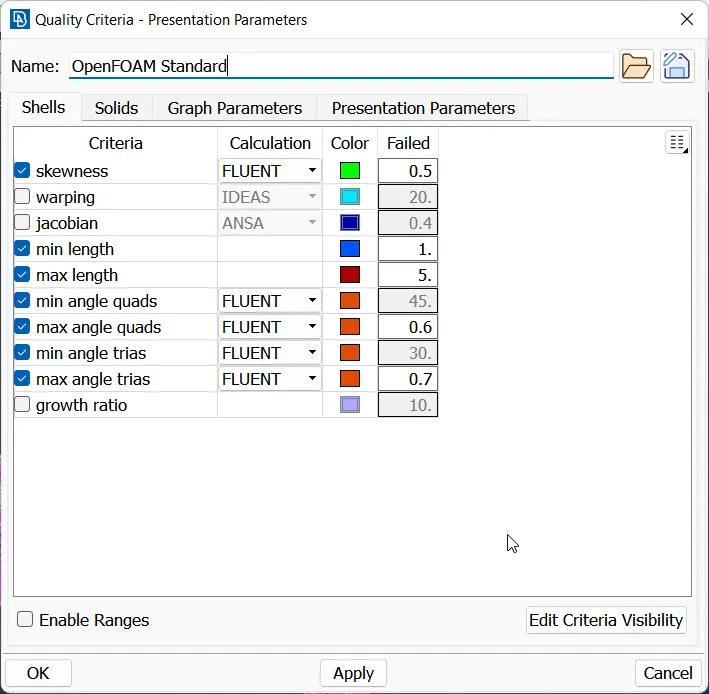
The target length for these three is 3 mm and the quality criteria is as follows:
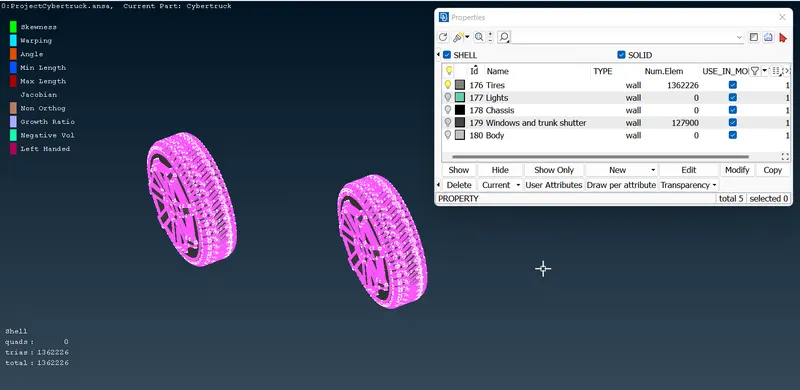
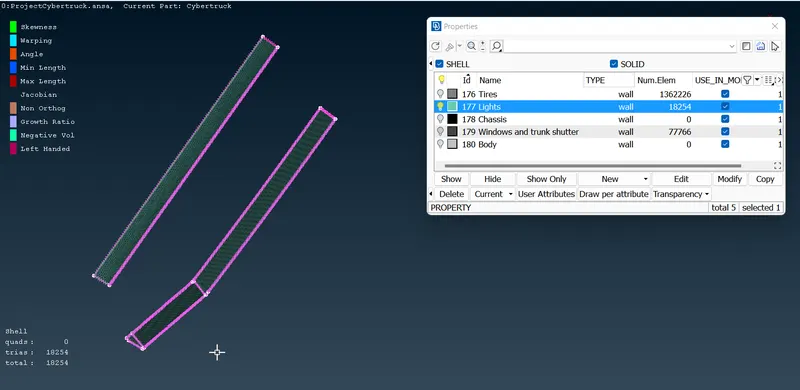
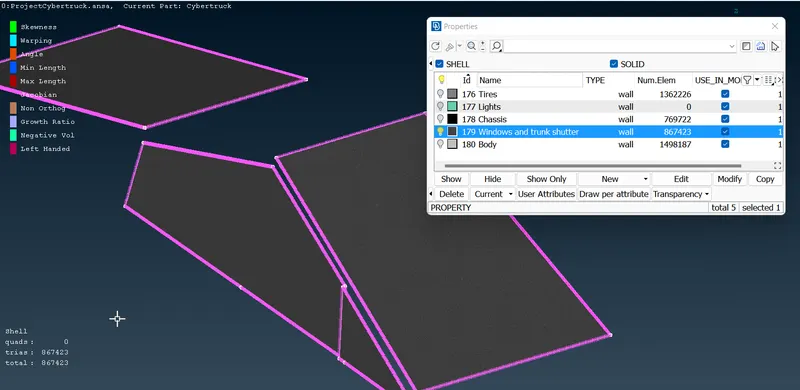
BODY AND CHASSIS - 4 mm:
The target length is 4mm and the quality criteria is shown below:
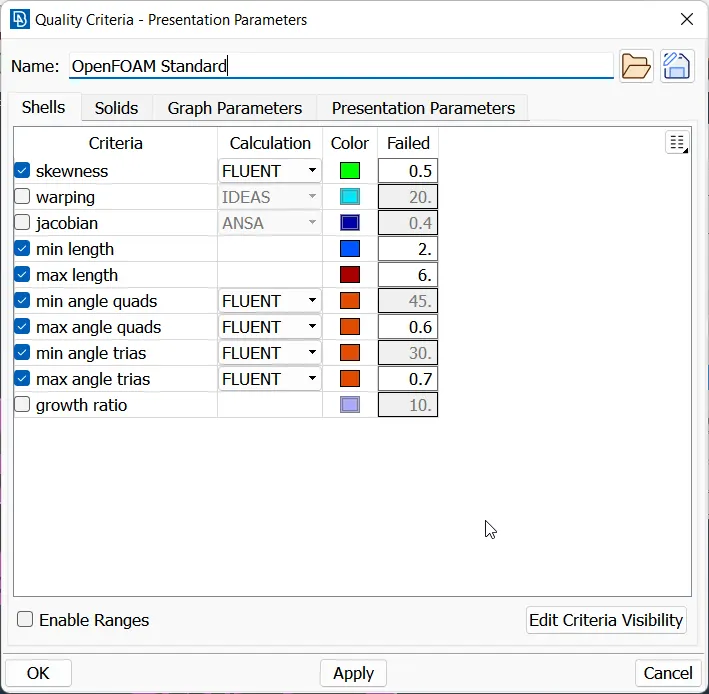
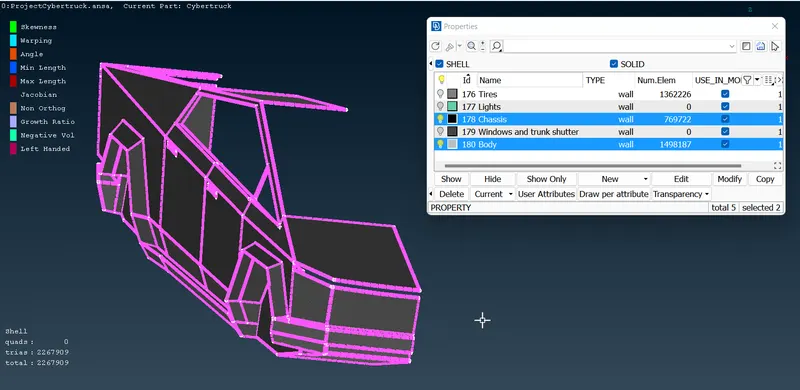
After finishing the surface meshing on the model, we have to create the wind tunnel. first we need to get our model length:
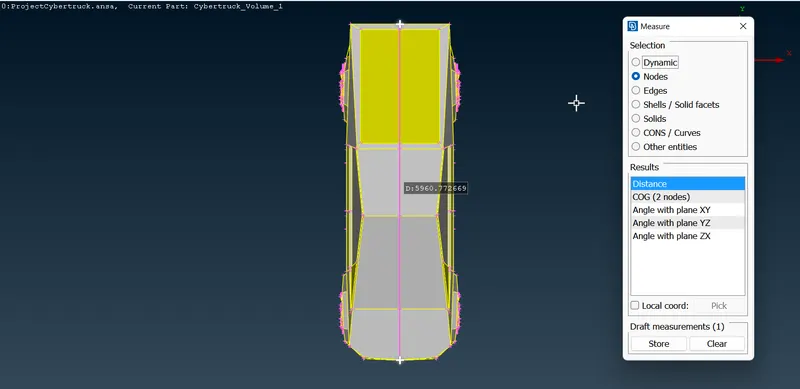
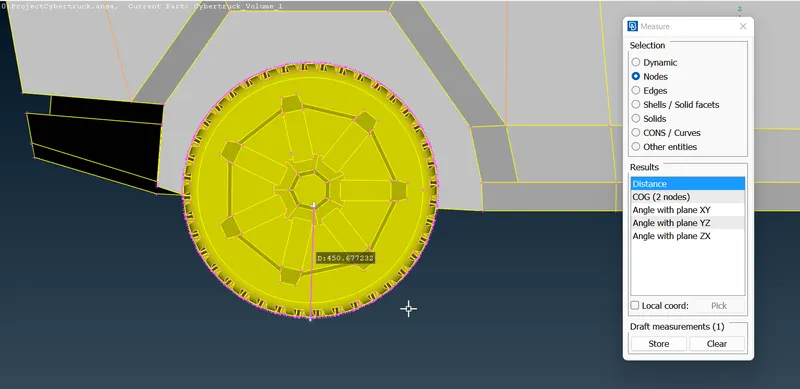
if our model length is 'x', then the wind tunnel usually follows the following dimensions:
Front = 4x
Rear = 6x
Top = 3x
Sides = x
Bottom = close to the model
First, we will create a reference point for our lengths from the middle point of the base using Relative tool:
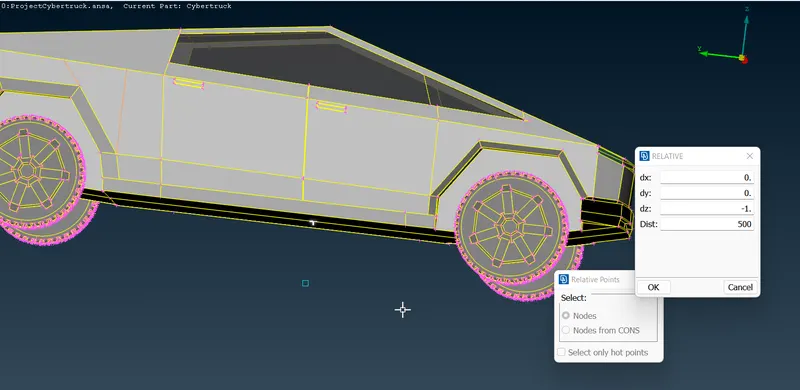
Then, we create the rear and front reference points:
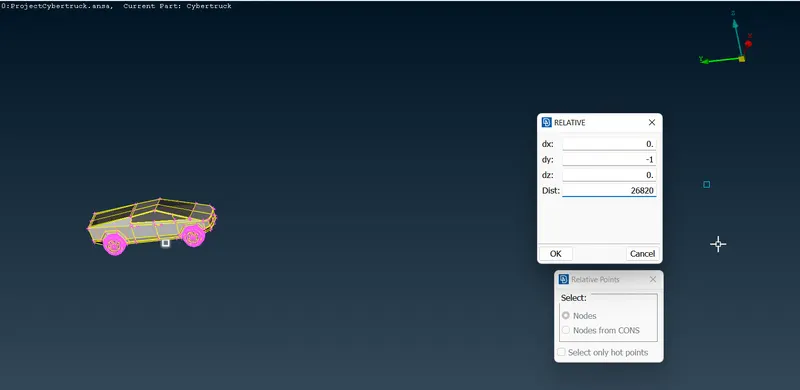
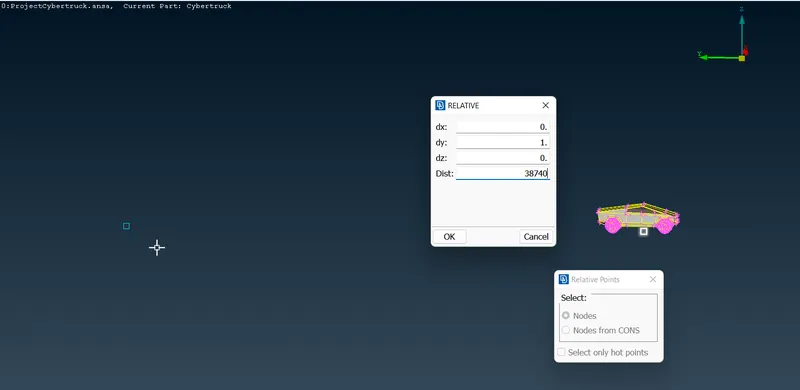
Once we have both the reference points, we can go ahead and replicate them towards the sides to get four corners of the face:
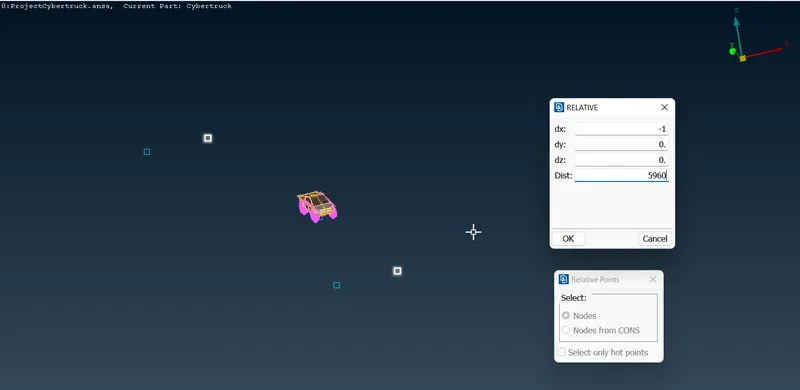
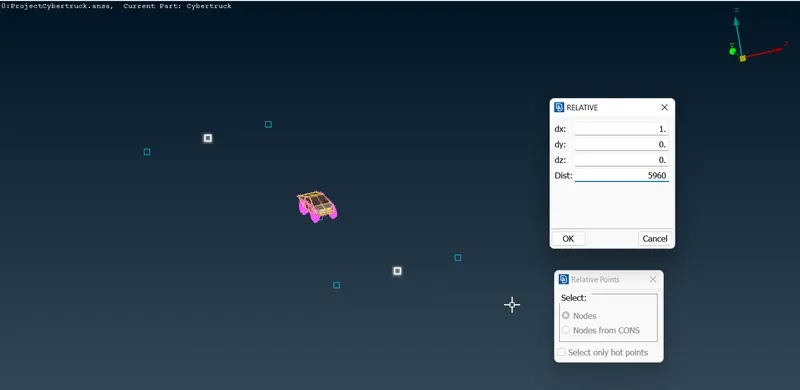
Then, we join the corners using the Create Curve tool and delete the unnecessary points:
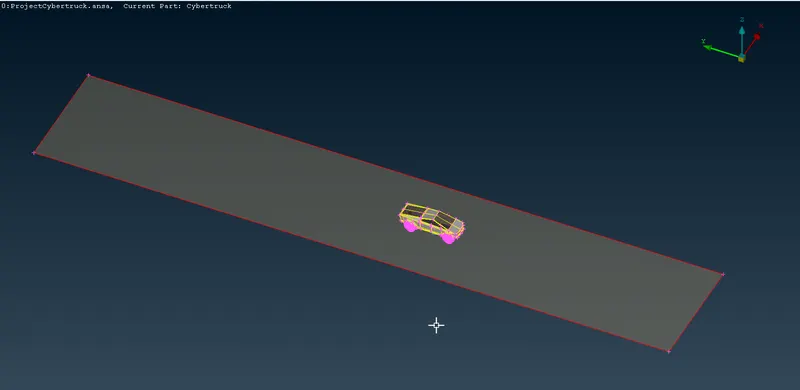
SInce we now have the bottom face, we can create and identical top face using the Offset tool:
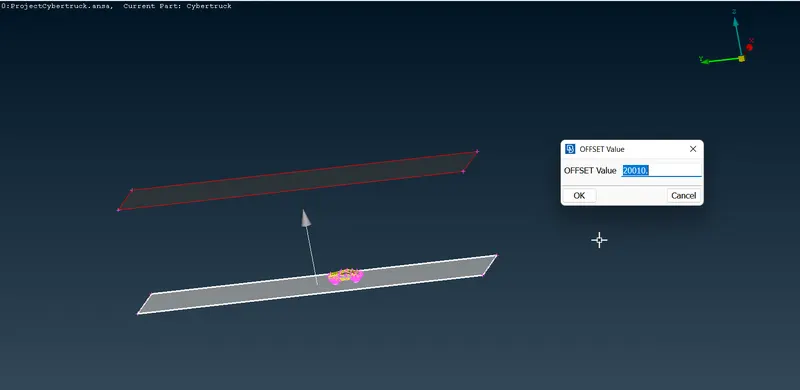
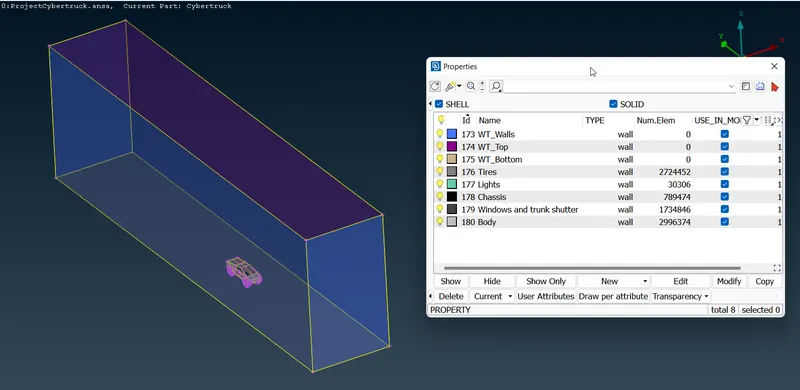
Once we have both the faces we can create the walls by using the New Face tool and assign them PIDs accordingly:
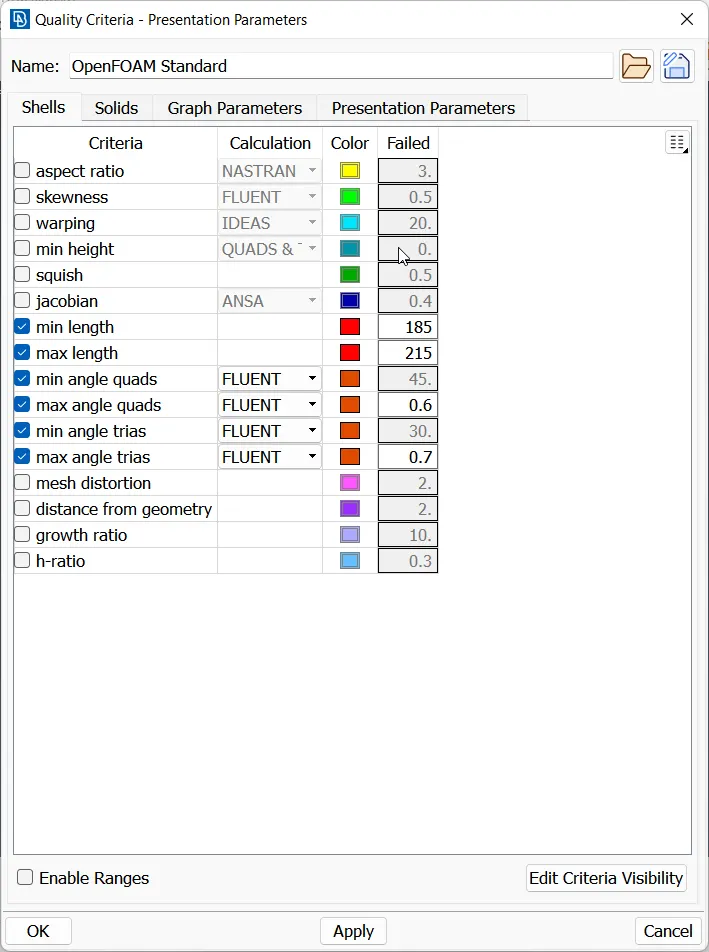
Moving on to meshing, we keep the top face coarser in terms of mesh elements as it is away from our area of focus, the target length is 200mm and quality criteria is as follows:
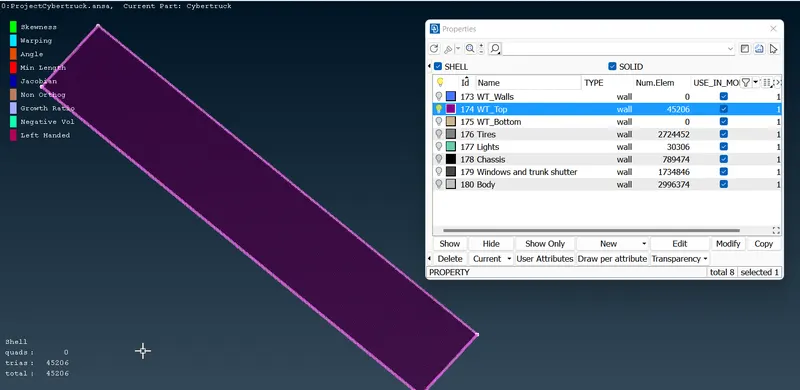
Then, we mesh the bottom surface, it is finer since is close to the model so we mesh it with 40mm target length:
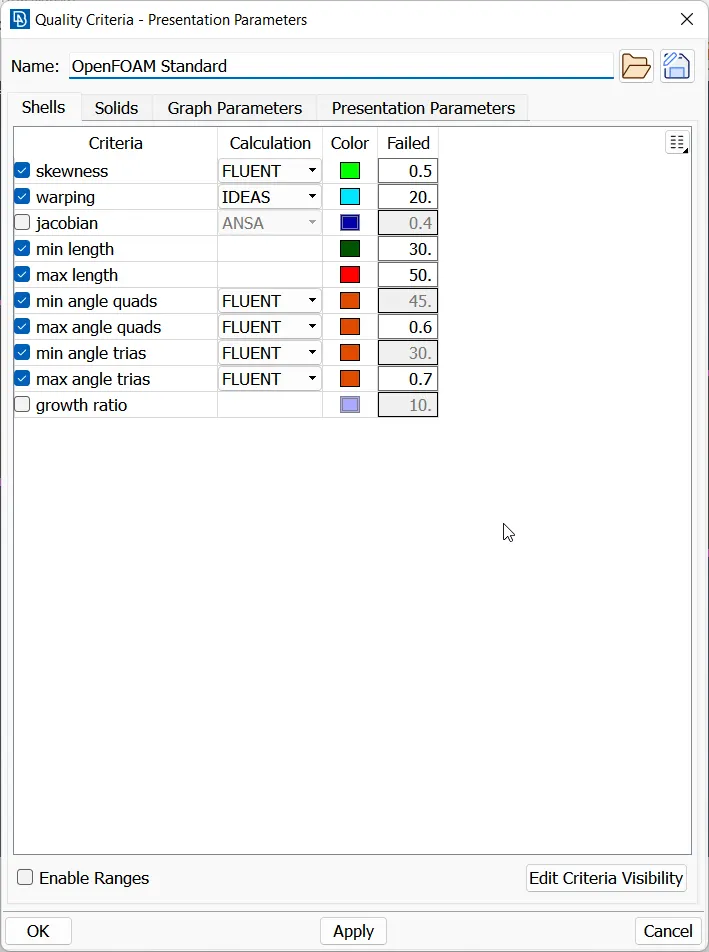
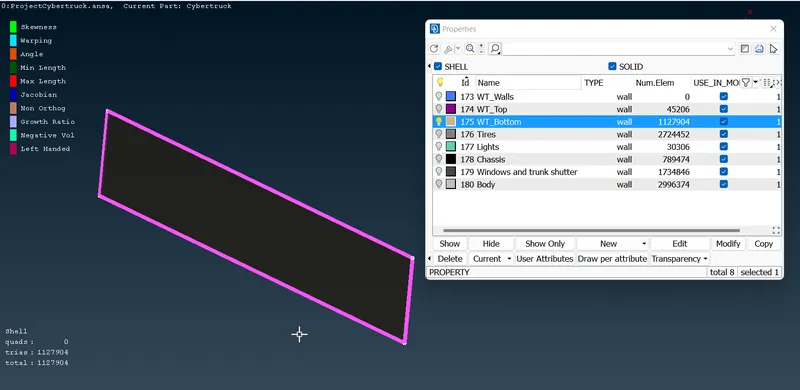
Once we have these two in place, we set the quality criteria varyingly for the walls as they are transitioning from 40mm to 200 mm element length:
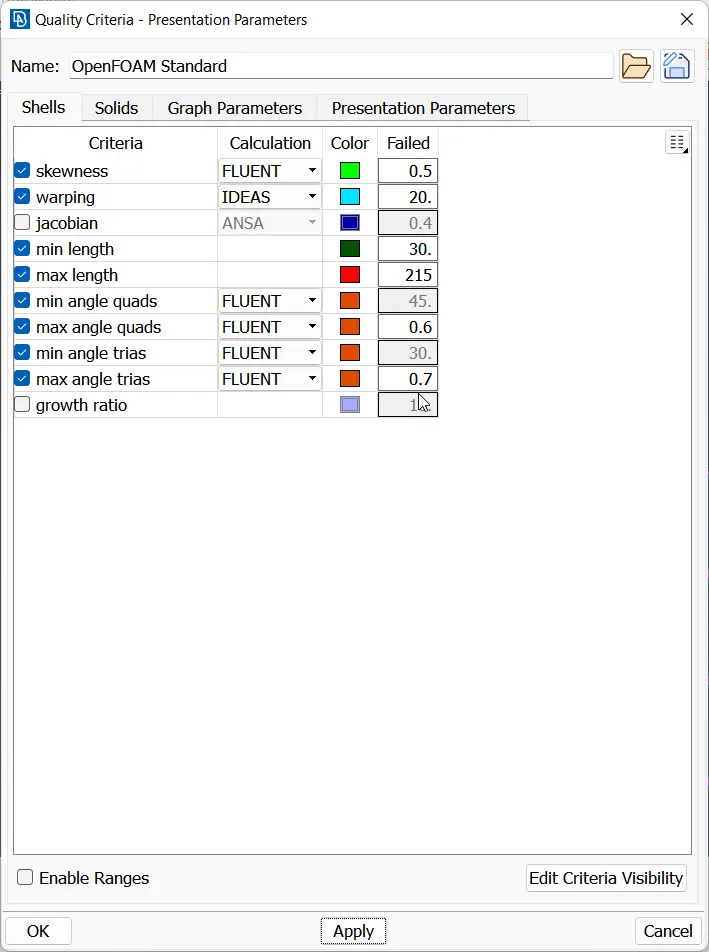
We use spacing for this purpose:
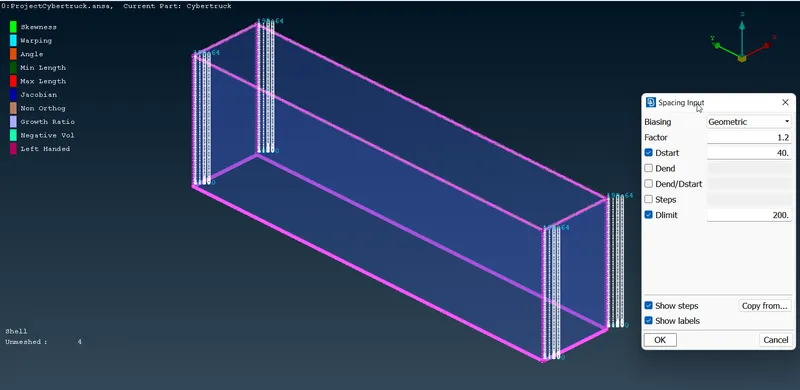
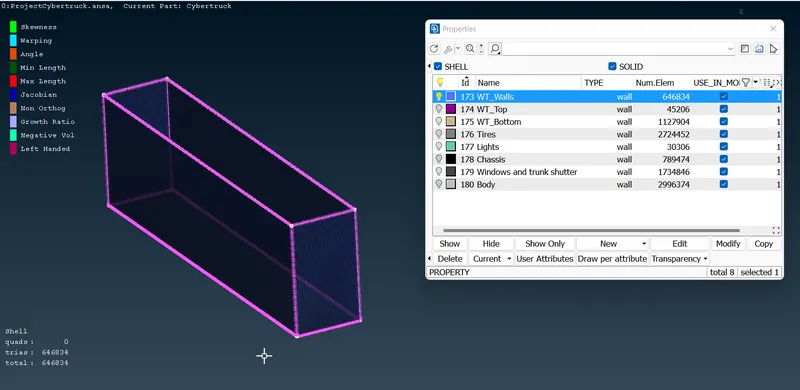
After meshing everything we can move on to V.mesh, we will use the define volume option in V. Mesh menu for ANSA to detect the probable volumes:
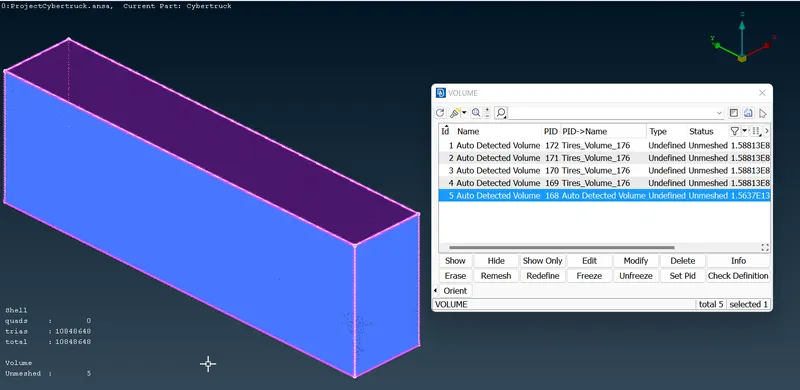
We will only keep the tunnel volume and delete the remaining ones:
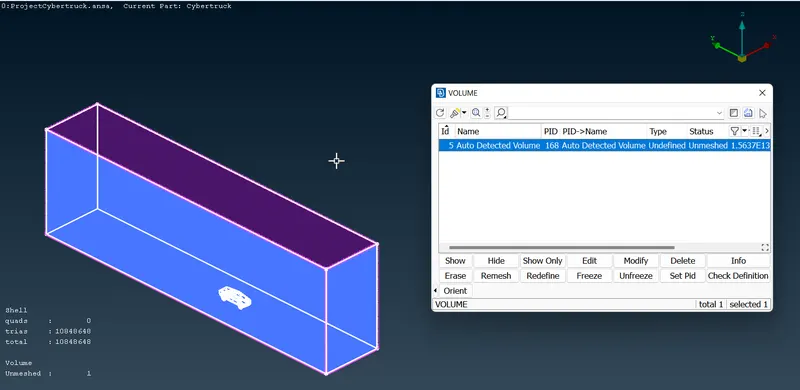
Now we can do the V.mesh successfully.
I couldn't do V. mesh on this model due to large number of elements. ANSA kept crashing and won't proceed beyond 30%. So that part is skipped.
CONCLUSION:
We have successfully cleaned and meshed the Cybertruck model.
Project File