Project 1
REPORT
Step1:Download the all the connector, open the catia software and move to the part design for the creating the connector connection point and bundle connection point.
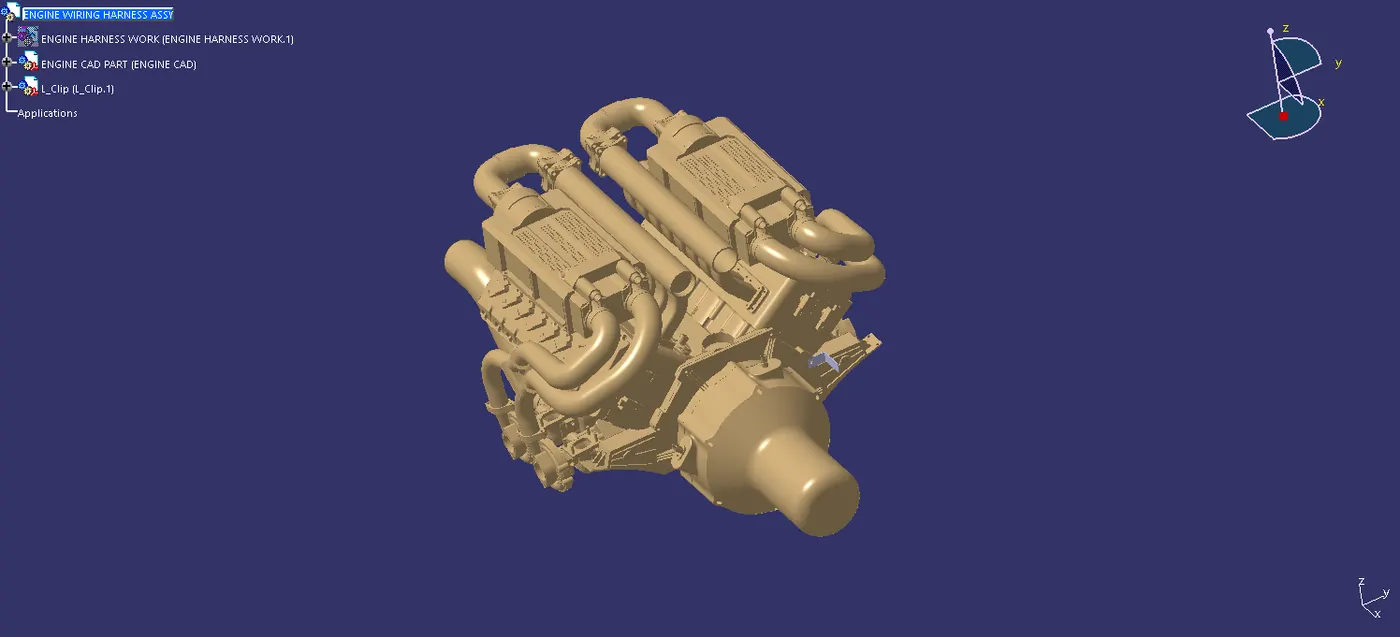
Step2:Using the point and axis command to the perpose of coordination and coincideance.that is the help of connect the matting connector.
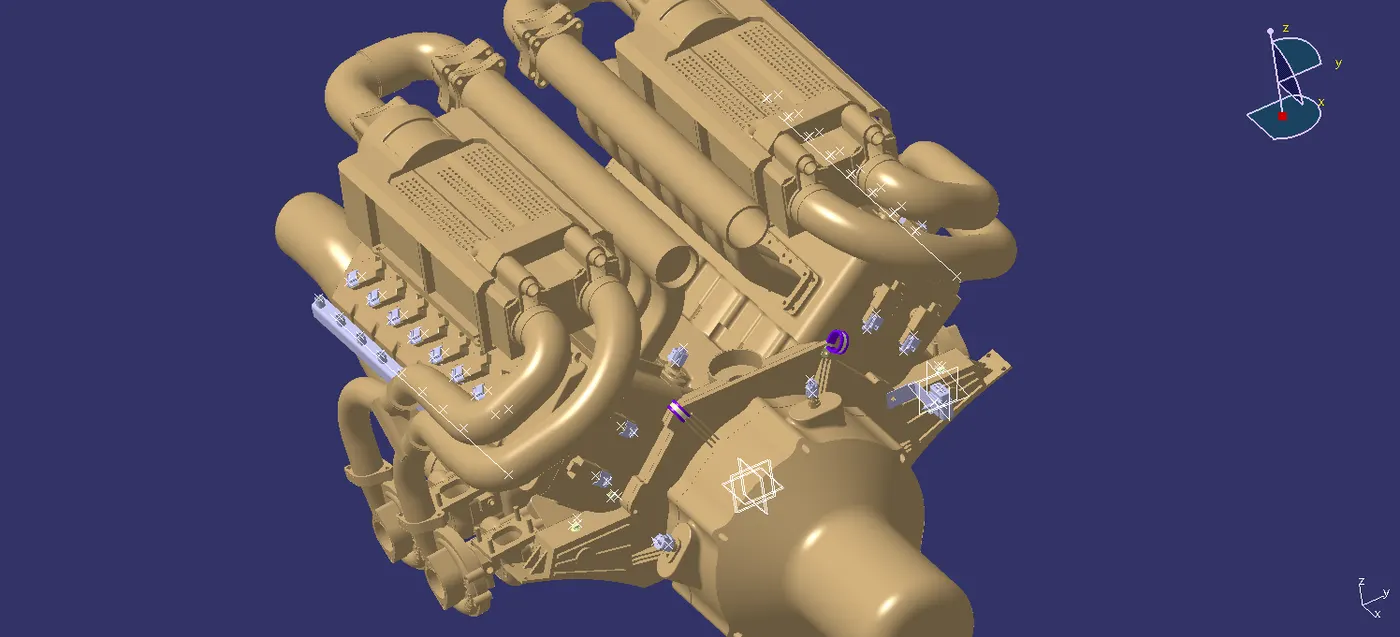
Step3:After that move to electrical part design work bench for the define all connector and support. then the define connector tool is used that command to make a define connector or support and using the connector connection point , bundle connection point and cavity connection point.
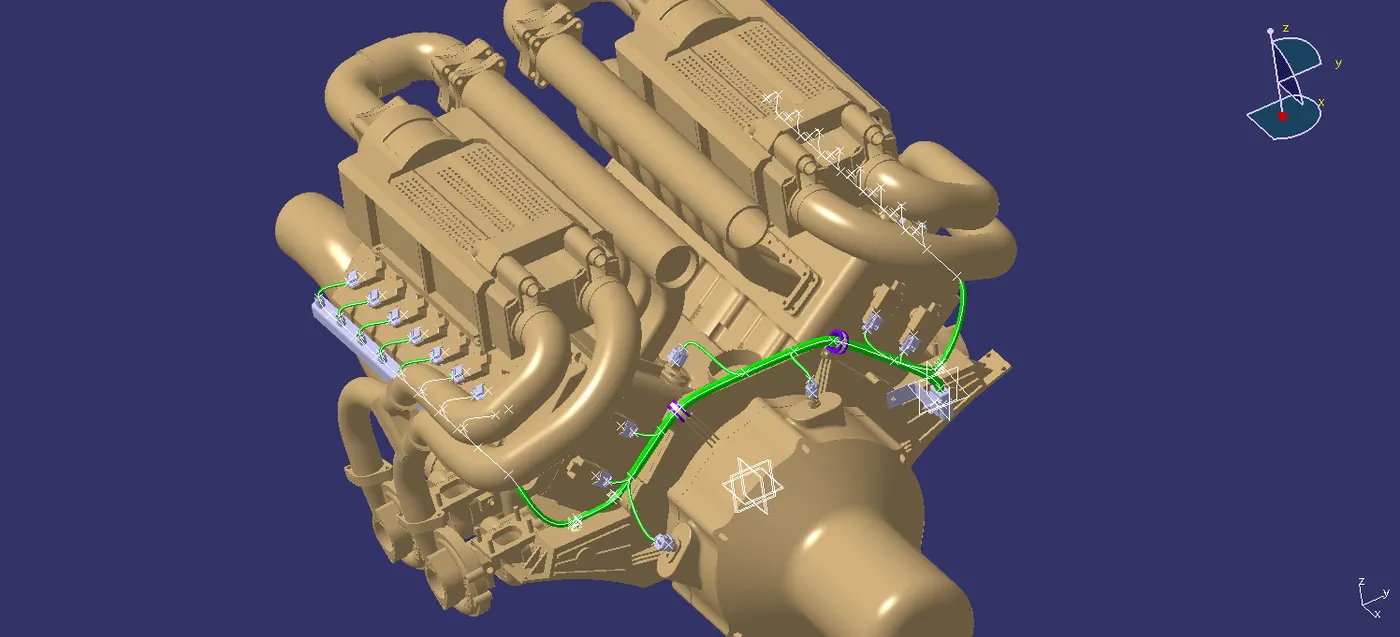
Step4:Created a catlogue for the connector and support for the feature reference.
Step5:After that create a product for the assemble the connector to the engine.
Step6:Anthor product is create under the main product for the connector and connection.
Step7:Engine cad data is open to catia software in product file after that all connector are the placed in the required place and as per the gudlines.
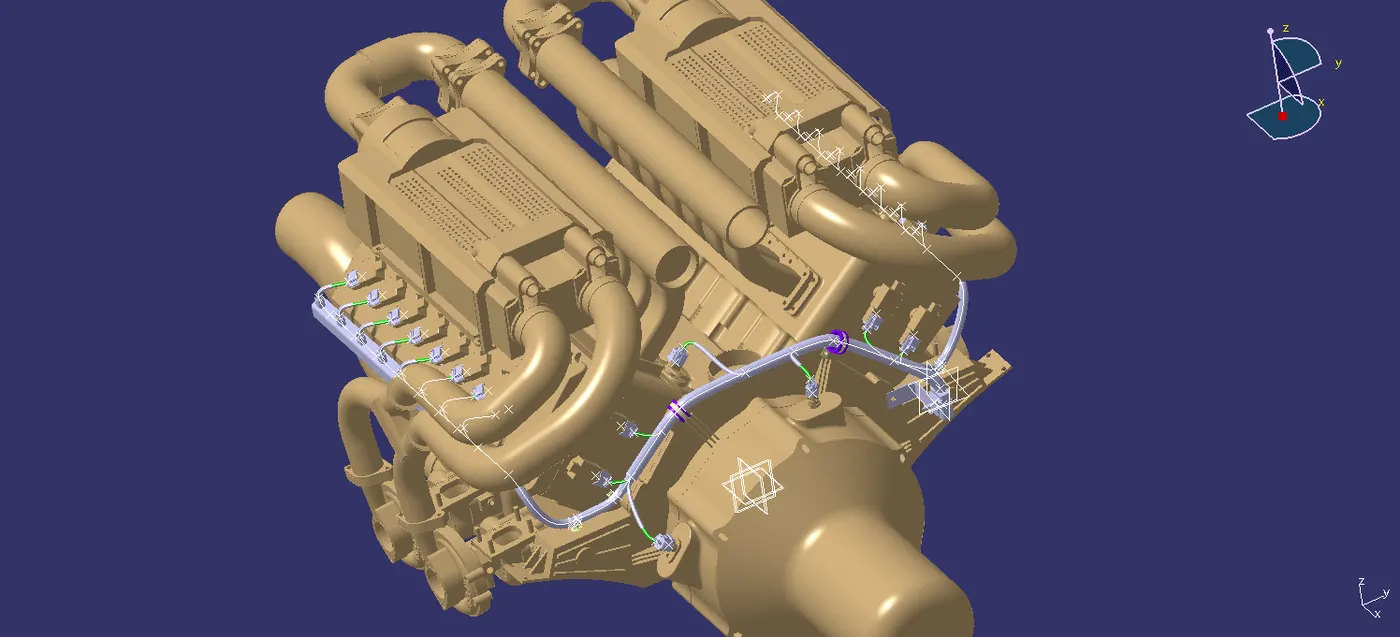
Step8:channel is used for the under exhaust manifold because of over heat is produced so channal protect the wiring harness from the heat.
Step9:In all connector are assemble the engine using the commands, snap, smart move, compass and manipulator.
Step10:move to the electrical harness assembly and making a product as a geometric bundle after that using the multi branchable document commant to create a bundle in that branch making process need to give bundle diameter,blending radius and slack for the purpose of connector connection.
Step11:Route definition table is open, selecting the routing point to direction of the routing.
Step12: And also using the catlague to make protective cover in wiring.
Step13: move to the flattening work bench using the export tool to take electrical harness installation work bench to flatten work bench and using flatten tool and make flatten wiring ,make wiring in required direction, connector are rotate in the front view of direction.
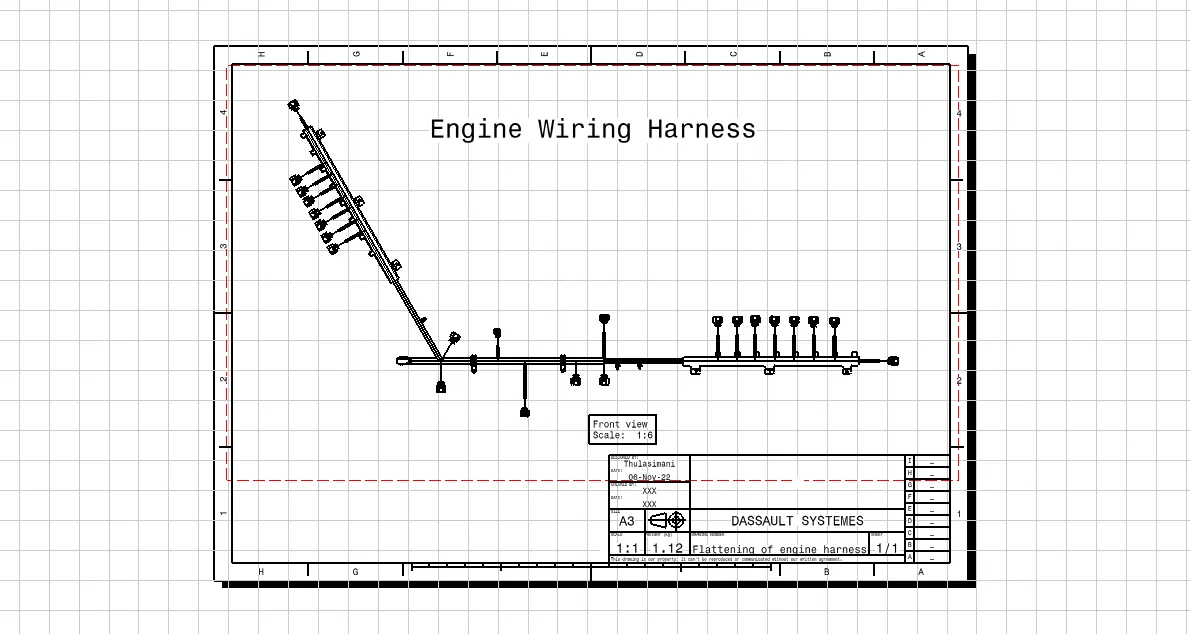
Step14: drawing sheet was create and import the file in the using the fornt view tool in drawing work bench and make it for the scale size was reduced because of iso standard size of sheet using the edit to and background sheet and then move to the insert option then drawing and give to frame and sheet and make it a outline of the sheet