Project 1
Aim :
Route the Wiring harness on Given Engine and Prepare flatten view drawing in CATIA V5.
Objectives :
Prepare & Submit all necessary reports like clearance, Clipping/Clamping selection, Harness fixing requirements, Harness continuity, Assumptions if any along with CATIA 3D data.
Procedure :
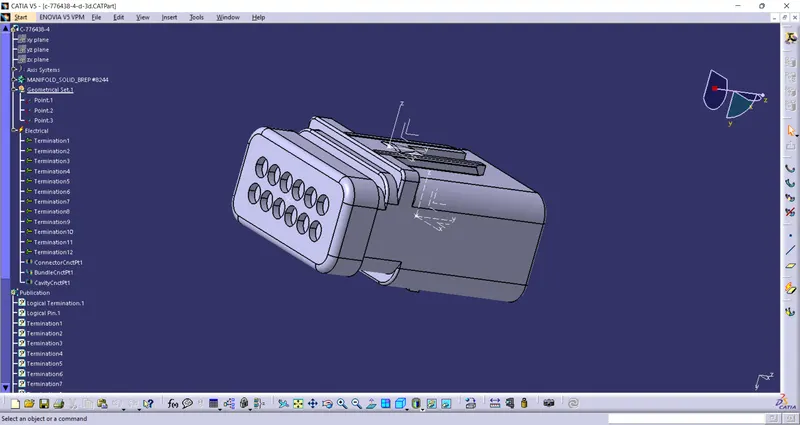
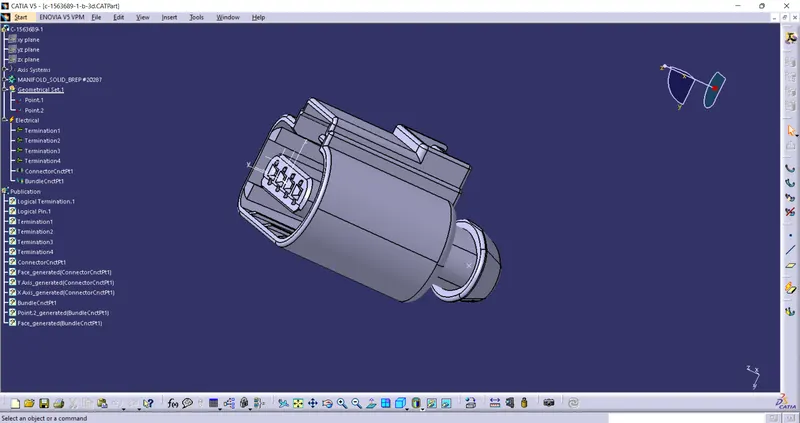
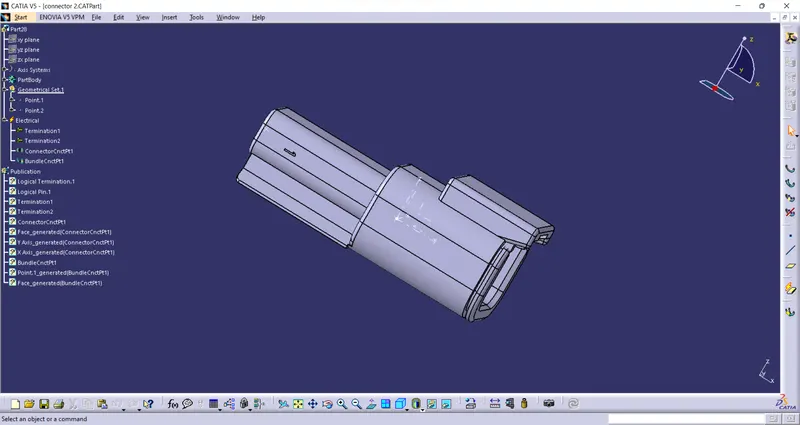
In the Above figures We Have Taken from given source & Merged into Catia V5.
1.Go To the Part design workbench & Taking A middle Point From The Connector Connecting Side As Well As Bundle Connecting Side.
2.Taking the axis Origin of Connector connecting Point.
3.Adusting the y-axis is normal to the face of connector connecting Point & X-axis would be locking side & Z-axis would be Up or down side.
4.Then go to the electrical part design workbench after that defined it as a connector & Add no of terminals it has & defining the connector connection point As well as bundle connection point with respect to their faces & Respresentations.
Defining CLips & Clamps :
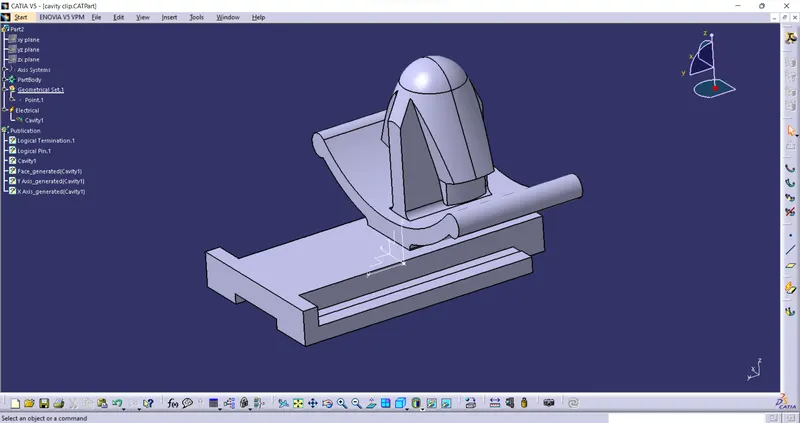
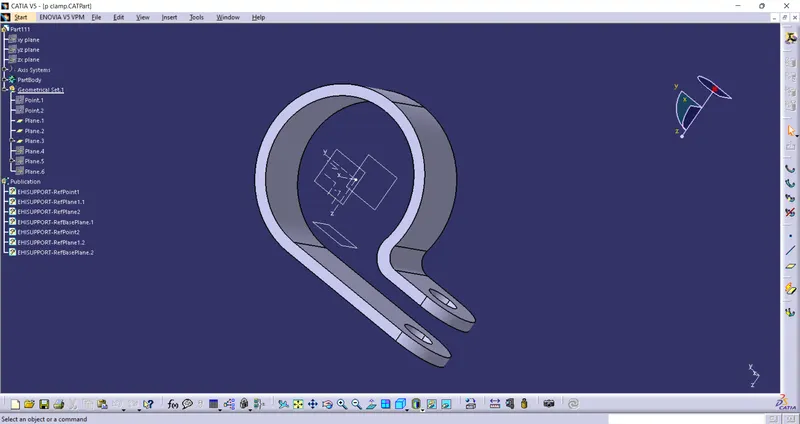
In the Above figures We Have Taken from given source & Merged into Catia V5.
*As Well As Supporting Clips & Clamps but Geometrically Selecting the different planes & Deffine Different Electrical Supports.
Defining Channels :
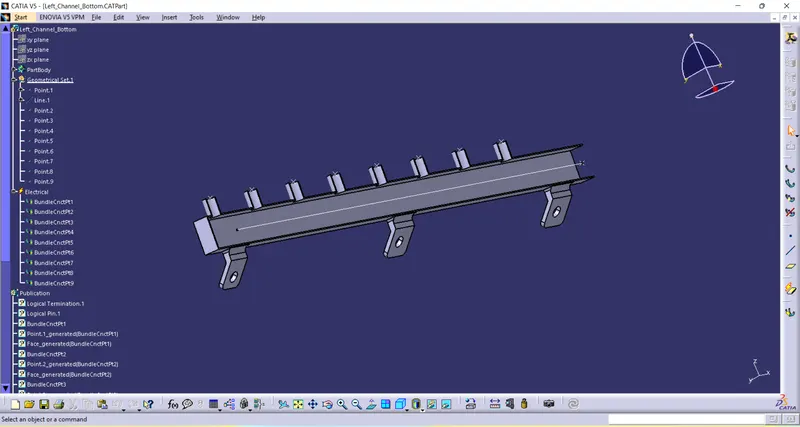
In the Above figures We Have Taken from given source & Merged into Catia V5.
*As Well As Supporting Clips & Clamps but Geometrically Selecting the different planes & Deffine Different Electrical Supports.
Loading The Engine Lite :
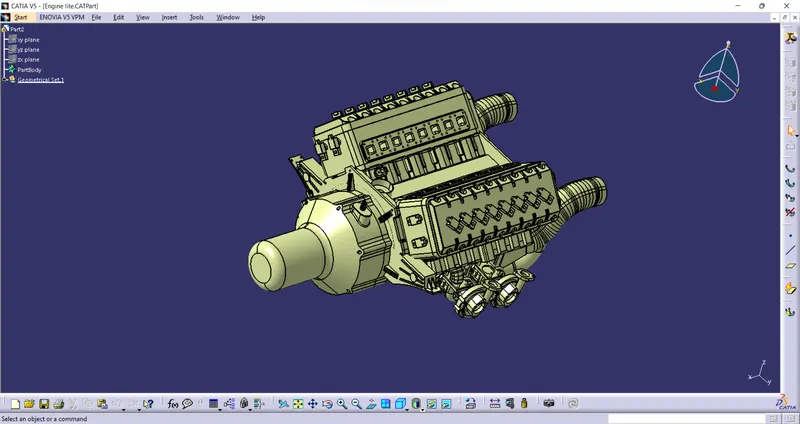
Loading the engine lite into catia.
Mechanical Assembly :
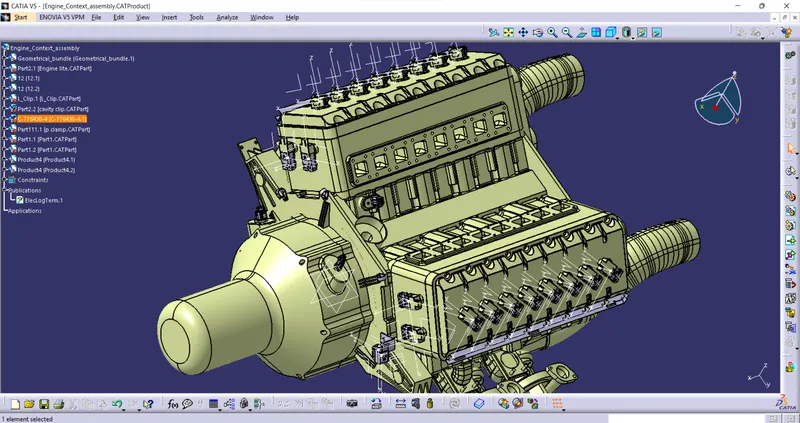
now we have to Copy and paste the connectors,line part into the Assembly Workbench.
After that we have to manipulate the connectors according to the given figure then swap into their respective positions
As sown in figure above.
Electric Harness Assembly :
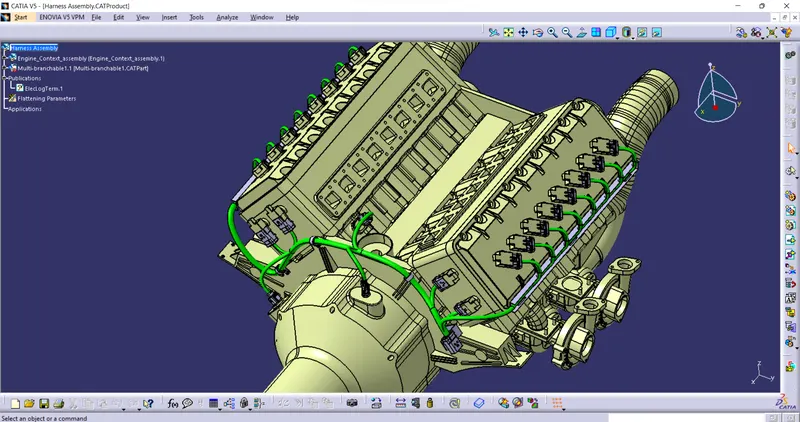
Then Go to the electrical harness Assembly Define the product as an geometric bundle.
Then go the multibranchable point Route the bundles And suiatable break points with respect to the given Diagram.
Checking The Bundle Continuity :
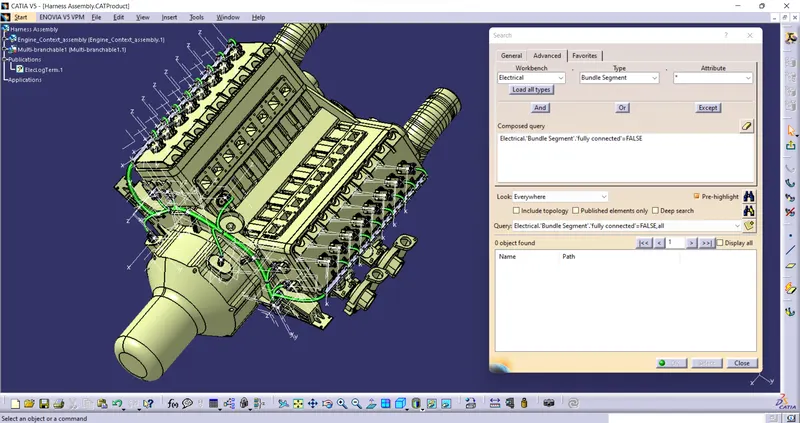
By Clicking the Ctrl+F Key we go the pop up .
Then Go To The Advanced & Select the Electrical workbench & select the bundle segment on type & go to the attributes select the Fully Connected as shown on above figure.
Harness flattening :
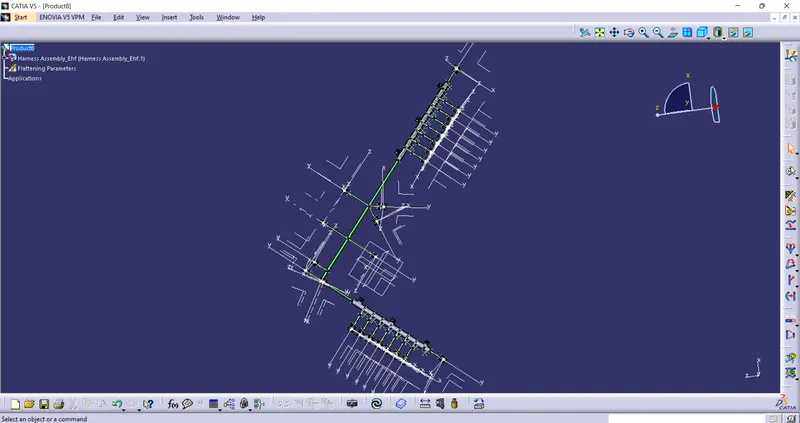
1.open a new electrical falttening product & Give The harness flattening parameters,
& tile vertically & Extract the product from what we had done & Make proeper modification if needed.
2.After that select the flatten & select the face to any of the connector & Select the bundle & select all branche & Click ok.
3.As shown in figure below.
Catia Drawing :
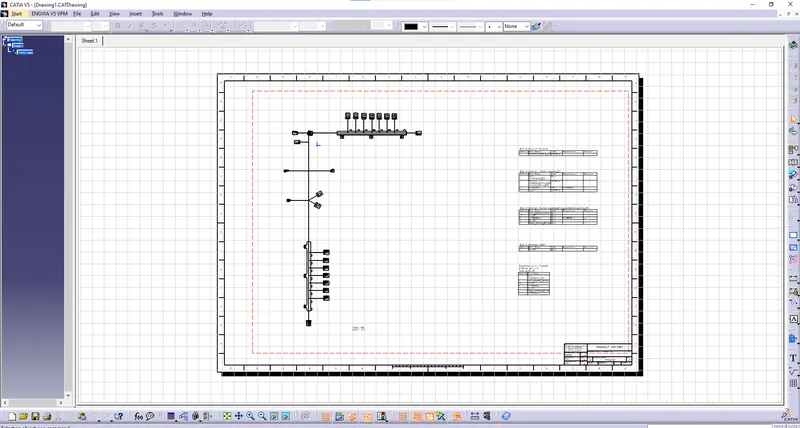
1.Open A new drawing in Catia & Select the face Then go to the flattening workbench select the same face of the connector & It will appear in drawing sheet.
2.before doing that make sure that you have to selected in a single line for bundle segment & Double line for protective coverings.
3. after that right click on drawing go through the properties & Enable 3d wireframe always visible.
4. As Shown in given figure below.
Generating CAT.part of harness Assembly :
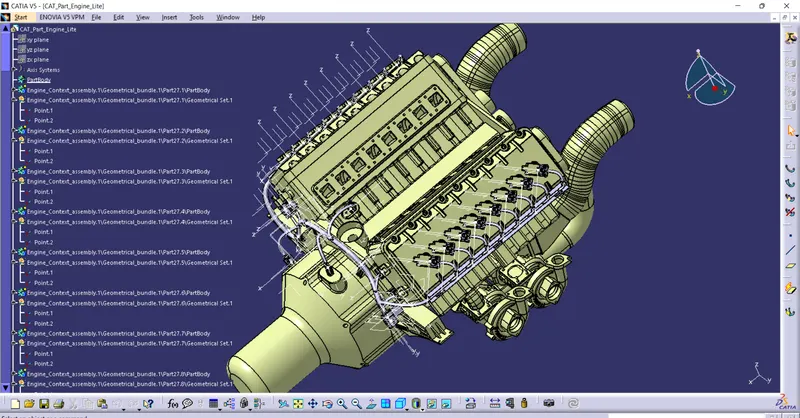
In Edit We have an option to genarate cat.part, click ok & Save as the file in igs format.
Conclusion :
Sucessfully Routed the Given Engine Lite as per given Condtions.
The Files Are Attached below in Zip format.(catalogue,cat,igs etc..,)