Project 1
Aim: - To Define the mechanical parts electrically and the prepare engine harness bundle and flattening has to be done in the CATIA. And the 2D drawing of the bundle with connector representation and different color coding for a bundle with protective cover
OBJECTIVE
To Routing the Engine Harness Bundle Flatten the Bundle and create a 2D representation for the Bundle
Software
CATIA v5
INPUTS
Engine Model, CONNECTORS
Procedure
Open the Engine into the product assembly and save an Engine and add another product and name as Geometrical Bundle Context Assembly .and open the required connectors and add the Bundle entry and connector connection point for the connectors and save to the catalog
open the Geometrical Bundle Context Assembly and import the connectors for the catalog and locate them according to the Engine connections are available to import the connectors from the catalog and place them according to the respective positions and add the extra mounting equipments like clamp and clips and channels that are required.
Convert the bundle assembly to the electrically defined and start routing the bundle for that open the Electrical harness assembly and start routing the bundle with the required bundle Diameter check the connectivity for the bundle.
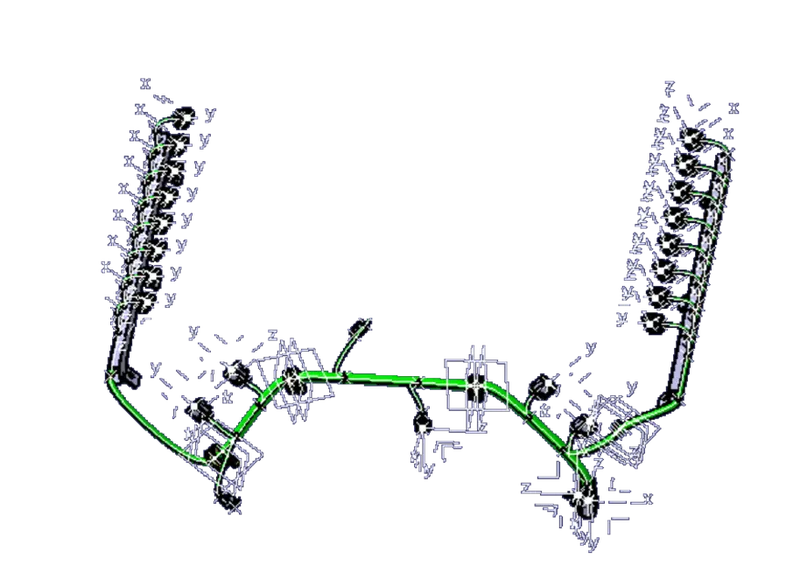
Fig Routing The Bundle
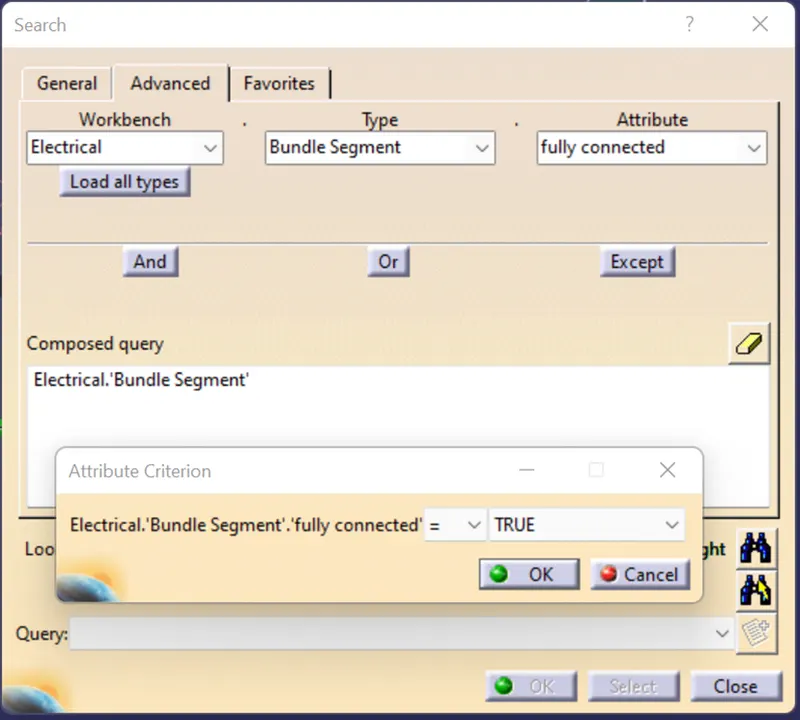
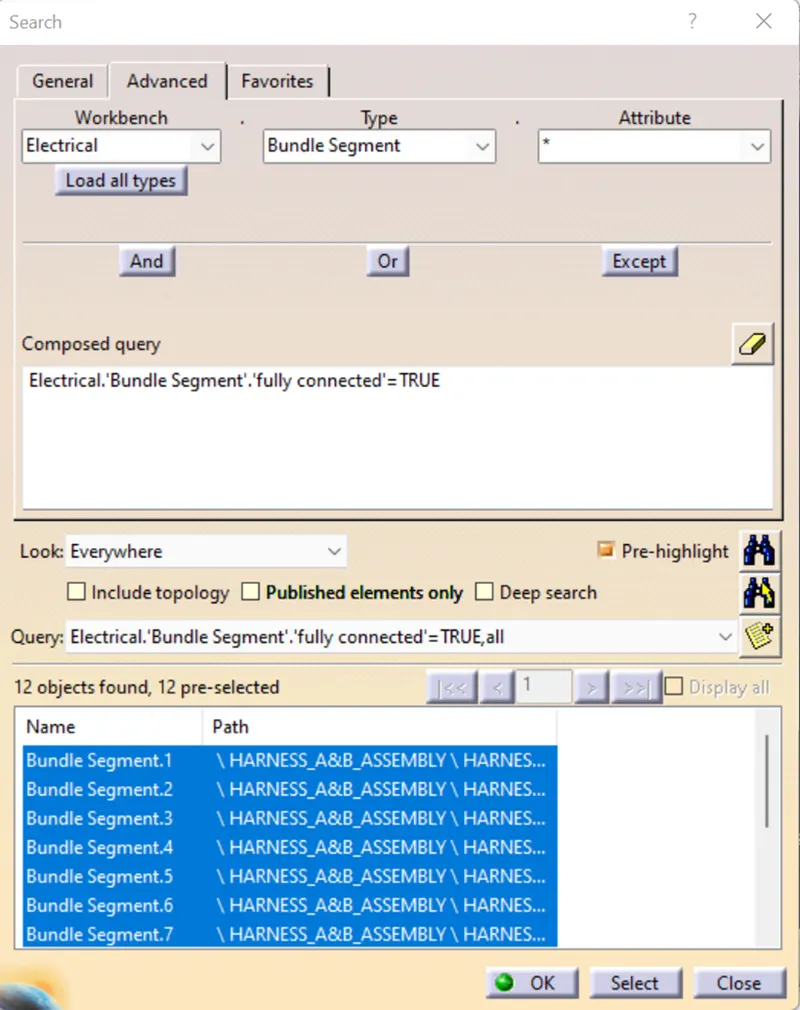
Fig Bundle Connectivity check
To create the Flatten for the Bundle first check the bundle connections are Fully defined and then open the new product file and switch to ELECTRICAL FLATTENING WORKBENCH and enter the required parameters for the bundle to be flattening.
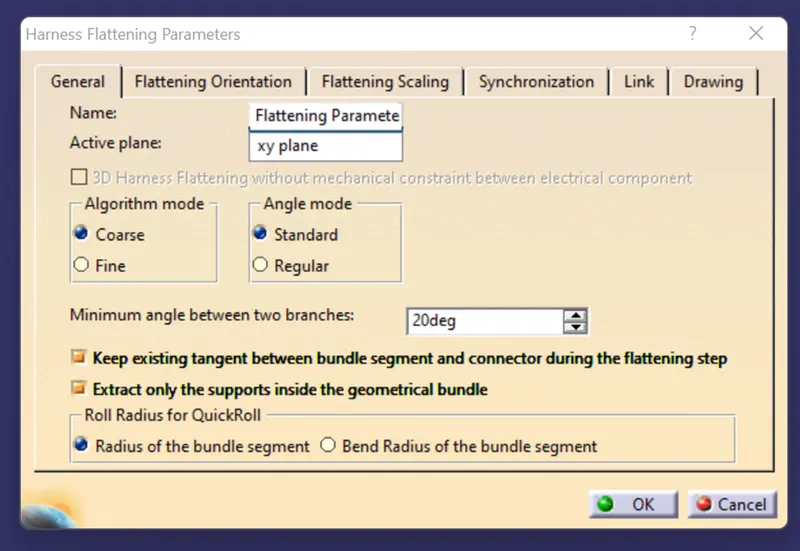
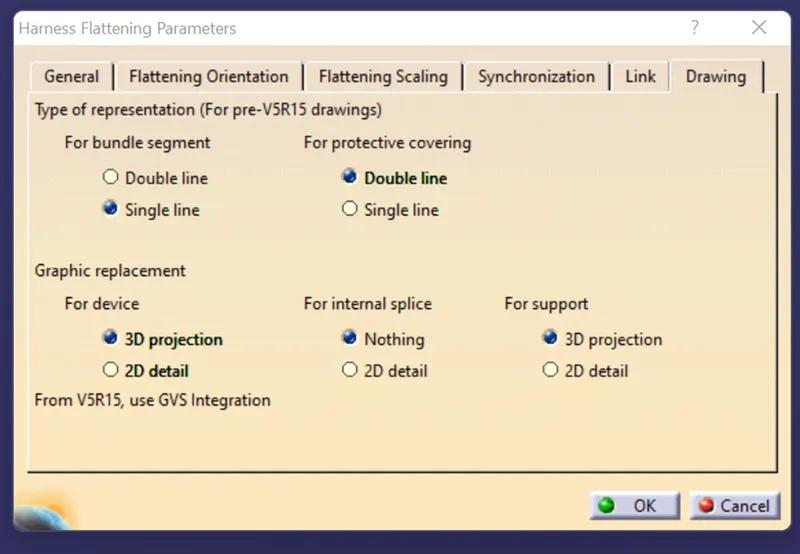
Fig Parameters for wiring harness flattening
Then click on ok and then save the file into a folder and save the Geometrial_bundle file to the same folder.
Open the two files in CATIA with vertical positioning and import the geometrical bundle into the flattening file by using EXTRACT COMMAND. the bundle will be converted into flattening format with the (EHF)will be added to the end of the geometrical bundle.
And use the Flattening commend to flatten the bundle and save the file.
Open the new Drawing workbench and select the front view option and select the connection or a plane to be represented. and create the BOM for the wiring harness and dimensional bundle and save whatever format is required.
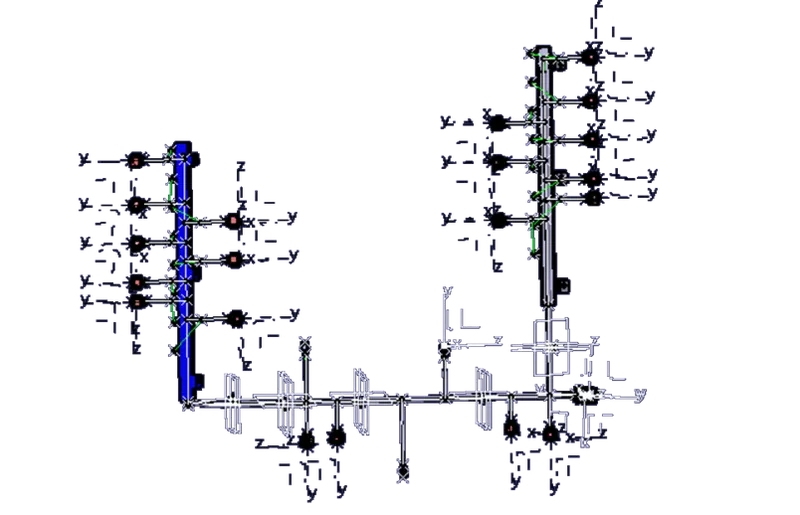
Fig Bundle Routing
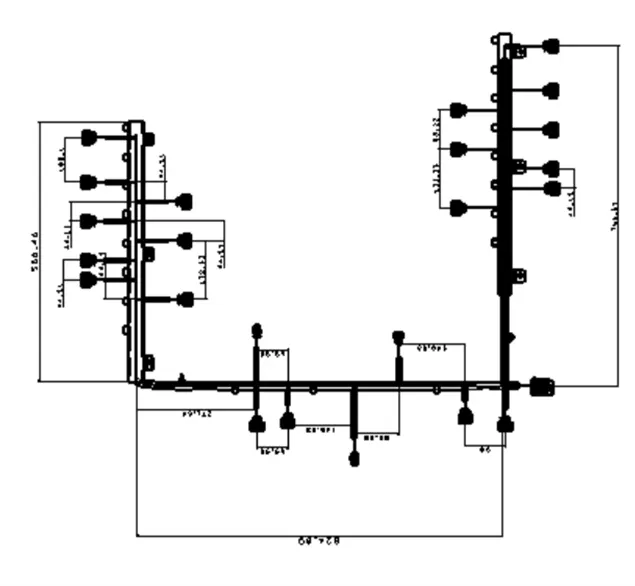
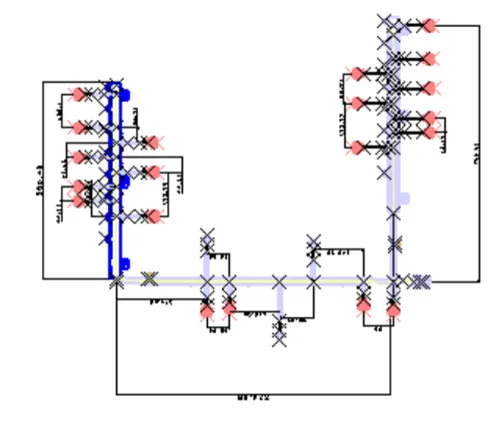
Fig Bundle Lengths
Result:-final Engine Bundle Harness routing and flattening was completed by using CatiaV5