Project 1 - 2D meshing on the instrumental Panel
Aim :- For the given component, check for the geometrical errors and mesh with the given element Quality criteria. After meshing the component the thickness has to be assigned.
Write a detailed report on your meshing process and also mention which method you used to extract the mid-surface along with the reason.
|
S.No |
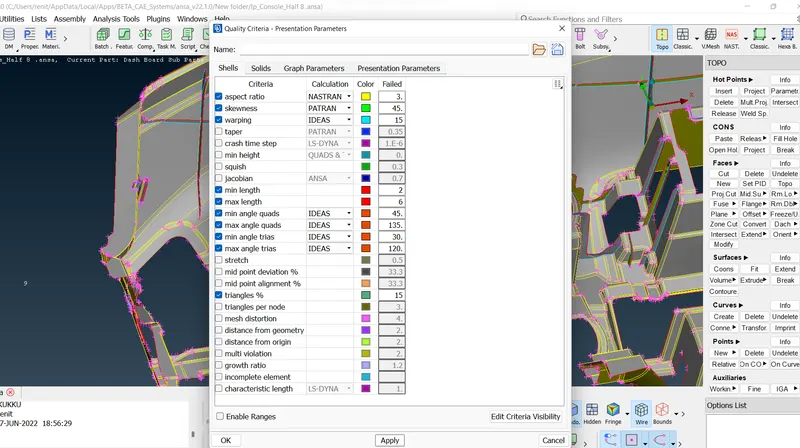
Quality Criteria |
Value |
|
1 |
Target/Average length |
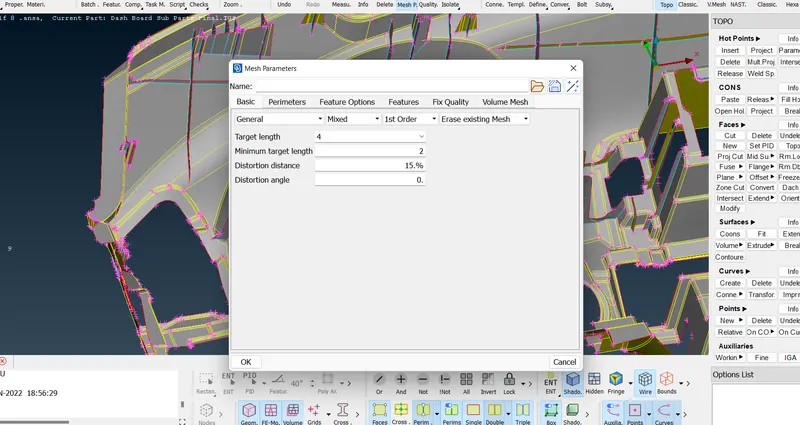
4 |
|
2 |
Minimum Length |
2 |
|
3 |
Maximum Length |
6 |
|
4 |
Aspect |
3 |
|
5 |
Warpage |
15 |
|
6 |
Skewness |
45 |
|
7 |
Jacobian |
0.7 |
|
8 |
Minimum Quad Angle |
45 |
|
9 |
Maximum Quad Angle |
135 |
|
10 |
Minimum Tria Angle |
30 |
|
11 |
Maximum Tria Angle |
120 |
|
10 |
Tria Percentage |
15 |
Procedure :-
Step 1 :-Import model .
File - open - select the file - import.
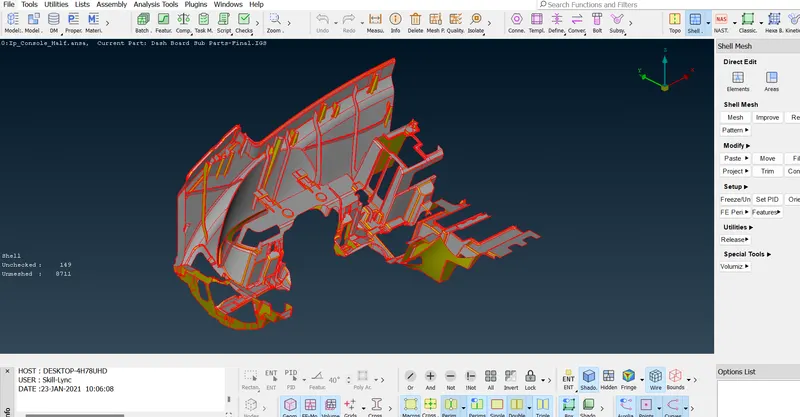
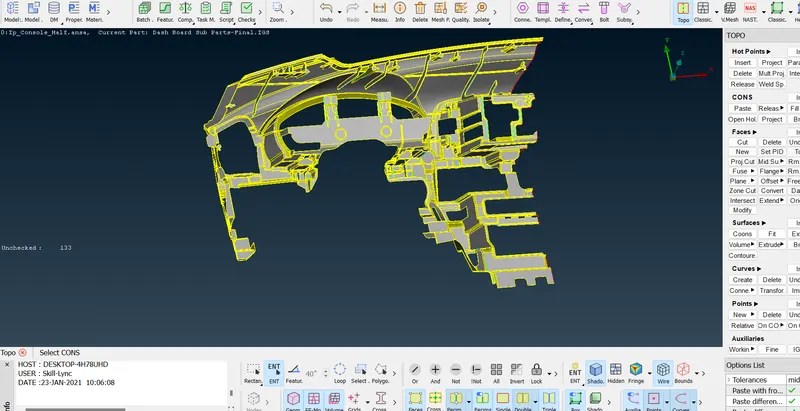
Step 2 :- Topo the given model
Topo -topo -select the whole surface -topo.
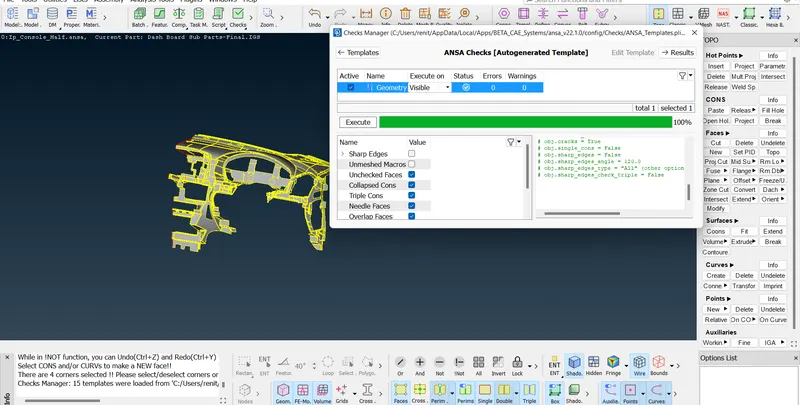
Step 3 :- Geometrical checkup.
Checks -geometry -execute.
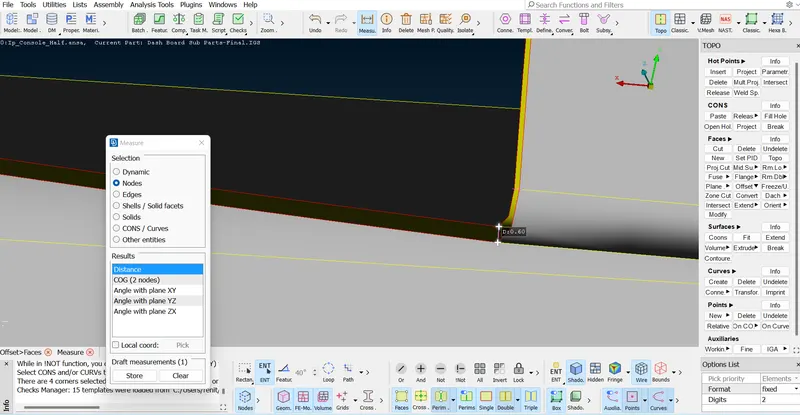
Step 4 :- Measuring the distance{thickness} .
Measure -nodes-select two nodes.
Step 5 :- Generating the midsurface.
1}
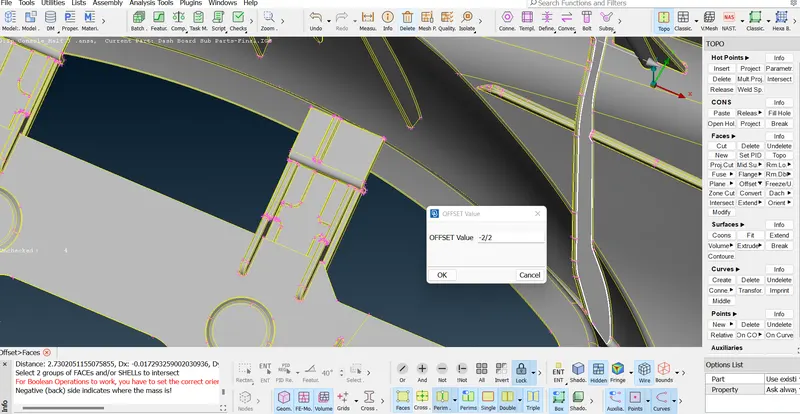
* Offset :-
Topo -offset -faces -select the surface - offset -give the offset value -offset.
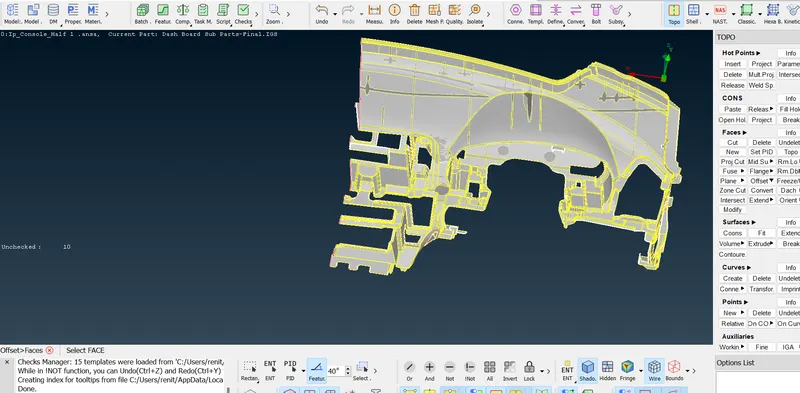
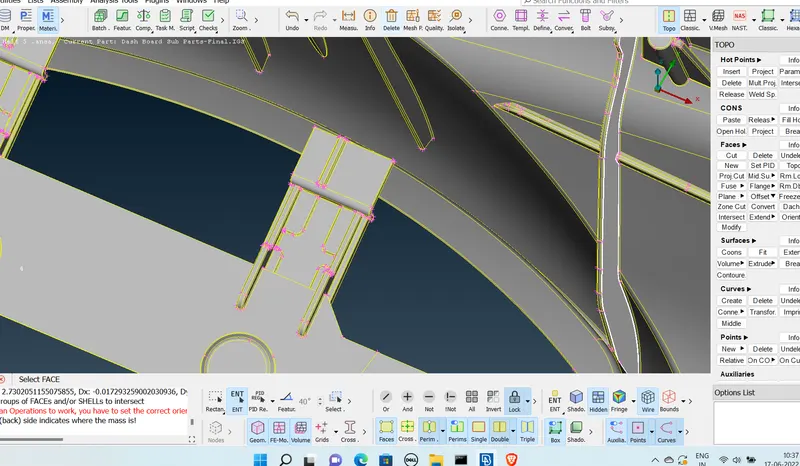
giving offset value .
2}
* Taking mid curve.
topo -curves -middle -select line -ok.
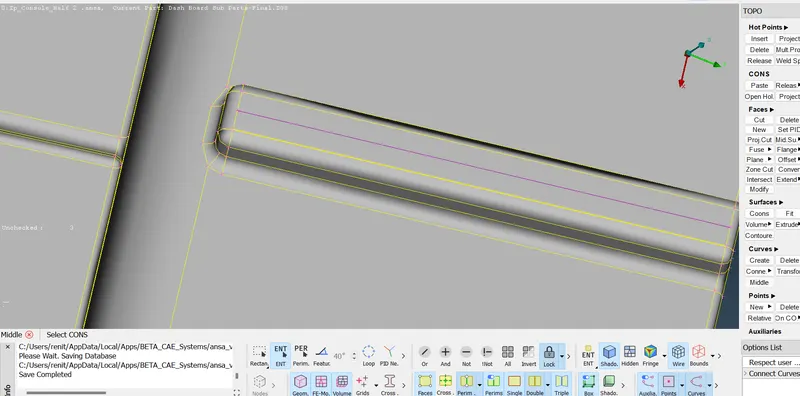
* Project the curve as cut.
topo -cons -project -selelct the curve -select the surface -ok.
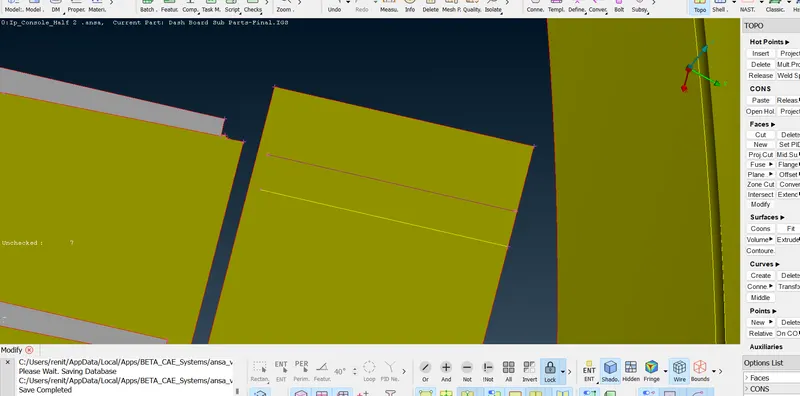
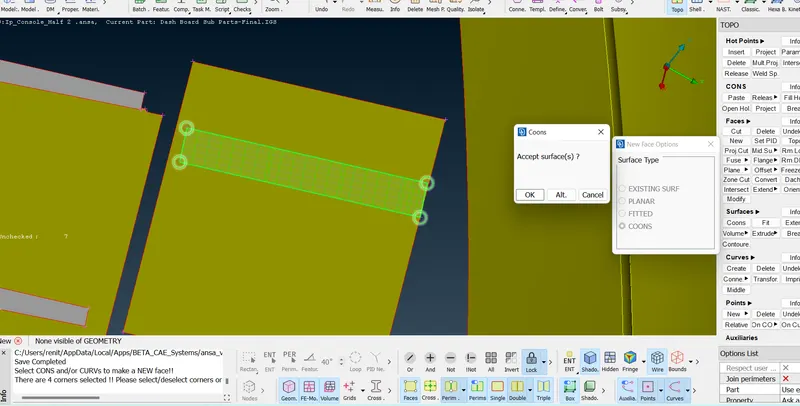
* create a new surface with curve and the line .
topo - faces -new -coons -selelc the curve and cut -create.
3}
Create a mid curve .
topo -curves -middle -select line -ok.
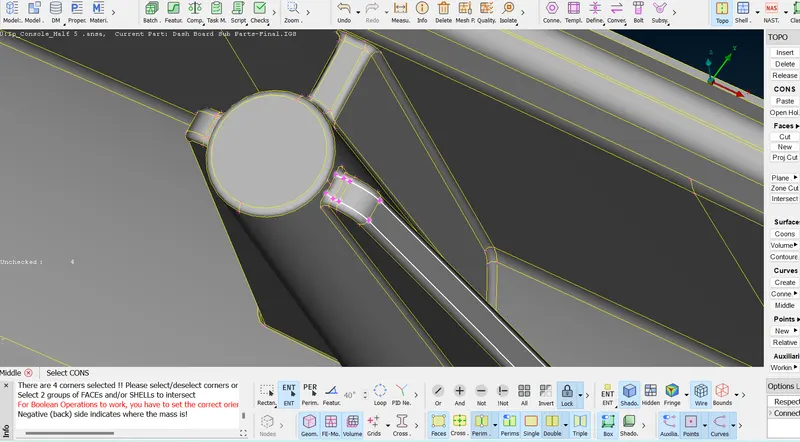
Created a middle curve.
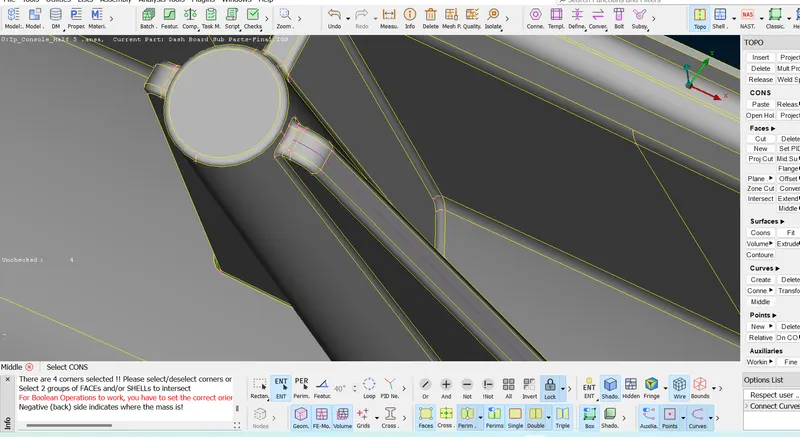
* extrude the line .
topo -surfaces =extrude -extrude =selelct the line 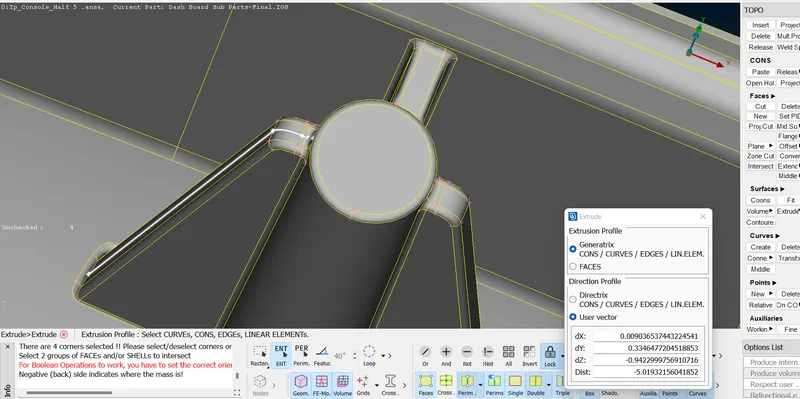
giving vector direction .
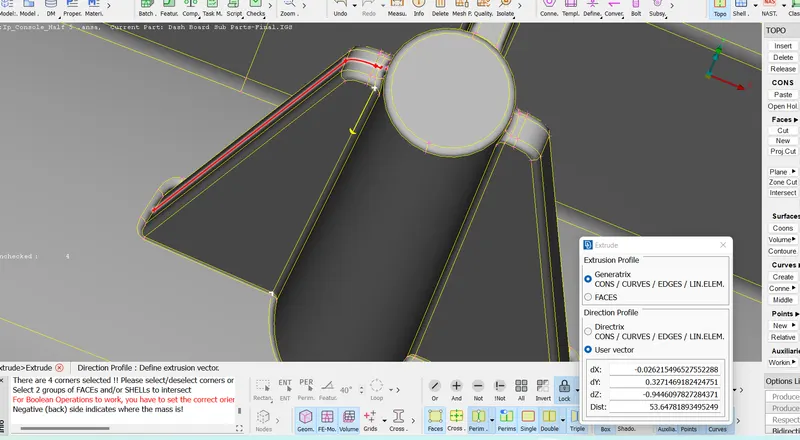
Created surface.
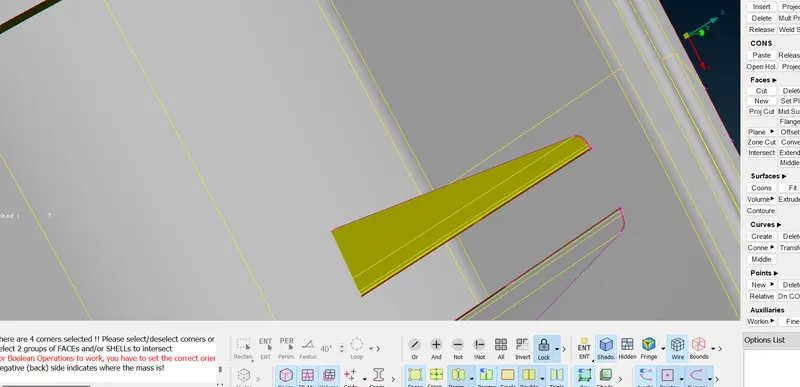
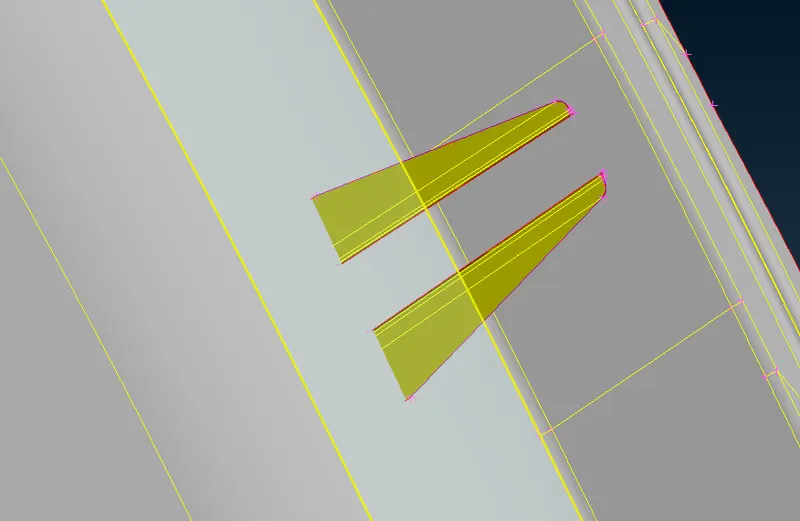
Step 4 :- Changing the orinetataion.
topo - faces -orient -select -selelct the surface -ok.
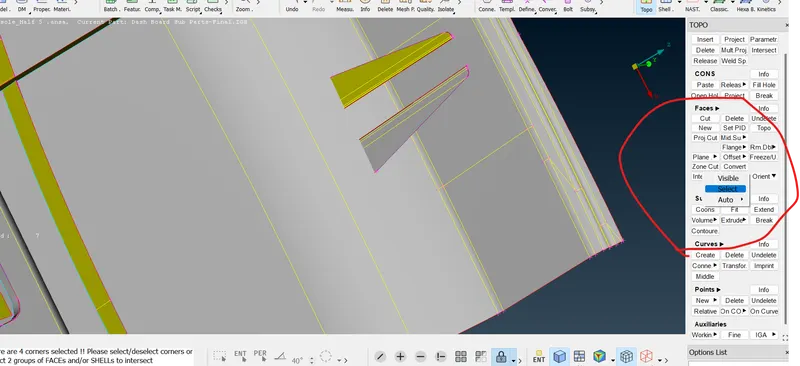
changed orient.
Step 5 :- Geometrical cleanup.
*Extending the surfaces.
topo - faces -extend -select the line -select the surface want to extend.
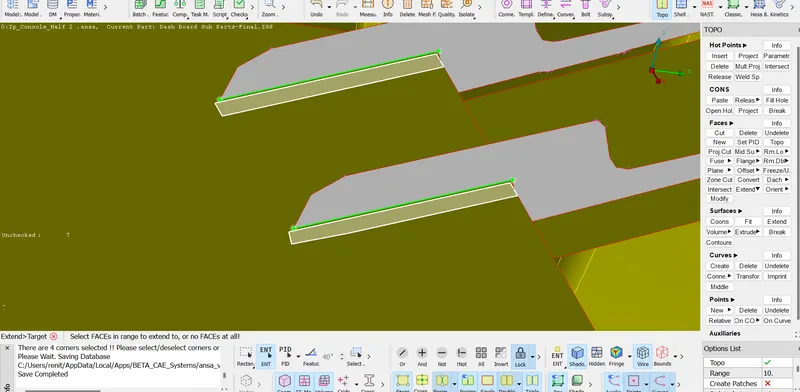
Extended Surfaces,
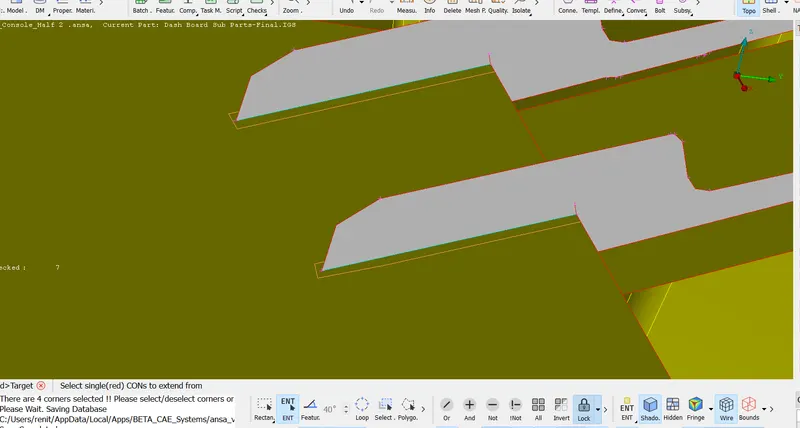
*Deleting the penitration surfaces.
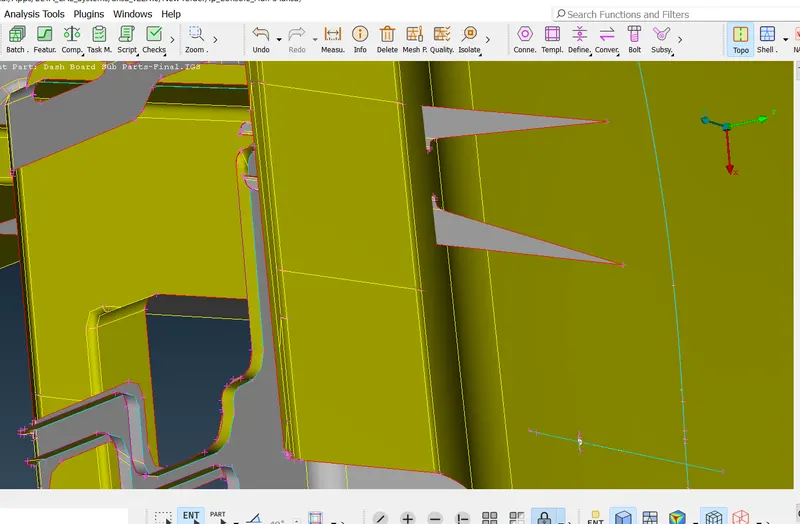
Intersect the sutfaces.
Topo -faces -intersect -select the surface -one after another.
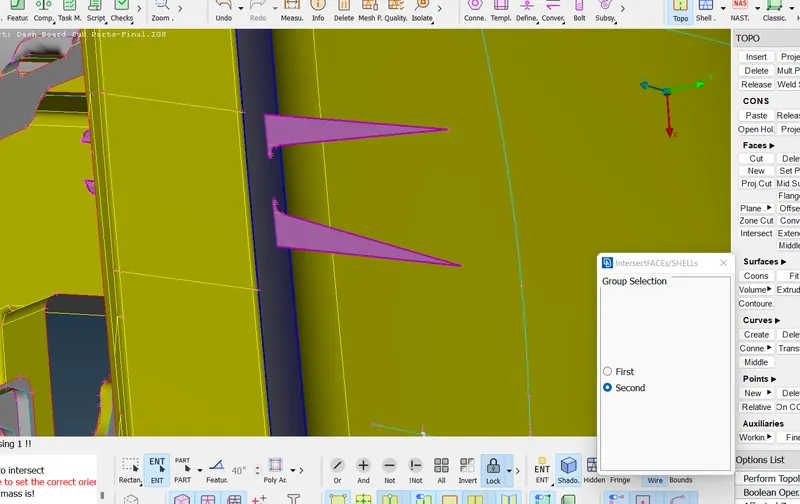
Deleted surfaces .
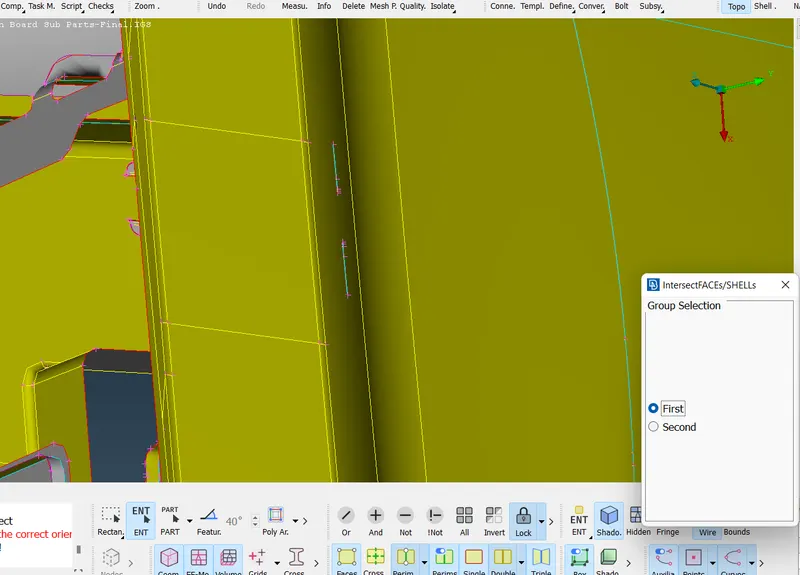
After cleaninguping the geometry .
Step 6 :- Assigning Mesh parameters .
Step 7 :- Assigng the quality criteria .
Clearing the geometry .
BY Joining the lines .
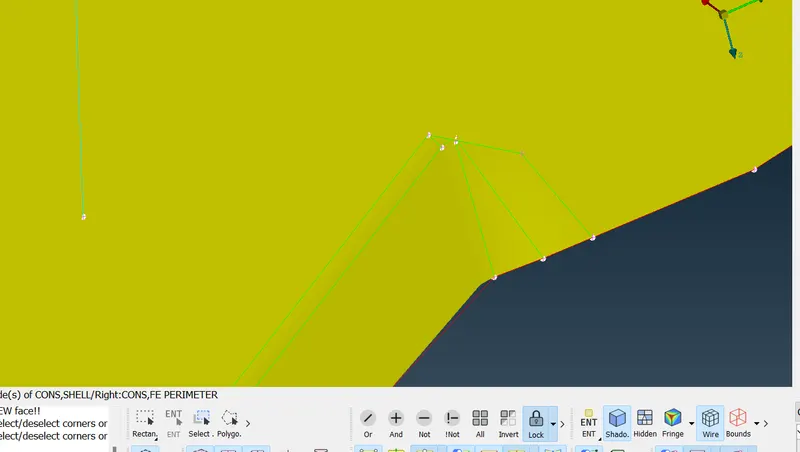
Creating mid line due to minimum length failure .
Created a middle curve .
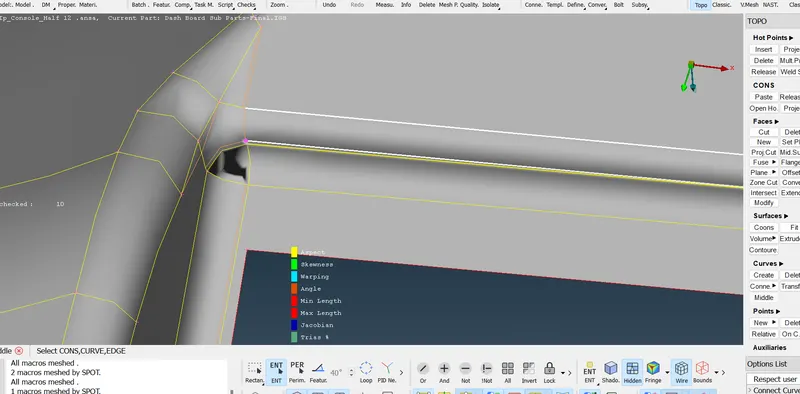
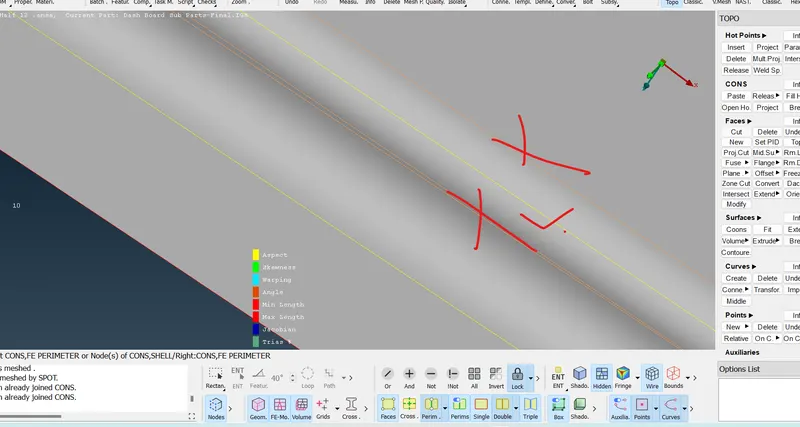
project the curve as a cut and defeature the line s which is failing,
Step 8 :- Generating Mesh .
Classic mesh - mesh generation - best -select the surface - mesh .
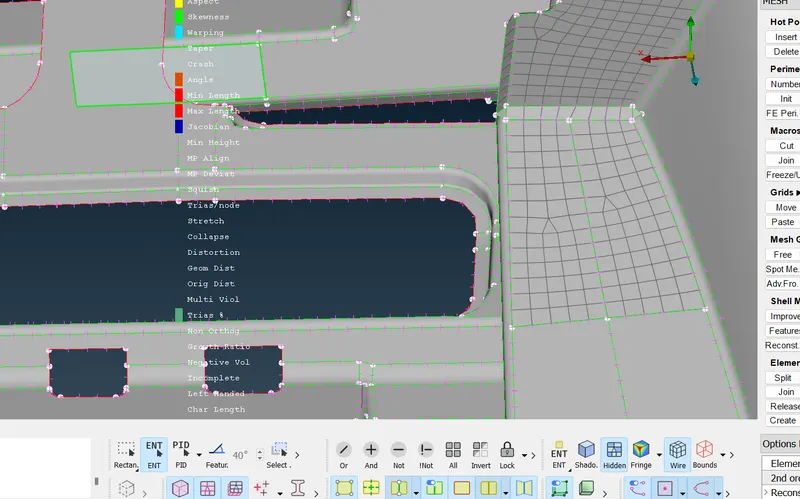
Step 9 :- Spliting tria.
Classic mesh -element - split .
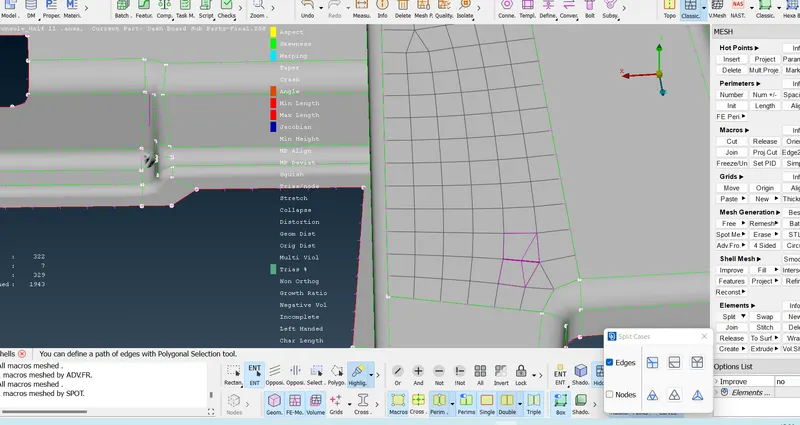
Step 10 :- Smoothing
Classic mesh -shell mesh -smoothing.
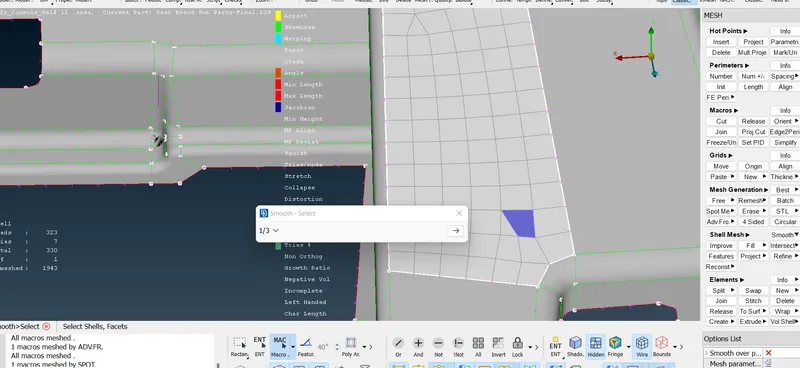
Step 11:- Pasting the nodes.
Classic -grids -paste .
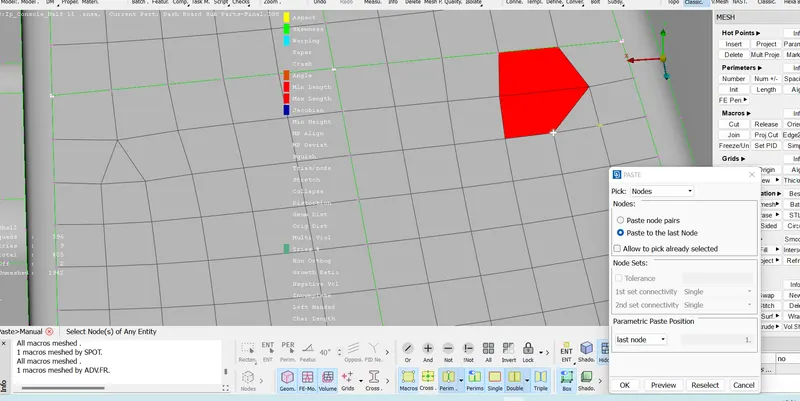
After meshing Completion .
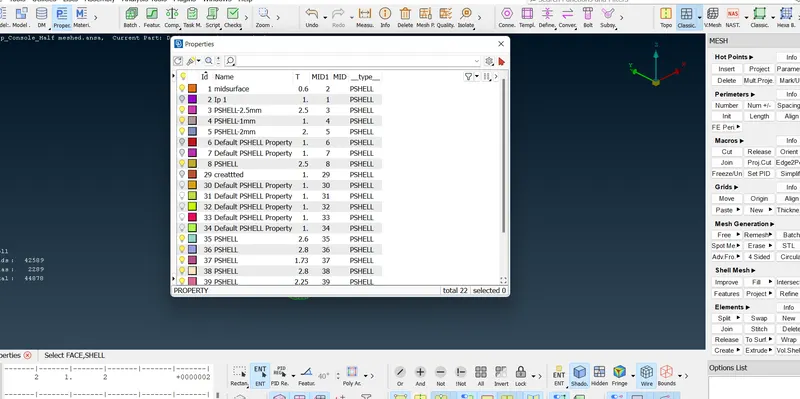
Step 12 :- Assigning property and thickness to the material.
Classsic mesh -macro - nSet PID
Assigned thickness.
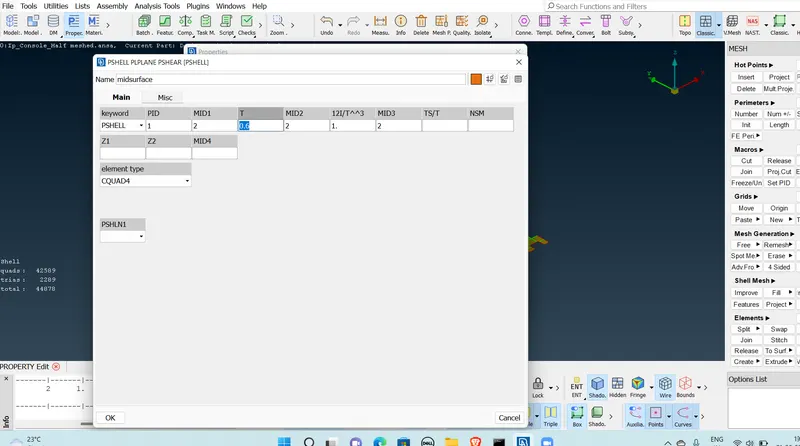
Assigned thickness to all part.
Step 13:- 2D Reprensation.
Quality Criteria - Presentation parameters -Turn on - Draw shell as solid
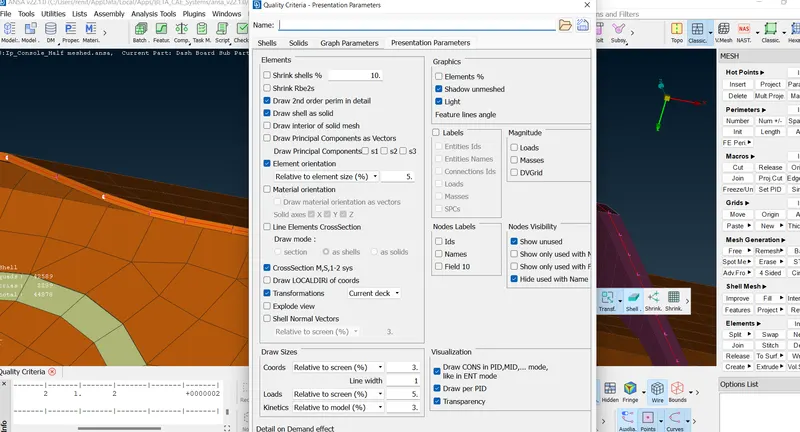
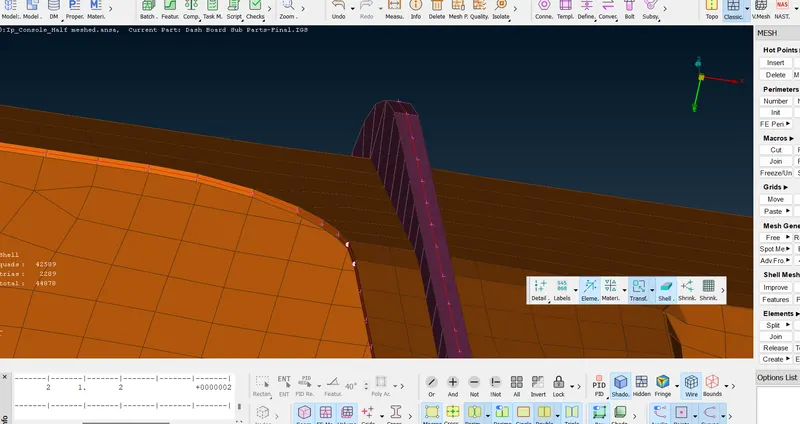
2D -Reprensentation.
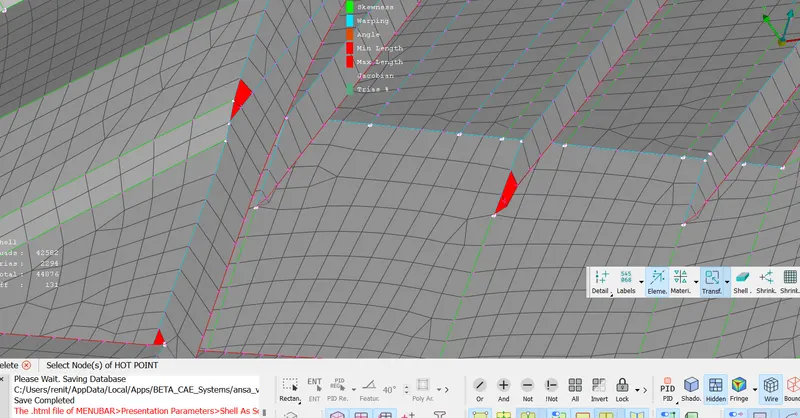
Some element failure is there due to triple cons.
Due to that there are some off elements are there
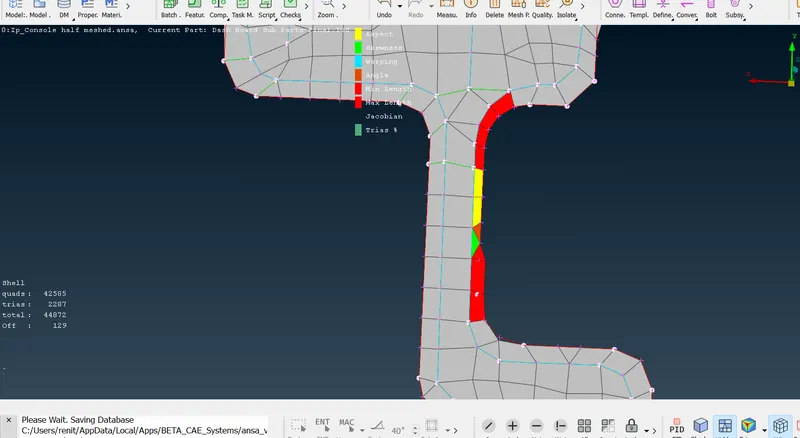
Final Model :-
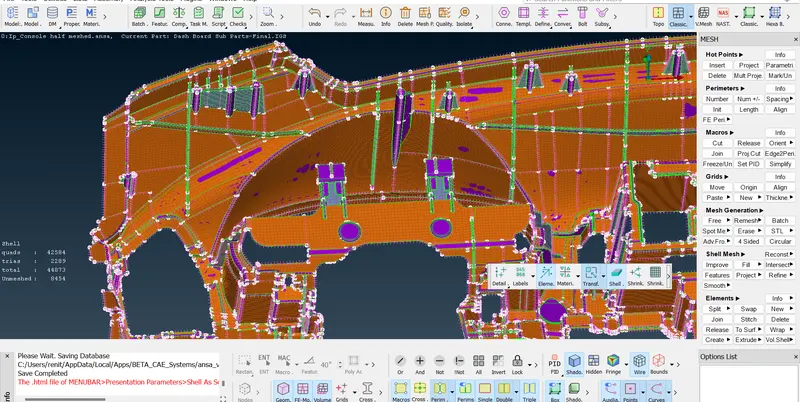
Result :-Meshed the given model with given quality criteria and assigned thickness to the component.
Learning Outcomes :-
*Learned about different types to create mid surface .
*Learned about geometrical clean up.
*Learned about to resolve the geometry failures.
*learned to assigning thickness to different component.
Thanks
Renith Balachandran M
Model
https://drive.google.com/file/d/1DjGwG7xsVr8GDaX9dcvmWdyrlsHFQD0V/view?usp=sharing