Project 1
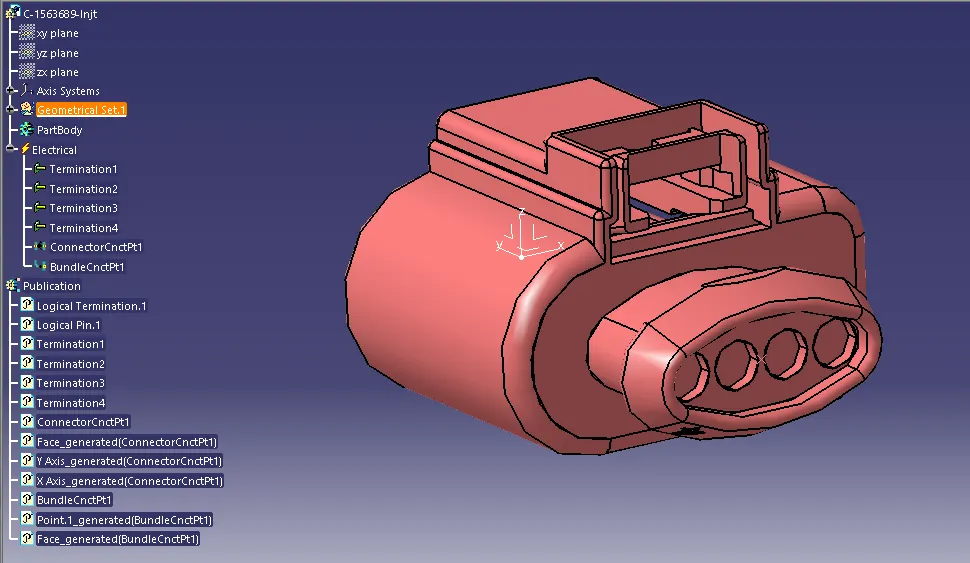
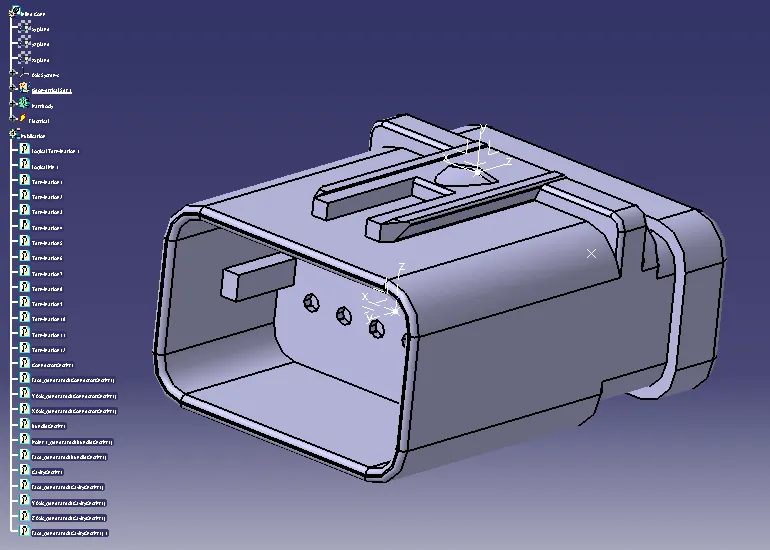
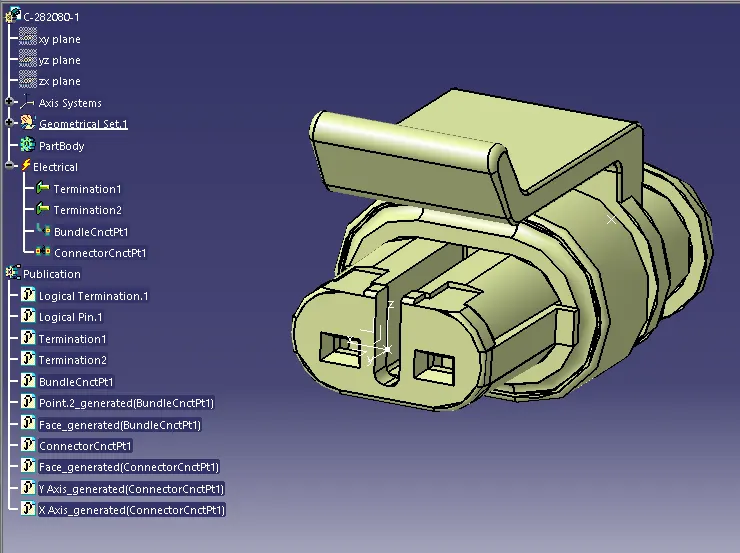
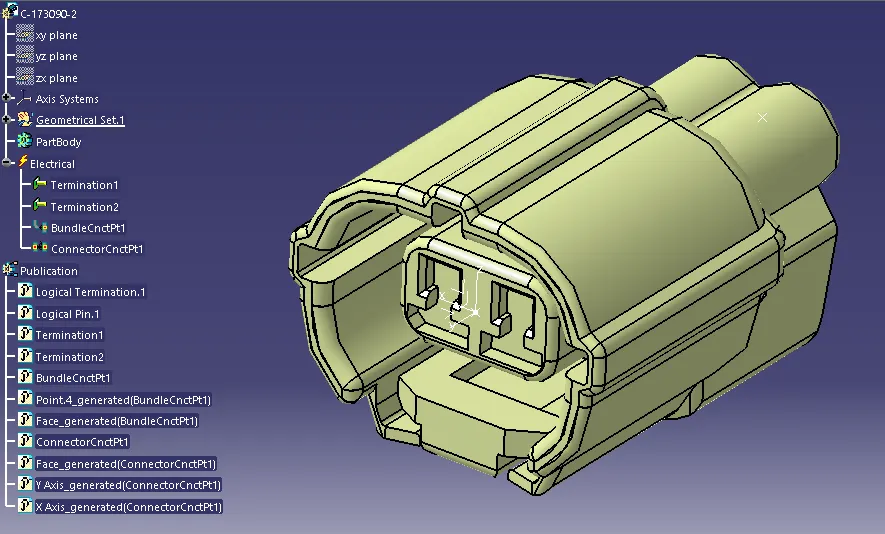
| Above all four connectors electrification done through Axis and point. Connectors electrification done through bundle connection point and connector connection point. |
------------------------------------------------------------------------------------------------------------------
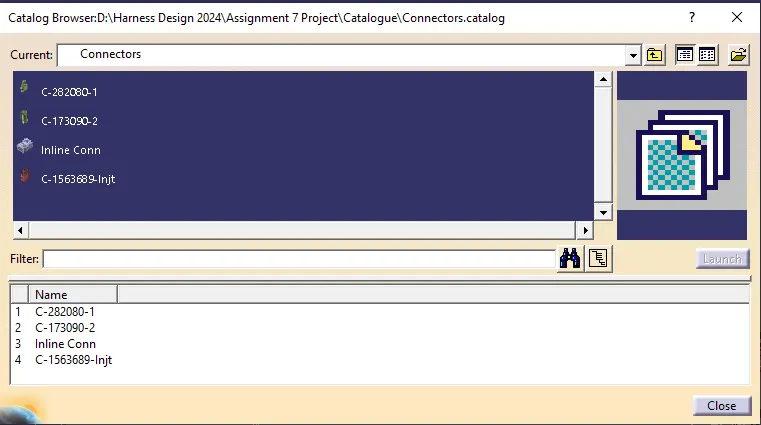
| All four connectors added in catalogue for easy use. |
------------------------------------------------------------------------------------------------------------------
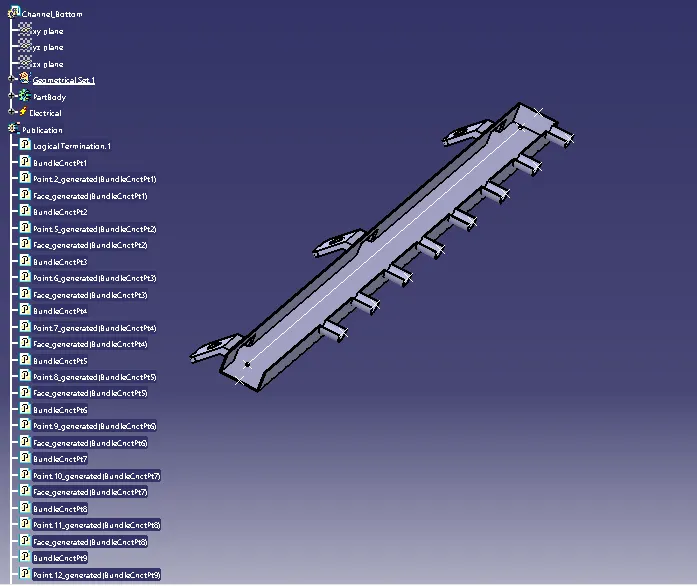
| Channel bottom electrication done through bundle connection point on main entrance and all ports of channel. |
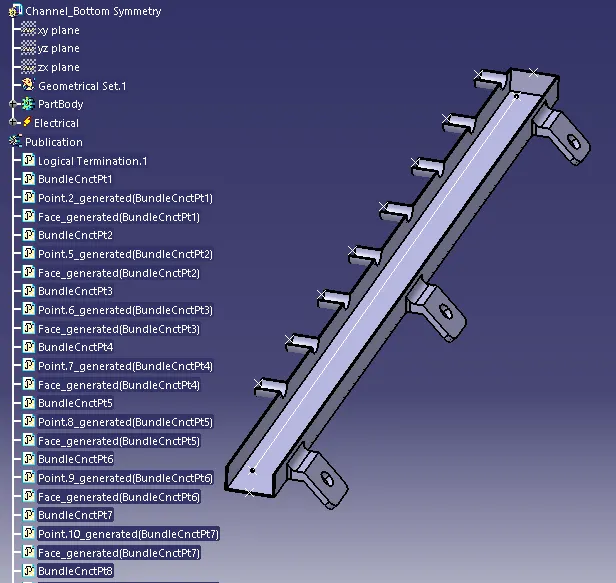
| 1st created channel symmerty through symmetry command, Channel bottom symmetry electrication done through bundle connection point on main entrance and all ports of channel. |
------------------------------------------------------------------------------------------------------------------
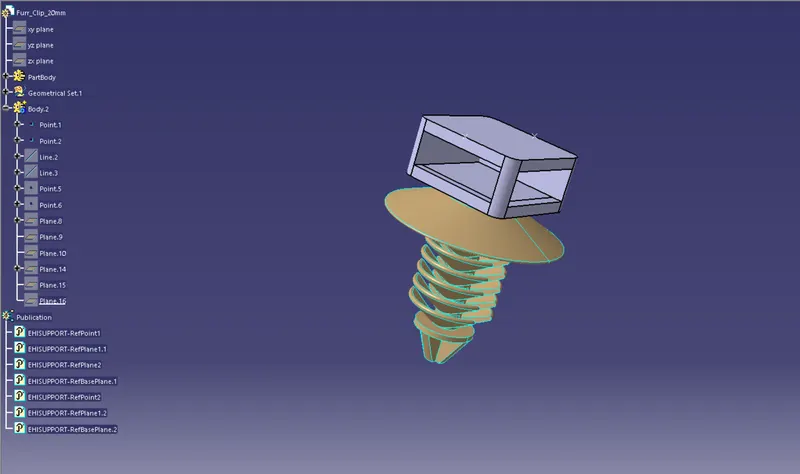
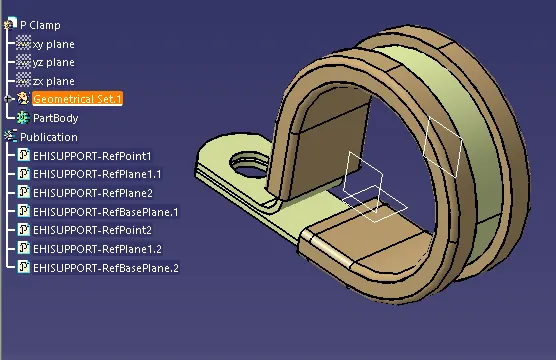
| Clips Electrification done through entry plane, base plane and exit plane. |
------------------------------------------------------------------------------------------------------------------
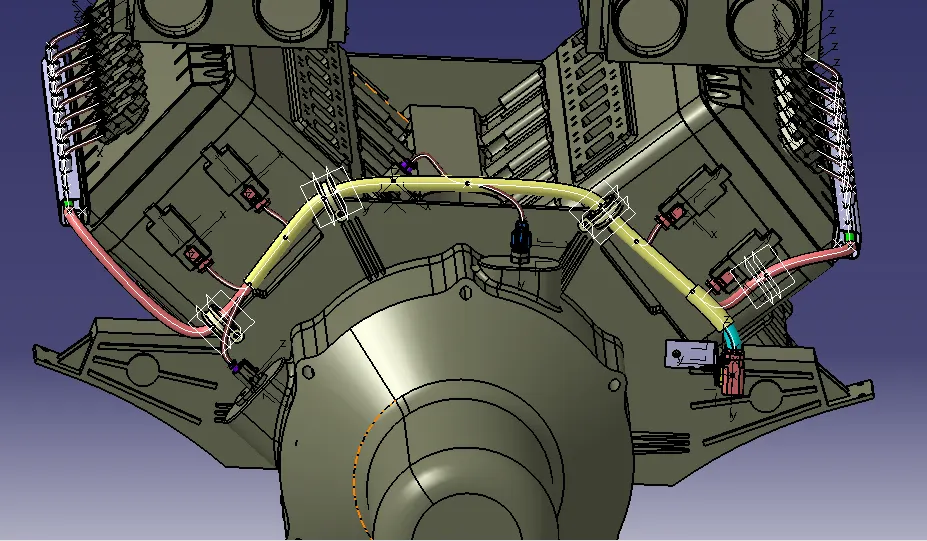
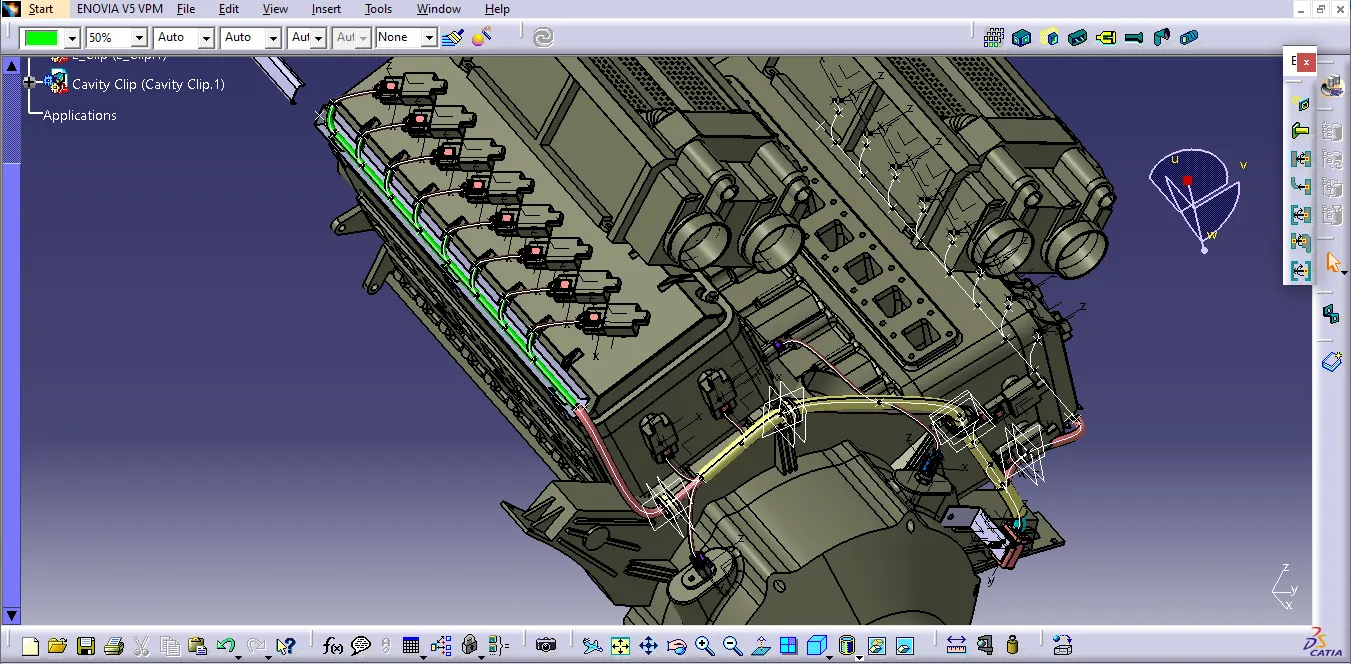
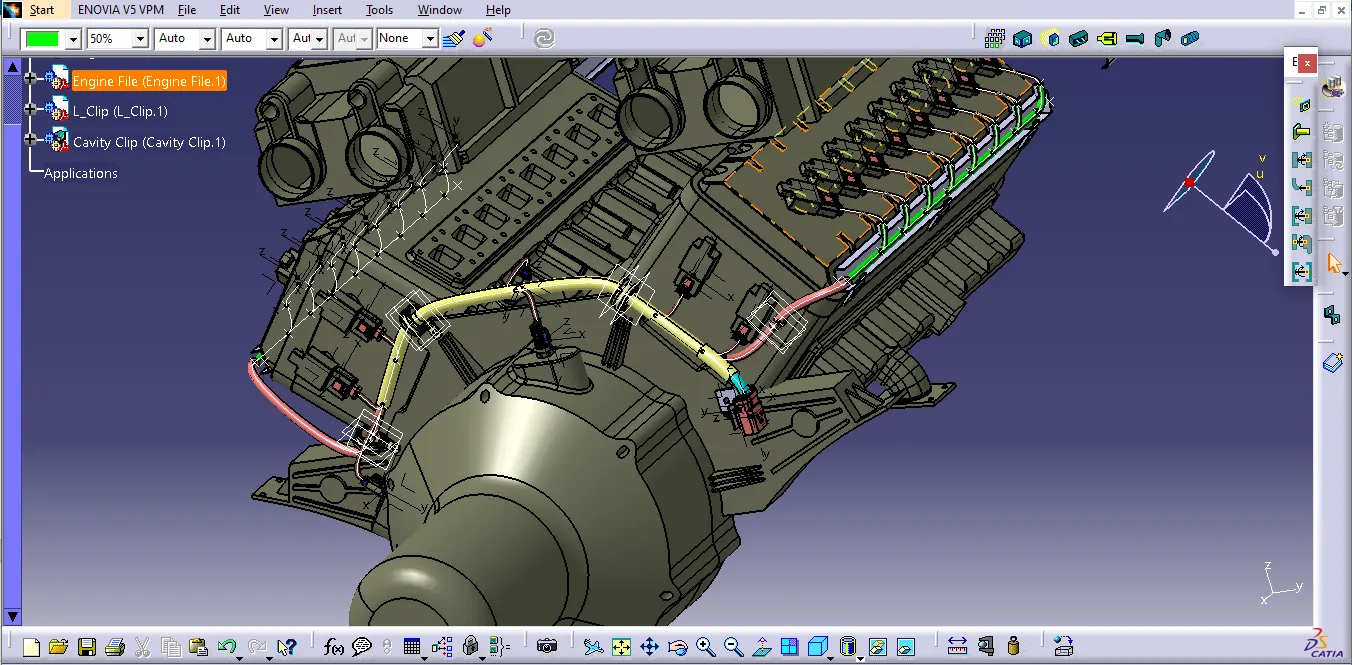
| All electrified components are placed with reference of engine part body available in context product file. After placement of all components, geometrical file converted in electirical file in electrical harness assembly workbench. And all bundle route properly without any interference. |
------------------------------------------------------------------------------------------------------------------
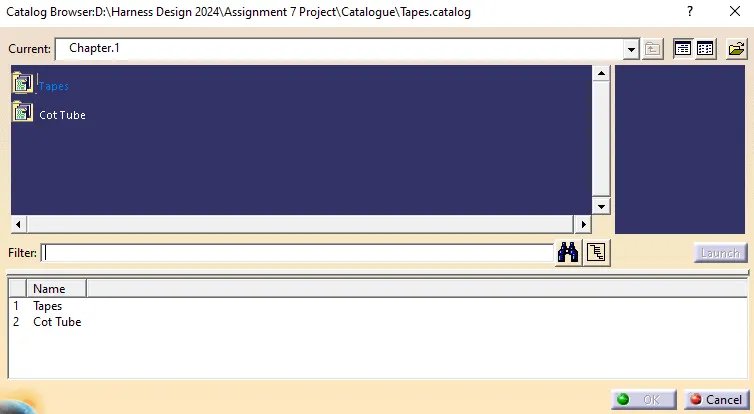
| For protection covering insulation tape and cot tube catalogue created. |
-----------------------------------------------------------------------------------------------------------------
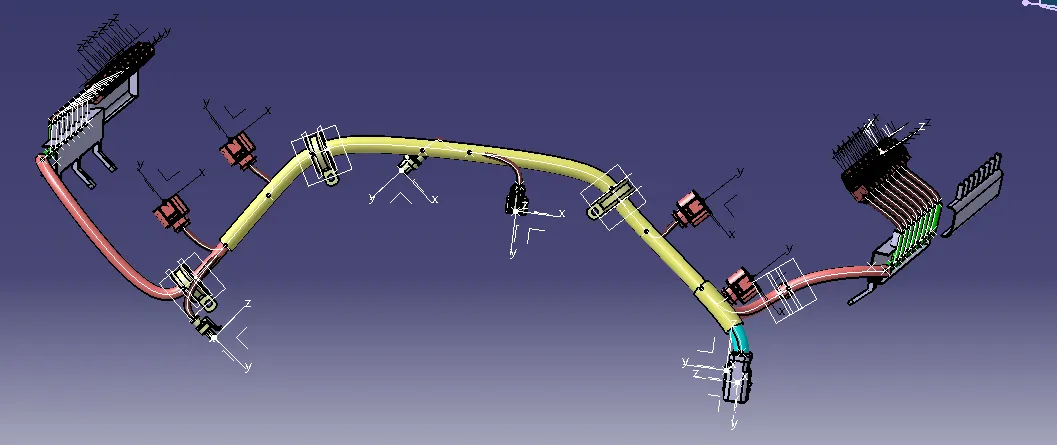
| Overall routing with supports parts like P clamp & furr tree clip. |
------------------------------------------------------------------------------------------------------------------
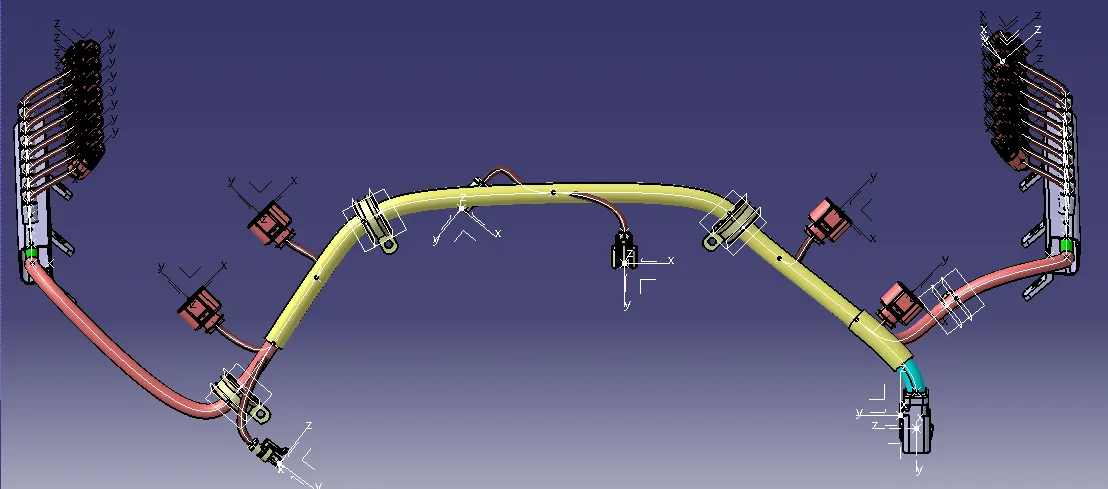
| Routing With Channel Top |
------------------------------------------------------------------------------------------------------------------
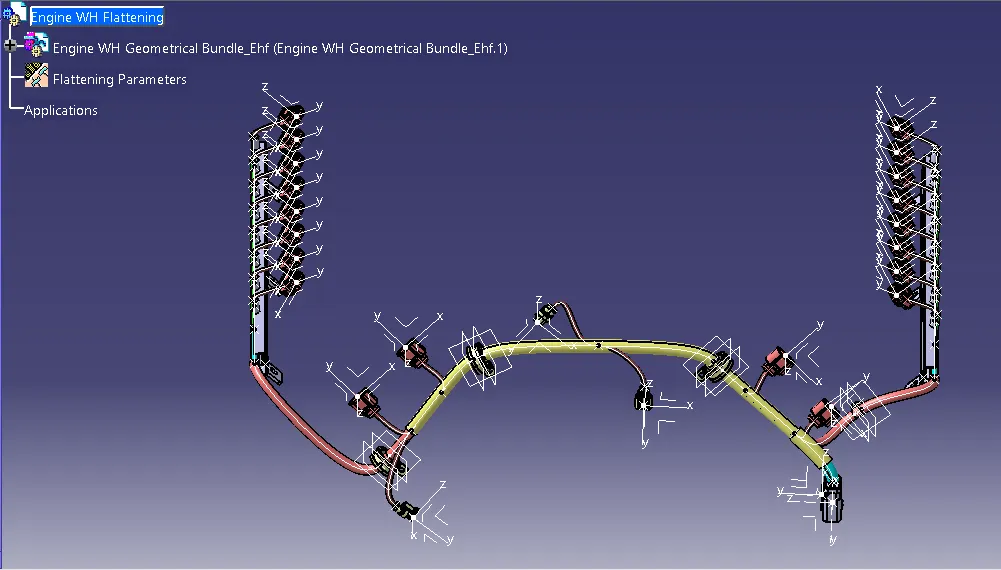
| After routing completed, one product file made and flattening parameters given in Electrical harness flattening workbench, with tile verticle geometrical bundle file extracted in flattening file. |
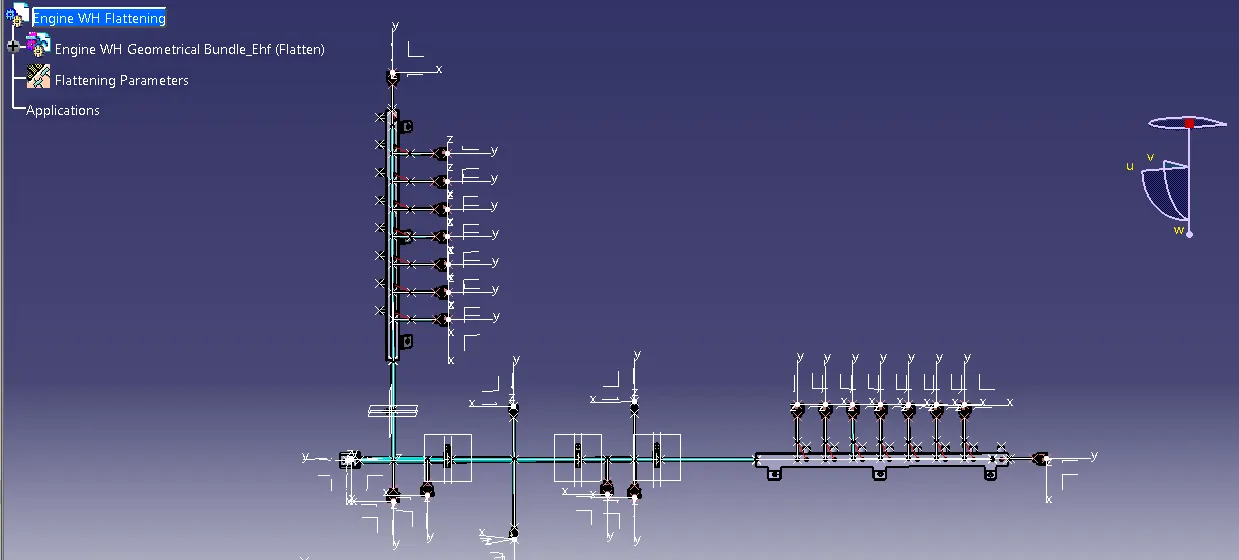
| Components arranges through compass in flattening file. |
------------------------------------------------------------------------------------------------------------------
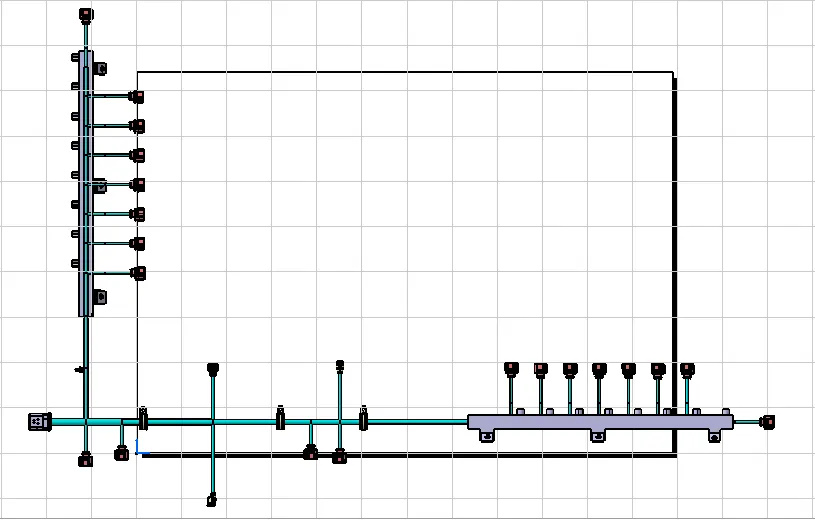
| Flattening file extracted in drawing file, for that i created one drawing file and and select front view and then selected one plane to get harness flatten view in drawing file. |
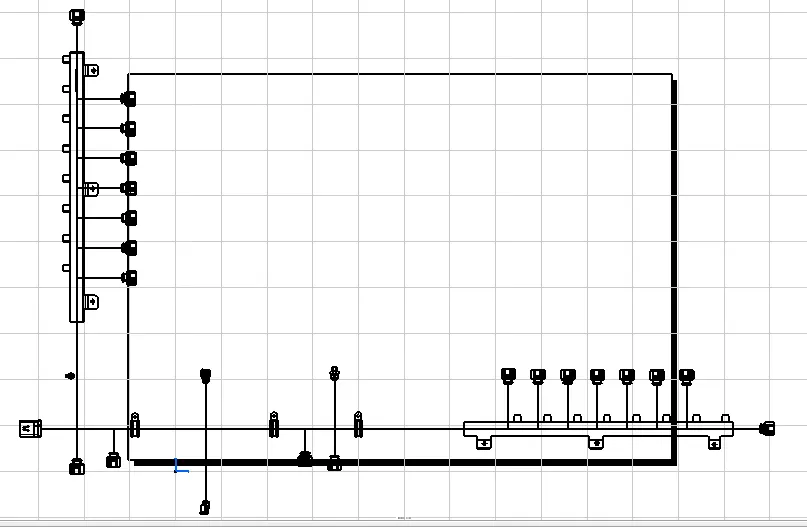
| After created flatten view in draing file, just clik on drawing sheet to get 2D drawing in drawing sheet. |