Project 1
Question- Perform Form-finding and structural analysis structure of multiple masts.
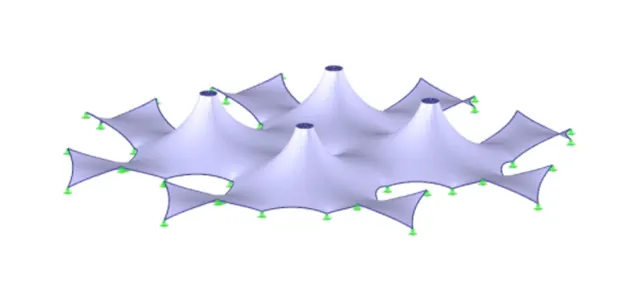
Ans=
AIM:- To perform Form-Finding of a Hyper form using RFEM software.
PROCEDURE:-
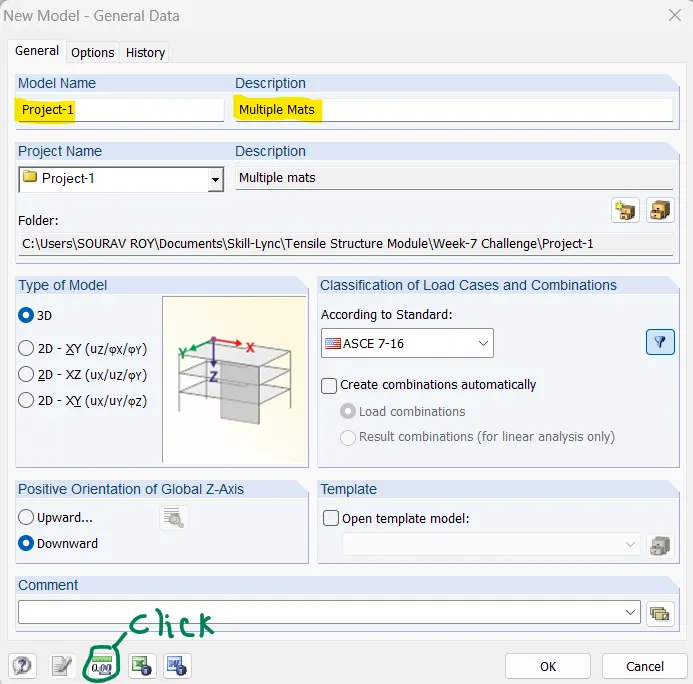
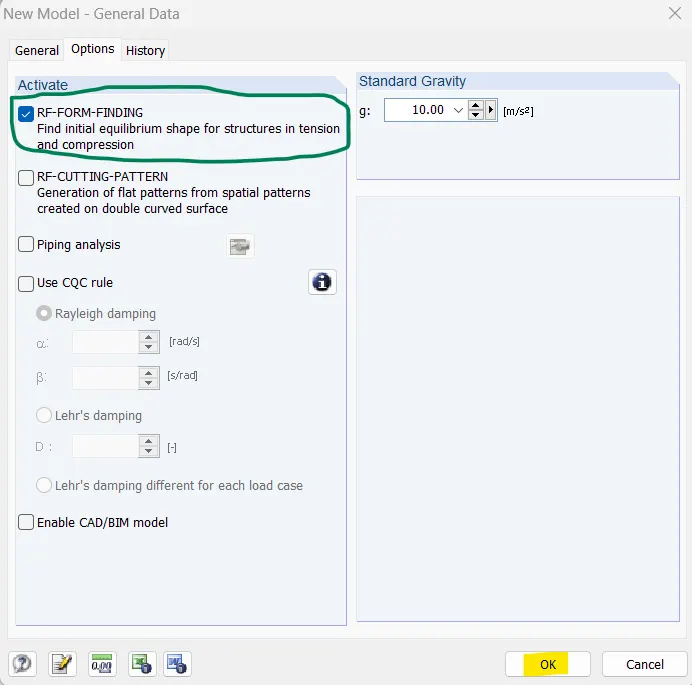
First open RFEM software and click new model
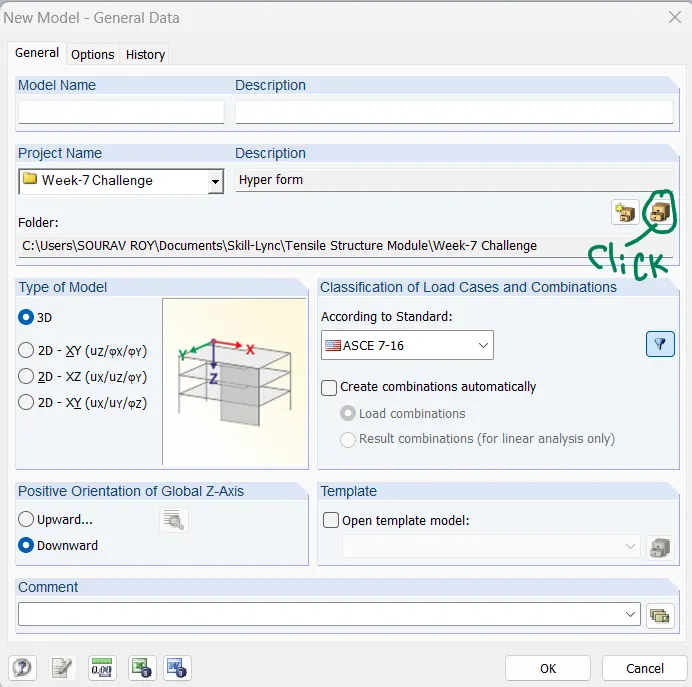
Now enter project name and set project saving destination
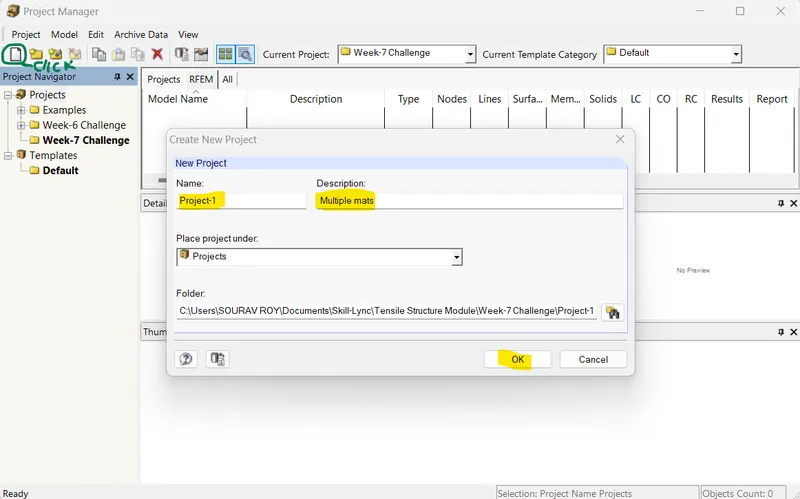
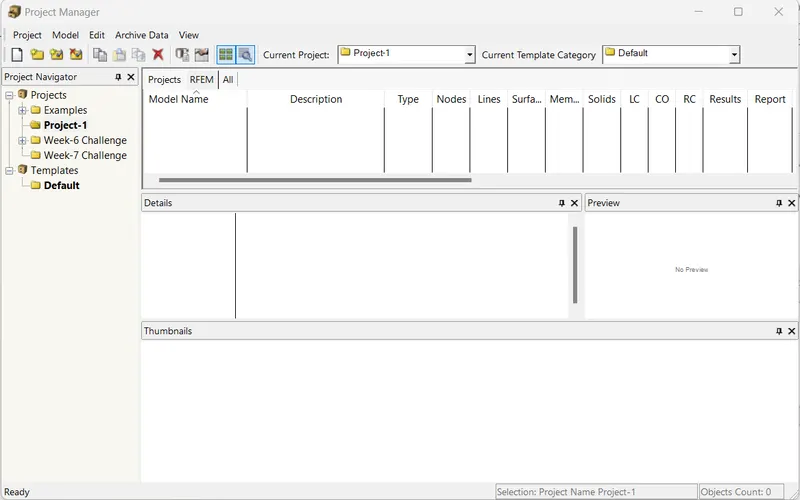
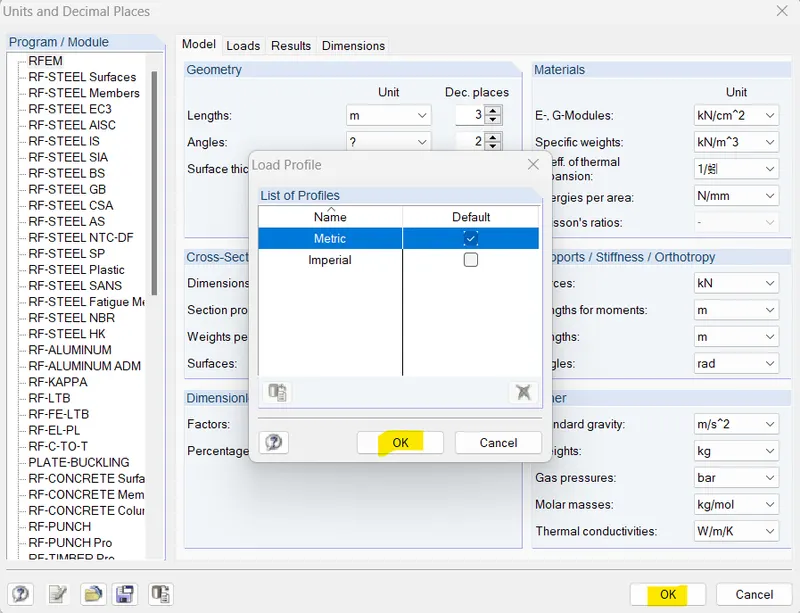
Now change the unit of dimension as metric
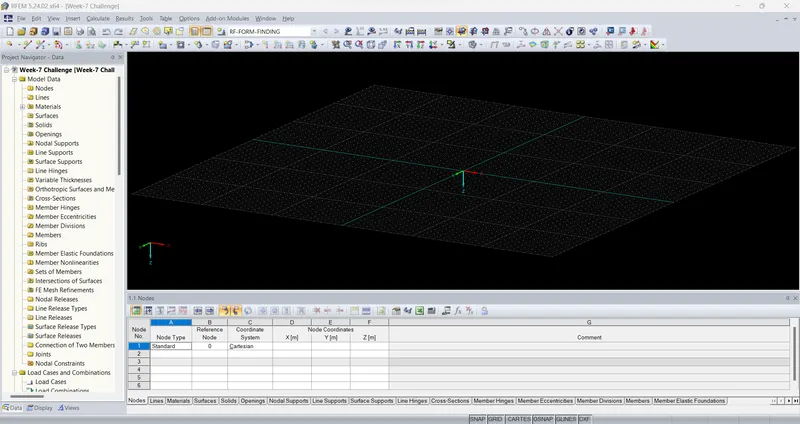
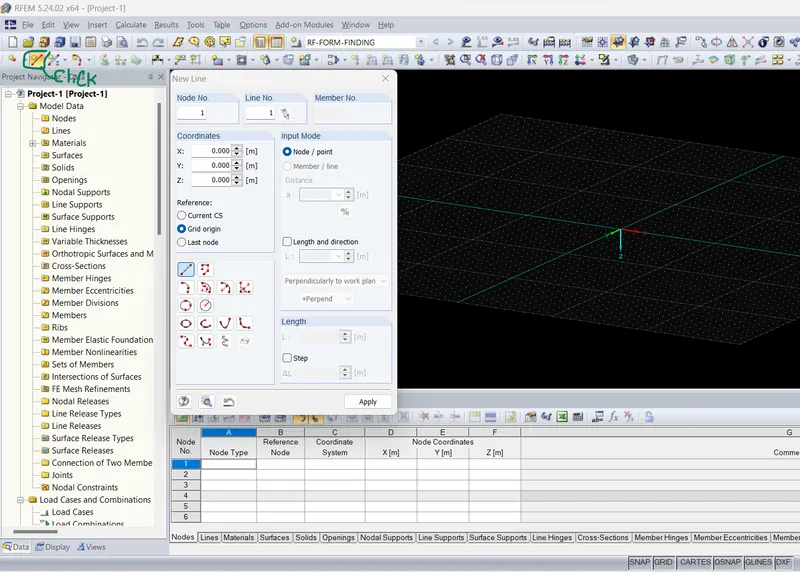
Now create line
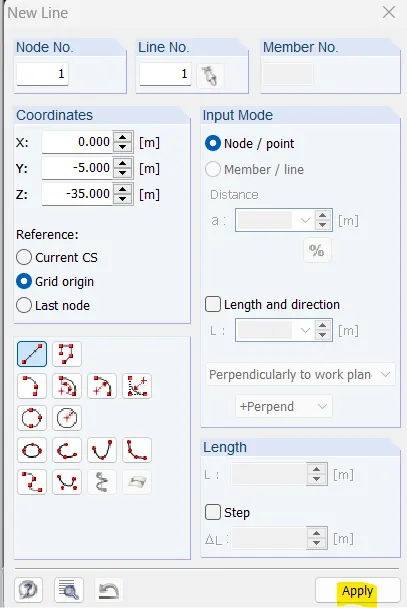
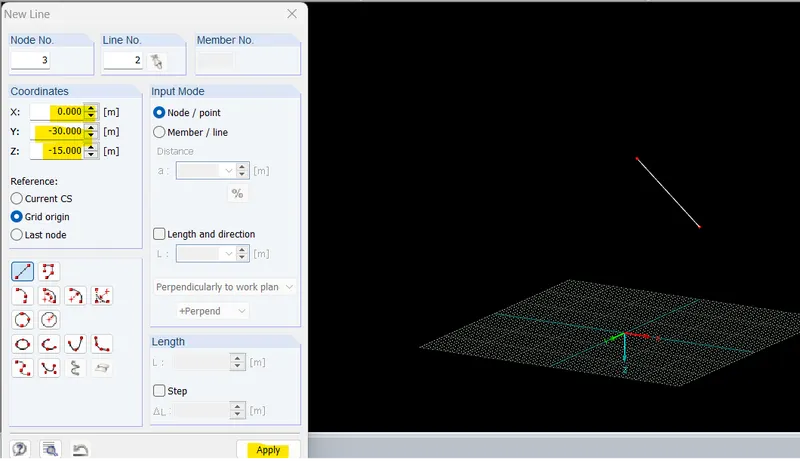
Now I will use rotate option and create a cone
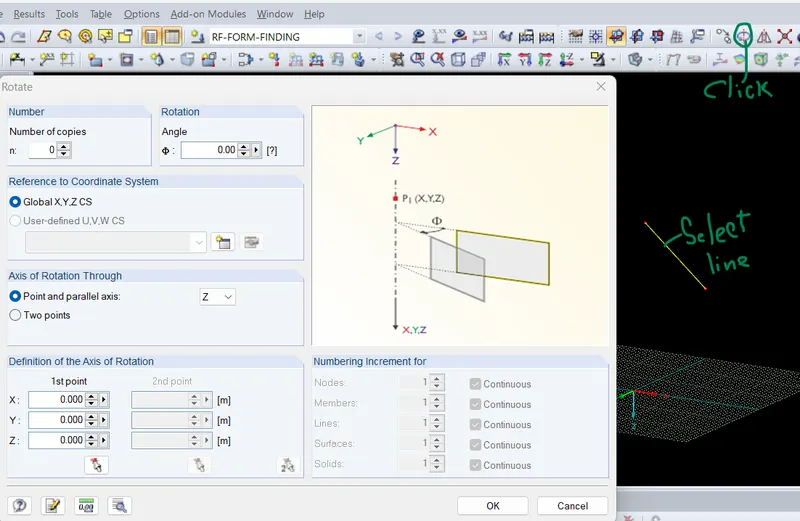
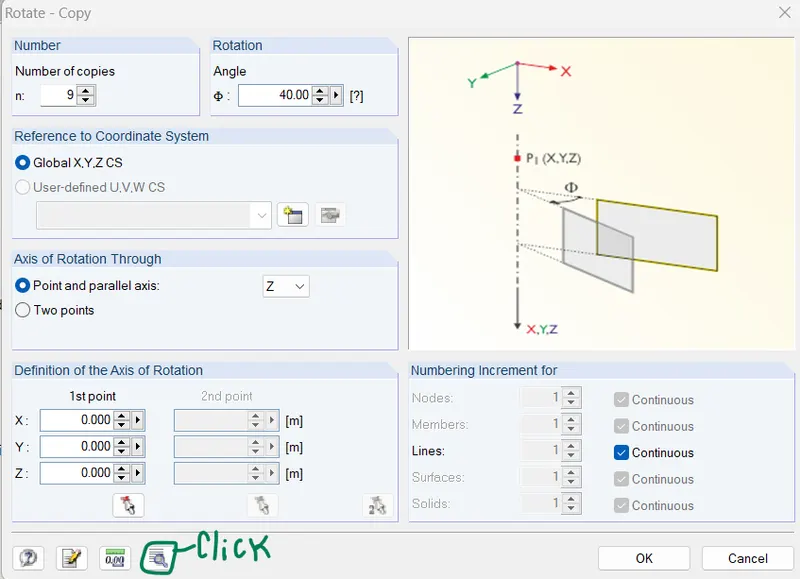
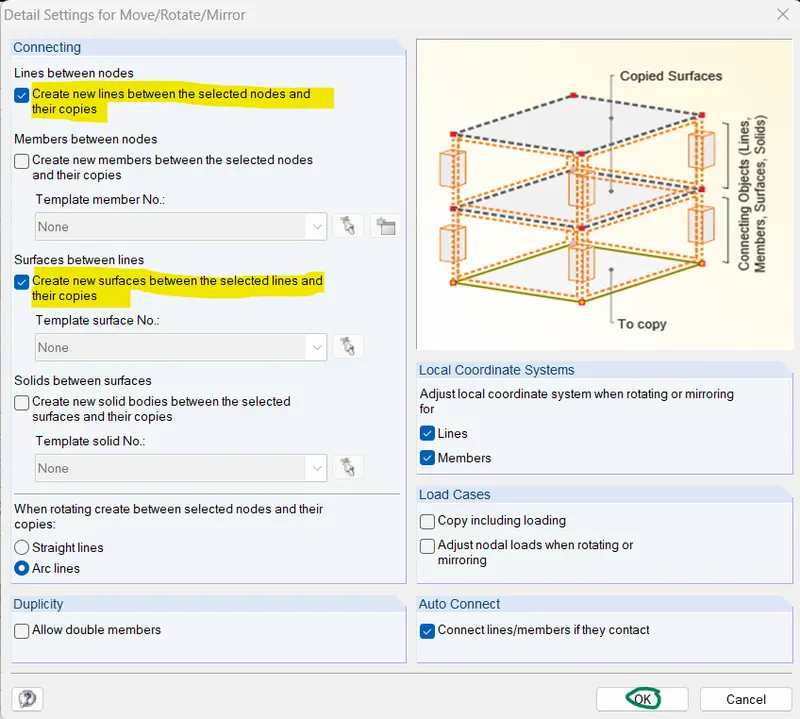
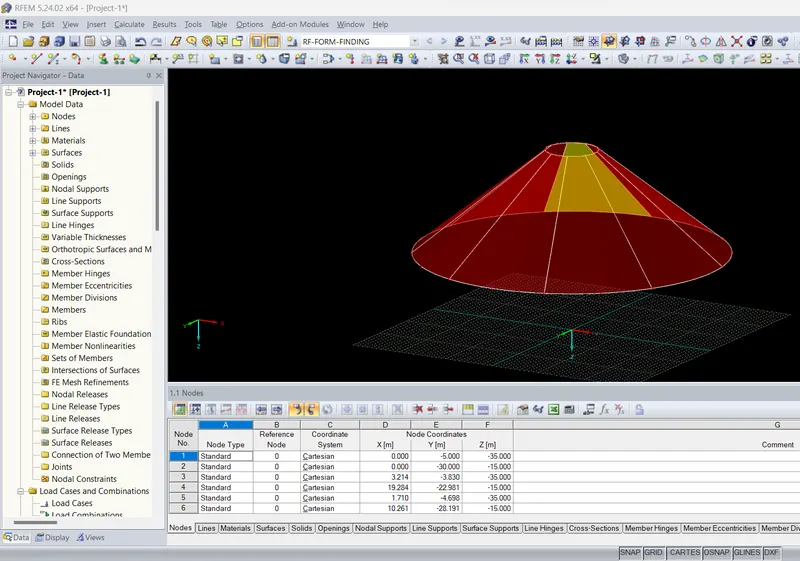
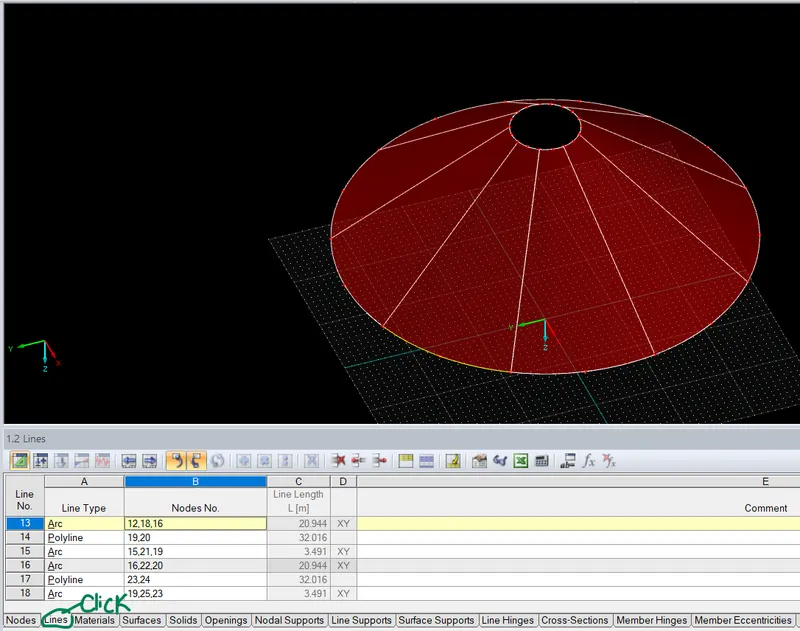
Now change all Arc lines into polyline
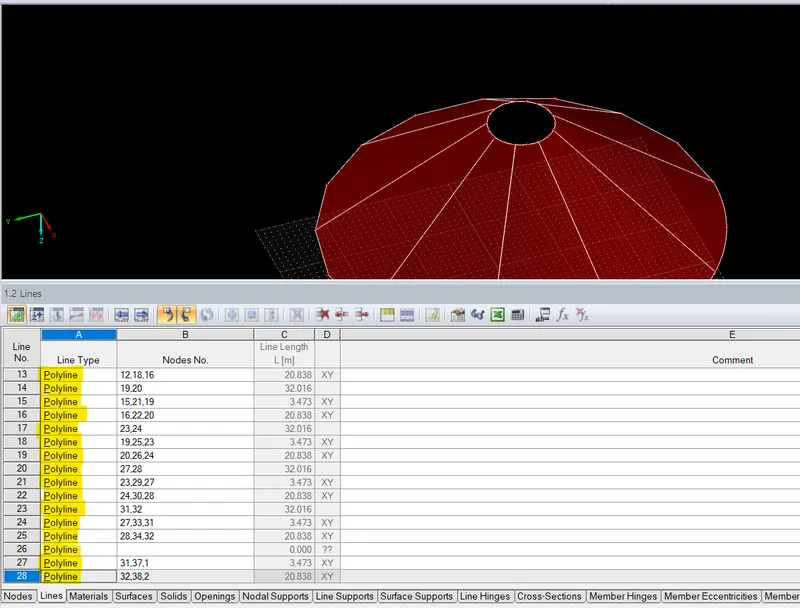
Now remove intermediate nodes
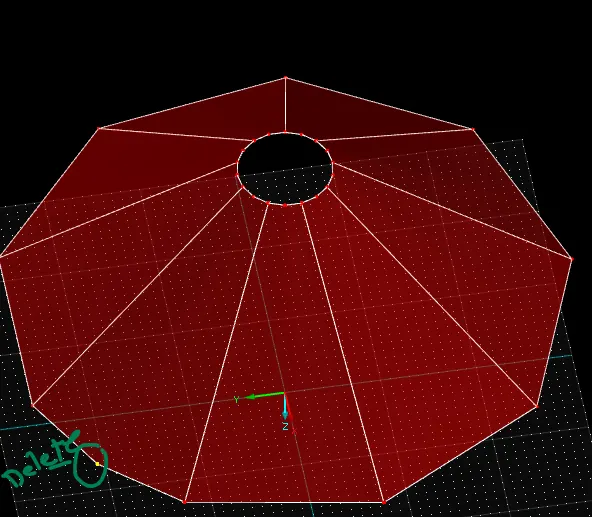
After deleting all intermediate nodes of polyline
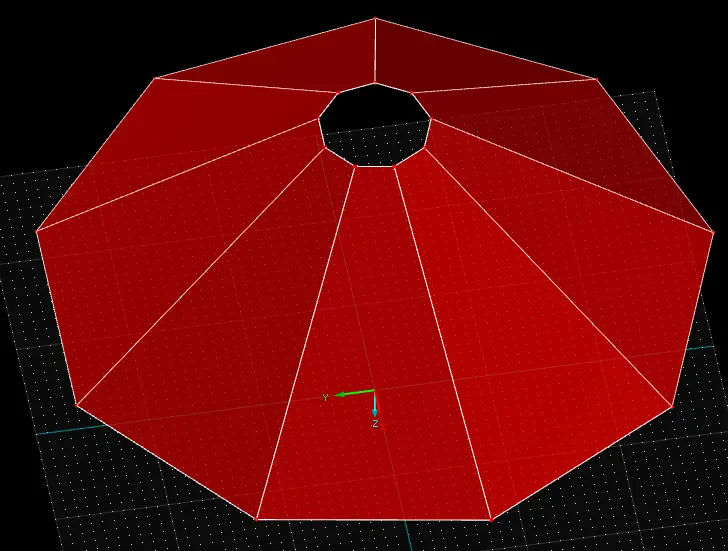
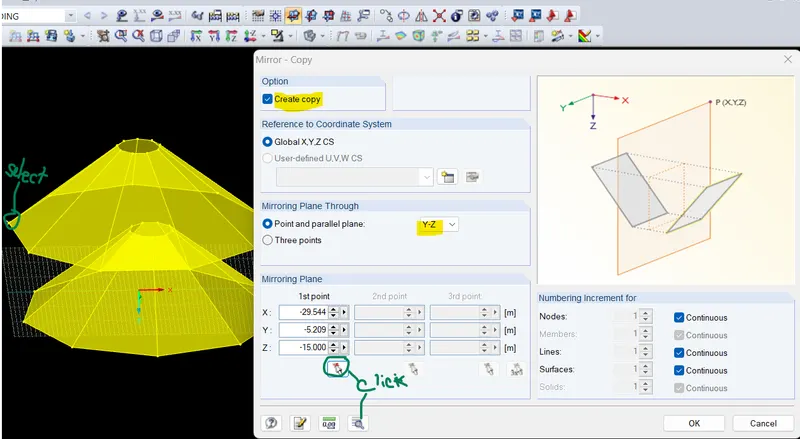
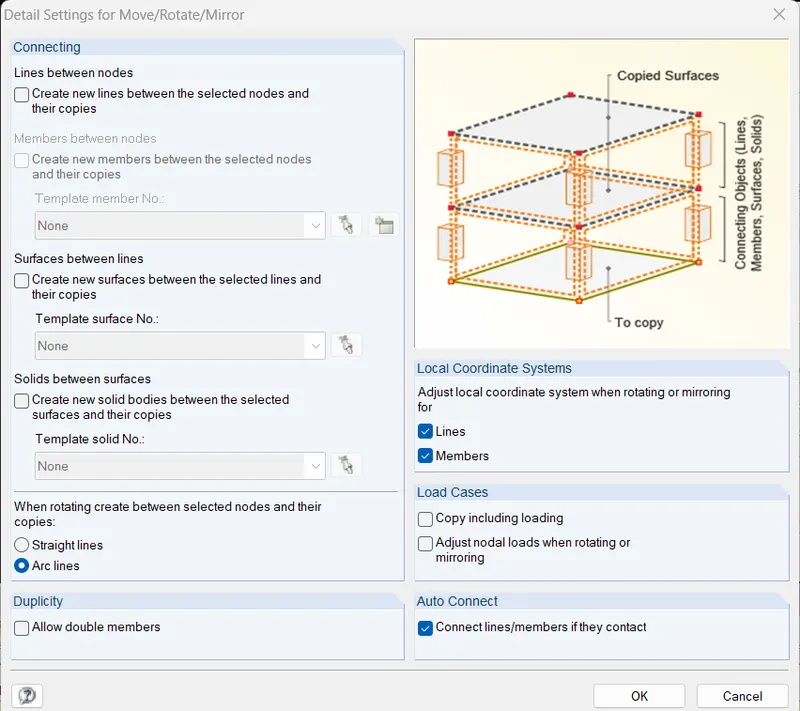
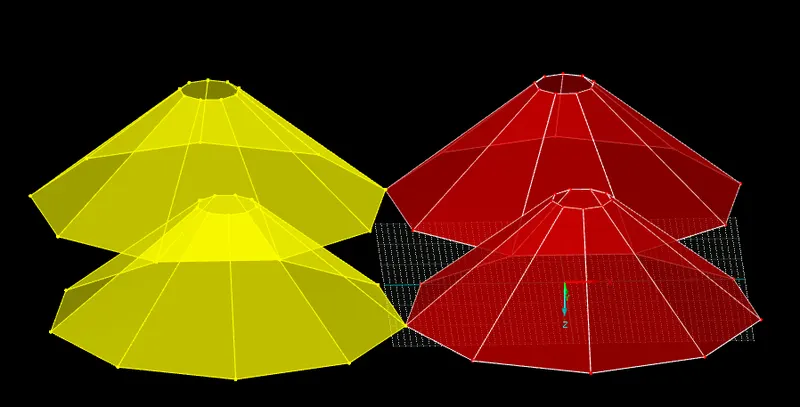
Now I will mirror the cone wirh copy option
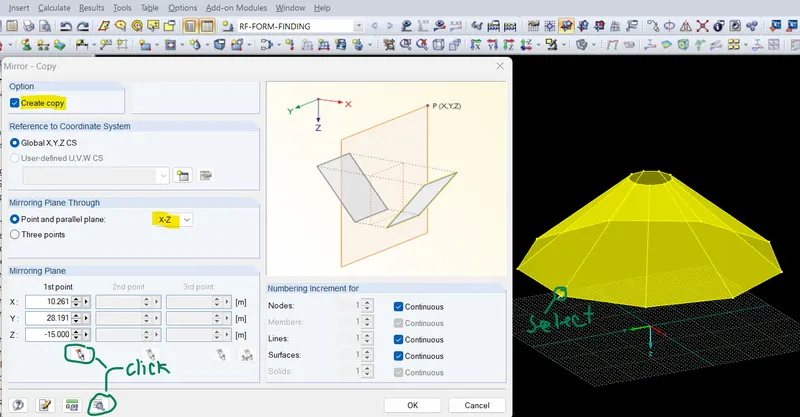
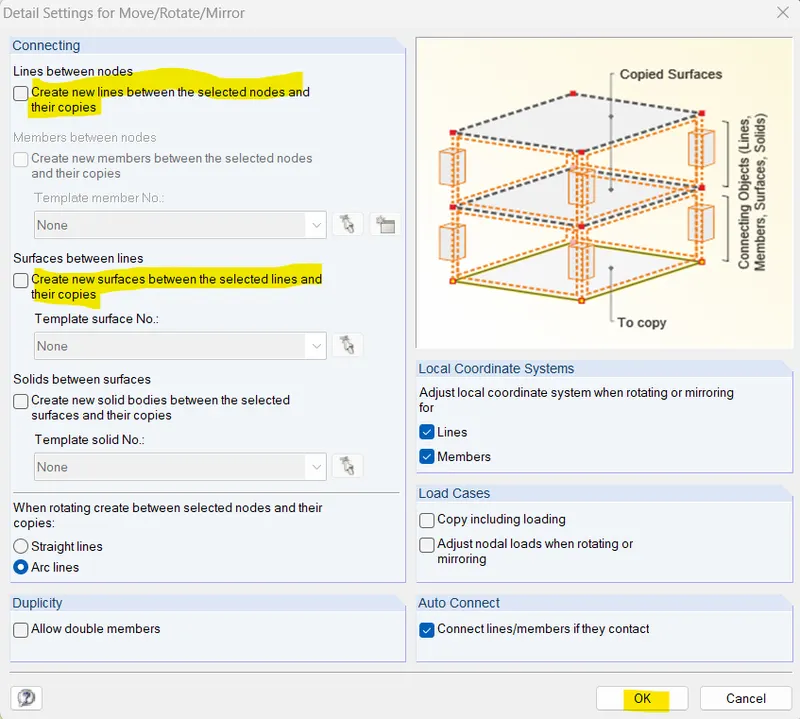
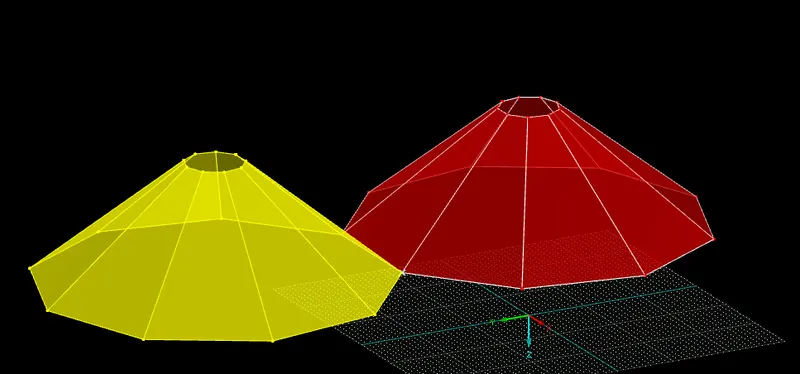
Now I will mirror both the cones
Now draw side supports
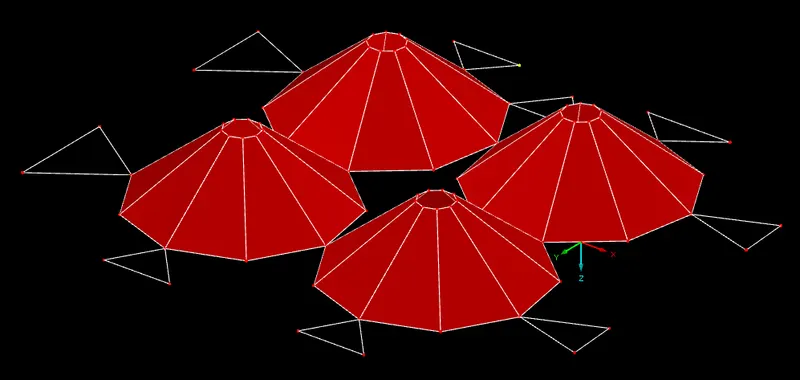
Now assign surface over the Roof
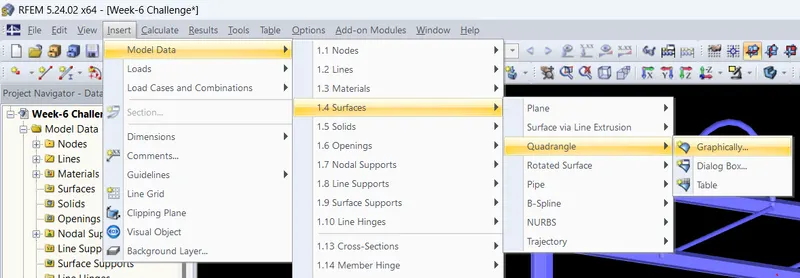
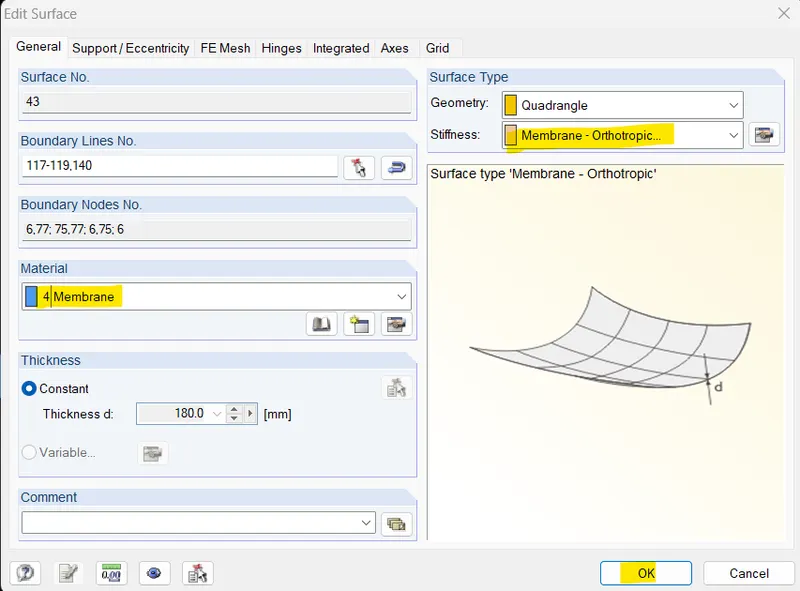
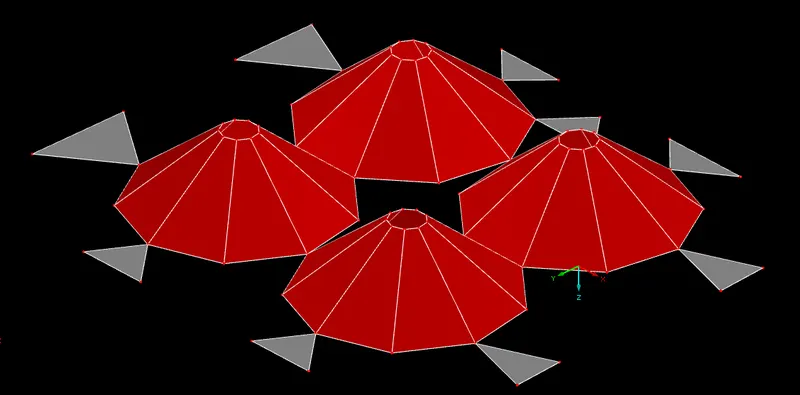
Now select Y-side view of RFEM software and double click on the selected object then go to option tab
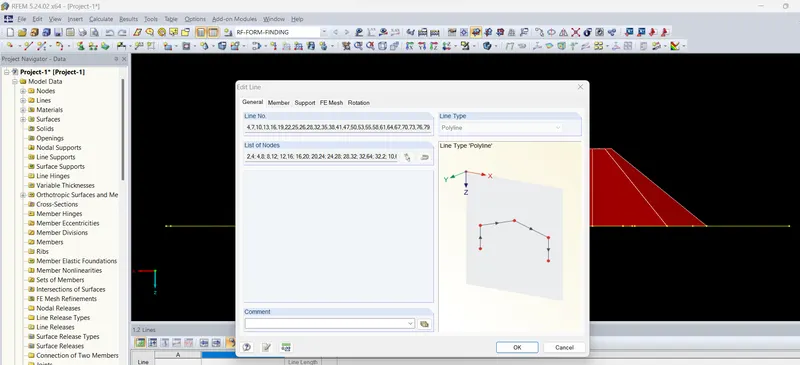
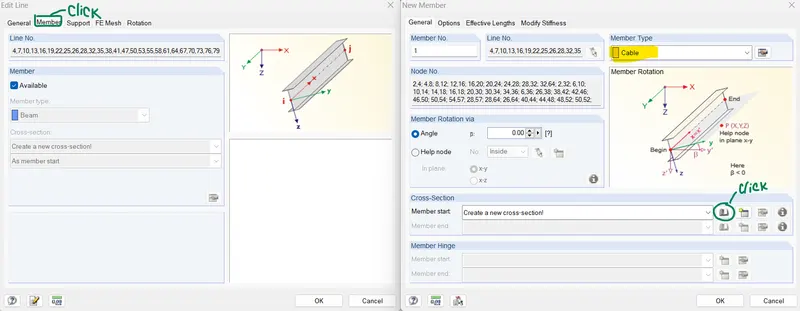
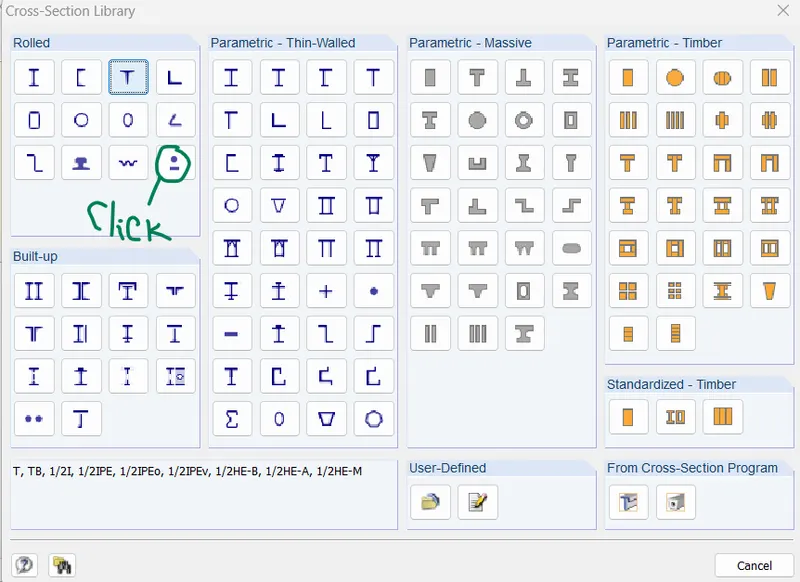
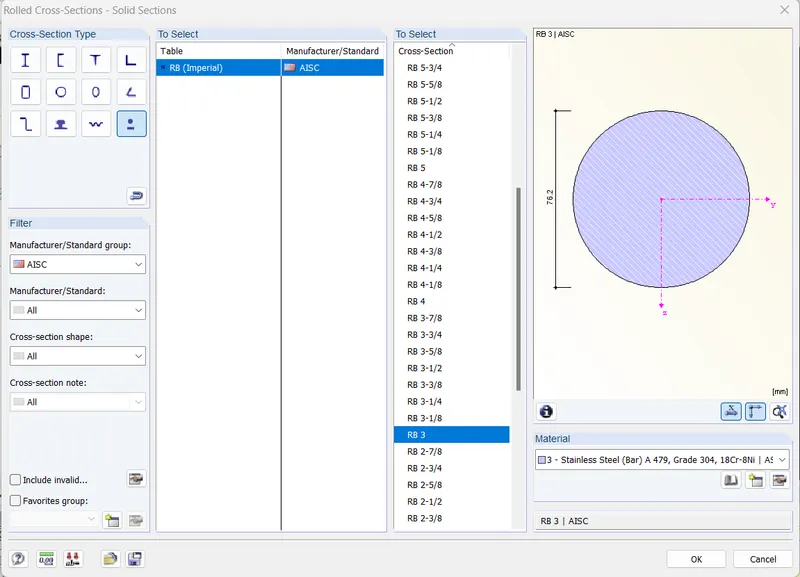
Now select the top member and assign same member property
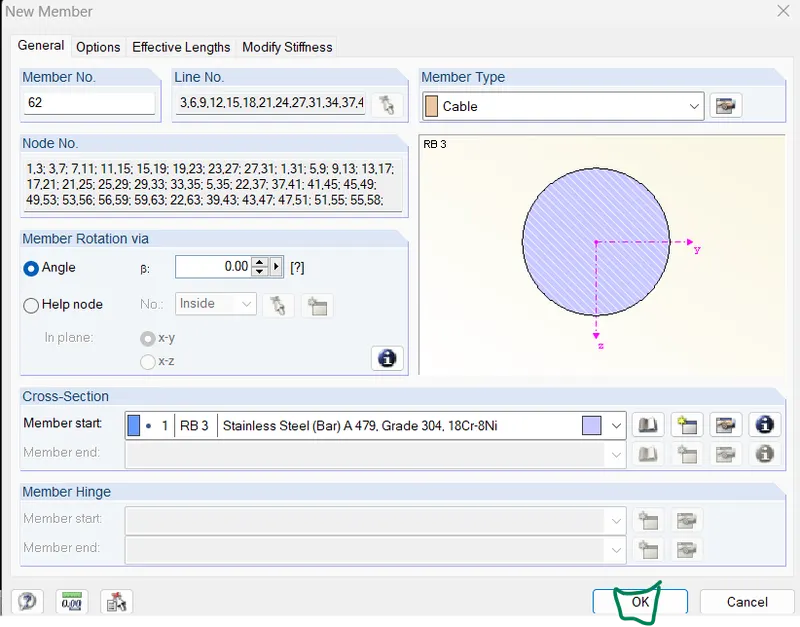
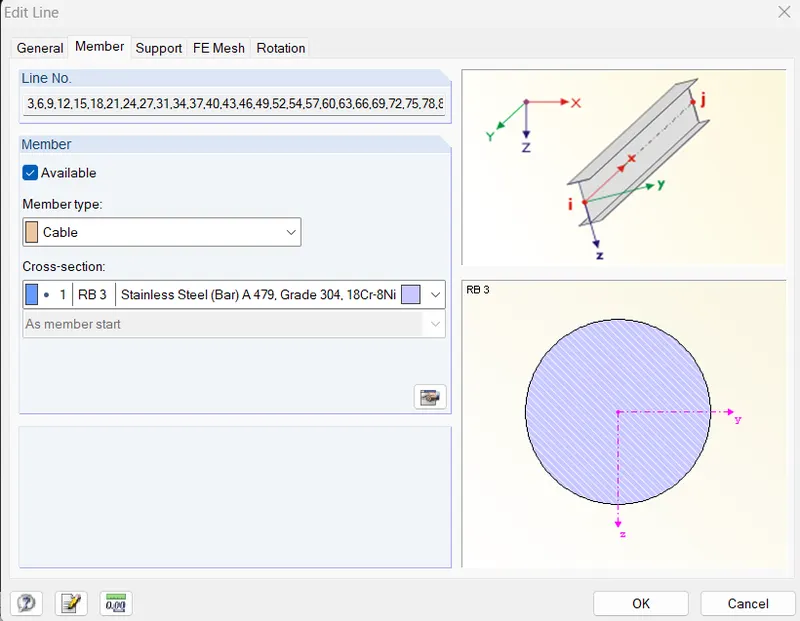
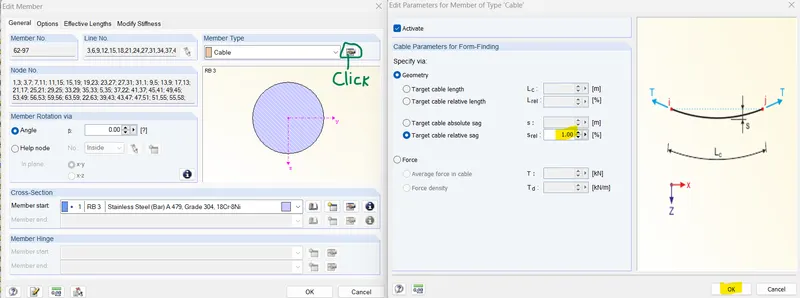
I have changed load carrying capacity of upper side cables
Now add membrane surface property
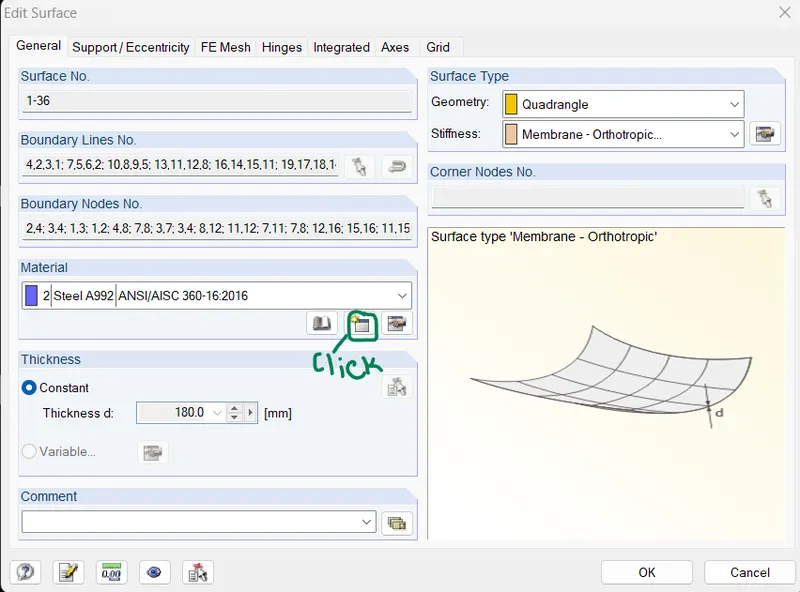
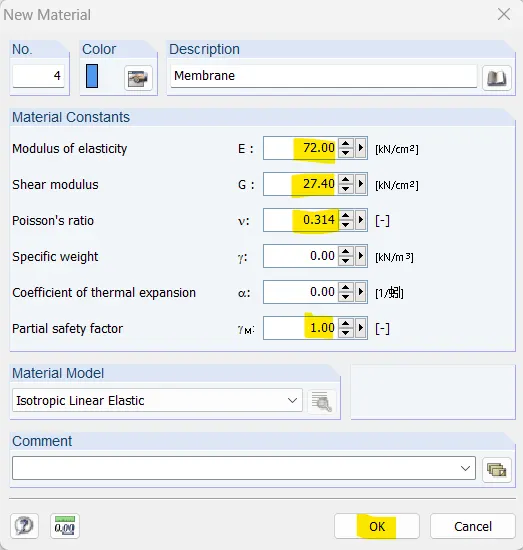
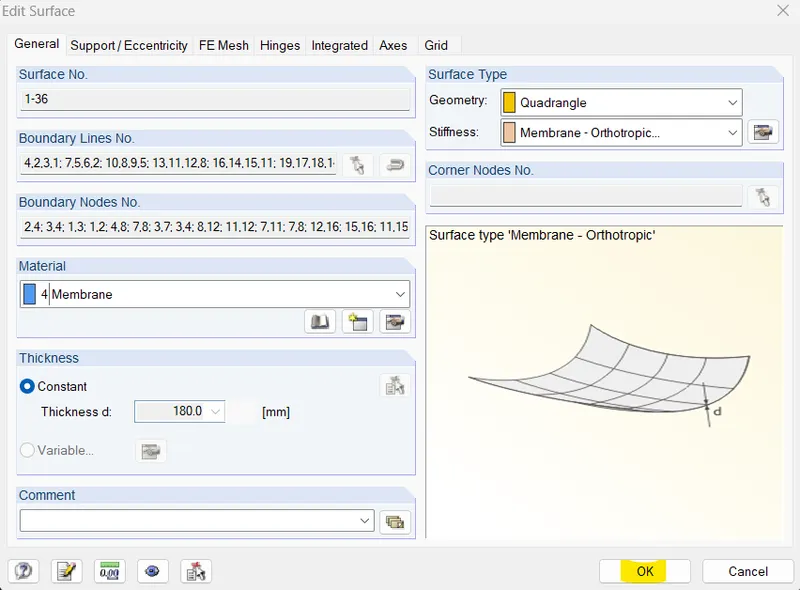
Now I will apply Isotropic prestress
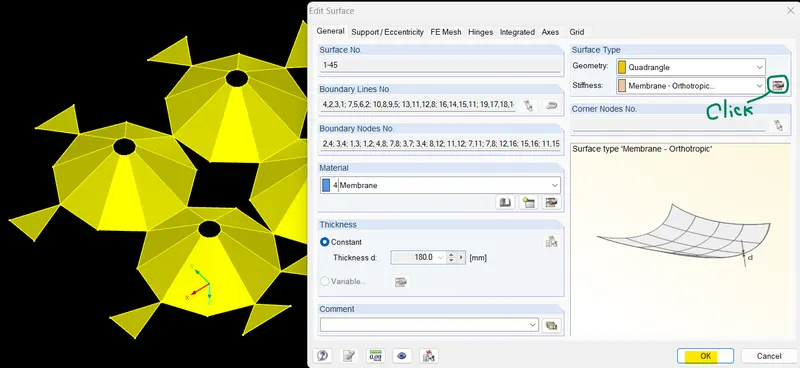
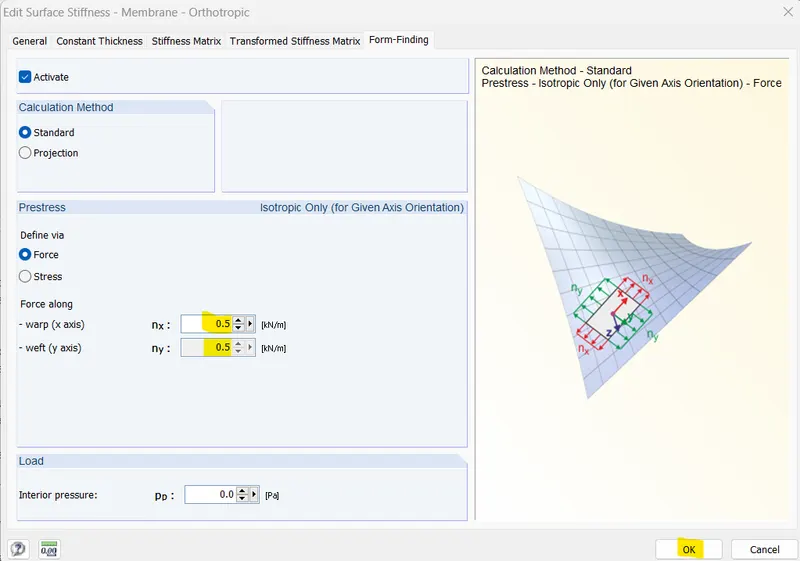
Now I will assign supports
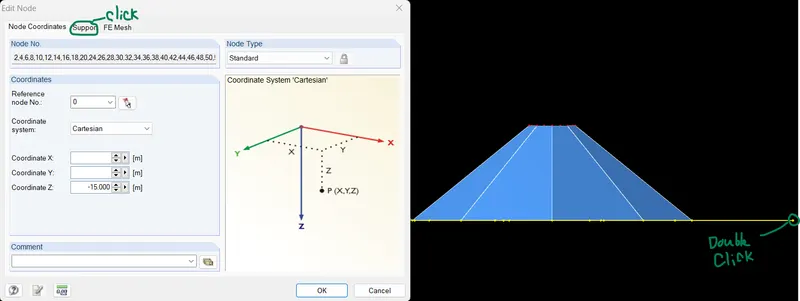
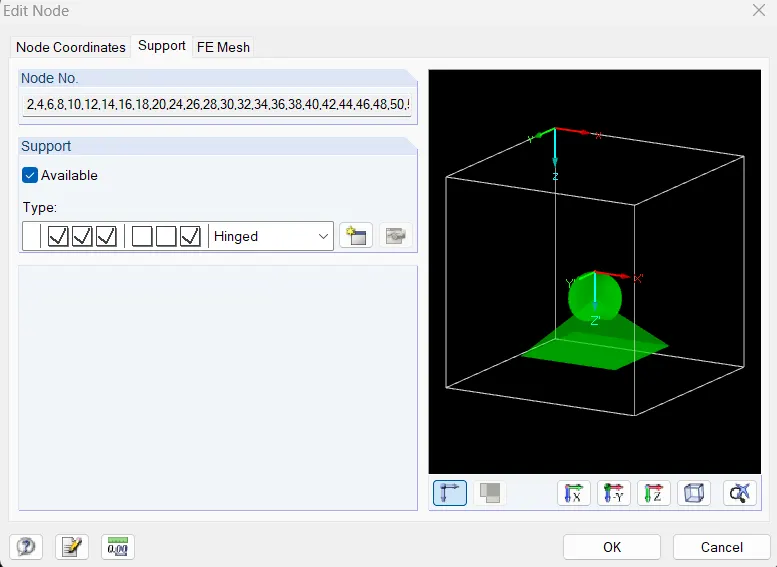
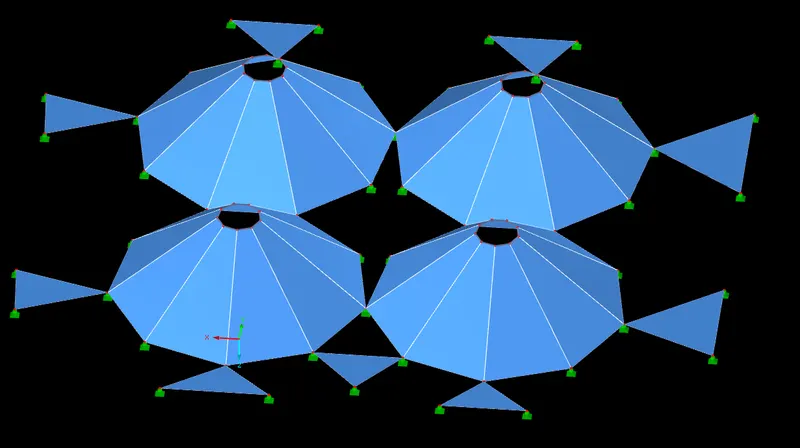
Now assign supports at top
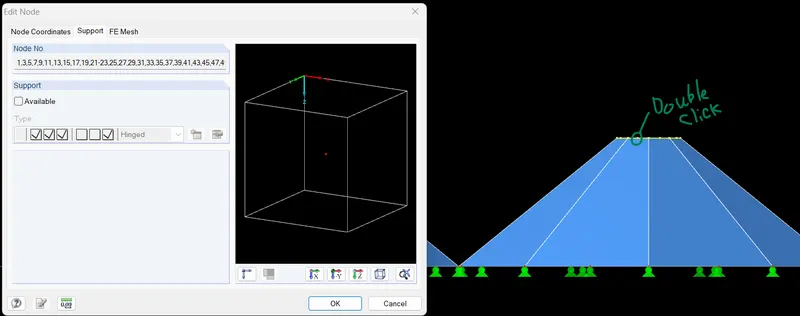
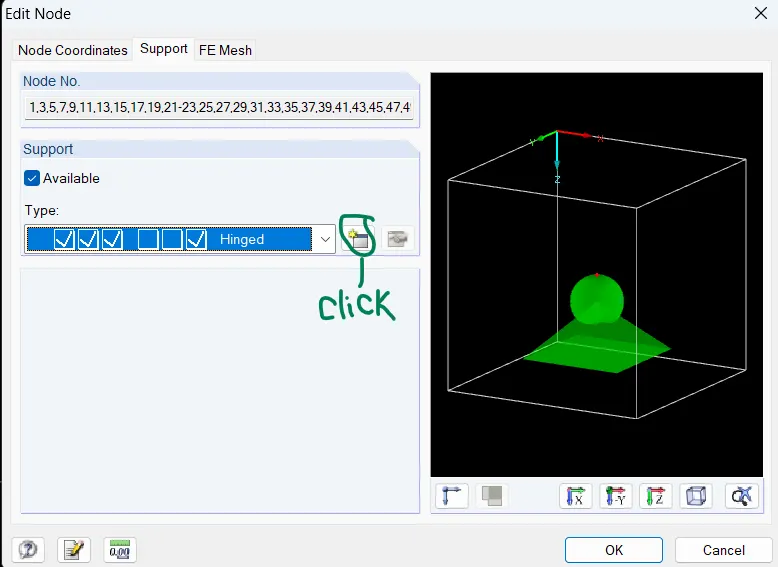
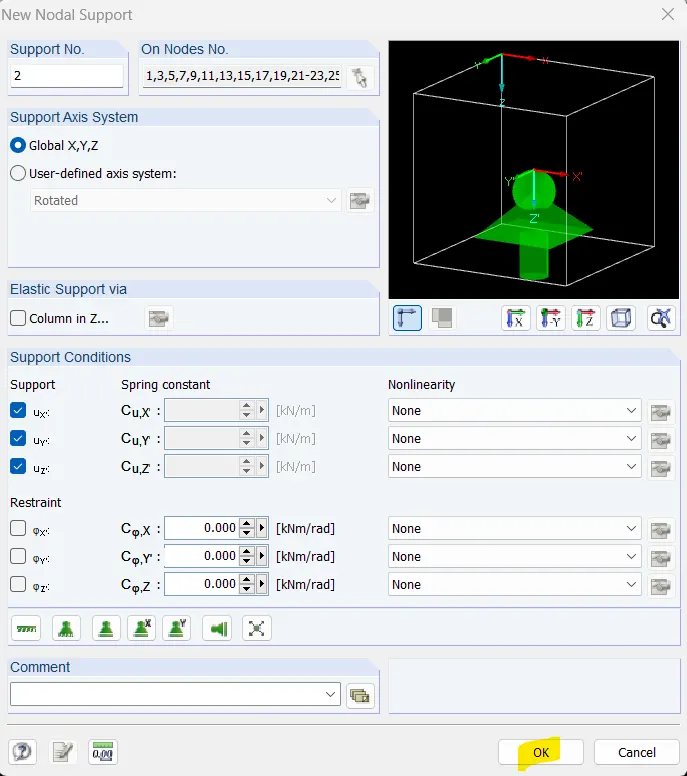
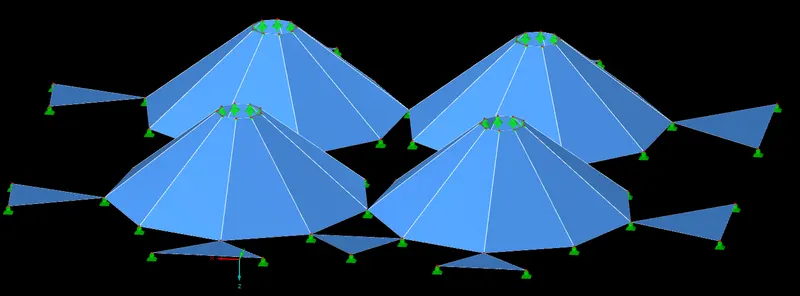
Go to FE mess setting and do this change
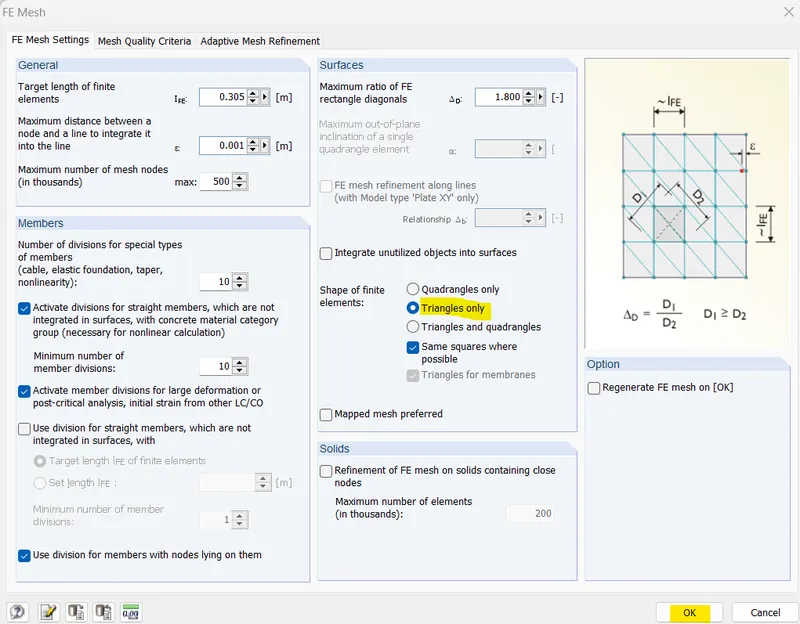
Now go to calculate tab and click on generate FE mess option
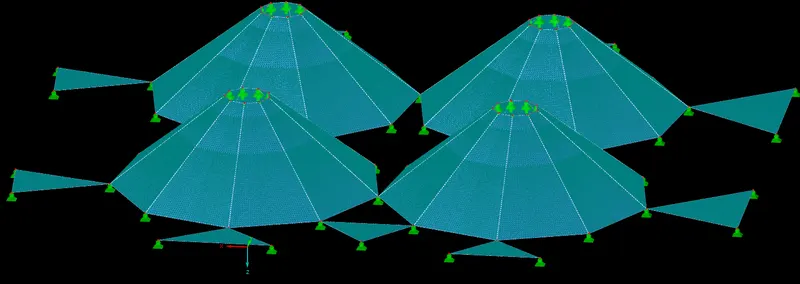
Now click Calculate all
Results:-
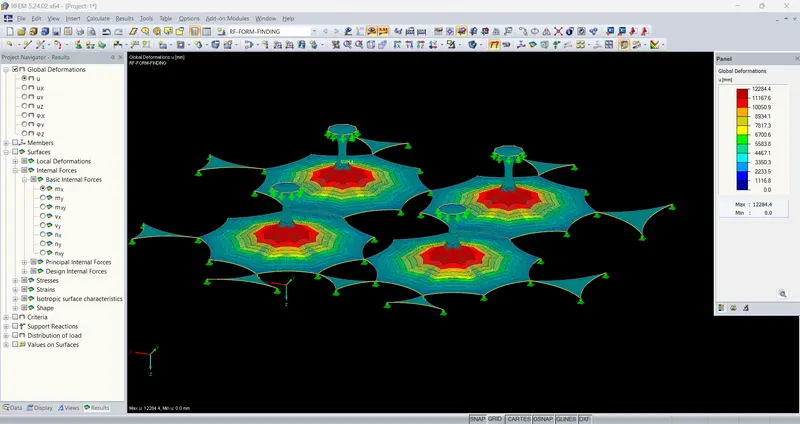 \
\
Now I will use Projection method for form finding analysis
First select all membrane and double click
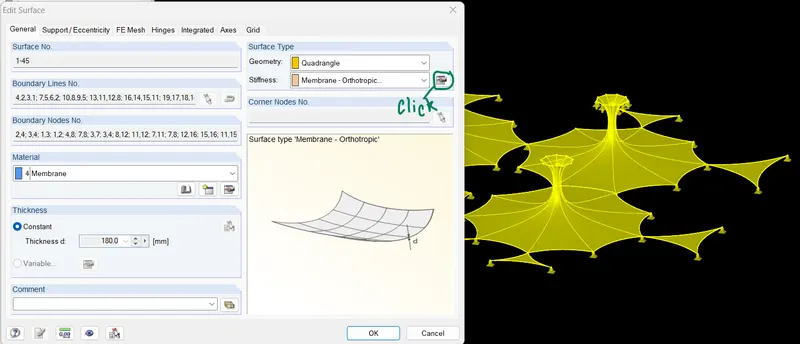
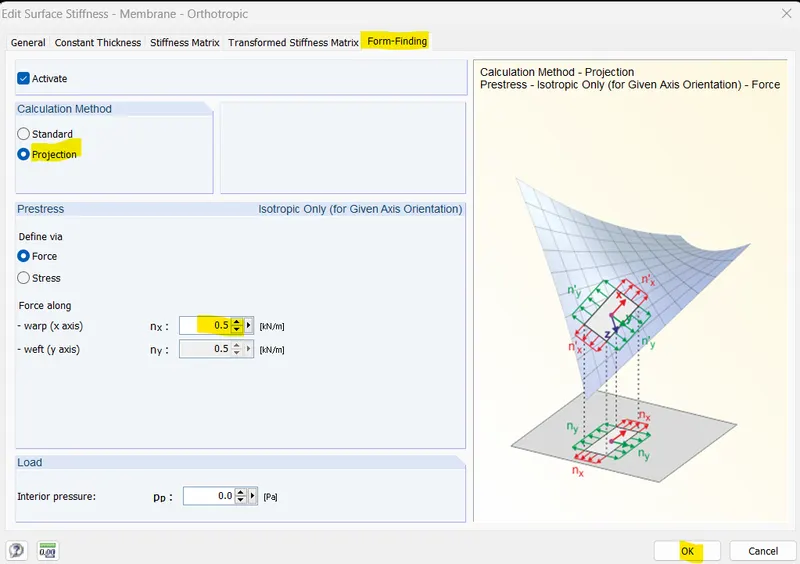
Now go to calculate tab and click on generate FE mess option
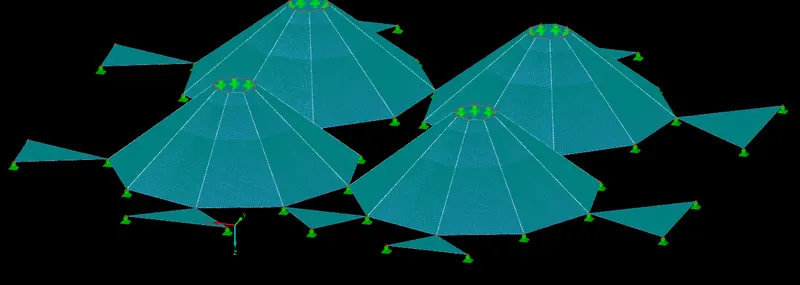
Now click Calculate all
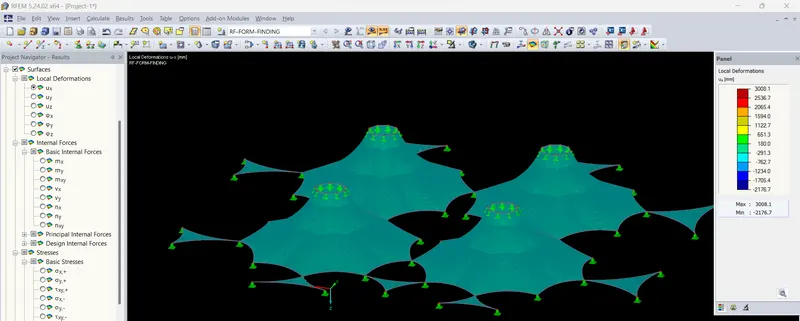
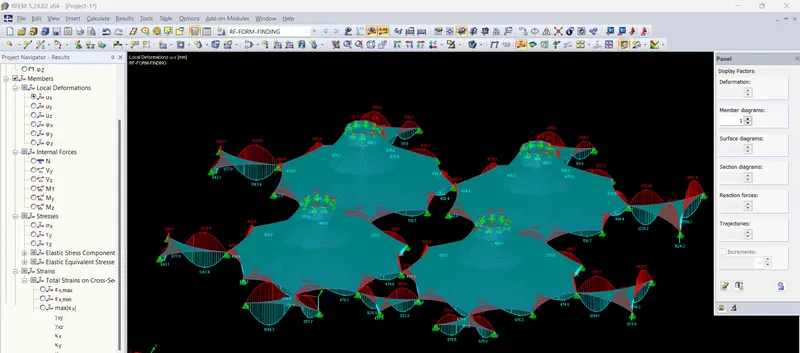
Attachment:- I have attached RFEM file of Project-1