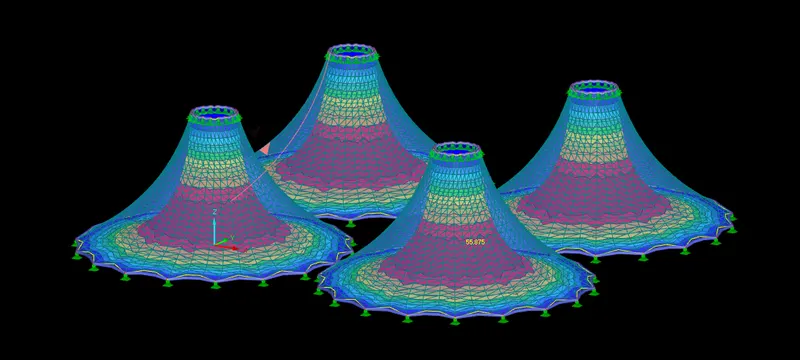
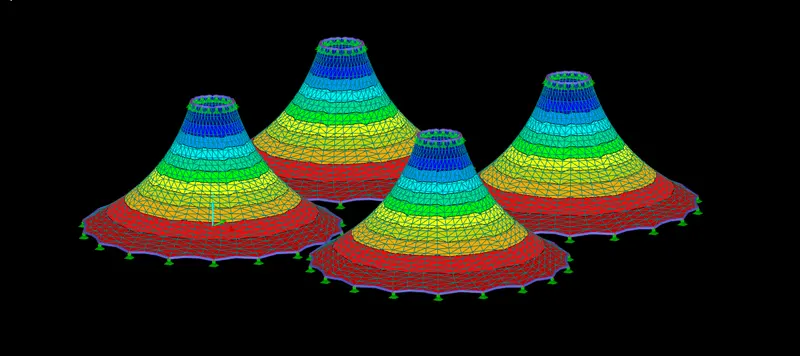
Project 1
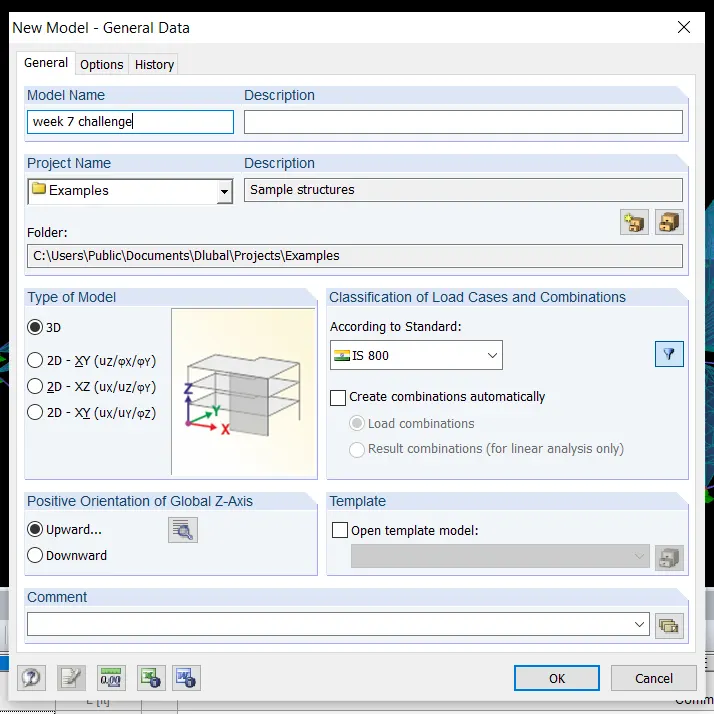
open RFEM software and enter the model name.
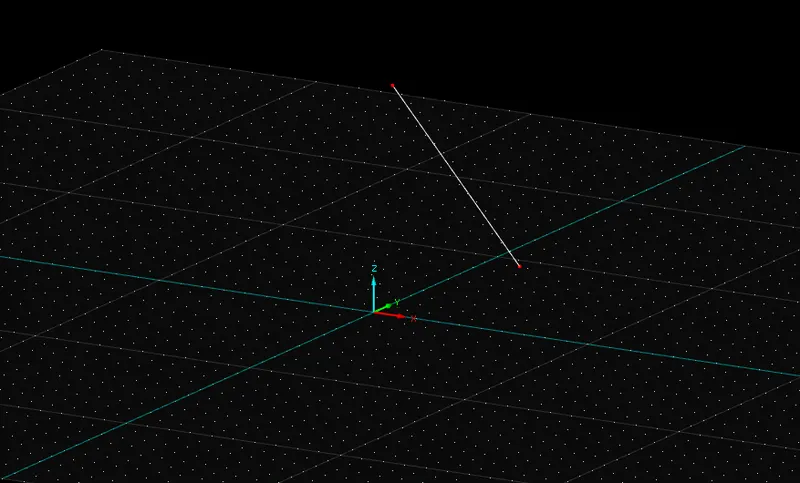
draw an inclined on the model with the help of new line.
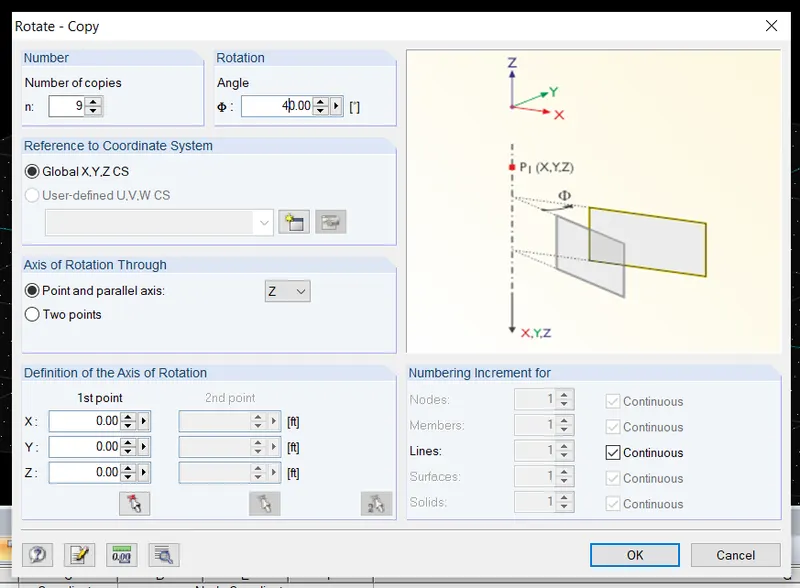
click on the line and go to rotate option, enter the number of copies and angle.
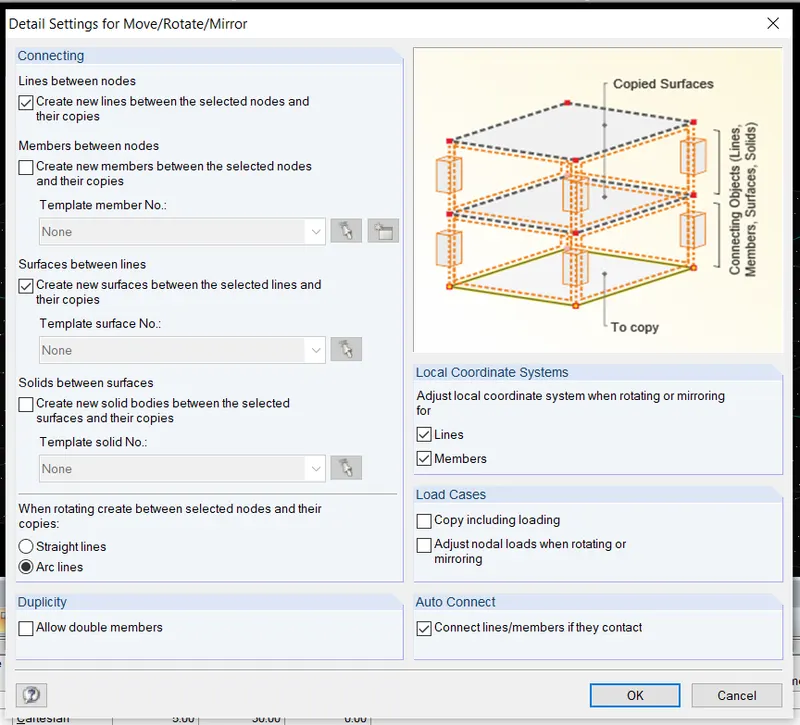
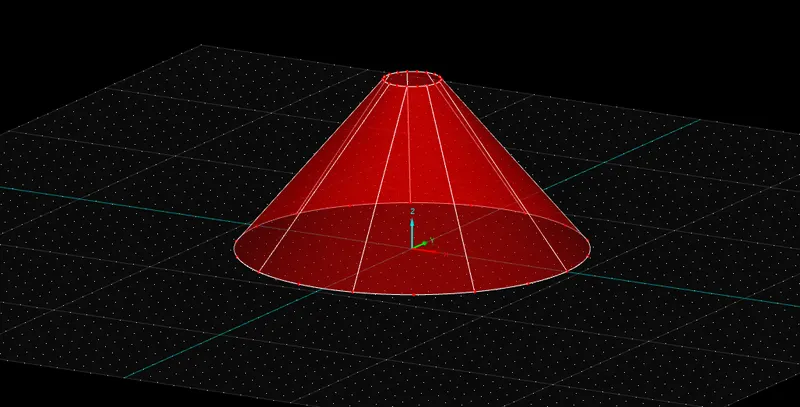
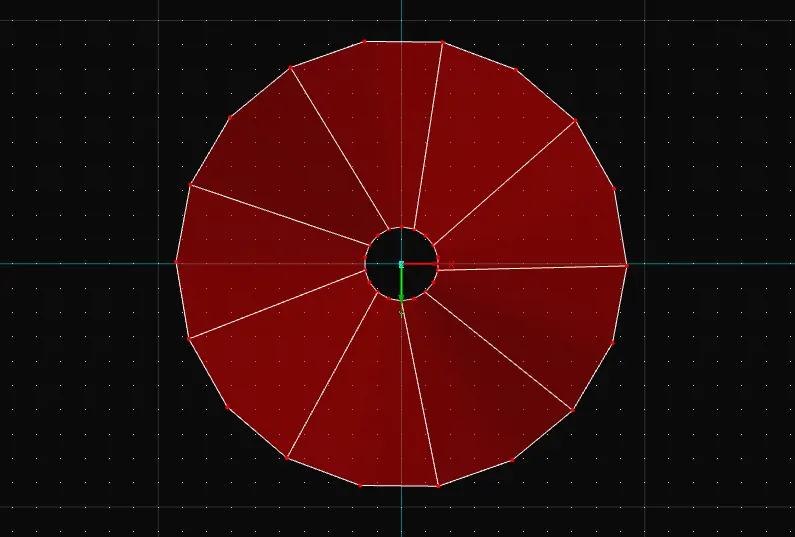
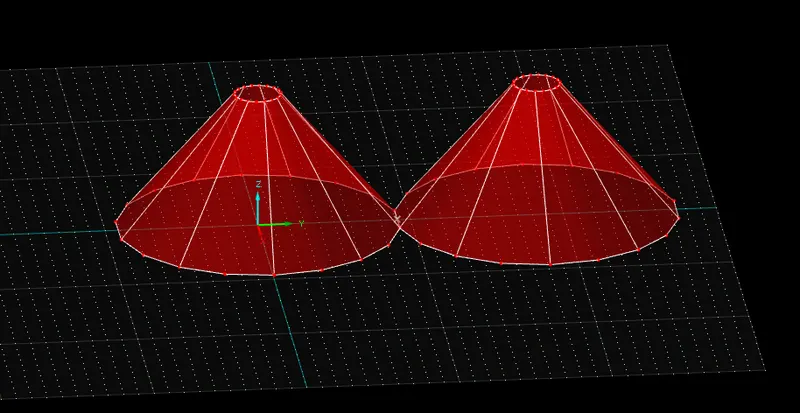
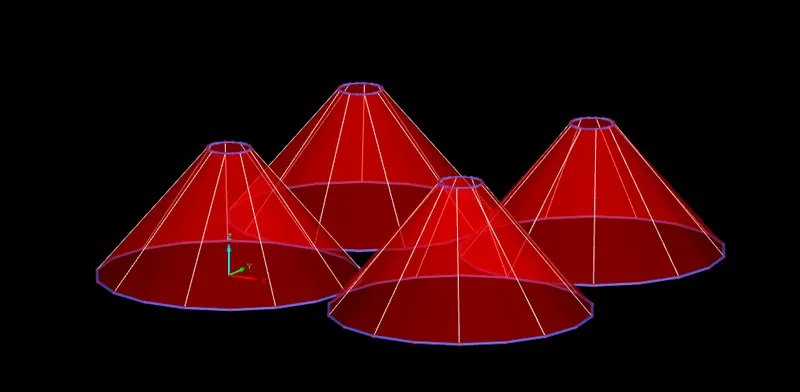
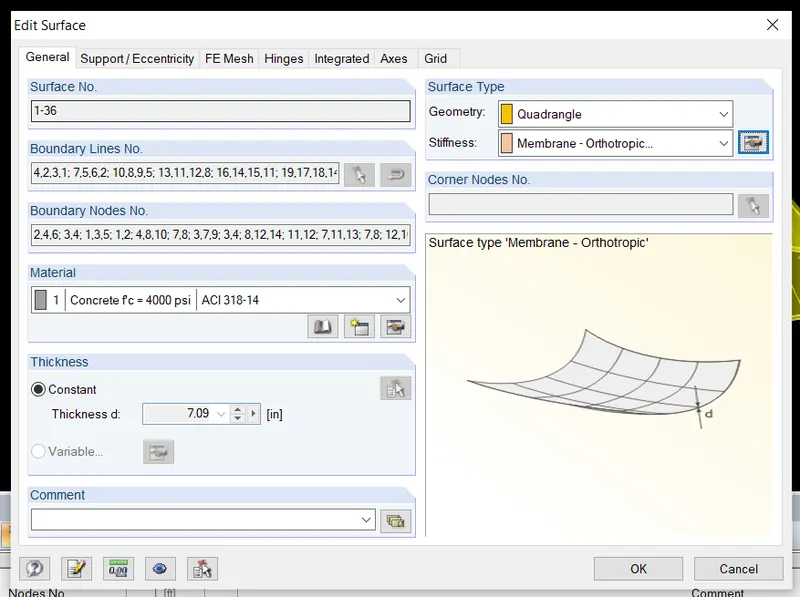
click on link between the nodes and surfaces, a cone shaped object is formed.
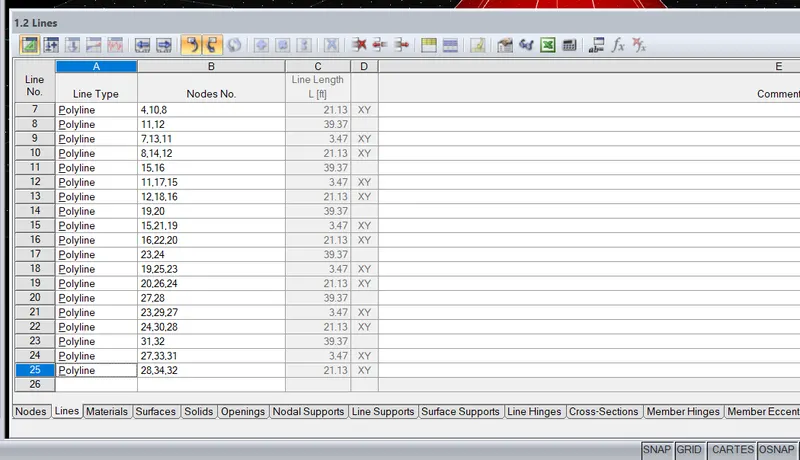
now convert all the arcs of the model into polylines using below table at the interface.
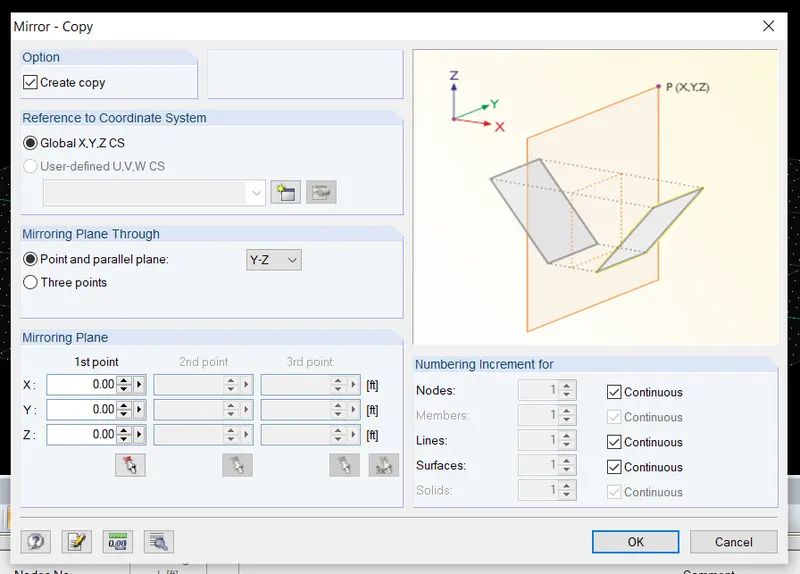
select the model and click on the mirror option,select the point and create a copy.
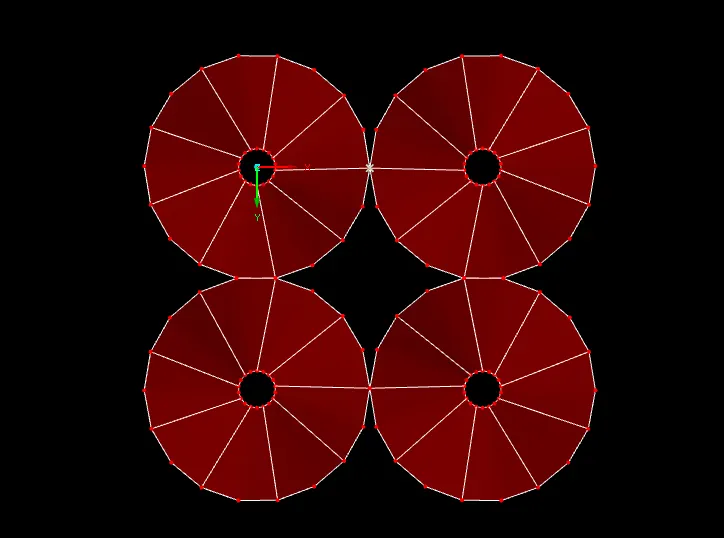
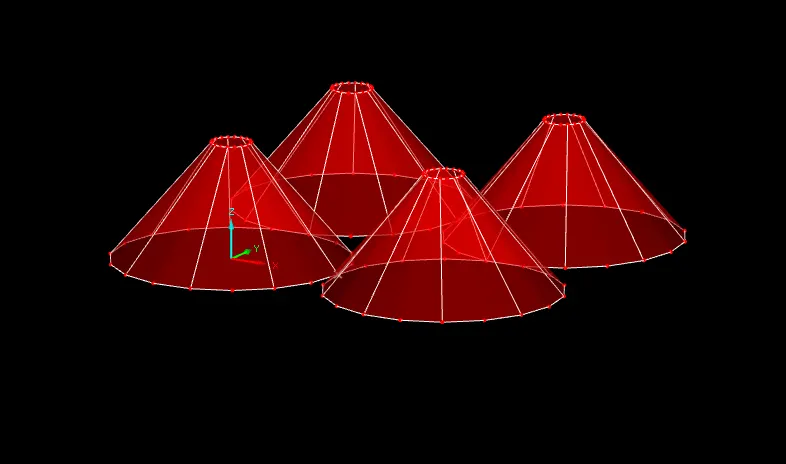
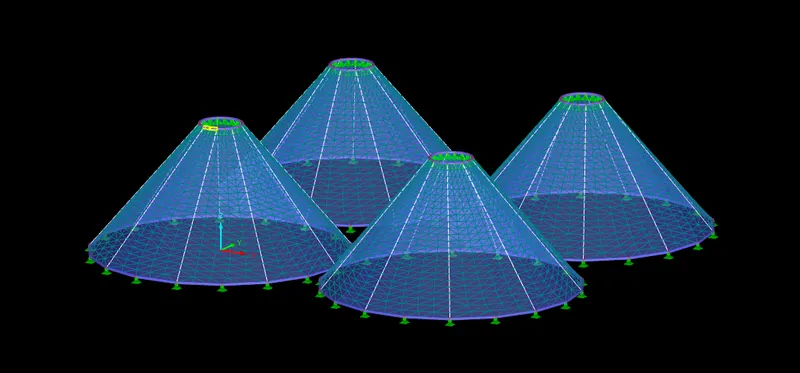
similarly create another two models using mirror option.
hence a group of four is obtained.
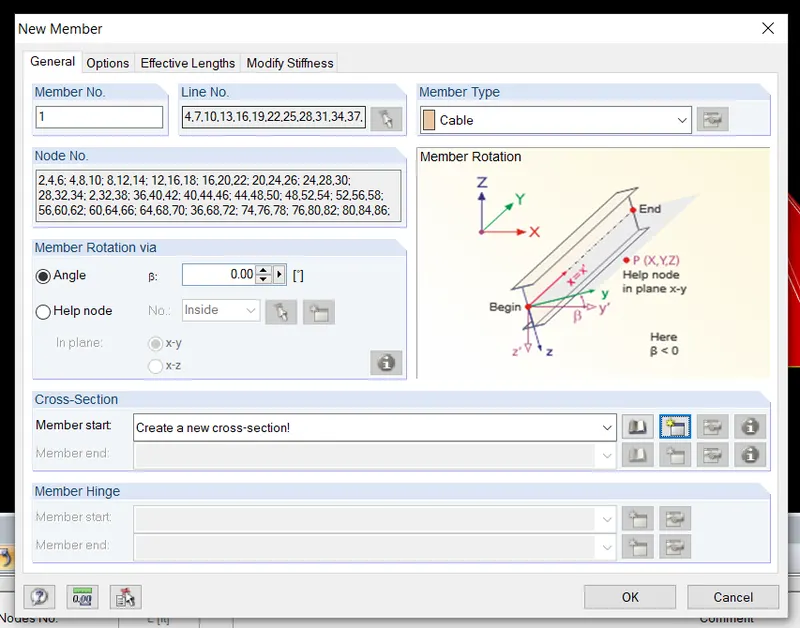
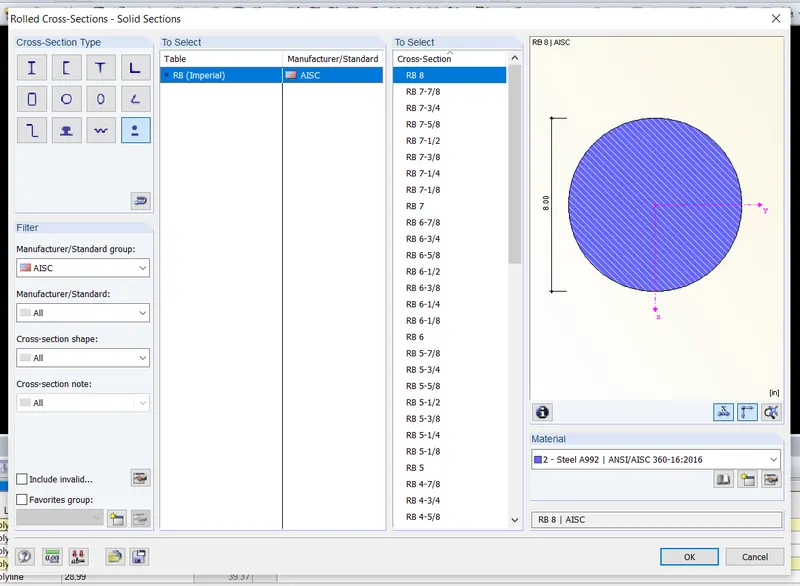
now assign the member to the cables at top and bottom.
click on it and select the required member.
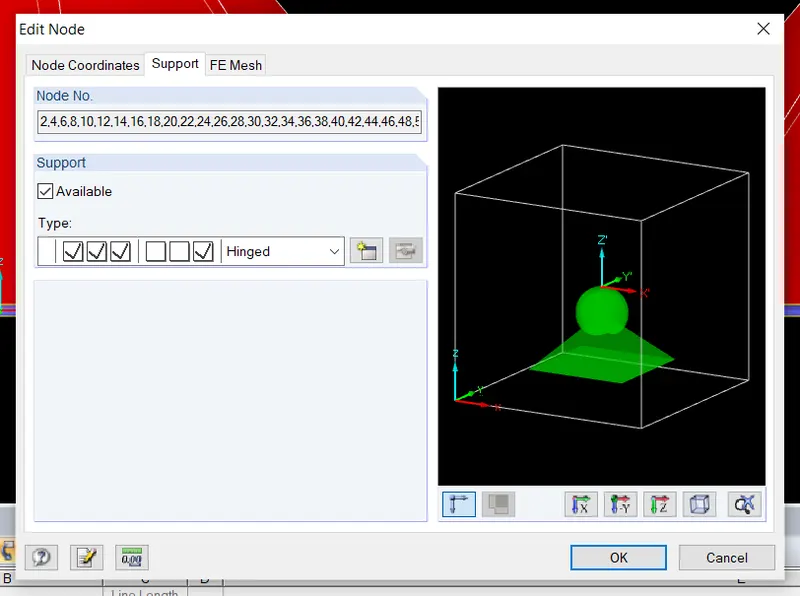
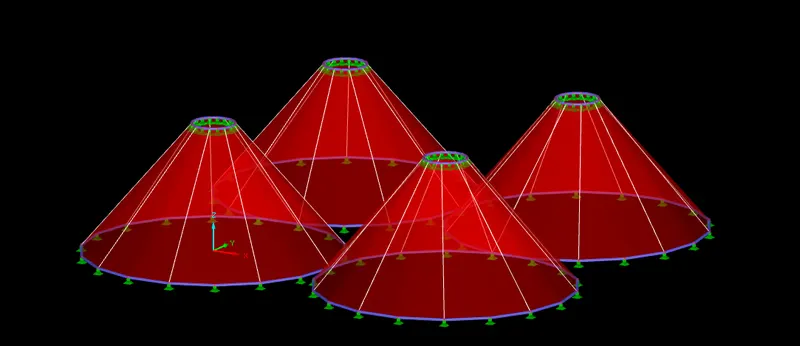
now assign the supports to the top and bottom circles.(hinge)
click on the circles and assign the supports.
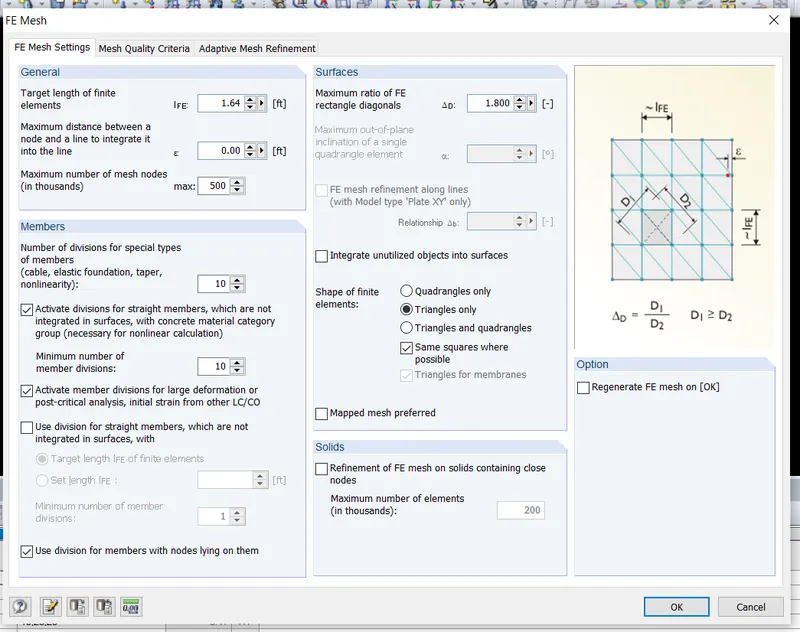
now go to calculate option make the mesh settings as triangular.
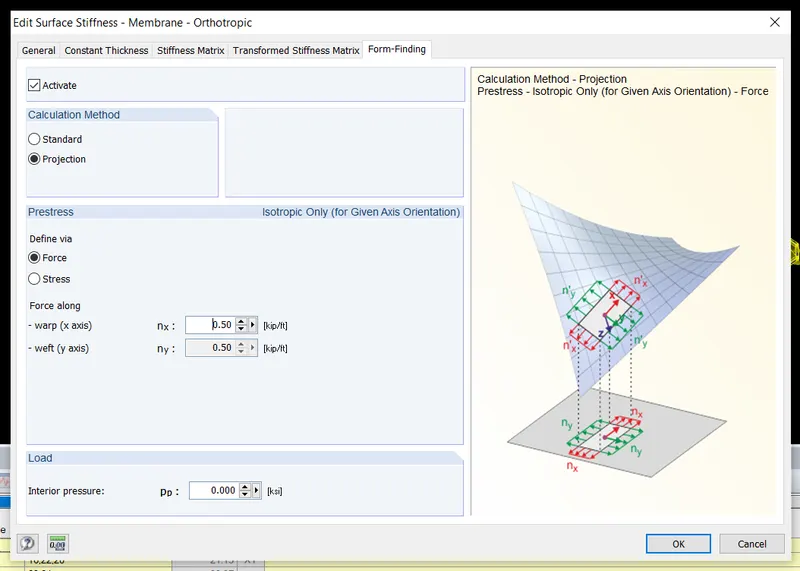
now go to form finding and apply the prestress.
run analysis and check the results , click on the different parameters and check the
deflections in the model.
this way analysis is completed for the model.