Hood design-Week 2
Hood Design
To create the thickness by using given A surface and also assemble the striker and hinge assembly.
Creating the Assembl file
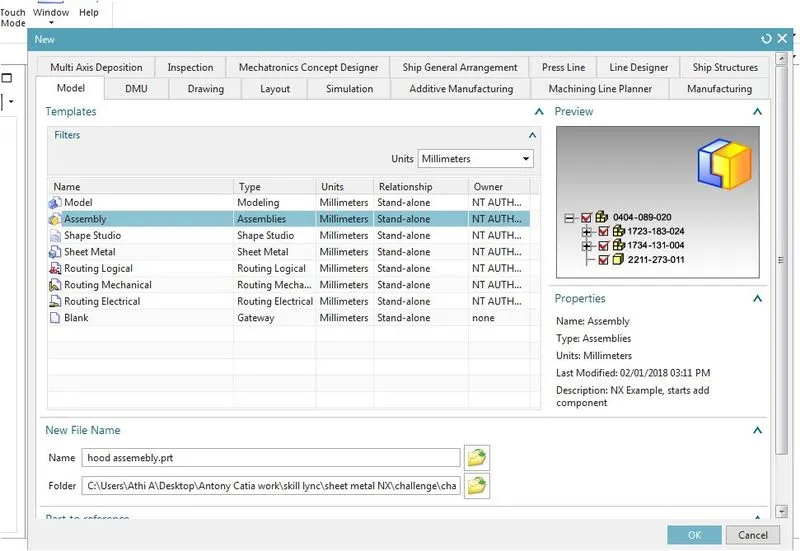
Click on file then new and select the assemble on dialog box. Rename the fiie name as hood assembly. Choose file location.
Import the hinge assembly outer panel then striker under the hood assembly.
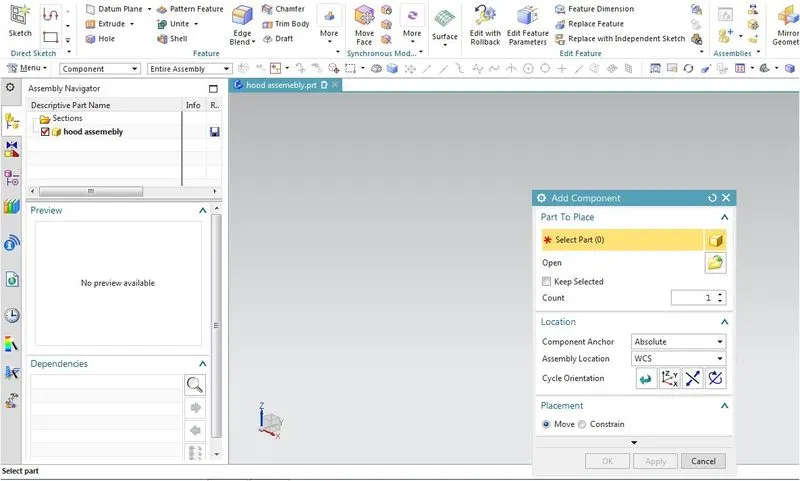
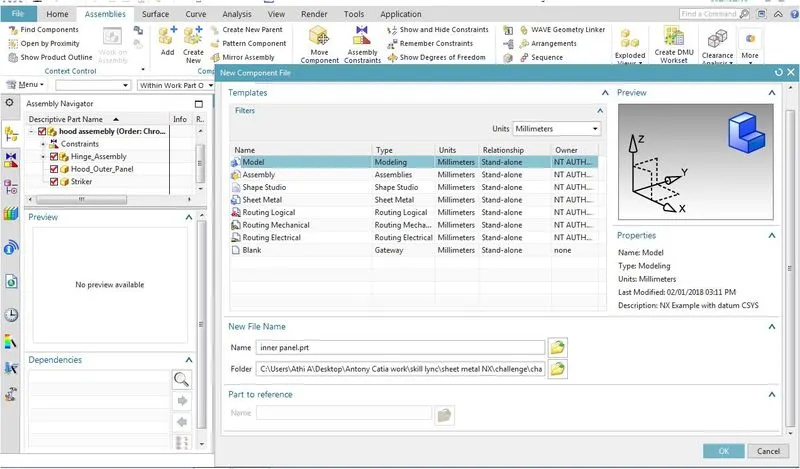
Click on create new part on assembly tab and give rename the model name as inner panel and choose the file location. Then clck ok.
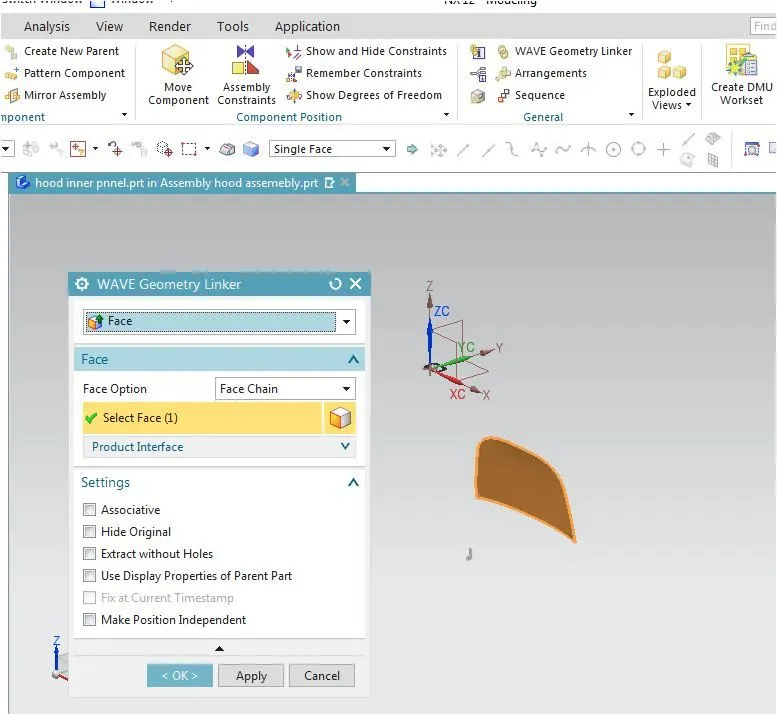
Double click on inner pannel shift to part navigator in assembly tab click on wave geometry link select the object click ok. Then the outer pannel link inside the inner pannel.
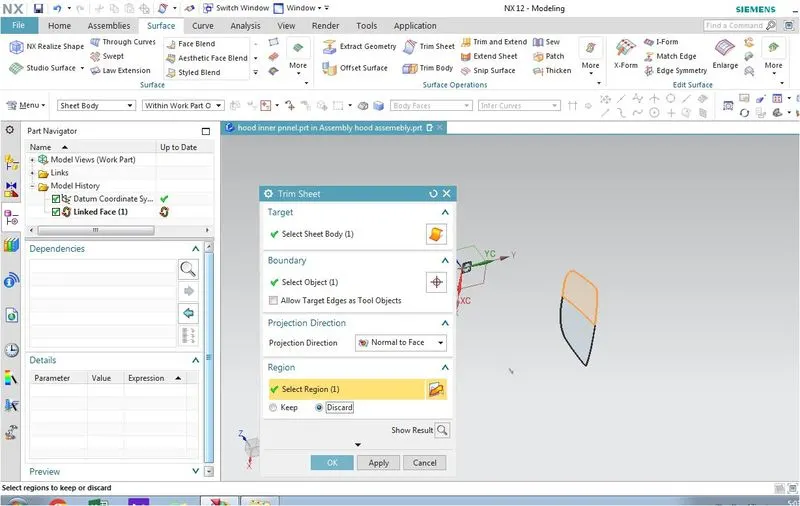
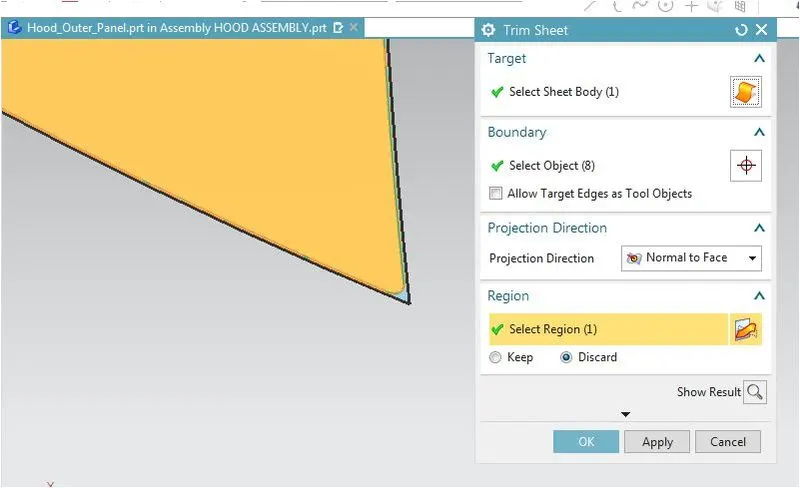
Trim this outer pannel into half to simply our work.
Offset the trimmed surface as per the master section to 1.7, 4 & 25 mm. Then create a curve on surface over the offset surface as per mastersection 20,22,35 and 50.
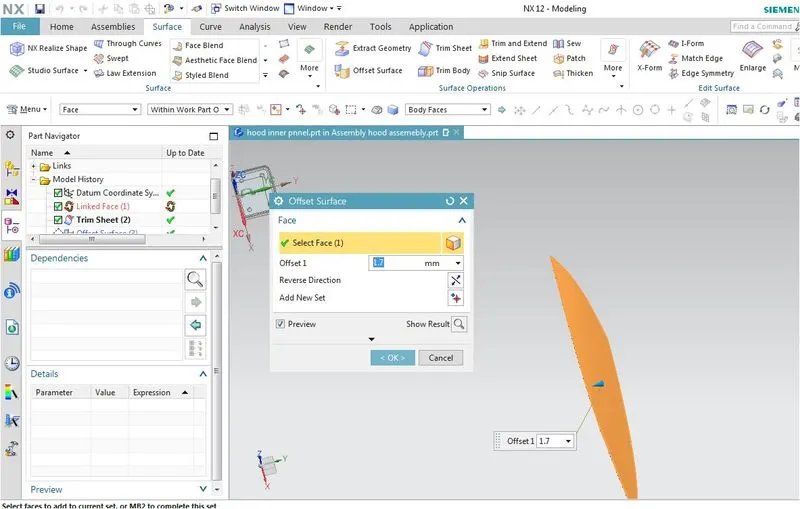
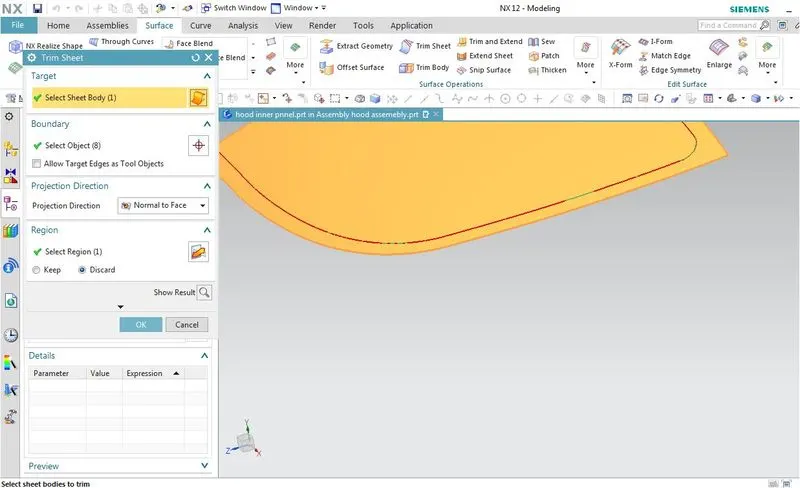
Trim the curve with respect to the surface.
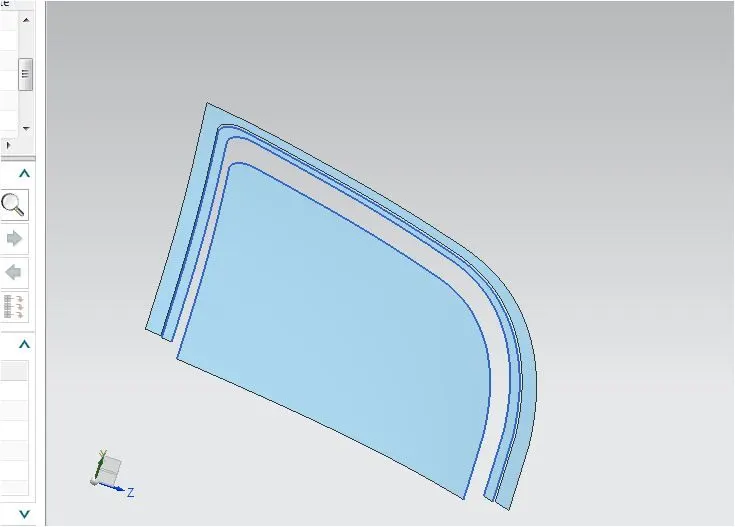
Use the through curve by clicking the edges of offset surface and create the surface.
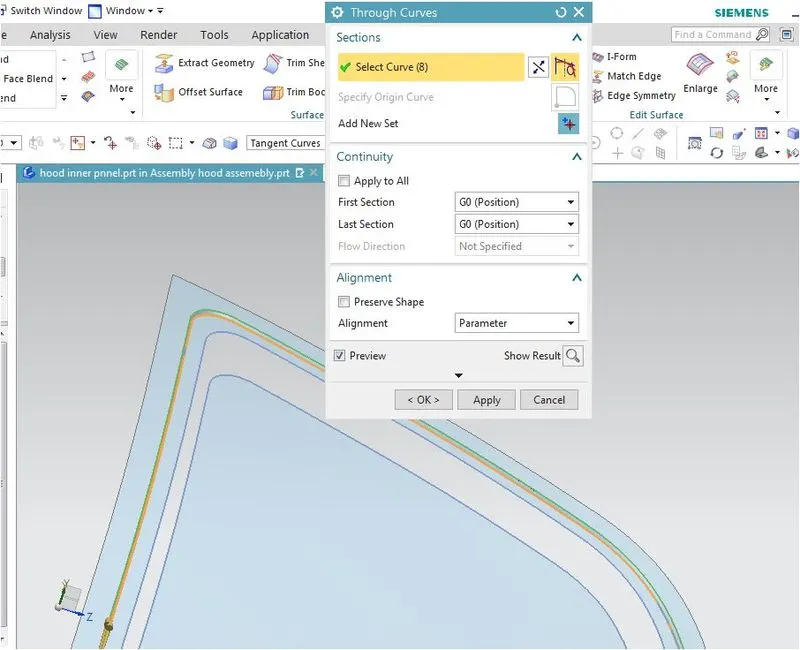
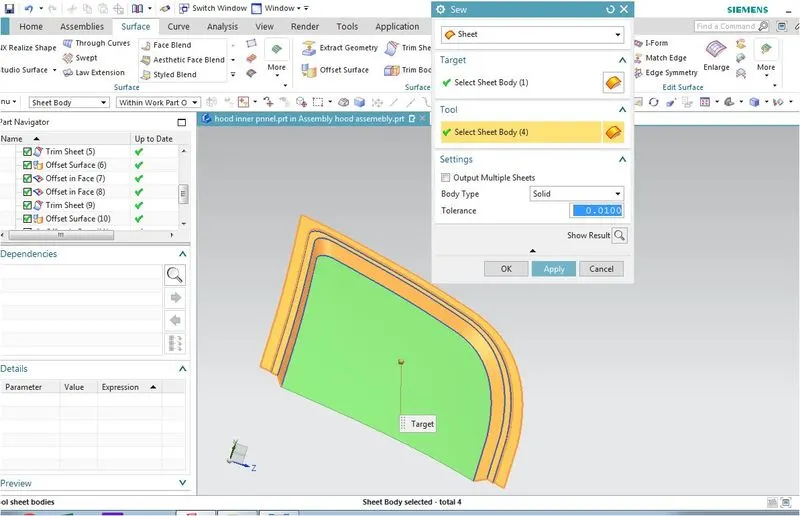
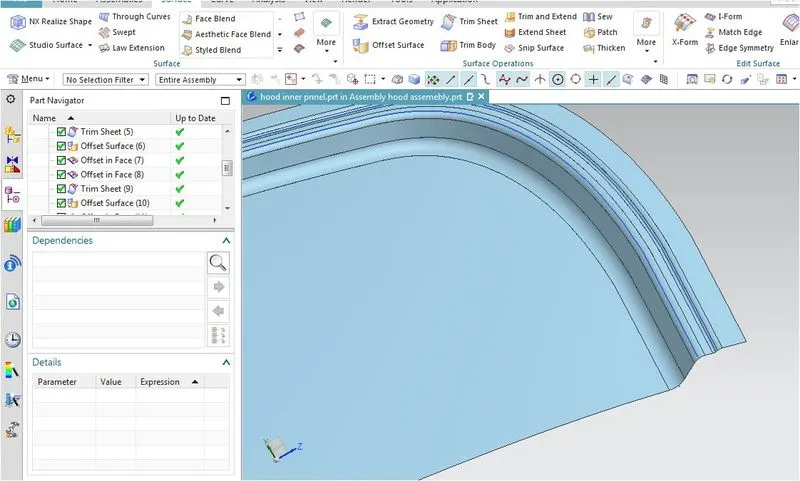
Sue the surface by using the sue command.then blend the surface by using the edge blend. Give the radius.
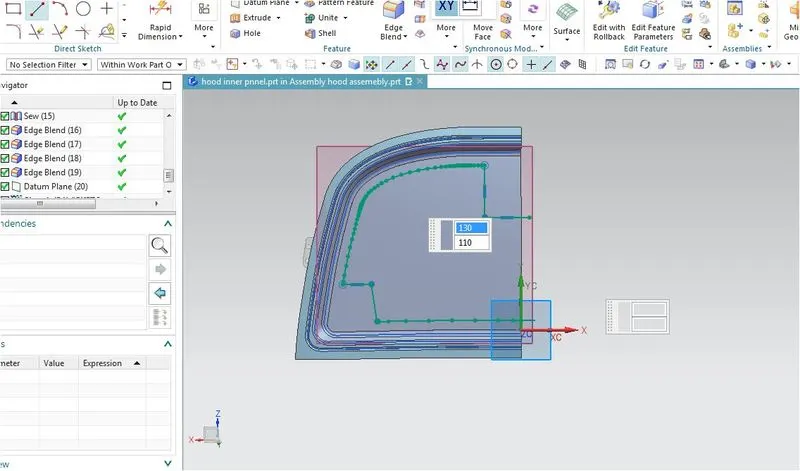
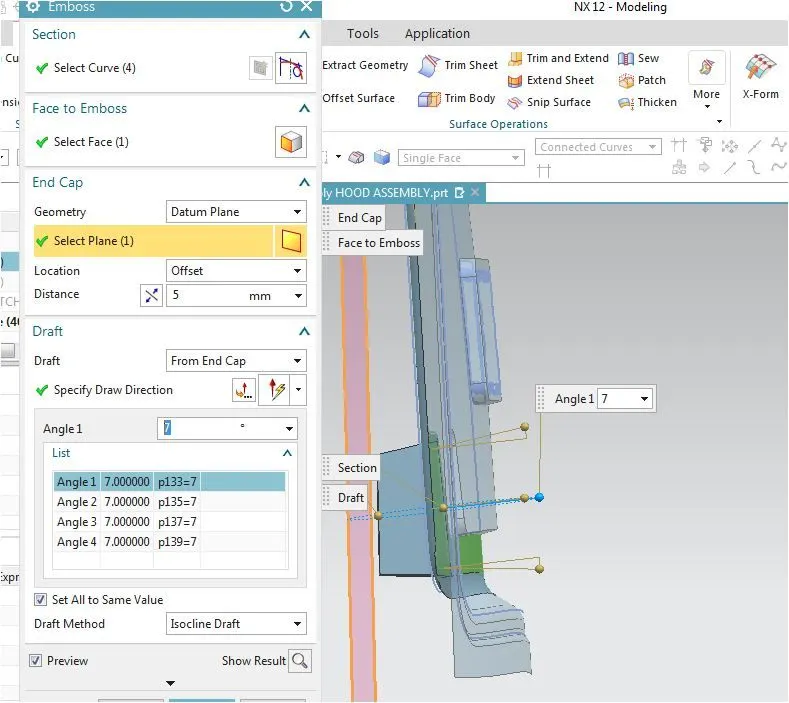
Create a dattum plane and then draw the sketch to create the emboss. Main cretiria of emboss is to reduce the impact force after accident.
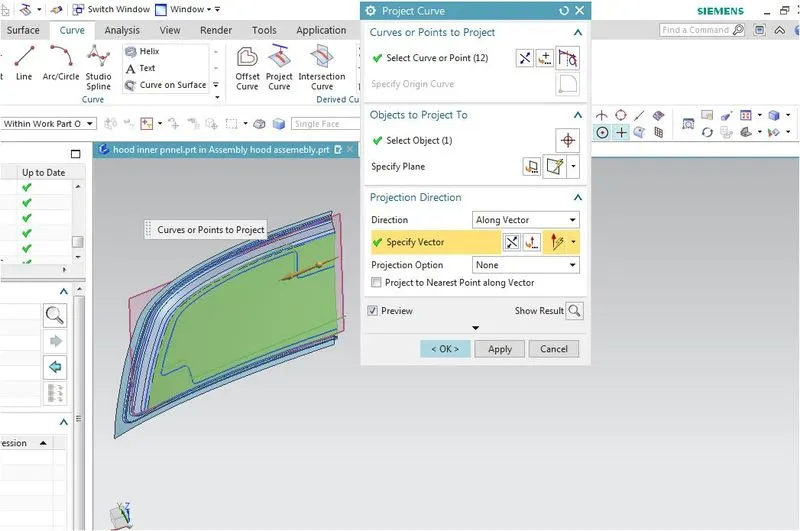
Project the curve over the surface by using project curve. The project the curve should be close to create Emboss.
Emboss height is calculated from the total height 25 minus sheet thickness 0.75*2 minus 5 mm mastic seal so total 18.5 this 18.5 divided by two 9 and 9.5.
Provide the sufficient space for stricker and hinge assembly.
Click on emboss comment then select the projected curve then on face give the value 9.5 give the draft angle of 7 deg from endcap.
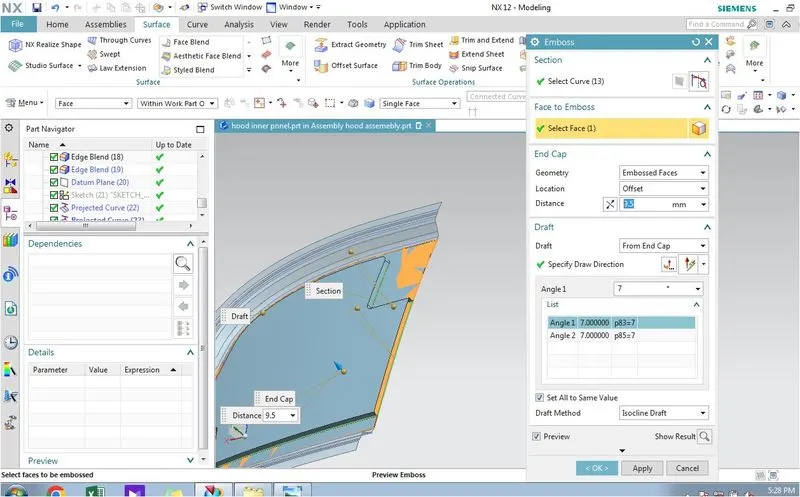
Create another emboss with same procedure and give the height as 9mm
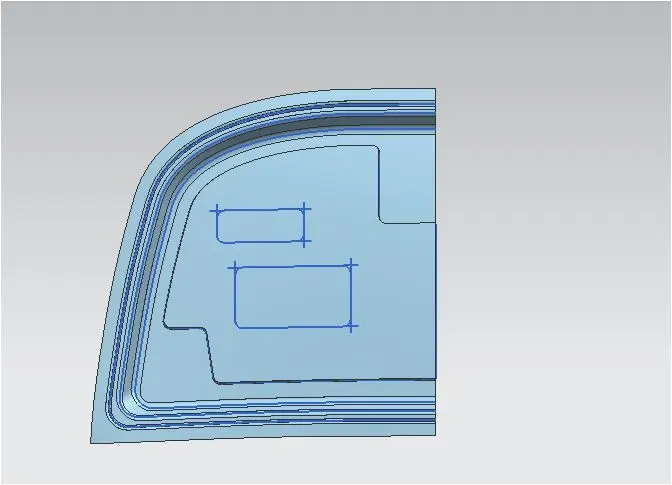
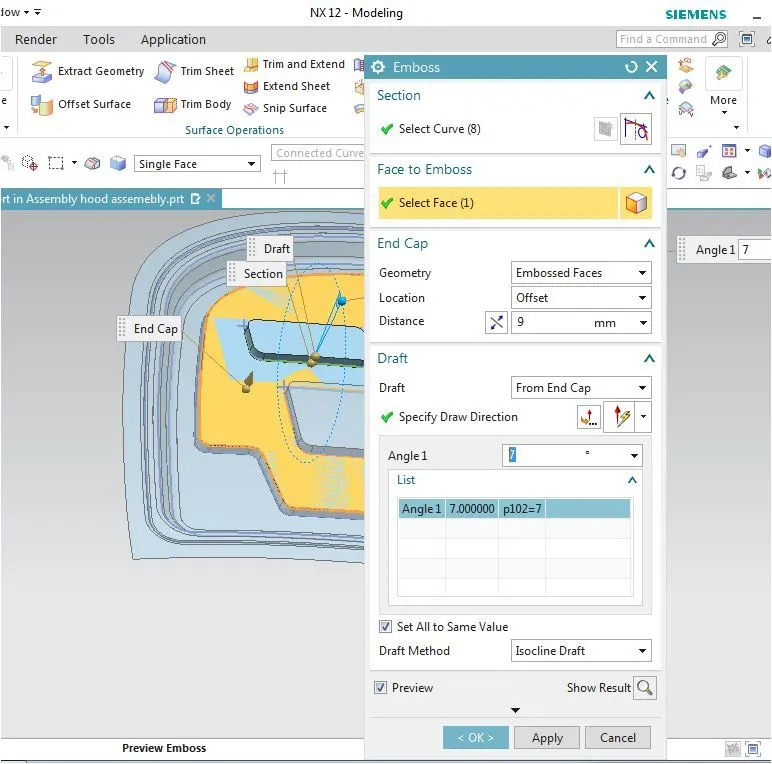
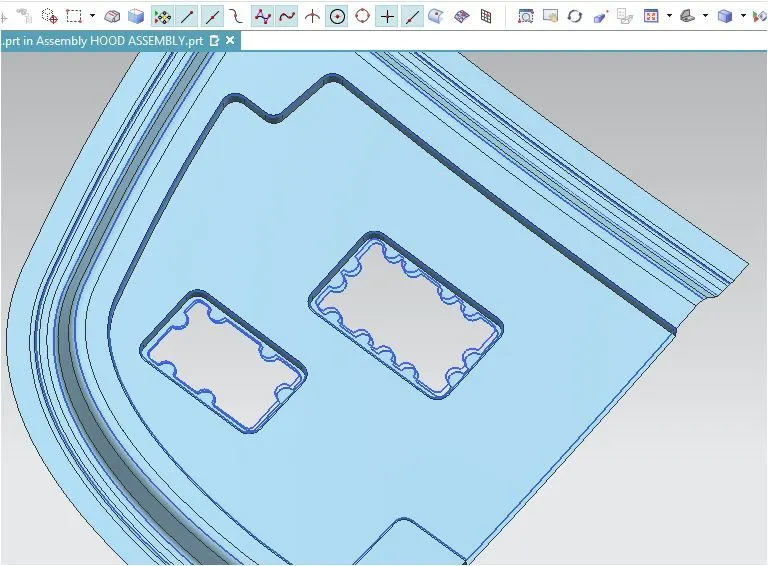
Draw the sketch for mastic seal by using arc of radius 7mm this surface will give the strength for the surface.
Project the sketch over the surface by using project curve then trim the surface.
Create a dattum plane at an angle.
Draw the sketch and make it as emboss for the hinge assembly in Location select as datum plane. Give the offset value of 5mm.
Shift to assembly navigator then activate hood assembly fix the inner pannel the assemble the hinge assembly over the emboss for hinge assembly by using touch constrain. Using the paraell contrain make the axis of hinge and cordinate axis parallel.
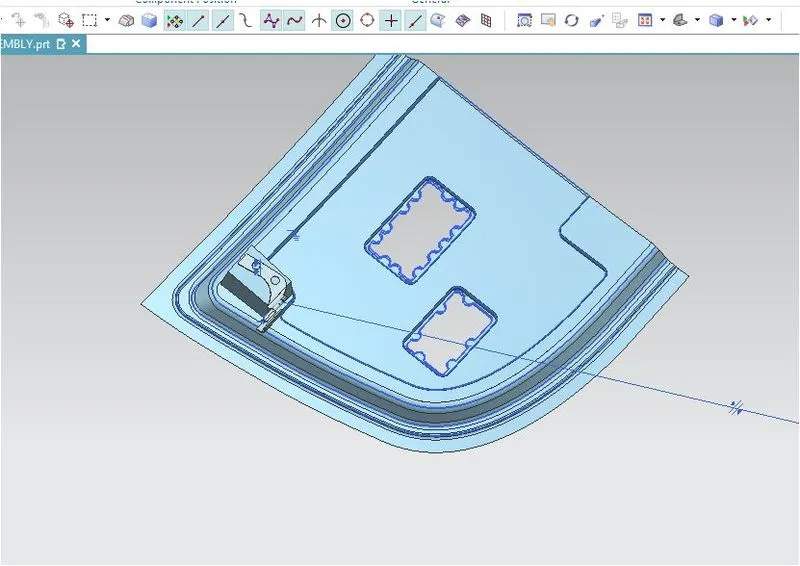
Then the hinge shift towards the inner pannel.
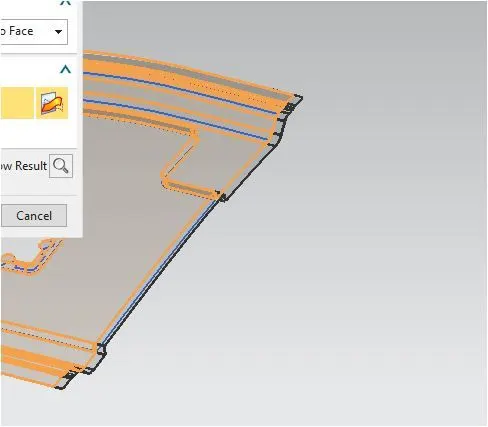
Activate inner pannel extent the surface arround 5mm trim the surface for mirror. Then mirror the surface. Sue the surface.
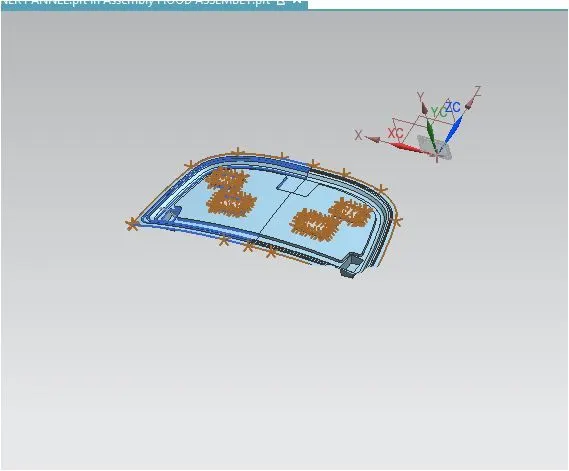
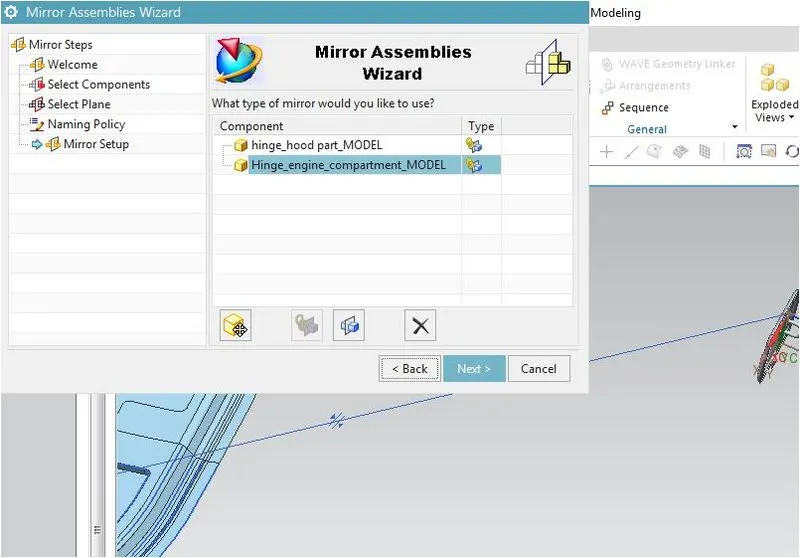
Mirror the hinge assembly by using the mirror assembly command in assembly tab.
Activate the inner pannel create 3Dpoint on hinge assembly draw a line between this two point.
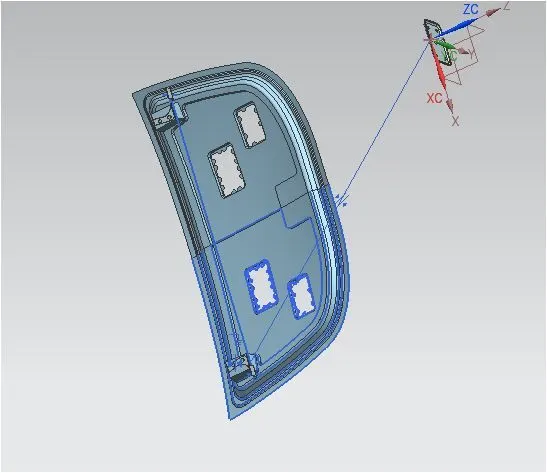
Draw a circle the circle curve passes thorough the sticker position then draw a line tangent to the circle .Activate the striker then create a dattum plane by using percentage 50 Then draw a line 90 deg to the center of hook.
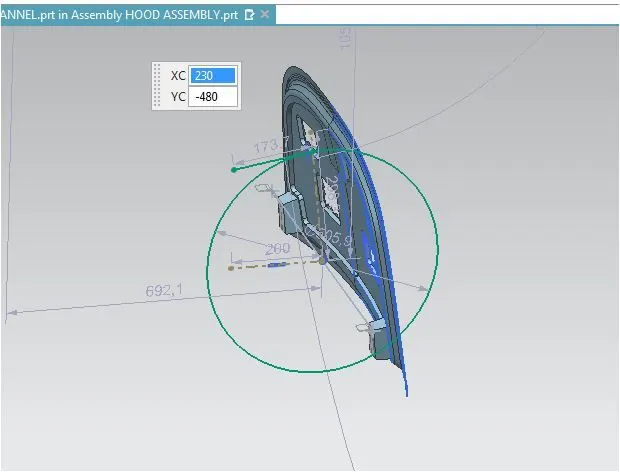
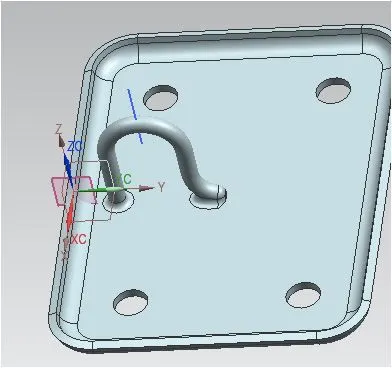
Align the line in stricker with line in inner pannel by using assembly constrain.
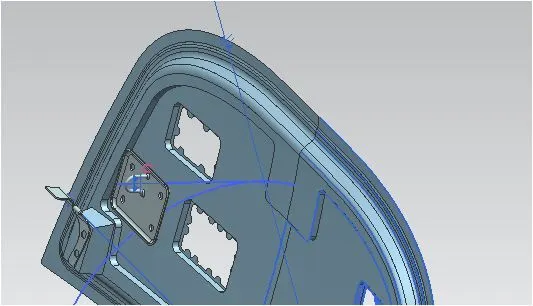
Move the stricker towards the inner pannel then link this stricker with inner pannel by using wave geometry. By using law extension create a surface towards the inner pannel.
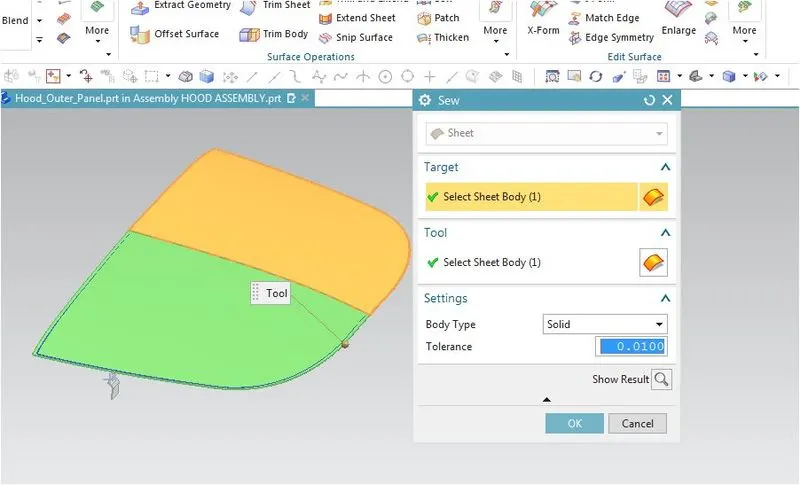
Trim the law extension by using trim and extent then sew this with stricker single surface.
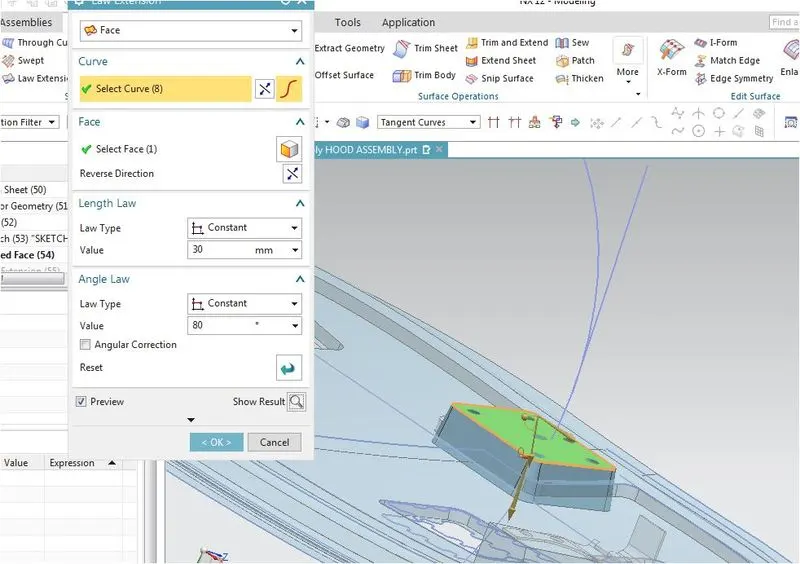
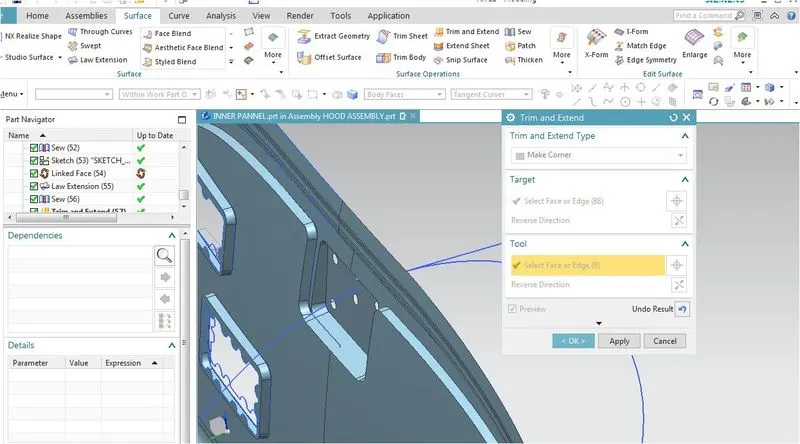
Assemble the stricker by using touch contrain over the inner pannel.
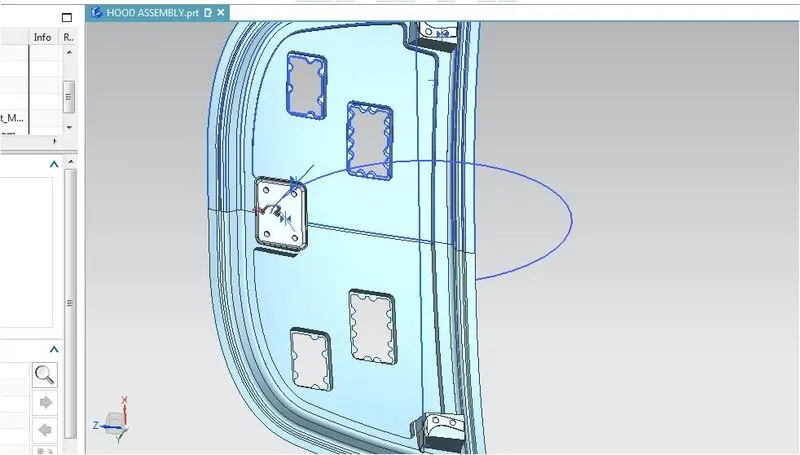
Trim the outter edge of inner surface with fillet.
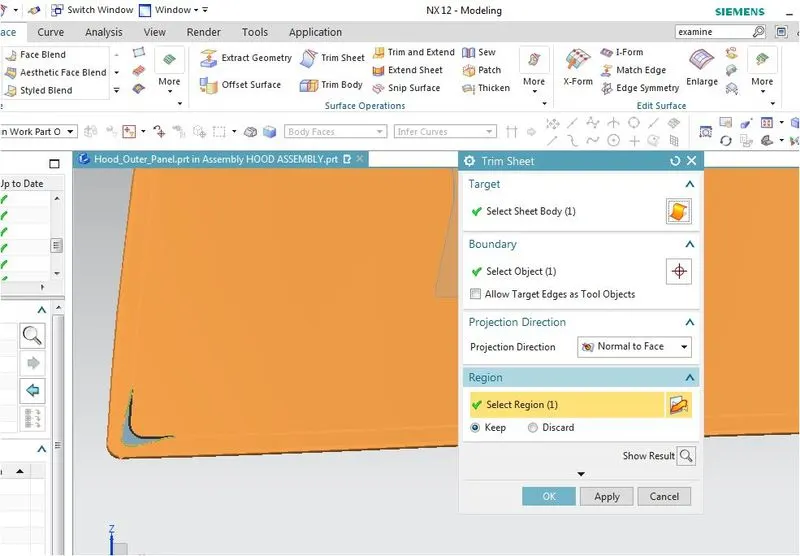
Activate the outter pannel trim the surface. Then trim the outter edge surface with fillet.
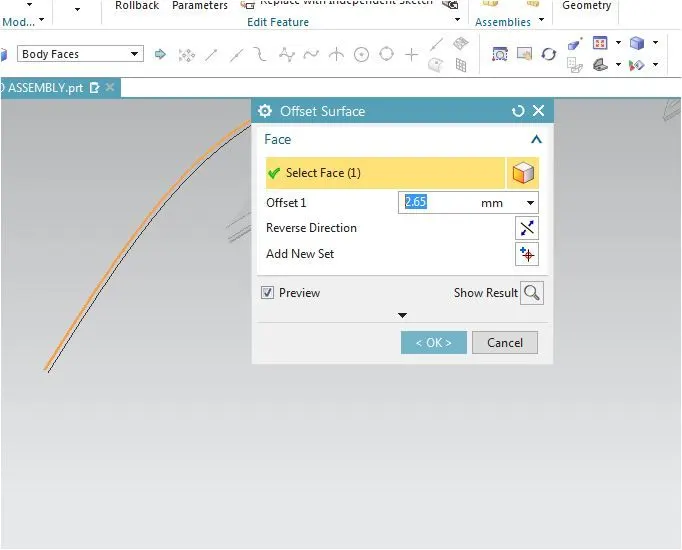
Offset the surface upto 2.65mm the create an offset curve on the surface to 6 to 8mm to avoid slipage.
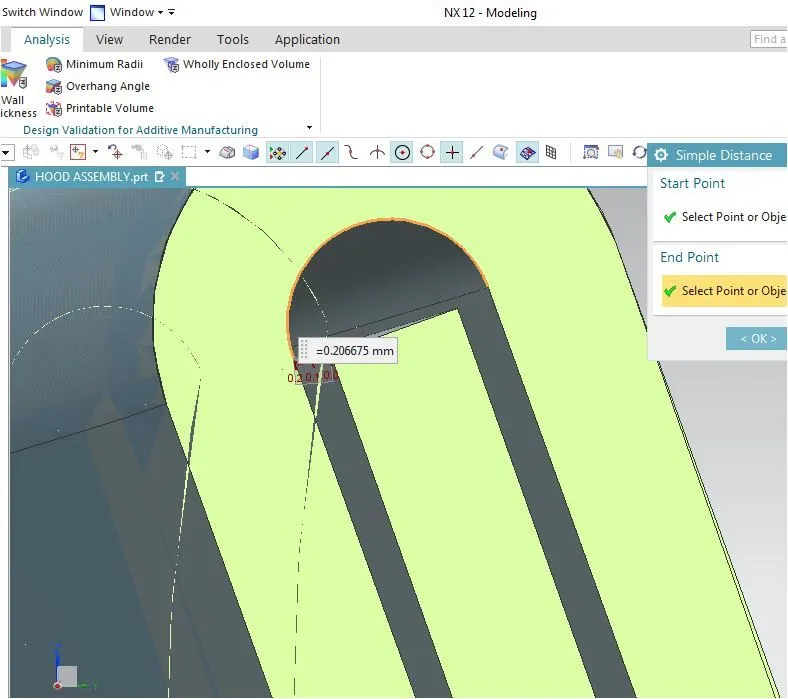
This 2.65 is calculated by adding the .75 *3 plus 0.2*2 .
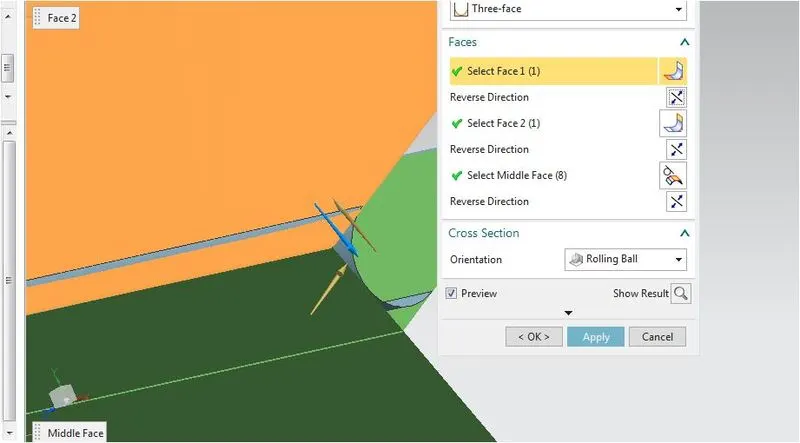
For hemming make a law extention which intersect with the offset surface then by using three face blending create the hemming and then hide the law extension.
Now create a curve on the corner with 3mm by clicking the edges create a point with G1 tangency then make spline as our need then make final point with G1 tangency.
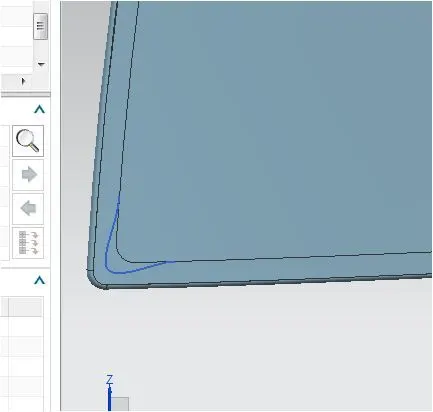
Trim this with the surface.
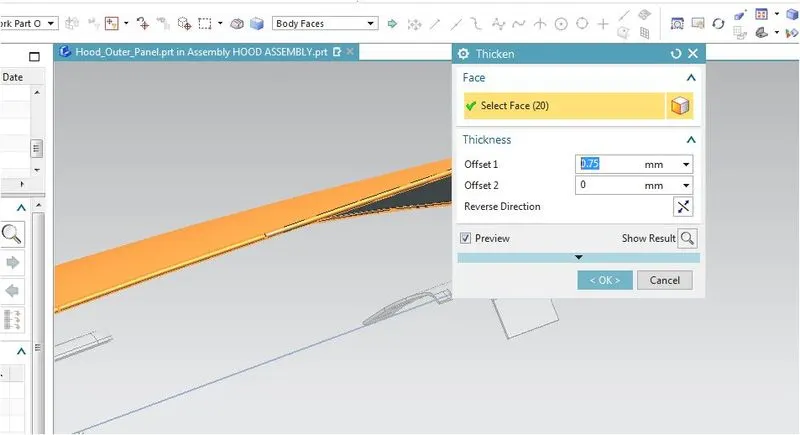
Give thickness by using thinken command with a value of 0.75mm.Activate inner pannel give the thickness value of 0.75 for inner panel.