Drafting of various geometries using Chamfer, Fillet tool in AutoCad
1)
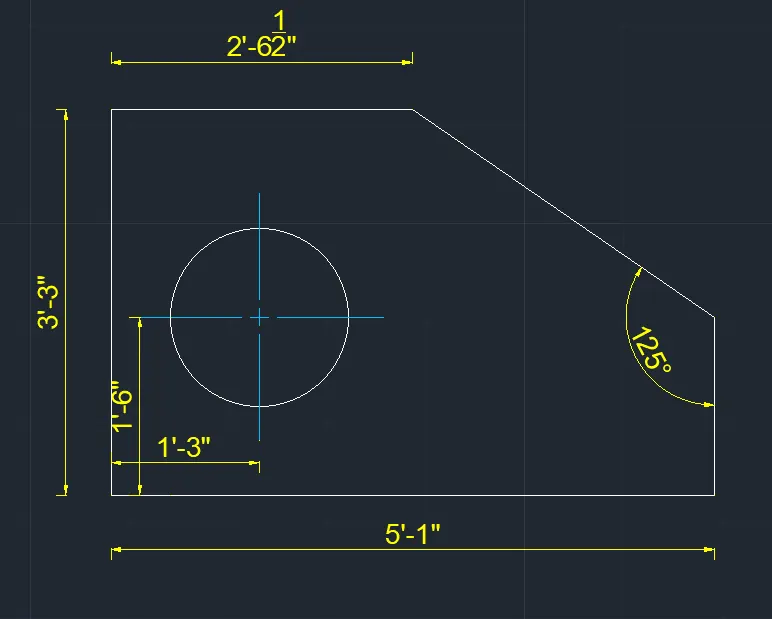
Tools used:
- Line- L
- Circle- C
- Center mark-CENTERMARK
- Aligned dimensions-DIMALIGNED
- Angular dimensions-DIMANGULAR
- Linear dimensions-DIMLINEAR
2)
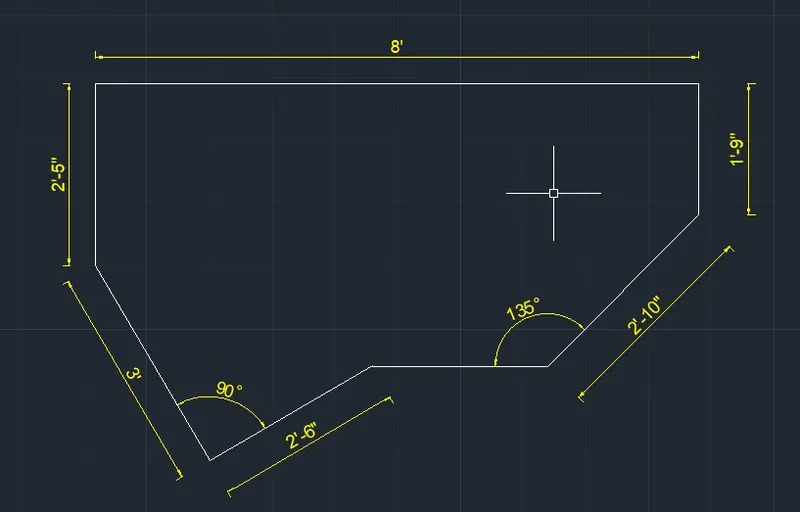
Tools used:
- Line- L (using @ for distance and < for angle)
- Aligned dimensions-DIMALIGNED
- Angular dimensions-DIMANGULAR
3)
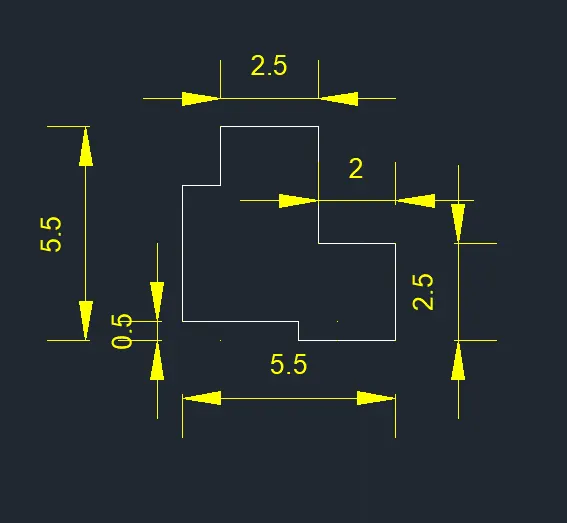
Tools used:
- Line- L
- Linear dimensions-DIMLINEAR
4)
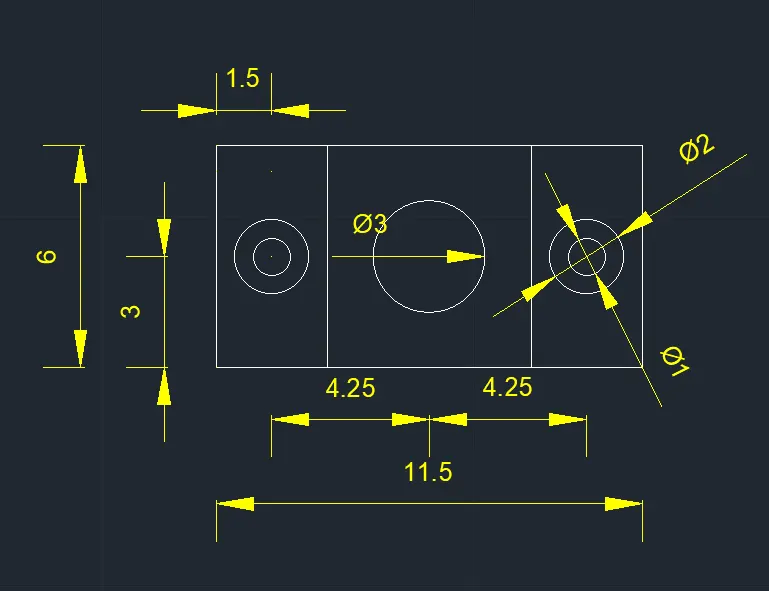
Tools used:
- Line- L
- Circle- C
- Center mark-CENTERMARK
- Aligned dimensions-DIMALIGNED
- Angular dimensions-DIMANGULAR
- Linear dimensions-DIMLINEAR
5)
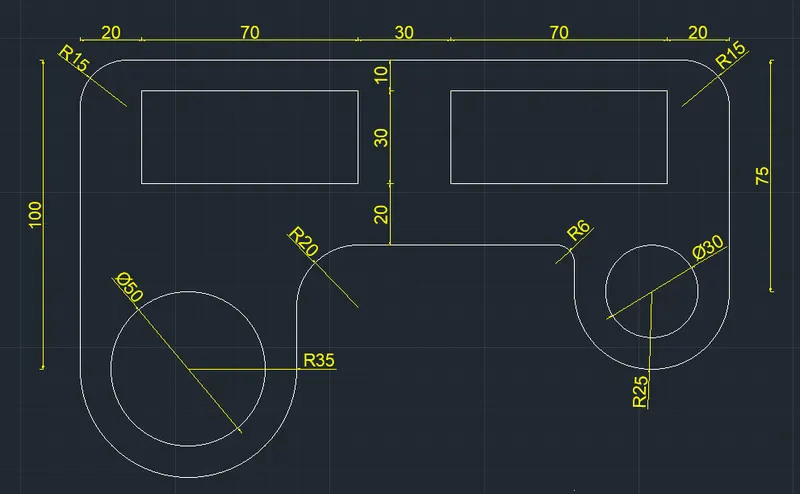
Tools used:
- Line- L
- Rectangle-REC
- Circle- C
- Fillet-FILLET
- Center mark-CENTERMARK
- Diamerter dimensions-DIMDIAMETER
- Radius dimnesions-DIMRADIUS
- Angular dimensions-DIMANGULAR
- Linear dimensions-DIMLINEAR
6)
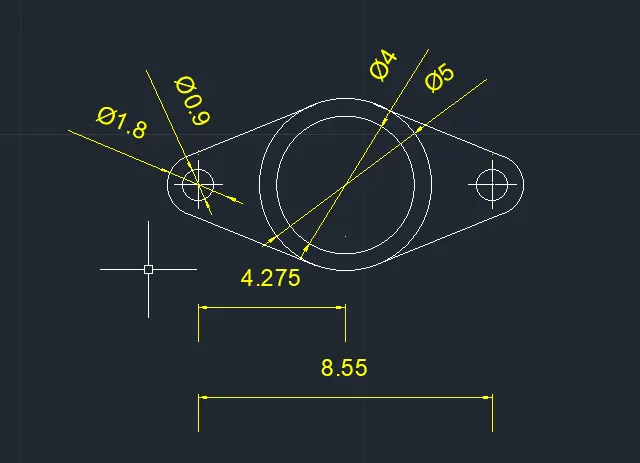
Tools used:
- Line- L
- Circle- C
- Center mark-CENTERMARK
- Diamerter dimensions-DIMDIAMETER
- Linear dimensions-DIMLINEAR
7)
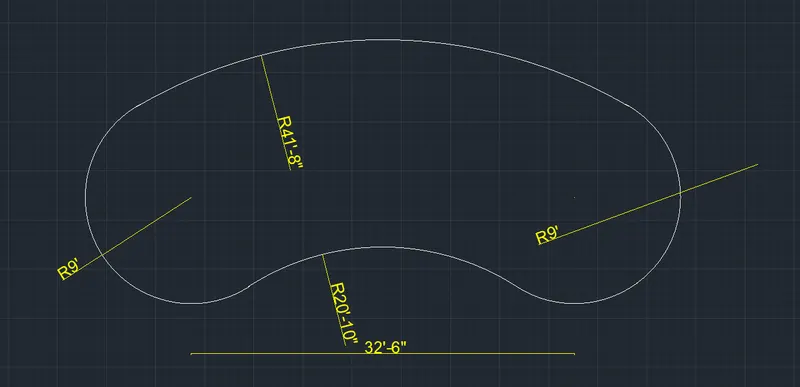
Tools used:
- Circle- C
- Center mark-CENTERMARK
- Radius dimnesions-DIMRADIUS
- Linear dimensions-DIMLINEAR
8)
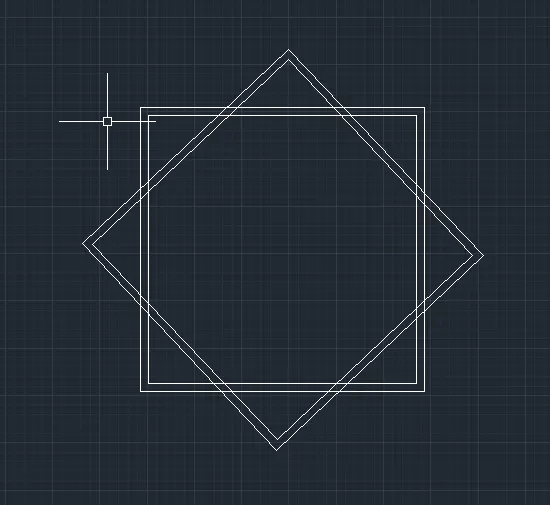
Tools used:
- Rectangle-REC
- Rotation-RO
9)
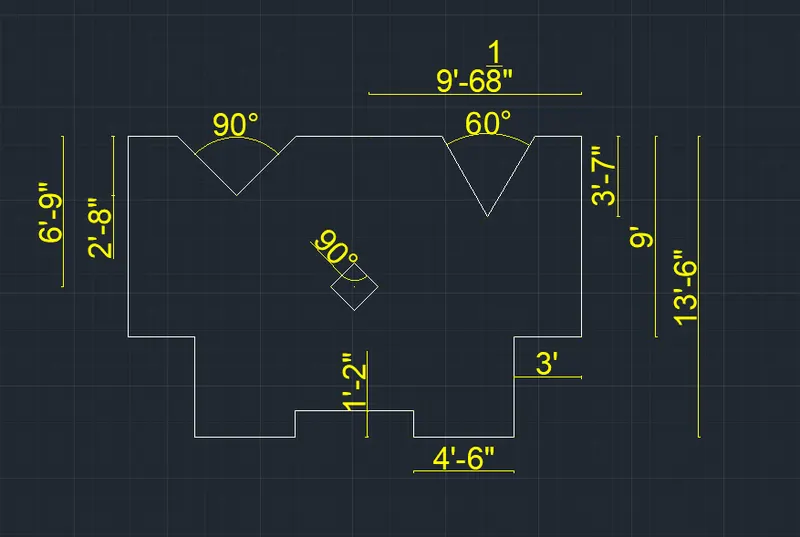
Tools used:
- Line- L
- Rectangle-REC
- Angular dimensions-DIMANGULAR
- Linear dimensions-DIMLINEAR
10)
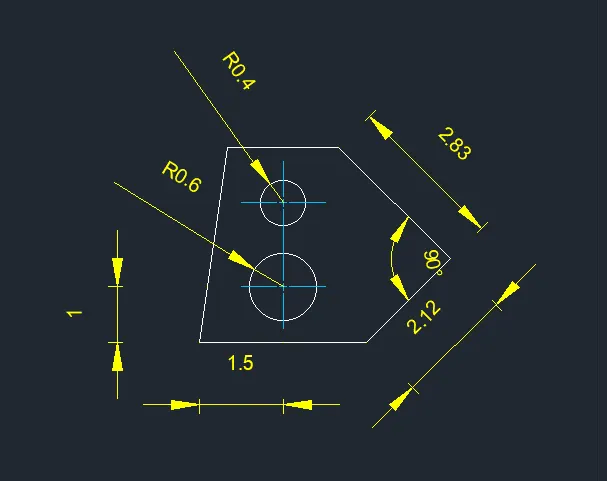
Tools used:
- Line- L
- Circle- C
- Center mark-CENTERMARK
- Aligned dimensions-DIMALIGNED
- Angular dimensions-DIMANGULAR
- Linear dimensions-DIMLINEAR