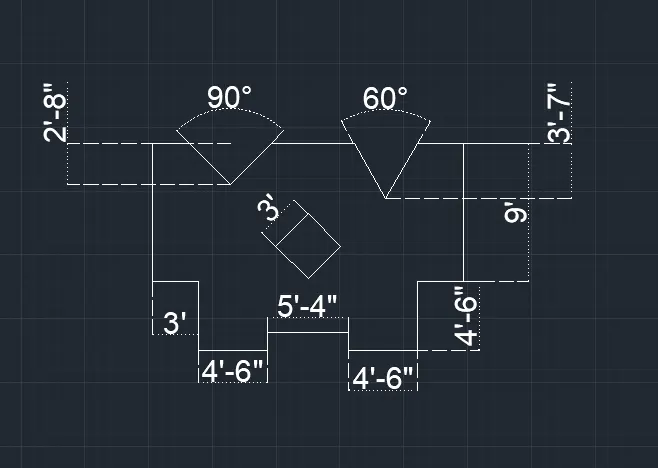
Drafting of various geometries using Chamfer, Fillet tool in AutoCad
1st Answer:
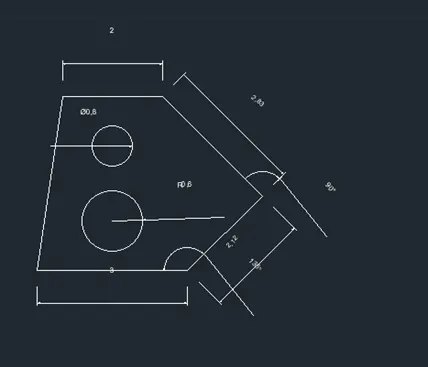
AIM: To draw a profile using decimal units.
PROCEDURE:
STEP-1: Use line command to draw.
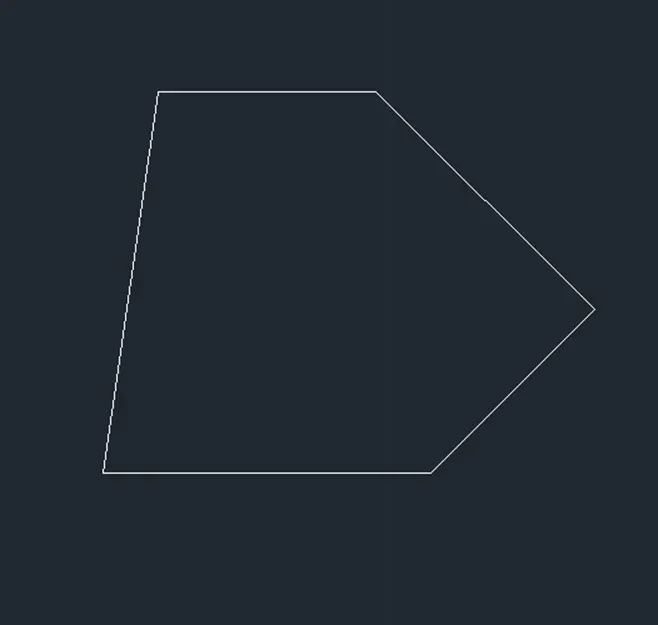
STEP-2: Use circle command
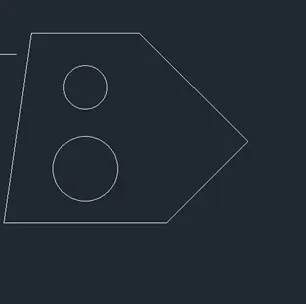
RESULT:
2nd Answer:
AIM: To draw a profile using architectural units.
PROCEDURE:
STEP-1: Use line command to draw.
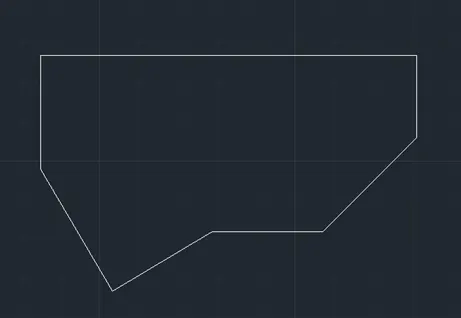
RESULT:
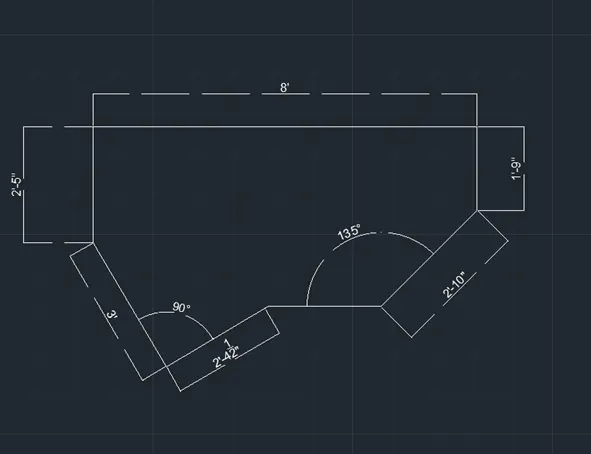
3rd Answer:
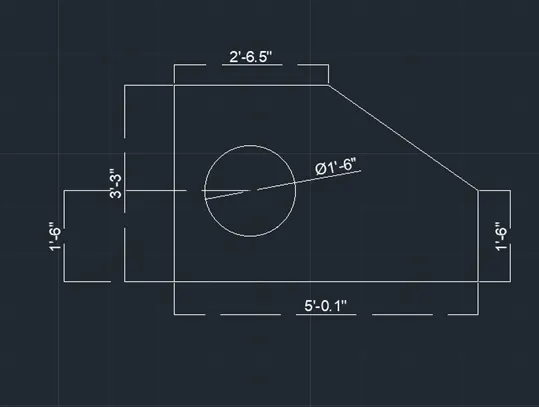
AIM: To draw a profile using architectural units.
PROCEDURE:
STEP-1: Use line command to draw.
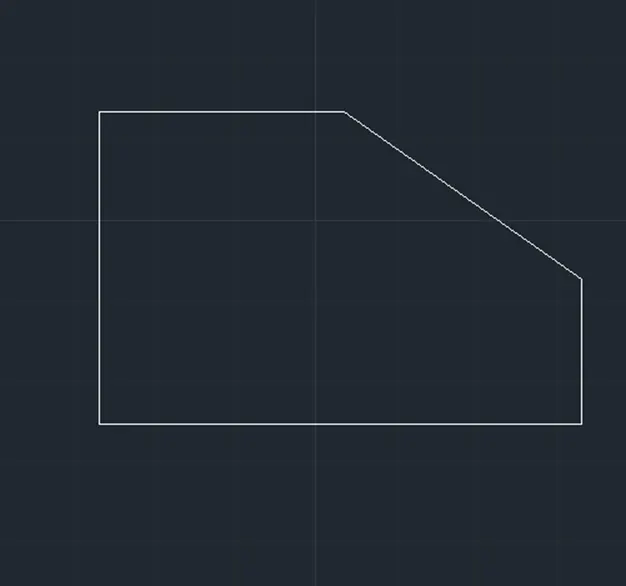
STEP-2: Use circle command to draw.
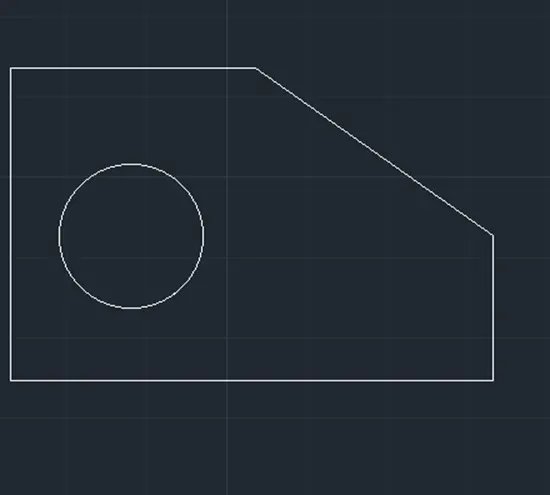
RESULT:
4th Answer:
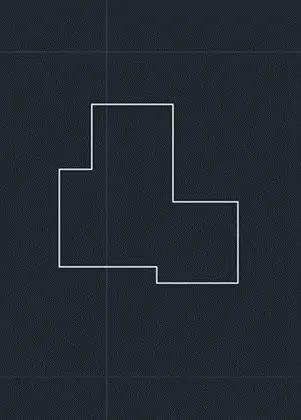
AIM: To draw a profile using architectural units.
PROCEDURE:
STEP-1: Use line command to draw.
RESULT:
5st Answer:
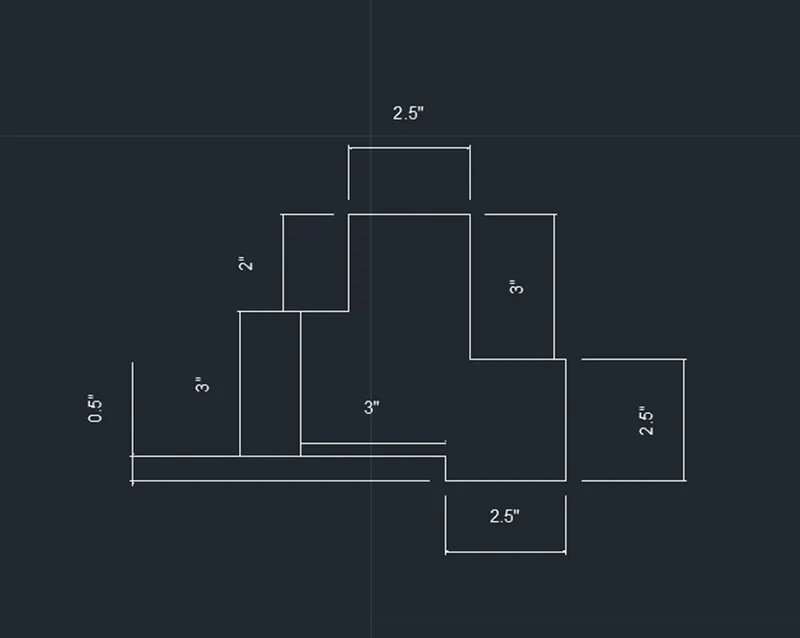
AIM: To draw a profile using architectural units.
PROCEDURE:
STEP-1: Use line command to draw.
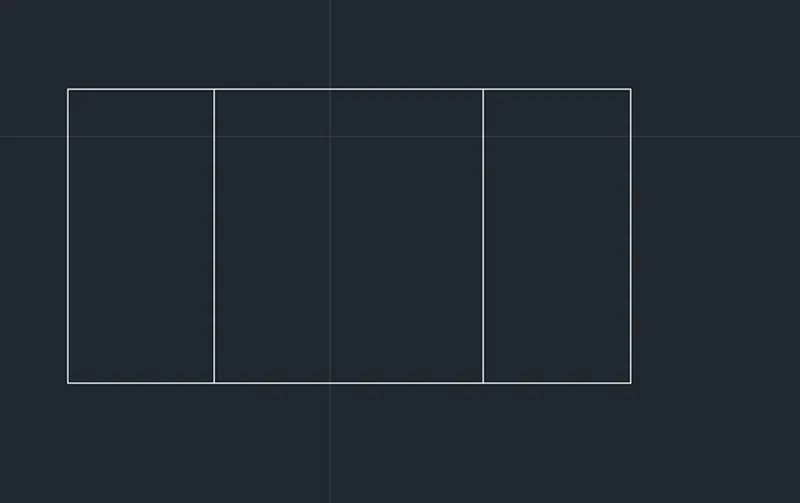
STEP-2: Use circle command to draw.
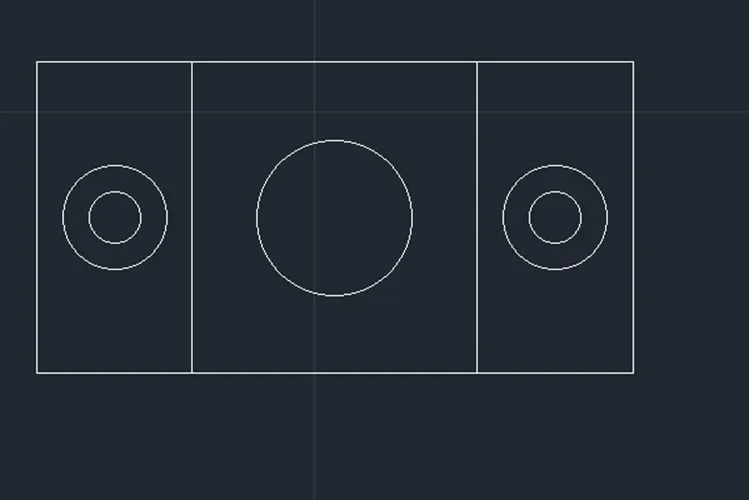
RESULT:
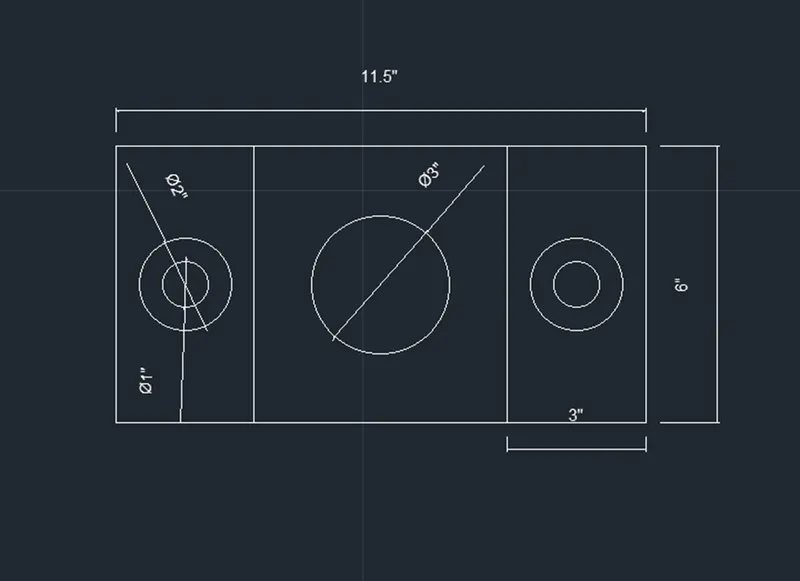
6th Answer:
AIM: To draw a profile using architectural units.
PROCEDURE:
STEP-1: Use line and rectangle command to draw.
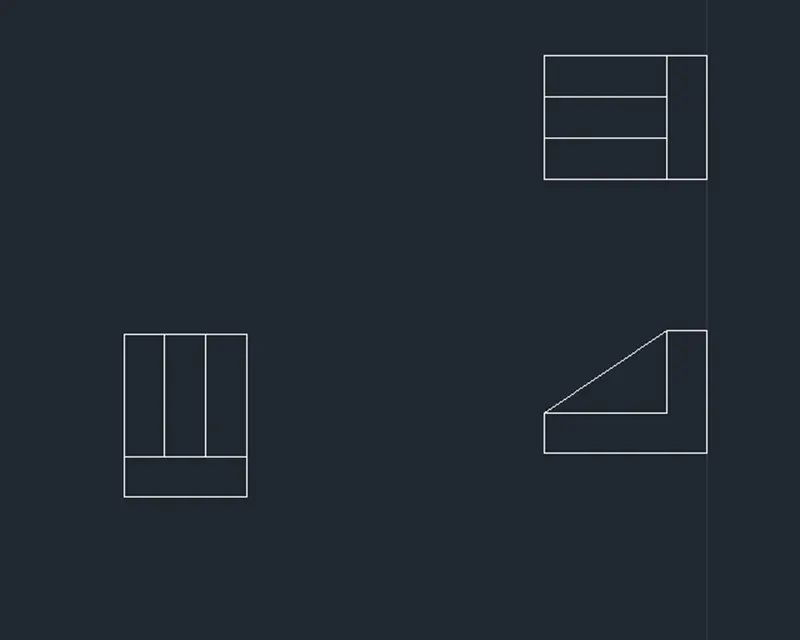
RESULT:
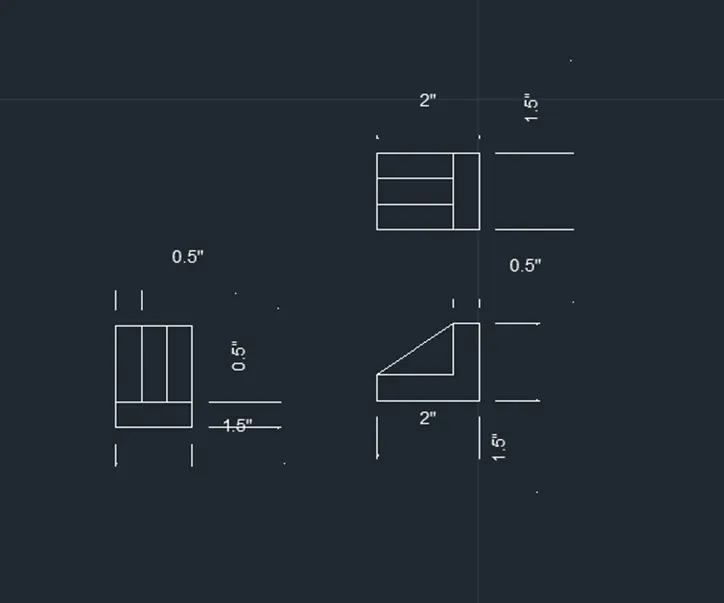
7th Answer:
AIM: To draw a profile using decimal units.
PROCEDURE:
STEP-1: Use line and rectangle command to draw.
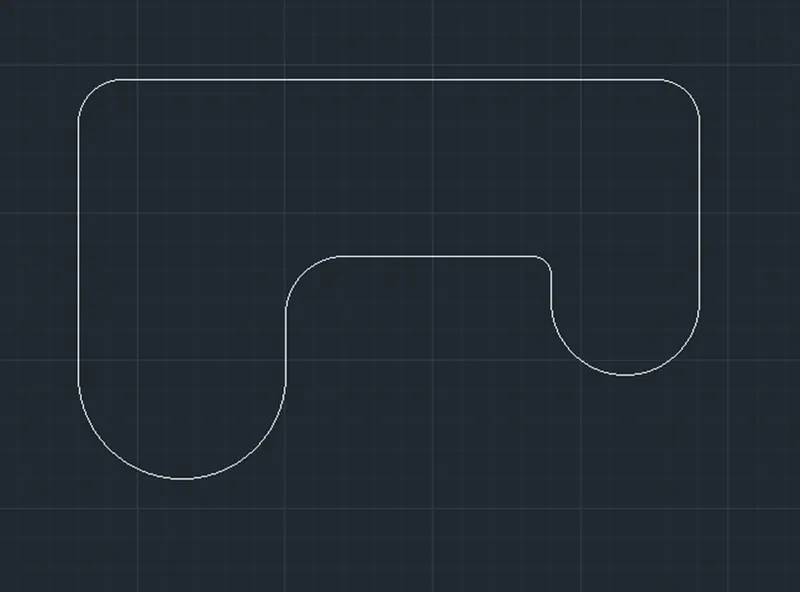
STEP-2: Use rectangle, offset and circle commands to draw.
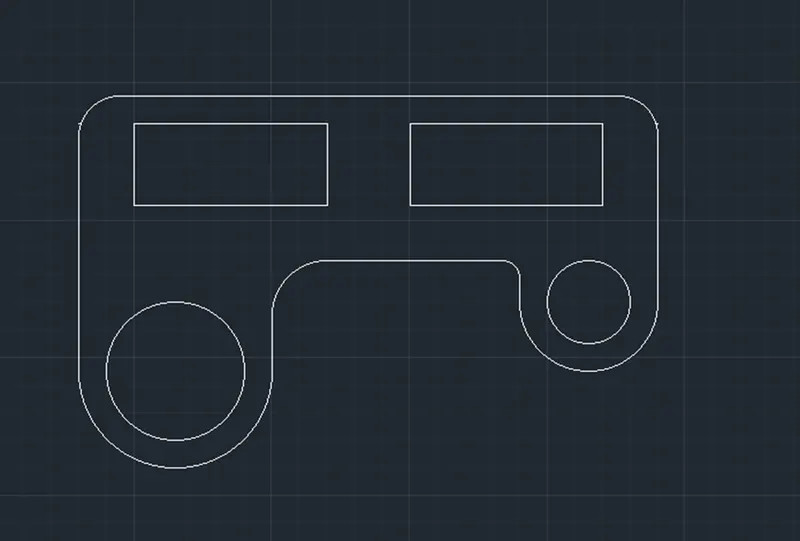
RESULT:
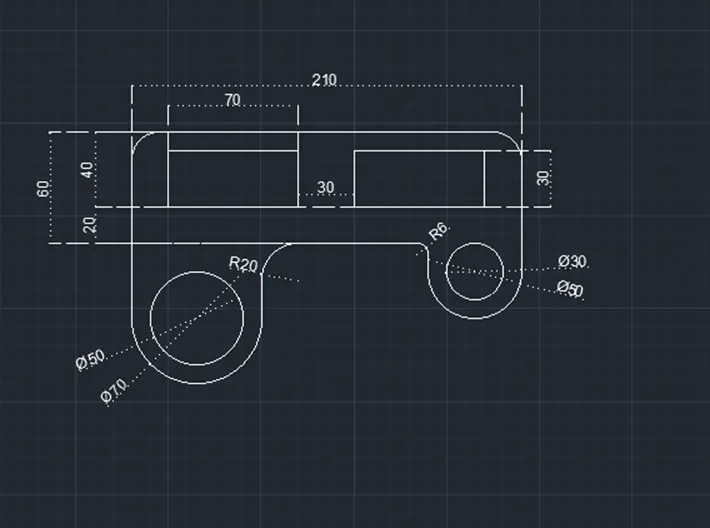
8th Answer:
AIM: To draw a profile using decimal units.
PROCEDURE:
STEP-1: To use line, circle and fillet command to draw.
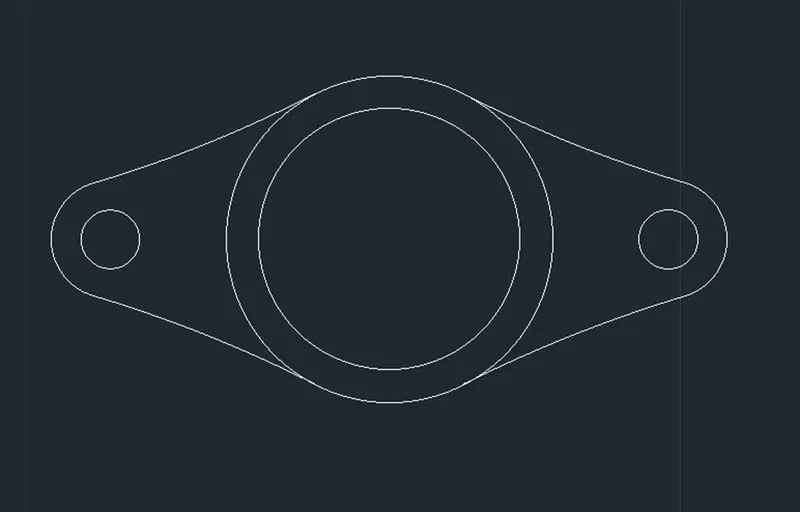
RESULT:
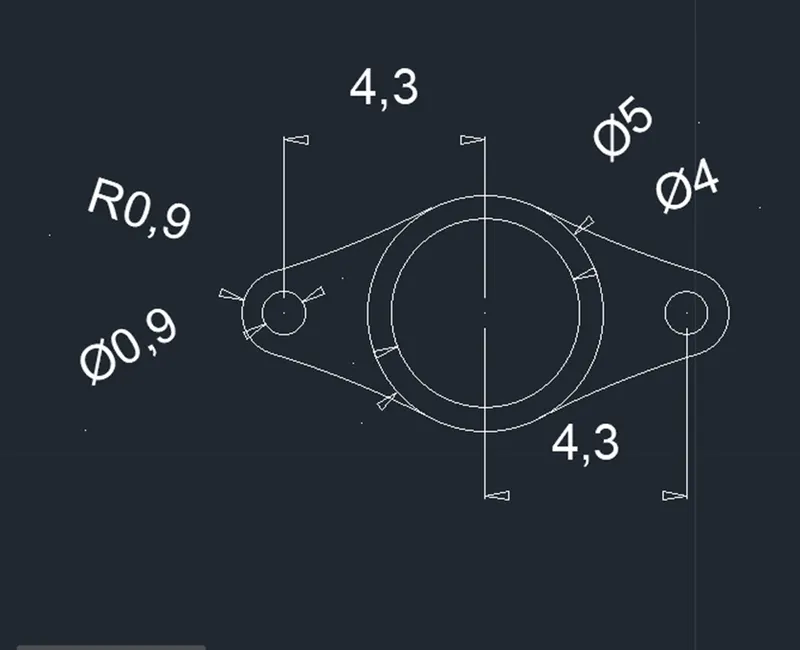
9th Answer:
AIM: To draw a profile using architectural units.
PROCEDURE:
STEP-1: To use line, circle and fillet command to draw.
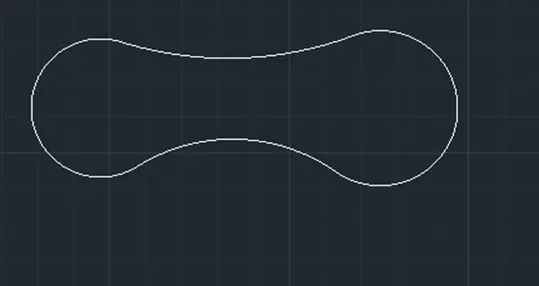
RESULT:
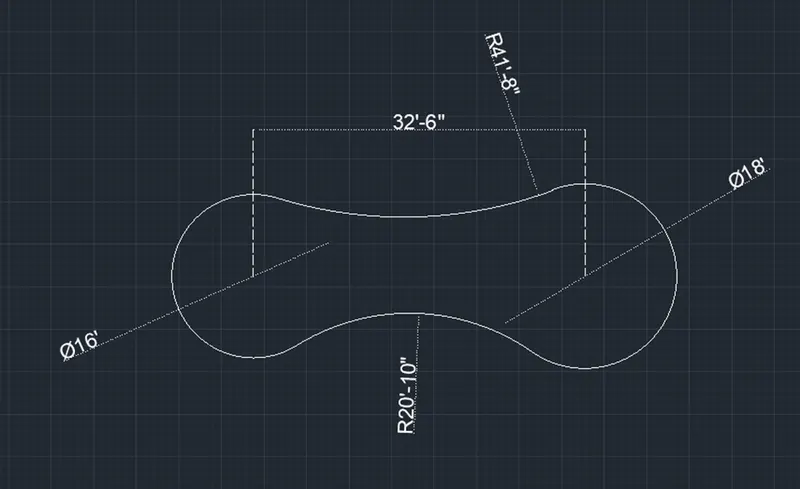
10th Answer:
AIM: To draw a profile using decimal units.
PROCEDURE:
STEP-1: to use rectangle command and offset command.
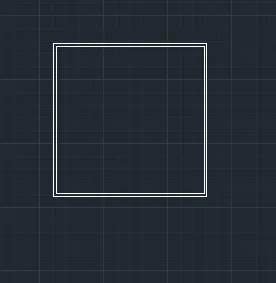
RESULT:
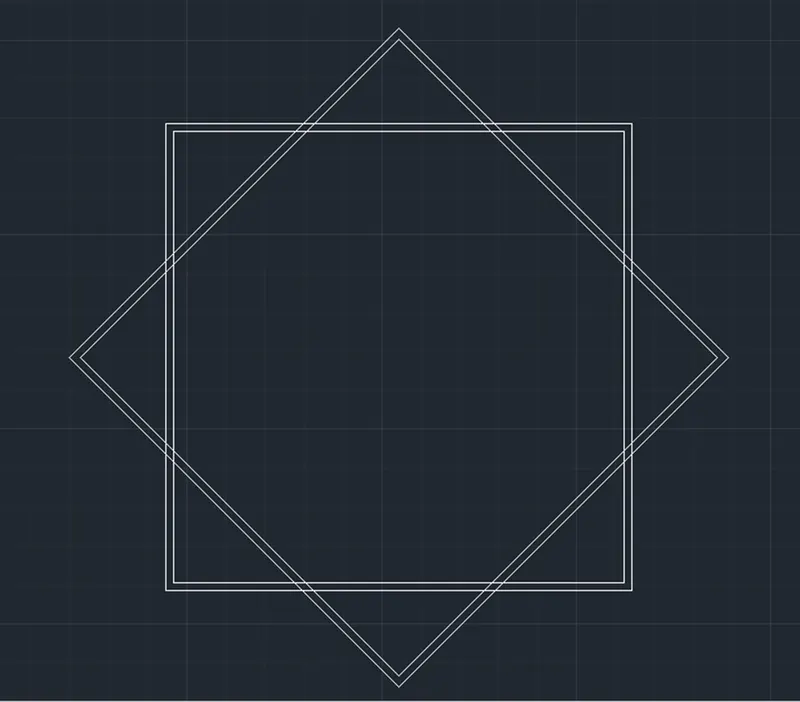
11th Answer:
AIM: To draw a profile using architectural units.
PROCEDURE:
STEP-1: Use line rectangle command to draw.
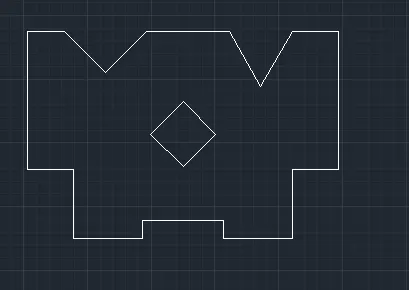
RESULT: