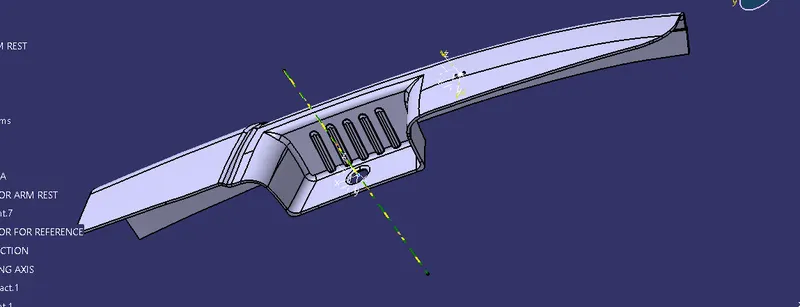
Door Arm Rest Week 8 Challenge
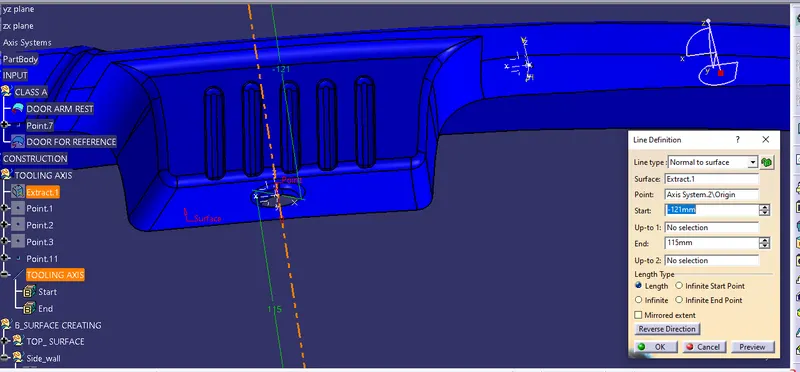
Insert an geometric set as tooling axis create a point on extract base insert Axis system on that point. Create intersection create a line with surface.
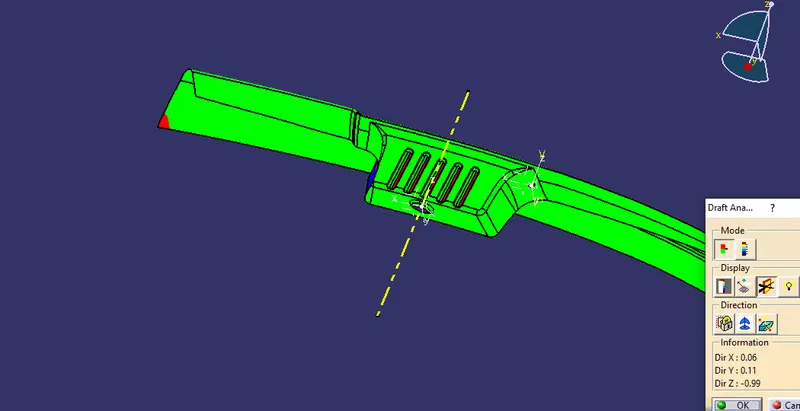
Draft analysis the arm rest class A surface
Insert a geometric set for top surface extract the surface extrapolite it then offset upto 2.5mm trim the surface and then give fillet value
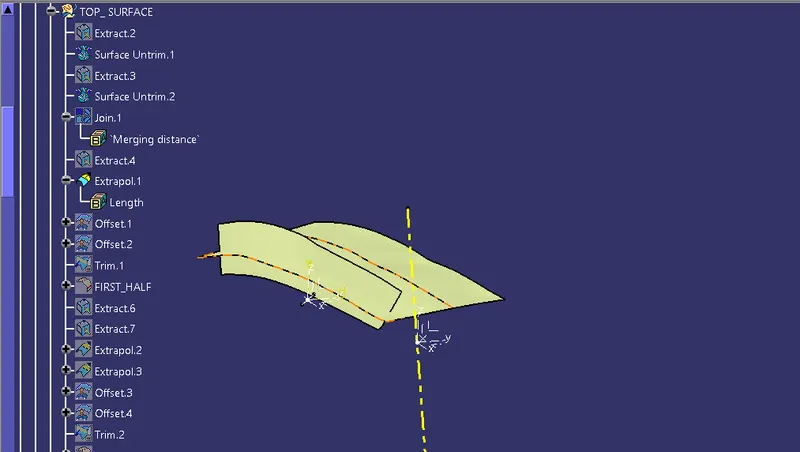
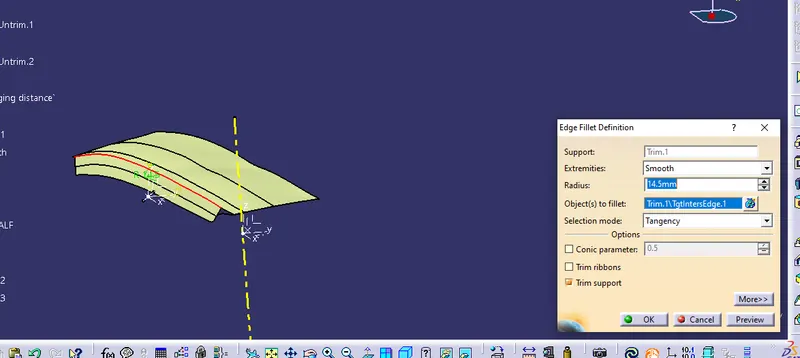
Similar procedure for top surface two
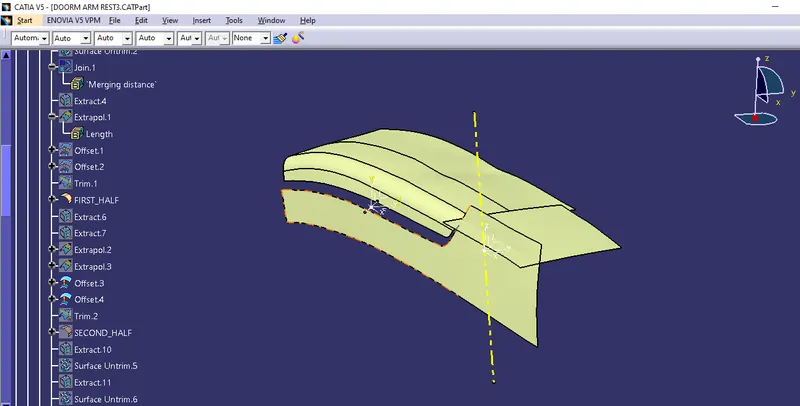
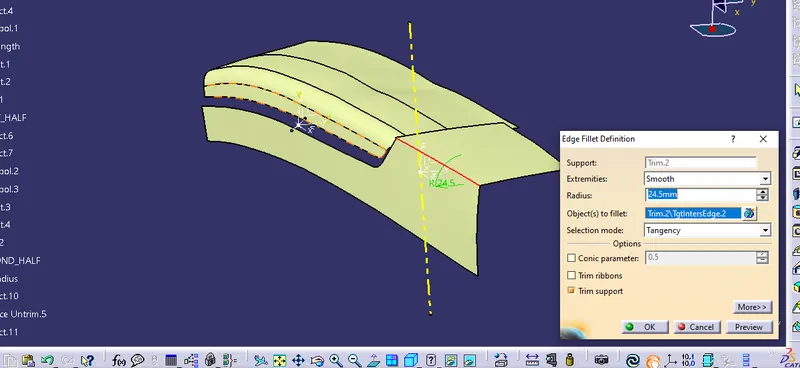
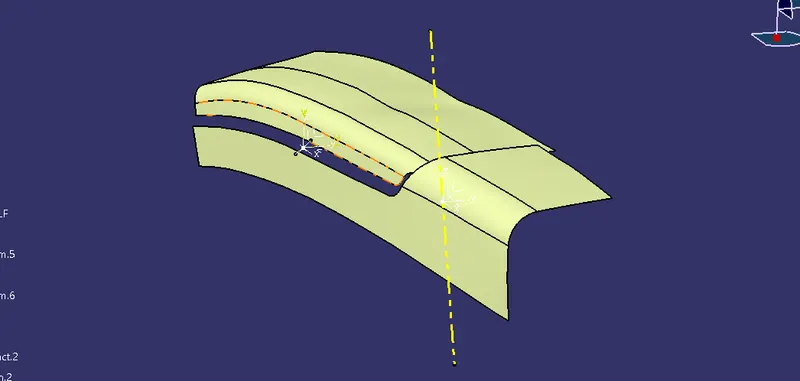
Now we need cerate the surface for fillet for that create one point or the partion line and insert axis system over the point.
Draw the sketch by using the axis system creare intersection in sketch option draw a line tangency to intersection surface.
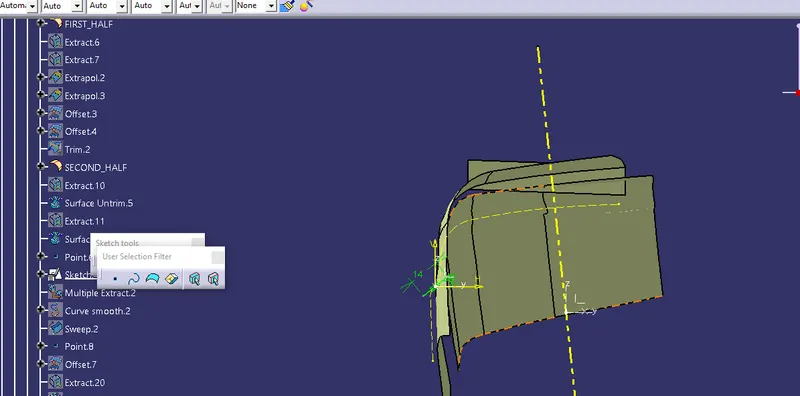
Create a multiple extract over the partion line sweep this sketch line with multiple extract.
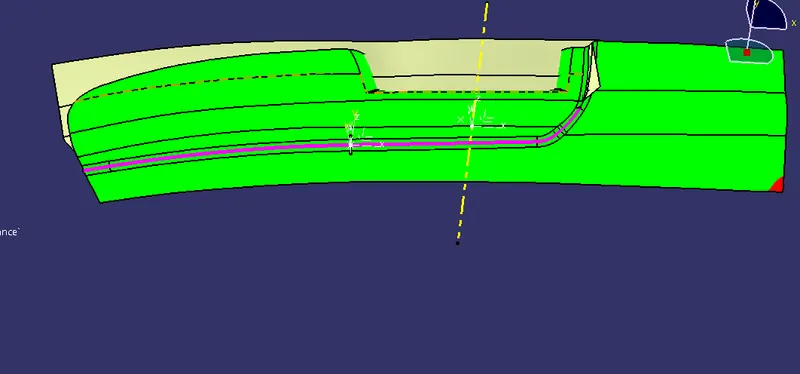
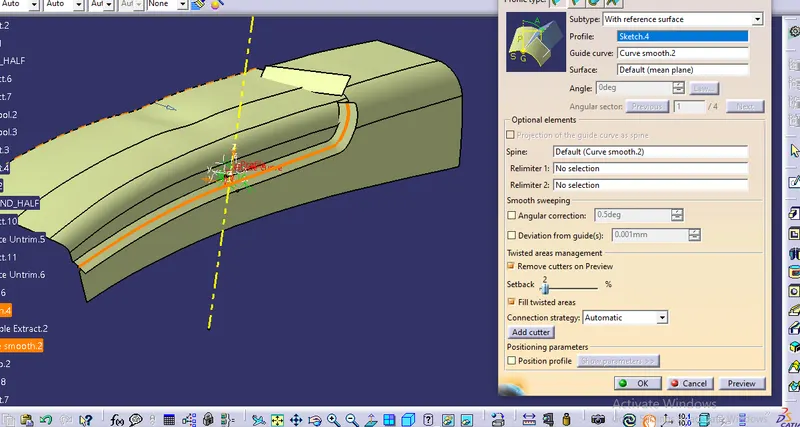
Create blend for connecting sweep and top surface the join this two surface finaly trim this with base surface then give the fillet value.
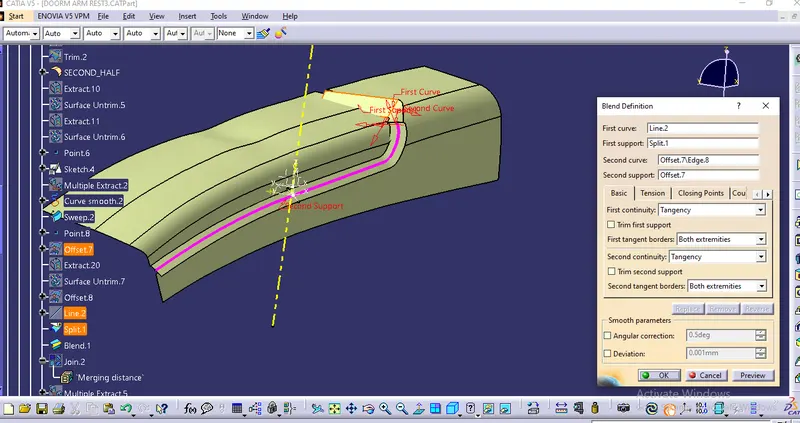
Extract the side wall and offset it then trim it with base surface add the fillet value
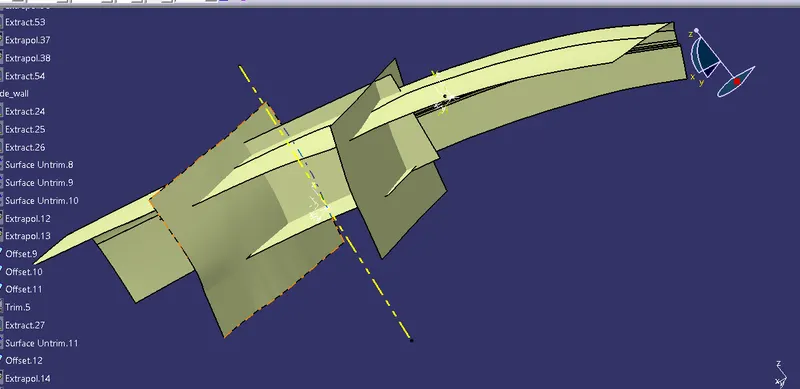
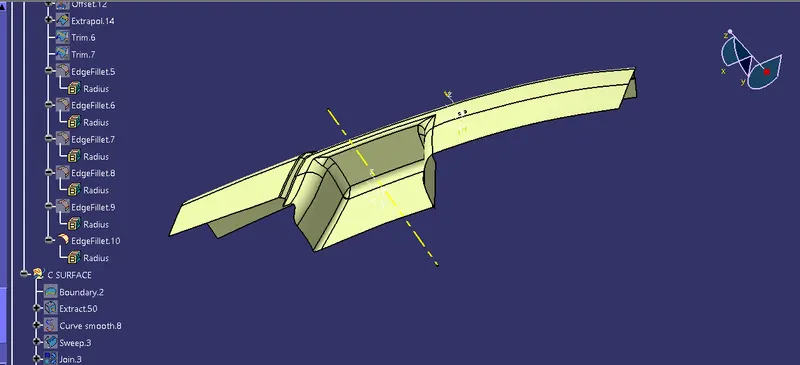
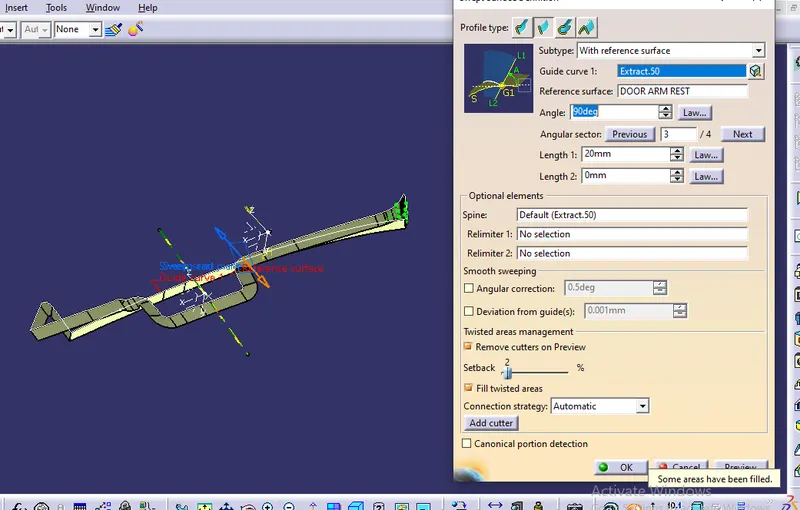
Creating C surface add one boundary over class A surface sweep this boundary with reference to the surface at 90 deg angle
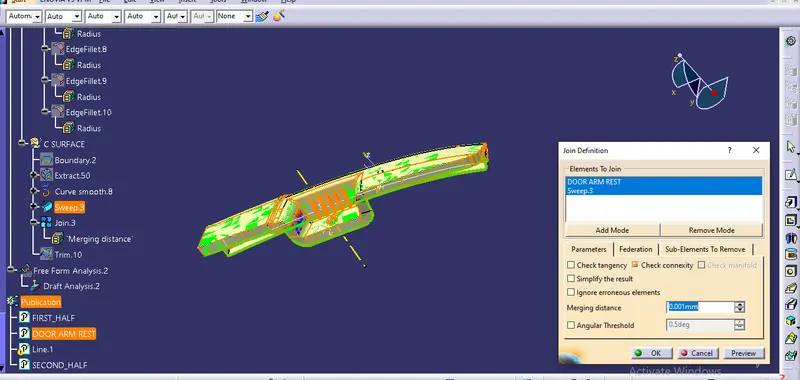
Join A and C surface then trim it with B surface
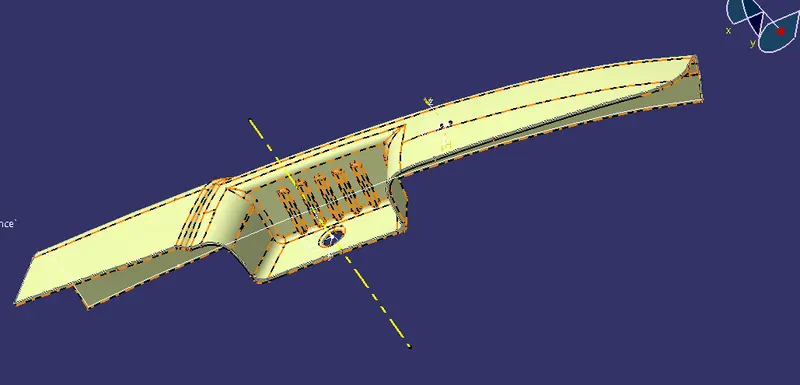
Close this surface by using part design work bench