Door Arm Rest Week 8 Challenge
AIM - Creation of Door Arm Rest from given Class-A Surface and add the thickness
Given Class-A surface
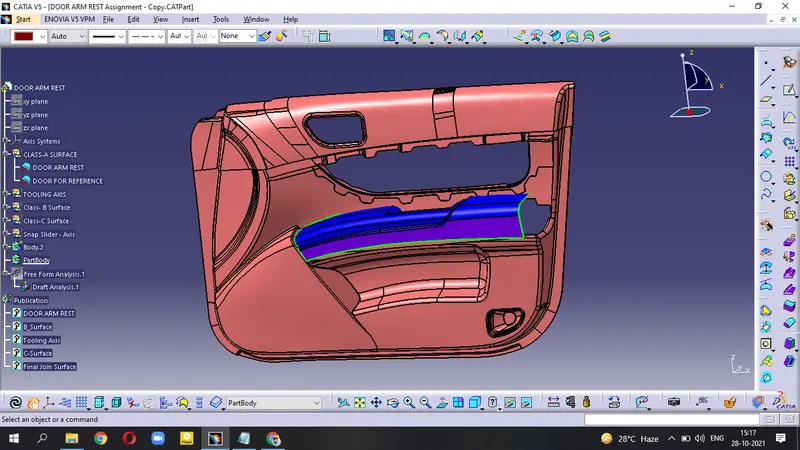
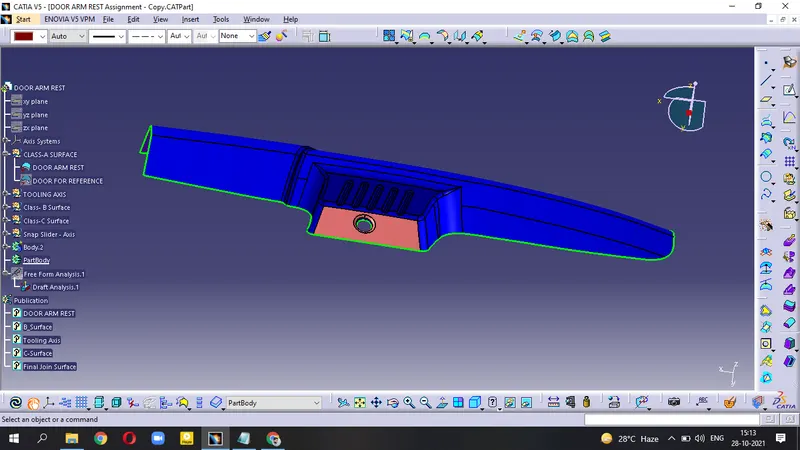
Tooling Axis
It is the axis through which Open/Close of Core and Cavity take place.
- The first step is to create the Tooling axis.
- Extract the Hole, Fill this hole and create a point at the centre of this surface .
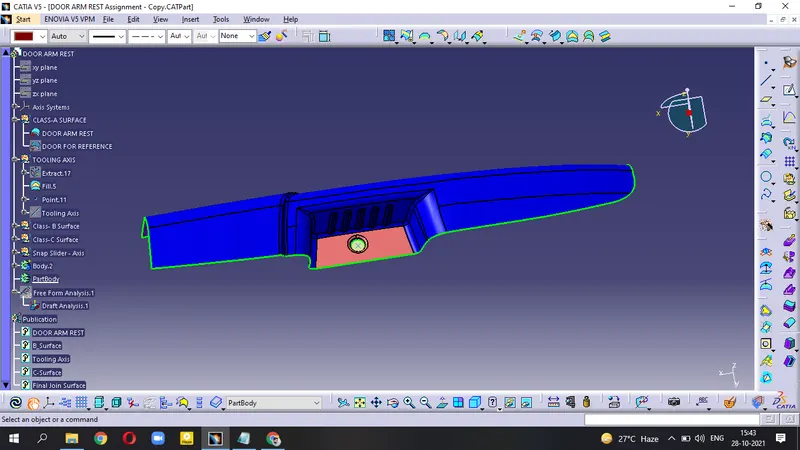
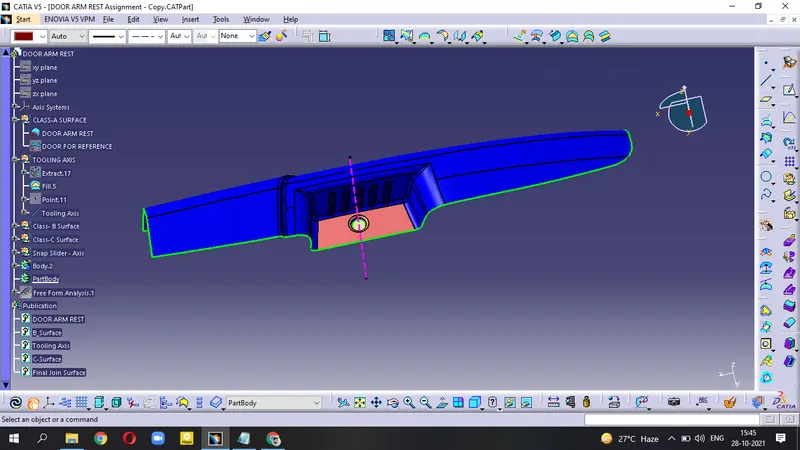
- Create Tooling Axis at point in the Compass direction.
- Publish the Tooling Axis.
Creation of Class-B Surface :-
Top 1_Half Surface -
- Extract the Top surface
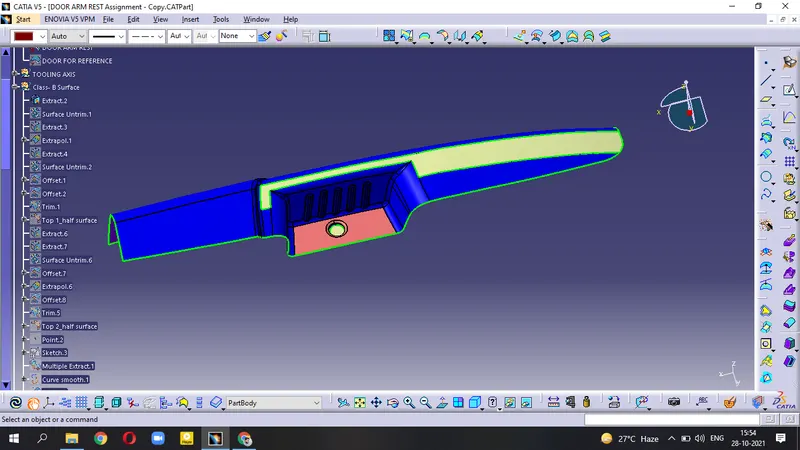
- Untrim the surface and then Extrapolate it.
- Offset the Extrapolate surface by 2.5 mm .
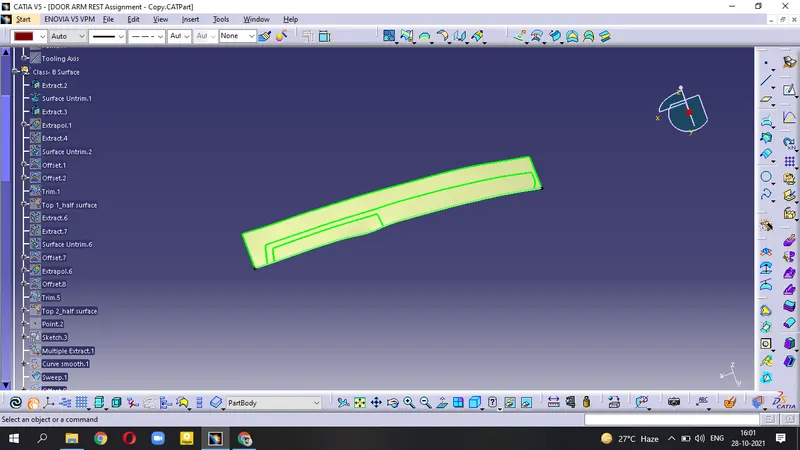 \
\
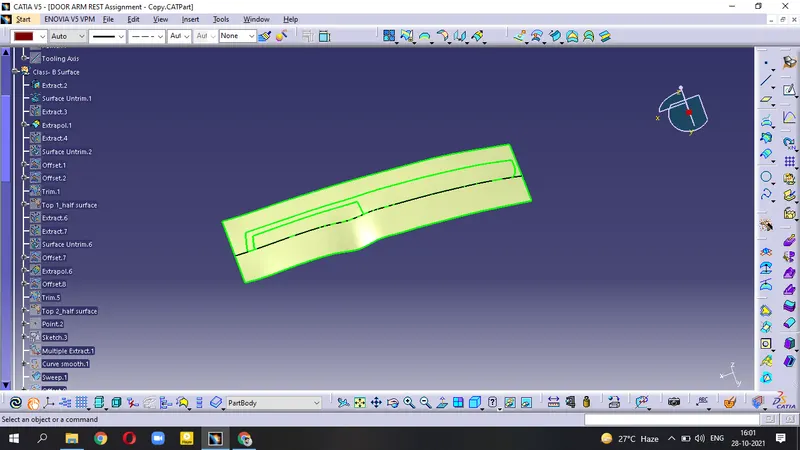
- Other side surface; Extract - Untrim - Extrapolate
- Offset=2.5 mm
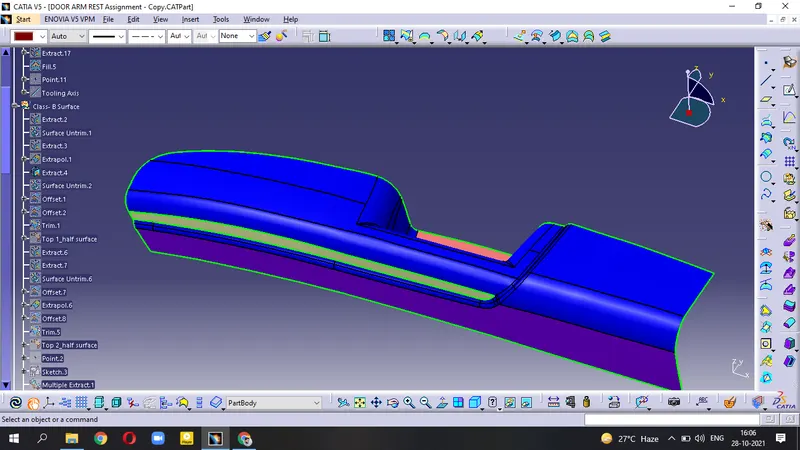
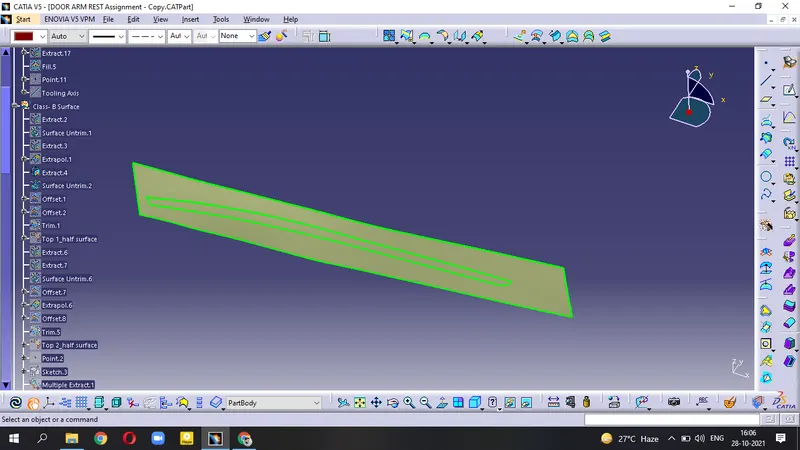
- now, we get two surfaces
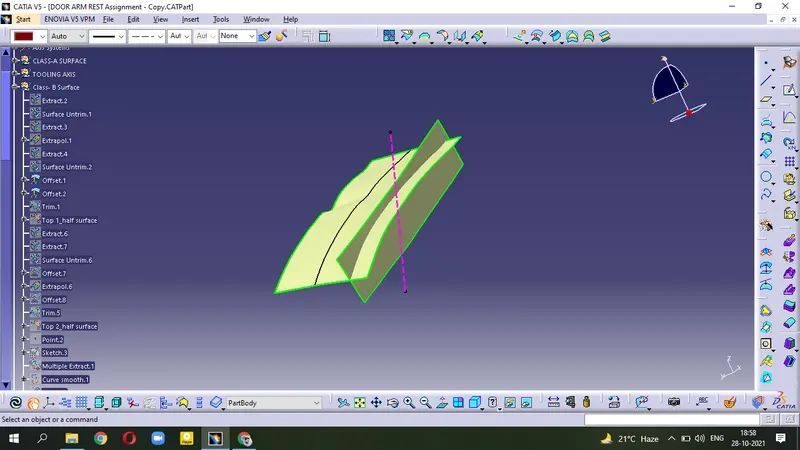
- Trim both surfaces and then use the Edge Fillet after measuring from class-A.
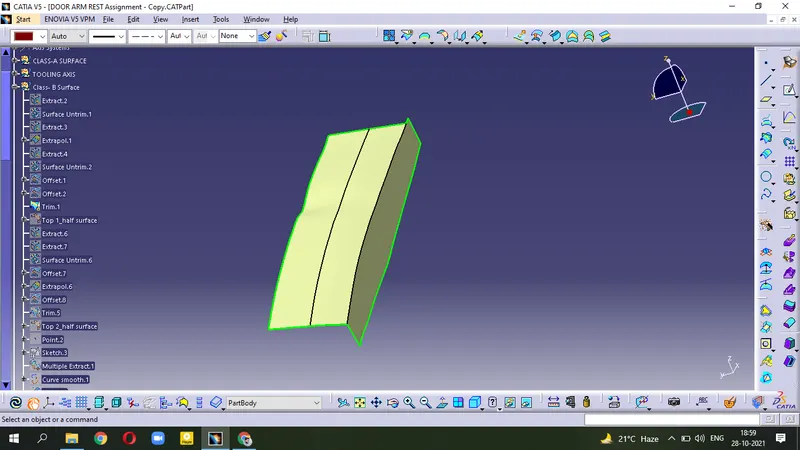
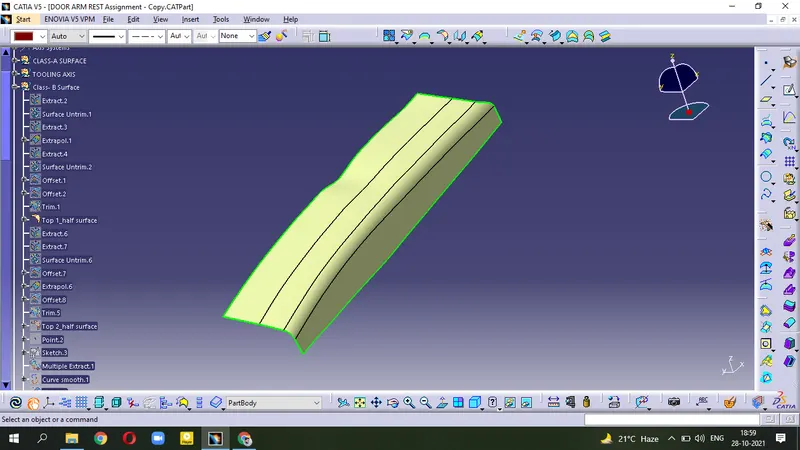
(This one is Top 1_half surface)
Top 2_half surface -
- Extract the surface from Class_A
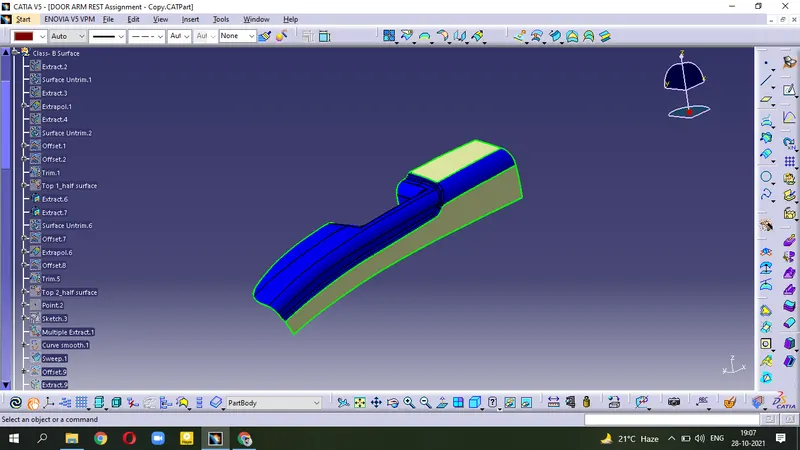
- now, use the step Extract - Untrim - Offset=2.5mm for both surface.
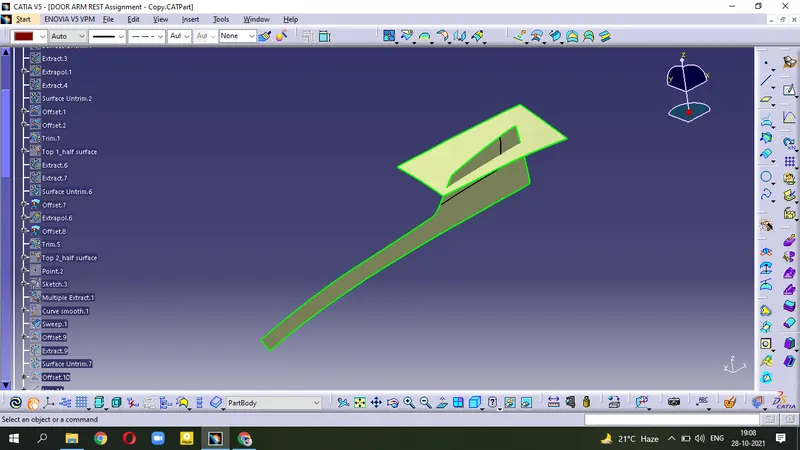
- Trim both surface and apply Edge Fillet.
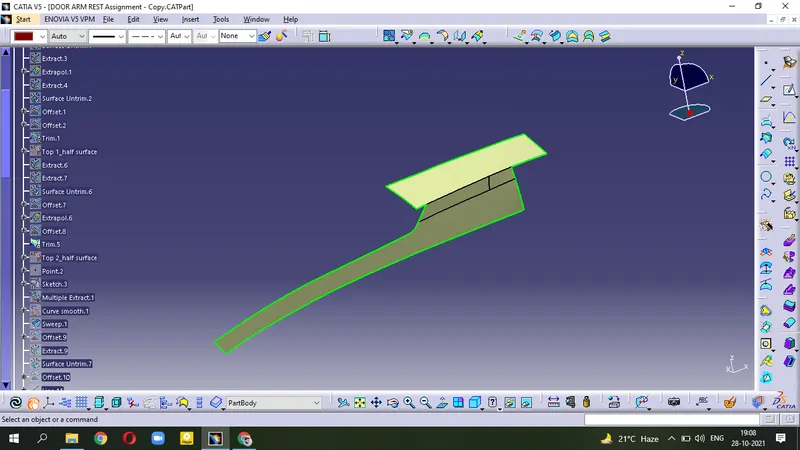
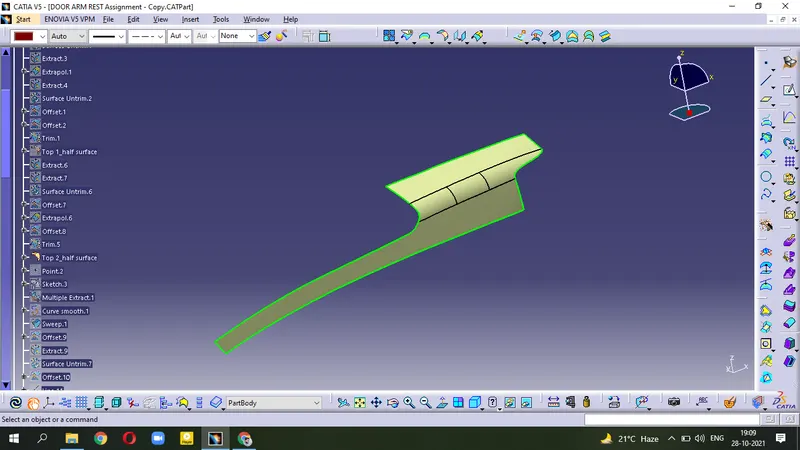
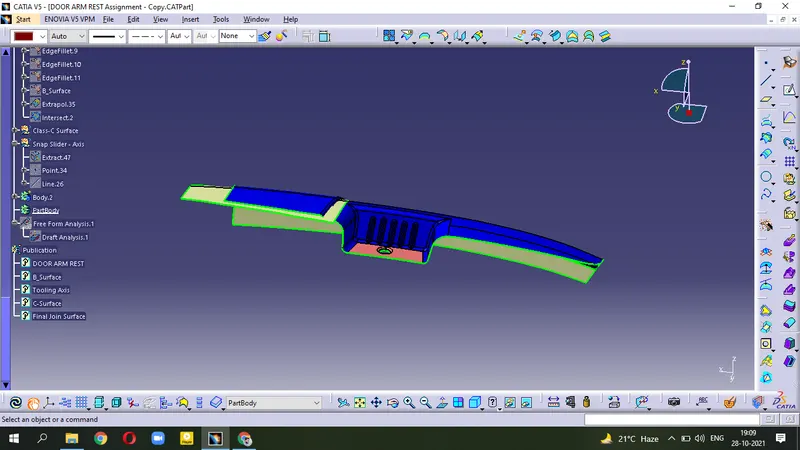
(This one is Top 2_half surface)
- For Fillet portion; Use Multiple Extract - Smoothcurve - Offset and then Sweep this surface.
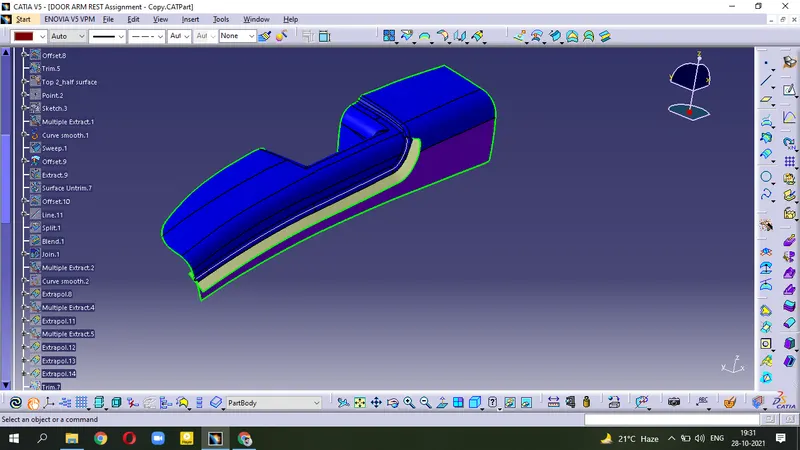
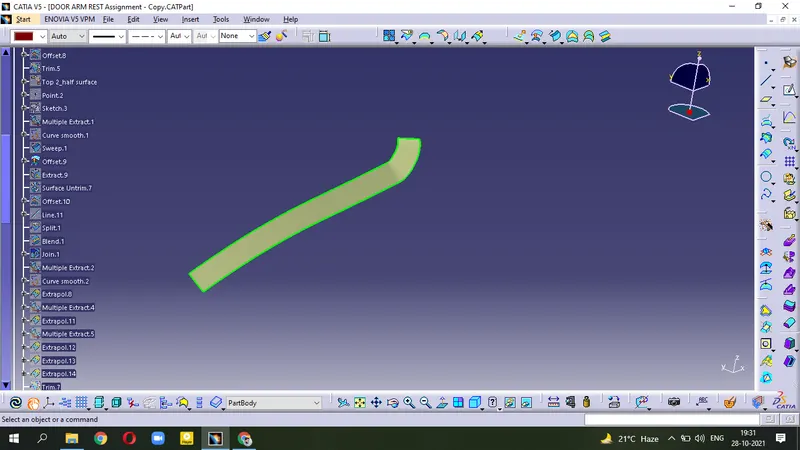
- Extract the surface - Untrim - Offset
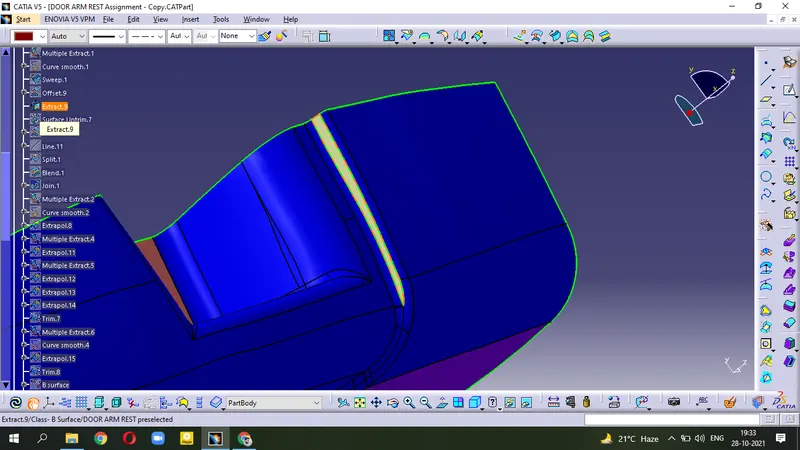
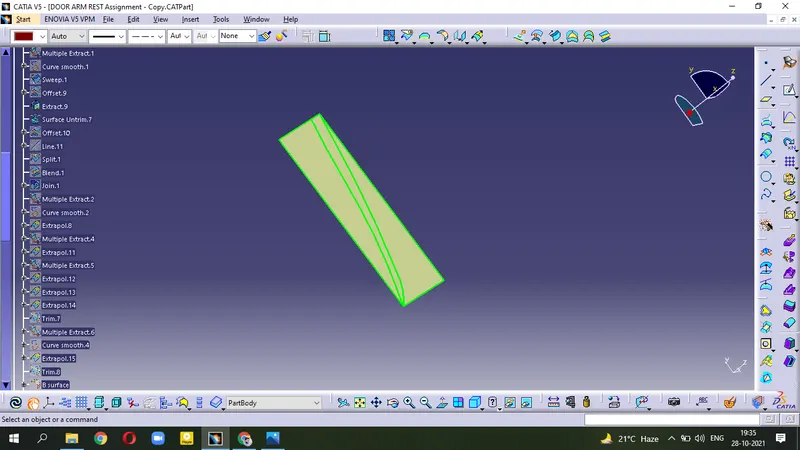
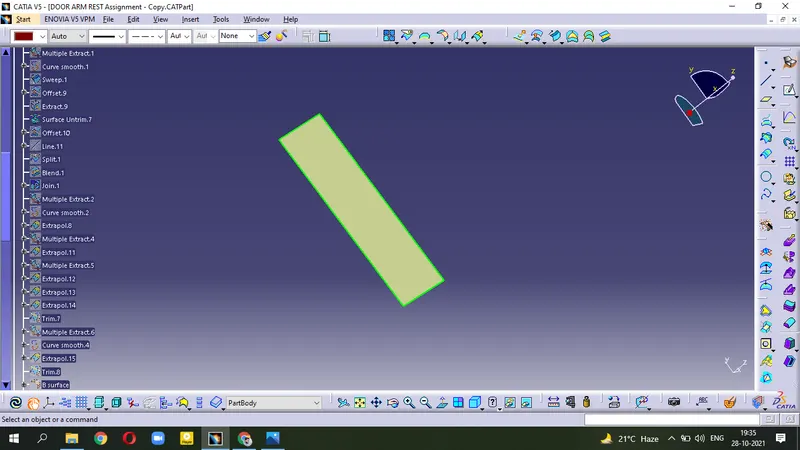
- Split this surface by making edge points and line.
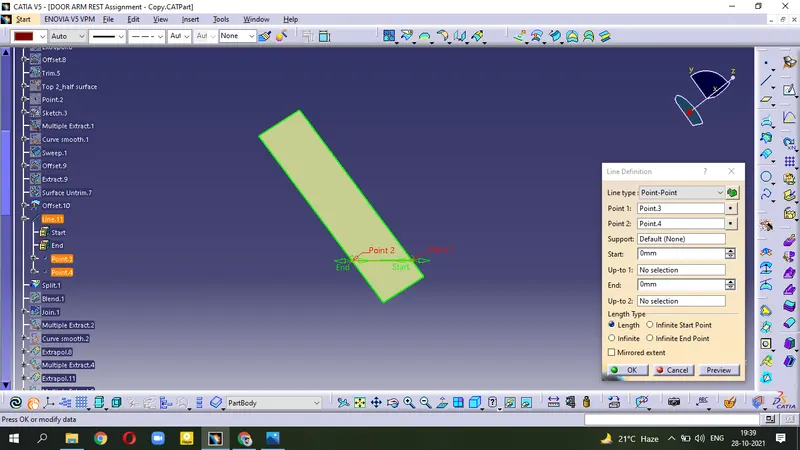
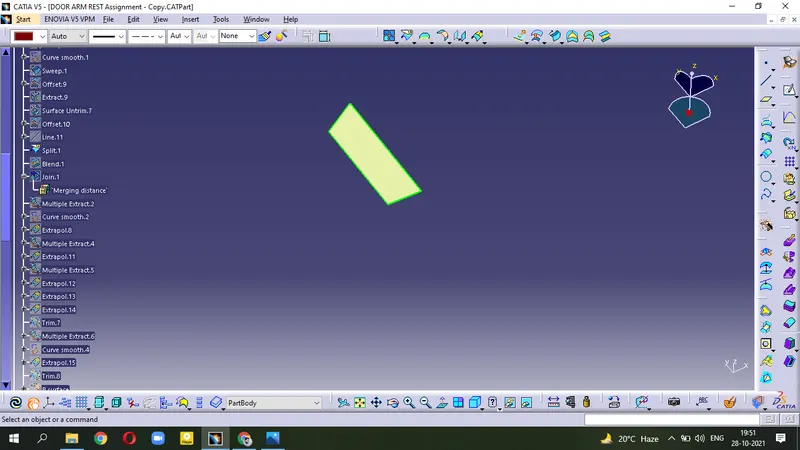
- we have two surface as below
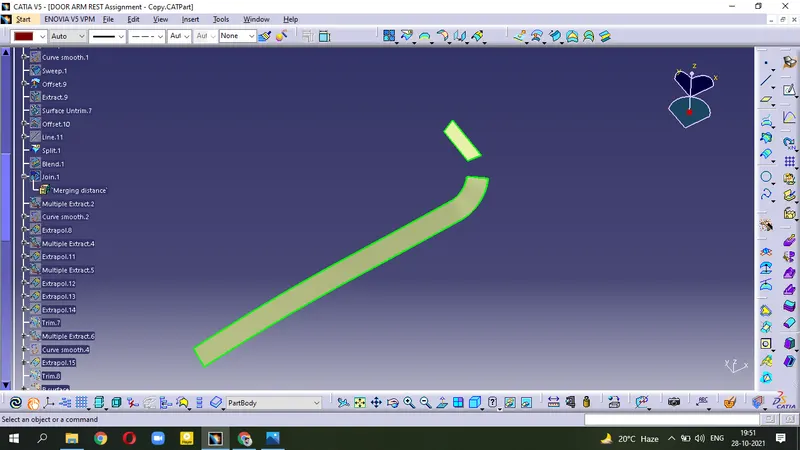
- To join these surfaces , use Blend tool.
- Join all surfaces
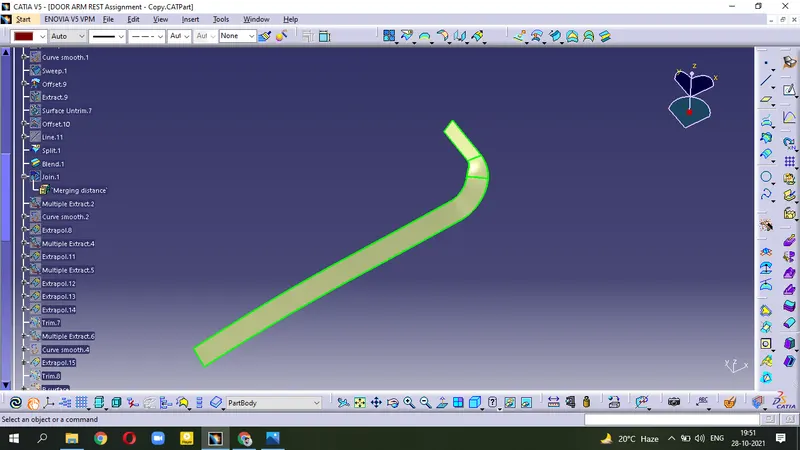
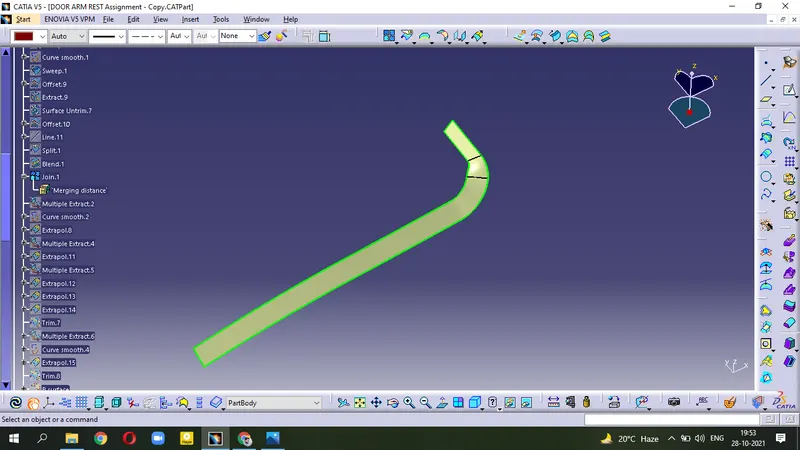
- Use Multiple Extract - Smooth Curve - Extrapol the surface
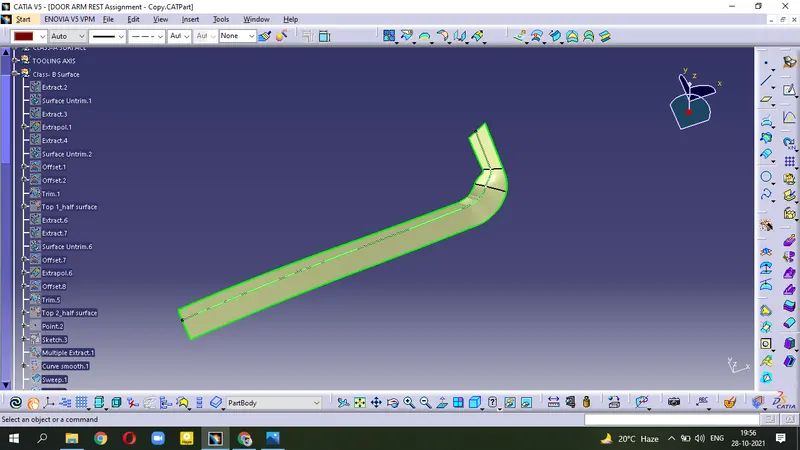
- Extrapol other edges to Trim with Top 1_half surface
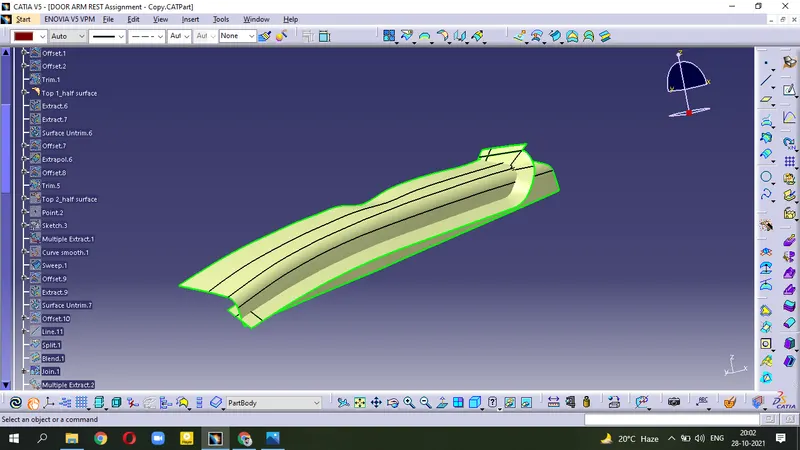
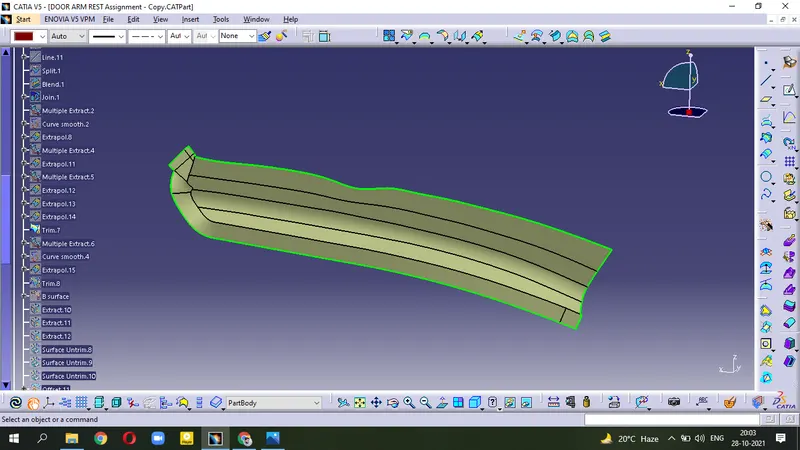
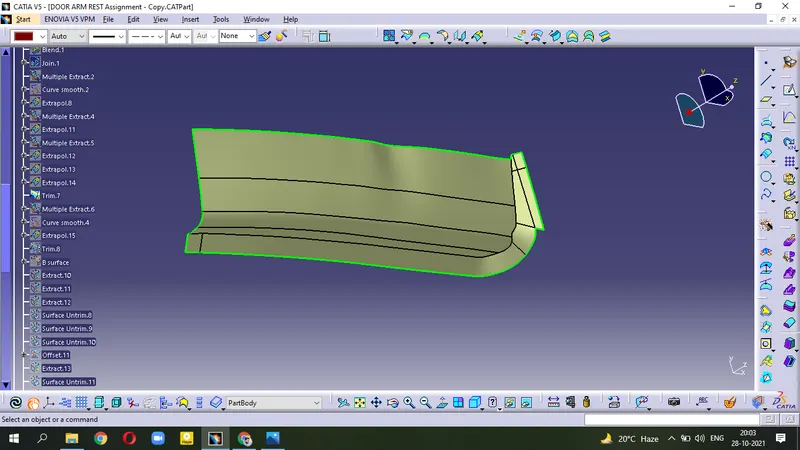
- Now, Trim this surface with Top 2_half surface .
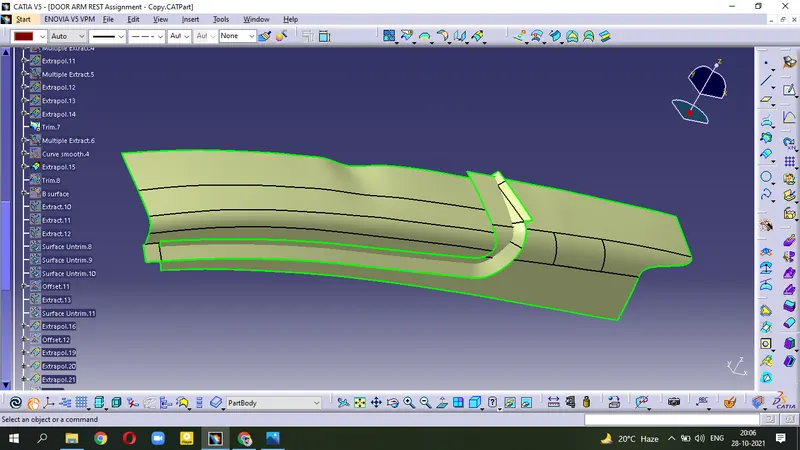
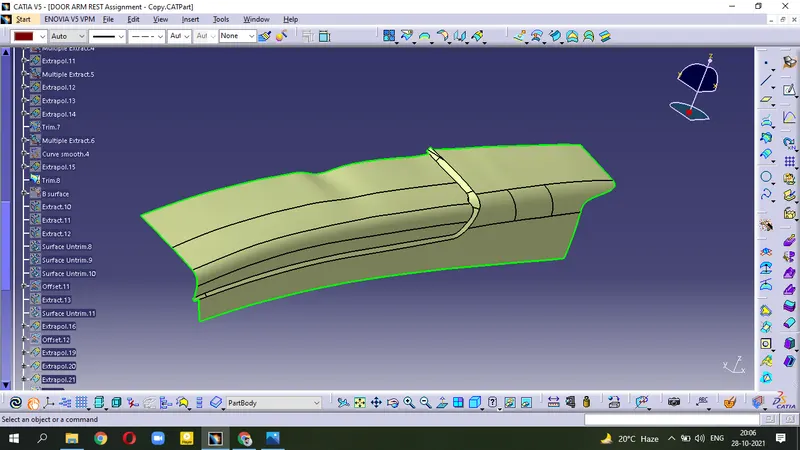
- After Edge Fillet we get
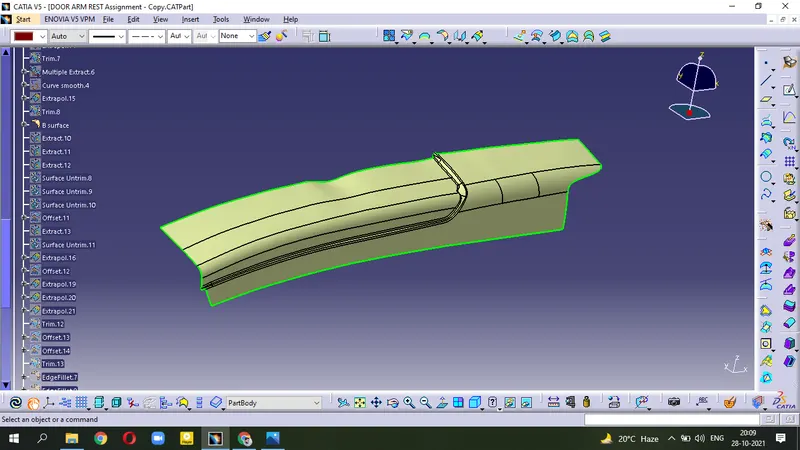
- Extract the vertical surfaces
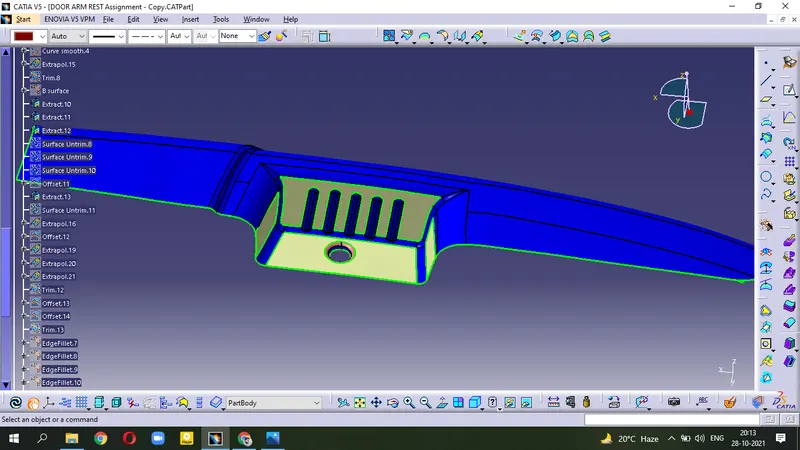
- Untrim the surfaces and hide extrat one
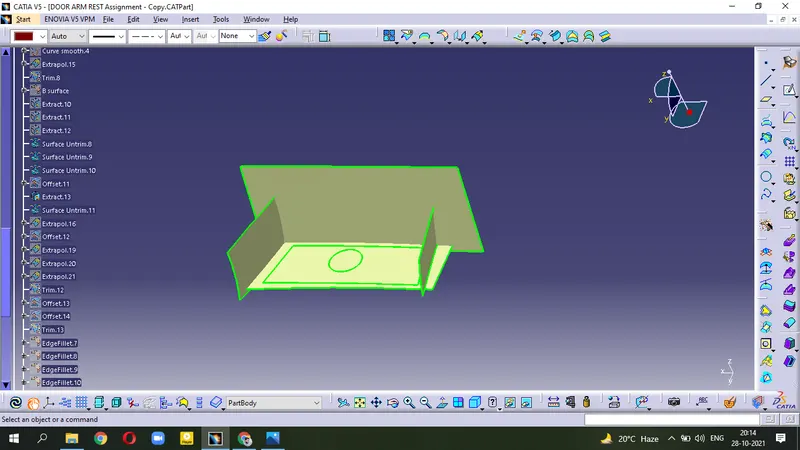
- Offset=2.5 mm these surfaces
- Extrapolate the surfaces for Triming .
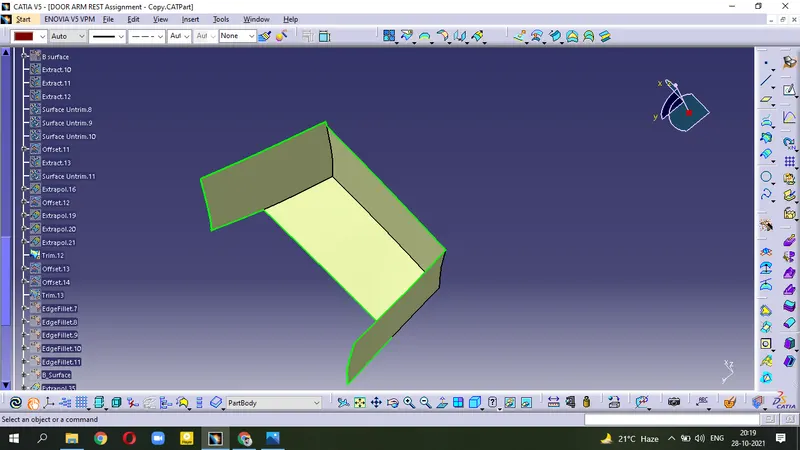
- (Extract - Untrim - Offset - Extrapolate - Trim)
now
- Trim this surface with the B-surface for getting Final Class-B Surface.
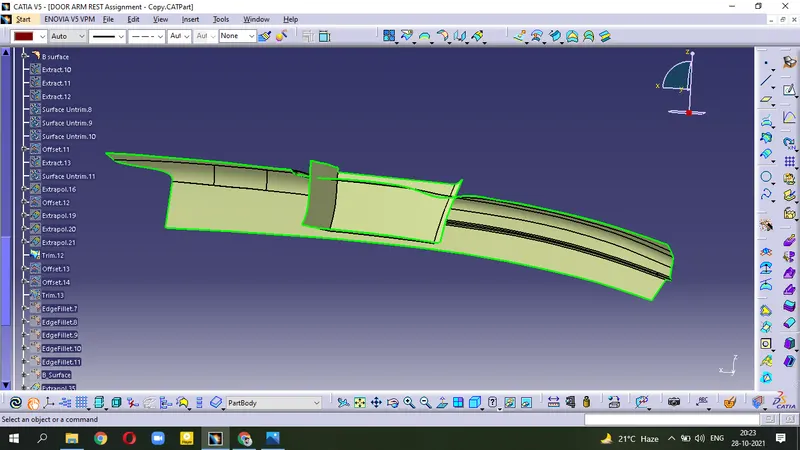
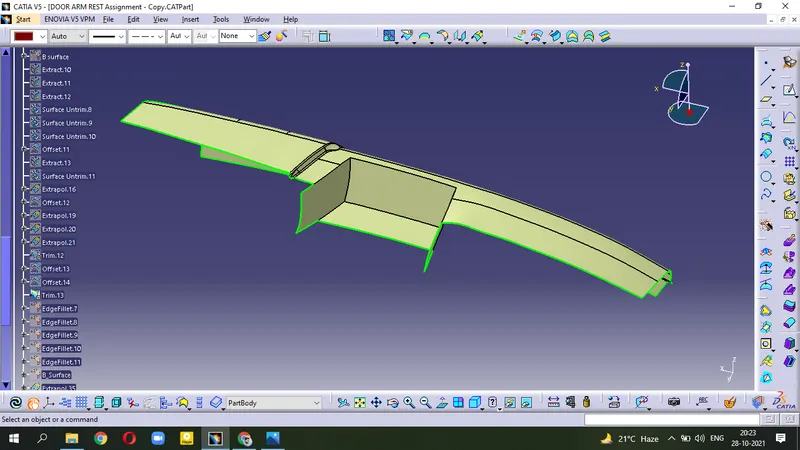
- Apply Edge Fillet to get our B-Surface
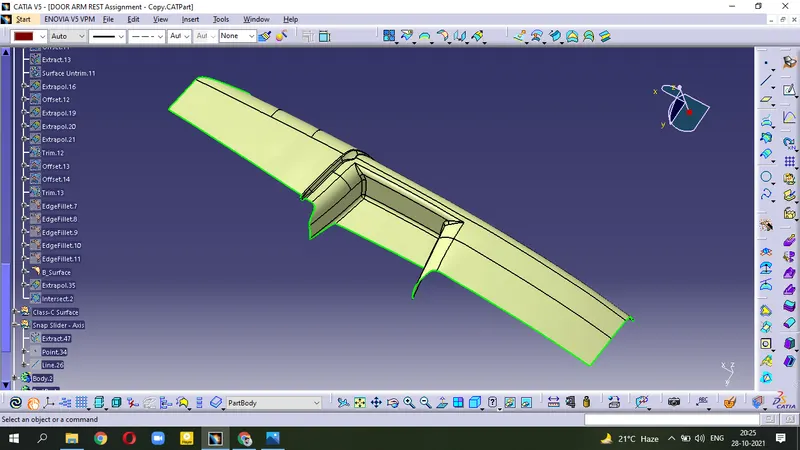
(Final Class-B Surface)
Creation of Class-C Surface :-
- Extract the corner
- Use Sweep operation.
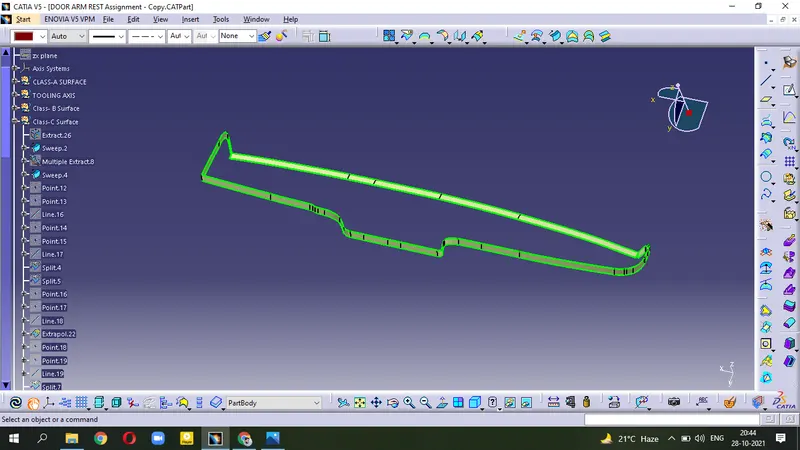
- Error occurs while joining these surfaces. It is due to the discontinuity present in the surface.
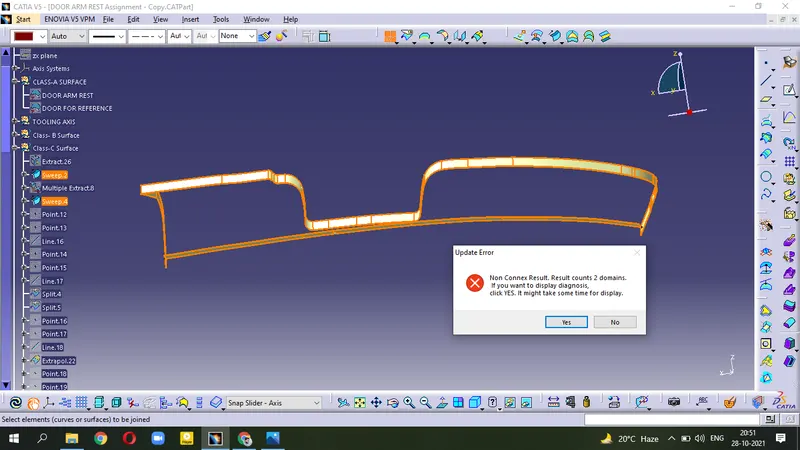
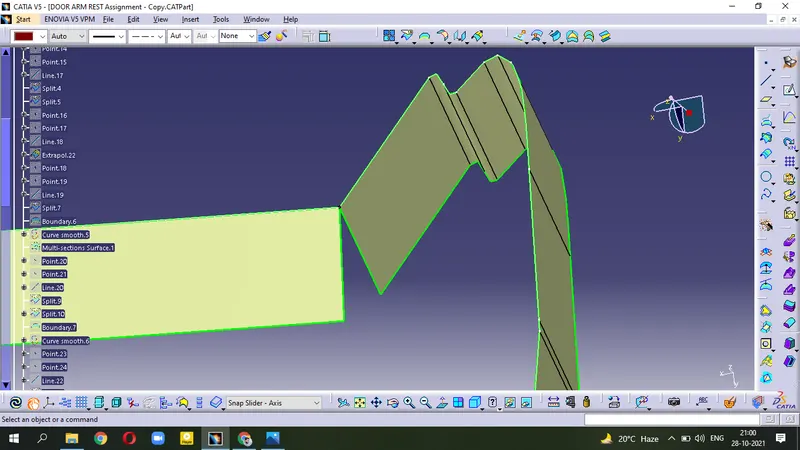
- To remove this error; Use the Split , Multi-sections surface
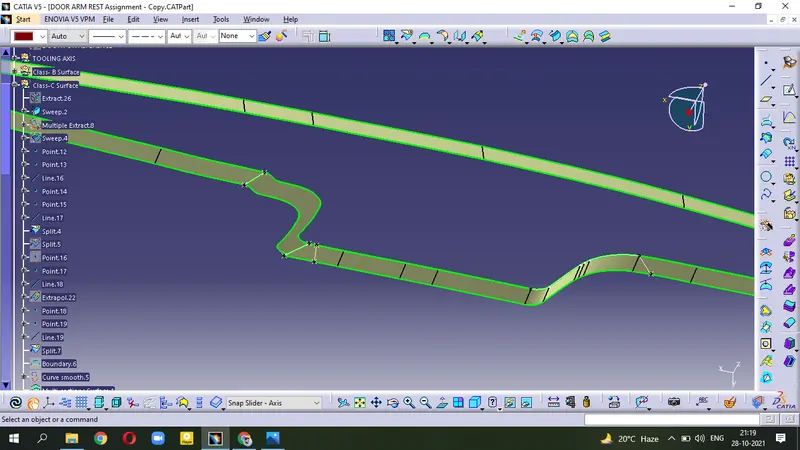
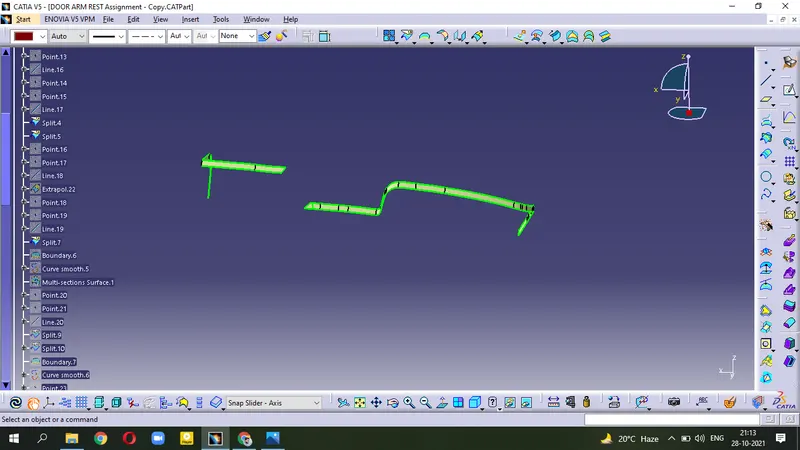
- Use Multi-sections surface
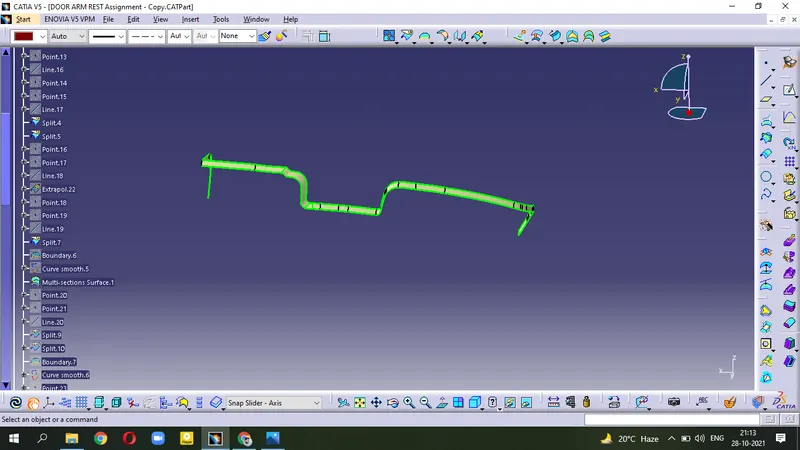
Similarly, resolve all the errors.
- Join the C-surface.
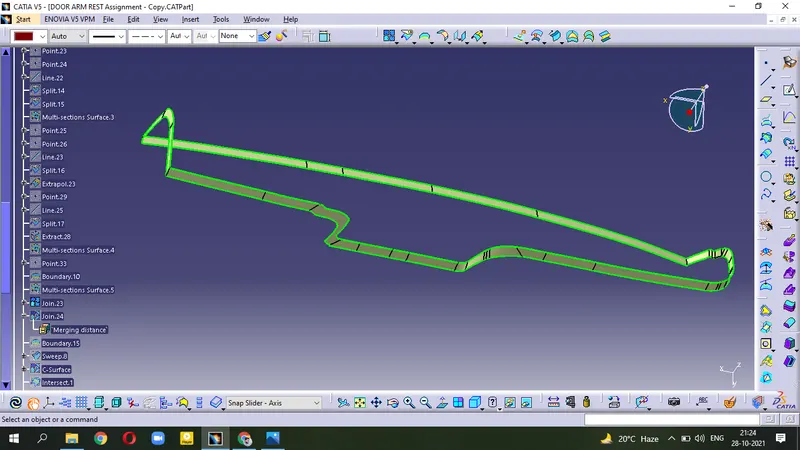
- now, Join this C-surface with A-surface.
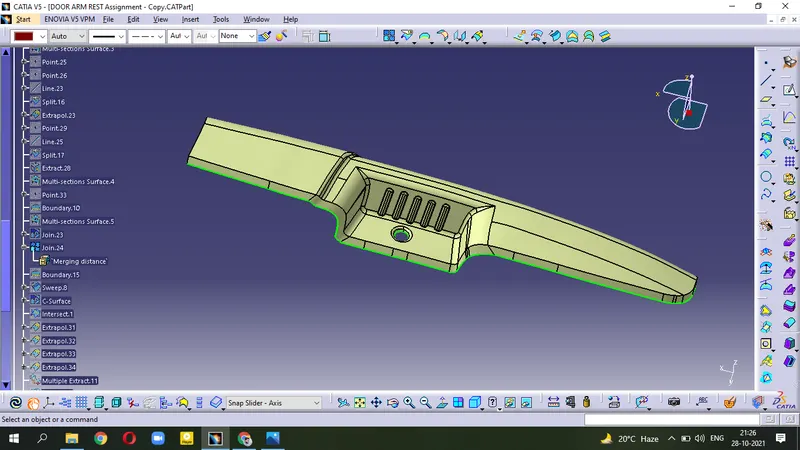
- create boundary on the Hole then use Sweep .
- Join with above surface.
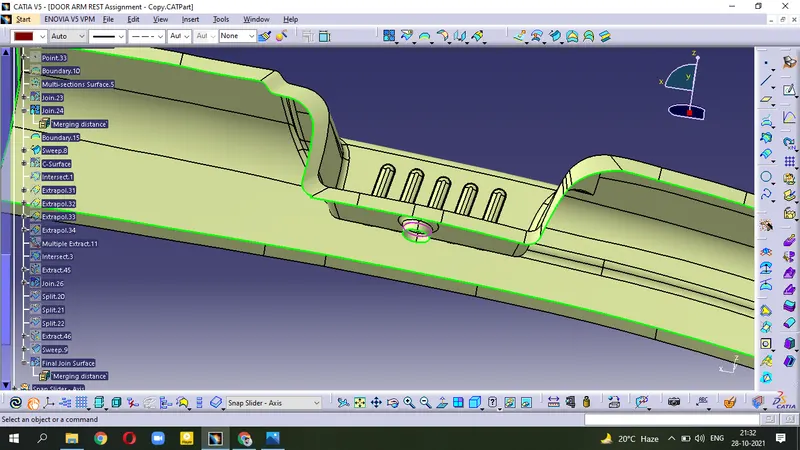
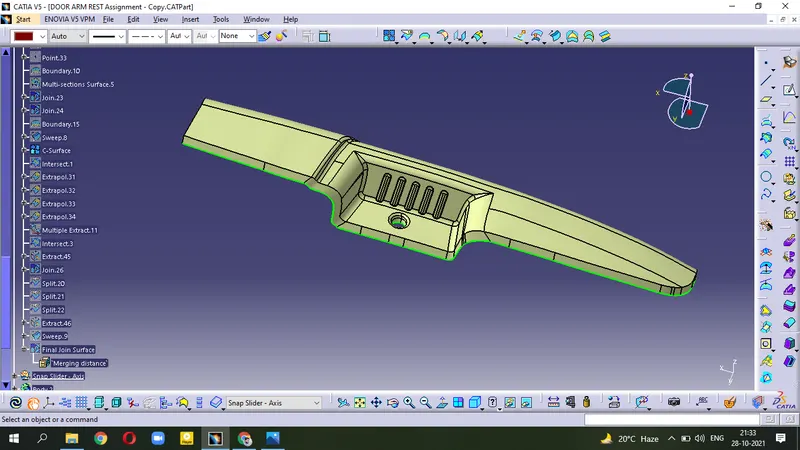
(This is Final Class-C Surface)
Now, Join this C-surface with B-surface
- Crosscheck the discontinuity between both surfaces
- Apply Intersection in C-surface and B-surface
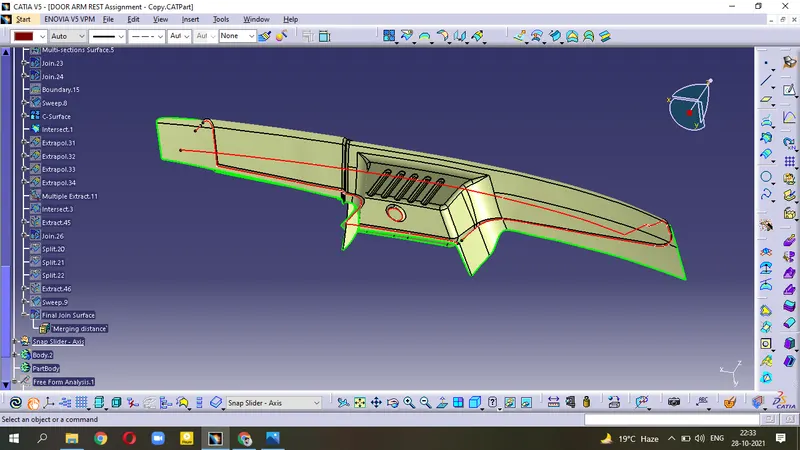
- Elliminate this Error by using Extrapolate the surface.
- Crosscheck again for discontinuity.
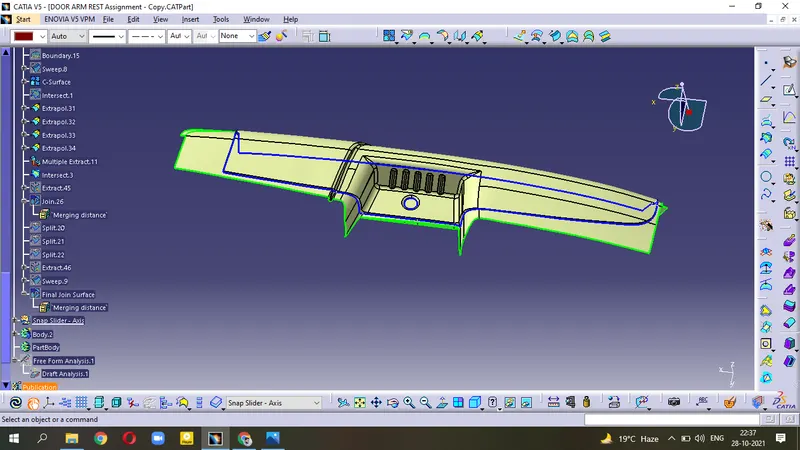
- use Split to get proper surface
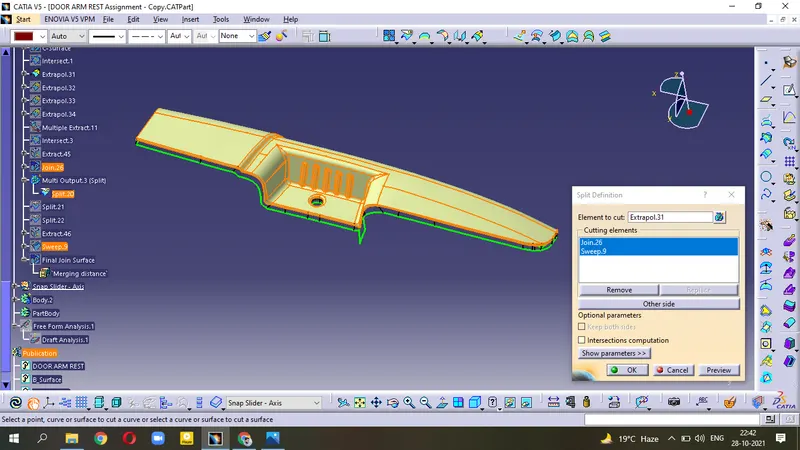
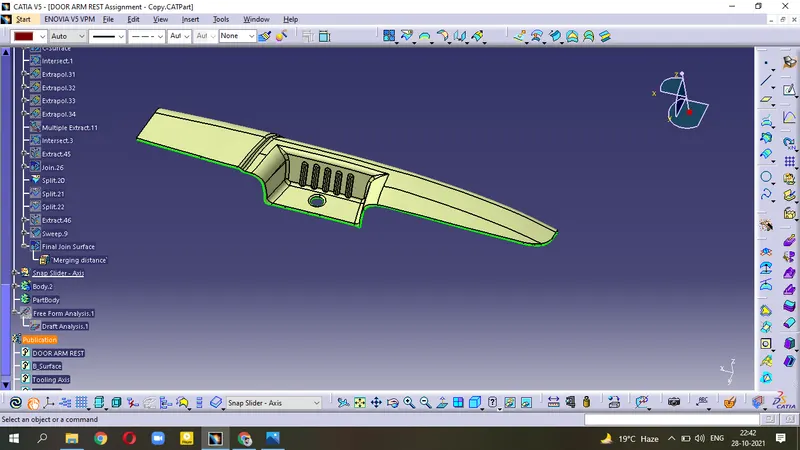
- Final Joined Surface
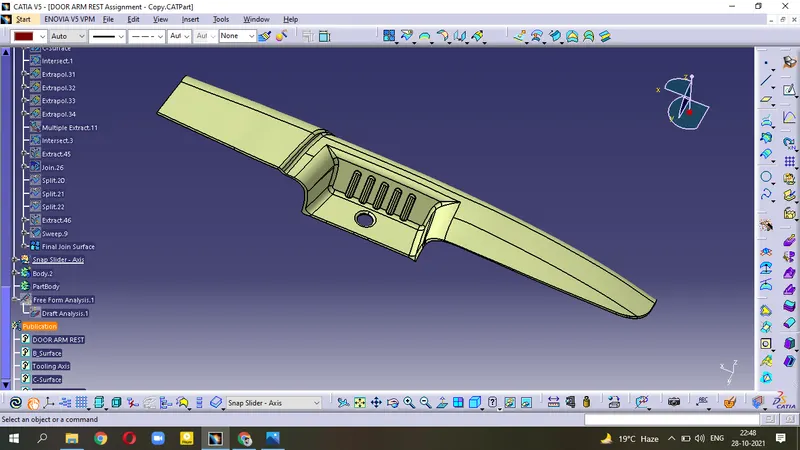
Check the suface body is closed ?
- Try to create the Boundary on this surface.
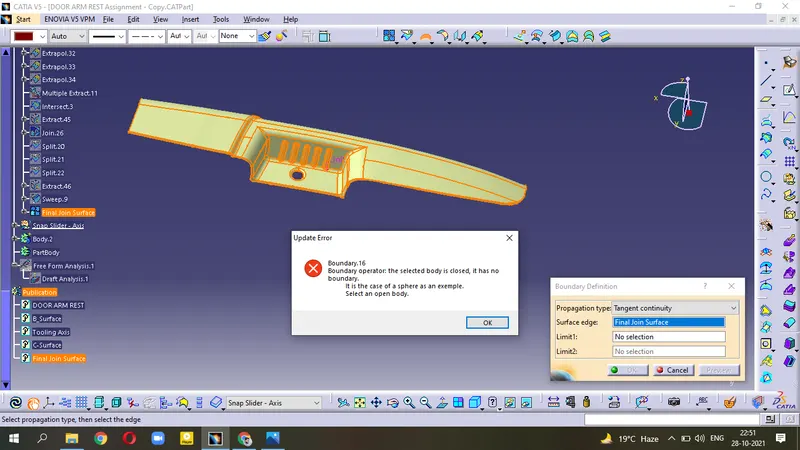
( This Error shows during creating the Boundary that means our body is now Closed )
- Insert another body and goto Mechanical Design - Part Design
- Select Closed Surface to make Solid Body.
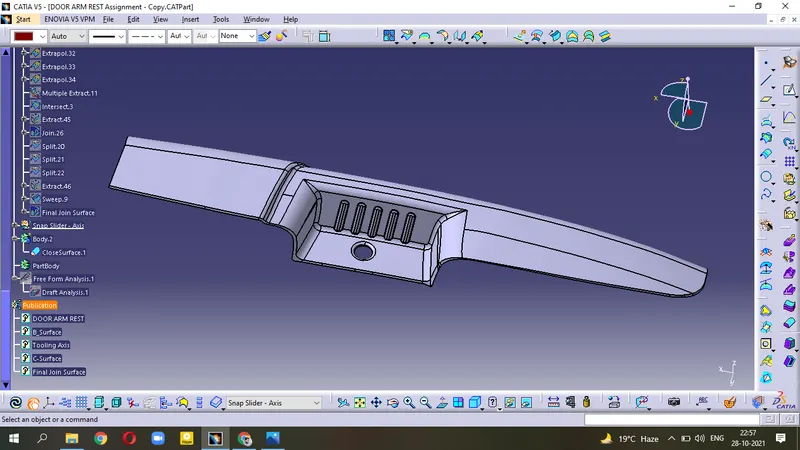
(This one is the Solid Body )
Draft Analysis :-
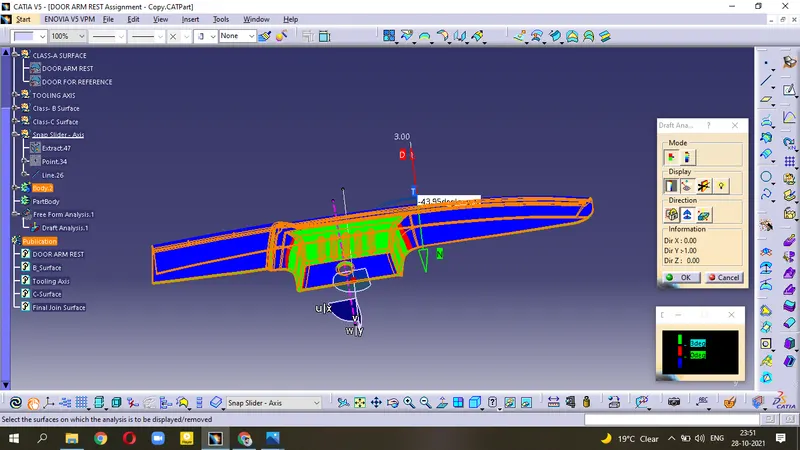
It is the method of checking the Draft angle on various surafaces with perticular directions.
With Main Tooling Axis -
- While doing Draft Analysis with main Tooling Axis, our model passes the checks necessary for clearing the Tooling in its direction. But remain unclear for slidder/side core portion.
- Apply the draft angle 3 degree.
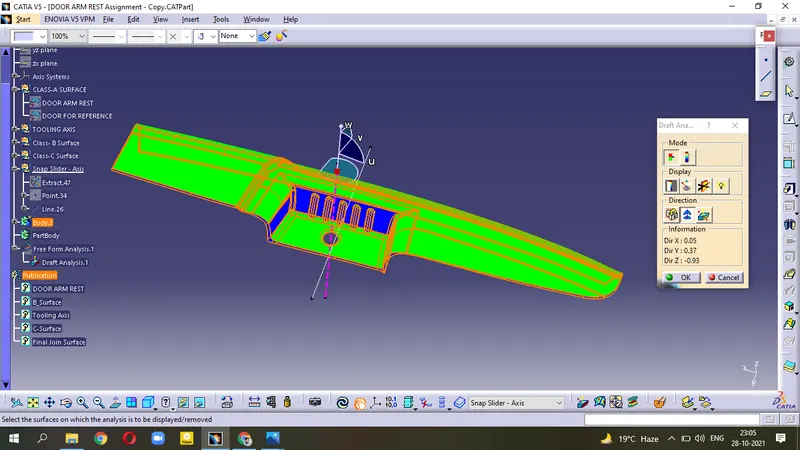
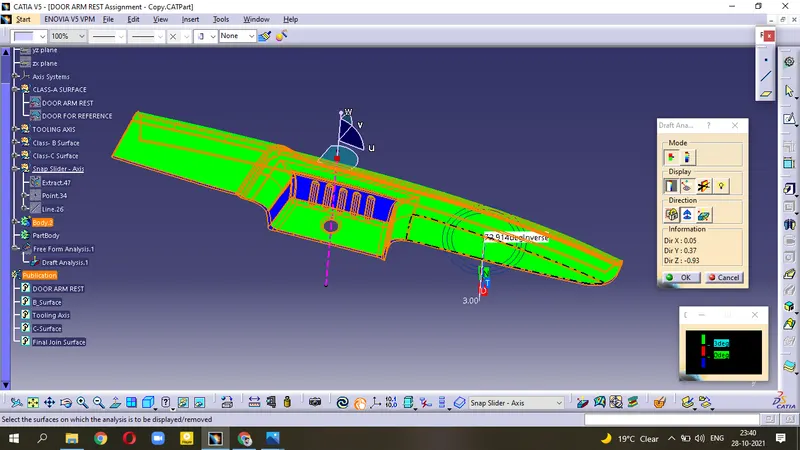
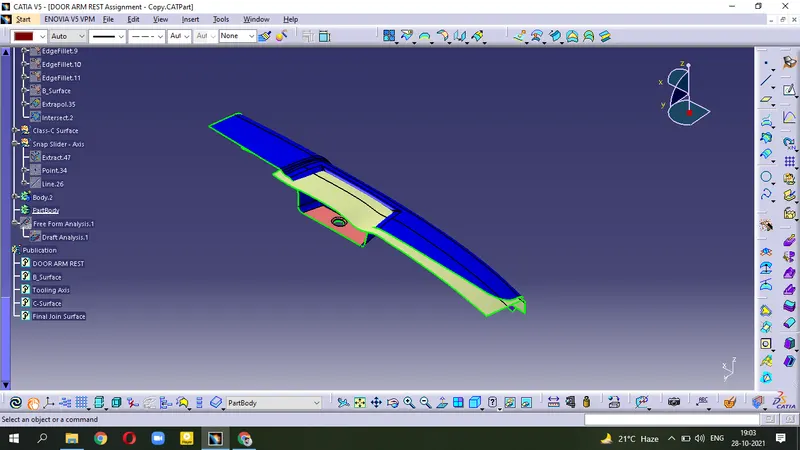
For Clearing Slidder Portion
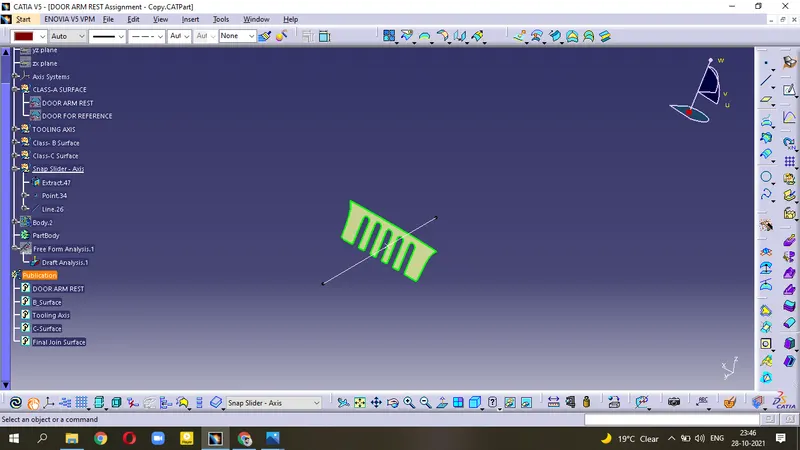
- Extract the Slidder portion
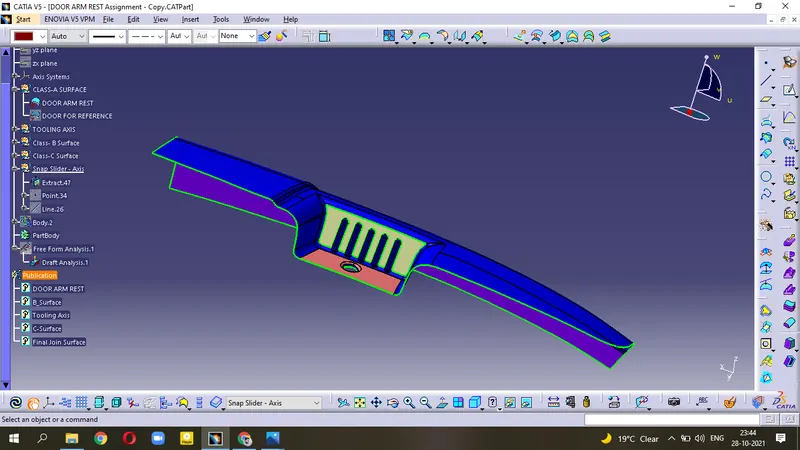
- Create the point and make the line in Y-direction.
- now, Use Draft Analysis to Clear the side core portion.
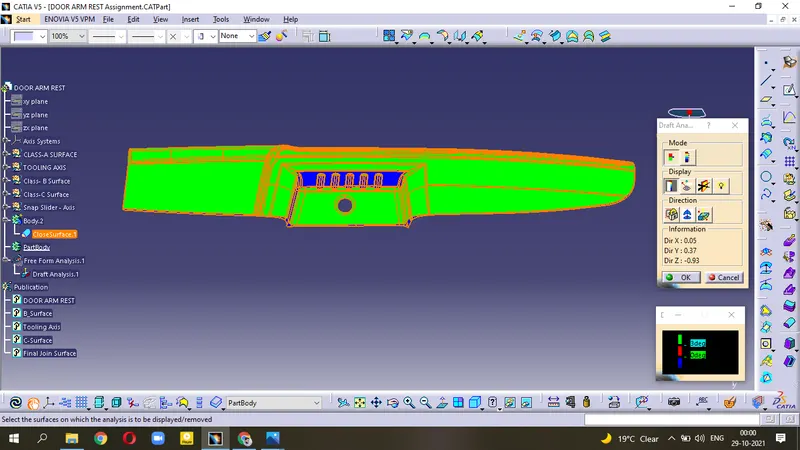
Different View
Top View
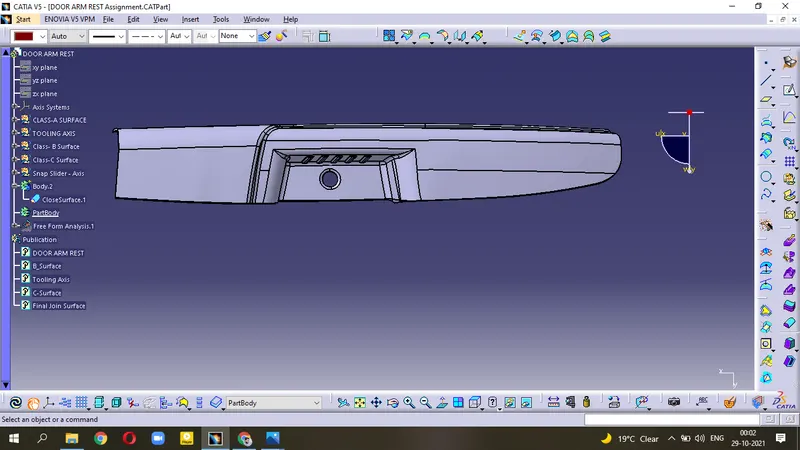
Side View
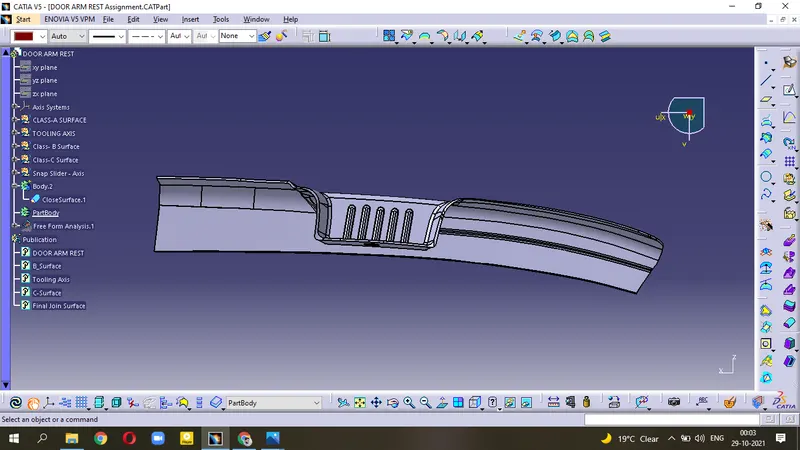
Front View
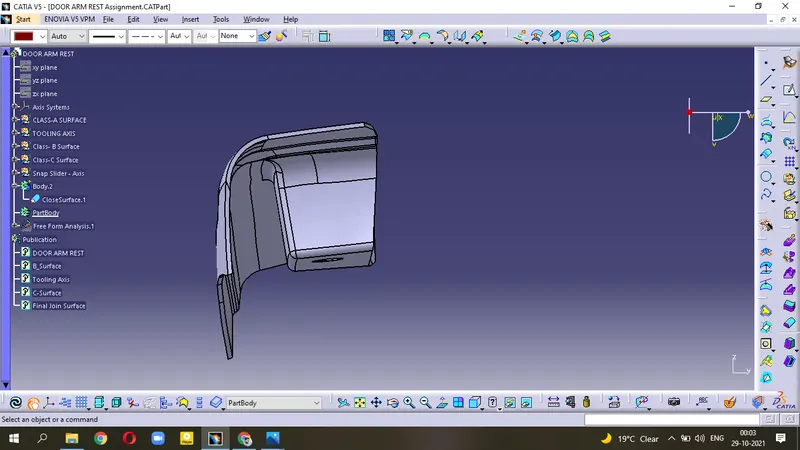
Bottom View
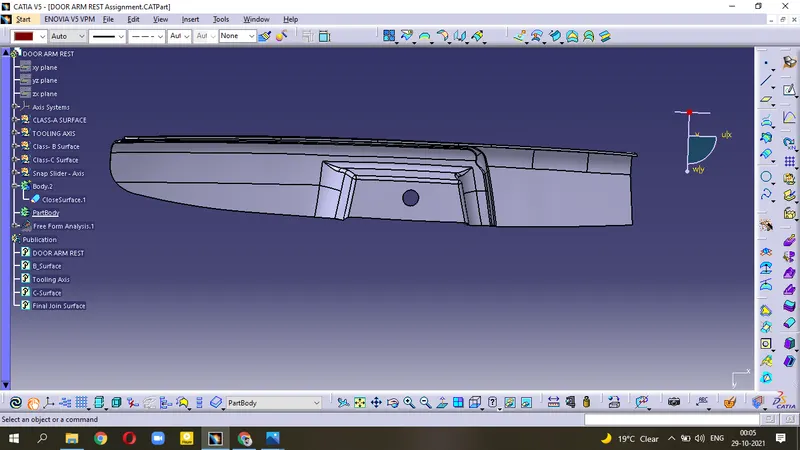
Isometric View
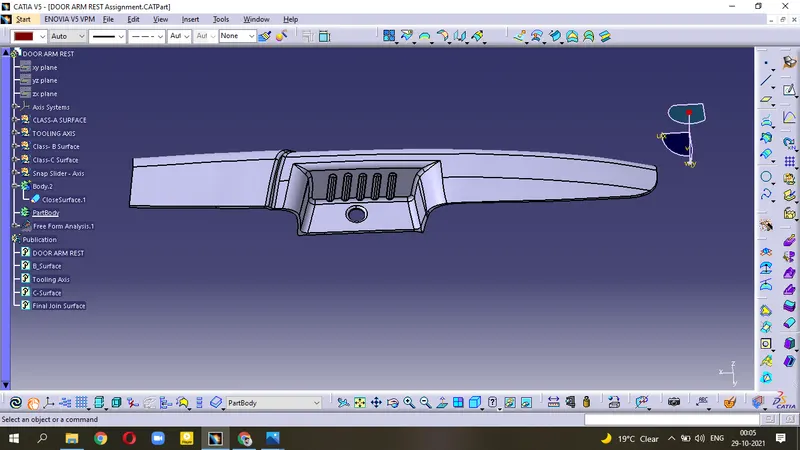
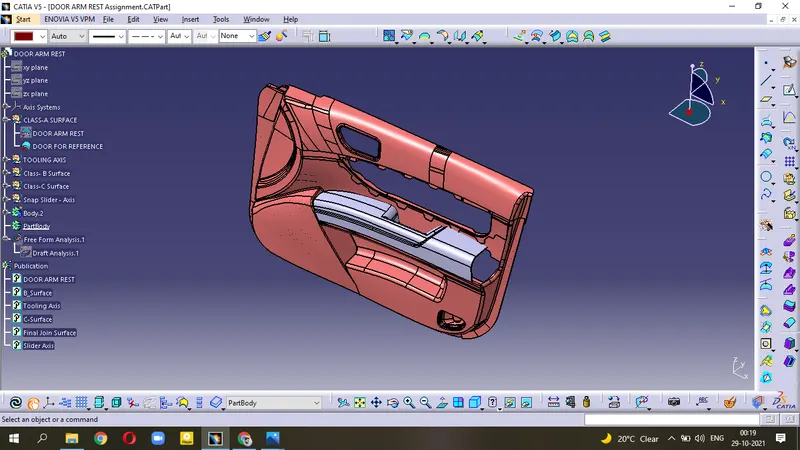
Conclusion :-
This project deals with the creation of Tooling Axis, concepts of side cores, knowledge about Class A,B,C surfaces and performing the Draft Analysis. We have successfully designed the Door Arm Rest Console using CATIA V5 Surface workbench.