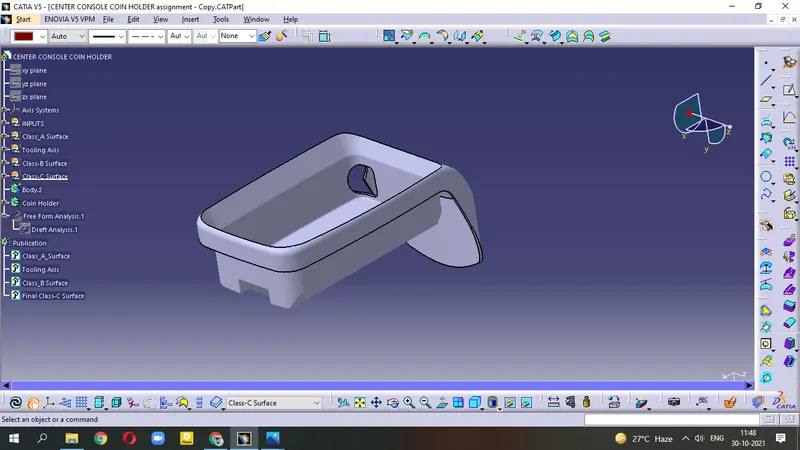
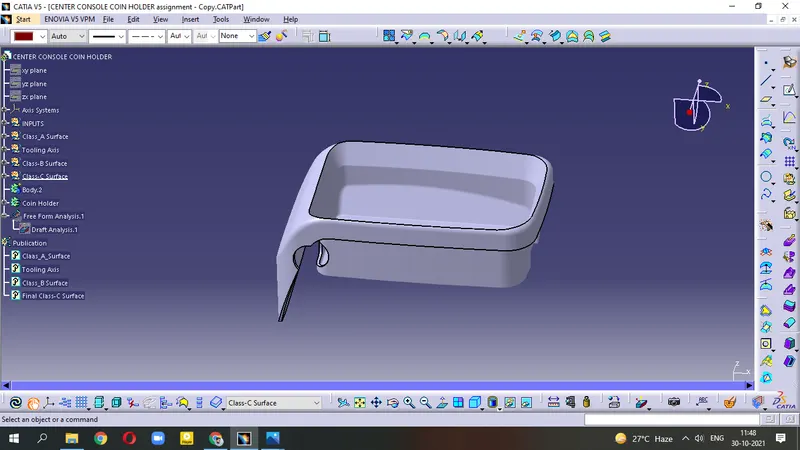
Week 8 - Challenge 4 - Coin Holder Design
AIM - Create the Coin Holder Plastic component through the given Class-A surface
Given Class-A Surface
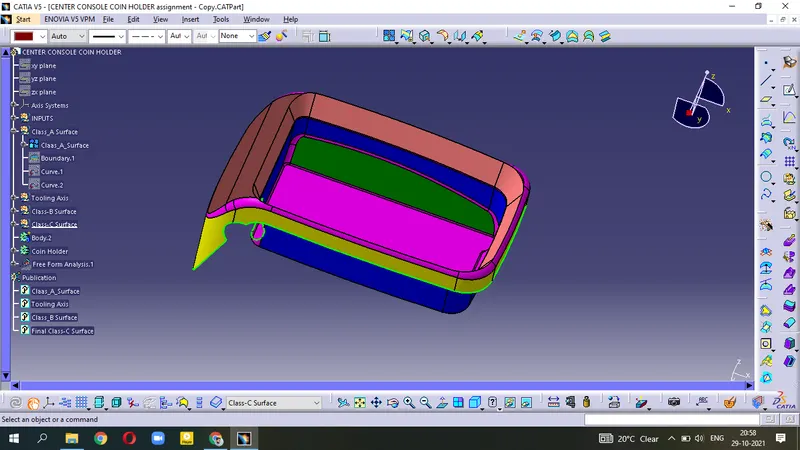
- Ensure there is no gap between the surfaces.
- Apply Boundary on the surface and Smooth Curve.
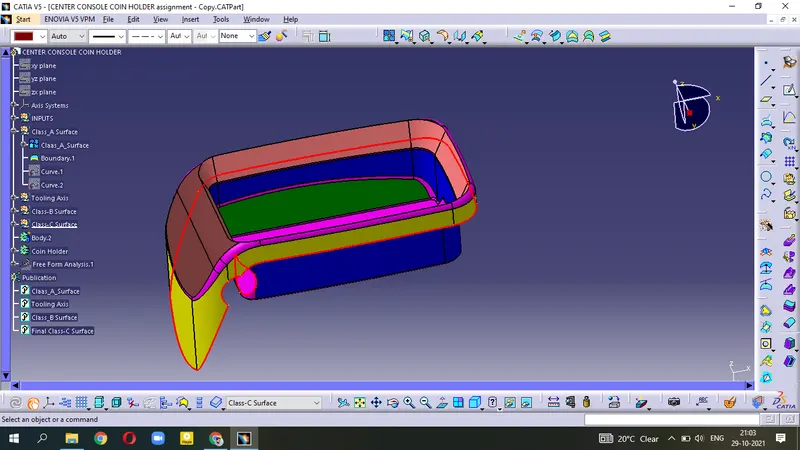
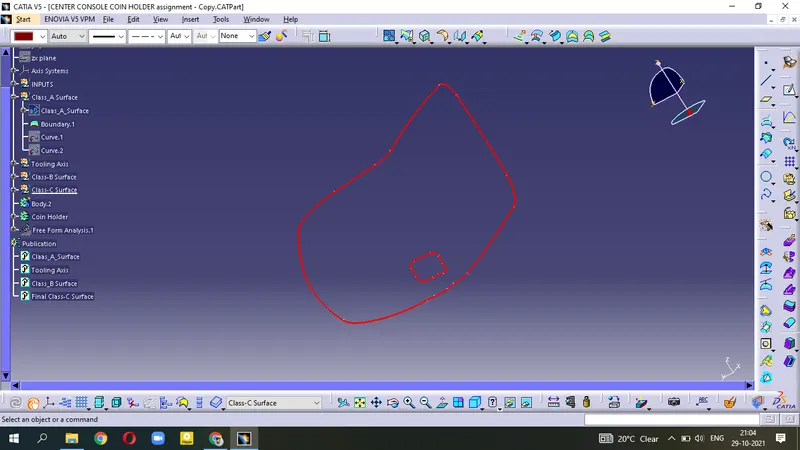
Creation of Tooling Axis :-
It is the axis through which opening/closing of Core and Cavity takes place . During choosing the Tooling direction, we have to ensure that the surface should be visible in most possible ways ie; most faces should be clear.
- Extract the Base surface
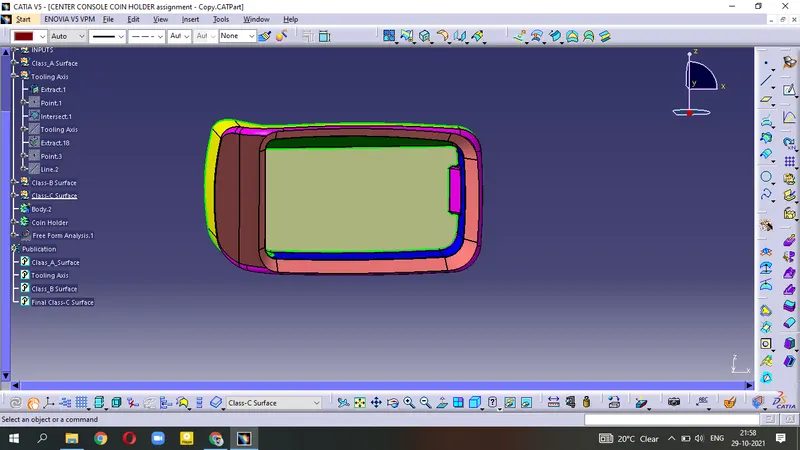
- Create a Point on the surface and apply Axis system.
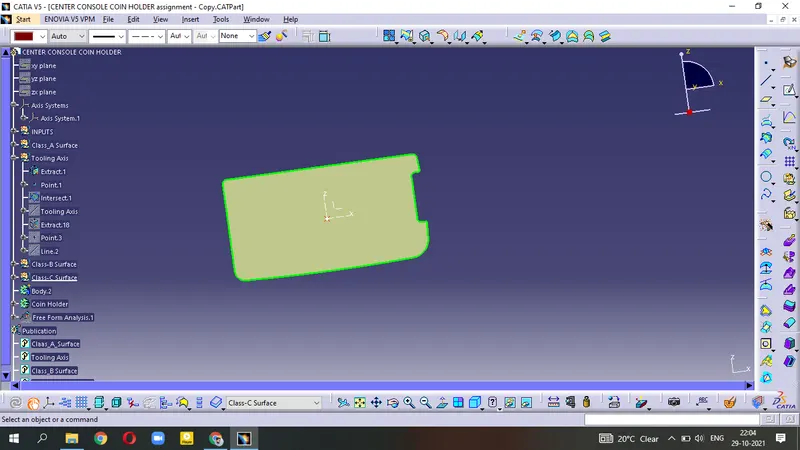
- Make the Intersection in YZ plane.
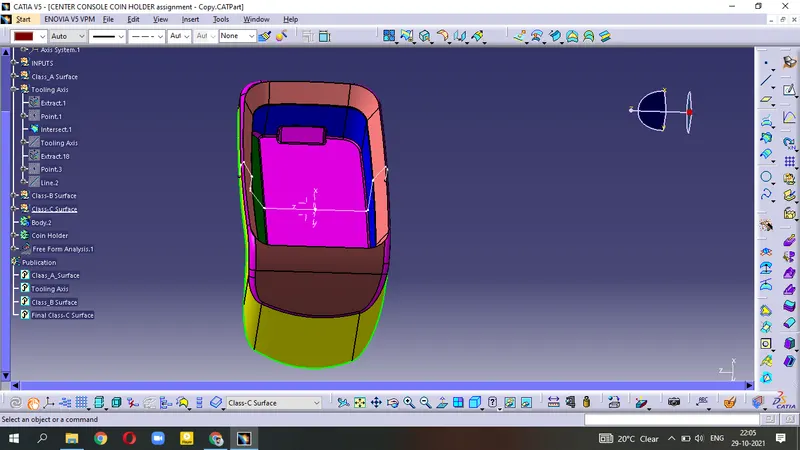
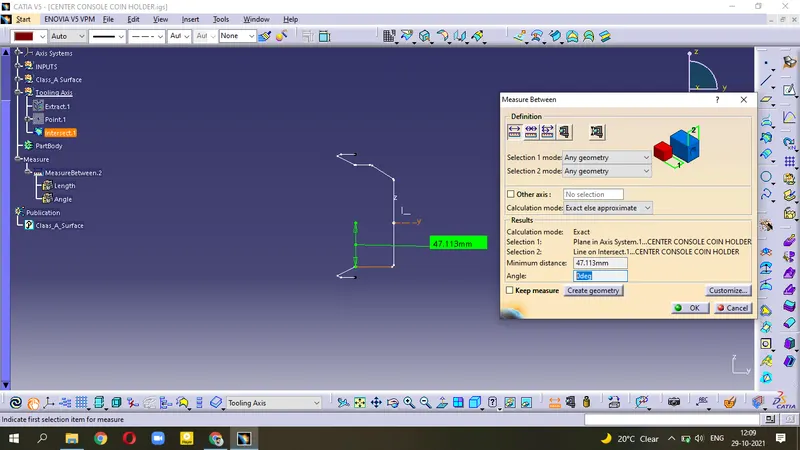
- Since the Intersection line is at angle=0 degree, It means the surface is flat surface or 90 degree surface.
- so, Create Normal line through this point for Tooling Axis.
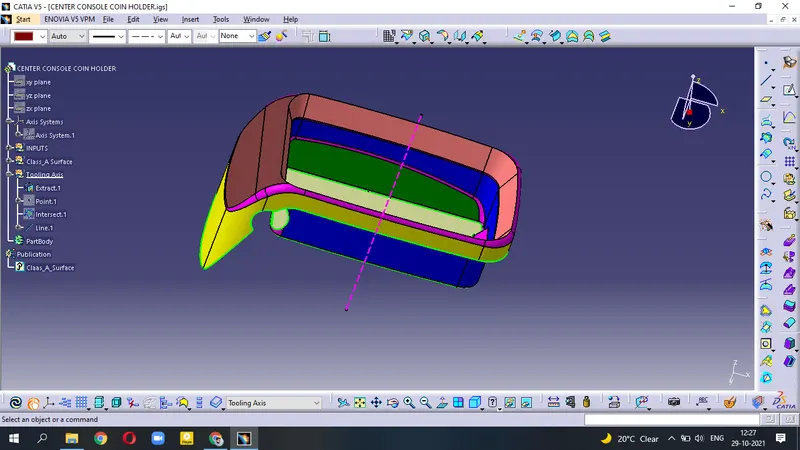
Creation of Class-B Surface :-
Side Walls
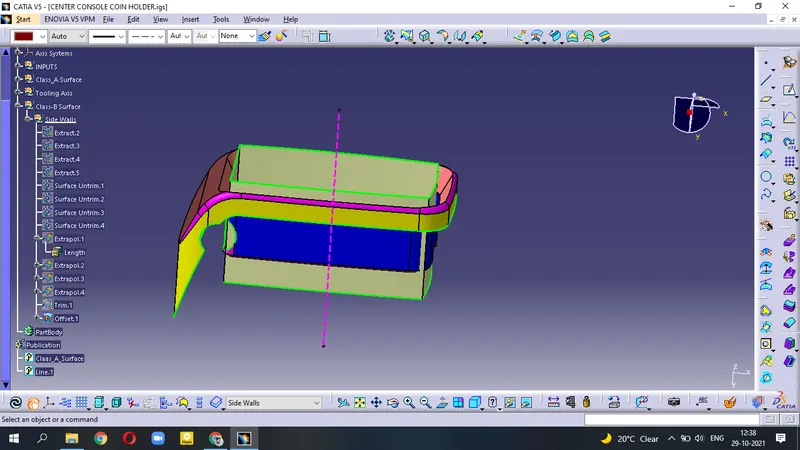
- Extract the surfaces
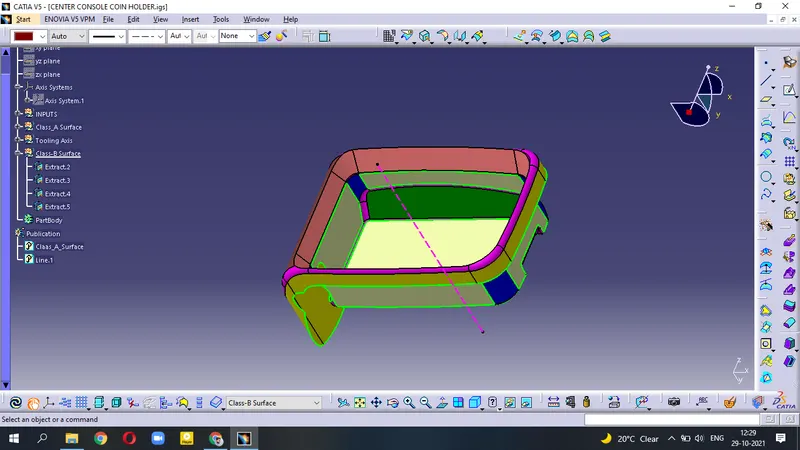
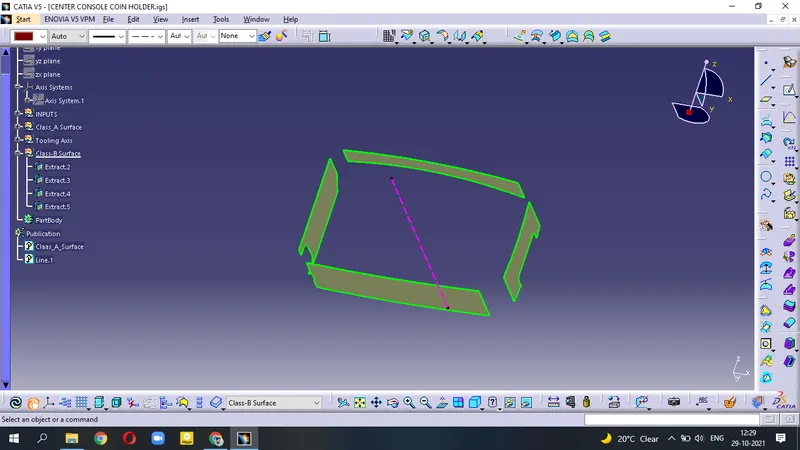
- Untrim this surface and then Extrapolate to increase the length of surface.
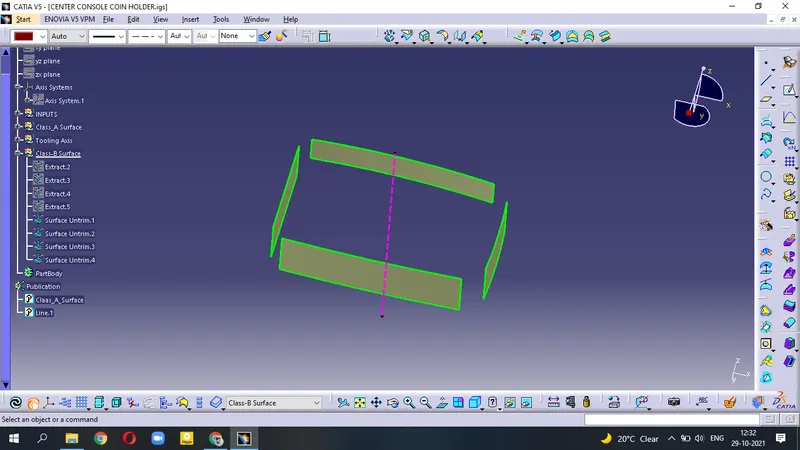
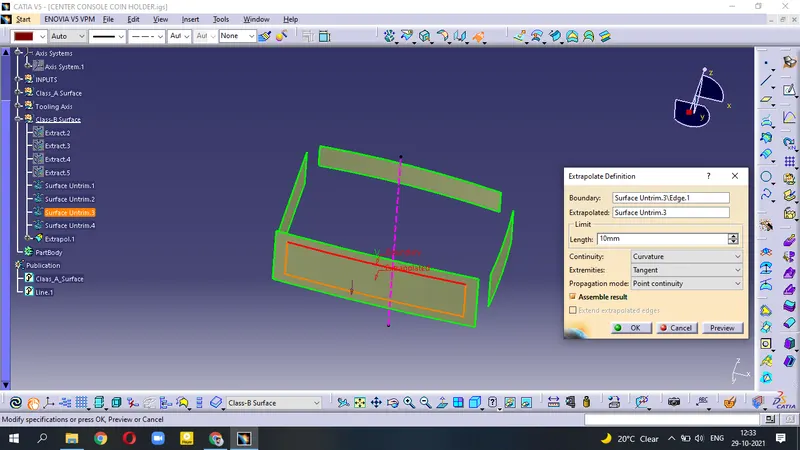
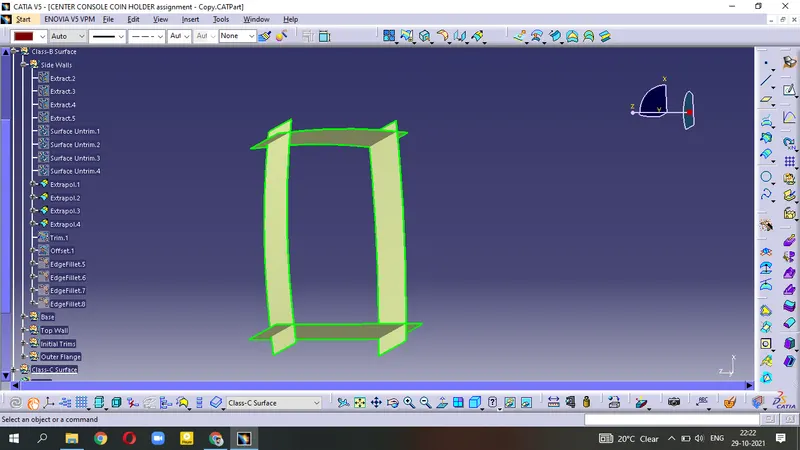
- Trim the extrapolated surfaces .
- Offset=2.5mm for making the surface thickness.
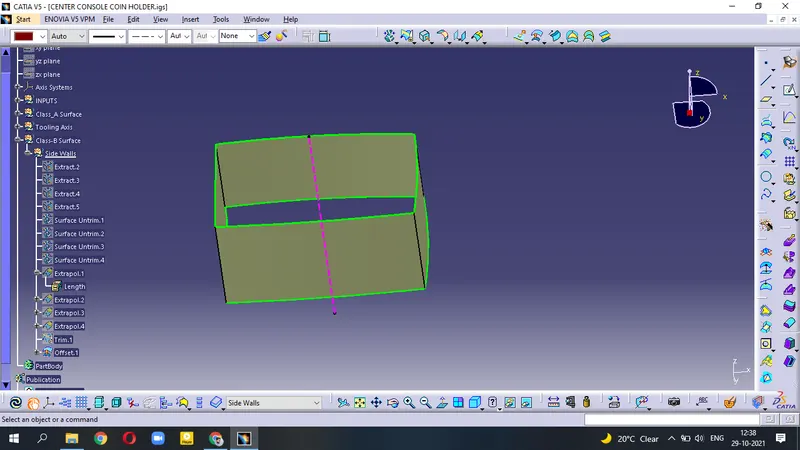
(Extract - Untrim - Extrapolate - Offset - Trim)
- Now, Unhide Class-C Surface.
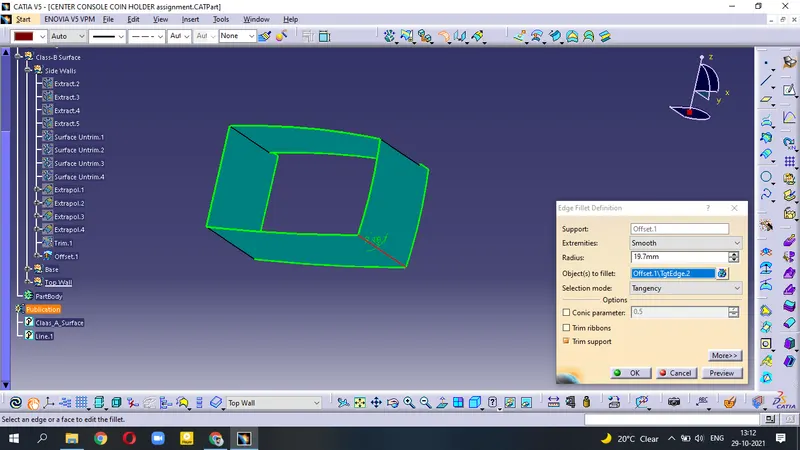
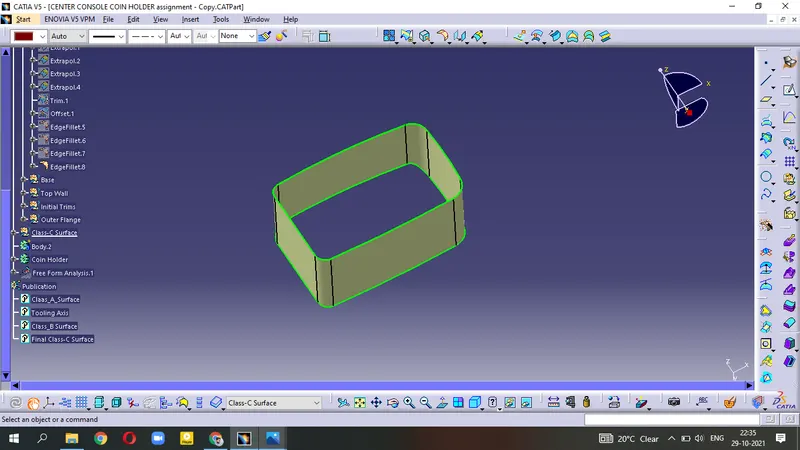
- Measure the edge angle and apply Edge Fillet on the trimmed surface.
- Edge fillet radius = measured angle of A_surface + 2.5mm . It is the outside walls having offset for thickness is 2.5mm.
Base
- from class-A surafce, Extract - Untrim - Extrapolate - Offset
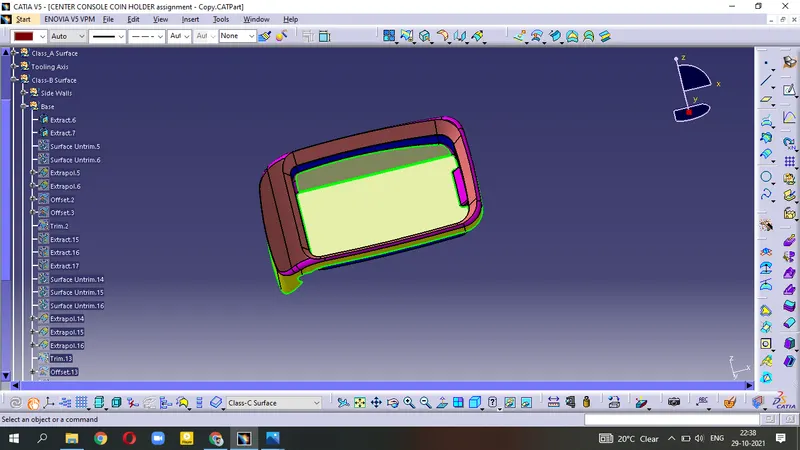
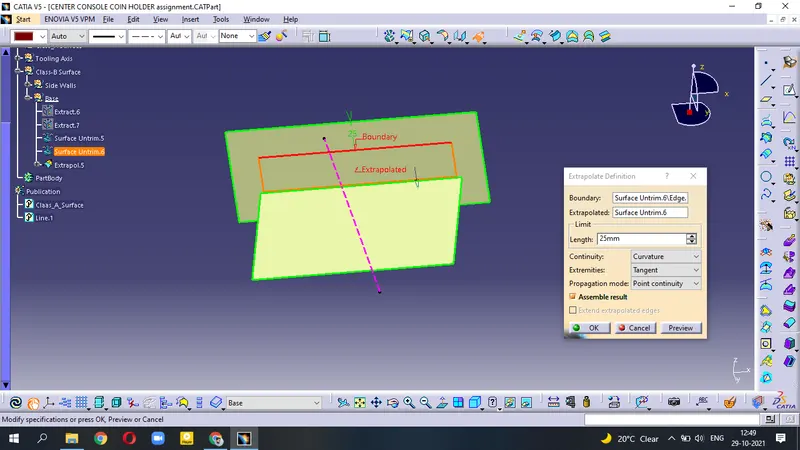
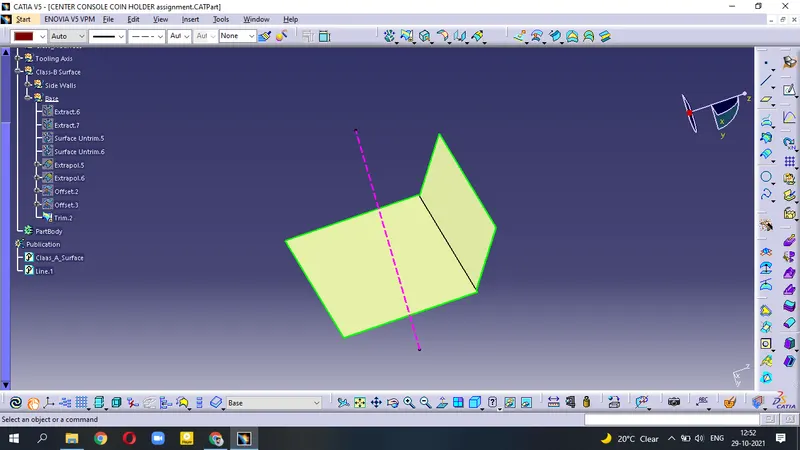
- again Extract the surface - Untrim - Extrapolate - Offset - Trim
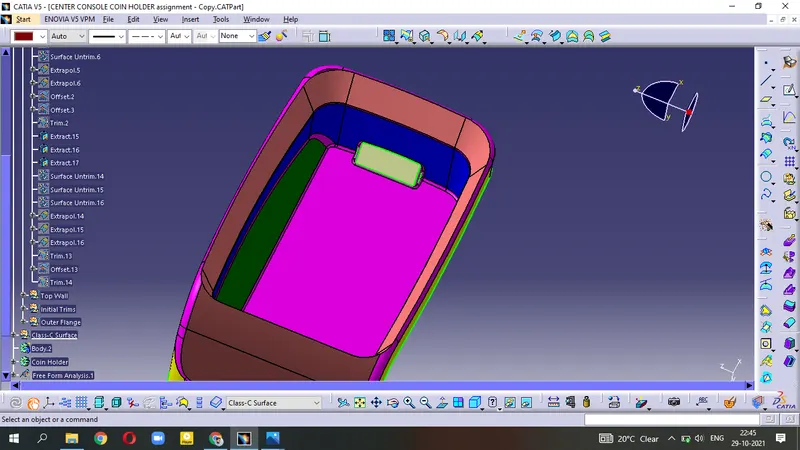
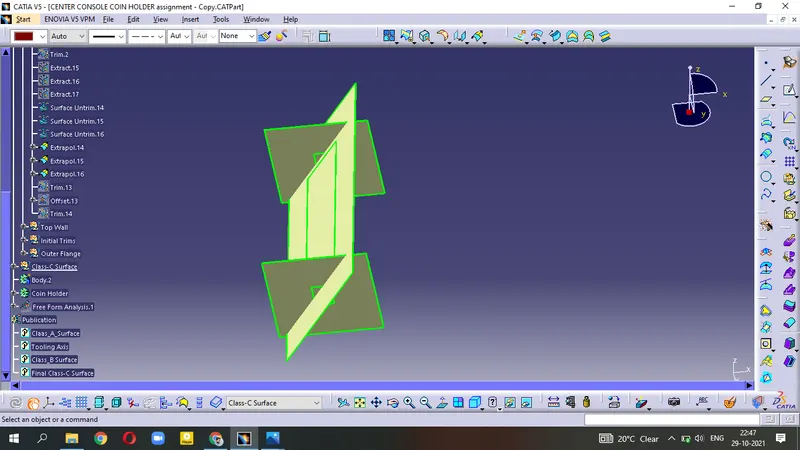
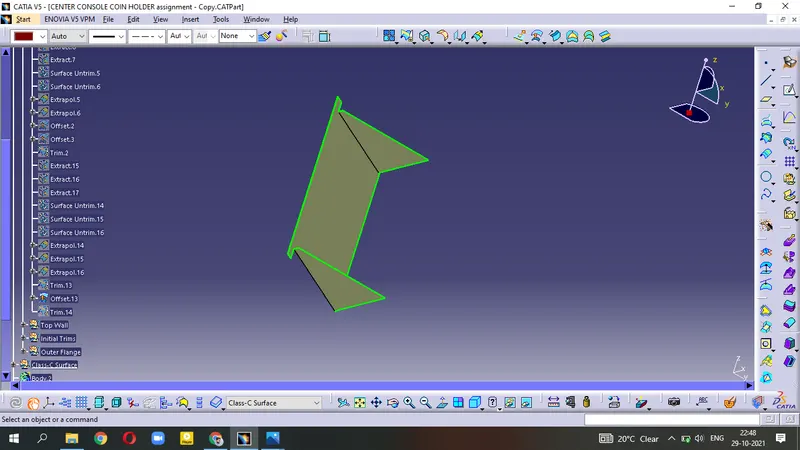
- Trim this surface with above Base surface.
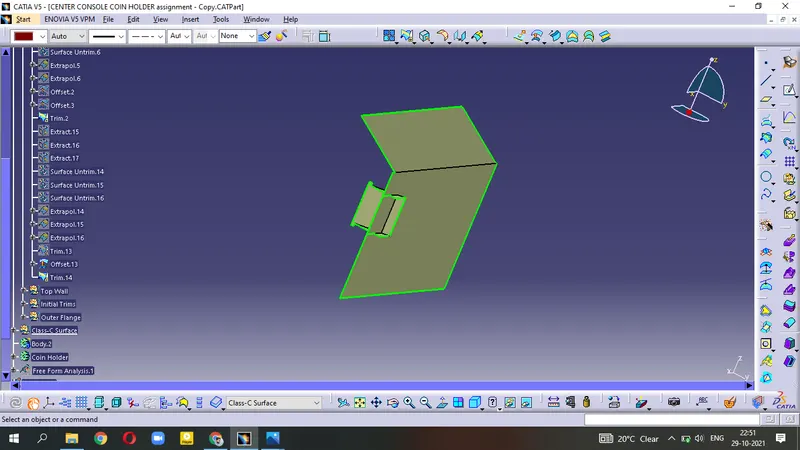
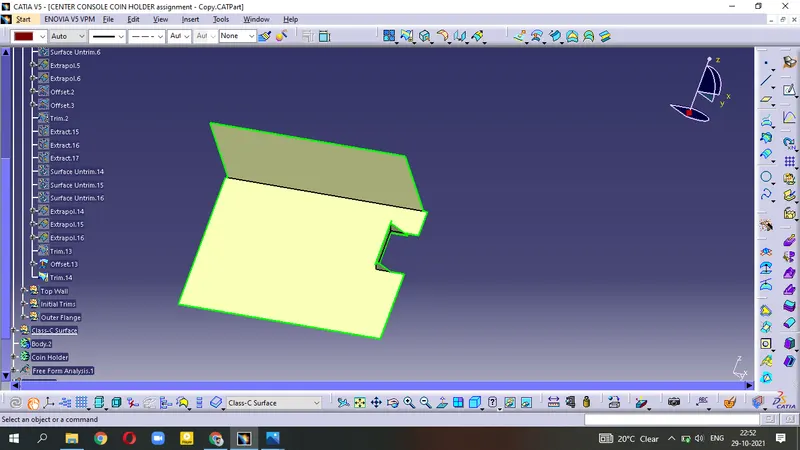
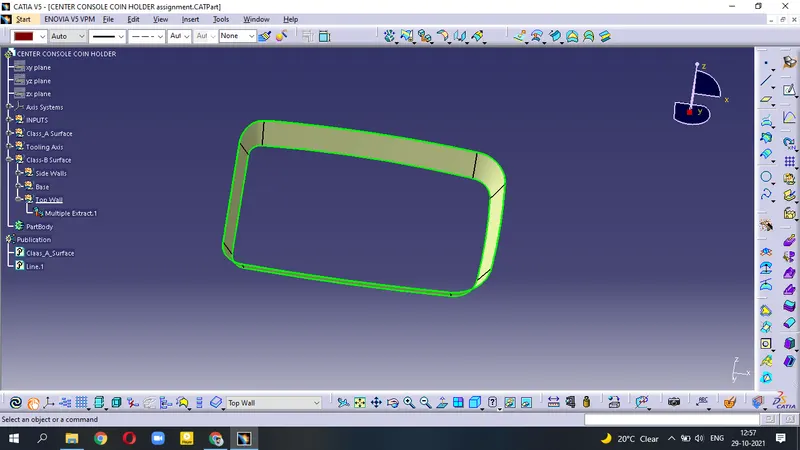
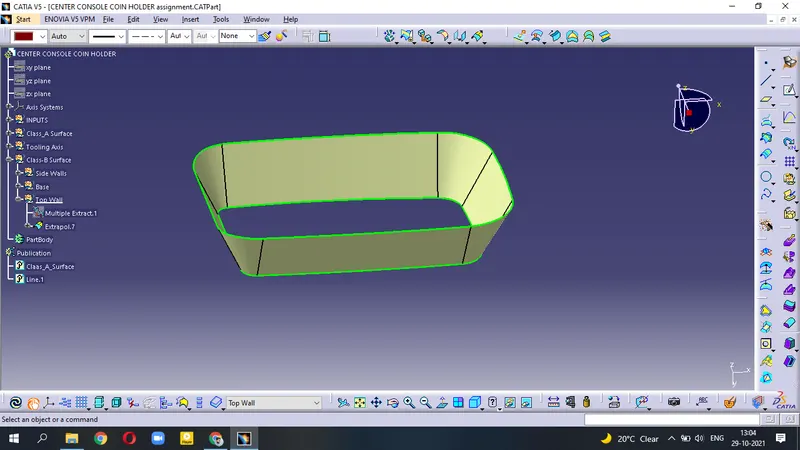
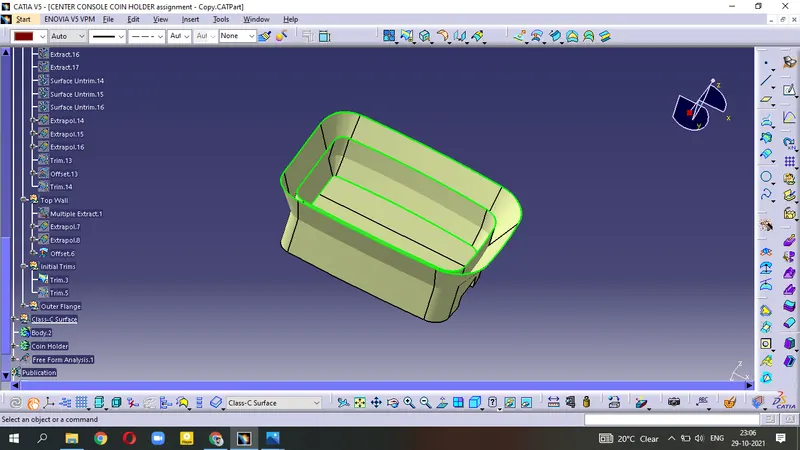
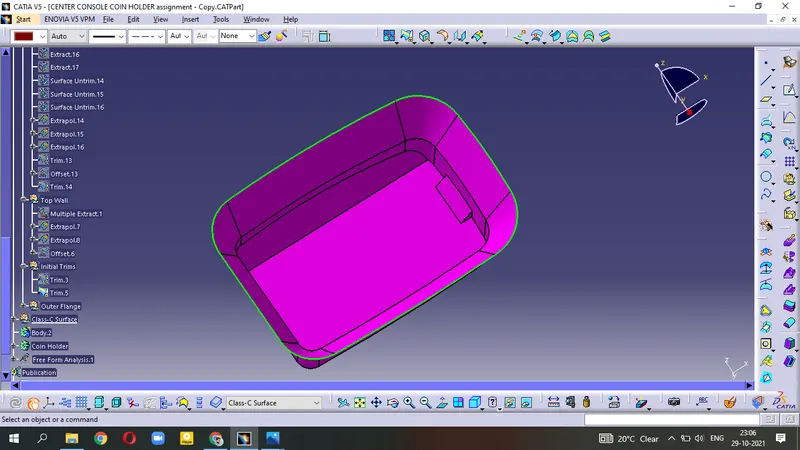
Top Wall
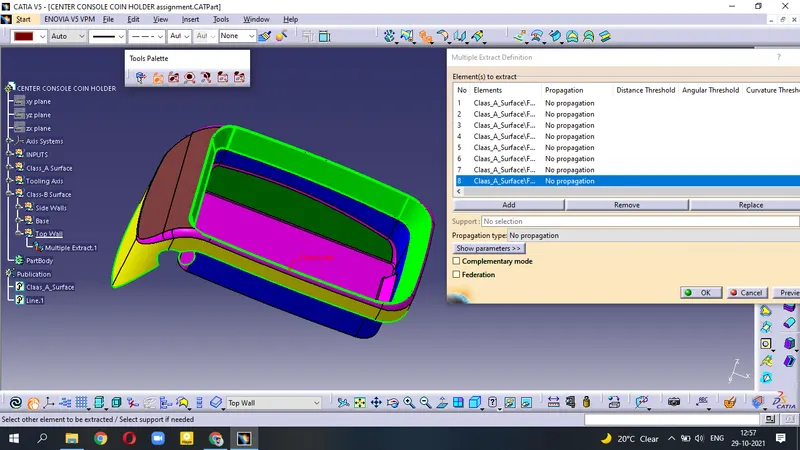
- Use Multiple Extract - Extrapolate - Offset=2.5mm
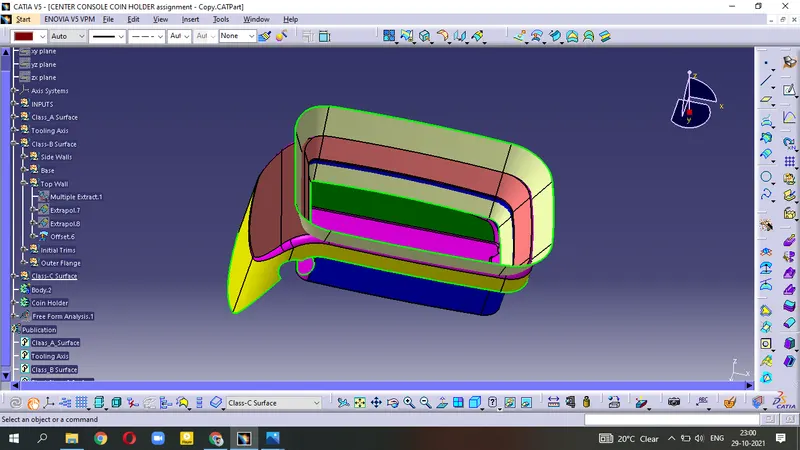
Initial Trim
- Trim the Base surface and Side Wall surface.
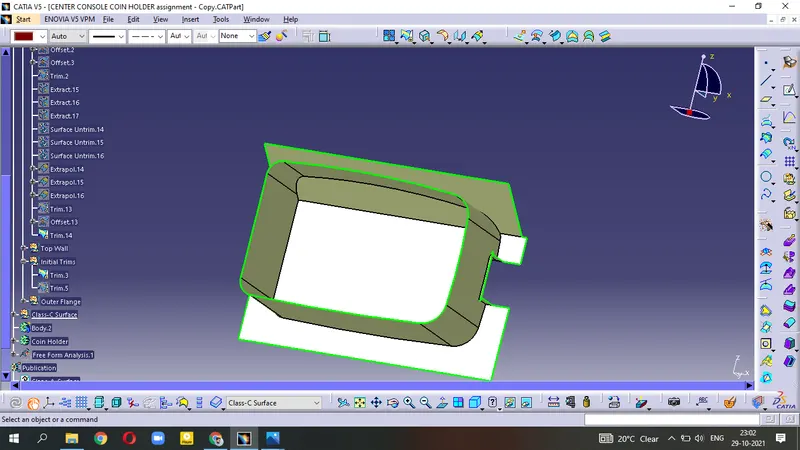
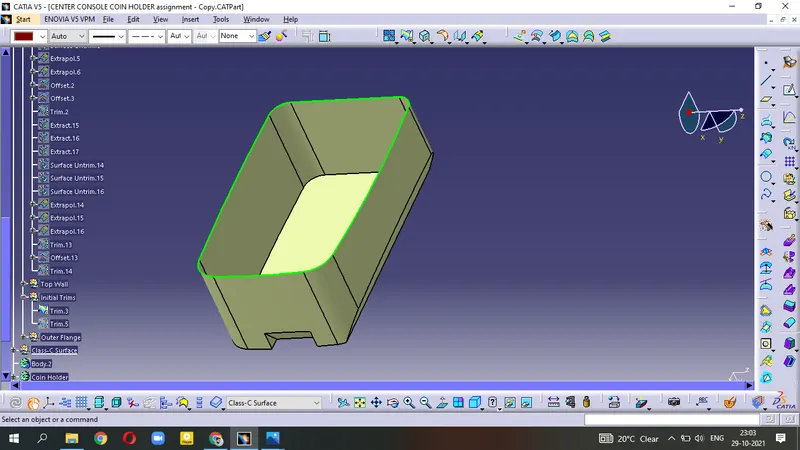
- Trim this surface with Top wall
Outer Flange
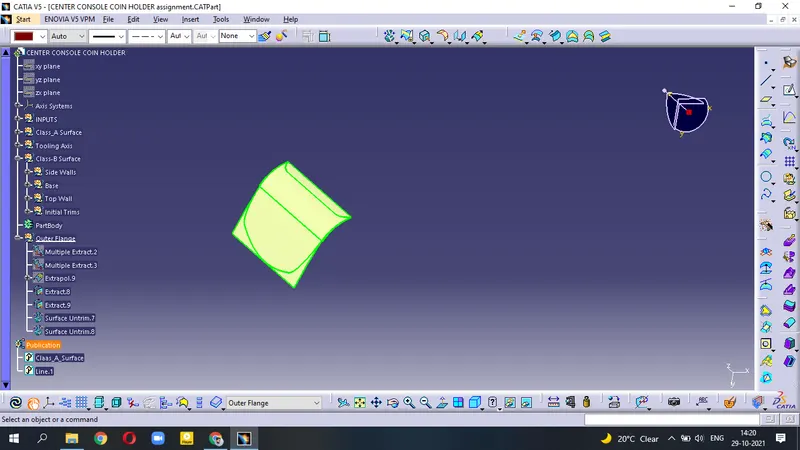
- Multiple Extract the surfaces.
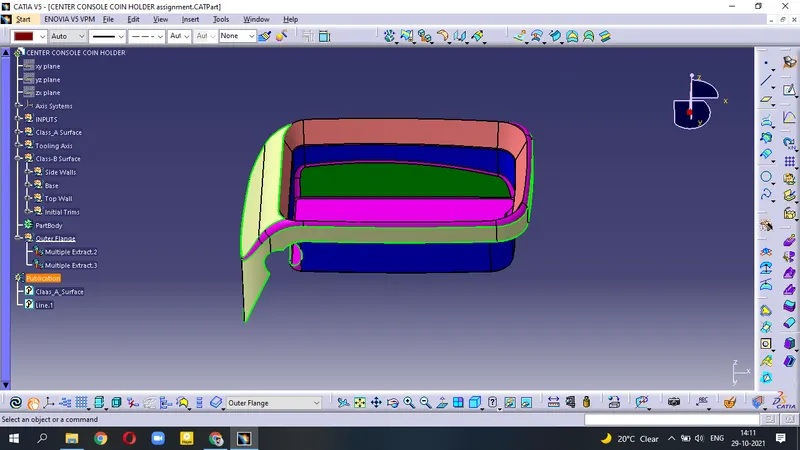
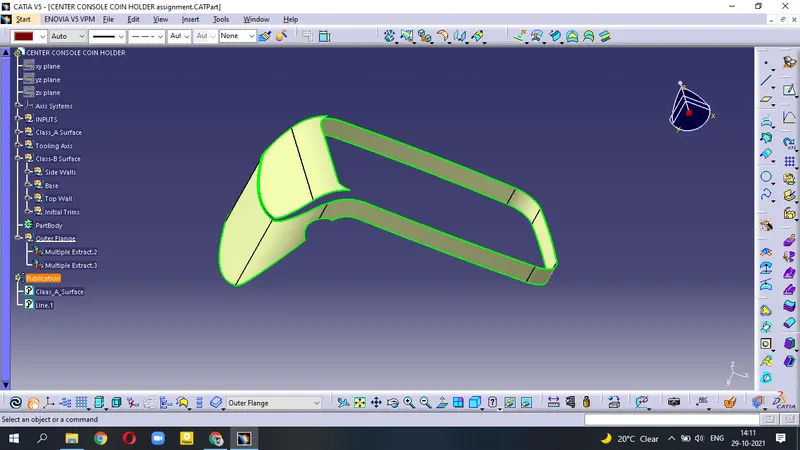
- Extrapolate the curved surface.
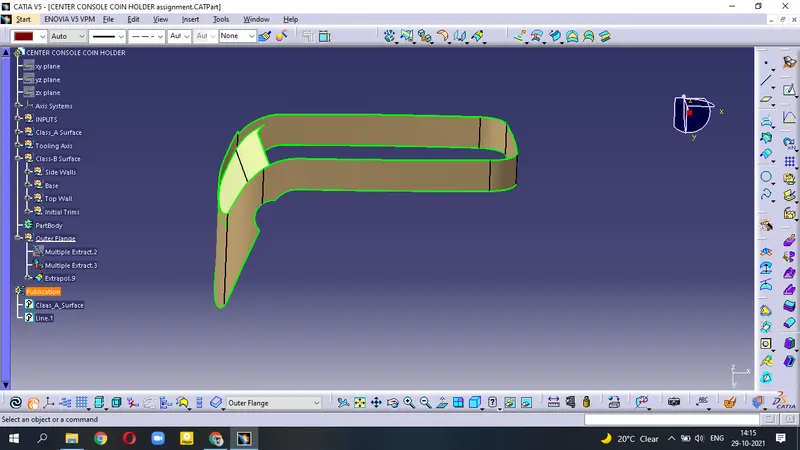
- It is showing Error while Extrapolate the other surface.
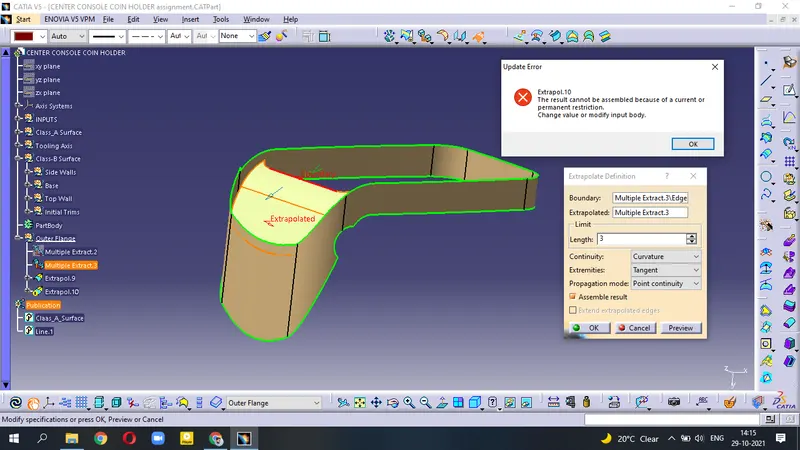
- so, Extract indivisually above and lower surface.
- Untrim surface and then use Extrapolate.
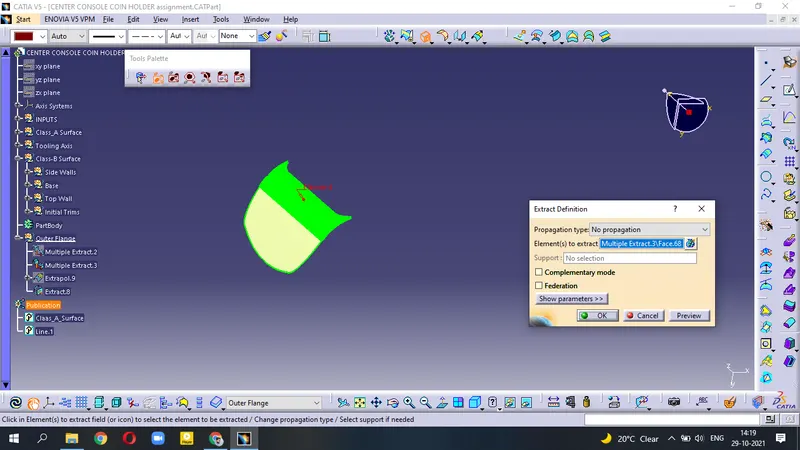
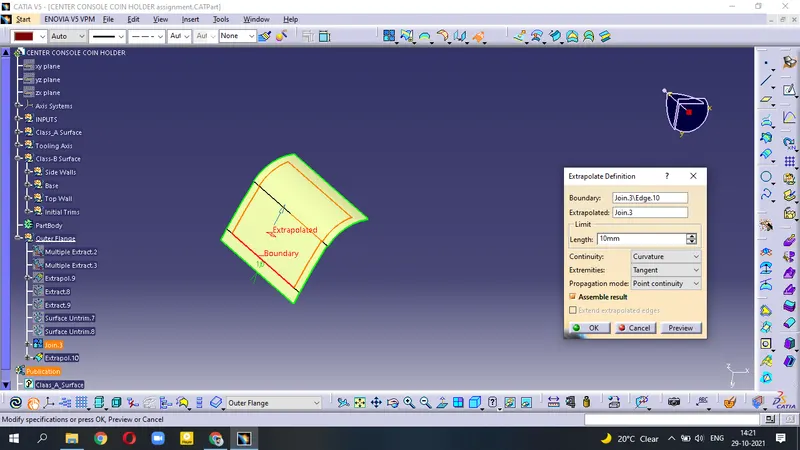
- Join the surfaces
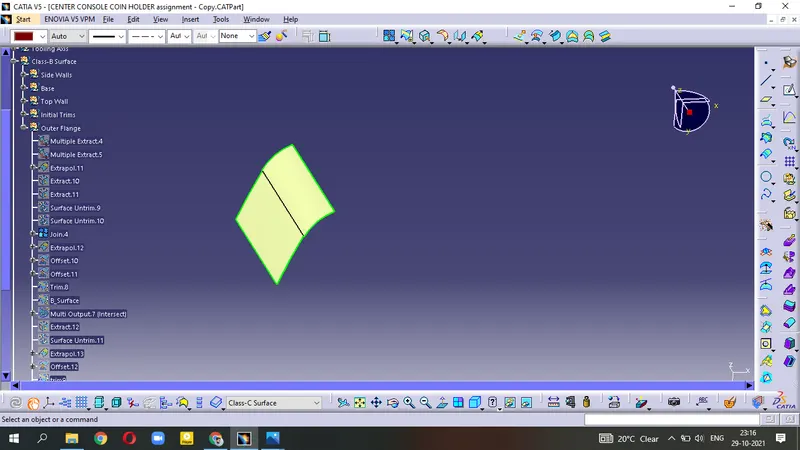
- again Extrapolate surface and use Trim operation.
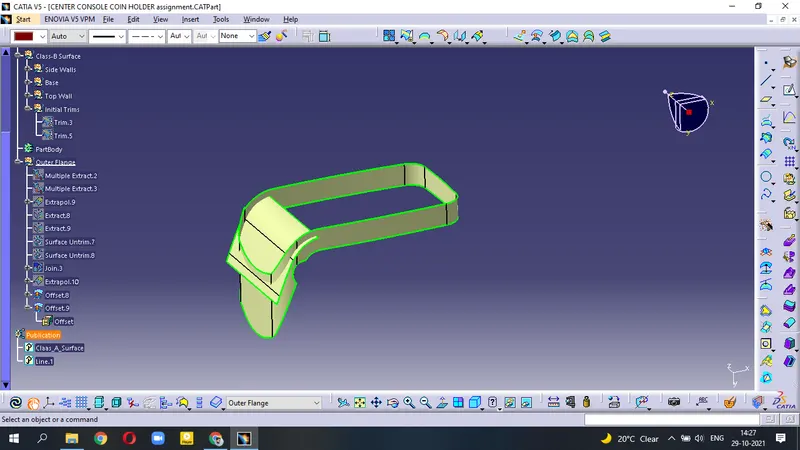
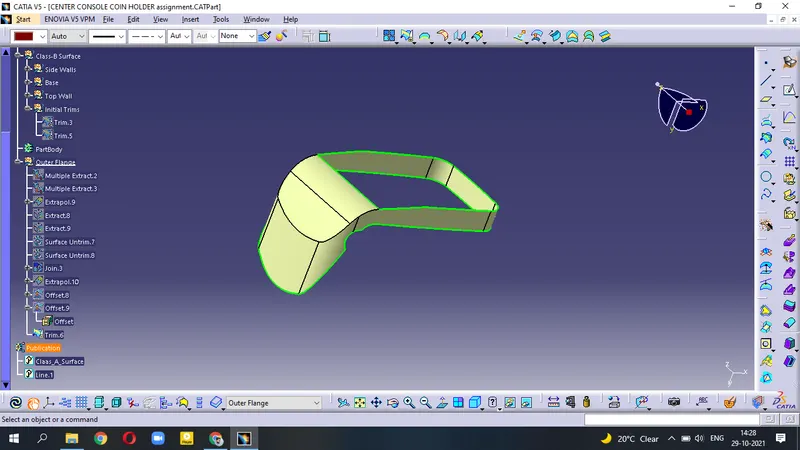
- Trim this surface with Initial Top Trim surface
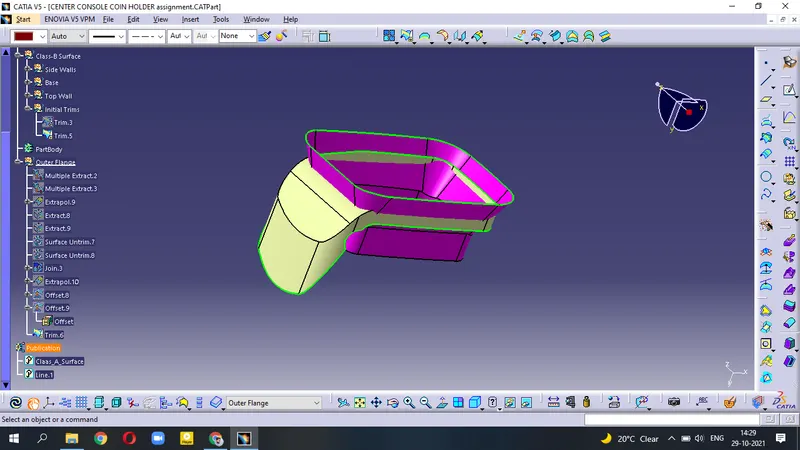
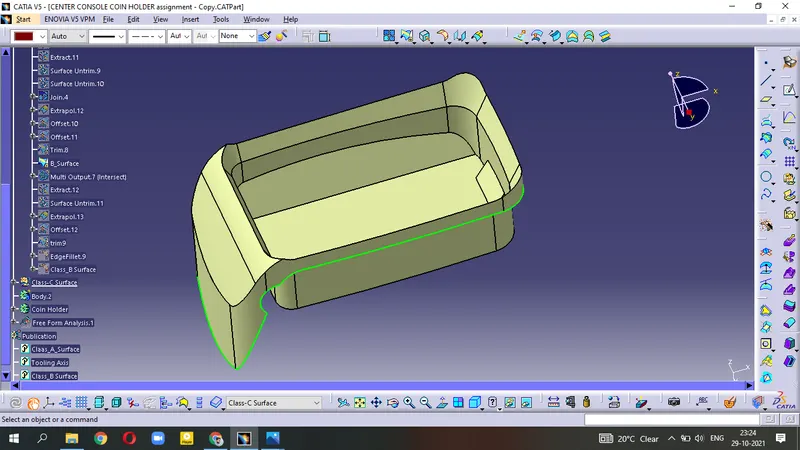
(we get the B-Surface but we have to apply fillets as Class-A surface.)
- after using Edge Fillet , we get the final Class-B Surface .
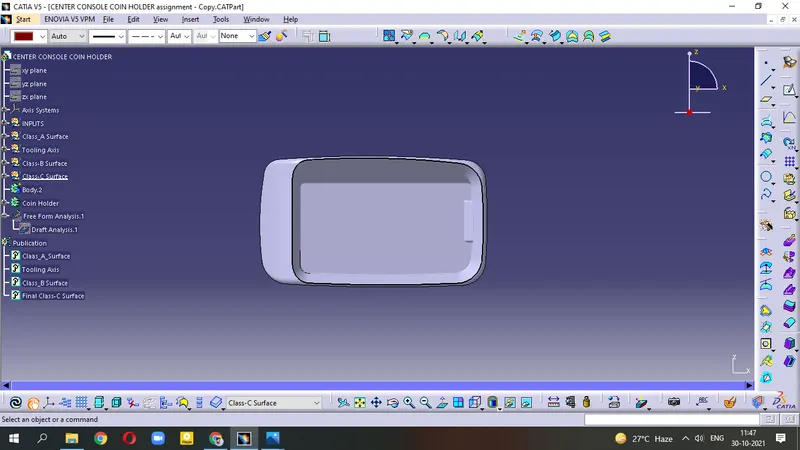
Creating Class-C Surface :-
Open the Intersection in Class-A,B surfaces. we have two line - Blue intersection = Class-A surface , Orange = Class-B surface . Both lines are open; So we have to close this line to get the Class-C surface.
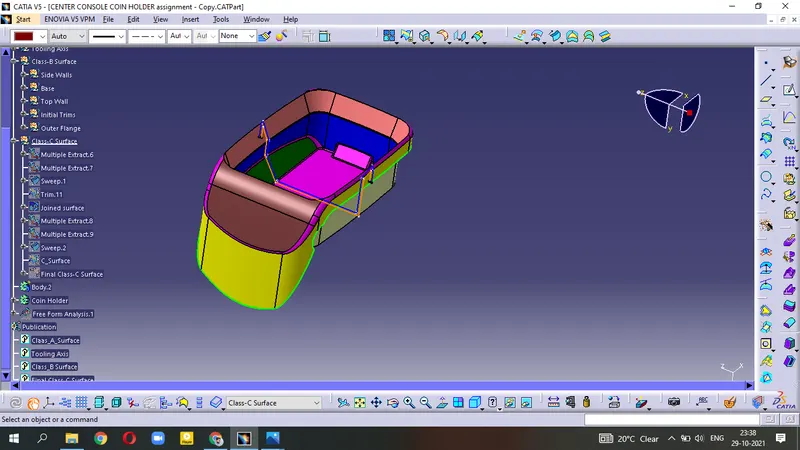
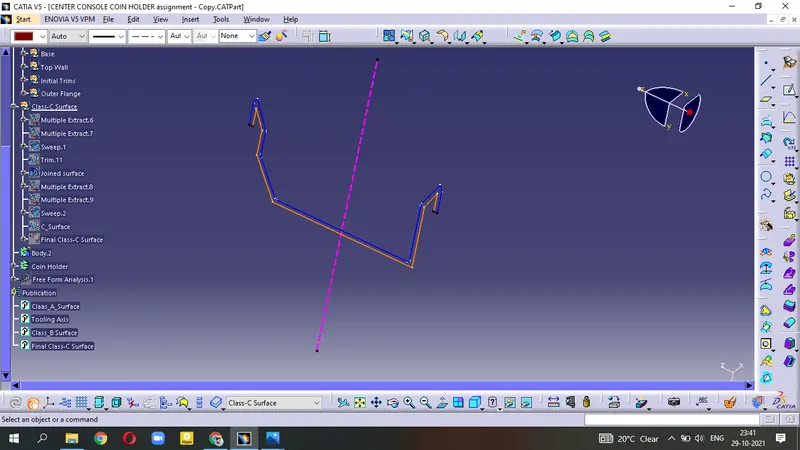
- Multiple Extract the Class-A surface
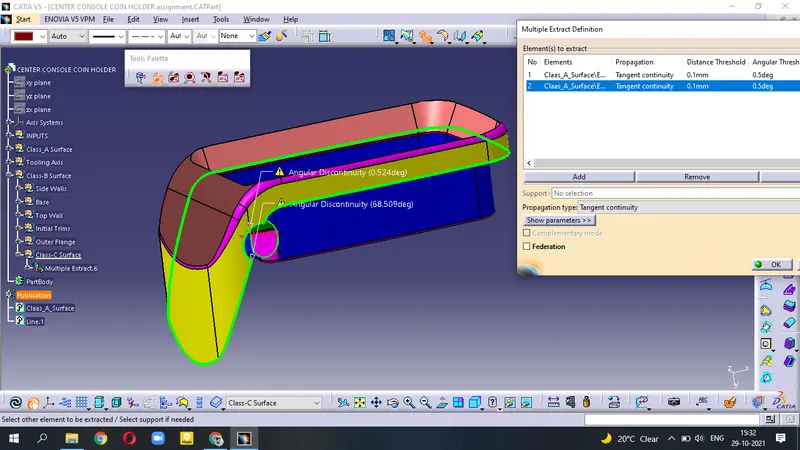
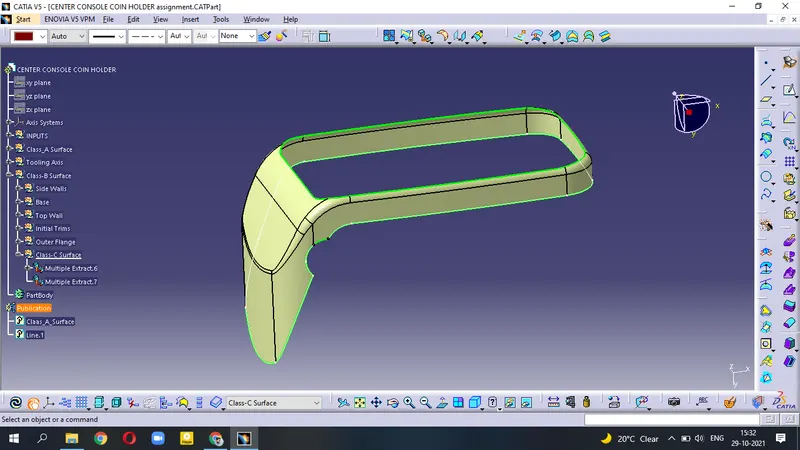
- use Sweep command.
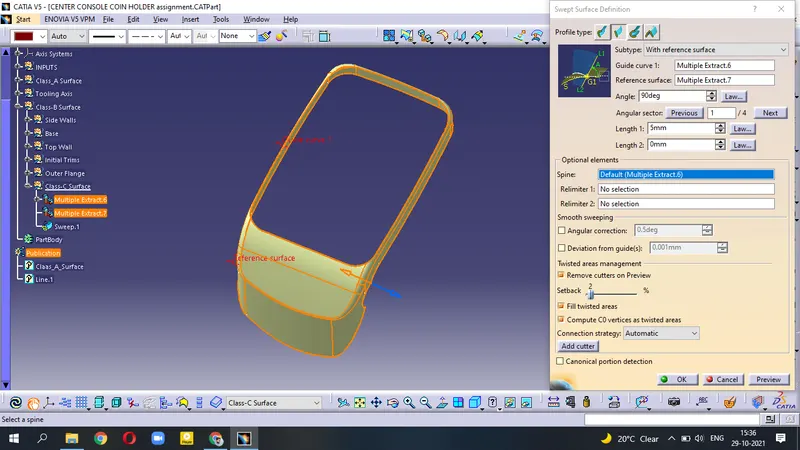
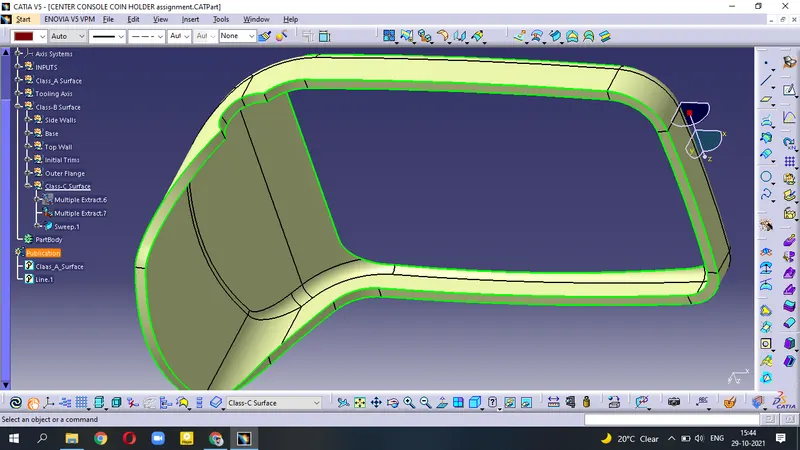
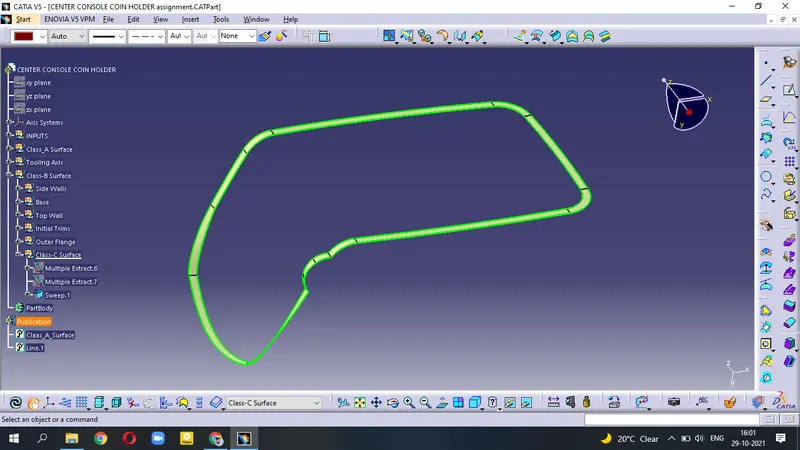
(This is Class-C surface)
- Join Class-C and Class-A surafce.
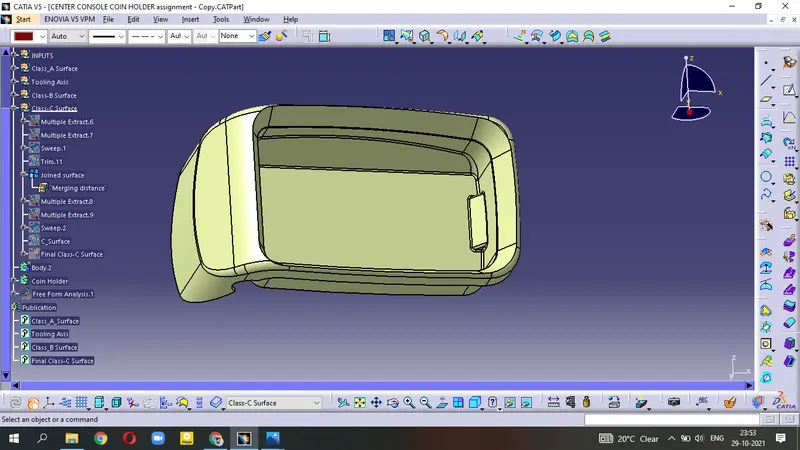
Hole Portion
- Multiple EXtract then use Sweep command
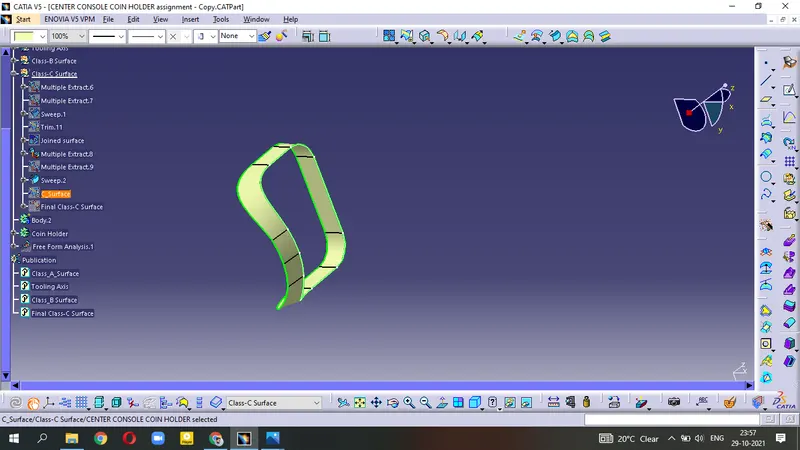
- Trim this surface with Class-A,B joined surface.
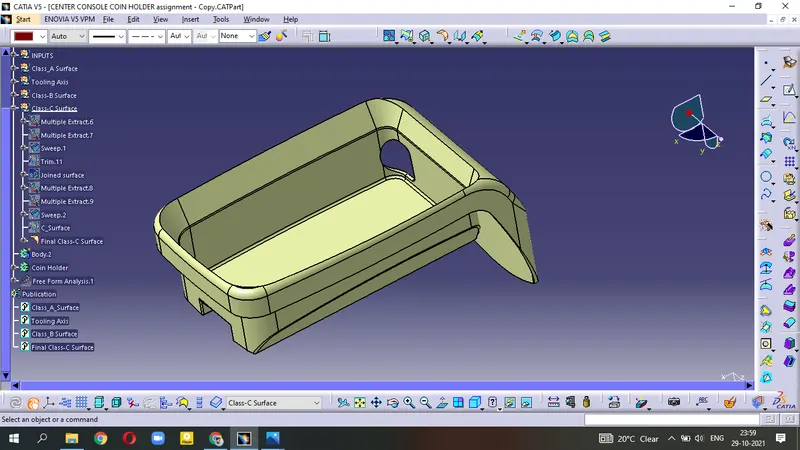
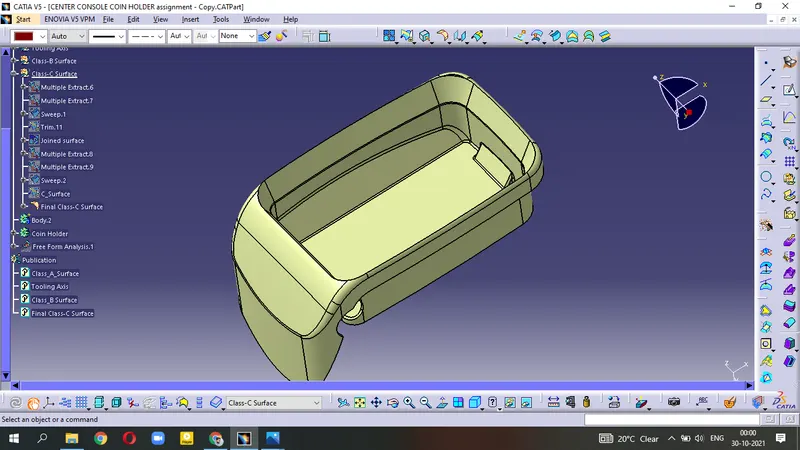
(This is Final Class-C Surface)
Solid Surface
- Try to create a Boundary on the final class-C surface.
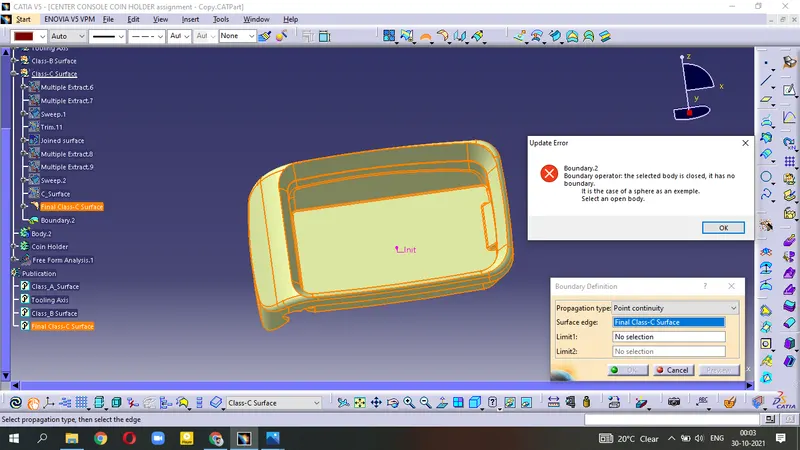
- It is showing Error that means our surface is ready to make the solid body.
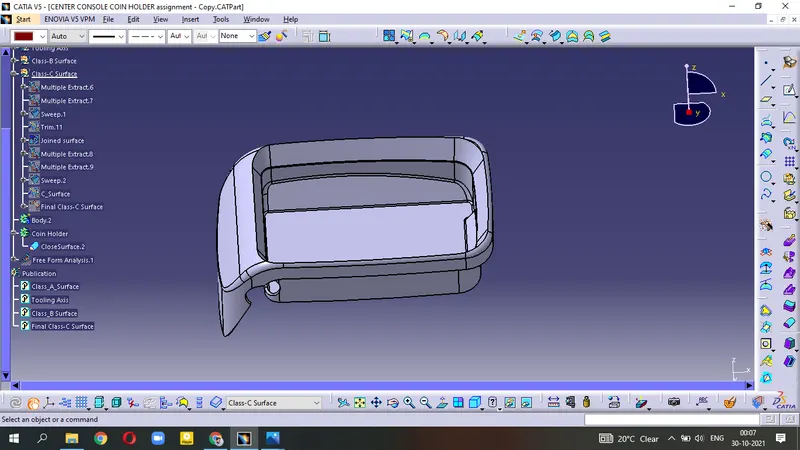
- goto Mechanical Design - Part Design .
- Apply Close Surface tool
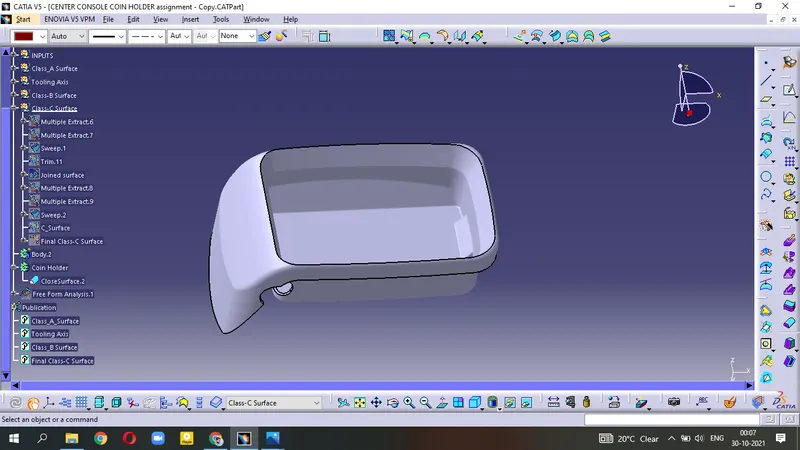
Draft Analysis :-
To perform Draft Analysis on the Coin Holder component, We have to change our view to Material Mode.
- goto Menu - Insert - Analysis - Feature Draft Analysis
- Unhide main Tooling Axis
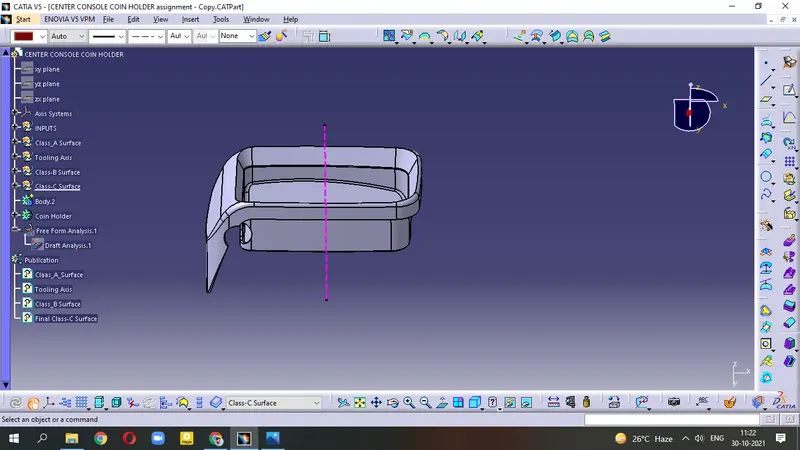
- Initiate Draft Analysis
- Allign the axis in our main Tooling Axis by using Compass .
- Apply Draft Angle = 3degree.
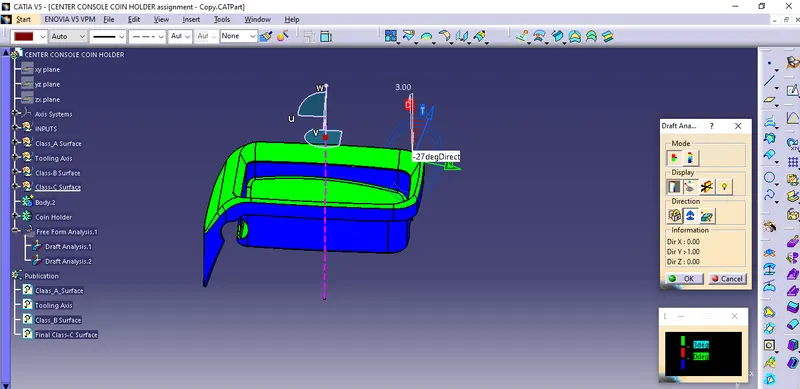
- For other other Blue surface(above) which is not clear, We can crosscheck by applying Another dummy axis for clearance.
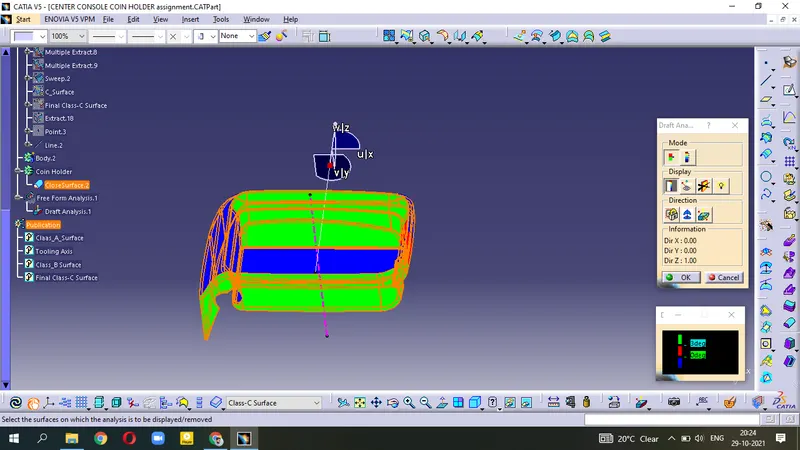
- Lock the Current orientation for getting proper Draft Analysis.
Different View :-
Normal View
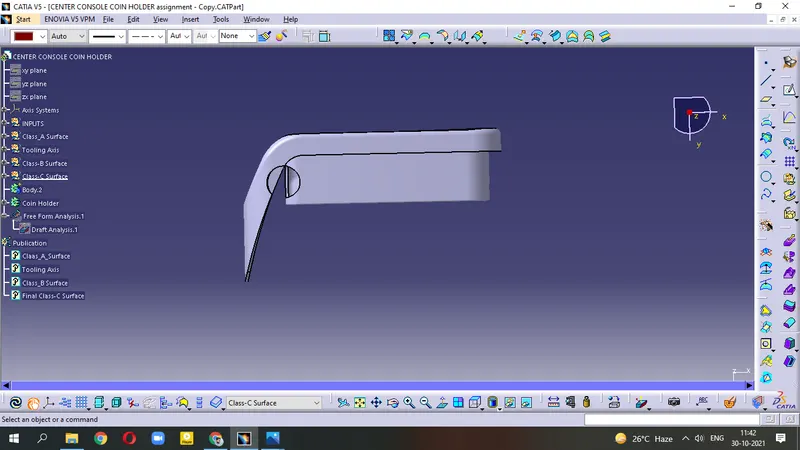
Front View & Back View
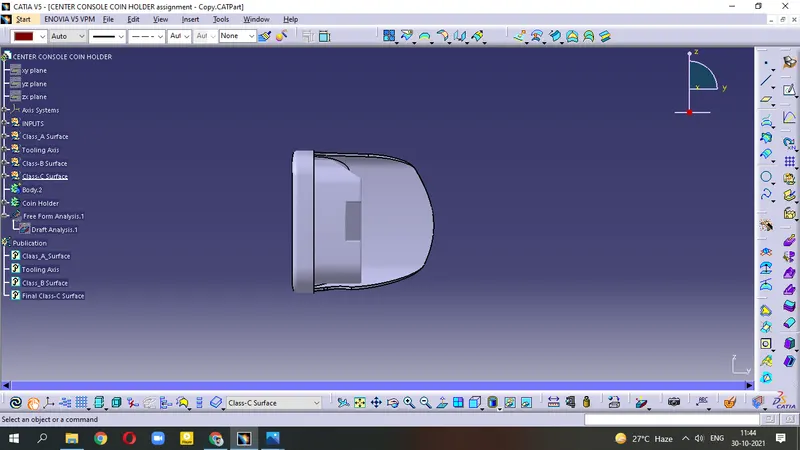
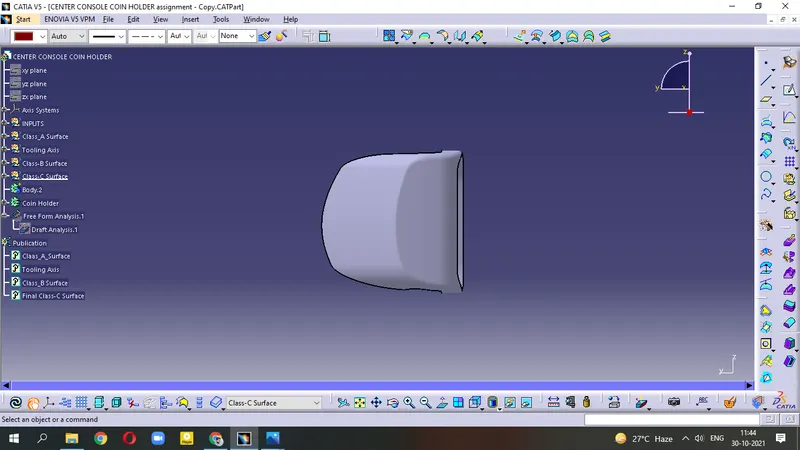
Top View
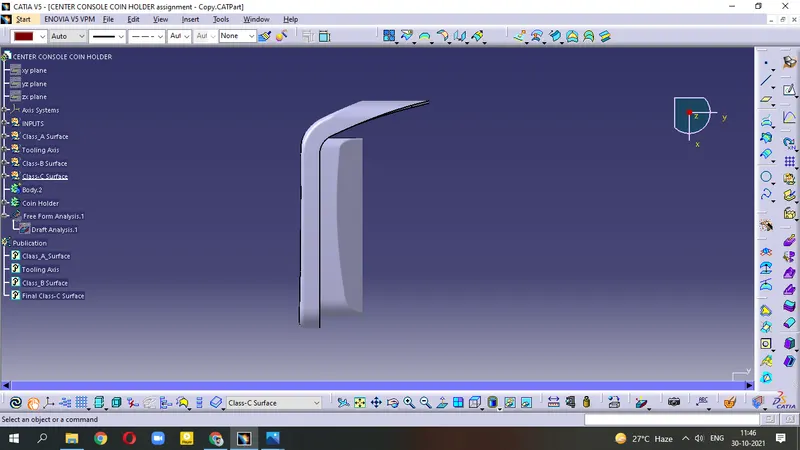
Side View
Isometric View