Challenge 6 : Concept Modeling of Side Fender
Tile:
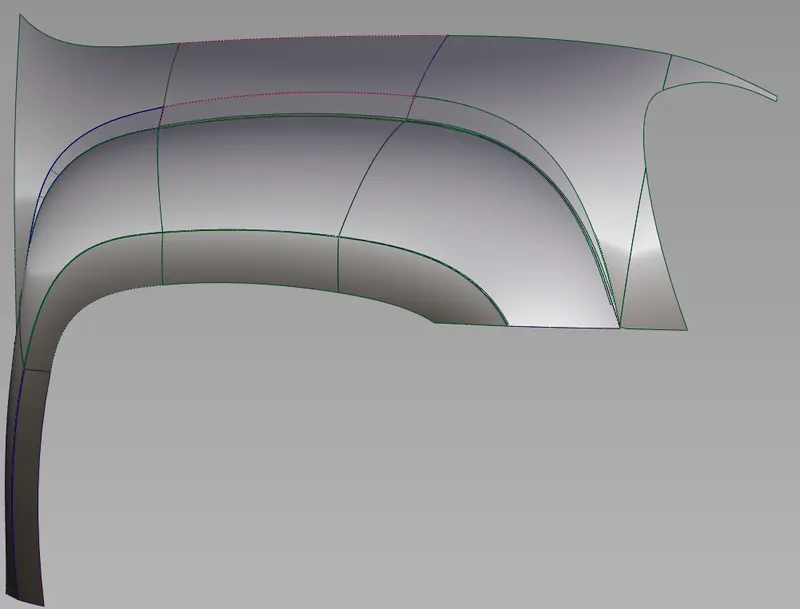
Concept modeling of car fender and Air hood.
Objective:
To be able to model a car fender and Air hood using Concept Modeling, analyzing the light reflections on the surface understand the flow of the surface.
Introduction:
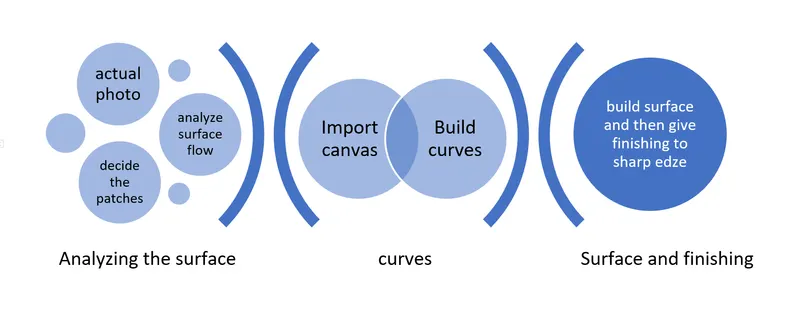
- This project is started by analyzing the actual photos of components, surfaces, and patches of the surfaces then moved to the actual process of modeling.
- The project starts by importing the canvas image of the original component, then scales to a comfortable size. The next step is to start building the curves concerning the canvas, but we have to build the curves based on the patches we assume while analyzing. And continue to build all surfaces, then add a fillet to smoothen the sharp corners.
Note: The surfaces built in the project are built in a manner in which we will build one after the other to achieve surface continuity.
Design Methodology/ Approach:
Description:
Tools Used:
- Import Canvas
- Scale
- Move
- CV Curve
- Pick Curves, CV, Object
- Align
- Duplicate
- Extend
- Blend
- Blend Edit
- Surface
- Project
- Trim
- Draft
- Intersection
Major Tools:
Draft:
Select the curve or the surface border which needs to create the draft then edit the options to adjust the angle and length of the draft.
Intersection:
Select the first surface that needs to be intersected and give go, then the second surface.
Align: (Curves and surfaces)
Select the Curve Which needs to be aligned first then select the curve to which is master (reference curve).
Project:
Select the surface on which need to be projected, then select the curve which needs to be projected.
Extend:
Select the curve which needs to extend then use the arrow (will appear at the end of the curve) and drag to extend or decrease.
By using the extend tool it is possible to extend the surfaces also (In this project it is used when the rail surfaces are not generated as required).
Procedure:
At first, we have to import the Canvas Image to a plane, scale it to a flexible size, and start building the curves from the base or the flat surface as possible.
Before building the curves make sure that we are following the surface patches we decide on in analyzing the image.
Build the four borders to apply surface then apply the square tool to build the surface then there is the first foundation surface from which all the surfaces are aligned and maintain the continuity.
Build the curves for the next surface, and some of the surfaces rail tool is used for which only 2 or one curve+ one surface boundary is enough.
The draft is used to achieve a surface that is slightly bent inwards and followed by the surface which is built before.
The surfaces of the fender at one end are flowing deep(inside) towards the front side of the car, and it is intersecting to build this type of surface more accurate use rails command and the software will form the good quality bend.
Then find the sharp edge and then use the surface fillet tool to give smooth finishing.
Conclusion:
The given component is modeled using the concept modeling method successfully.
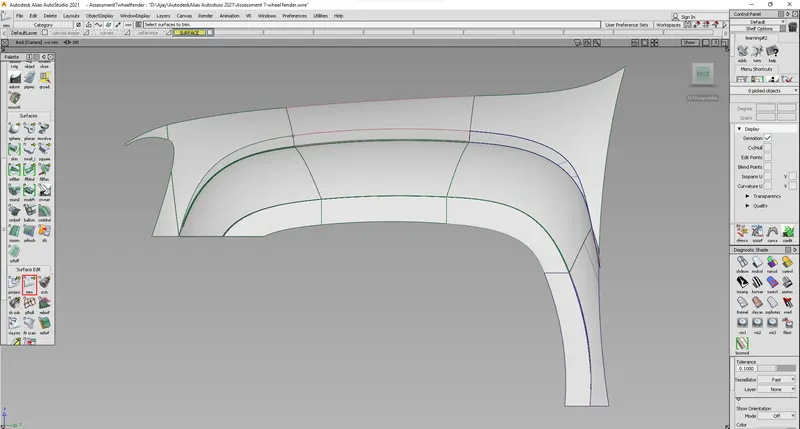
FENDER ISO
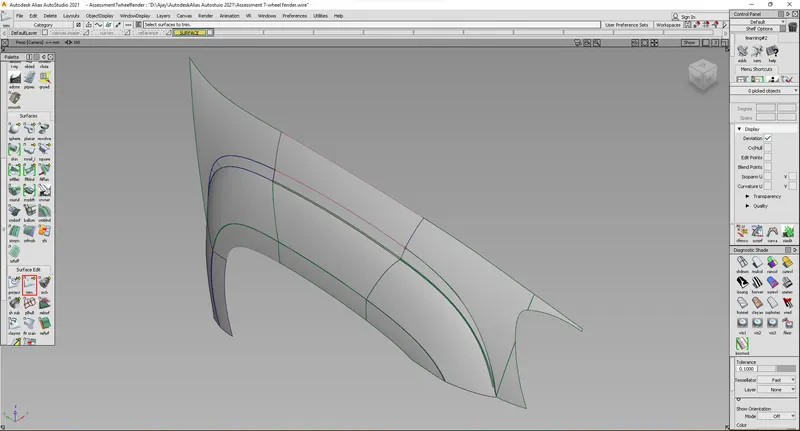
FENDER FRONT VIEW
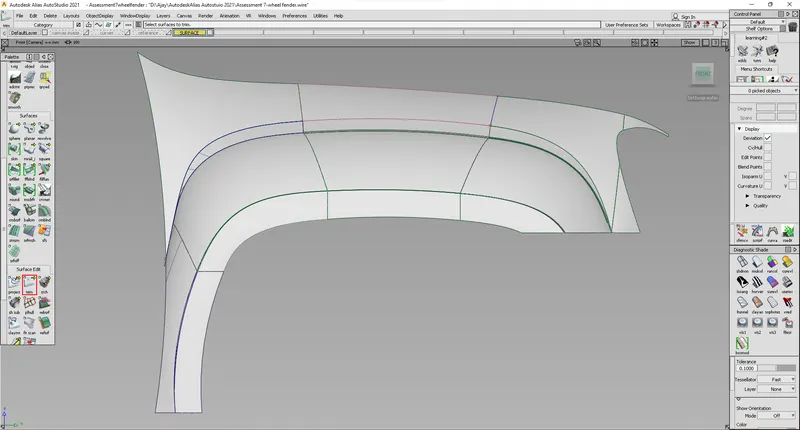
FENDER TOP VIEW
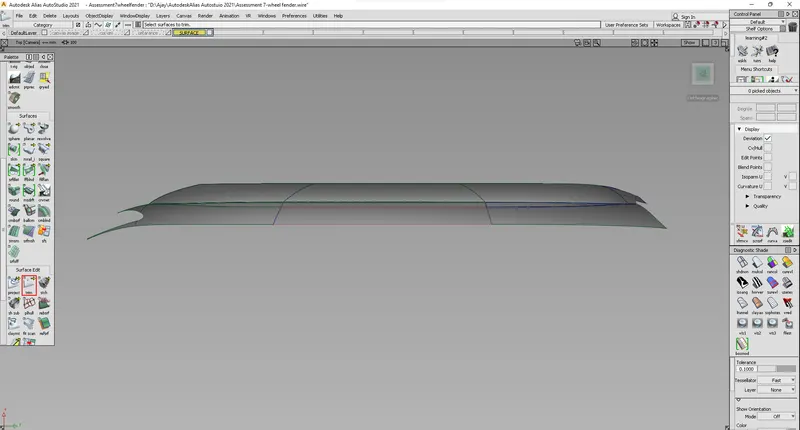
FENDER BACK VIEW