Assignment 1-2D Meshing Challenge
Aim :- Carry out the geometry cleanup operation on the given 3 files.
- Practice
- Clip Repair
- Mounting Bracket
There should not be any free edges, convert all of them into refine geometry.
- Clean the geometry.
- Extract midsurface.
- Clean midsurface geometry.
- Ignore holes less than dia 5mm.
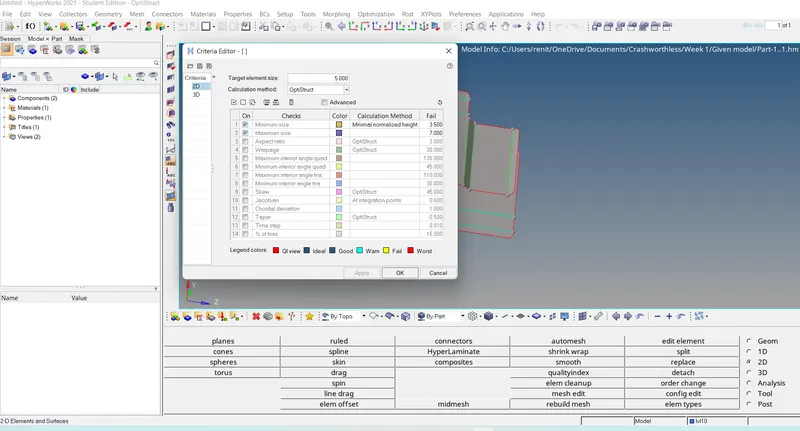
- Create 2D mesh with target length 5mm, min 3.5mm max 7mm.
- And assign proper thickness, by creating a generic property.
- Then Save in .hm format.
Procedure :-
Step 1 :- Import the model.
file -open -select the model -ok.
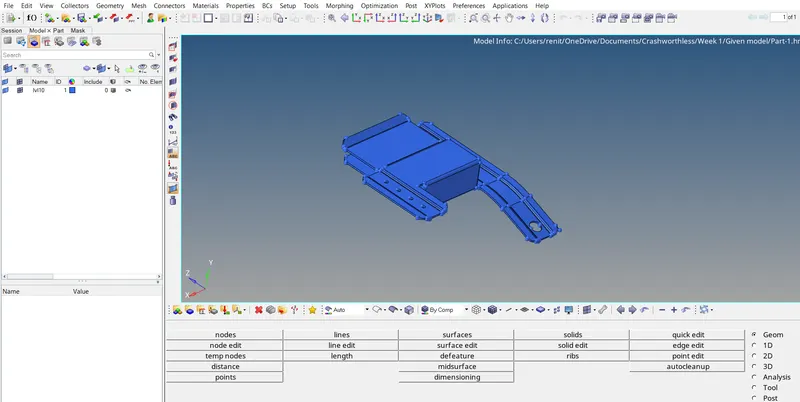
Step 2 :-Need to perform geometry clean up.
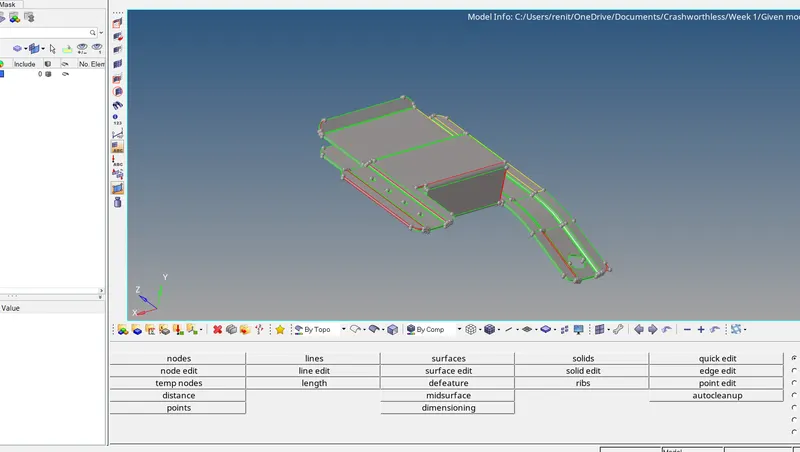
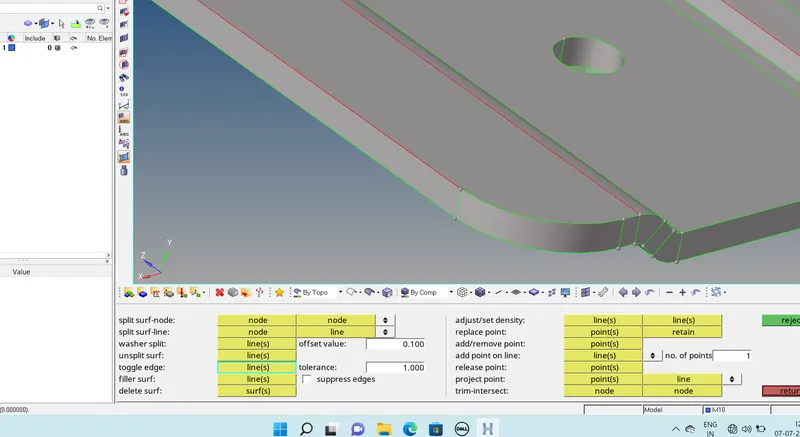
*Clearing the free edges.
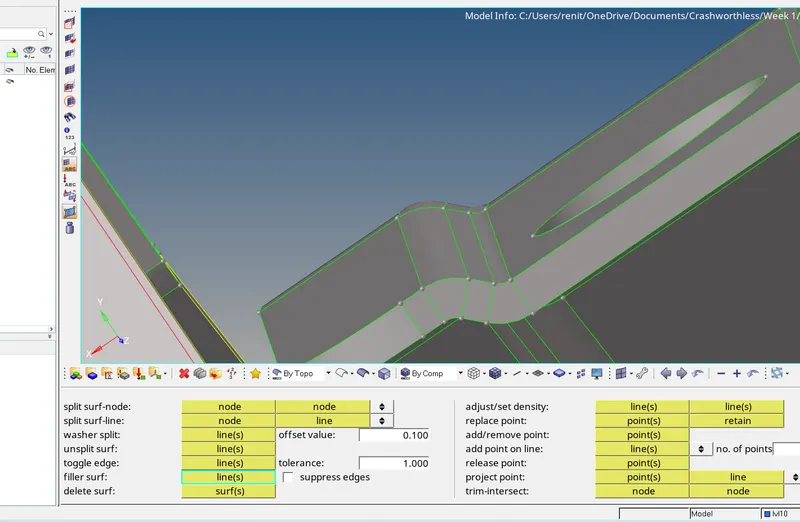
Geometry -Quick edit - toggle -select the free edge -toggle.
*Creating surfaces.
Geometry -Quick edit -filler surface 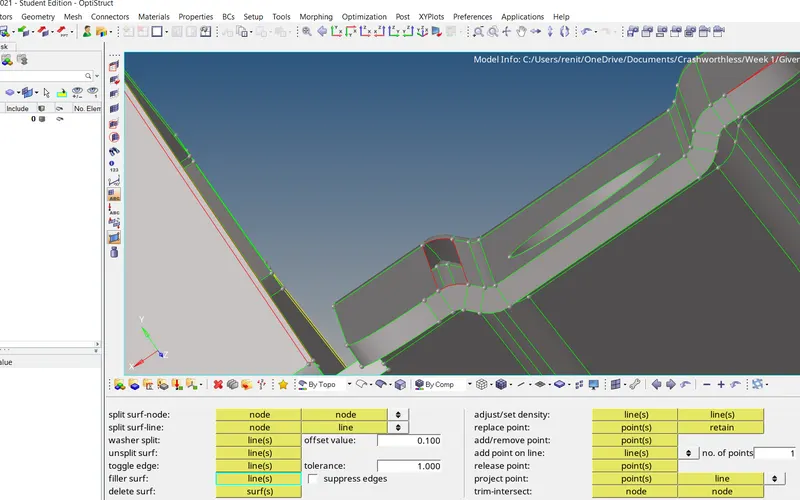
select the free edge -fill the surface.
Step 3 :- Deleting the extra surfaces.
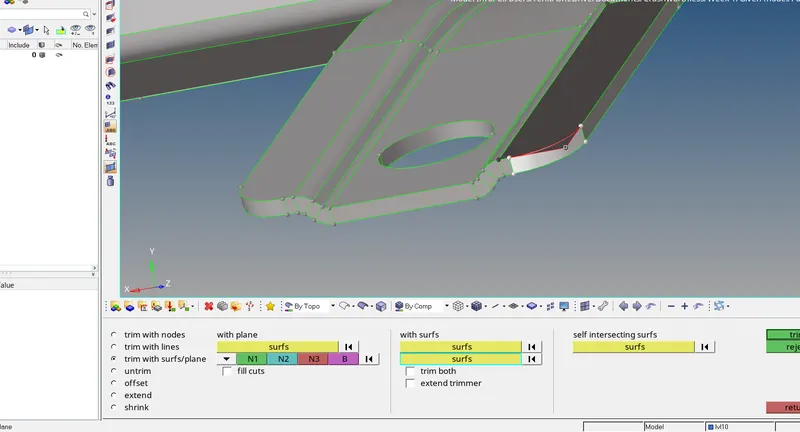
Trim the both surafces.
Geometry -surface edit -trim with surface and plane -select surfaces -trim.
Delet -surfaces -selelct the surface -delet
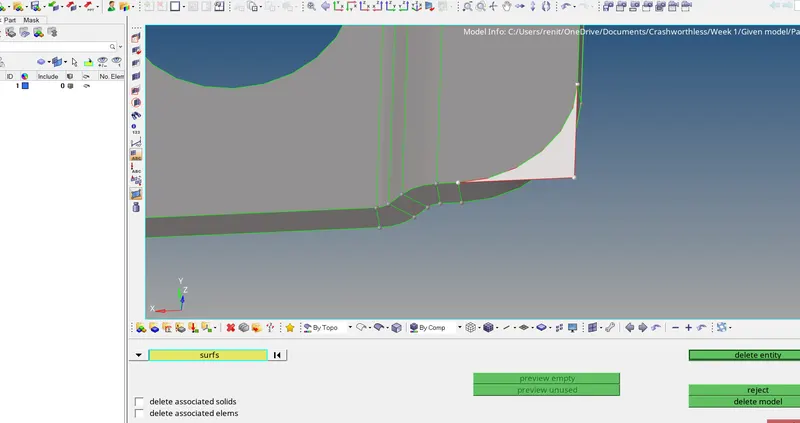
Deleting Extra surfaces.
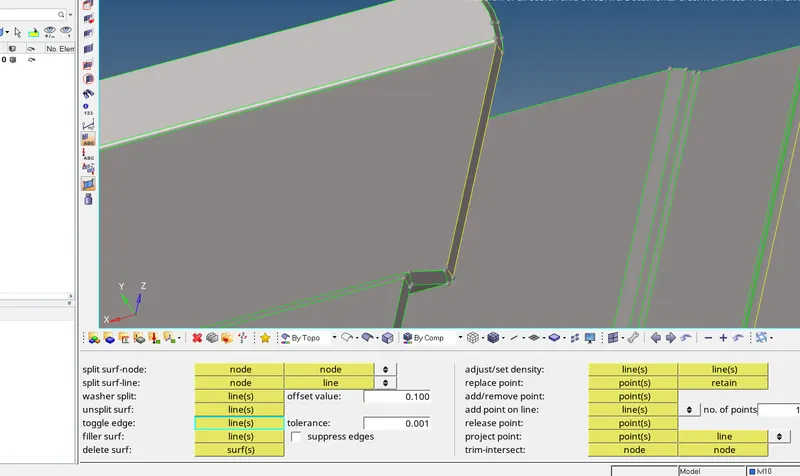
Geometry cleanup done.
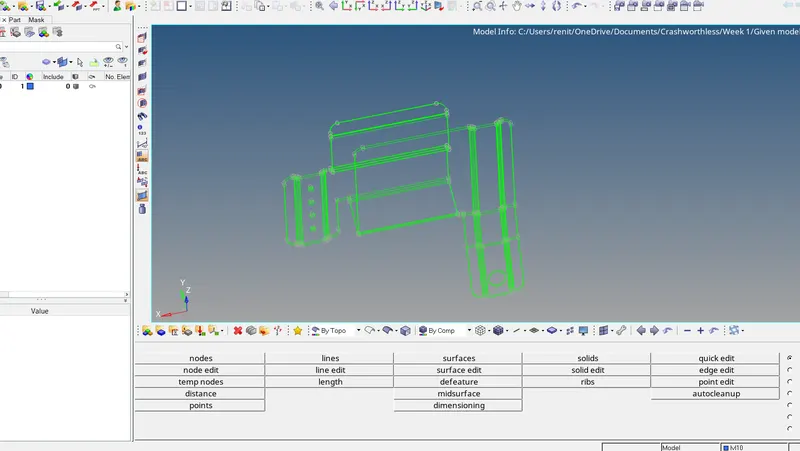
Step 4:-Generating Mid surface.
Geometry - Midsurface -extract option -skin-Auto extraction -select the surface -extract.
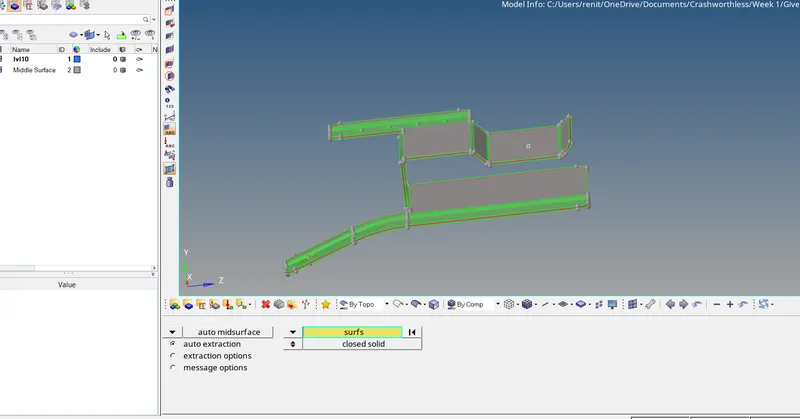
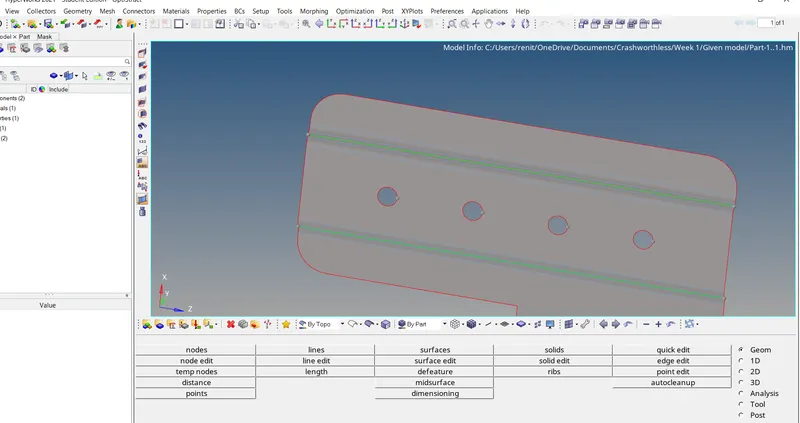
Step 5 :- Toggle the line due to minimum length .
geometry -quick edit -toggle- select the line
Step 6 :- Assigning Quality Criteria.
Preference - criteria file settings - assign ther given Quality criteria.
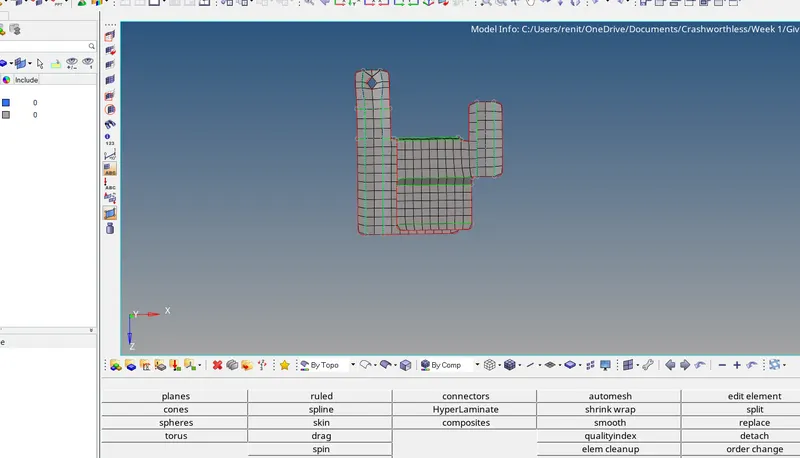
Step 7 :-Generaitng mesh .
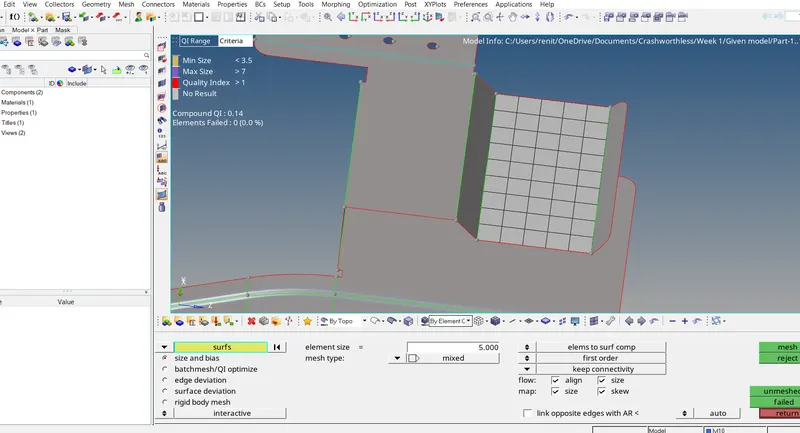
2D - automesh-elemnt size -5mm -element type -mixed-select the surface -mesh.
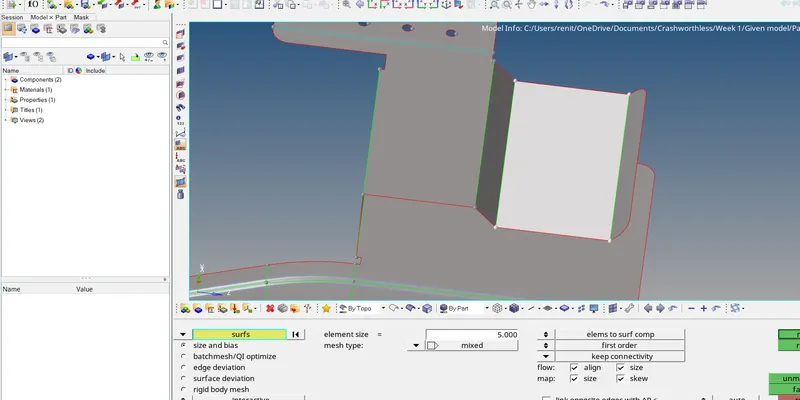
Meshing step by step.
Clearing the tria by reconstructing
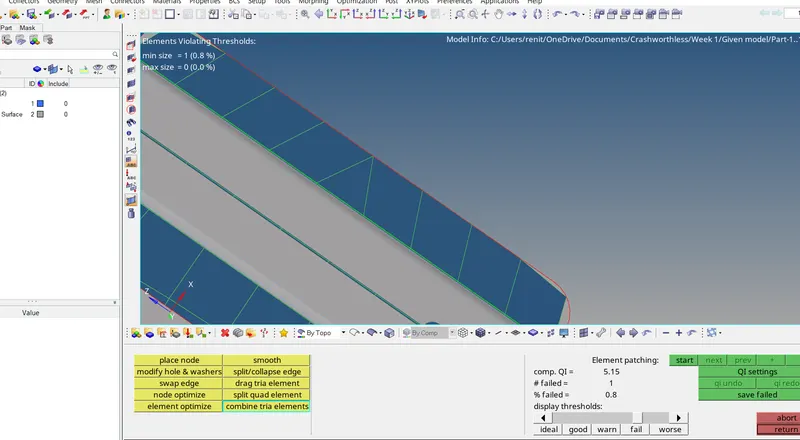
Removing opposite tria by dragging.
Meshed Completed.
Step 8 :- Assinging Material ,property and thickness tpo the component.
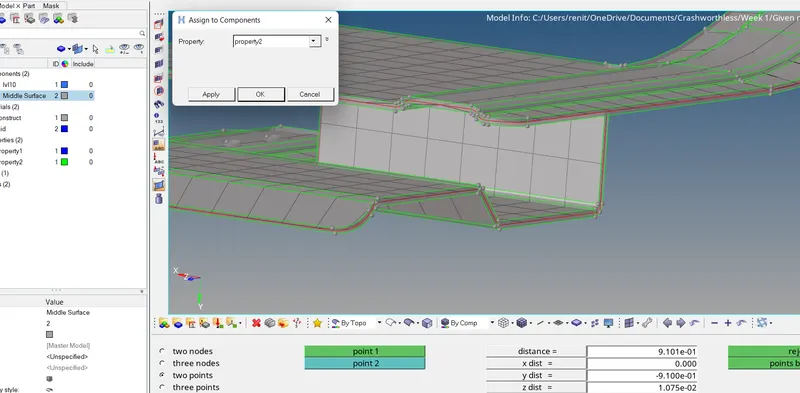
Final Model.
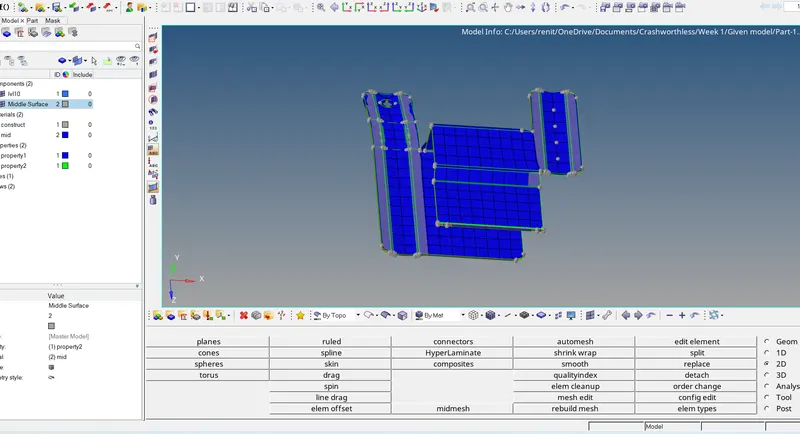
Result :- Given component geometry cleaned and generated mid surfaces and meshed the component .Assigned Property ,material and thickness to the component.
Model - 2
Step 1 :- Import the Model .
File -open -select the model -open.
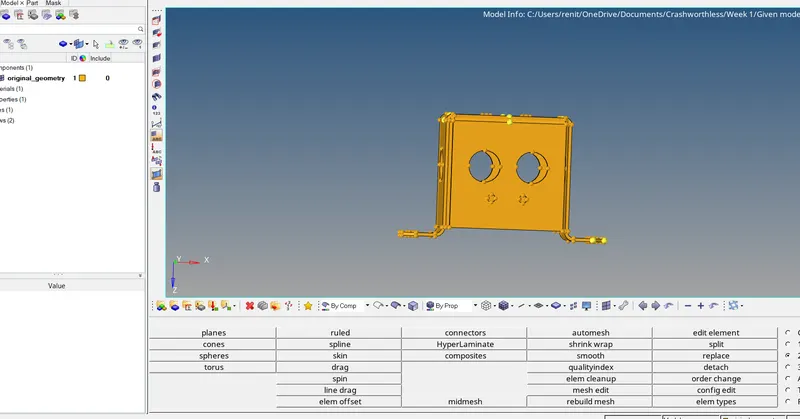
Step 2 :- Clearing the Geometry.
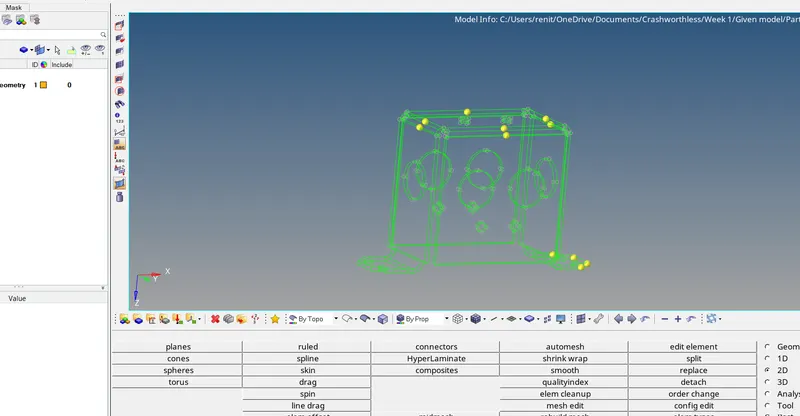
Step 3 :- Gnerating MId Surface .
2D -Midsurface -skin -select the surface -Extract.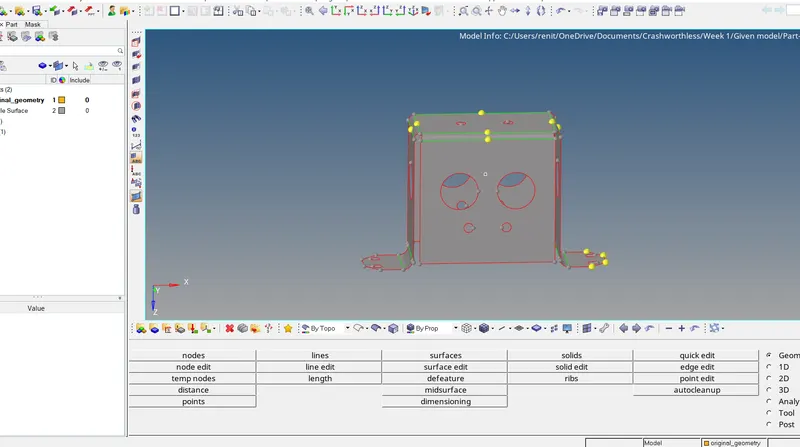
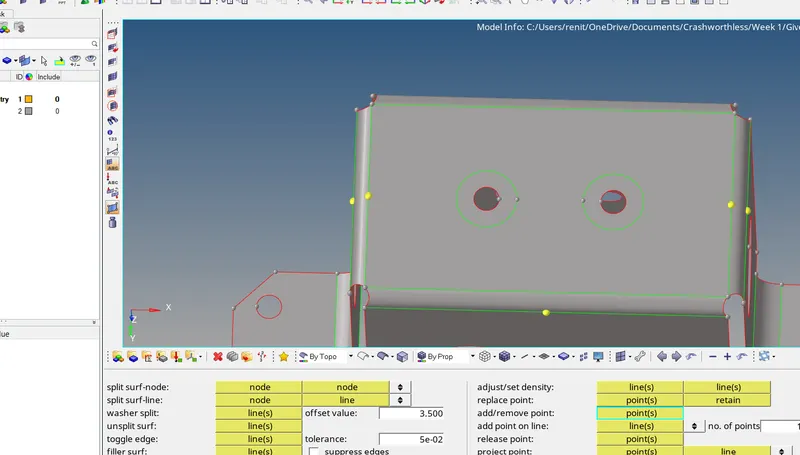
Created a Washer.
Geometery -quick edit-Washer split - select the free edge .
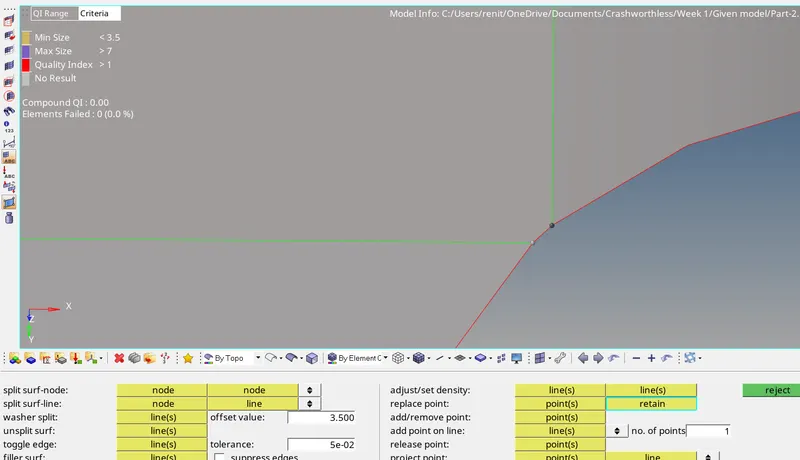
Point to retain.
Step 4 :- Assigning Quality Criteria.
Preference - criteria file settings - assign ther given Quality criteria.
Step 5 :- Generate Mid surface.
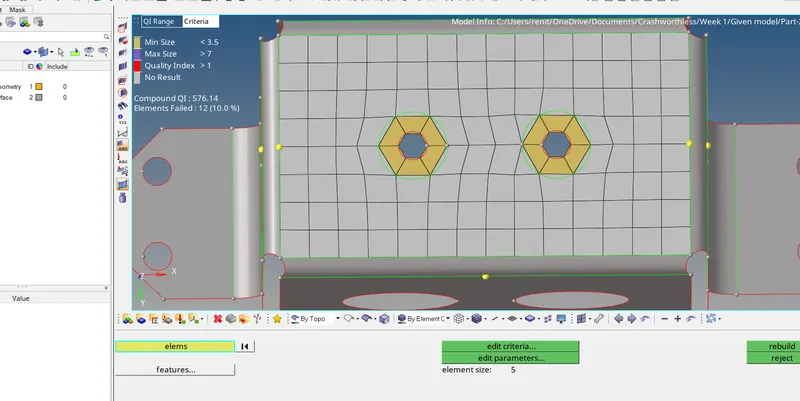
Dragging the tria out.
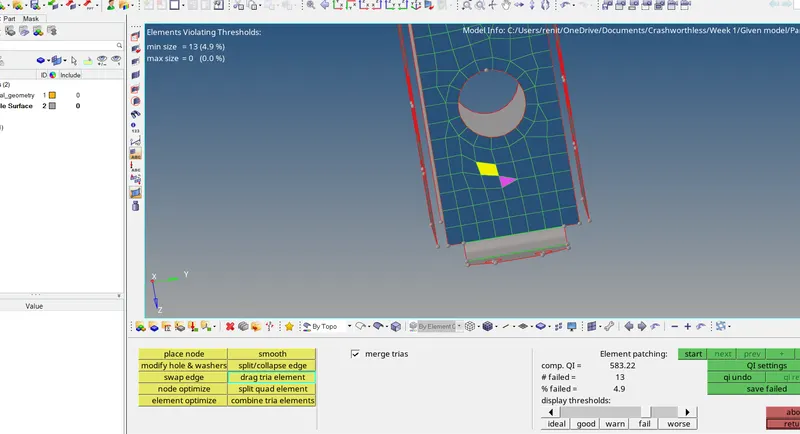
Smoothing.
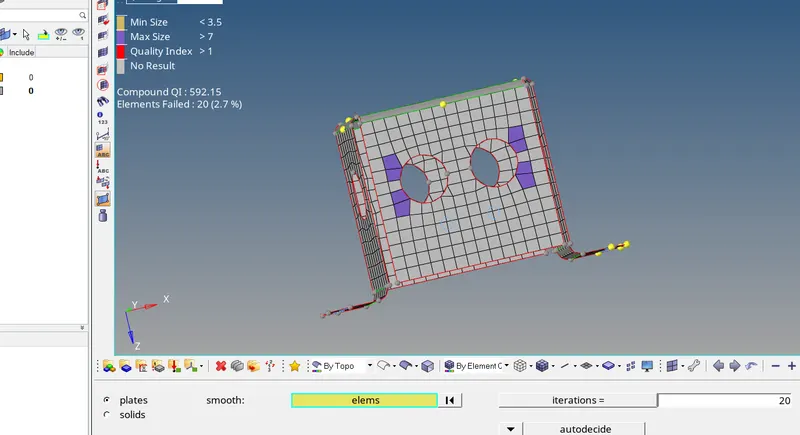
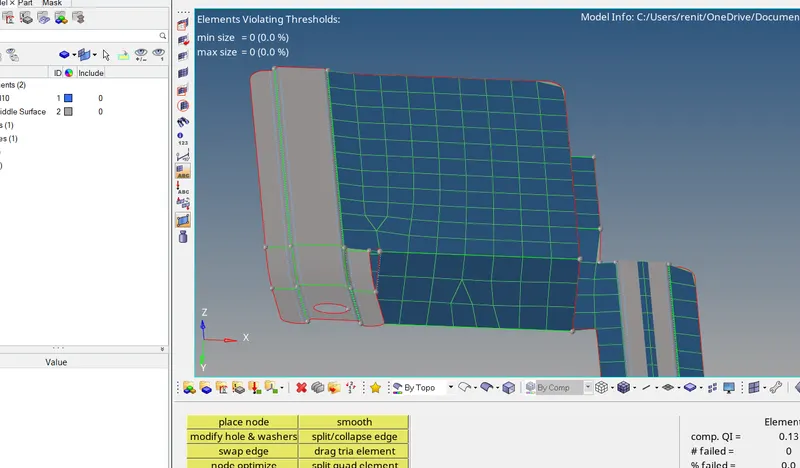
Meshed the Component.
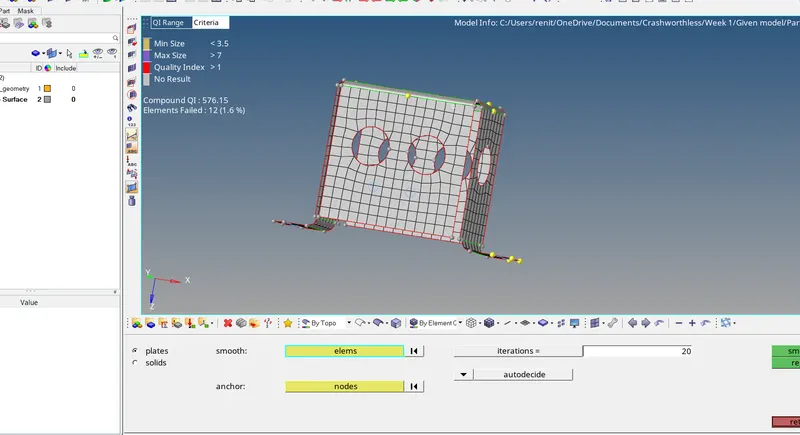
Element is failing due to minimum element length.
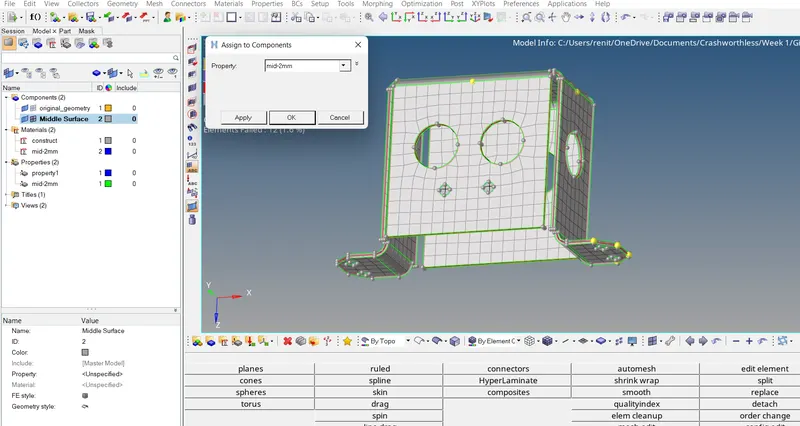
Step 6 :- Assigning thickness material and thickness..
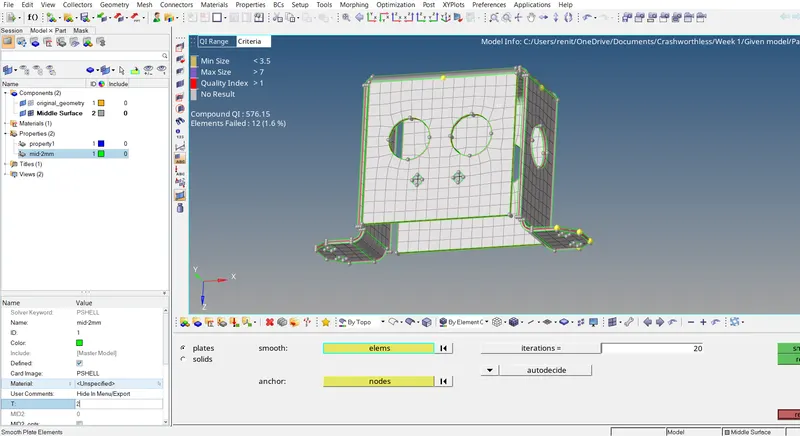
Assigning property
Final Model With 2D Detailed Element Reprasentation.
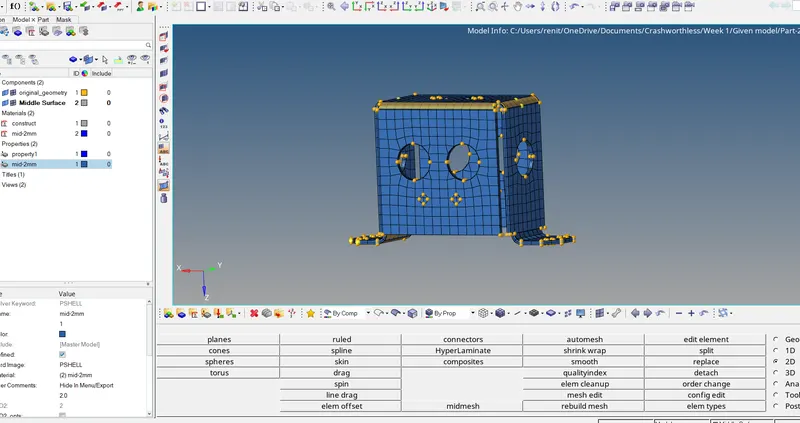
Result :- Given component geometry cleaned and generated mid surfaces and meshed the component .Assigned Property ,material and thickness to the component.
Learned Outcomes :-
*Learned about geometry cleanup.
*Learned to generate mesh and removing quality criterioa.
*Assigned Property ,material and thickness to the component.
Thanks
Renith Balachandran M
Model 3:-
Step 1 :- Import the Model.
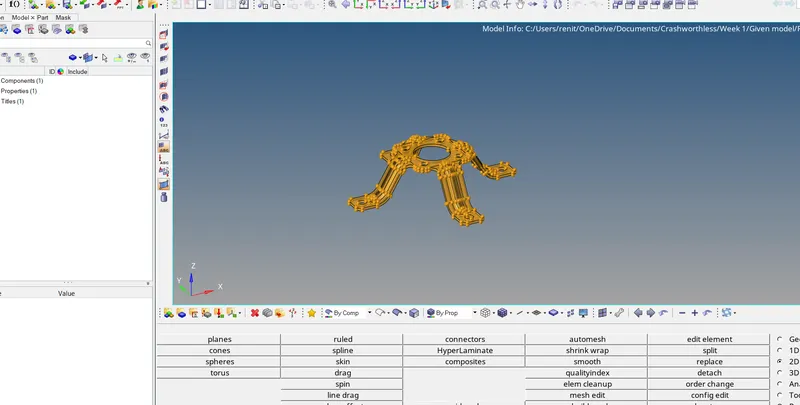
Step 2 :- Geometry cleanup
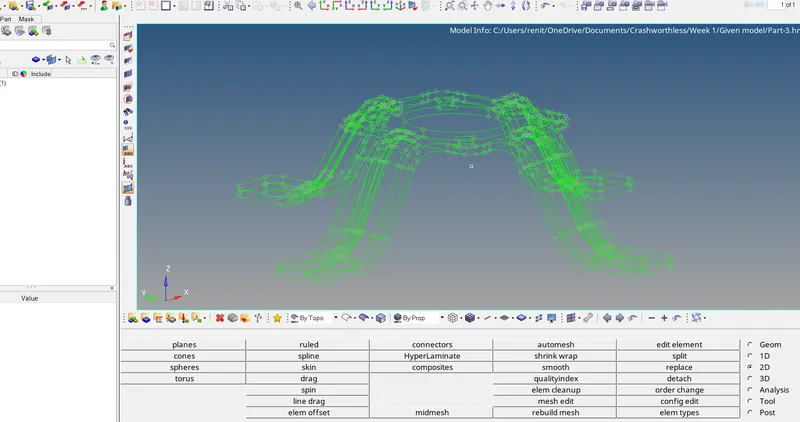
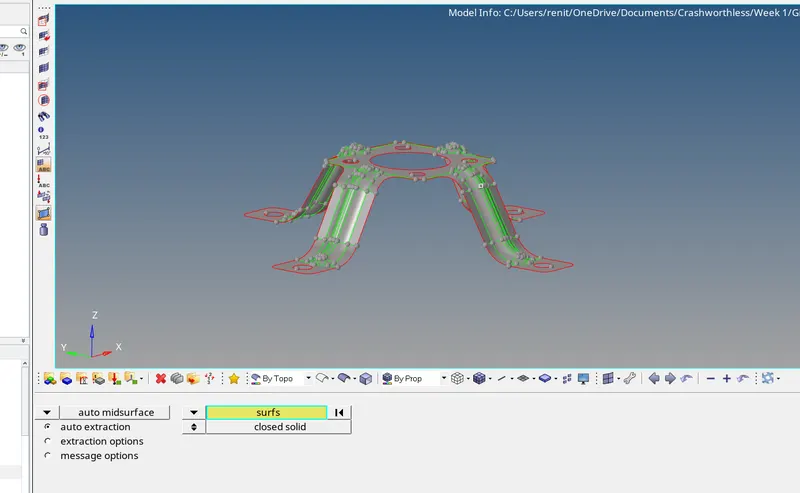
Step 3:- Generating Mid surface.
Geometry -mid surface -skin offset -Autoextract - select the model -extract
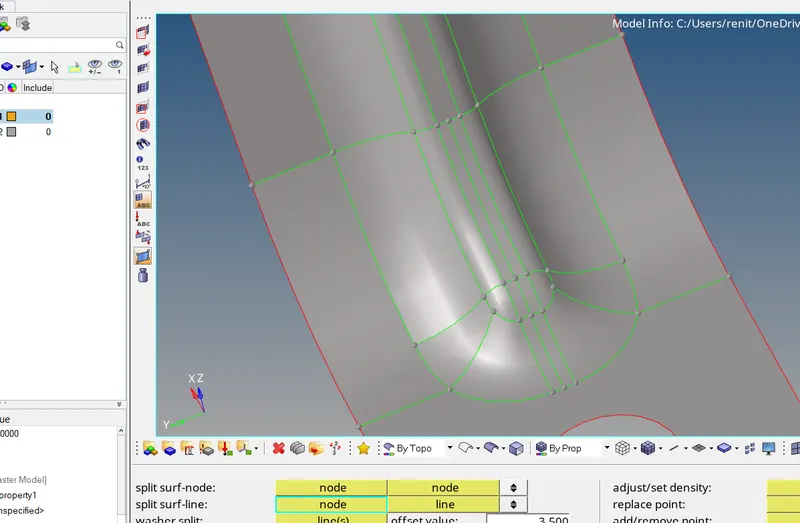
Step 4 :-Geometery Cleanup.
Creaiting midline and toggling the lines due to minimum Length
Meshing Part by Part.
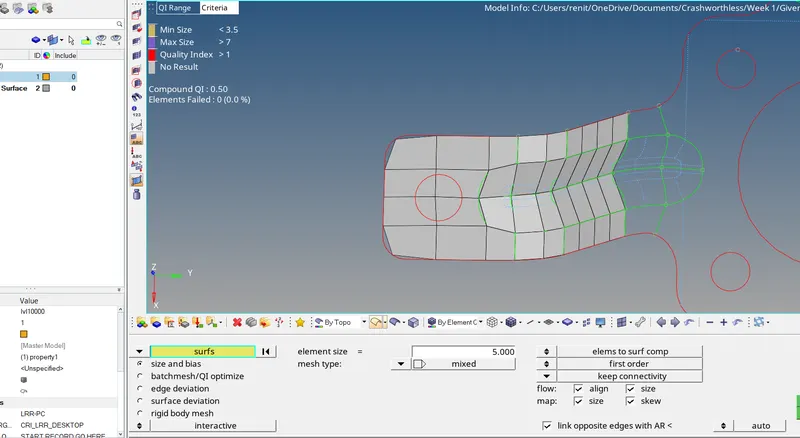
Due to element failure ,the holes were filled.
Mesh Completed.
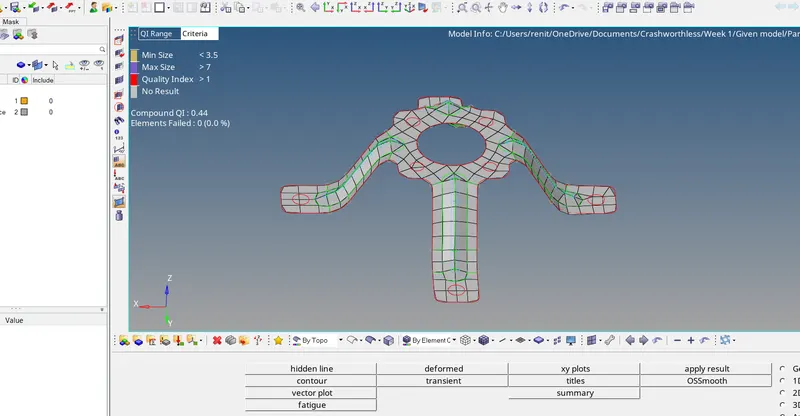
Final Model with 2D detail elemen reprensation.
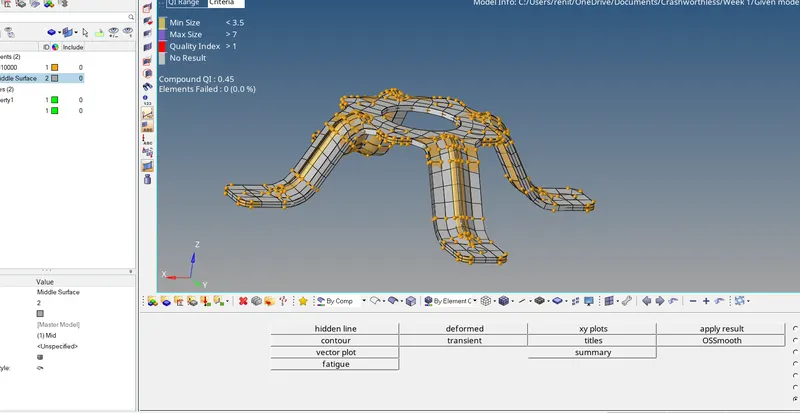
Result :- Given component geometry cleaned and generated mid surfaces and meshed the component .Assigned Property ,material and thickness to the component.