Advanced Sheet Metal Design Using NX Cad Challenge_7_ Metal bracket-II
Title Of the Project :- Create a Sheet metal complex shaped Bracket by using Simens Nx Cad.
Objective :-
- Learn the given 2d drawing to create the 3d Model of metal Bracket-II.
Introduction :-
- Sheet metal parts are widely used in machinery, enclosure, brackets, and automobile due to its various advantages.
- The parts are normally manufactured with break press. Sheet metal is nothing but the thin sheets made from metal of size ranging from 0.5 to 6mm.
- In this project I used NX CAD tool for designing the sheet metal bracket. NX CAD is used as design tool in more than 85% of the sheet metal industries.
Design methodology :-
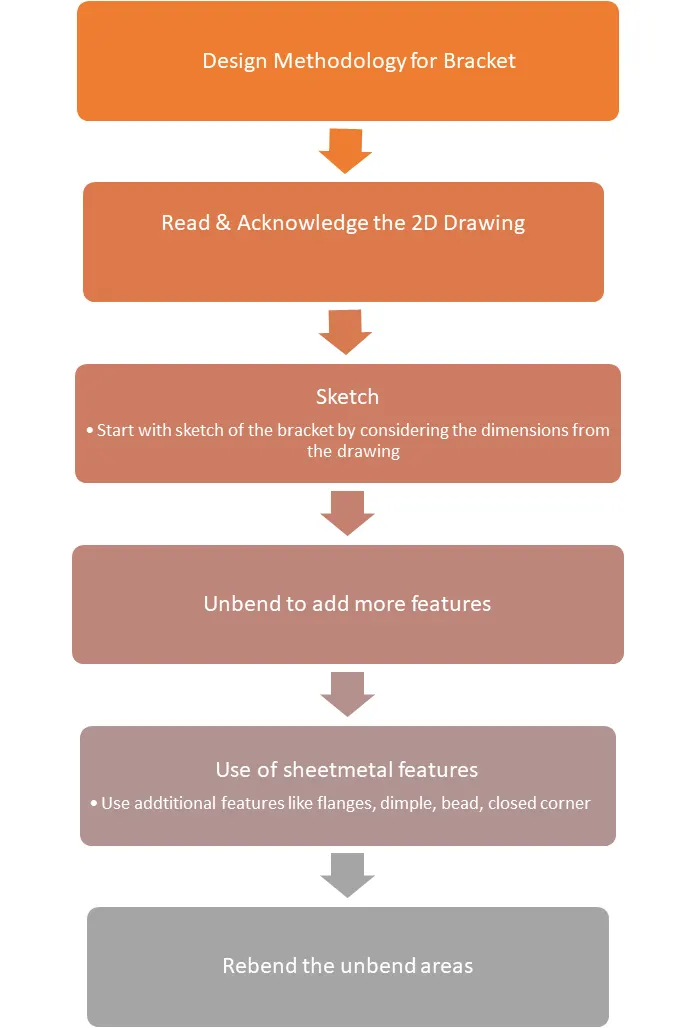
- The design methodology used for this project is summarized in below flowchart.
Description Of used Tool :-
Sketch:
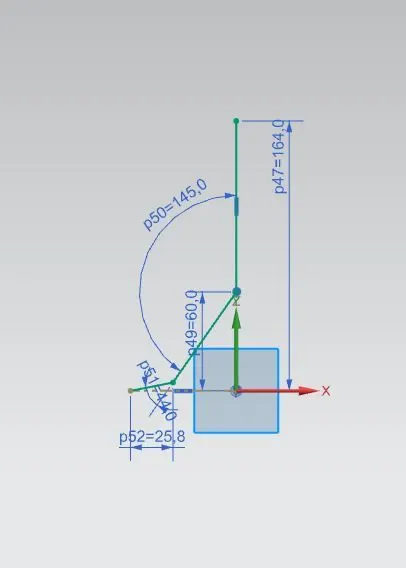
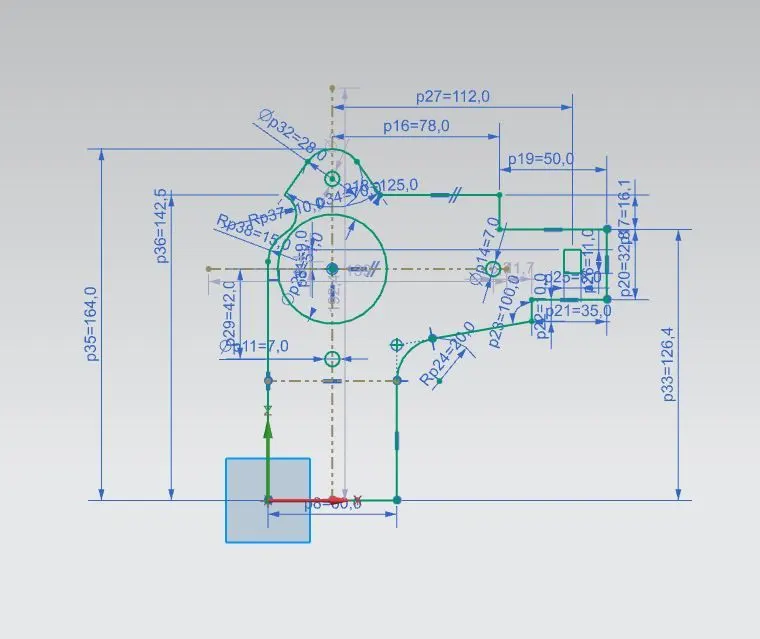
- For creating any sheet metal surface, we have to first make a sketch. So, I started with creating simple base sketch for creating the tab.
- Other than tab, various sketches are also made on different planes or faces for creating other different part during designing.
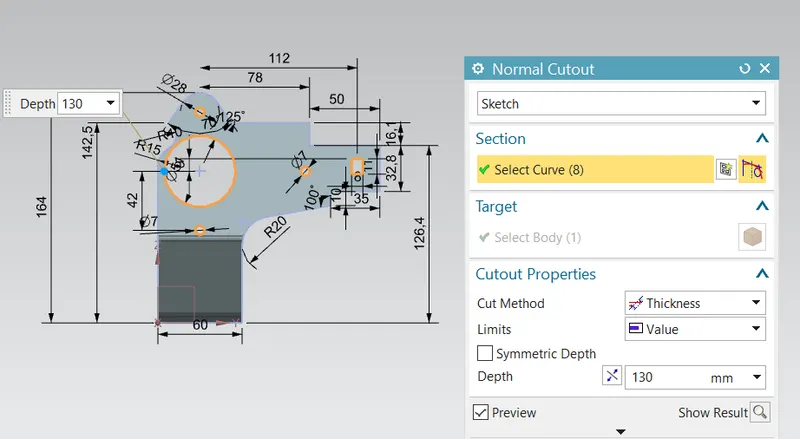
Normal Cut Out: It is a feature used to cut the sheet metal at the required profile normally
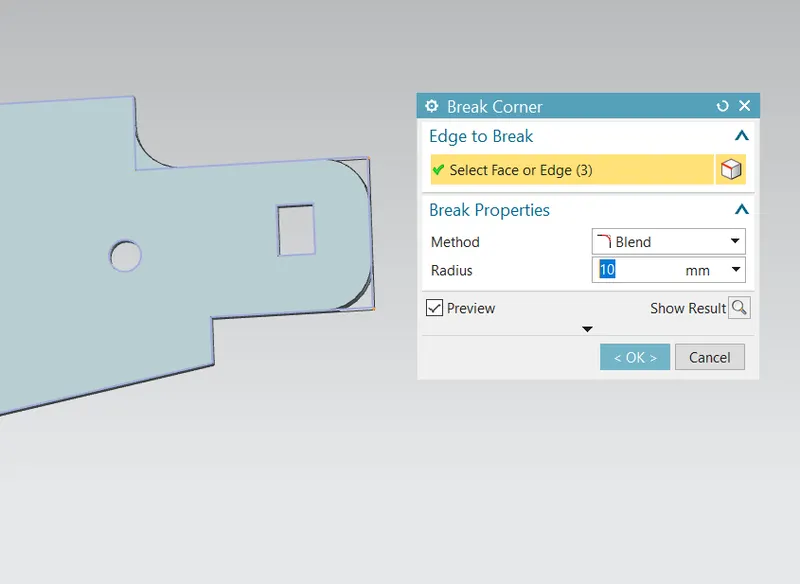
Breaking Corners: It is used to make round corners instead of sharp ones
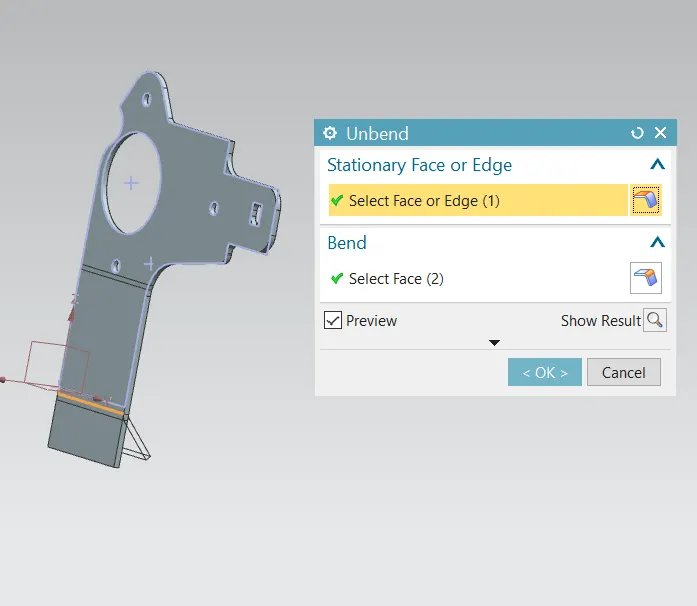
Unbend :- It's an command used to flatten the created 3d model taking one face as a stationary face.
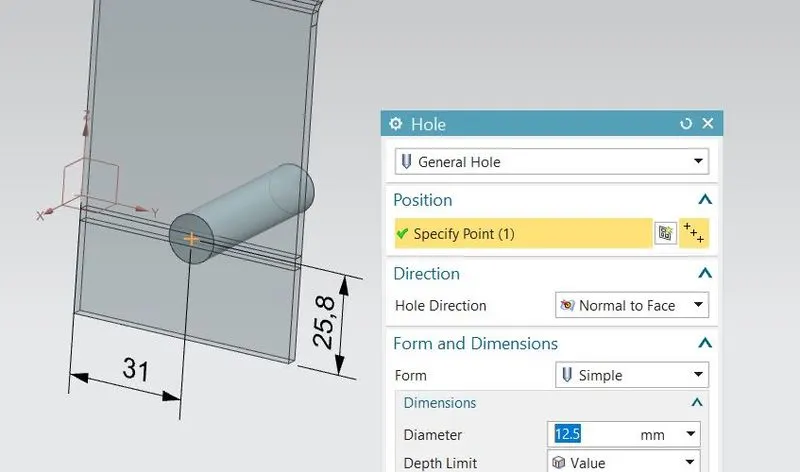
A Screw Hole :- This command use for create a screw size hole in sheet metal.
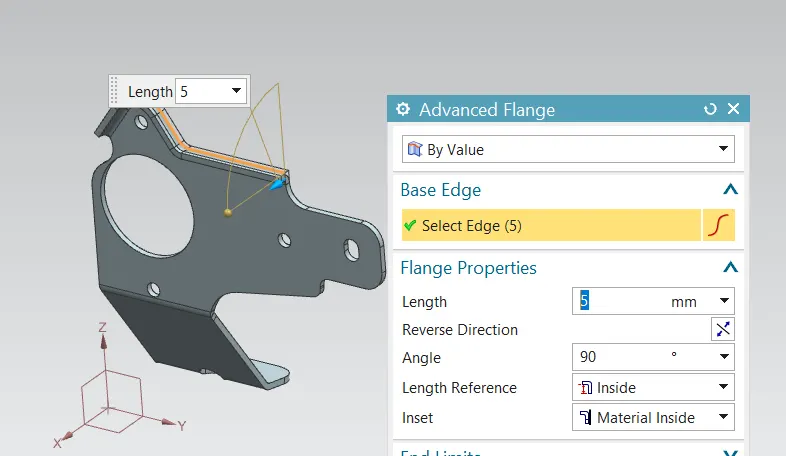
Advance Flange: Used create flanges for the curved profiles(peofile should be smooth no sharp corners)
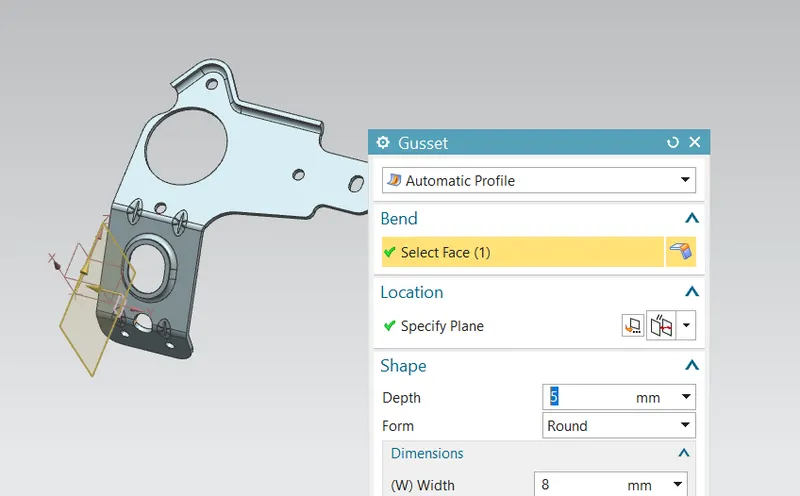
Gusset: Used for strengthening of the sheet metal in perticular bend area.
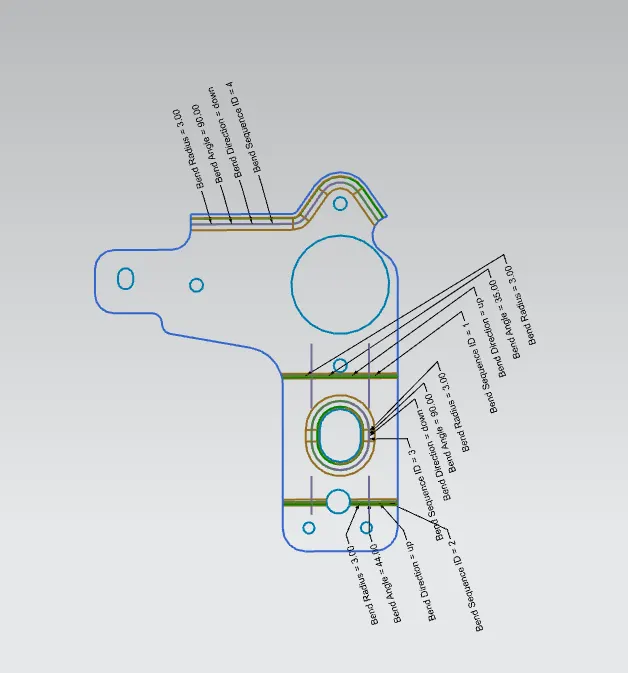
Flat pattern view :- A flat patternis a 3D sheet metal model in a flattened state. Create Flat Pattern calculates the material and layout required to flatten a 3D sheet metal model.
The part browser displays a Flat Pattern node, and the flattened state of the model displays when this node is active.
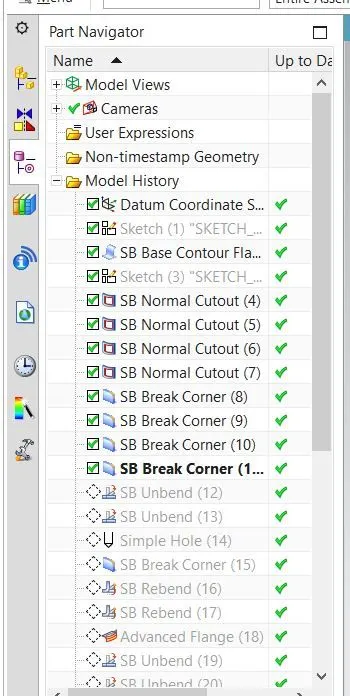
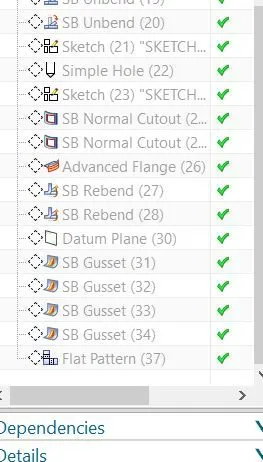
Tree Structure of the Metal Bracket :-
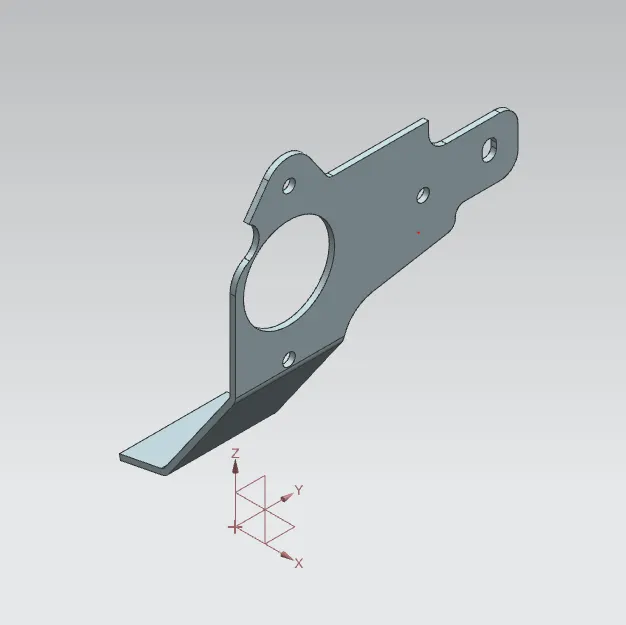
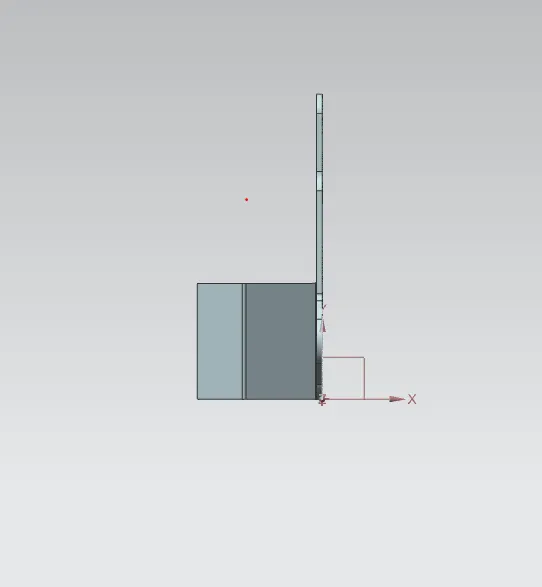
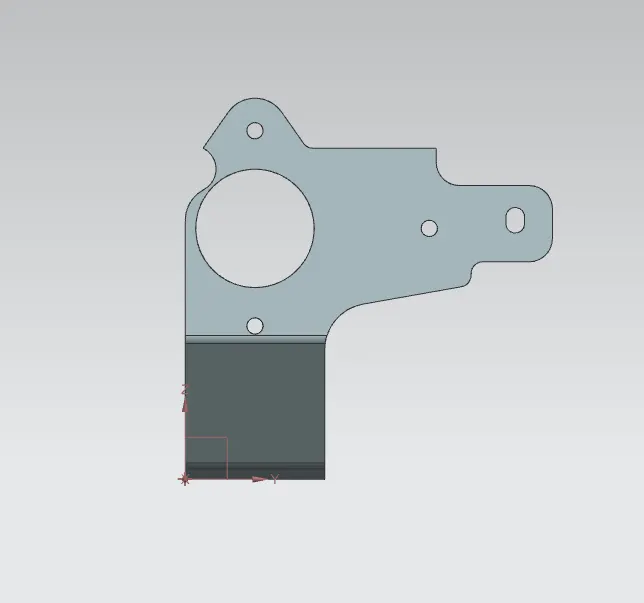
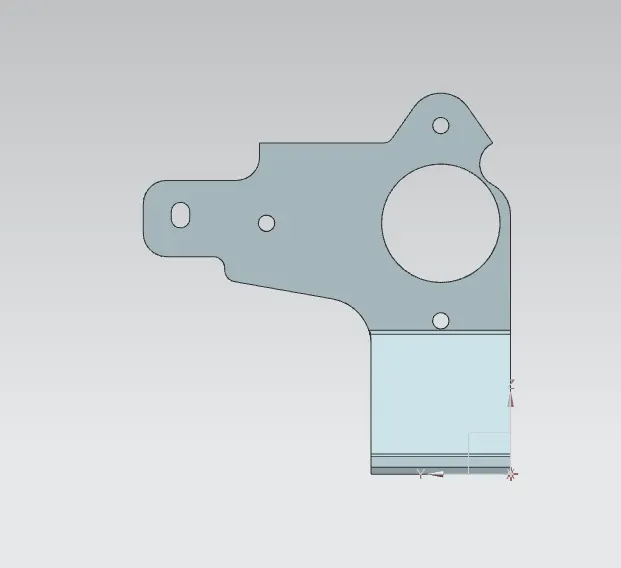
Different Orientation view of Metal Bracket :-
Isometric View :-
Top View :-
Right Side View :-
Left Side View :-
Drafting Sheet :-
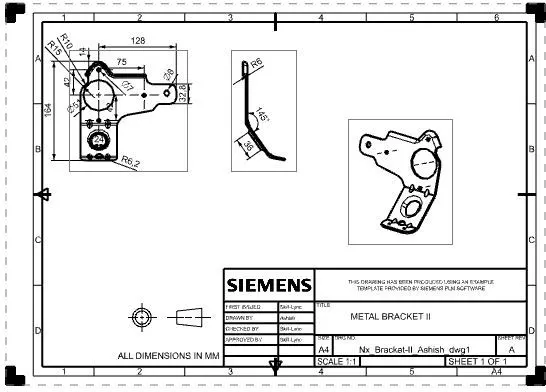
Conclusion :-
Hence the Sheet metal brscket is successfully created as per the given 2d dawing and we get to understand advanced flange and gusset features.