Advanced Sheet Metal Design Using NX Cad Challenge_6_Bracket
Title: Advanced Sheet Metal Design Using NX Cad Challenge_6_Bracket
Objective: To design Bracket on sheet metal using NX CAD Sheet metal commands and display it in a draft sheet.
Introduction: -
Sheet metal: The term “sheet metal” refers to any metal that can be formed into flat pieces of varying thicknesses. Thick metals are called plates. Metals used in the sheet metal industry include cold rolled steel, mild steel, stainless steel, tin, nickel, titanium, aluminum, brass, and copper.
Application: Sheet metal is a widely used material across several different industries. It can be crafted from an assortment of metals like steel, aluminum, copper, and brass and is versatile enough to be used in various applications, including industrial and manufacturing.
Design Methodology followed in the development of the Bracket:-
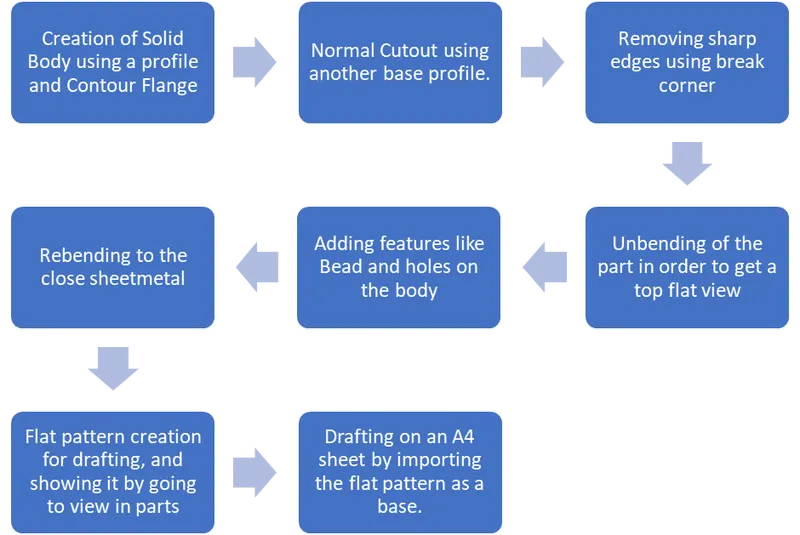
Description of Features and commands used in the development of the Casing.
Commands used:-
1> Contour Flange: Use to create a flange using user defined profile.
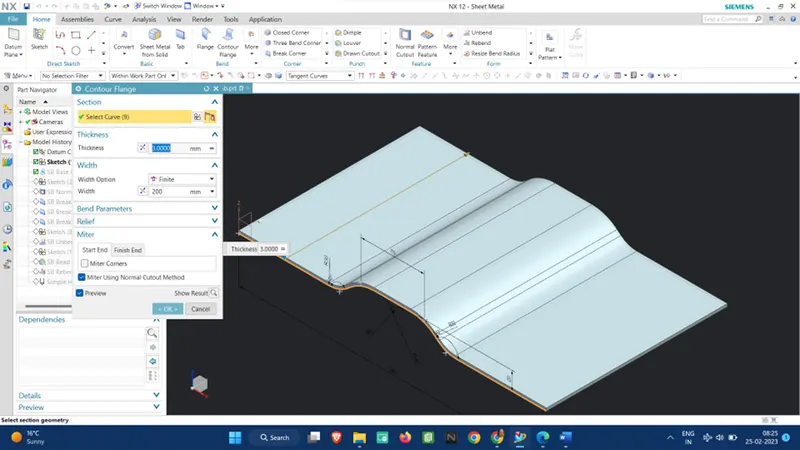
2> Normal Cutout: To remove the unwanted geometry
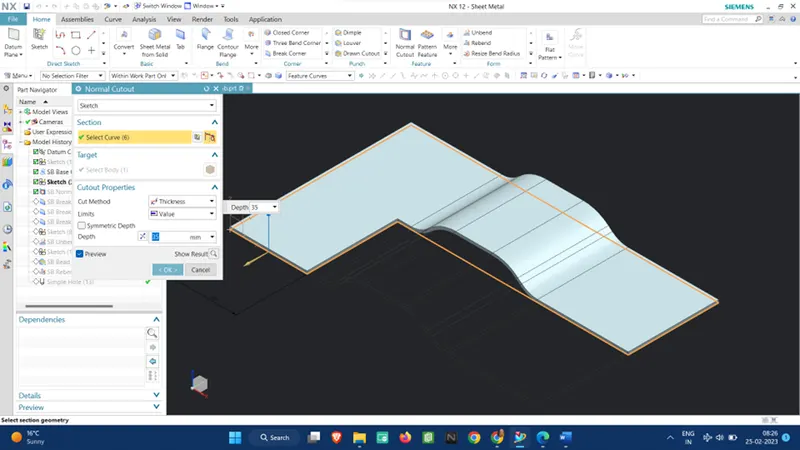
3> Unbend: To create a flat surface after the bending operation is done, in order to create further features on the main body on a single plane without having to rotate the models and thus have a clear image of the final part.
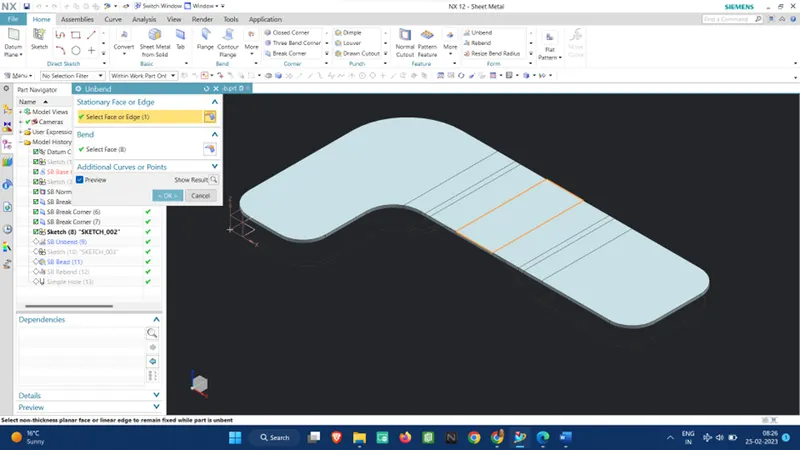
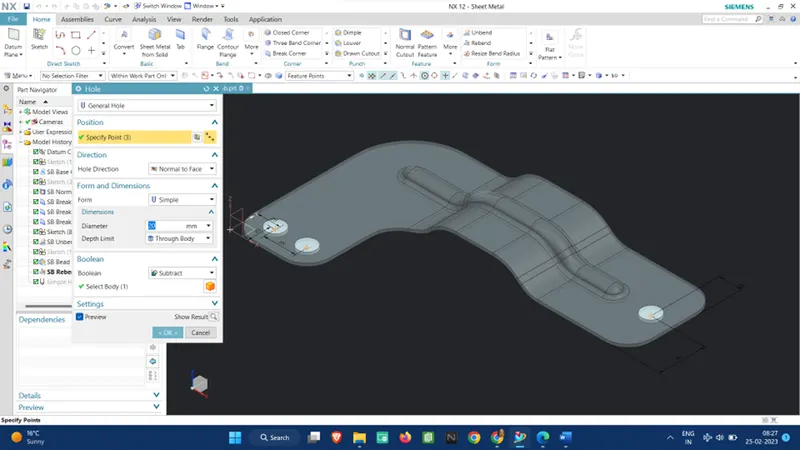
5> Hole: To provide holes in the part to be used in joining operations.
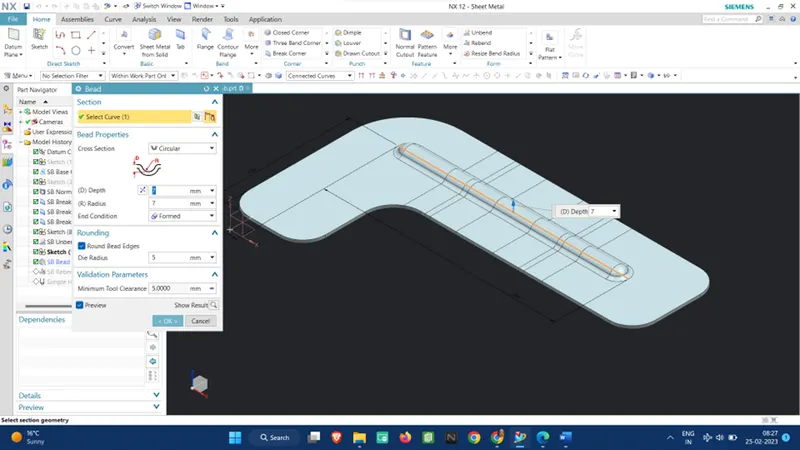
6> Bead: It adds to sheet metal to prevent warping and disfigurement by adding structural integrity to the metal.
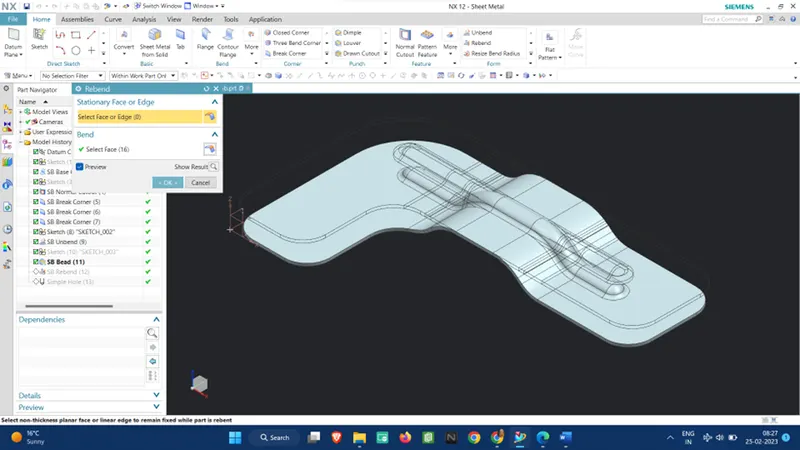
7> Rebending: To again wrap the closed surface created by the bends.
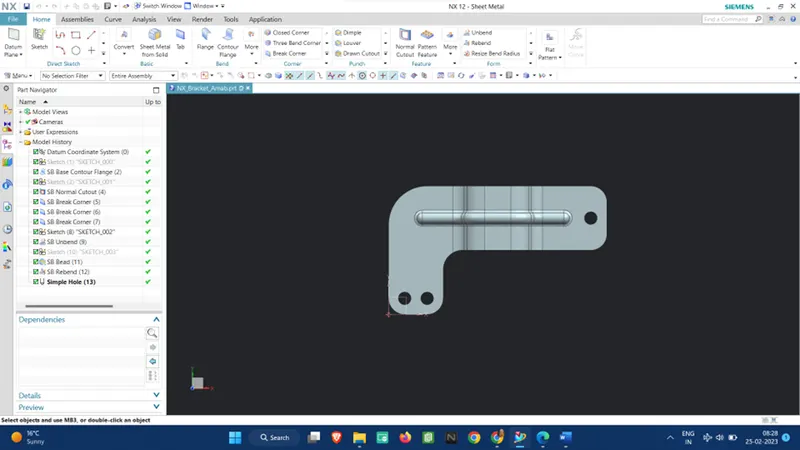
Some Images of the final Product:-
Top View:
Side View:
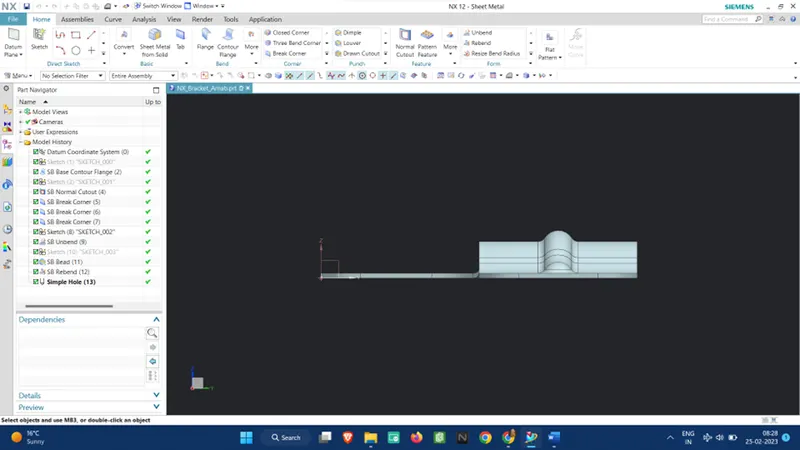
Bottom View:
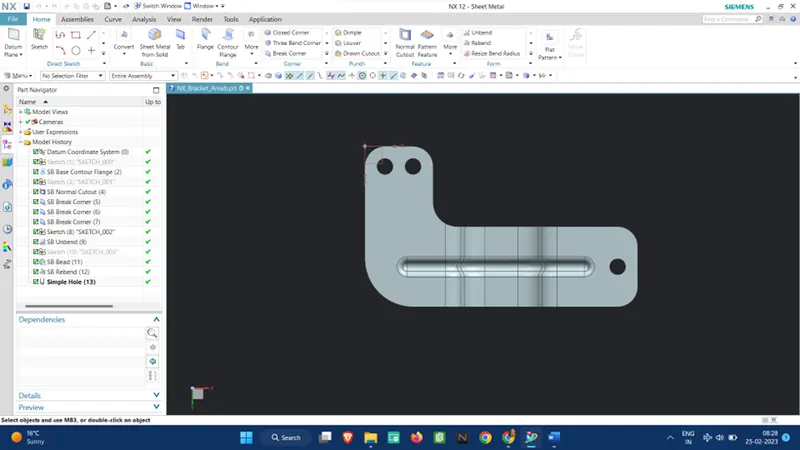
Isometric View:
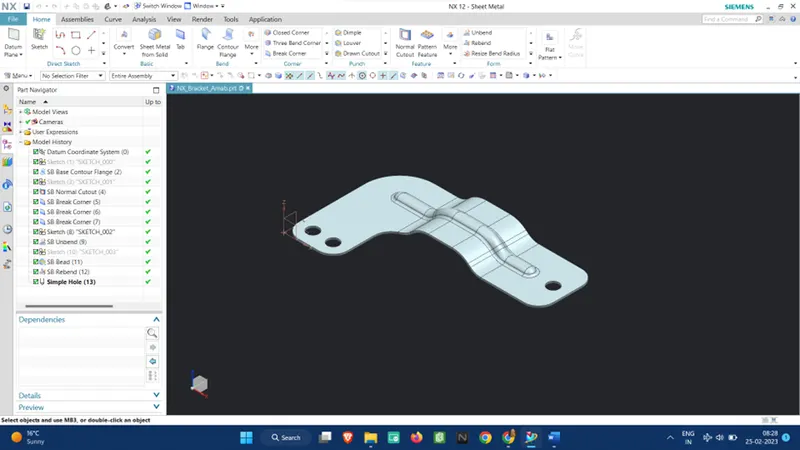
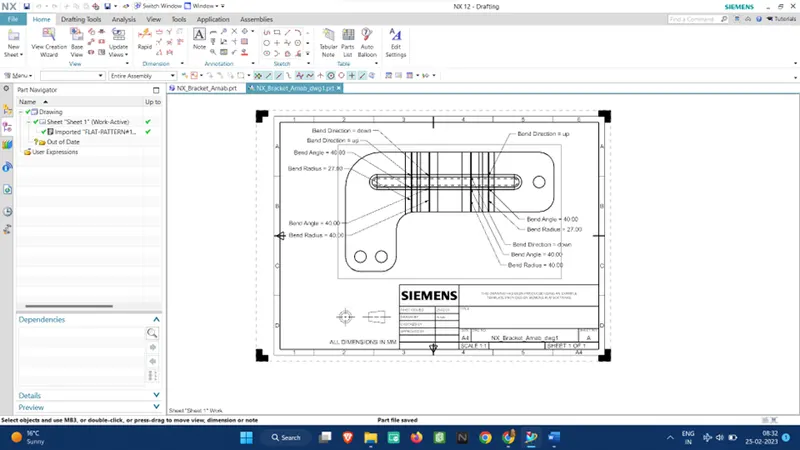
Flat Pattern View:
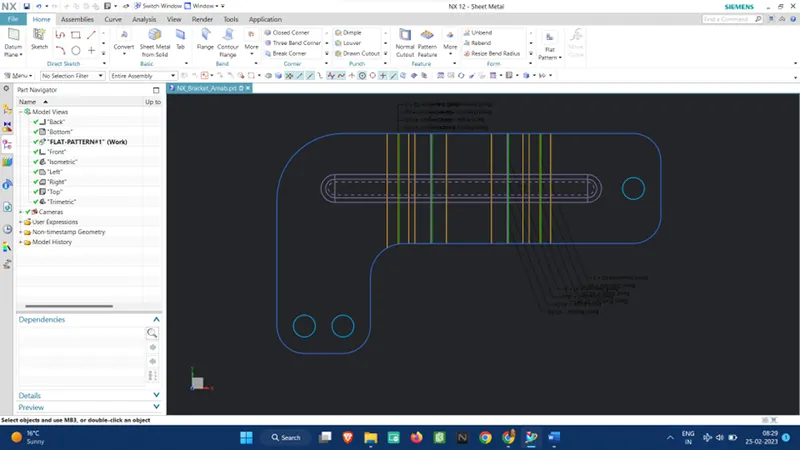
Draft Sheet Image of the Case:-
Conclusion: Sheet metal is used in automobile and truck (lorry) bodies, major appliances, airplane fuselages, and wings, tinplate for tin cans, roofing for buildings (architecture), and many other applications.
Therefore, such complex sheet metal design can be easily designed in Siemens NX Software using the above-mentioned commands.