Advanced Sheet Metal Design Using NX Cad Challenge_5_Odd Shaped Enclosure
Title of the Project:
CASING DESIGN
Objective:
Design the Casing in sheet metal using NX Cad.
Description of Tools:
TAB is the command to create a base feature by extruding a sketch alo0ng a vector bt a thickness values or by adding material to existing faces and bend regions of a sheet metal parts.
Normal Cutout is a command to cut material by projecting a sketch onto the model and then cutting perpendicular to the surfaces intersected by the projection.
Bend is the command used to bend a tab or flanges along the sketch on the surface of tab or flanges.
Flanges is the command to add a flat flange at an angle to a plane face and add a bend between the two. A flange consist of a bend region and a web.
Break Corner is a command to round or chamfer sharp corners of a tab or flanges.
Dimple is a command to lift an area of model inside a sketch that simulates a stamping tool. You can create an indentation in a sheet metal part using a sketch section as a dimple outline.
Hole is the command to create a hole on the surface.
Bead is a command to lift material along the contour of a sketch that simulates a stamping tool. Beads can also be created to stiffen sheet metal parts.
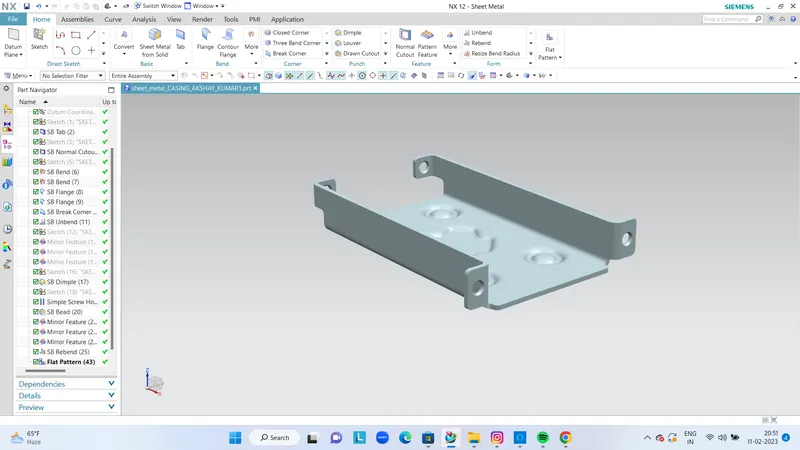
ISOMETRIC VIEW
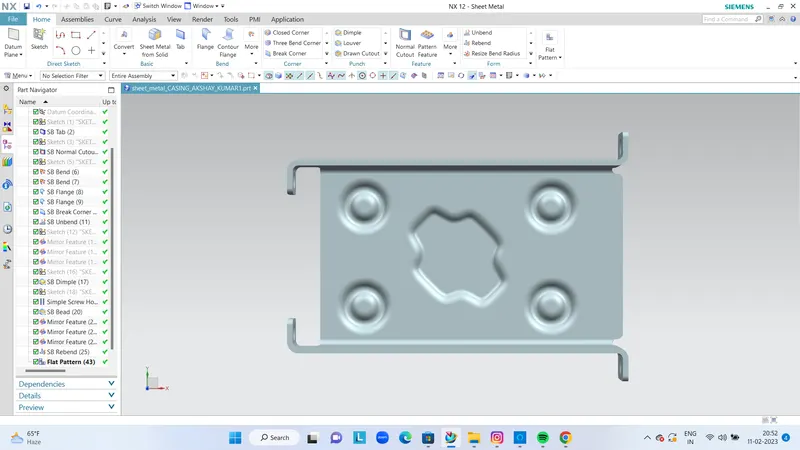
TOP VIEW
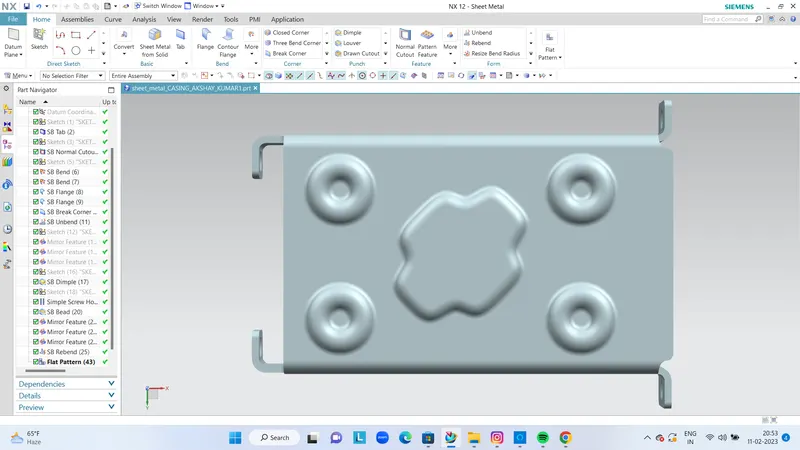
FRONT VIEW
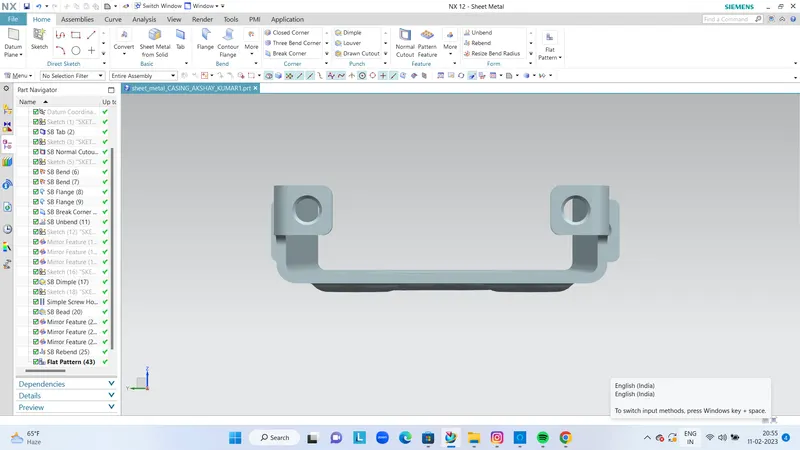
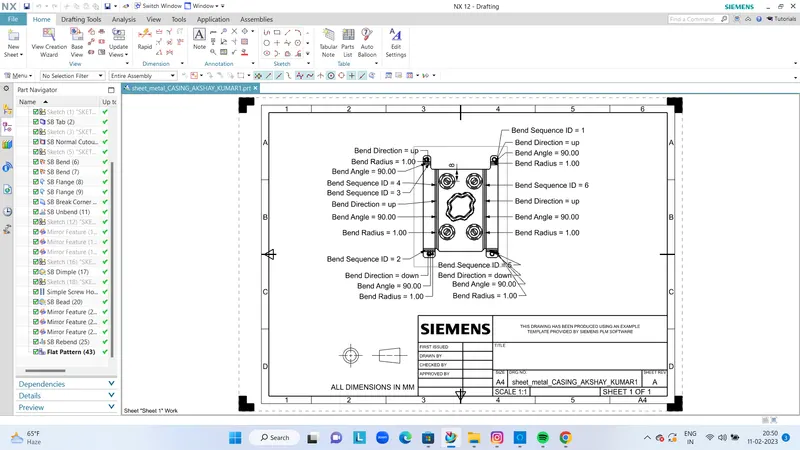
DRAFTING SCREENSHOT