Advanced Sheet Metal Design Using NX Cad Challenge_5_Odd Shaped Enclosure
Odd Enclosure
Objective: Design a 3D sheet metal model in Siemen-NX from a solid body.
Introduction
The sheet metal design is a forming model by a process like bending, stamping, pinching, and cutting. The sheet metal industry is a well-enveloped industry, especially in the aerodynamic and automobile industry. K-factor is an imported factor during the sheet metal bending. ‘k-factor’ deals with the material stretch and it varies from 0 to 0.5. The conversion of a solid body to sheet metal is the process of warping a solid body with sheet metal. The same process is carried out while designing a sheet metal model body from a solid model.
Design Methodology

Description
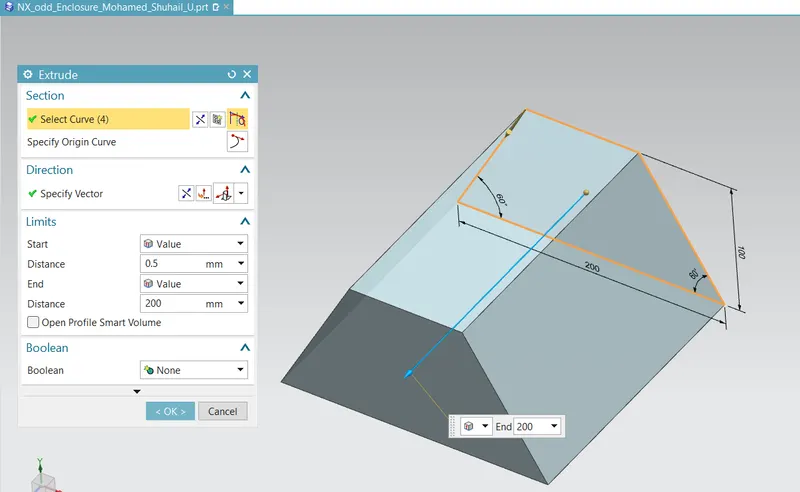
A solid model is made in NX using the ‘Extrude’ command. A sketch is used as a reference to support the solid body.
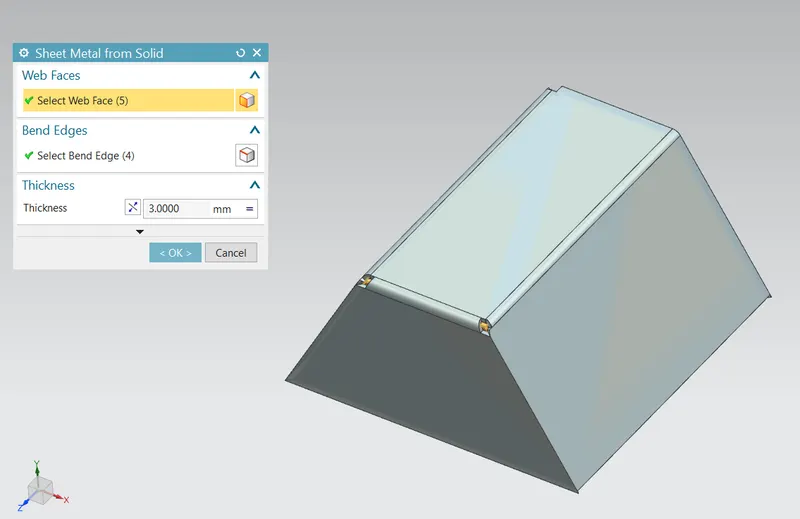
Convert the solid body to sheet metal by using the command ‘Sheet Metal from Solid’.
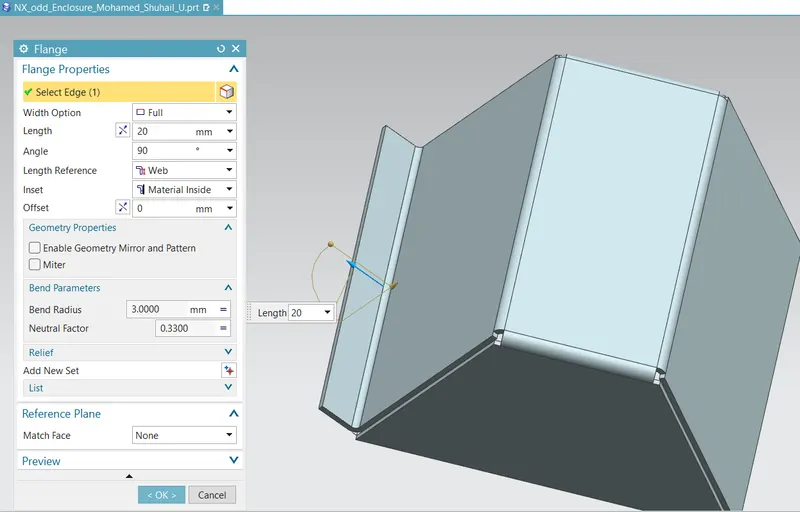
A flange is created using the ‘Flange’ command at the bottom portion of the part.
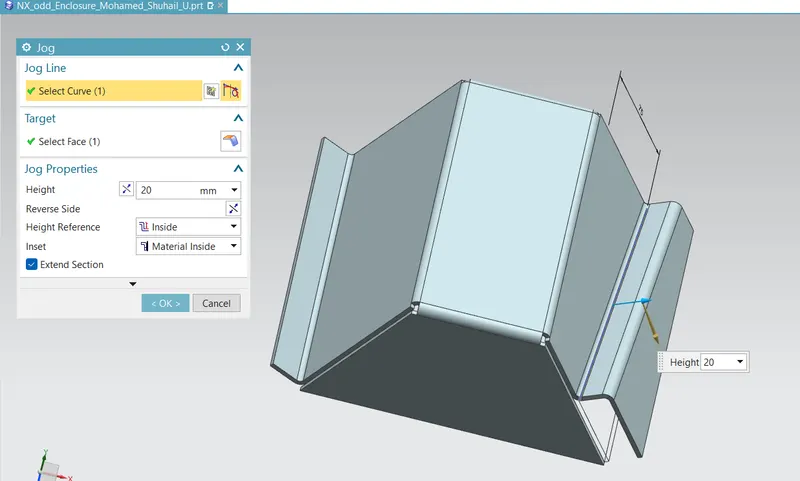
A jog is traduced by using the ‘Jog’ command. The same feature can be created by multiple bends by using the ‘Bend’ commands.
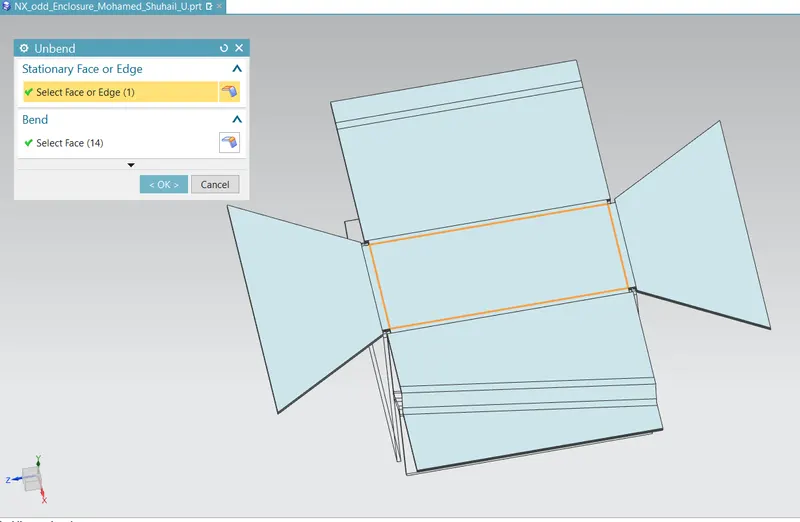
The entire structure is flattened using the ‘Unbend’ command.
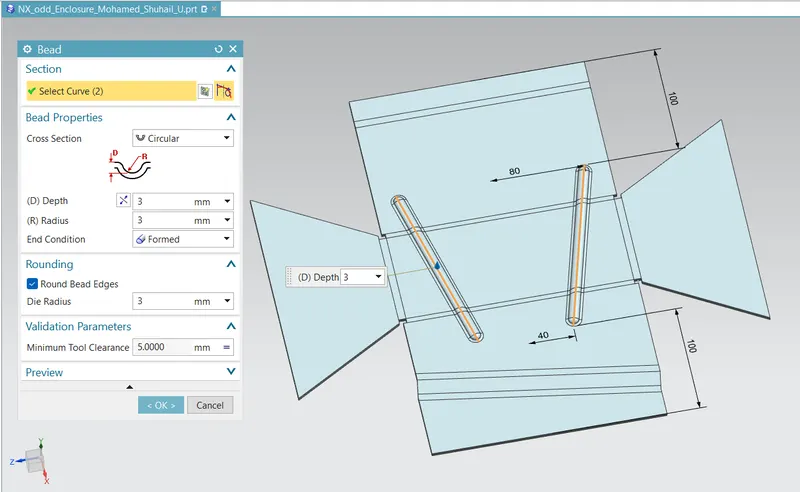
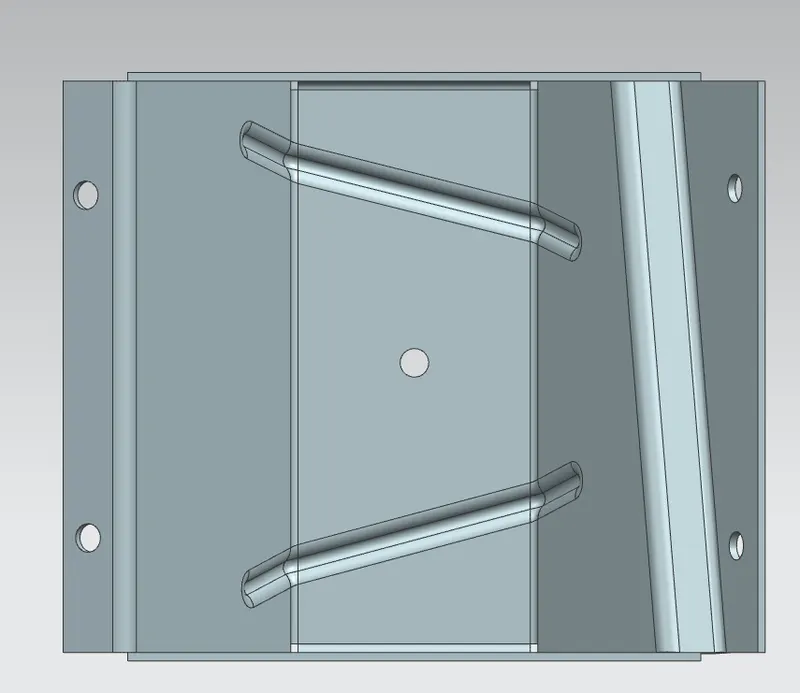
After making the part flatten, sketches are created on the flat surface. Using these sketches couple of projected designs are created using the ‘Bead’.
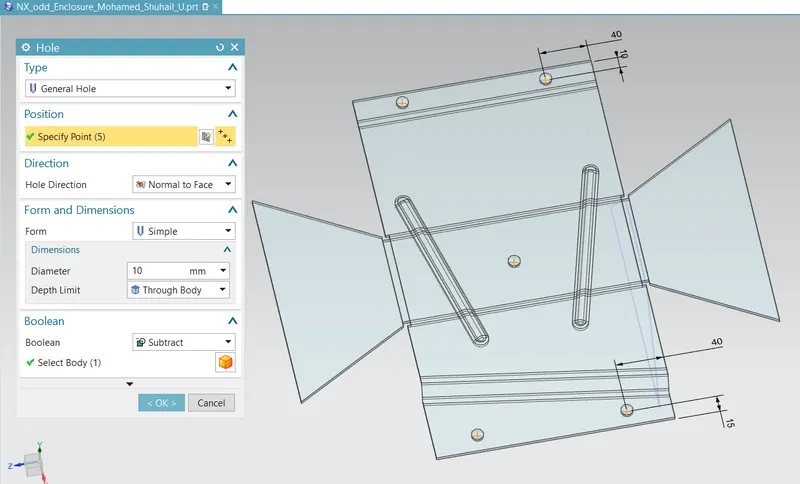
Multiple holes are made on the surface using the ‘Hole’ command. Before using the hole command, a sketch is created to point out the position of the hole.
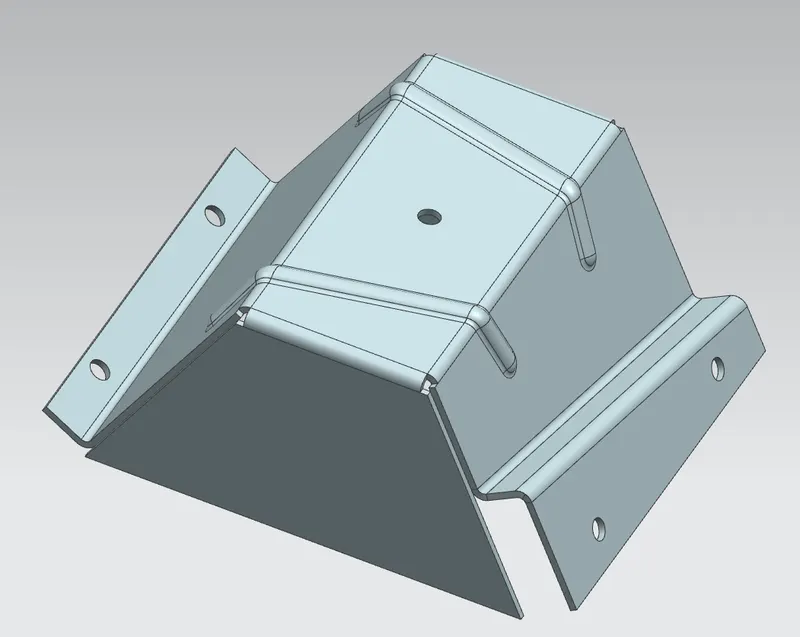
Finally, the blank model in folded bake using the ‘Rebend’ command.
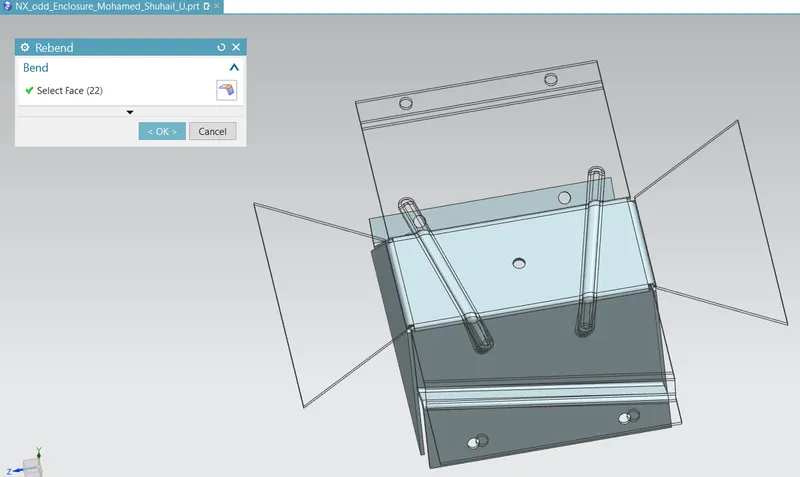
Standard View
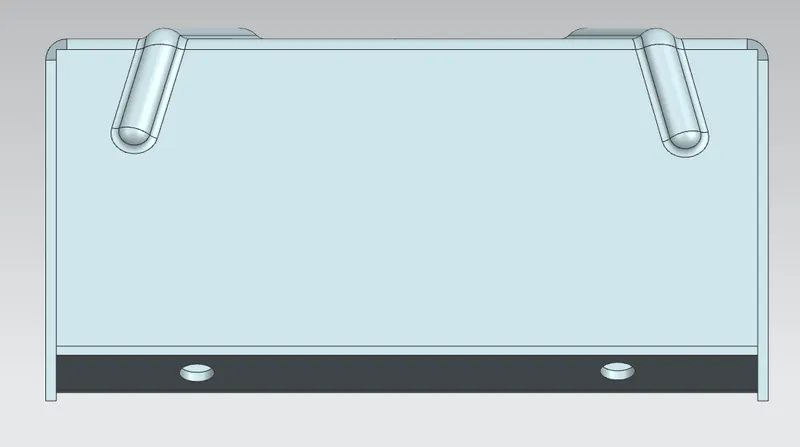
Front View
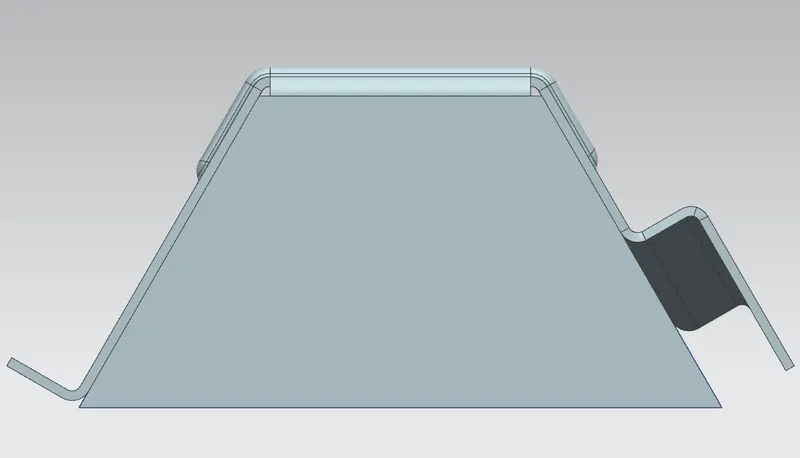
Side View
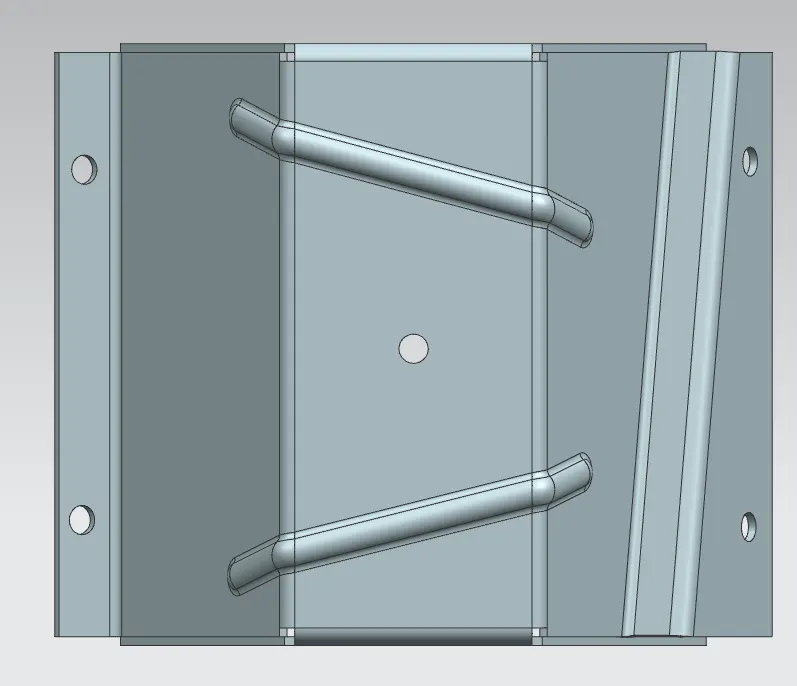
Top View
Bottom View
Isometric View
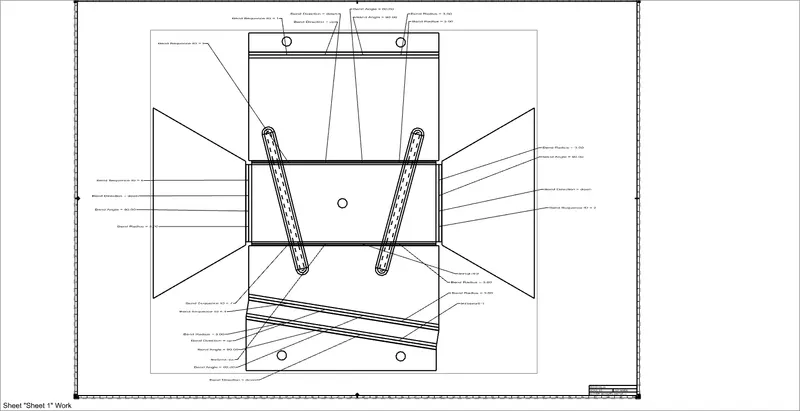
Drawings
Drafted Sketches.