Advanced Sheet Metal Design Using NX Cad Challenge_5_Odd Shaped Enclosure
WORK FLOW TO CREATE ODD SHAPES AND ANGLE
OBJECTIVE
The main objective to design this is to familiar with different tools in NX CAD software and what the process we are going to follow to get our output.
Introduction
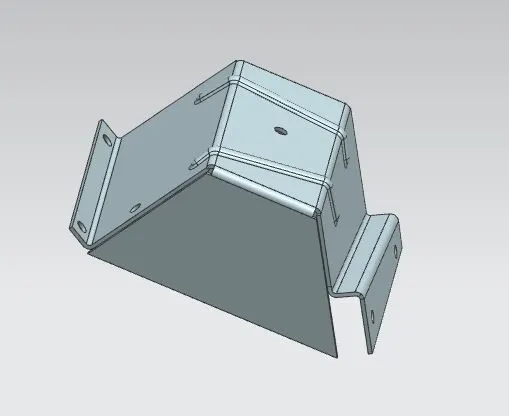
Here we are going to convert a solid body into a sheet metal Create using NC CAD software by using different tools and we are going to add beads and holes and then we are going to convert it into flat pattern.
DESIGN METHODOLGY
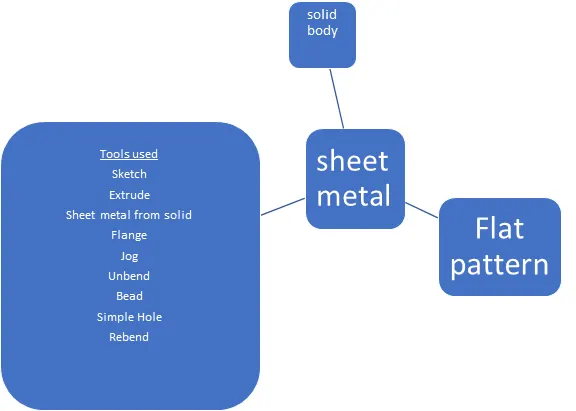
Tools
sketch
It is the basis of a 3D model. You can create on any plane.
Extrude
It creates a feature by extruding a section along a vector.
Sheet metal from solid
It builds sheet metal model that takes its shape from a collection of planner faces.
Flange
It adds a flat flange at an angle to a planer face and adds a bend between the two.
Jog
It modifies the model by lifting the material by one side of a sketch line and adding a flange between the two side.
Unbend
It flattens a bend and the material adjacent to the bend.
Re bend
It restores the an unbend feature to its original bent state.
Hole
It adds a hole one or more in a solid body.
Bead
It lifts the material along the counter of a sketch that simulates a stamping tool.
Flat Pattern
It creates flat pattern from the formed sheet metal part.
Procedure
- Open NXCAD create a new model .
- Crate a sketch in a XY plane , give the dimensions and extrude it as a solid body.
- Warp the solid body into sheet metal by using ” sheet metal from solid “feature .
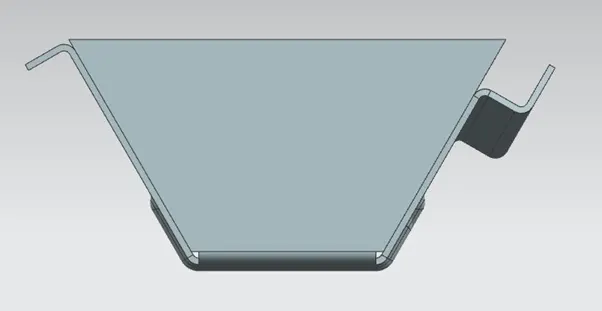
- Add flange 0ne edge of created sheet matal by using Flange feature.
- Create a sketch on opposite side of body and draw line and create a jog by using jog feature select the sketch line as reference.
- Now unbend it to add features like beads, holes.
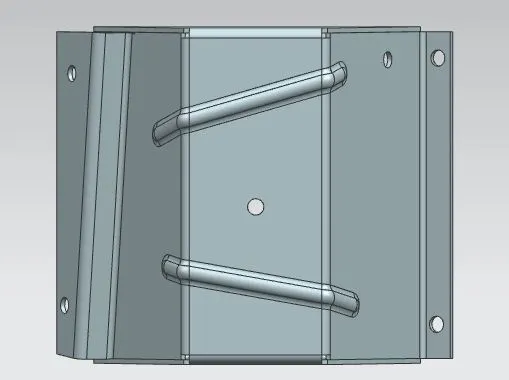
- Draw two lines create a beads by using bead feature.
- To create holes sketch points and by Hole feature create holes on that location and re bend it.
- Now create a flat pattern by using flat pattern icon by selecting face and edge and draft it in a 2D sheet.
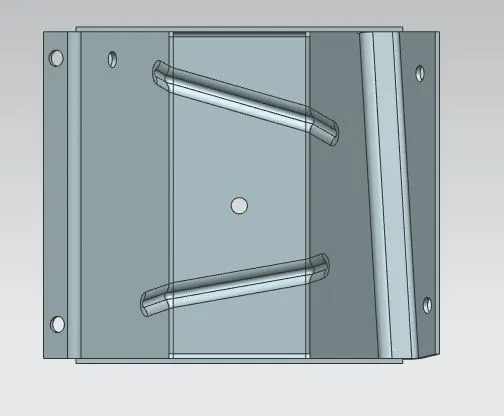
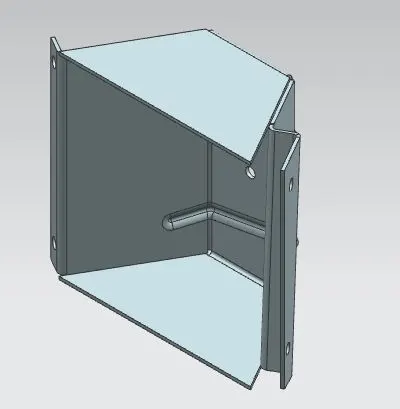
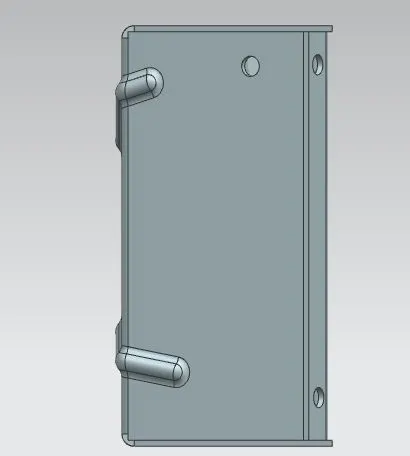
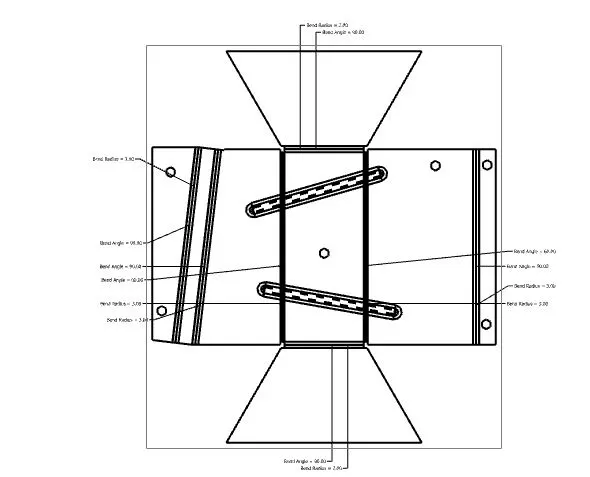
Conclusion
We created a sheet metal from a solid body and then we add different features with the respective tools and then we flatten it .