2D Meshing of a Back Door using HYPERMESH
OBJECTIVE:
To mesh the back door geometry of the car with the given element Quality criteria, check for geometry clean up with no topological errors and mid surface extraction.
QUALITY CRITERIA:
| S.N | Quality Criteria | Value |
| 1 | Aspect Ratio | 5 |
| 2 | Skewness | 45 |
| 3 | Warping | 15 |
| 4 | Taper | 0.5 |
| 5 | Min. Length | 2mm |
| 6 | Max. Length | 8mm |
| 7 | Min angle Quad | 45 |
| 8 | Max angle Quad | 135 |
| 9 | Min angle Tria | 20 |
| 10 | Max angle Tria | 120 |
| 10 | Tria % | 10 |
METHODOLOGY:
1. Import model to HYPERMESH
2. Check for geometrical error cleanup and topology
3. Extraction of Midsurface
4. Quality criteria setup
5. Defeaturing
6. Meshing
GEOMETRY PARTS:
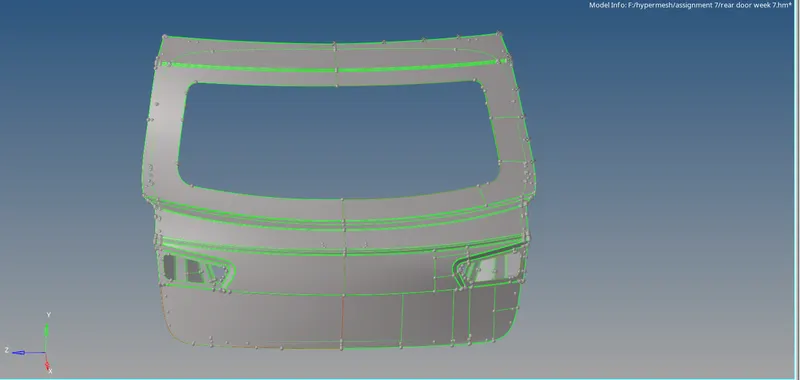
OUTER EXTRACT
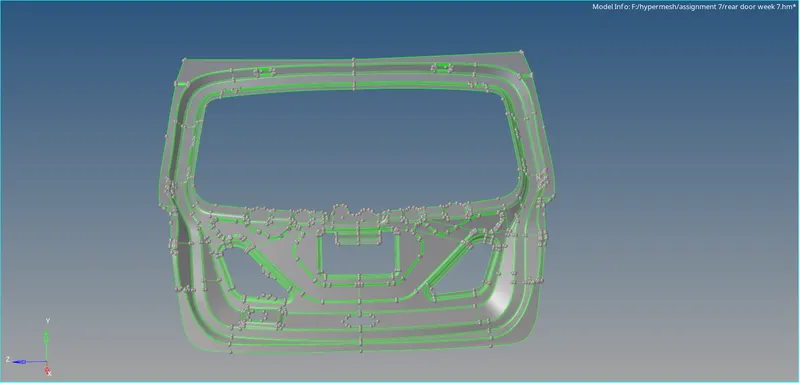
INNER EXTRACT
PROCEDURE:
IMPORT THE CAD MODEL TO HYPERMESH
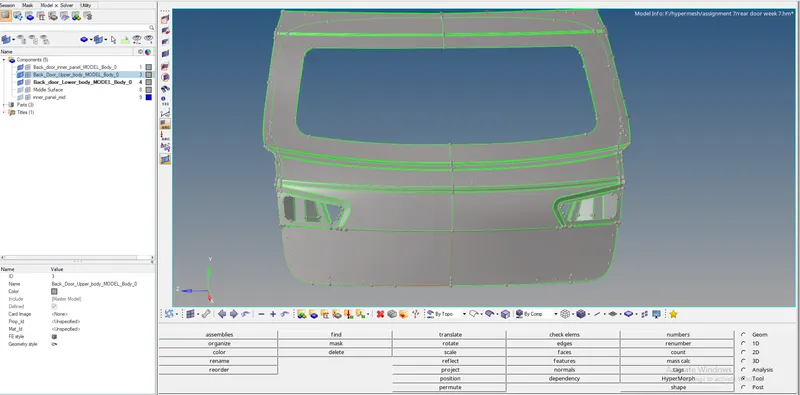
GEOMETRY CLEANUP:
After importing of cad model into HYPERMESH, there will be many geometry errors present in the model. we have to check and clean them before meshing. we have to do topology on uncoonected adjacent surface. Topology is nothing but how surfaces connect to adjacent surfaces of a part. Topology repair consisting of correcting connectivity errors between adjacent surfaces which is unconnected adjacent surface, duplicate surface, missing surface.
MIDSURFACE EXTRACTION:
We have to take midsurface for the component so that we can do meshing on the component. for that go to geom -> midsurface -> select the component -> extract. we have taken inner extract body for the midsurface.
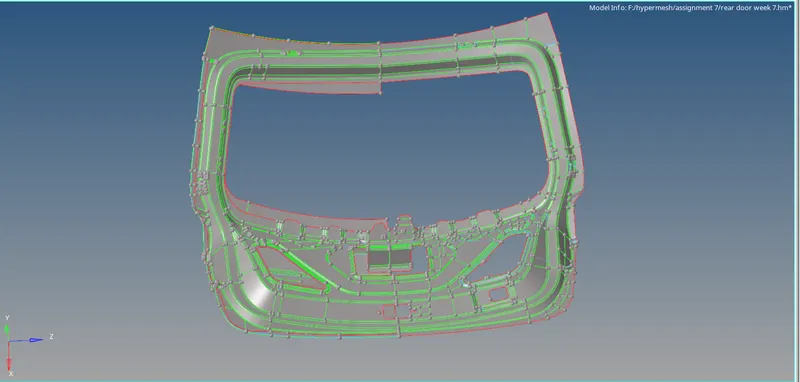
QUALITY CRITERIA SETUP:
We must assign quality parameters such that meshing elements will get measured from their ideal shape. The parameters like warping, skewness, aspect ratio, etc.. have to be given in the quality criteria setup. meshing parameters also have to give before meshing such that surface will get mesh under given length.

DEFEATURING:
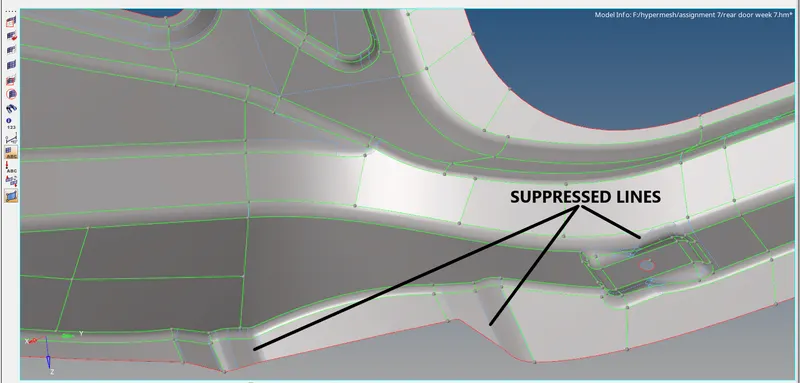
Defeaturing means removing unnecessary construction lines and curves in the CAD model because of manufacturing constraints. we have to remove them or arrange them properly for the better mesh flow without failing quality criteria. Very small entities can be a problem if you have a very small face with sharp angles, meshing might get fail. Therefore check the CAD model for very small entities and remove them before creating a mesh for it.
MESHING:
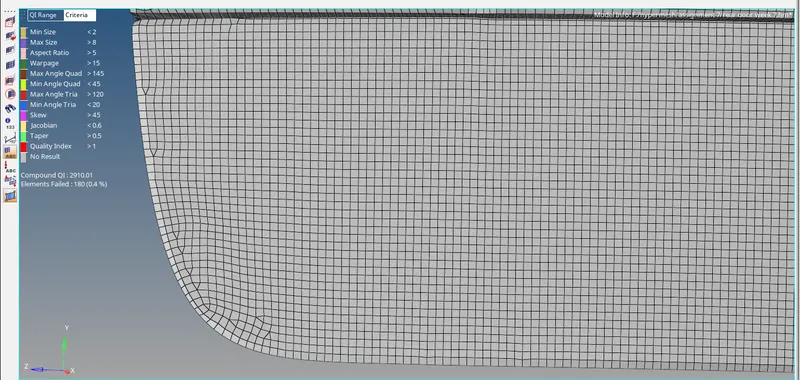
Meshing is an integral part of the engineering simulation process where complex geometries are divided into simple elements that can be used as discrete local approximations of the larger domain. It is a network that is formed of cells and points.
Now we can finally mesh the component after defeaturing the complex areas. there must be better mesh flow in the component. Meshing can be done by using 2D -> automesh.
RESULTS OF MESHED PARTS:
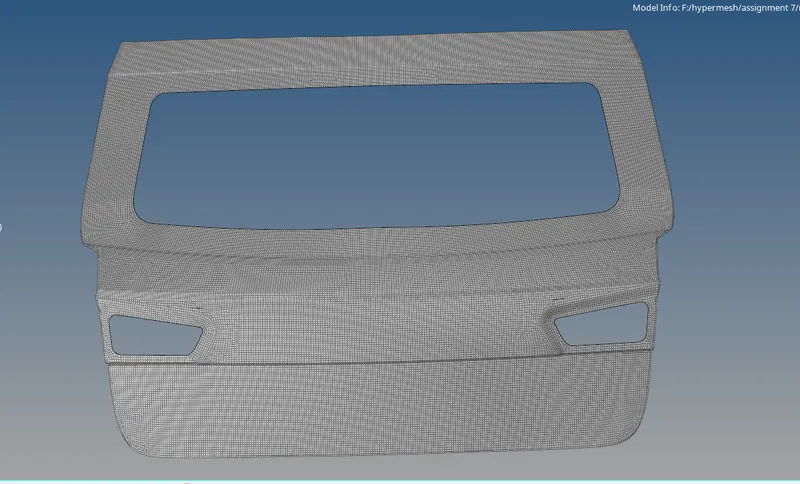
OUTER PANEL
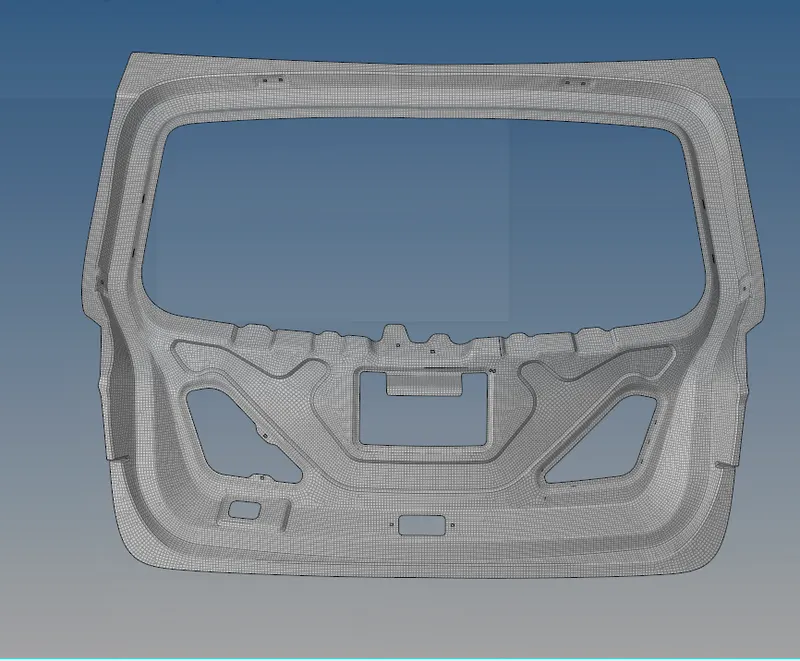
INNER PANEL:
CONCLUSION:
From the above challenge, the CAD model has been created with 2D mesh with given quality criteria and better mesh flow is created using mesh tools. some areas are compromised because of manufacturing constraints and arranged them with the proper construction lines.