3D Tetra meshing of Rearview mirror using ANSA
AIM:
To perform tetra elements meshing for the rearview mirror component and there should not and kinks and dips on the surface of the component.
PROCEDURE:
Import the model to ANSA software. it consists of a supporting part, a rotating ball, a mirror base, a mirror interior.
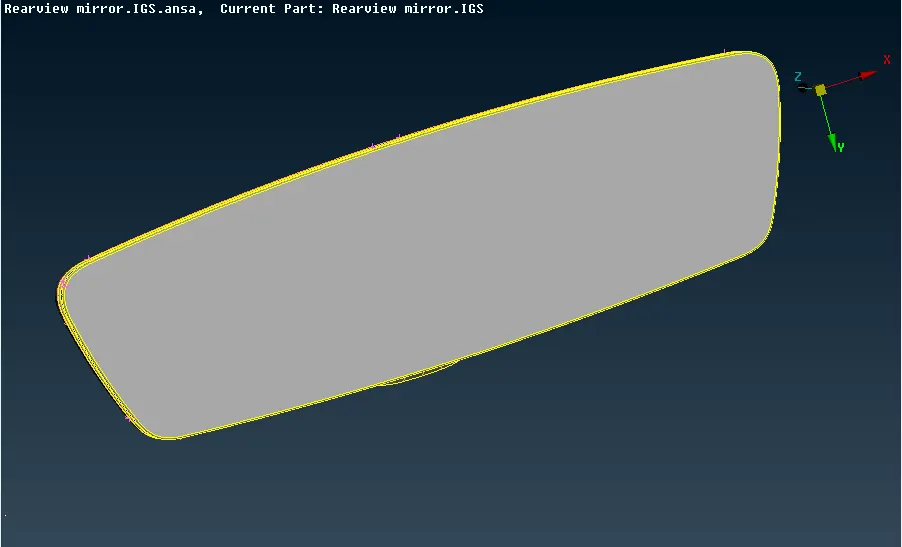
figure 1: Rearview mirror after Topology
After importing the model, Topology has been created between selected adjacent cons for performing topological conditions between them. we need to check for topological errors and we have to clear errors like single cons, triple cons, unchecked faces, needle faces, etc.
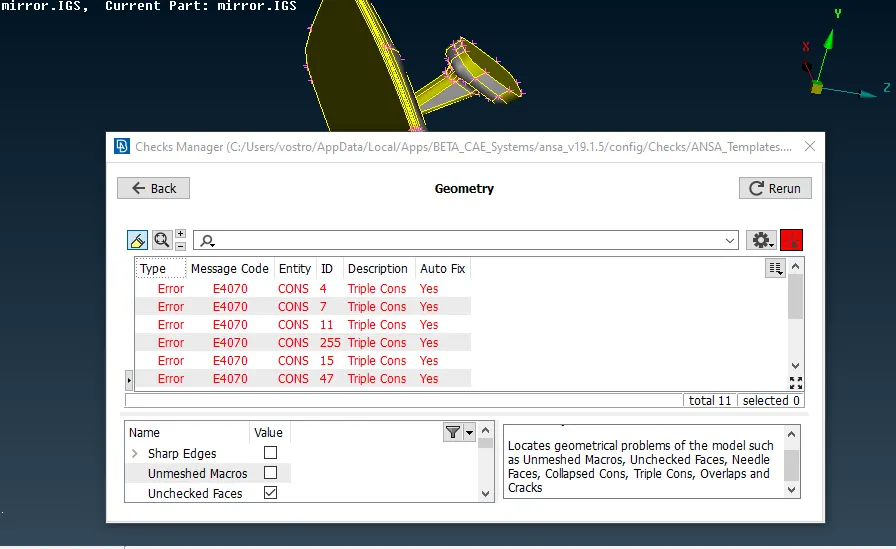 figure 2: Topological errors
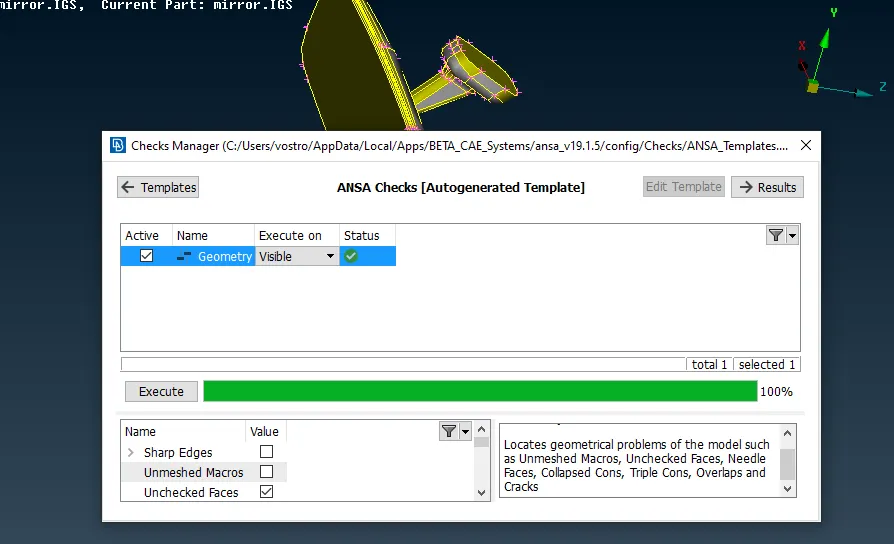 figure 3: Error-free geometry
Next, we will set the mesh parameter and quality criteria.
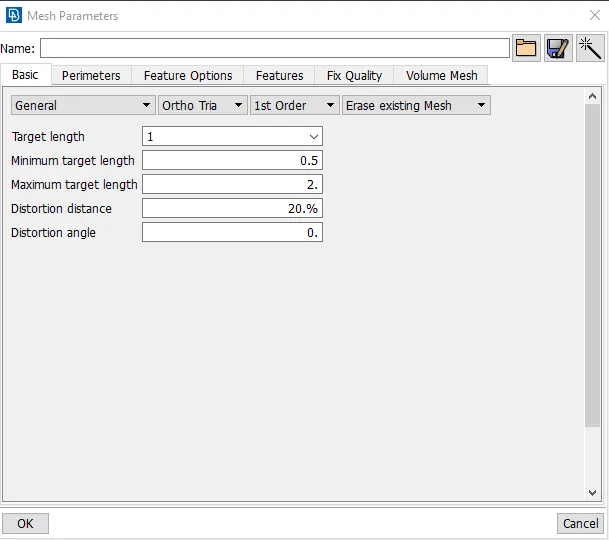
figure 4: Mesh parameter
we have to set an average length of 1mm, we will select Ortho tria and 1st order.
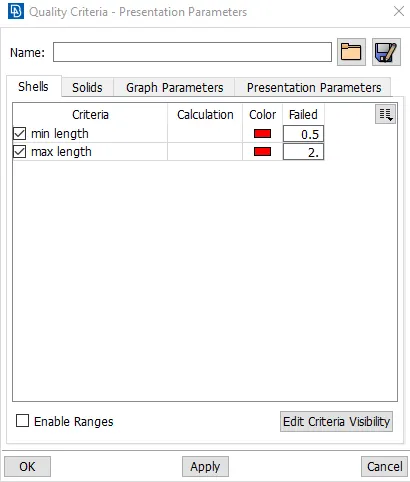
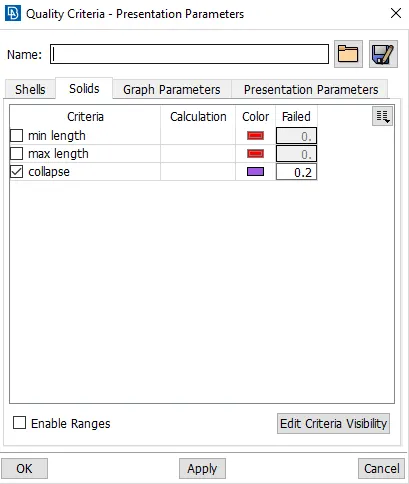
figure 5&6: quality criteria
3D Tetrahedral meshing:
For 3d meshing, we have to define a volume for the solid surface and after then we will have a mesh with tetra rapid mesh.
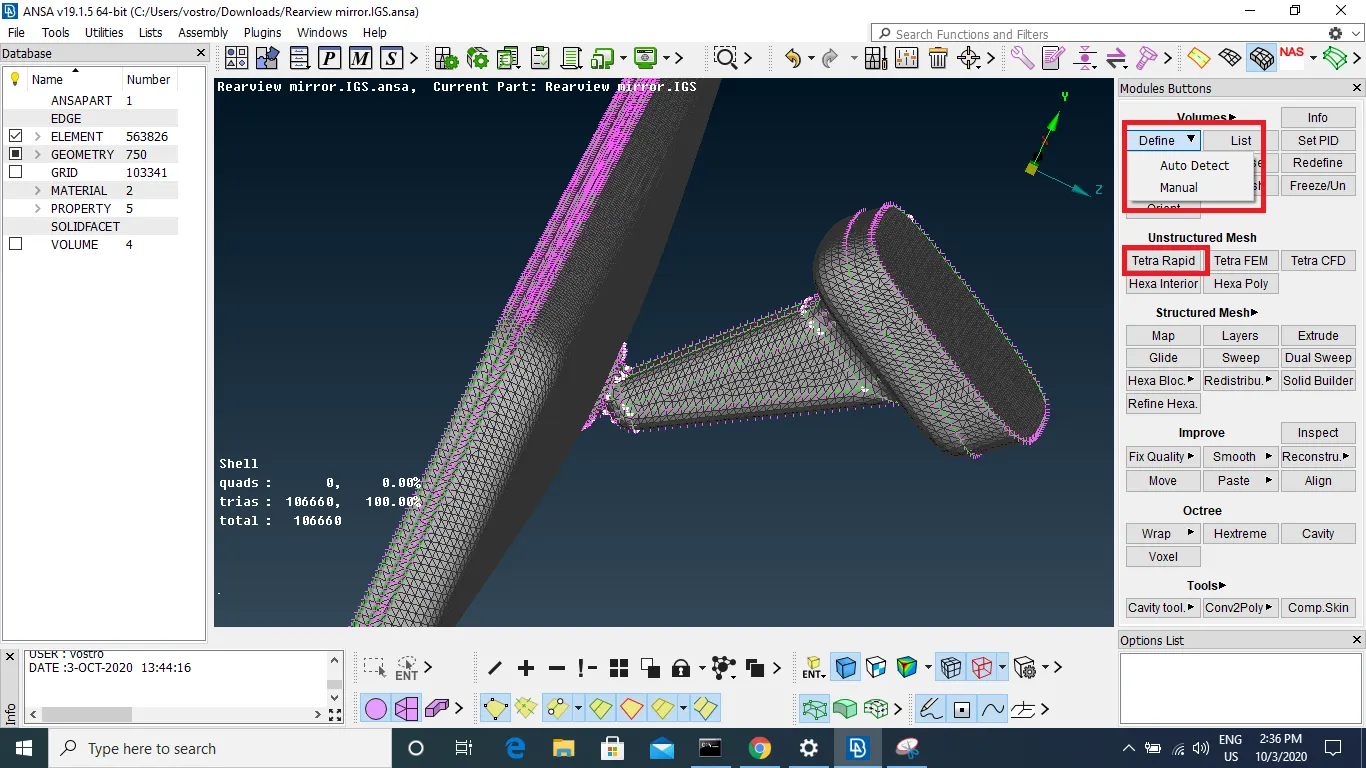
figure 7: Defining the volume
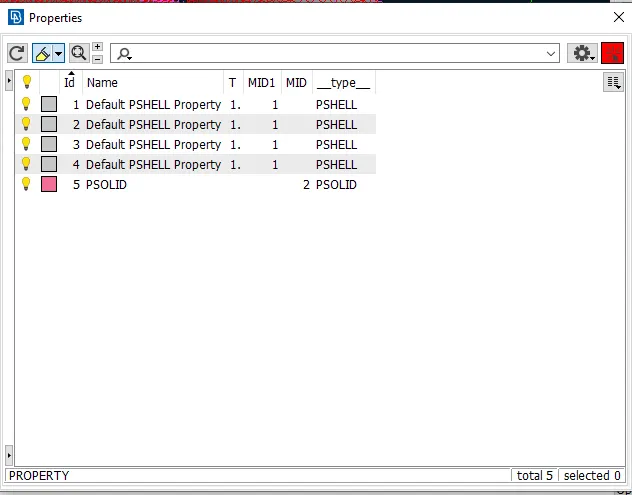
figure 8: Property id
After defining the volume, a new property id has been created. after then by using tetra rapid we will mesh the volume. there should be no tetra collapse on the mesh, we have to eliminate them by using MV free command. we have to make sure that there should be no kinks and dips on the surface.
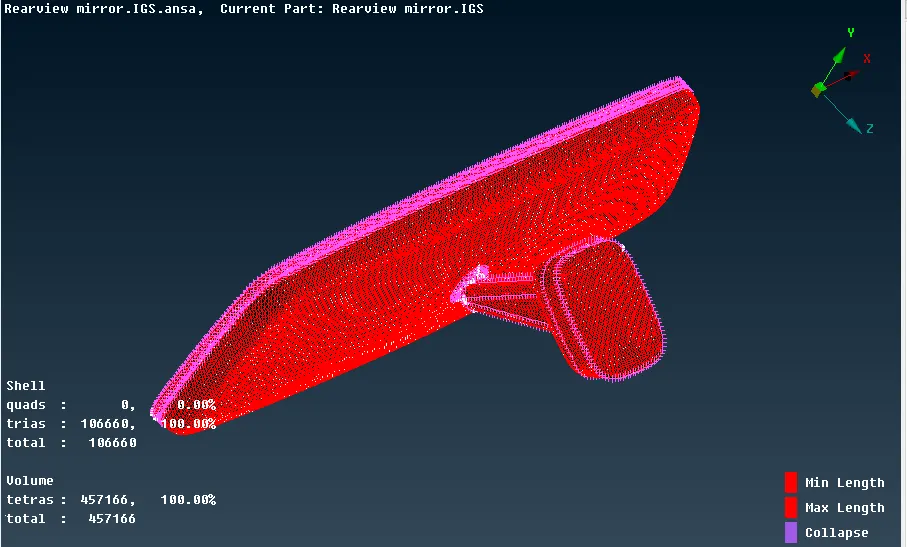
figure 9: Tetrahedral mesh for rearview mirror
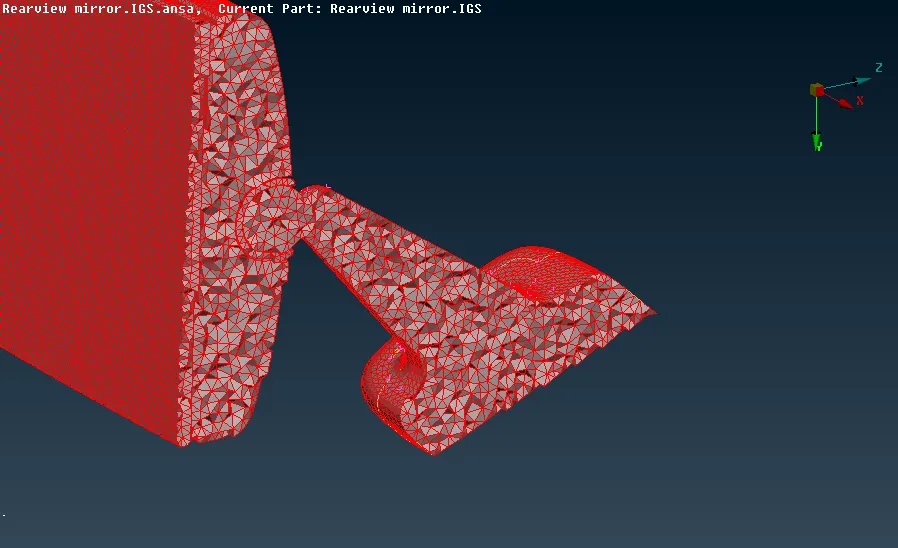
figure 10: Unstructured tetra elements
LEARNING OUTCOMES:
- Introduced to volume mesh
- learns to remove the collapse error in the volume mesh
- difference between shell mesh and volume mesh.
- use of tria and ortho tria
CONCLUSION:
We have obtained a good result in 3D tetrahedral meshing in the rearview mirror and feature capturing is done and used ortho tria elements in the curved and fillet areas.