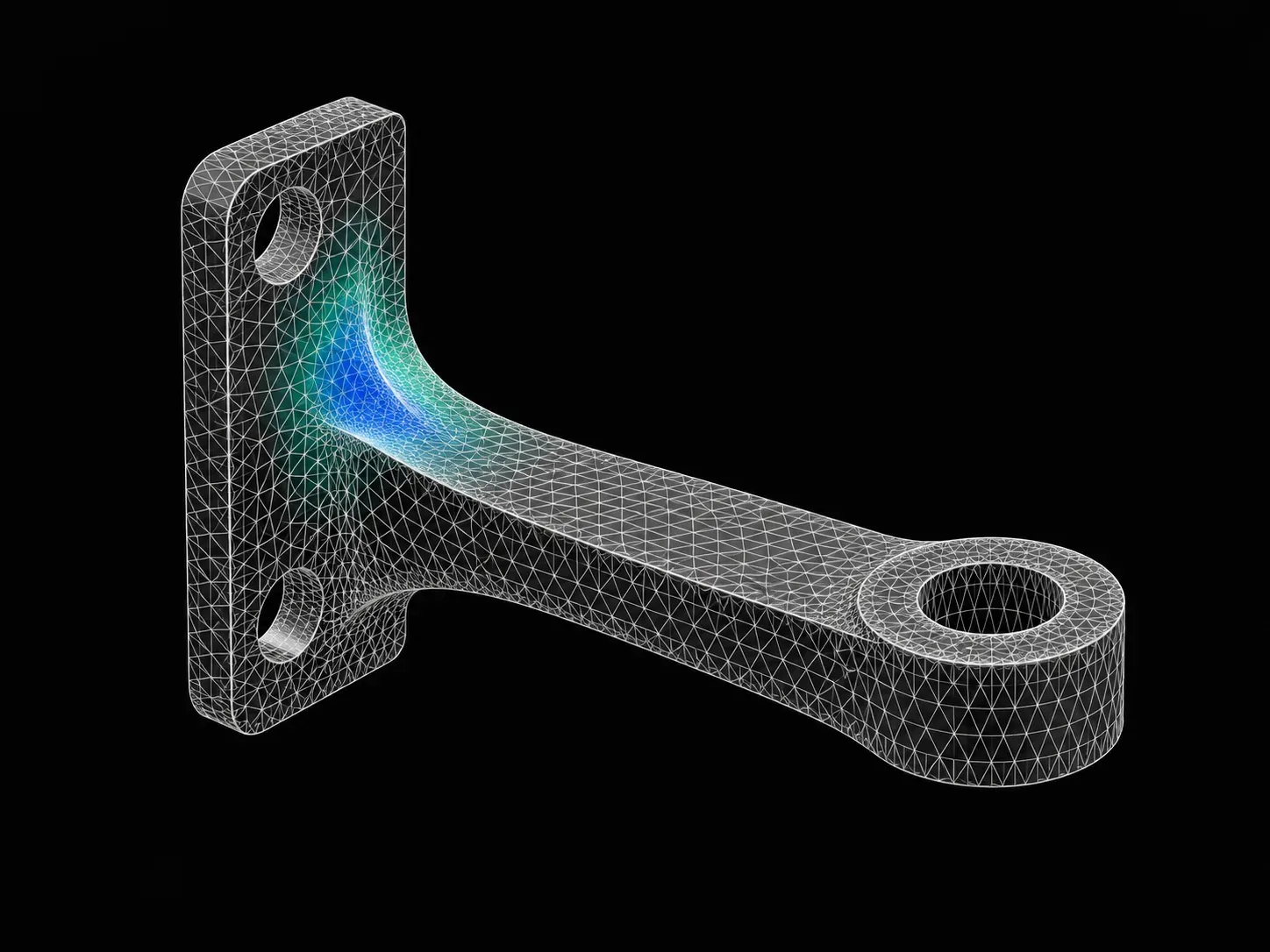
CAE Simulation using SolidWorks
A comprehensive course on introduction to CAE simulations using SolidWorks. This course is highly suited for beginners
- Duration
- 12 weeks
- Content
- 2 hours
- Mode
- Online
What you'll
be able to do.
6 modules,
built with industry.
01CAE Simulation using SolidWorks
- Introduction to FEA AnalysisW01
- In this session, you will learn
- Introduction to the concept of FEA, and the fundamentals of the stress-strain graph.
- Various types of FEA analysis, and the different processes in performing an analysis.
- Linear and non-linear simulations.
- Different types of FEA analysis
- Types and effects FEA analysis will have on the same model
- In this session, you will learn
- FEA Analysis on a Uniformly Loaded Cantilever BeamW02
- In this module, you will learn
- How to perform a 1D/2D/3D analysis on a cantilever beam.
- To design the model and understand how to do the static analysis.
- How to perform a design study.
- How to compare the results in the SOLIDWORKS.
- How to perform analysis on a cantilever beam
- The different conditions and settings to replicate the model within the software
- To perform 1D,2D, and 3D analyses on the same model and you will compare the results
- To run the simulation through a post-processor to return the results
- In this module, you will learn
- Buckling Analysis of a Cyclonic Separator StandW03
- In this session, you will learn
- How to import a neutral file and clean up the geometry for the structural analysis following which you will be introduced to the concept of buckling analysis
- Introduction to buckling analysis in SOLIDWORKS
- How to increase the factor of safety of the model
- In this session, you will learn
- Fatigue Analysis on an S-hookW04
- In this session, you will learn
- About the fatigue analysis and the effect of the S-N curve.
- The types of loading available for the fatigue analysis.
- How to import the results of the static analysis to the fatigue analysis and how to create an animation from the results.
- Introduction to fatigue analysis in SOLIDWORKS
- The speed and torque variation
- In this session, you will learn
- Drop TestW05
- In this module, you will learn about the requirements for doing a drop test in a PCB board and plot the results.
- You will learn how to perform a drop test on a model
- You will understand the various factors that affect the drop test
- You will post-process the simulation and identify the results
- Frequency AnalysisW06
- In this module, you will learn the concepts of the vibration and the modes of vibration.
- You will learn about the types of solvers available in SOLIDWORKS for the frequency analysis and how to perform the frequency analysis in SOLIDWORKS
- You will have a brief introduction to frequency analysis in SOLIDWORKS
- You will figure out the different mode shapes of a rectangular beam using frequency analysis
- You will learn how to perform frequency analysis using a PCB
- Introduction to FEA AnalysisW01
One fee.
Everything included.
Become job ready with our comprehensive industry focused curriculum for freshers & early career professionals
- 1 Year Access
- Personalized Page
- Live Individual & Group Sessions
- Personalized & Hands-On
- Job-Oriented Industry Relevant Curriculum
Questions,
answered.
Who can take up the CAE Simulation using SolidWorks course?
Students and graduates of mechanical engineering and related engineering streams can take up the CAE Simulation using the SolidWorks course. It is for anyone interested in CFD, design engineering and FEA.
Is the CAE Simulation using SolidWorks an online program?
Yes, the CAE SolidWorks course is 100% online.
What is the duration of the CAE Simulation using SolidWorks course?
The CAE online course is a 12-week course covering all the basic to advanced level concepts essential for designing, analysing and simulating different components using SolidWorks.
How much can a CAE Engineer earn?
According to Ambitionbox, the average annual salary of a CAE Engineer reaches up to INR 7.6 Lakhs per annum. However, your pay package varies with your experience and expertise.
Is there any certificate for completing the CAE Simulation using SolidWorks course?
Yes, you shall be given a course completion certificate after completing the CAE course. The top 5% of the scorers will receive a merit certificate alongside the course completion certificate.
Is there any technical support available for the CAE certification course ?
Yes, you can clear your doubts during coursework from our technical support team through email and forum support.
What is CAE ?
Computer-Aided Engineering is a field in mechanical engineering that uses software tools to design, analyse and check the validity of the product without actually manufacturing the prototype. The CAE techniques greatly cut down costs and save time for manufacturers.
Can you tell me more about Skill-Lync?
Skill-Lync is among India’s leading EdTech platforms dedicated to transforming engineering education. We equip young engineers with the latest skill sets and cutting-edge tools in new-age technologies.
The brainchild of two engineers from Chennai, Skill-Lync, is on a mission to bridge the skill gap between aspiring professionals and the industry’s demands through job-oriented courses.
You might also like.
Not sure it's
the right fit?
A counsellor will walk you through the syllabus, projects and fee options — and tell you honestly if another course suits you better.