DussehraFestive scholarship on Skill-Lync courses, this week onlyFestive scholarship is openOffer ends Wed, 21 Oct, 11:59 pm IST.
Dussehra 2026

Start your next chapter this Dussehra

Tell us where you want to work. A counsellor will match you to the right course and confirm the festive scholarship you qualify for.

  • Festive scholarship on course fees, confirmed on your call
  • Free 20-minute call to map the right course to your goal
  • Real industry projects and placement support with every course

Offer ends Wed, 21 Oct, 11:59 pm IST

3,905 engineers placed since 2019 · 1,277 hiring companies

By submitting you agree to our Terms and Privacy Policy.

You're on the list

Browse courses
Mechanical · Course

Automotive Plastic Design using CATIA V5

A comprehensive course on Automotive Plastic Design using CATIA-V5. This course is highly suited for beginners

Duration
12 weeks
Content
25 hours
Projects
5
Mode
Online
Overview

What you'll
be able to do.

  • The course gives you a brief overview of the different types of plastics used in automobiles.
  • Students will understand the need to use the injection molding techniques in plastic component manufacturing techniques in this course.
  • The course helps you understand the CATIA software from the basics of sketcher workbench to advanced surface design which helps you to understand how to design plastic components based on industry-standard prerequisites.
Tools you'll use
CATIA V5
Curriculum

15 modules,
built with industry.

Get the full syllabus ↓
  1. 01Automotive Plastic Design using CATIA V515 modules
    1. Design Overview In Automotive IndustryW01
      • In this session, you will learn
        • Product Life Cycle
        • Design Life Cycle
    2. Plastics in Automotive IndustryW02
      • In this session, you will learn
        • Types of plastics (Thermoset Plastics, Thermoplastic)
        • Engineering plastic Materials
        • Manufacturing Process
        • Injection Molding
    3. Introduction to CATIAW03
      • In this session, you will learn
        • Basic commands and operation
        • Save feature, pan feature, rotate feature, etc
    4. Sketcher workbenchW04
      • In this session, you will learn the following
        • Commands
        • Rules to follow
        • Working in exercise
    5. Part Design WorkbenchW05
      • In this session, you will learn
        • Pad and pocket
        • Working on exercise
    6. Advanced part designW06
      • In this session, you will learn
        • Boolean operations
        • How to work on a Boolean exercise
        • How to work on After Tool Go modification on Automotive components. (OEM Working procedures)
    7. 2D Drawing creationW07
      • In this session, you will learn to
        • Create a PCB Bracket using Boolean operations
    8. Basic Surface Design WorkbenchW08
      • In this session, you will learn the following
        • Commands (Types of Sweep)
        • Working on exercise
        • Draft analysis
        • How to work on a surface exercise
    9. Advanced Surface Design WorkbenchW09
      • In this session, you will learn the following
        • Commands
        • Creation of Closed body, Thickened body
        • A parting line and parting surface
    10. Creation of Door Switch Bezel and adding thickness to itW10
      • In this session, you will learn
        • How to create tooling direction and do the draft analysis to ensure the part can be taken out of the tool?
        • Adding the right thickness to the part and solving the issues.
        • Create the parting line for the bezel.
    11. Tooling FeasibilityW11
      • In this session, you will learn
        • What is a mounting feature?
        • How to create a locator and dog house?
        • Integrating the mounting features to the base part with Boolean operations
    12. Modeling ExerciseW12
      • In this session, you will learn
        • The Clip mounting feature is in Plastic design.
        • Design considerations for creating this feature
        • Tooling analysis for the clip feature
    13. Drafting WorkbenchW13
      • In this session, you will learn
        • Drafting workbench
        • Creation of detail drawing for the Components
        • Views creations (basic view & section views)
        • Application of GD&T in drawings
        • Template settings
    14. Mold Design ConsiderationsW14
      • In this session, you will learn
        • Creation of Paring line
        • Creation of Tooling axis
        • What is undercut and how to solve it
    15. Complex Mold Design ParametersW15
      • In this session, you will learn
        • Creation of simple mold for the Rear quarter trim Cupholder
        • What are core and cavity
        • Stripper, ejection, and system
        • Draft analysis
      • Designing a mold gives a good working understanding of the molding aspects of a component
Industry projects

5 projects
you'll ship.

Our projects are designed by experts in the industry to reflect industry standards. By working through our projects, Learners will gain a practical understanding of what they will take on at a larger-scale in the industry. In total, there are 5 Projects that are available in this program.

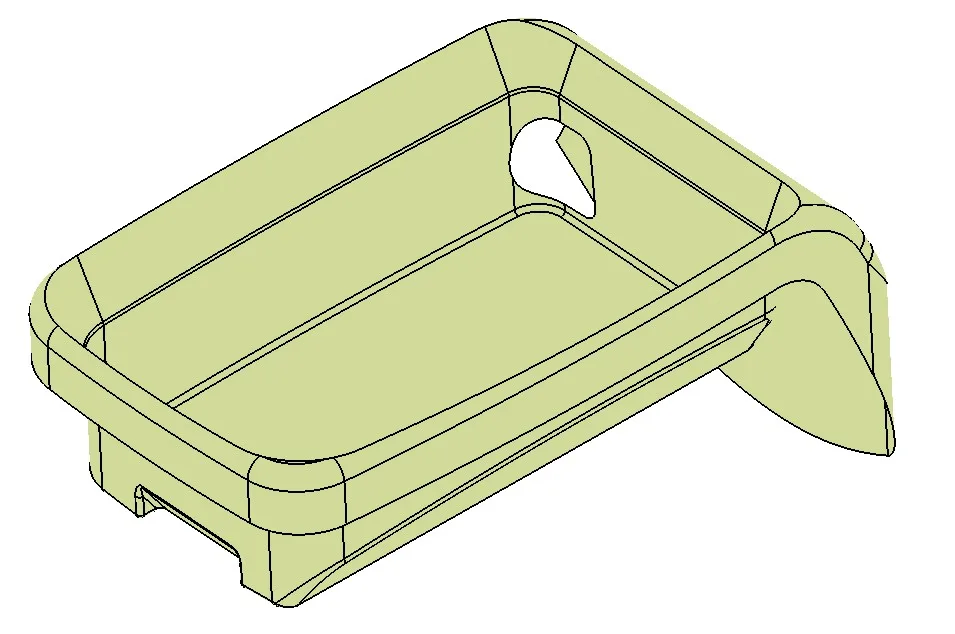
Design of Coin Holder

Design of Coin Holder

In this project, you will design a coin holder plastic trim part from the given Class-A surface. Check if the product is manufacturable.
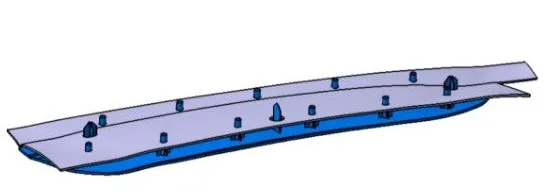
Design of Heat Staking

Design of Heat Staking

In this project, the students will design heat stakes for joining the plastic door. The students will apply the 3-2-1 principle for designing the plastic applique.
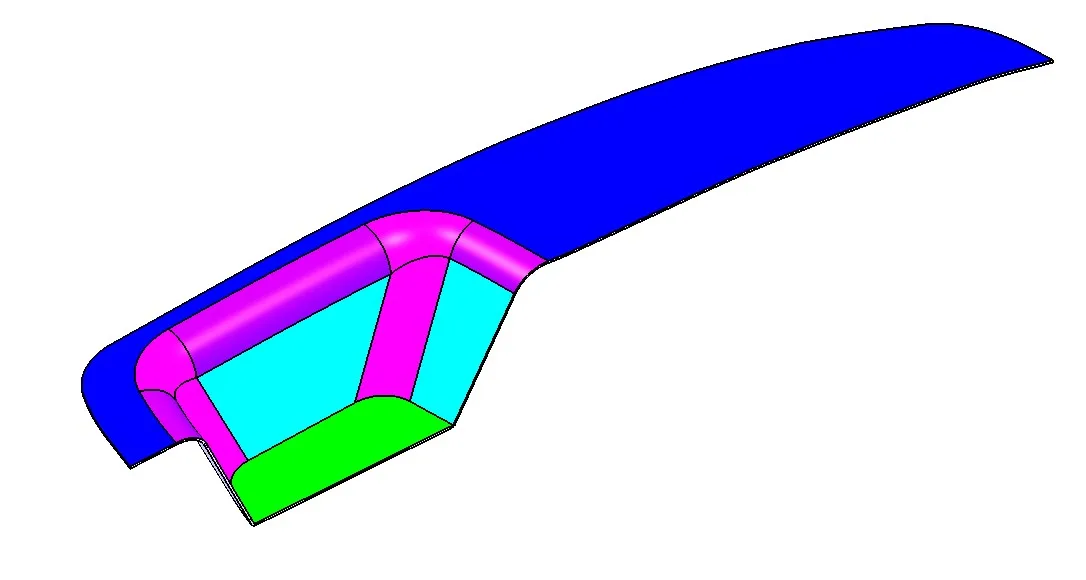
Design of Switch Bezel

Design of Switch Bezel

This project is about the development of a car side door switch bezel. You will be creating the CAD model of the switch bezel from the given inputs.
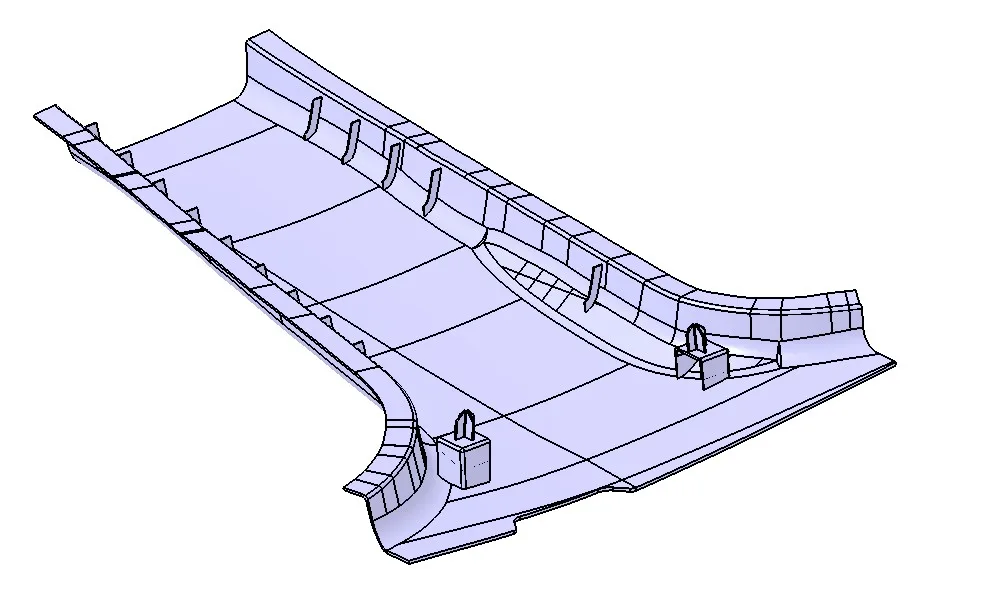
Design of B-pillar Cover

Design of B-pillar Cover

The project deals with the design of a B-pillar cover. The students will create a Plastic B pillar trim from the given class-A surface.
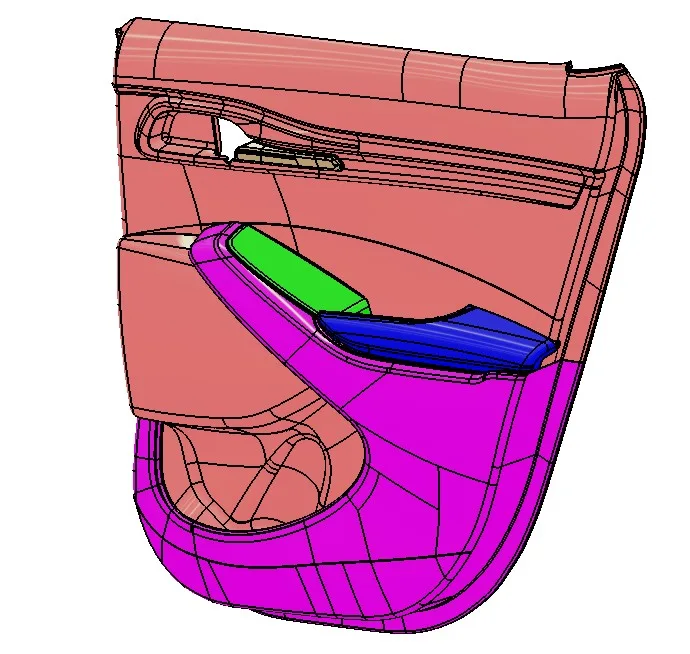
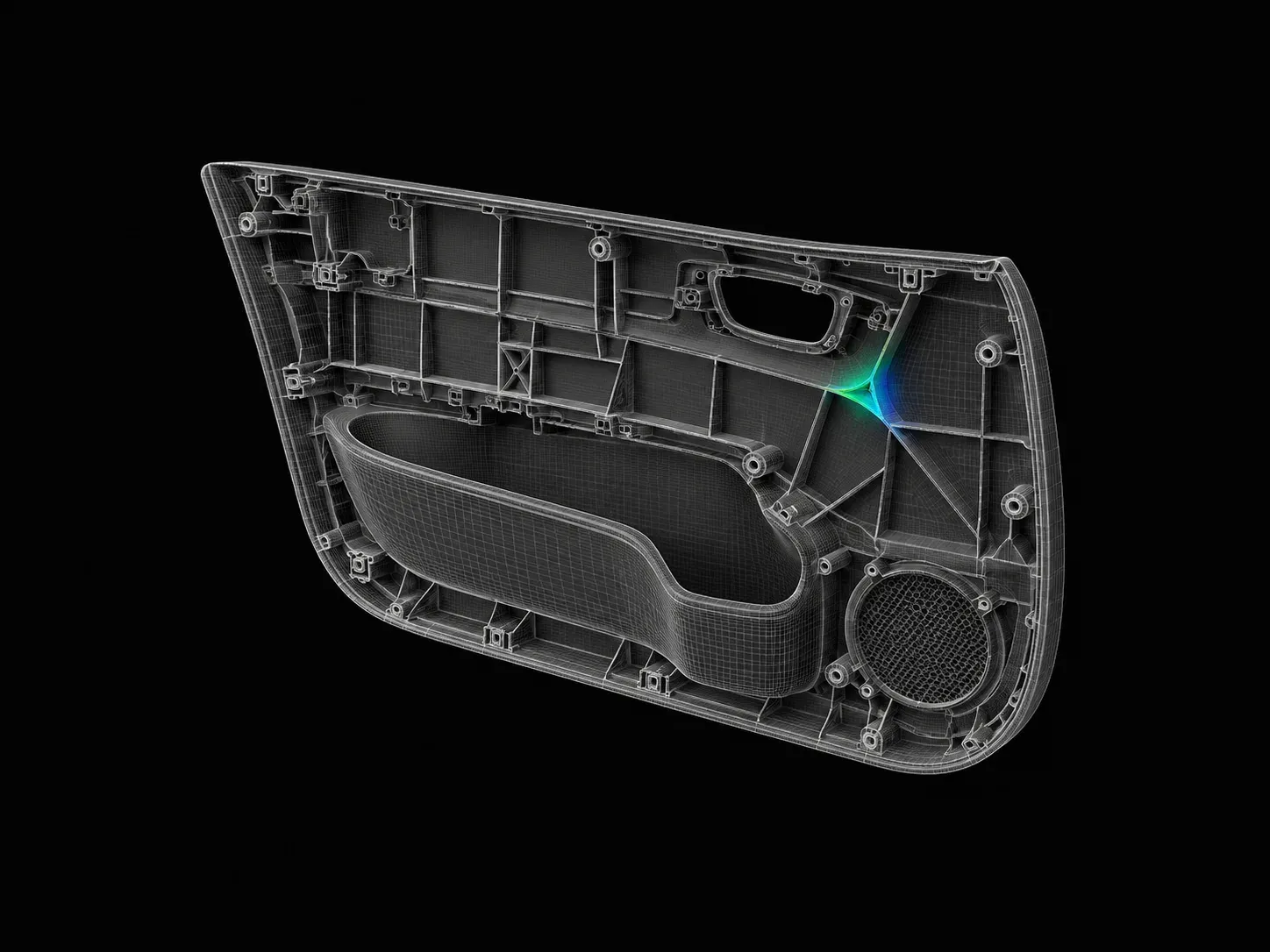
Design of Side door Panel

Design of Side door Panel

In this project, you will create a complete side door panel. You will design all the sub-assemblies like the armrest, map pocket, and the lower substrate.

Fee

One fee.
Everything included.

Become job ready with our comprehensive industry focused curriculum for freshers & early career professionals

Premium
₹40,000
Inclusive of all charges
  • 1 Year Access
  • Personalized Page
  • Live Individual & Group Sessions
  • Personalized & Hands-On
  • Job-Oriented Industry Relevant Curriculum
Check eligibility →
Next step

Not sure it's
the right fit?

A counsellor will walk you through the syllabus, projects and fee options — and tell you honestly if another course suits you better.

Get the syllabus + a call back

We'll email the full syllabus and call within one working day.

By submitting you agree to our Terms and Privacy Policy.

Call usEnquire

Talk to a career counsellor

Free 20-minute call. We'll map the right course to where you want to work.

By submitting you agree to our Terms and Privacy Policy.