Wiring harness routing & packaging Rules Week 3 Challenge
Mayur Vispute
PROJECT REPORT
ABSTRACT - In this Project, I defined the Clamp, Backshell & Create the Protective Covering. Convert the CAD data of electrical equipnment into electrical properties. 1st of all , I download the cad data of component then using CATIA V5 I define geometrical parameters in part design workbench. After that i switch into Electrical part design workbench to define all electrical properties to component.
1) P CLAMP :-
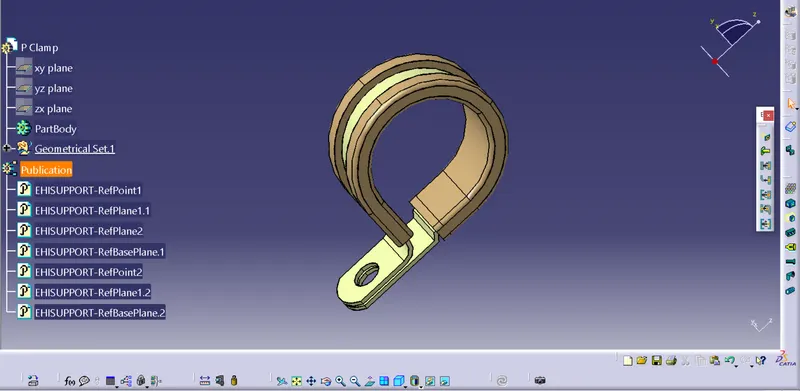
Feature Tree :-
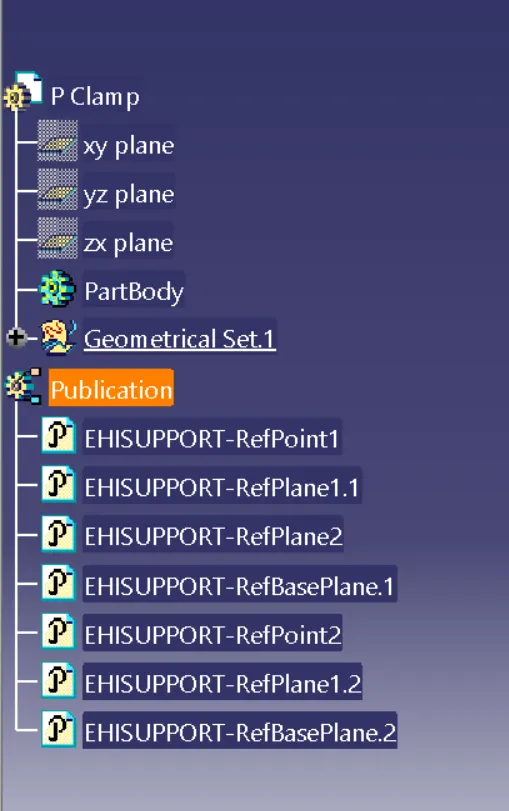
Steps :-
- In Part Design Workbench , 1st I defined the following geometrical properties to cad file of P Clamp.
- Entry Point
- Exit Point
- Entry Plane
- Exit Plane
- Base Plane
- Switch into Electrical Part Design Workbench.
- Used command "Define Support Part" & click on our part & then select Entry Point,Entry Plane,Base Plane,Exit Plane.
- Again used command "Define Support Part" & click on our part & then select Entry Point,Entry Plane,Base Plane.
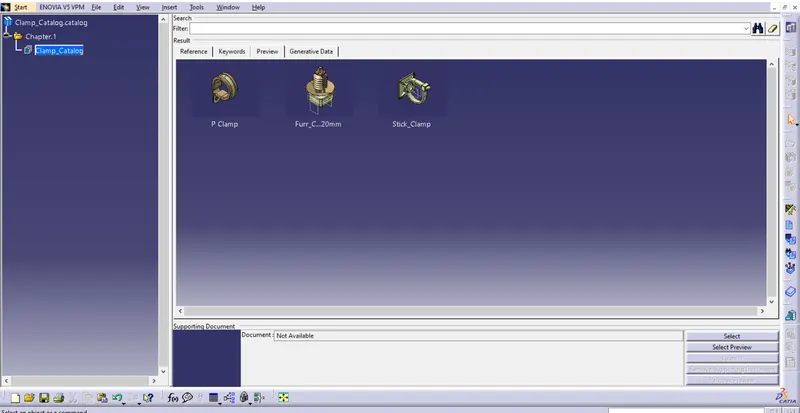
- & last store the Clamp in Clamp Cataog by using command "Store Device".
P Clamp Catalog Preview :-
2) Backshell :-Tyco 1738312-1
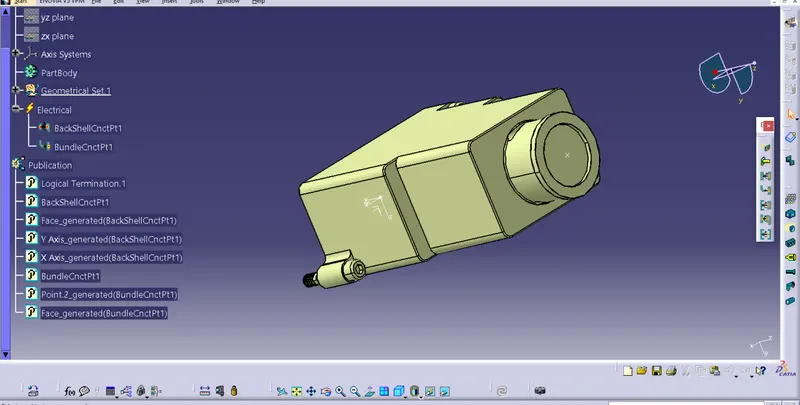
Feature Tree :-
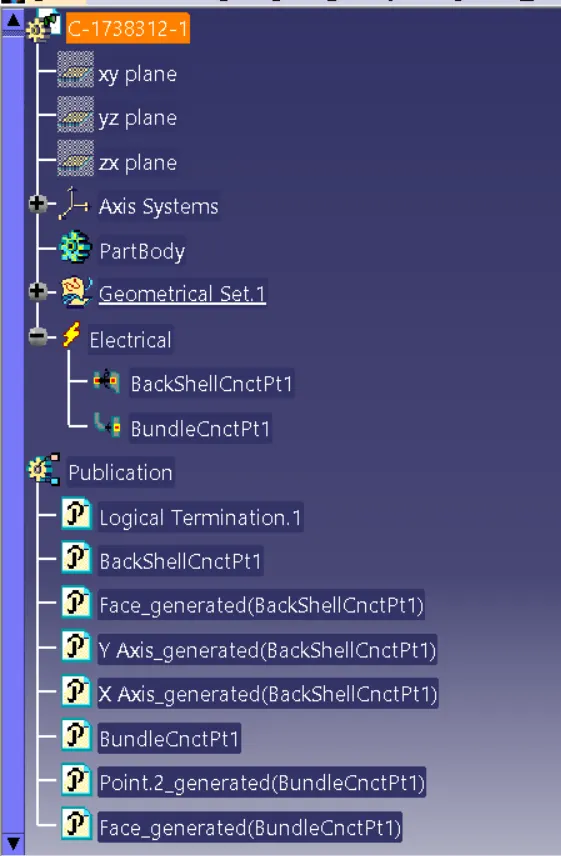
Steps :-
- In Part Design Workbench , 1st I defined the some geometrical properties like Entry Point, Exit Point & Exit Axis to cad file of Backshell ( y direction towards insertion & x, z any direction ). & Save it.
- Switch into Electrical Part Design Workbench.
- Used command "Define Backshell" and ok.
- Used command "Define Backshell Connection Point", In which select representation as a Exit Point, Contact as a Mating face of connector, Coincidence is Y-axis, and Orientation is X-axis or Z-axis.
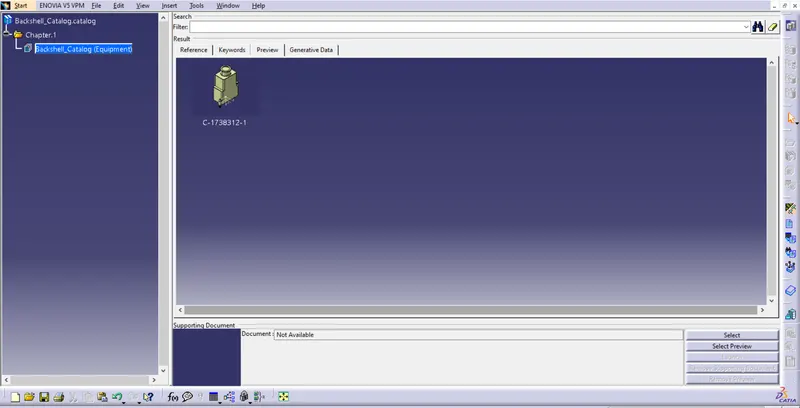
- & last store the Backshell in Backshell cataog by using command "Store Device".
Backshell Catalog Preview :-
3) Corrugated Tubes :-
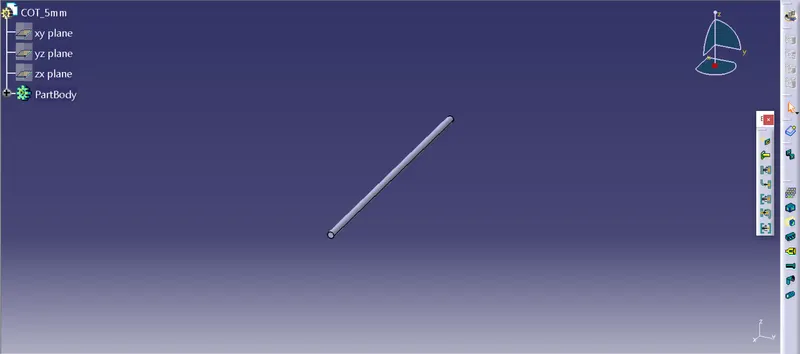
a. COT Tube-5mm
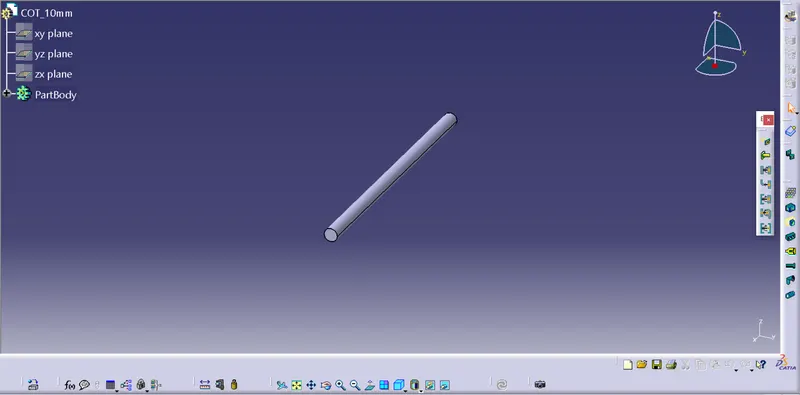
b. COT Tube-10mm
c. COT Tube-15mm
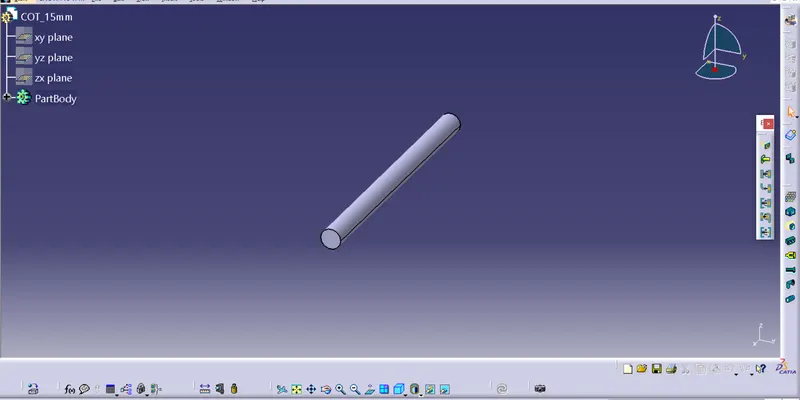
d. COT Tube-20mm
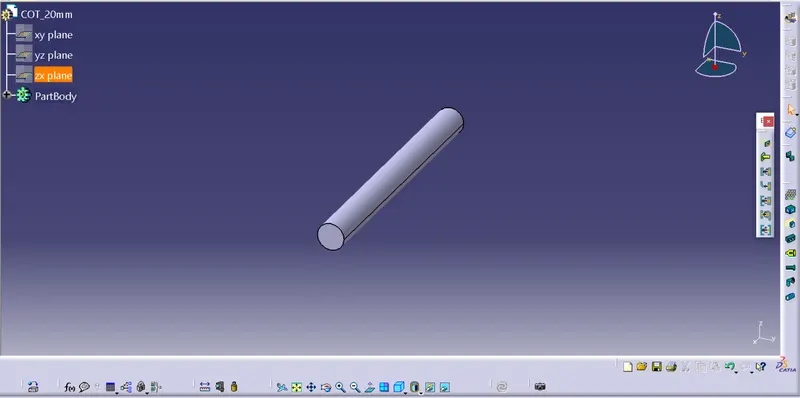
e. COT Tube-35mm
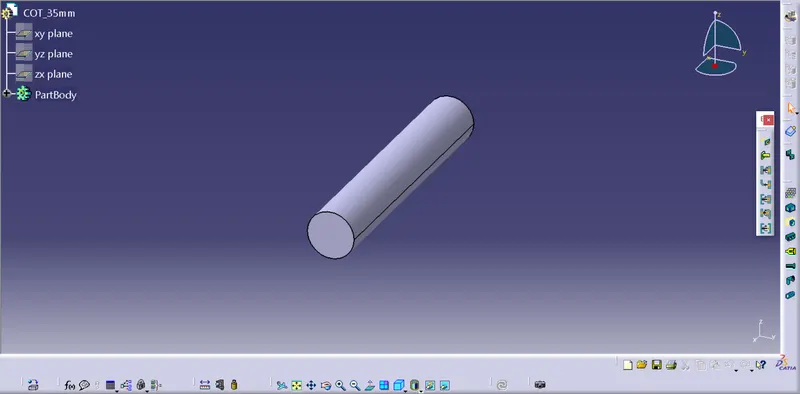
Steps :-
- 1st go to file select new and then select part and ok.
- In Electrical Part Design Workbench,To creat Tubes Used command "Defined Protection Part" and fill the inputs as per requirement for eg. (ID, Thickness, Bend Radius).
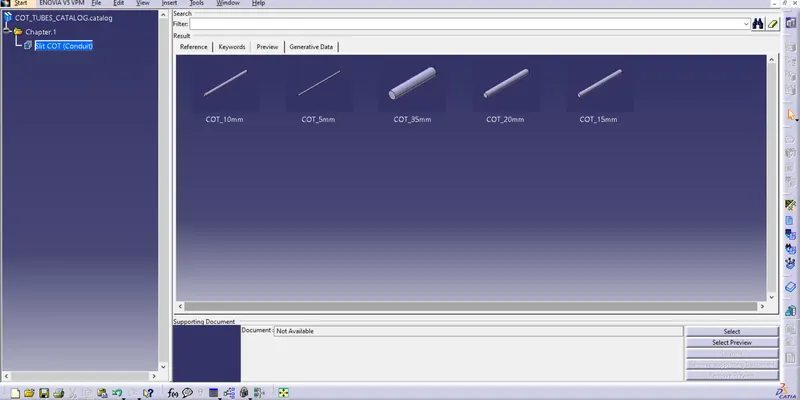
- & last store the COT Tubes in COT_Tube catalog by using command "Store Device".
COT Tube Catalog Preview :-
THE END