Wiring harness routing & packaging Rules Week 3 Challenge
In this Challenge a CAD Part P Clamp is taken and changed it into an Electrical Part in Electrical Part Design WorkBench. After the part is transfered into Electrical WorkBench a points are made in between the P Clamp and Planes were placed on the points. These are the Entry and Exit Points.
After the Points are made the Support Definition option is used to define the First Plane Definition and the Second Plane Definition.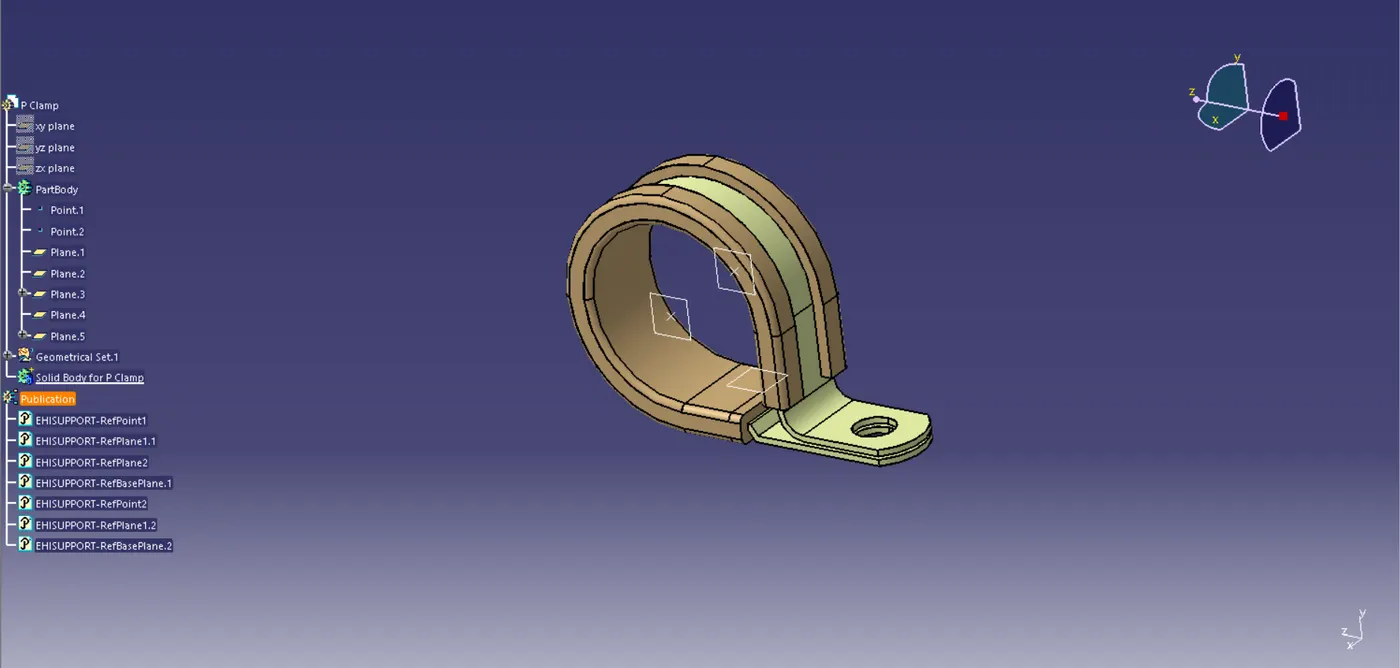
Fig 1. Entry and Exit Points for P Clamp
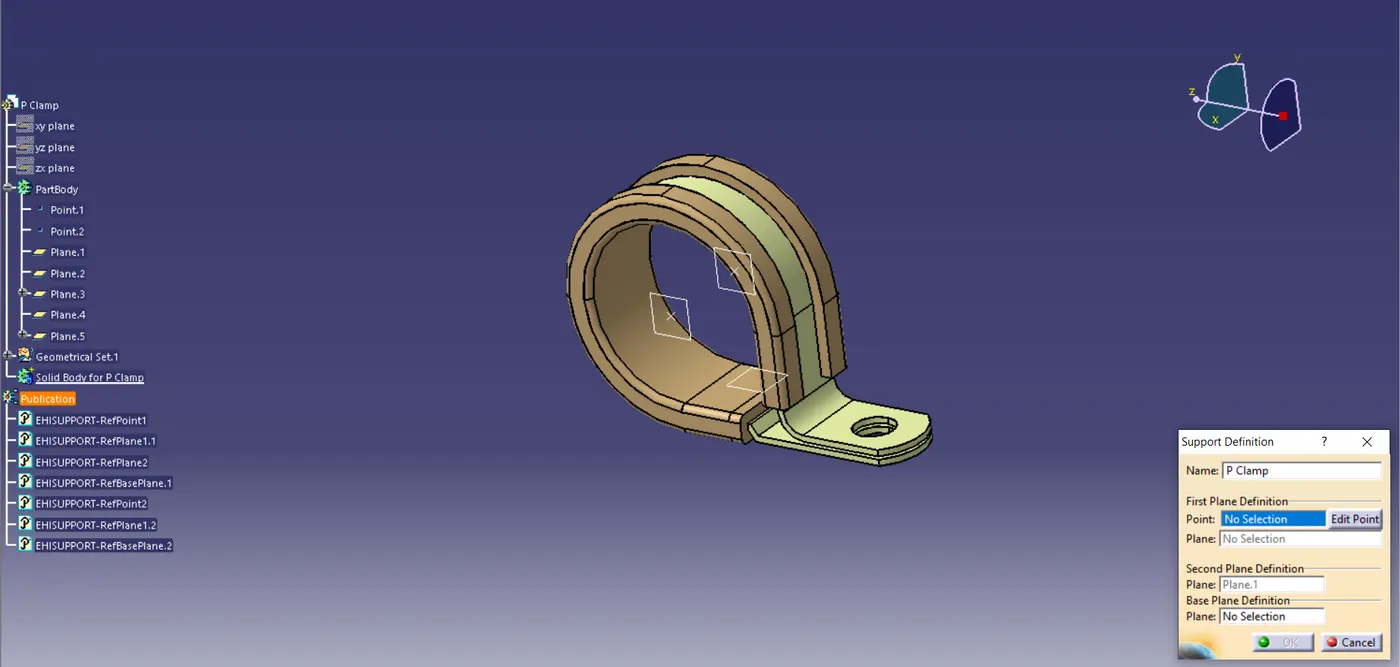
Fig 2. Support Definition for P Clamp
After the P Clamp work is finished then the second work is Started.
In the Second work a given Electrical Part is defined with the BackShell Option. At first a points are created in the center of the Part in a Part WorkBench and on the bottom side an Axis is created. Then the Part is moved to the Electrical Part WorkBench and the Part is defined with the BackShell Connection Point on the Axis. Then the Top area is defined with the Bundle Connection Option.
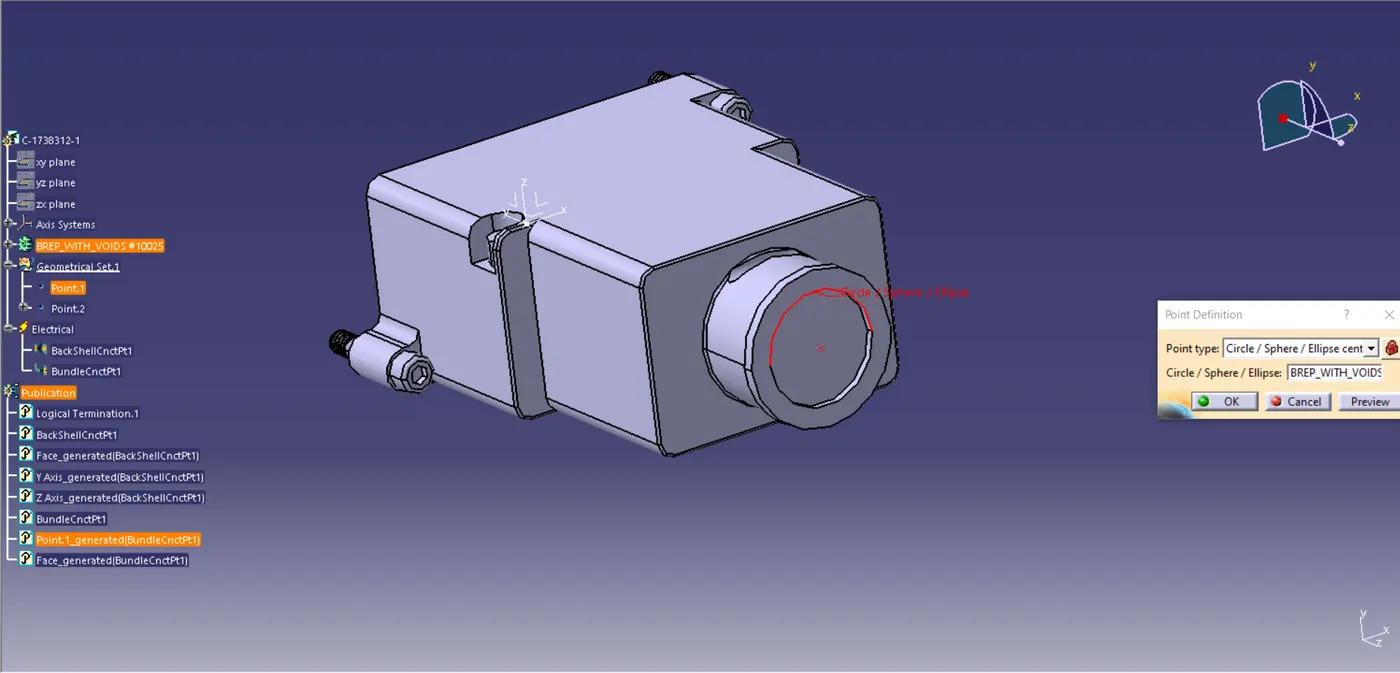
Fig 3. Point is defined for Bundle and Axis System
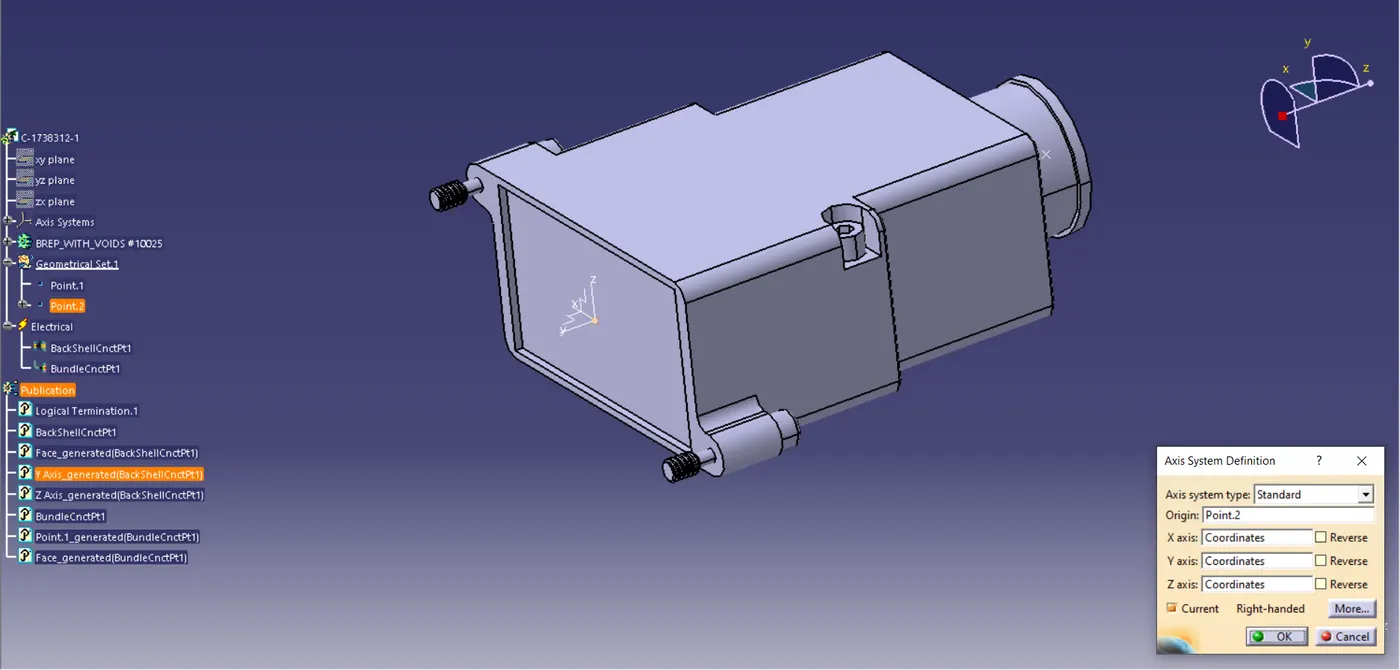
Fig 4. Axis System
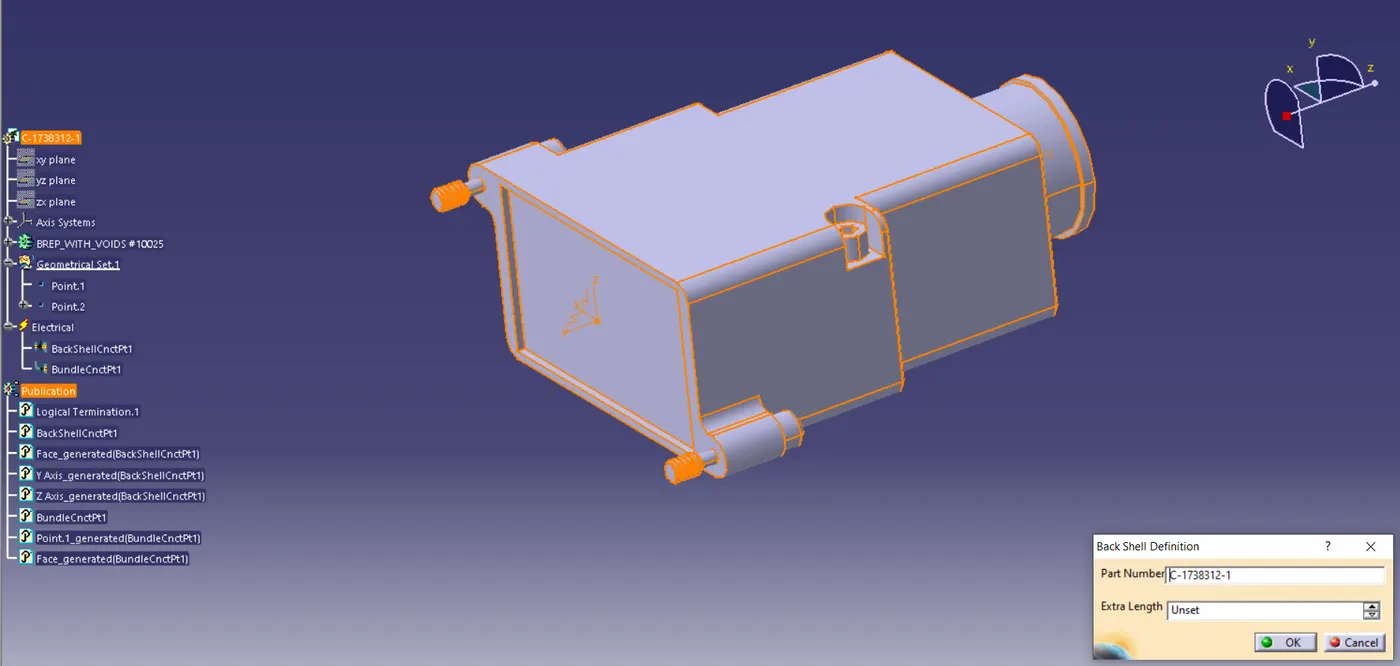
Fig 5. BackShell is Defined
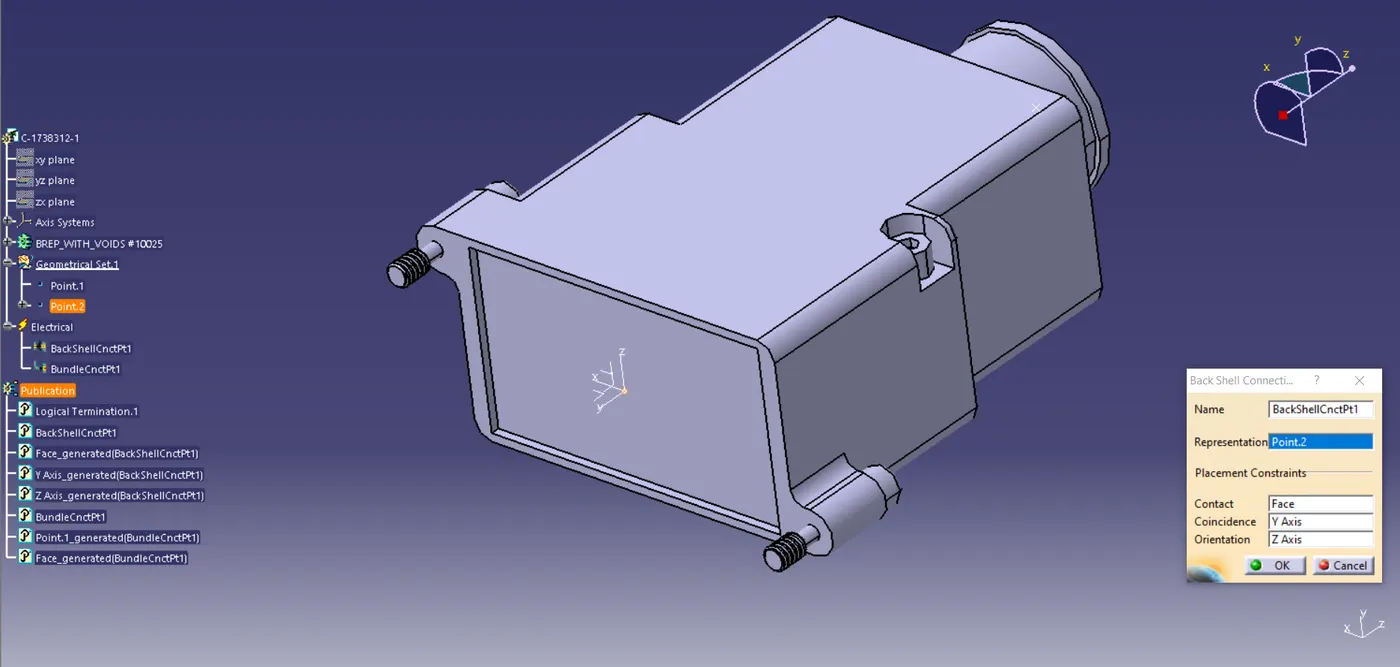
Fig 6.BackShell Connection is Defined
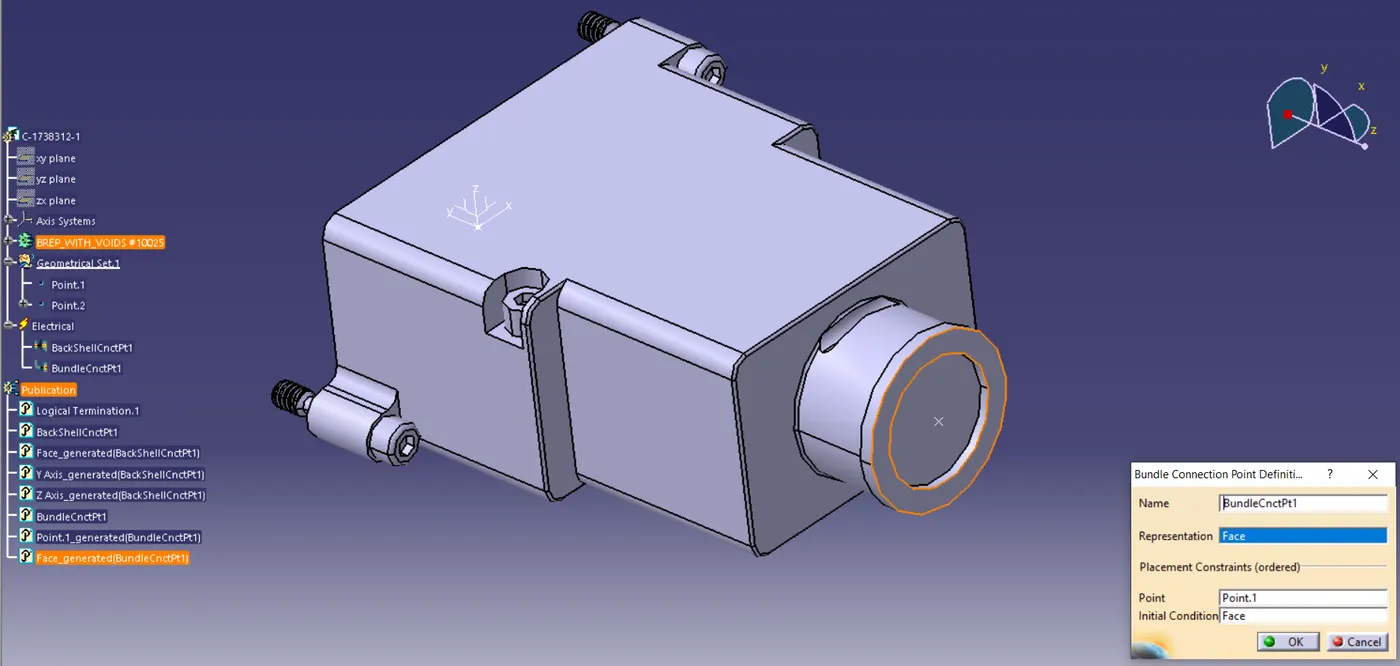
Fig 7.Bundle Connection is Defined for the Part
Now the Final work which is creating a Corrugated Tubes and Adding them in Catalog Document.
First open a New File and select Catalog Document, then select Add Family option. Then Family Definition dialog box will open and in that fill the Name of the Family and add the Type, then click OK. Then select the location where the Files have to be saved.
Now go to the Electrical Part File and select the Define Production Part Option, click on the PartBody or the Title of the Part. Now a Define Production Dialog Box will appear in there give the required data and click OK. Now select a store Device Option. Then a Device Storage dialog box will appear and we need to select the File location and the Family Name.
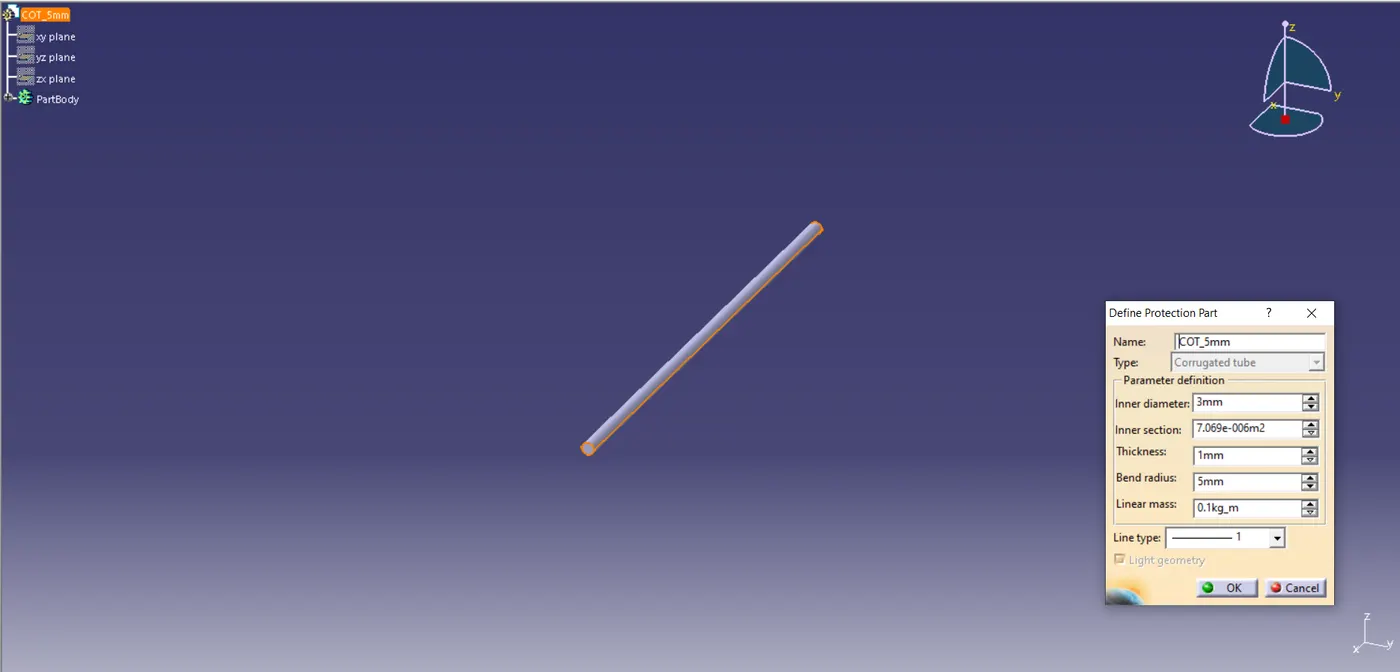
Fig 8. COT_5mm
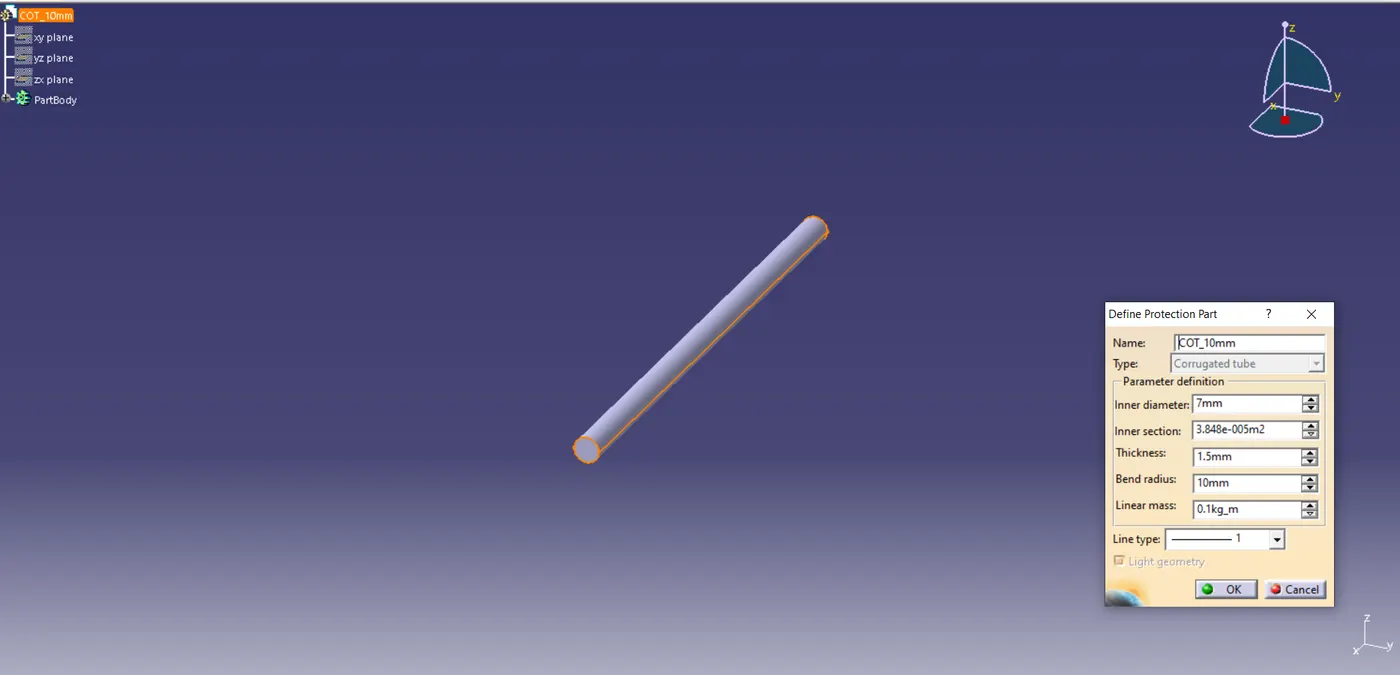
Fig 9. COT_10mm
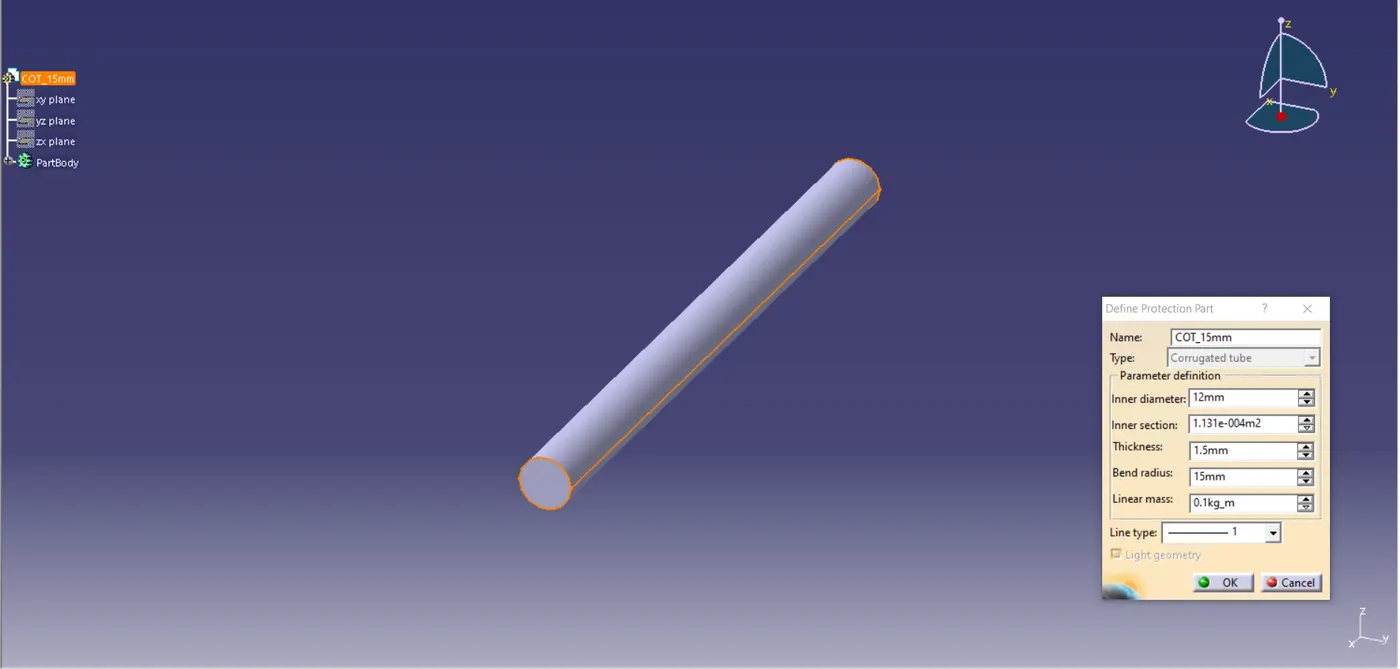
Fig 10. COT_15mm
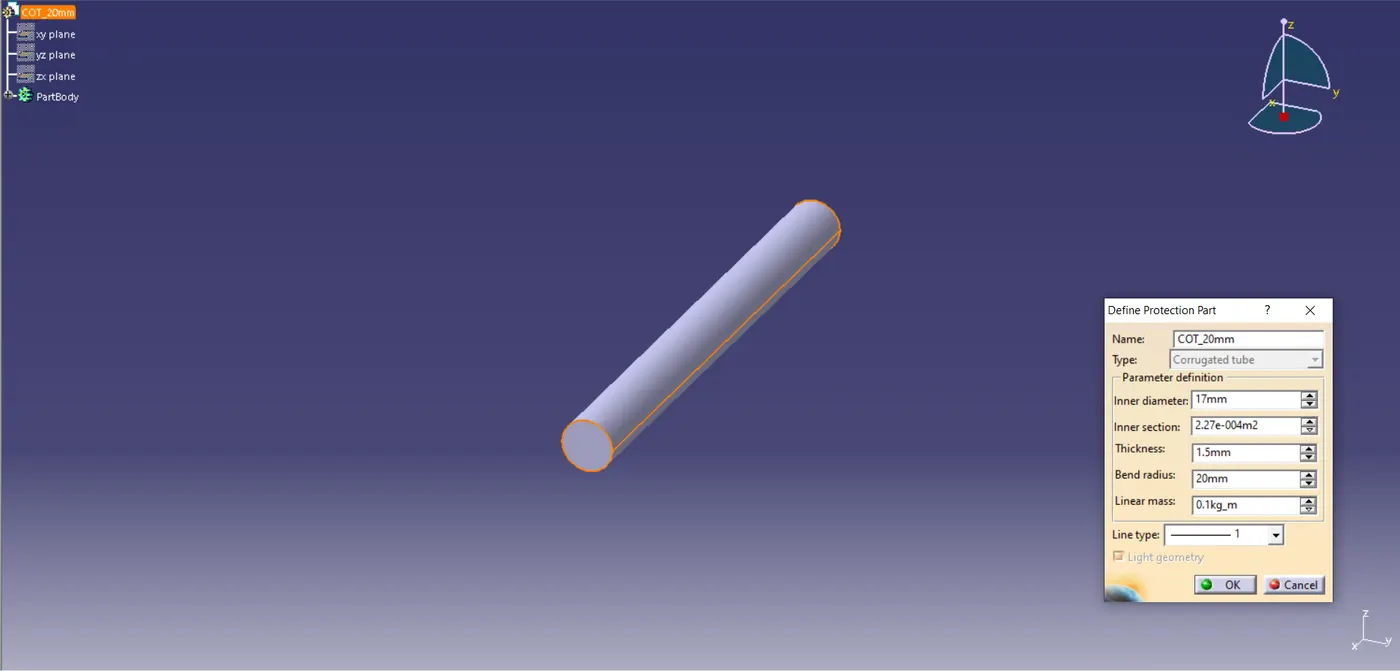
Fig 11. COT_20mm
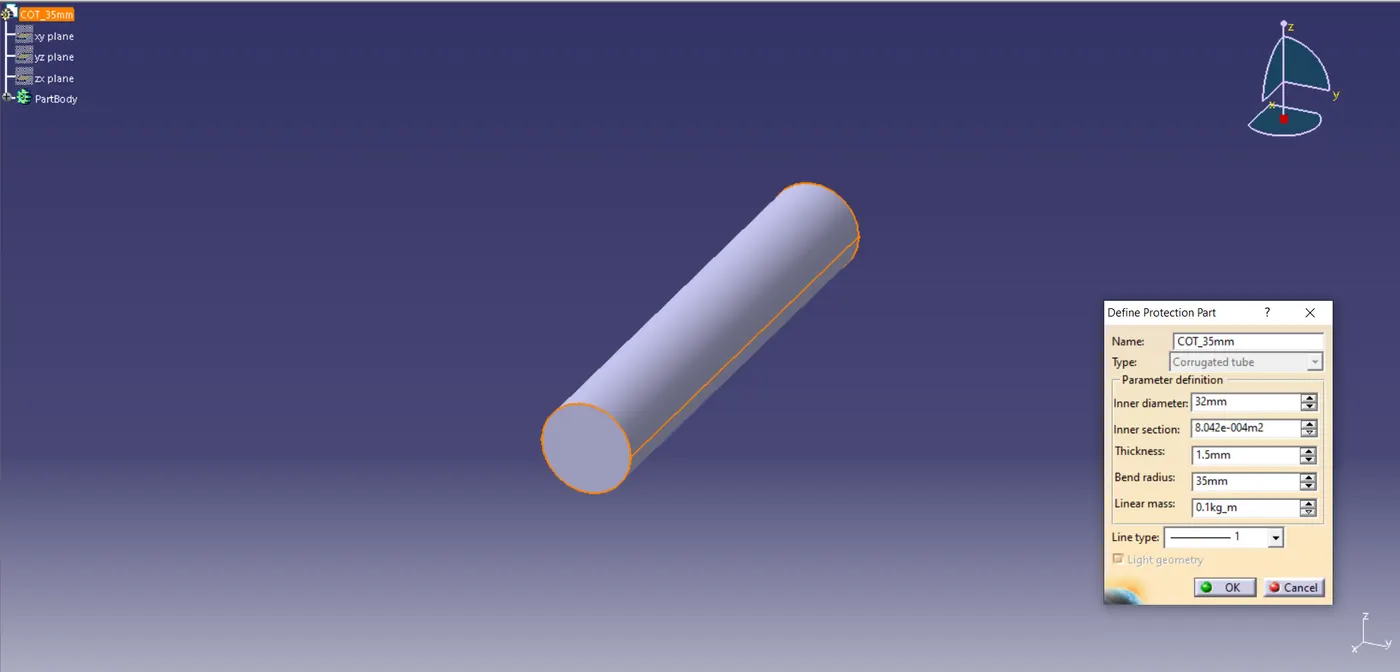
Fig 12. COT_35mm
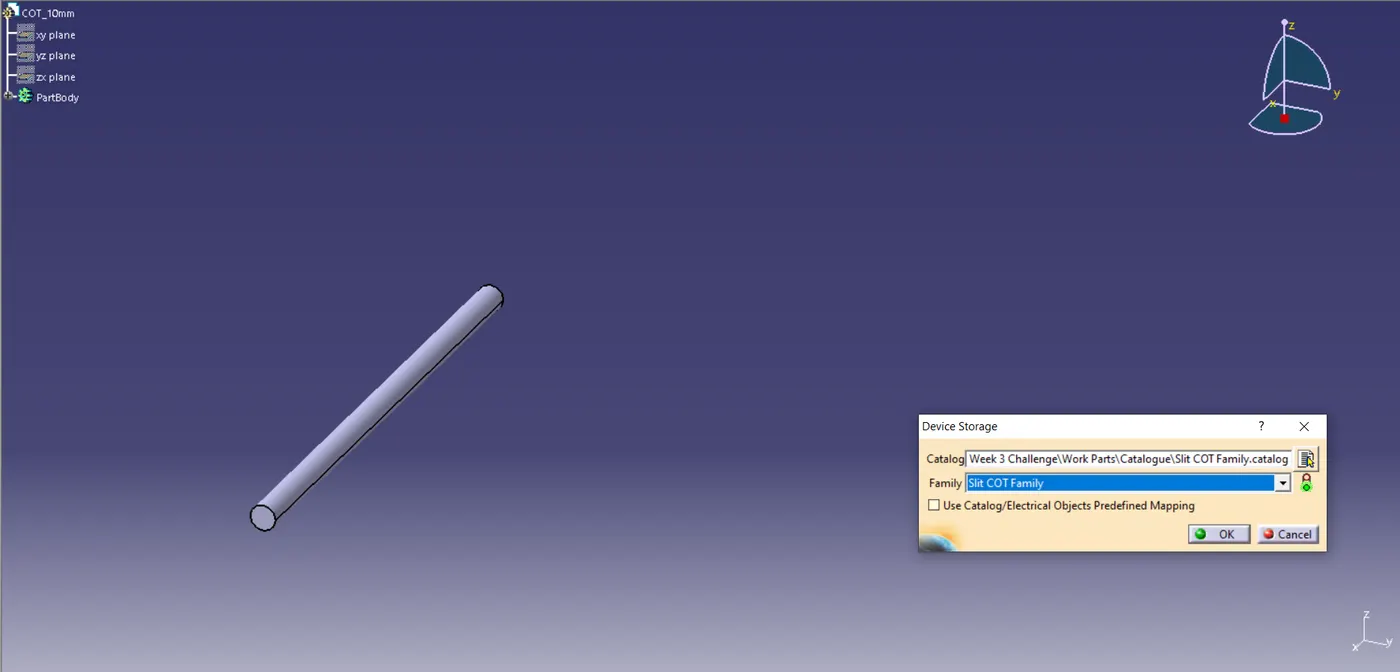
Fig 13. Slit COT Family Catalog