Wiring harness routing & packaging Rules Week 3 Challenge
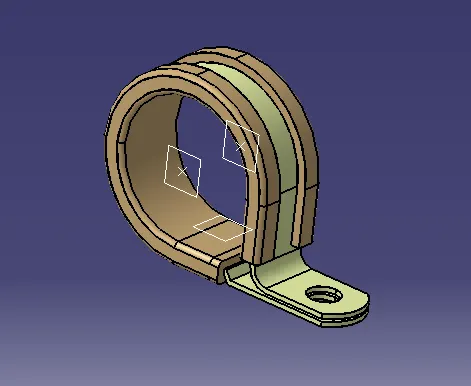
Q. 1. For defining the P clamp as electric support-
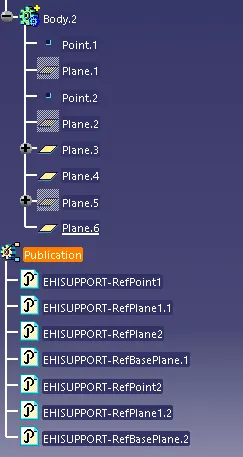
1. In mechanical part design creat the requird geometry like 2 points and 3 planes.
2. Go to electrical part design and select the define support command click on the clamp.
3. Define the entry and exist for calmp by selecting the resprctive points and plane for 1st entry and exit again do same to define the 2nd entry and exit.
Q. 2. For defining the given paet as Backshell -
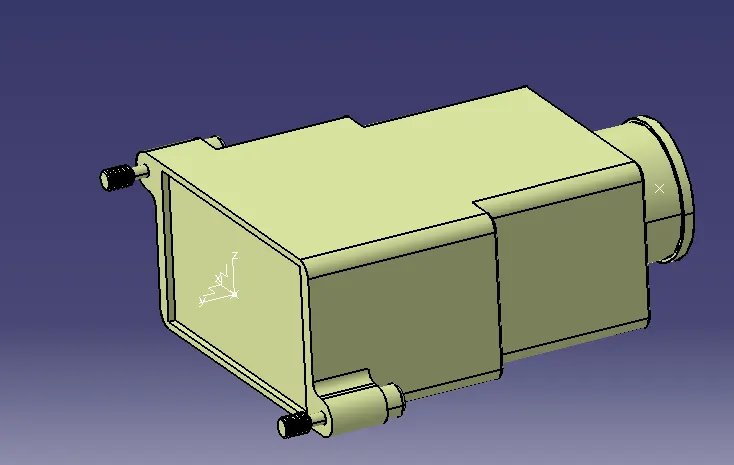
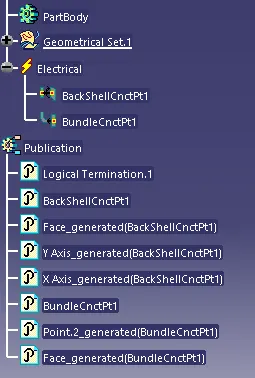
1. In mechanical part design creat the requird geometry like points and axis system.
2. Go to electrical part design and select the define Back shell and select the part.
3. For defining connection select Back shell connection select the point and orintation on the axis system.
Q. 3. For making the corugatted tubes -
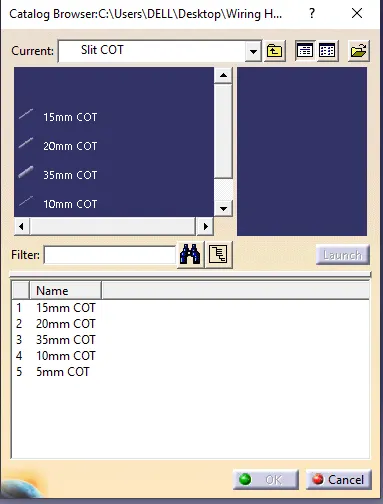
1. In electric part design create a new part select the protective covering command and click on the part name in tree then in pop up box fill the requred detils for cot tube diameters and clock ok save the part
2. clic on new catlogue and crate a new catlogue name Slit Catlogue select conduts in family save.
3. Add the corugatted part in the catlogue by selecting the proprt catlogue.