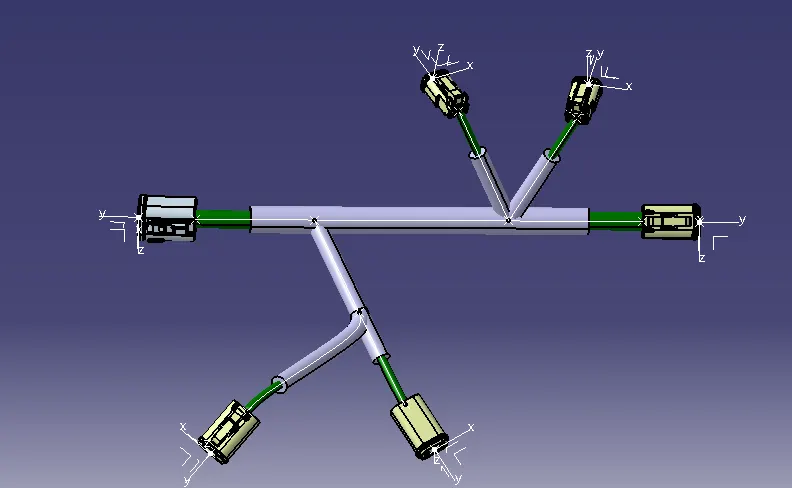
Wiring harness design in CATIA V5 - 3D modeling Week 4 Challenge
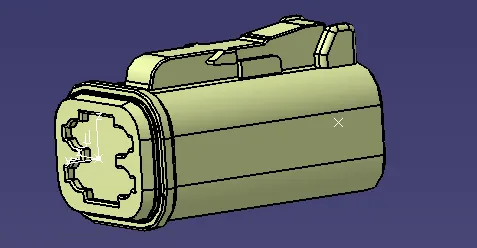
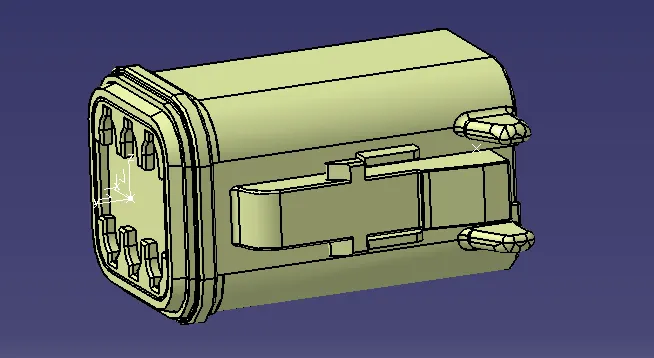
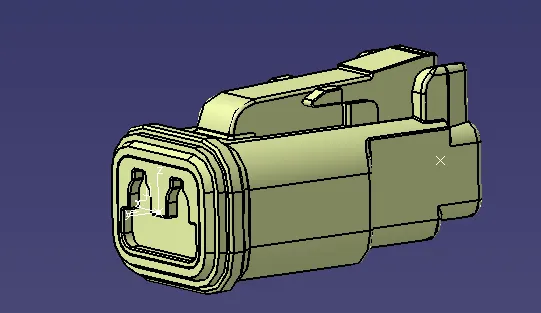
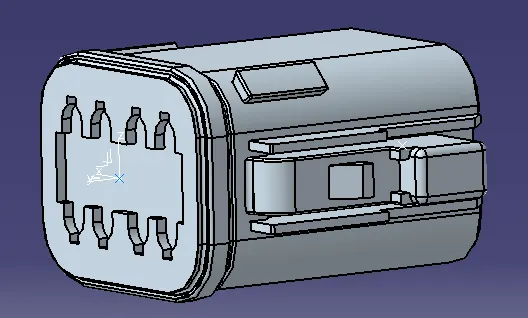
1. The first step is to define the mechanical parts as elctric connectors.
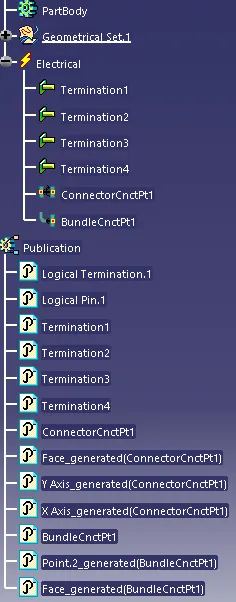
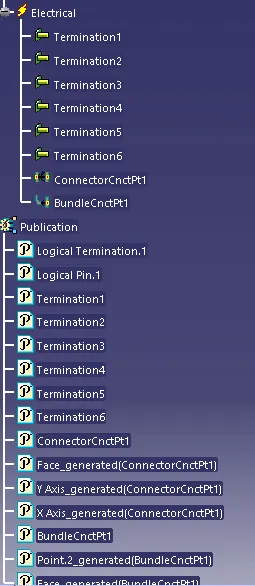
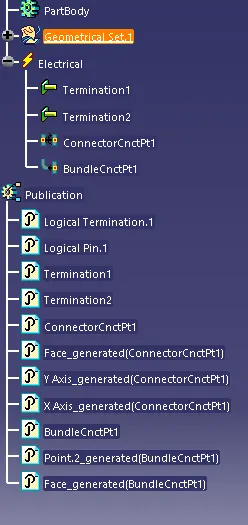
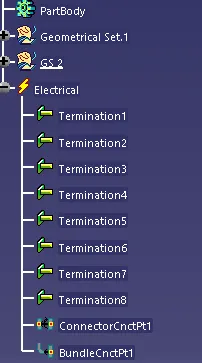
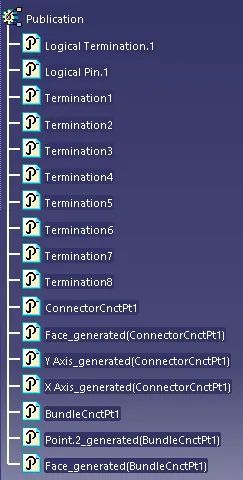
For that in mechanical part design creat the required point and axis system. Next in electric part design the part as connector by selecting Define connector and after that define the connector connection point and bunddle entry point.
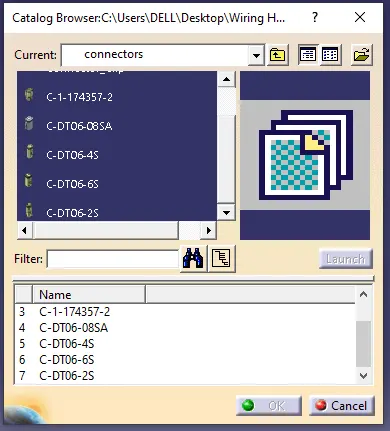
Create a catlogue name it Connector and add the connector to the catlogue.
2. The next step is wiring harness routing.
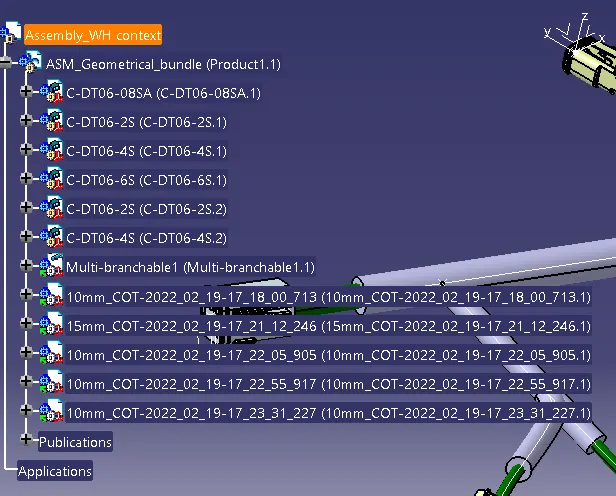
creat a master product and add one more product into it the in electric assembly workbench select the geometrical bundle to convert the mechanical product into electrical. then select multi branchble and selct the 2 outer most connectors. then in electrical harness installation select the add branch point and then on to branch definition create the wiring routing then click on protective covering select the catlogue and the braches to provide the covering