Wiring harness routing & packaging Rules Week 3 Challenge
Q1.
The cad file of P clamp is downloaded.In the part design,the geometrical parameters are defined.
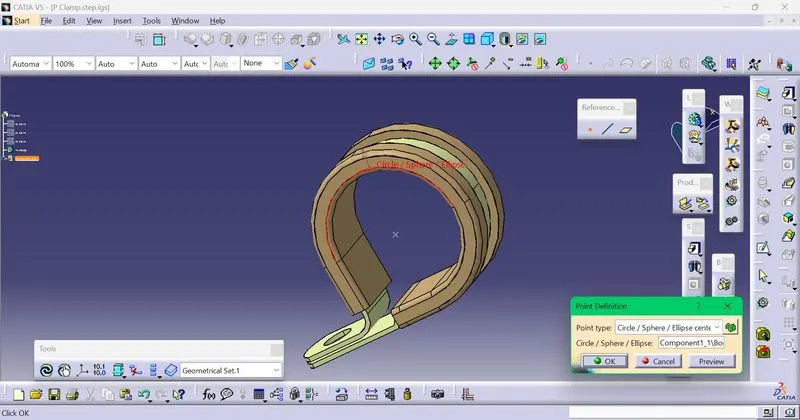
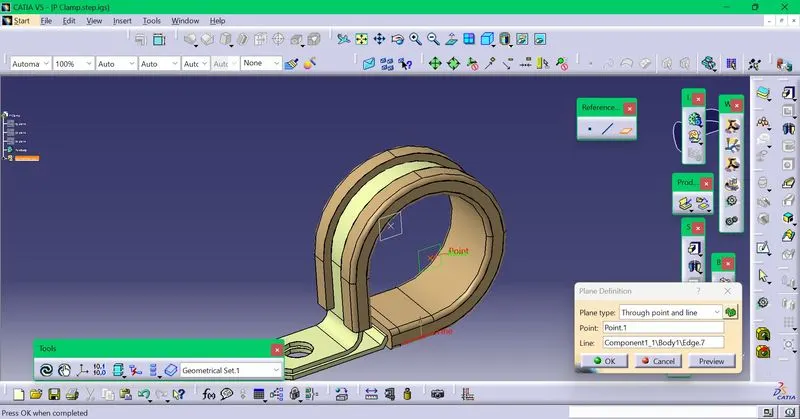
The entry point ,exit point ,the two planes at these two points and base plane are created.
point creation
plane creation
Then it is switched to electrical part design,there it is defined as electrical support part two times .
The base plane is kept the same,the entry and exit points and planes are interchanged ,to define it two times.
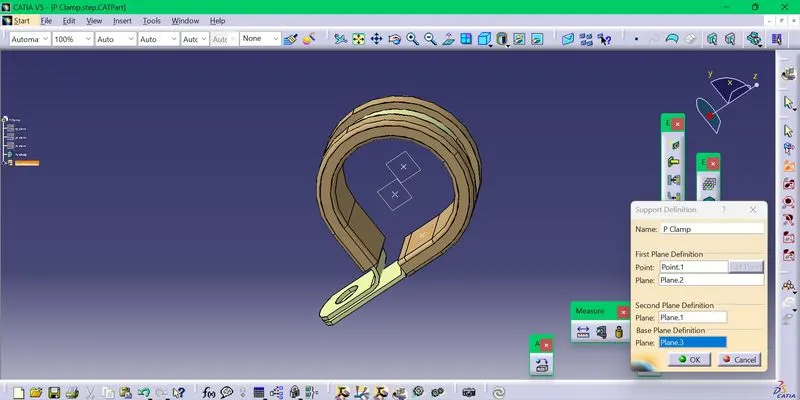
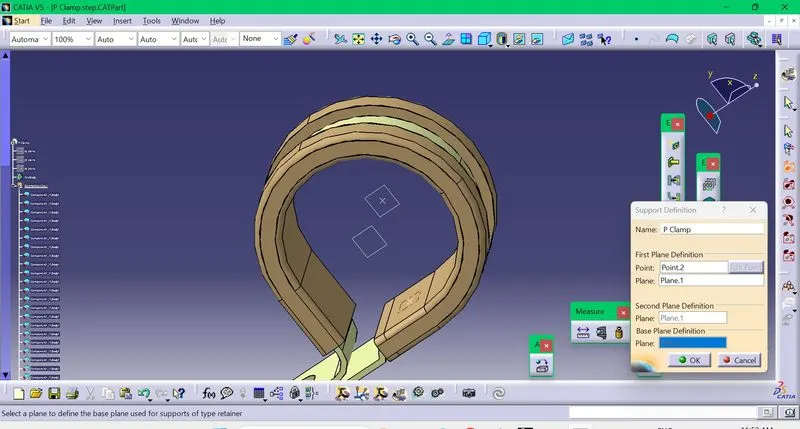
Q2
Tyco 1738312-1
The cad file of Tyco 1738312-1 is downloaded.In the part design,the geometrical parameters are defined.
Point creation-Points are created for the both the sides.
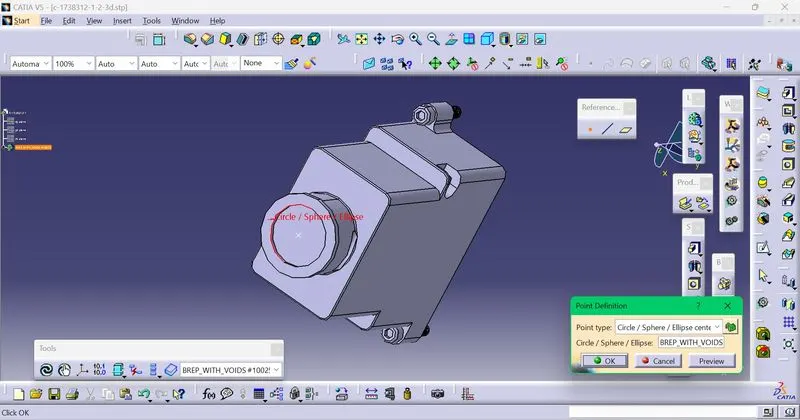
Axis creation-Two axis are created on both sides.
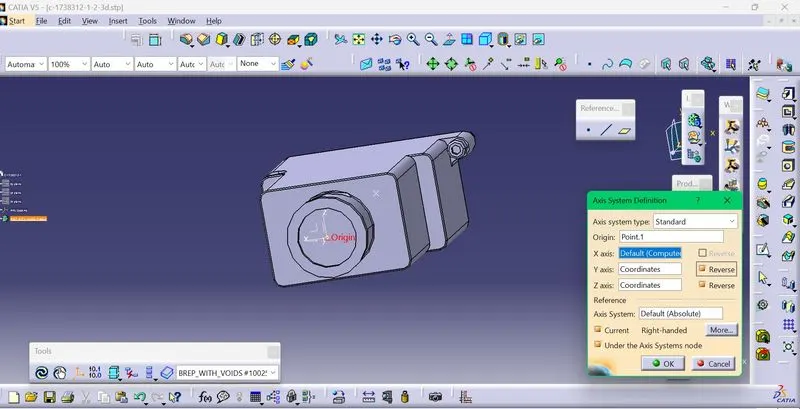 It is switched to electrical part design,the backshell is defined.
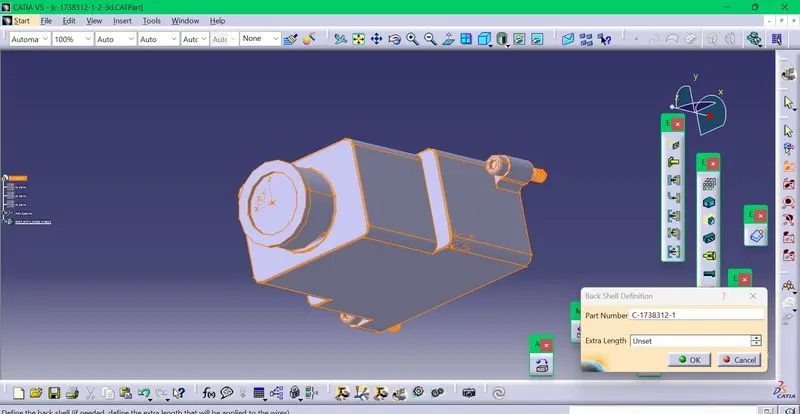
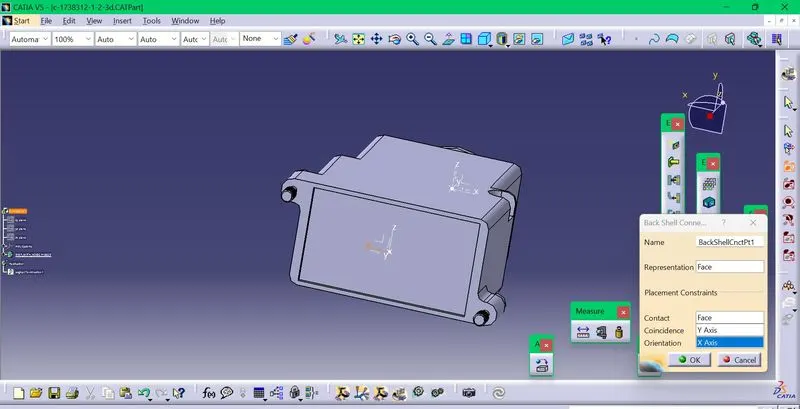
Backshell connection point is created.Bundle connection point is also created.
Q3.
Firstly the catalogue is created.
Click new,then catalogue document,in that window click on add family ,select conduit and give name of family as COTSlit and save the catalogue with desired name.
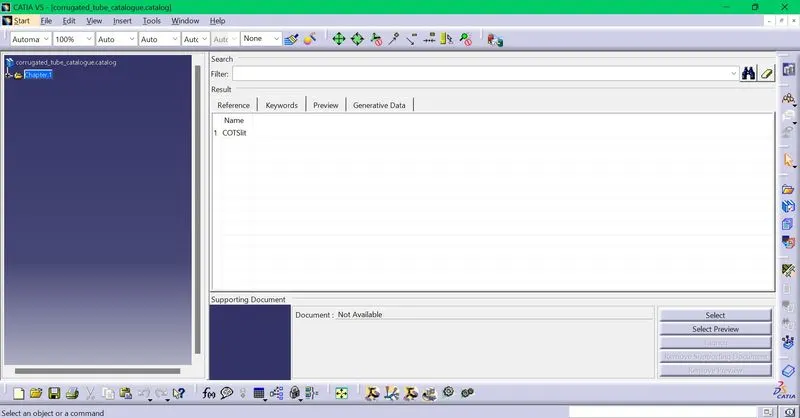
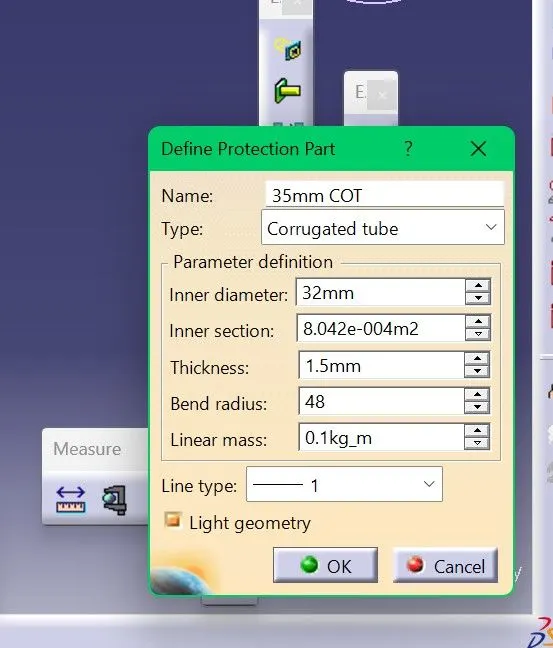
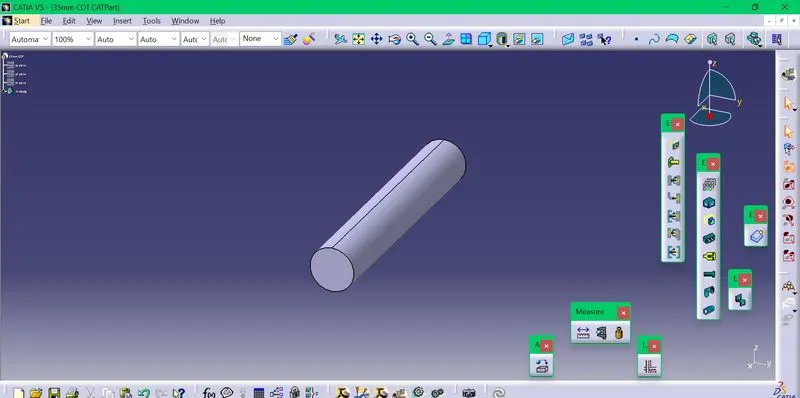
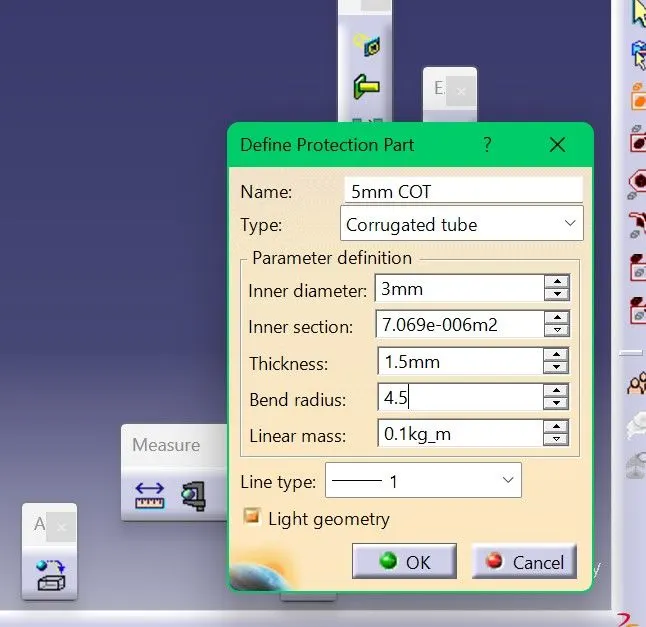
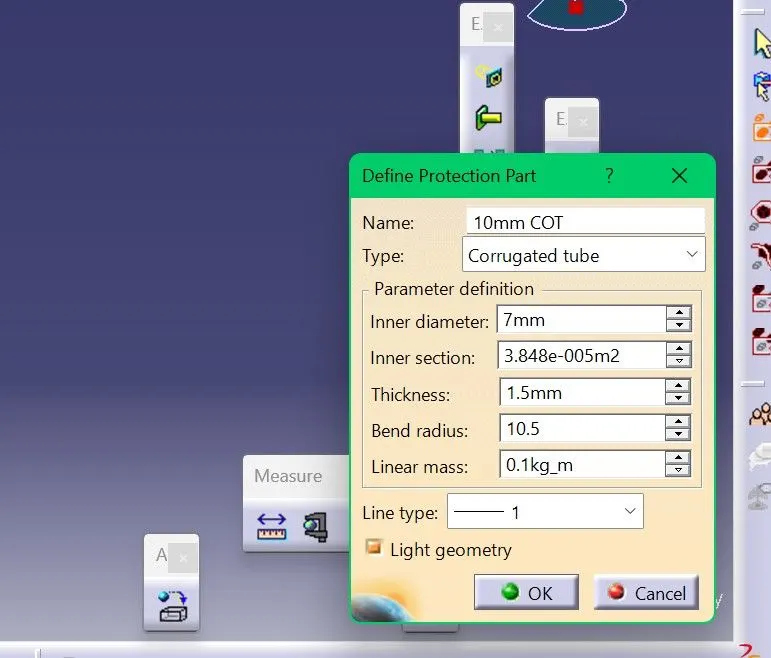
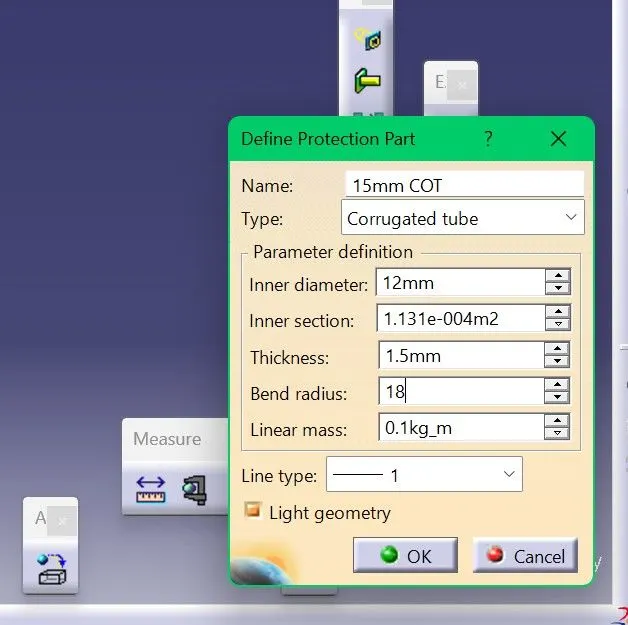
To create corrugated tube,In the electrical part design,click on the define protection part option and click on the product name.Then a pop up window will come where the name of the corrugated tube and specifications can be given.
After creation ,save the file and add to the catalogue.
5 mm cot tube
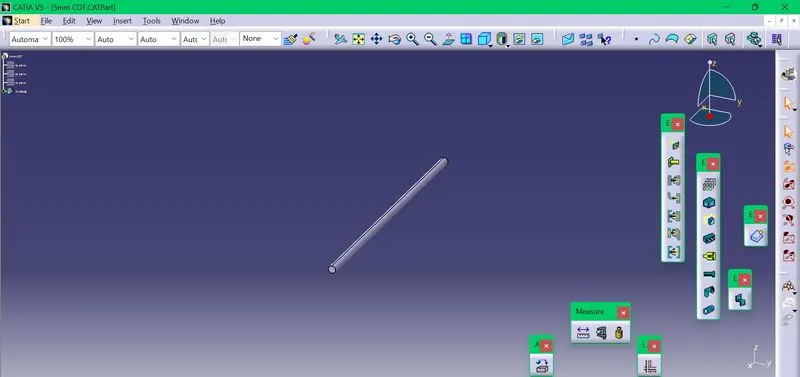
10 mm cot tube
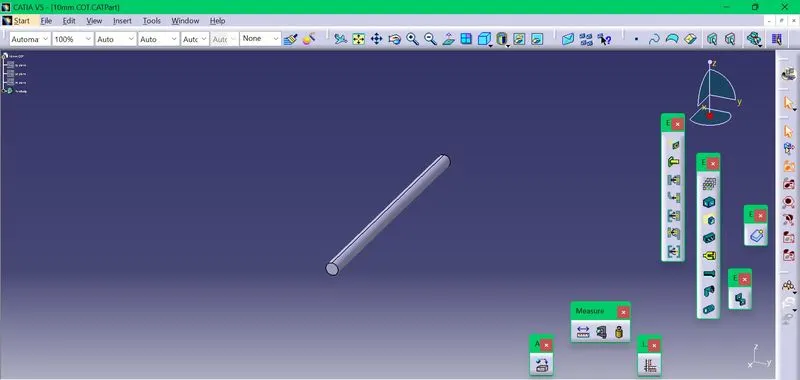
15 mm cot tube
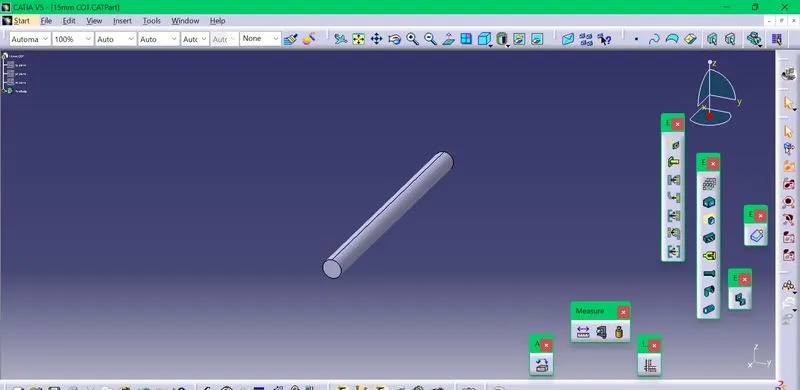
20 mm cot tube
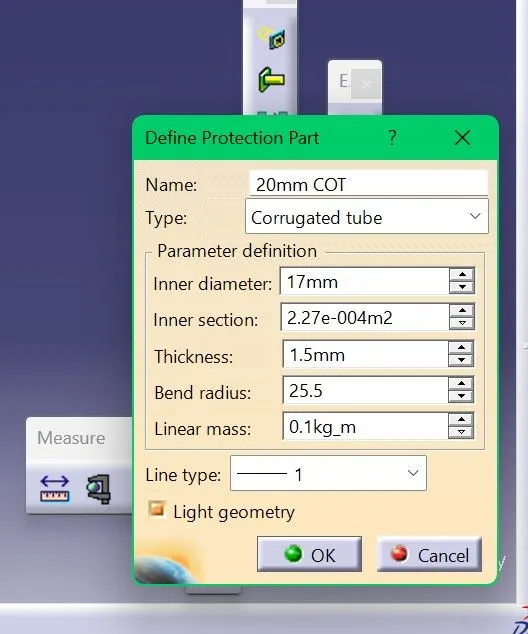
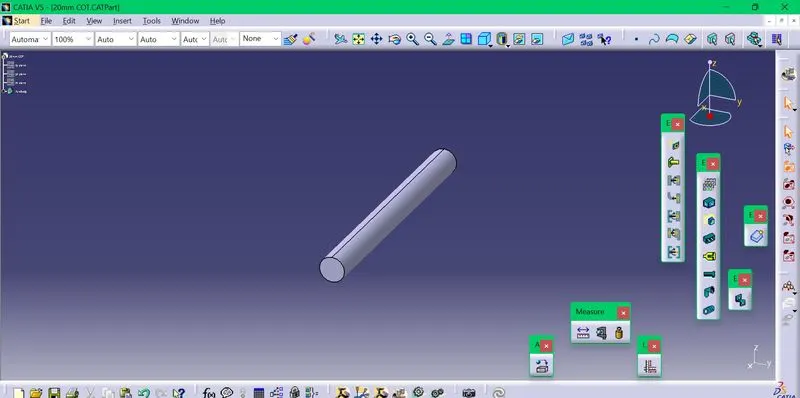
35 mm cot tube