Wiring harness routing & packaging Rules Week 3 Challenge
OBJECTIVE:
To Solve the given Challenges using CATIA V5.
REQUIREMENTS:
- CATIA V5.
- Knowlege of using CATIA V5.
- wiring harness routing and its package rules knowlege.
QUESTIONS
Q1. Download following cad data & define it as Electrical support using Electrical Part design Workbench. Define all the necessary properties.
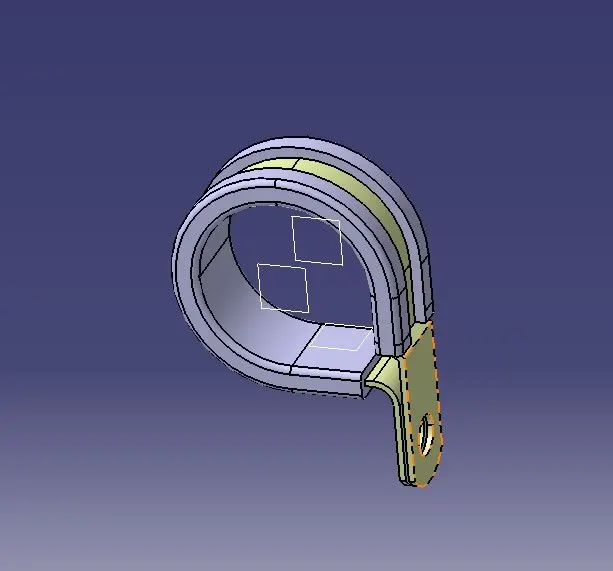
Given P clamp.
PROCEDURE
- The given clip was downloaded and opened as a part file.
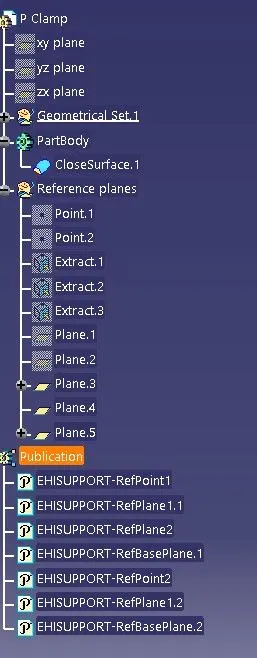
- I have to define two points that will be used as entry and exit points.
- Then a plane has to be defined at the points.
- A base plane has to be defined at a distance of 2 to 3 mm from the clip.
- again we define the exit point at the first definition as the entry point.
- hence I have two entry and two exit points.
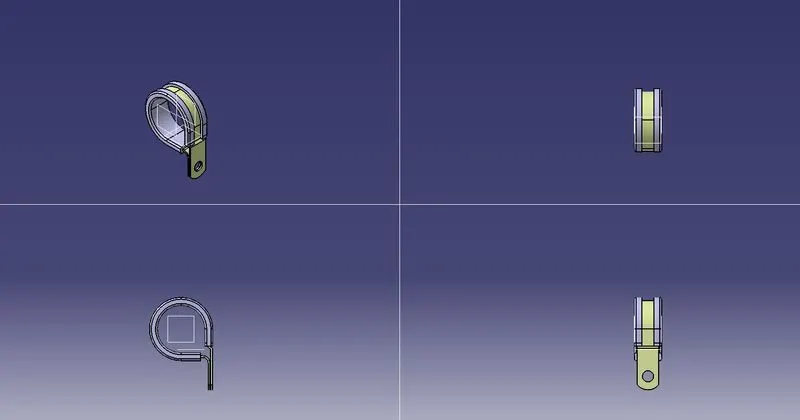
ORIENTATION VIEWS
FEATURE TREE
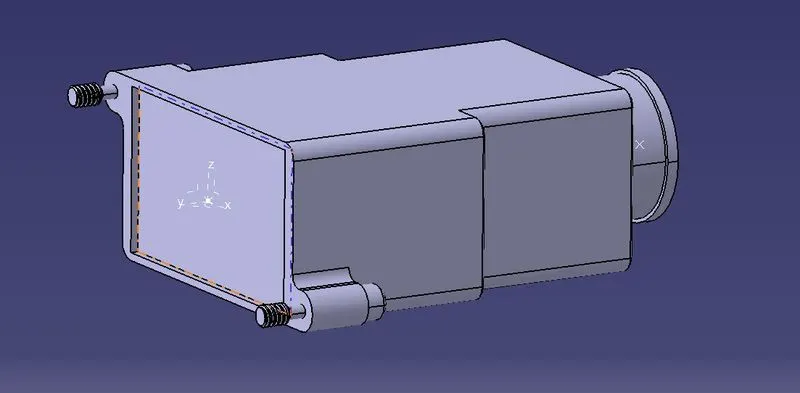
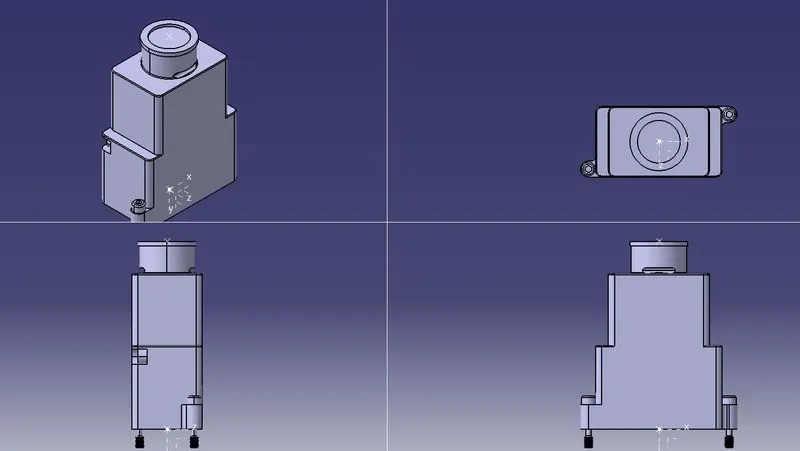
Q2. Download following Back shell cad data & define it as Electrical back shell using Electrical Part design Workbench. Define all the necessary properties.
Tyco 1738312-1
PROCEDURE
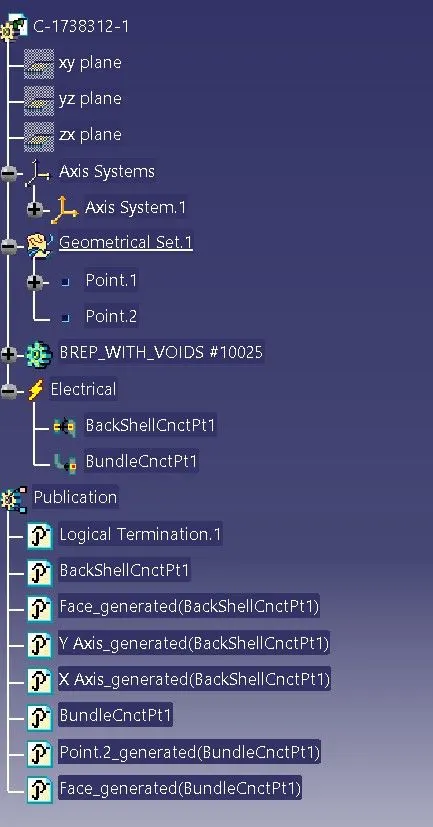
- Create Back shell entry point.
- Create axis system for back shell entry.
- Create bundle connection point.
- Switch to Electrical part design.
- Define part electricaly as back shell.
- Then define Back shell connection point.
- Define bundle connection point.
ORIENTATION VIEWS
FEATURE TREE
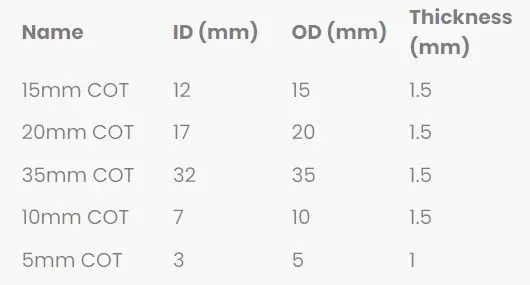
Q3. Create Following Corrugated tubes & Add them in Catalogue under “Slit COT” family
PROCEDURE
- Switch to Electrical part design
- Select Define protection Part
- Click on part (on file name in specification tree)
- Provide given parameters and bend radius as '1.5 x Outer Dia'.
Catalogue Cretation:
- new part - catalogue document - add family - give name - type - select Conduit - save.
- Open part to add catalogue - store device command - select catalogue - family - Slit_cot_tube - ok.
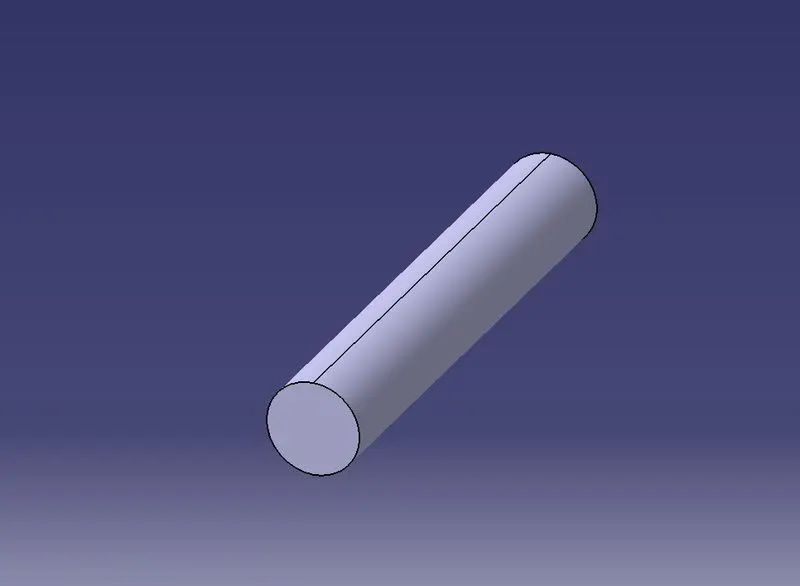
ORIENTATION VIEWS
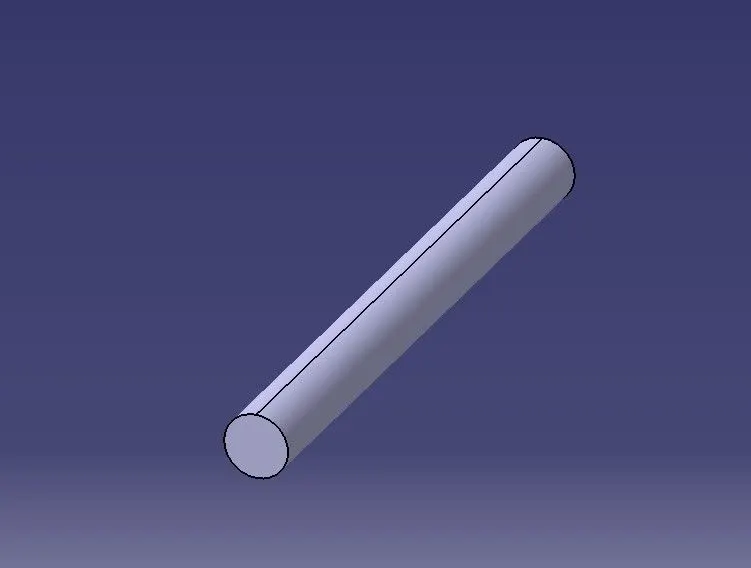
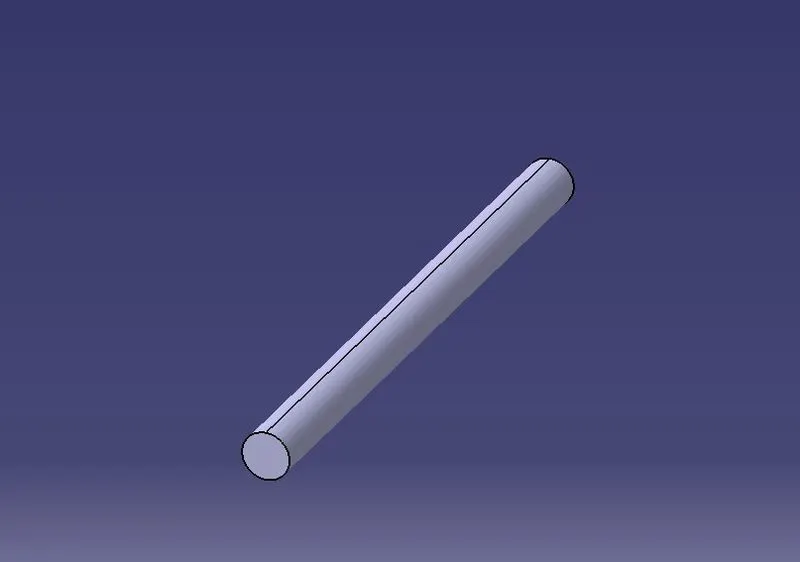
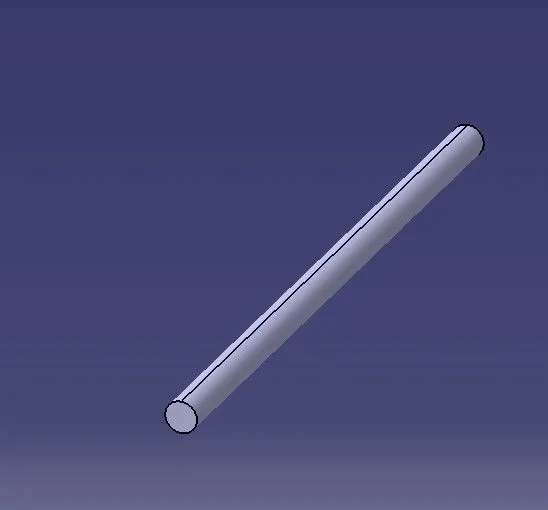
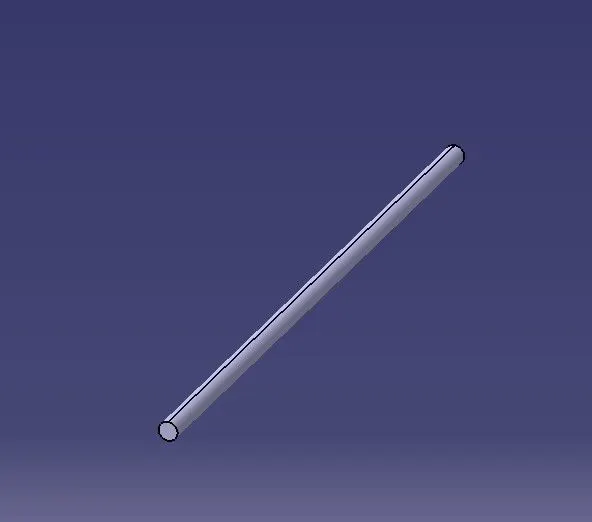
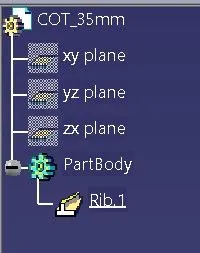
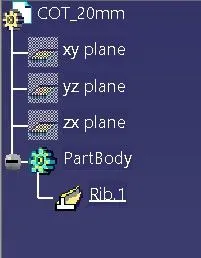
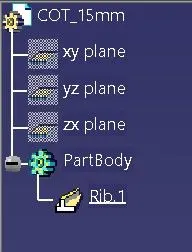
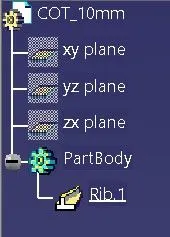
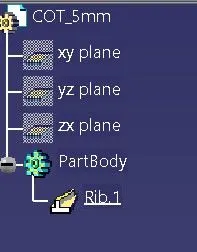
FEATURE TREE
CONCLUSION
- All the given Questions were solved using CATIA V5.
- From Question 1 learnt to use Support Part command.
- From Question 2 learnt to use backshell command and bundle command.
- From Question 3 learnt to use creation and dimentioning of cot tubes and attaching them in a catalog file.