Wiring harness routing & packaging Rules Week 3 Challenge
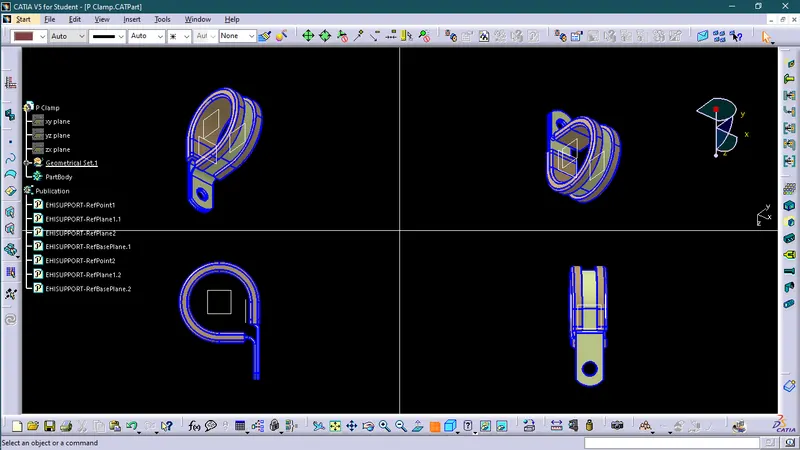
Q1. Download following cad data & define it as Electrical support using Electrical Part design Workbench. Define all the necessary properties.
P-clamps lock cables and hoses in place and help ensure that machinery, vehicles and equipment keep running.
This is another important component of the wiring harness that should be defined before wiring harness routing. Following important parameters are required to be defined:-
1. Entry point and plane
2. Base plane
3. Exit plane
Procedure
1. Get the 3D CAD part of P clamp.
2. Define the geometry parameters.
3. Open electrical part workbench.
4. Define part as support.

5. Define entry point and plane.
6. Define base and exit plane.
7. Save file as CATpart.
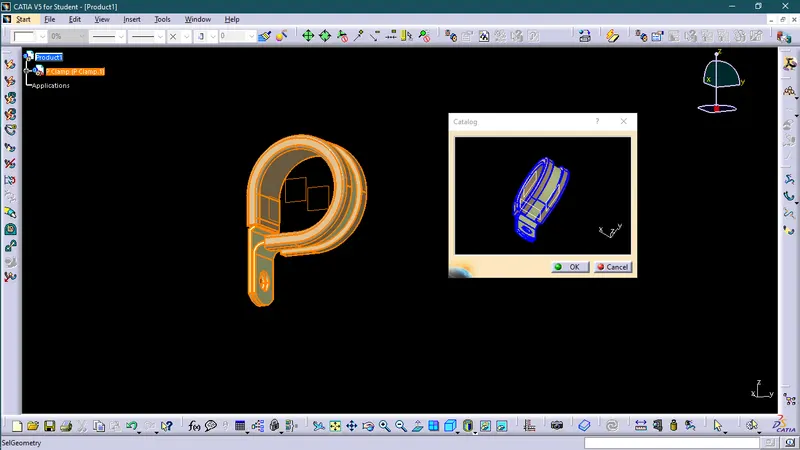
8. Now add the component in Catalogue as a clamp.

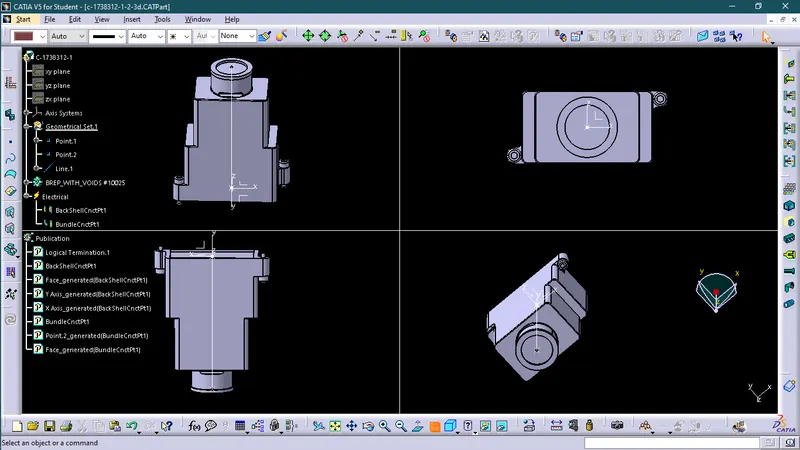
Q2. Download following Back shell cad data & define it as Electrical back shell using Electrical Part design Workbench. Define all the necessary properties.
Tyco 1738312-1
A backshell (also known as an adapter) fits onto the back of a connector to provide strain relief and cable support to help from bending or over-flexing.
Backshells are plastic molded parts used at the wire entry side of connectors either for protection or to improve the aesthetic/appearance of harnesses.
These are not mandatory parts of the wiring harness. they are always optional and driven by cost.
Procedure
1. Get the 3D CAD part of P clamp.
2. Define the geometry parameters.
3. Open electrical part workbench.
4. Defined part as Backshell.

5. Define Backshell connection point.

6. Define bundle connection point.

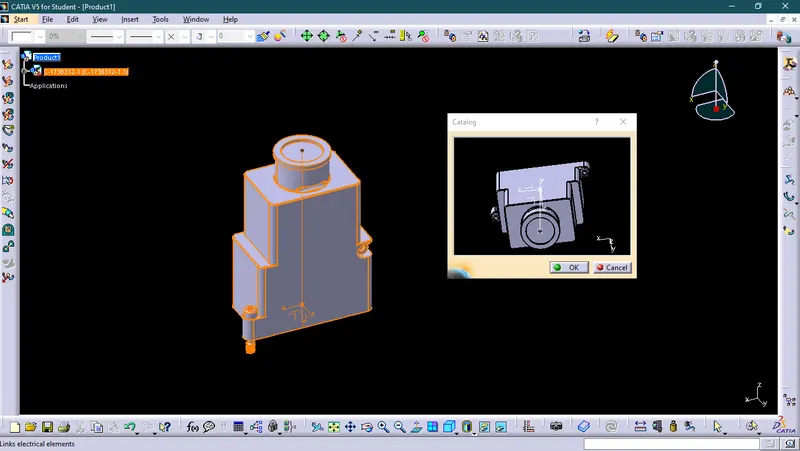
7. Save file as CATpart.
8. Now add the component in Catalogue as a Backshell.
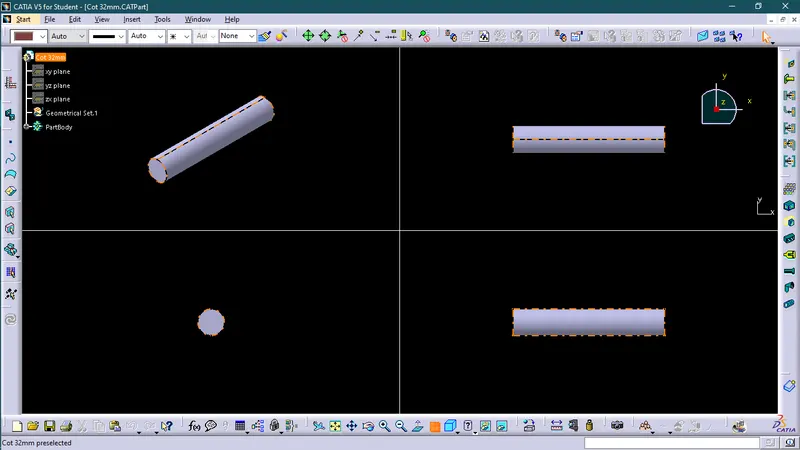
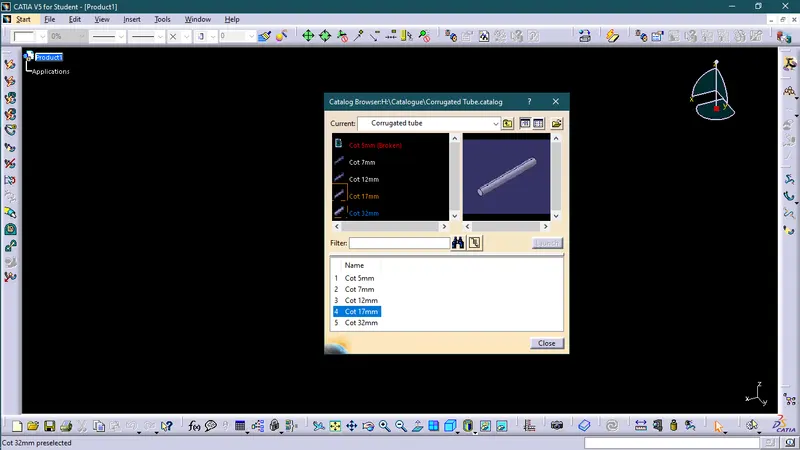
Q3. Create Following Corrugated tubes & Add them in Catalogue under “Slit COT” family.
|
Name |
ID (mm) |
OD (mm) |
Thickness (mm) |
|
15mm COT |
12 |
15 |
1.5 |
|
20mm COT |
17 |
20 |
1.5 |
|
35mm COT |
32 |
35 |
1.5 |
|
10mm COT |
7 |
10 |
1.5 |
|
5mm COT |
3 |
5 |
1 |
Corrugated tubes, convolutes, sleeves, and many other types of coverings are used to protect the wiring harness.
Procedure
1. First open the electrical part design workbench.
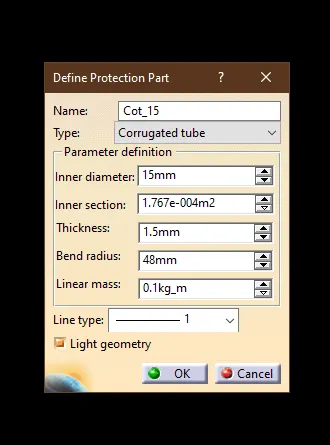
2. Select the define protection part and then click on the part on the geometric tree.

3. Now here we define part name, inner diameter, thickness, bend radius, etc. and then select ok.
4. Save file as CATpart.
5. Now add the component in Catalogue as a Corrugated tube under 'slit COT' family.