Wiring harness routing & packaging Rules Week 3 Challenge
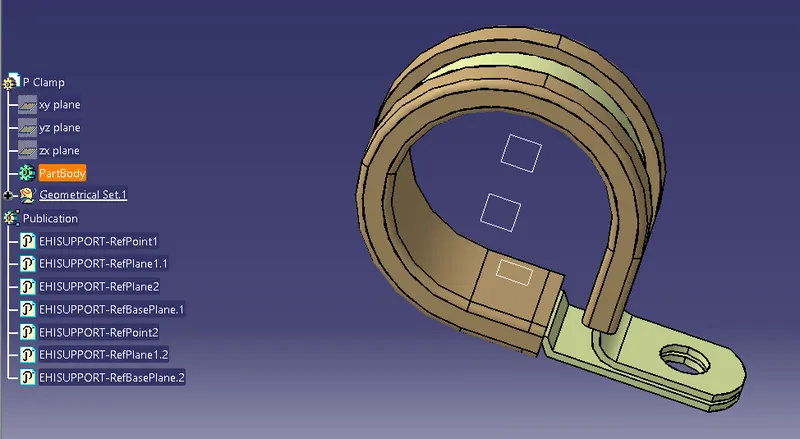
1) P Clamp:Download the P Clamp from the link, Open clamp in Part design workbench, Use Point Command define entry and exit points, Use Plane command to define Entry , exit and base plane. Open Electrical part design workbench. Select Entry point and Entry plane. Exit point and exit plane and base plane from the P clamp in the menu bar. AFter definition again click on the define support part. Click on the clamp And again define Entry and exit points and plane, and base plane. We can see the Entry and exit points are hidden.
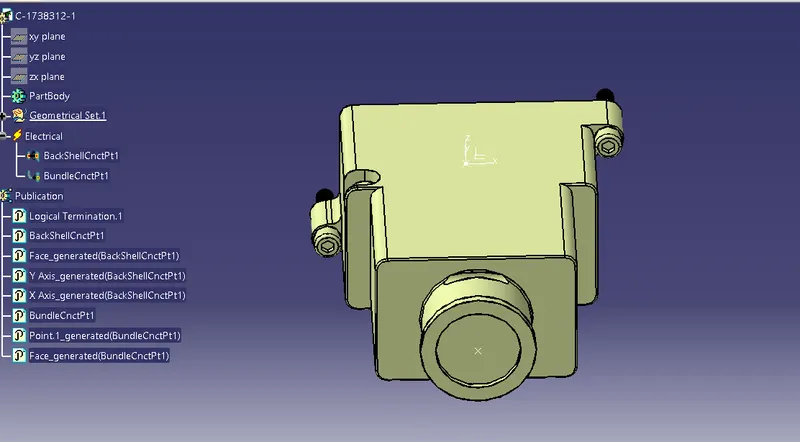
2) Backshell Tyco 1738312: Open the Downloaded Backshell Tyco 1738312 in catia. Assign Point and axis system on Backshell connection side. Assign Point to Bundle entry point. Use Electrical part design workbench, Use Backshell command to define the part as Backshell. Now the part is electrically defined. Define Backshell connection point command , Define Bundle connection point.
3) Click on New, Select Catalog Document. Use Add Family option , Name it as Slit Cot. Save the document. Give whatever desired Name.
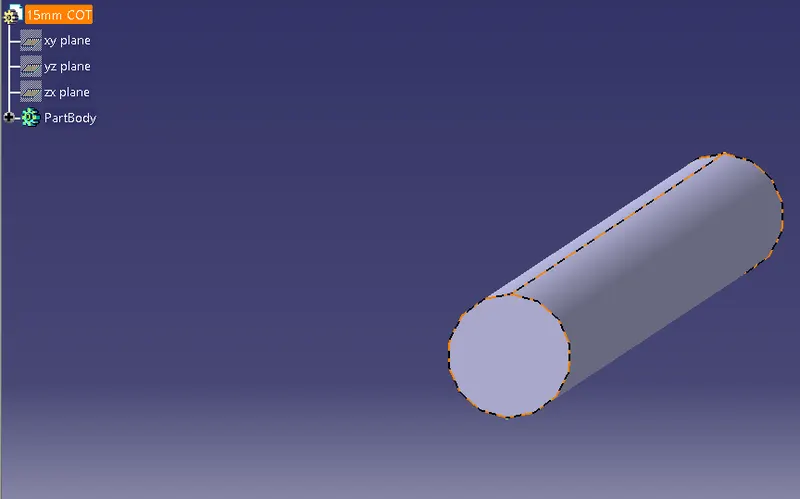
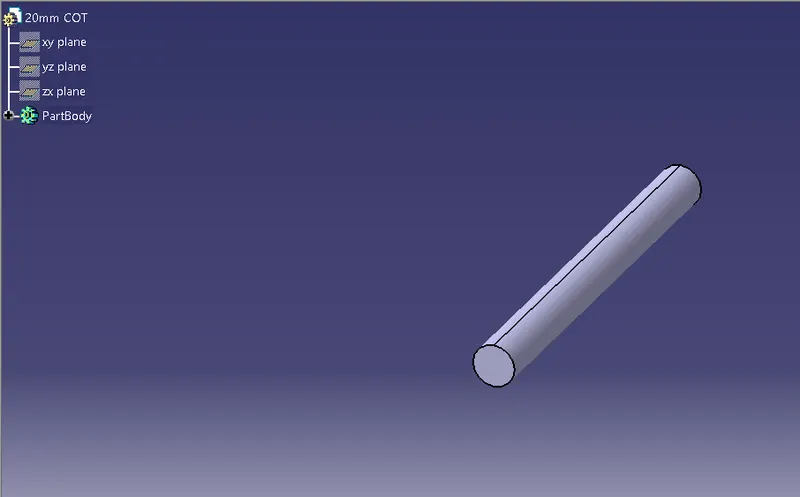
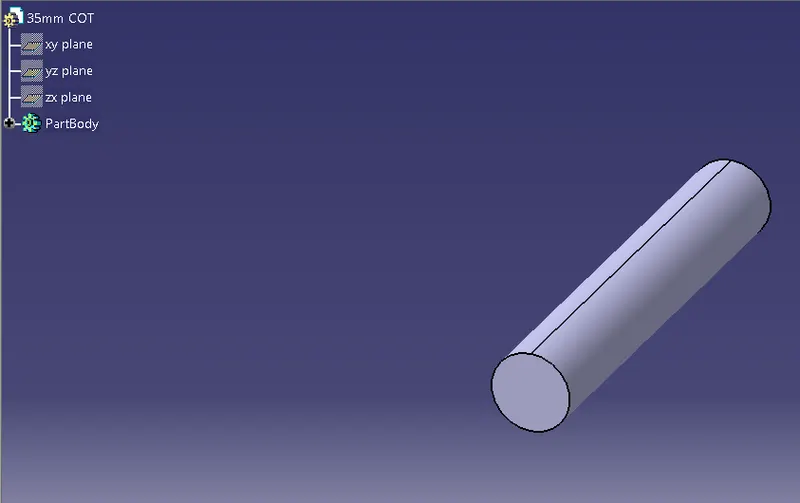
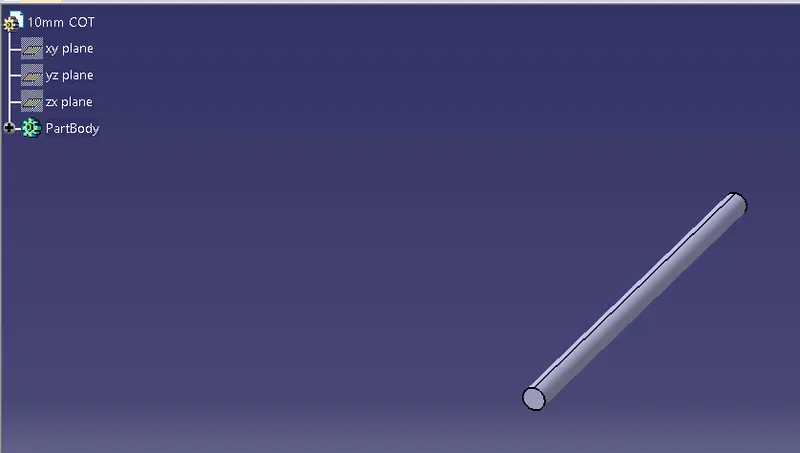
a) CLick on New, Select Part, Change the name to 15MM COT, Now workbench changed to Electrical part design work bench. Click on define Protection part command . A dailogue box opens. Select Type as corrugated tube. Define Parameter definition. Innere diameter: 12 mm , Thickness:1.5mm. Use store device command. Save it in SLit cot catalog , and select family of Slit COT. Repeat the same procedure for all 20mm, 35mm, 10mm, 5mm COt tubes with mentioned parametric values.
a)15MM COT tube
b) 20MM COT Tube
c) 35MM COT
d) 10MM COT
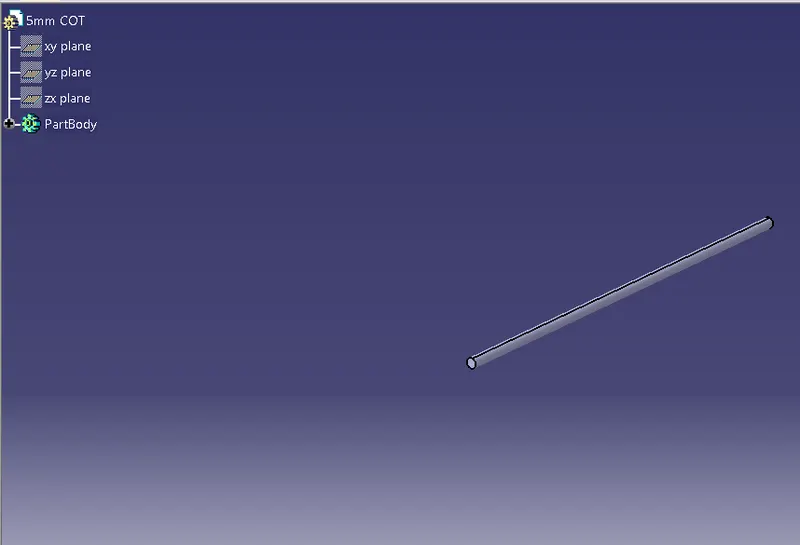
e) 5MM COT