Wiring harness design in CATIA V5 - 3D modeling Week 2 Challenge
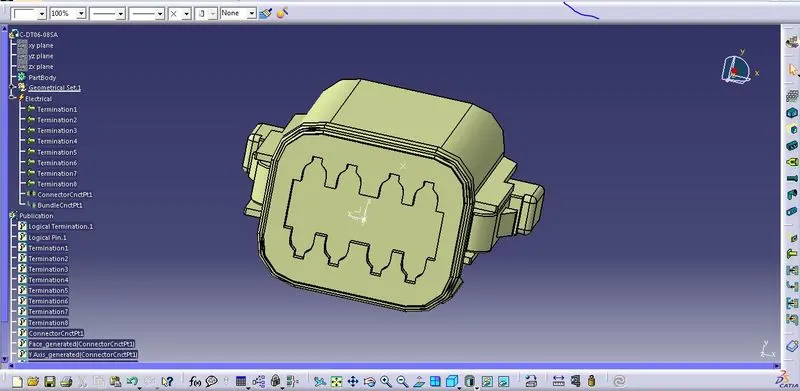
1) Deutsch DT06 – 08SA: Unzip the connector file, Open it in catia software, define the axis system and point for representation using the Part design toolbar. Define the mechanical part electrically as the "connector" using the electrical part design toolbar. Mention the number of terminals as 8. Then define the connector connection point. bundle connection point available in the electrical part design.
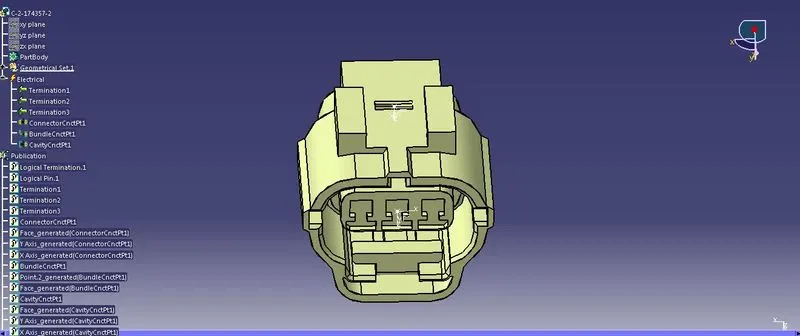
2) Tyco 174357-2 : Unzip the connector file, Open it in catia software, define the axis system and point for representation using the Part design toolbar. Define the mechanical part electrically as the "connector" using the electrical part design toolbar. Mention the number of terminals 3. Then define the connector connection point. bundle connection point available and Cavity connection point in the electrical part design.
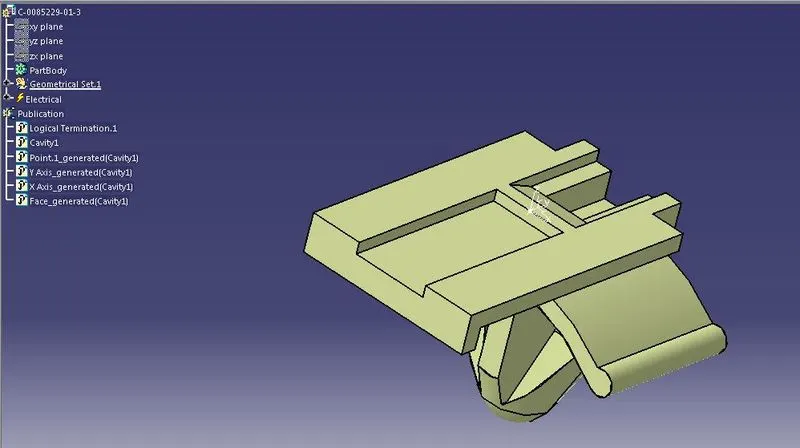
3) Tyco 85229-1 :Unzip the Mounting part file, Open it in catia software, define the axis system and point for representation using the Part design toolbar. Define it as a mounting part and then as cavity as shown below.
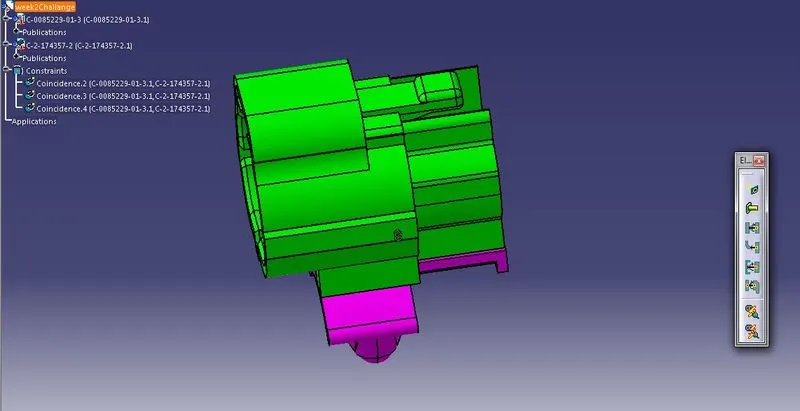
4) I am assembling the Tyco 174357-2 and Tyco 85229-1 device using Electrical part assembly workbench. Click "connect electrical devices" icon to connect both devices. and then save the file.