Wiring harness routing & packaging Rules
Q1. Download the following cad data & define it as Electrical support using the Electrical Part Design Workbench. Define all the necessary properties.
Q2. Download the following Back shell cad data & define it as an Electrical back shell using the Electrical Part Design Workbench. Define all the necessary properties.
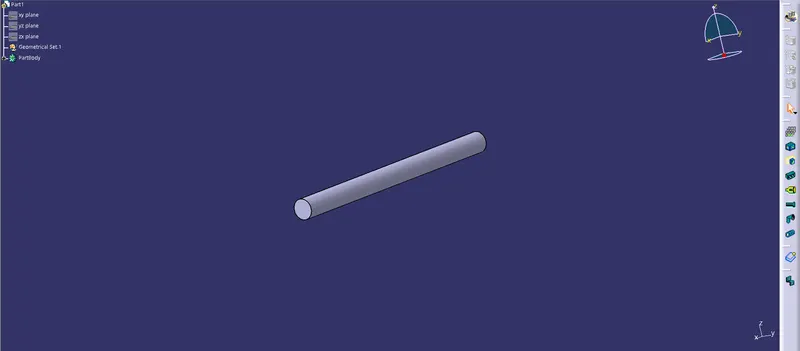
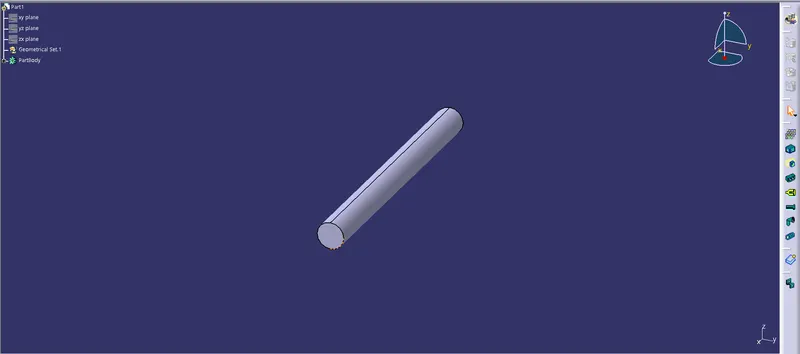
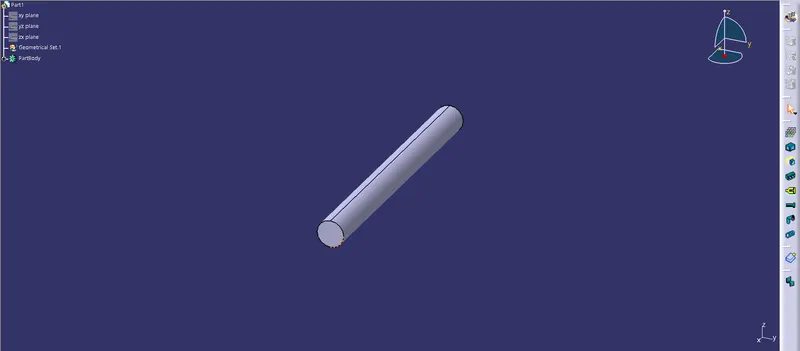
Q3. Create the Following Corrugated tubes & Add them to the Catalogue under the “Slit COT” family.
Procedure:-
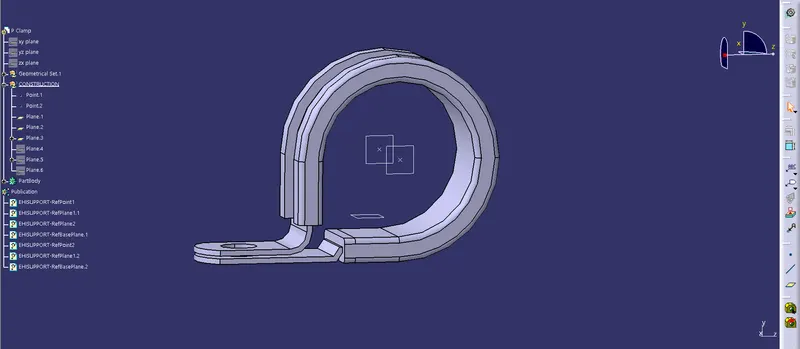
Clamp P:-
- The given clip is downloaded and opened in a part file.
- Then define two points that will be used as entry and exit.
- Then a plane has defined at the point.
- A base plane has defined at a distance of 2mm from the clip.
- We define the exit point at the first entry point.
- I have two entry and two exit points.
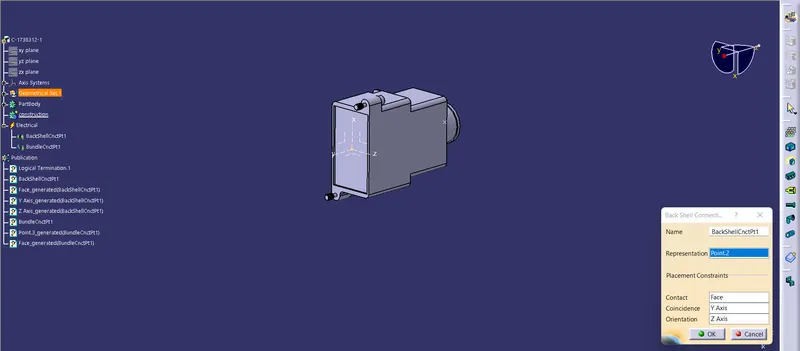
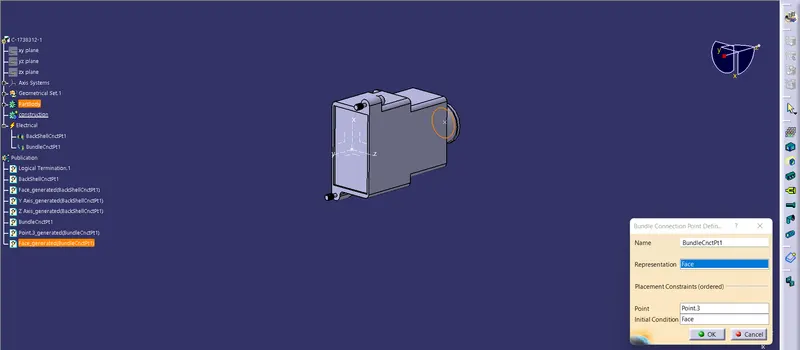
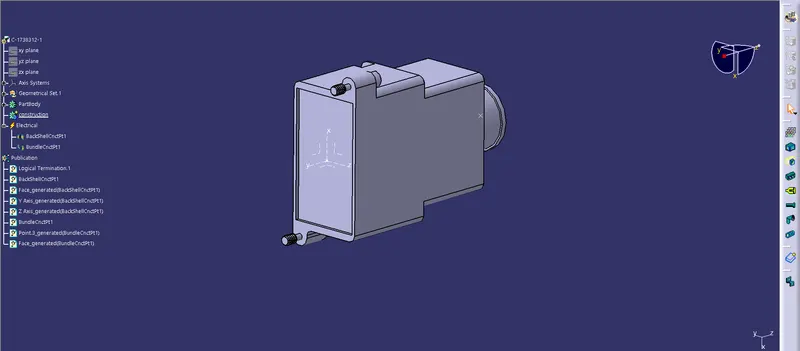
Backshell:-
- The backshell data download and the website to do them.
- Then define the point in the part workbench.
- Axis system the correct axis orientation place backshell connection point.
- The point has to define as the backshell and bundle connection point.
Create a catalog and add parts:-
- Define the cot tubes in the electrical part of the workbench.
- The inner dia and thickness are given as the inputs.
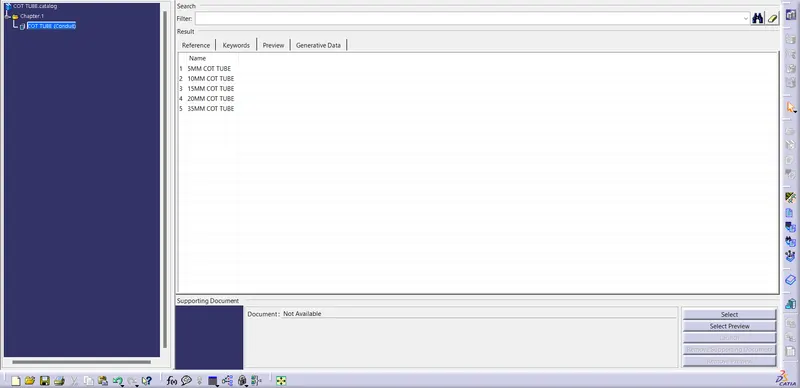
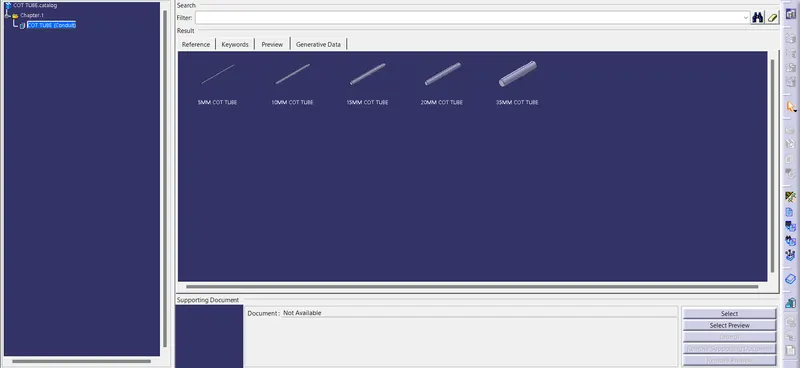
- A catalog was created for the slit cot.
- All the cot tubes were saved in the catalog.