Wiring harness routing & packaging Rules Week 3 Challenge
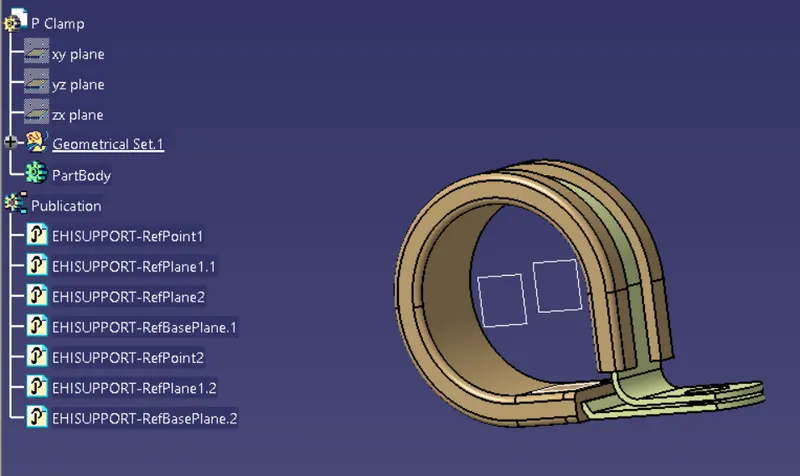
Q1. Download following cad data & define it as Electrical support using Electrical Part design Workbench. Define all the necessary properties.
ANSWER
- Create a points and planes in part design workbench
- Define the part as support in electrical part design workbench
- select the entry point and exit point and base plane
- Repeat for the other side as it is.
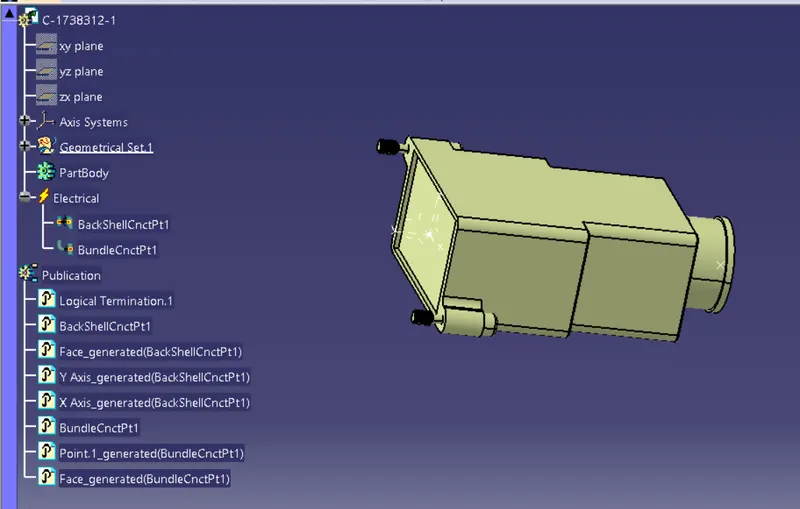
Q2. Download following Back shell cad data & define it as Electrical back shell using Electrical Part design Workbench. Define all the necessary properties.
ANSWER 2:-
- In part design create a point and axis system for backshell entry
- create a bundle connection point
- switch into electrical part design workbench
- Define backshell connection point and bundle connection point.
- Define new back sheel cataloge and add this part in it.
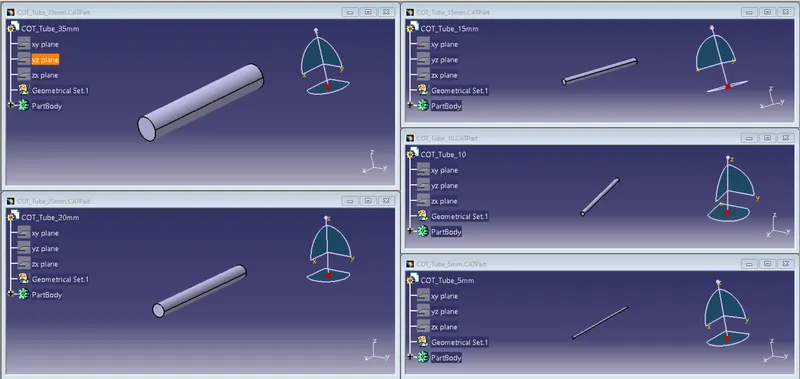
Q3. Create Following Corrugated tubes & Add them in Catalogue under “Slit COT” family.
|
Name |
ID (mm) |
OD (mm) |
Thickness (mm) |
|
15mm COT |
12 |
15 |
1.5 |
|
20mm COT |
17 |
20 |
1.5 |
|
35mm COT |
32 |
35 |
1.5 |
|
10mm COT |
7 |
10 |
1.5 |
|
5mm COT |
3 |
5 |
1 |
- Answer -
- create a new part in electrical part design
- define protection part
- provide the data as given in chart and bend radius should be 1.5 times the outer diameter
- create a new catlogue file of 'Slit COT' family and add all the tubes in it.