Wiring harness routing & packaging Rules Week 3 Challenge
Q1. Download following cad data & define it as Electrical support using Electrical Part design Workbench. Define all the necessary properties.
Answer :- Sucessfully downloaded P-clamp cad data & save the file by converted into cat part file format from IGS fiile format file as per below sanp.

--> Next define the geometrical properties for P-clamp in Mechanical part design work bench as per below snap.
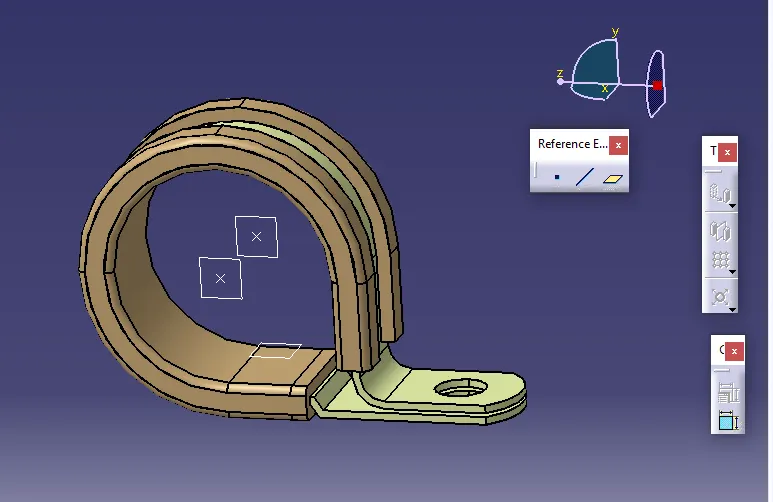
--> Nex need to define as electrical spport in electrical part design work bench then define entry point & plane and define base & exit plane as well as per below snap.
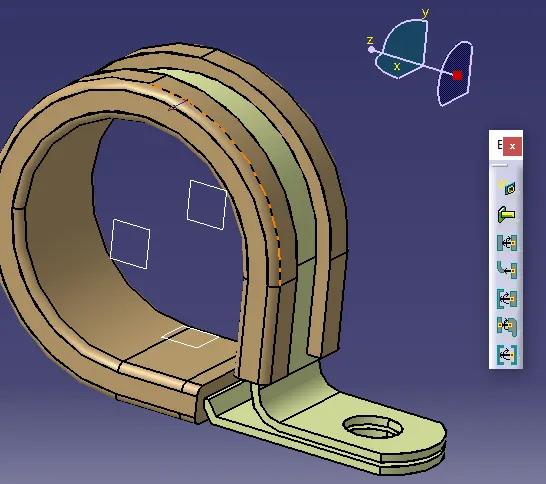
Q2. Download following Back shell cad data & define it as Electrical back shell using Electrical Part design Workbench. Define all the necessary properties.
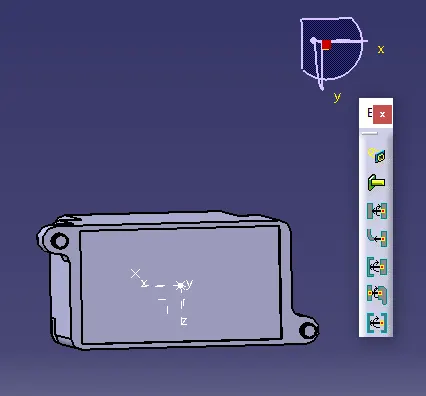
Answer :- Downloaded the rectangular shape back shell & saved it as per .catpart format then next define the geometrical properties as per below snap.
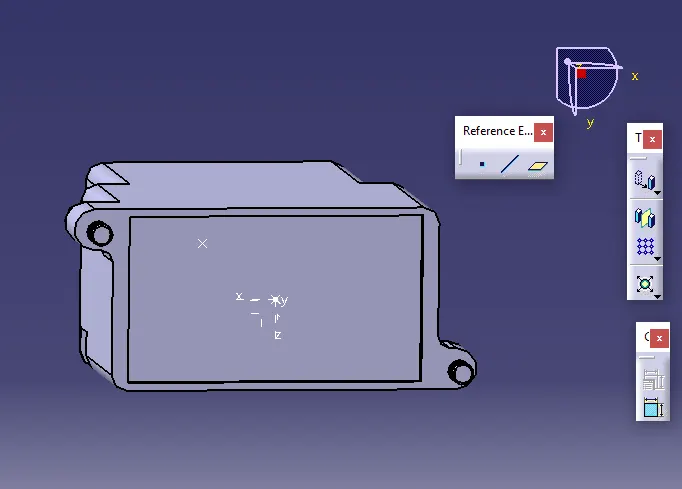
--> Next define the part as backshell then followed by define Backshell connection Point & Define Bundle connection point as well as per below snap.
Q3. Create Following Corrugated tubes & Add them in Catalogue under “Slit COT” family.
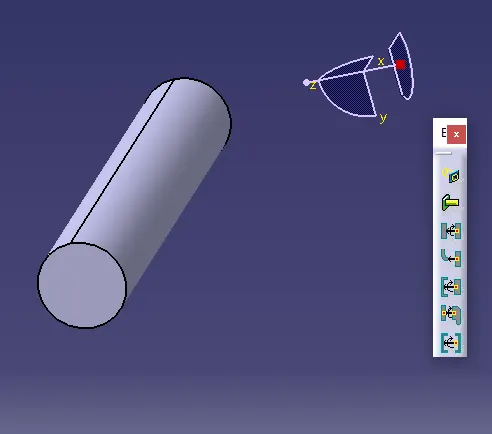
Answer :- 1st Need to create cot tubes as per reqirement 5mm,10mm,15mm,20mm & 35mm manually like File+new+part+ok (give part name as cot20mm like that all)
--> Then click on "define protection part" in electrical part design work bench then select the part body after that define properties of corrugated tubes like Inner Dia, OD dia & Thickness etc. then save all the cot tubes.
--> Then create the catlog docments like File+New+In list type :- catalog documents+then OK.
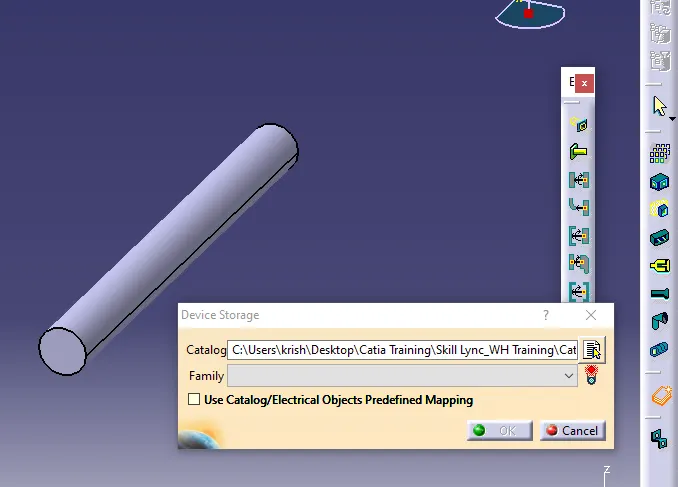
--> Then all Cot tubes add in catlog which is mention name like "Slit COT" Family by click the store device then navigate the path & save it in catlog by pressing on OK.