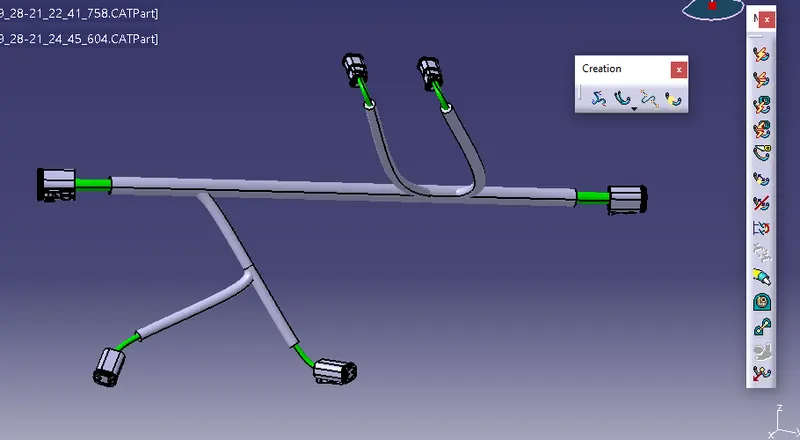
Wiring harness design in CATIA V5 - 3D modeling Week 4 Challenge
1. 1st of all successfully downloaded all the required connectors from te.com source & saved into .catpart as per below snap.
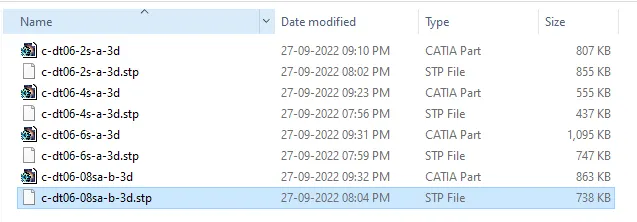
2. Next given geometrical properties & define all connector as electrically by giving electrical properties as per below snap.
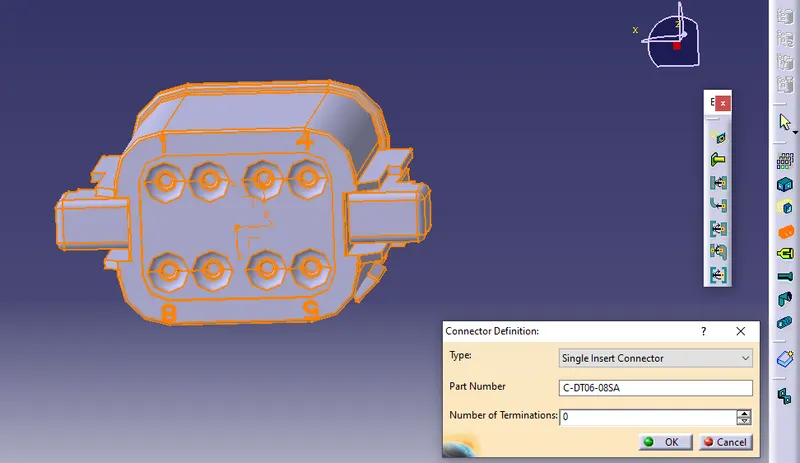
3. Then start the connector packaging as per requirement & complete the assembly then define assembly as electrical assembly by select the geometrical bundle command then click on product part in electrical harness assembly work bennch.
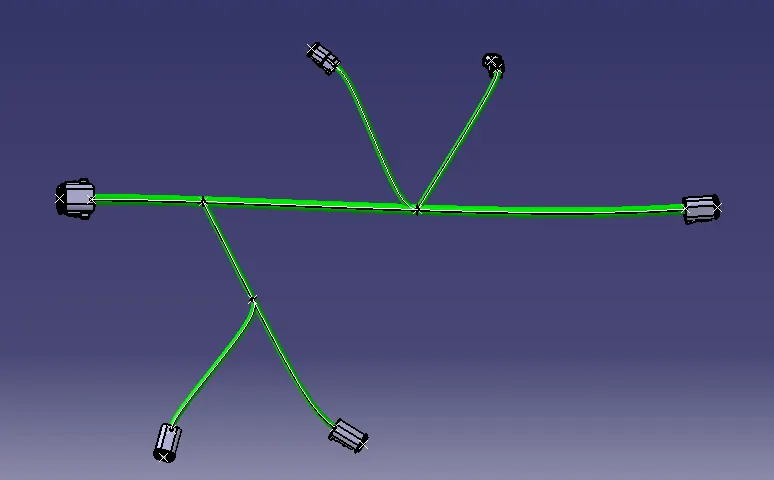
4. Next start routing by select the multibranchable comand then start branch defination & complete the routing also for adding branch need to select add branch the create branch routing as per below snap.
5. Next add cot tube from Cot tube_catalogue as per required harness bundle diameter with end extremity at 30mm as per below snap.