Wiring harness design in CATIA V5 - 3D modeling Week 7 Challenge
Wiring Harness Assembly Flattening
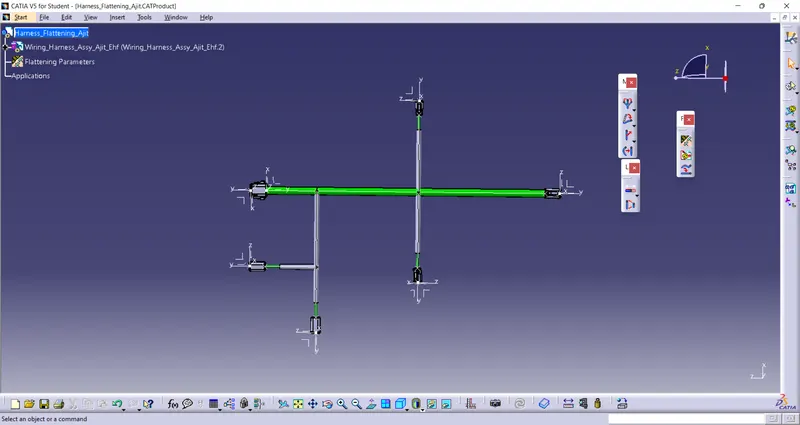
Open new Poduct file in Electric Harness Flattening (EHF) Workbench
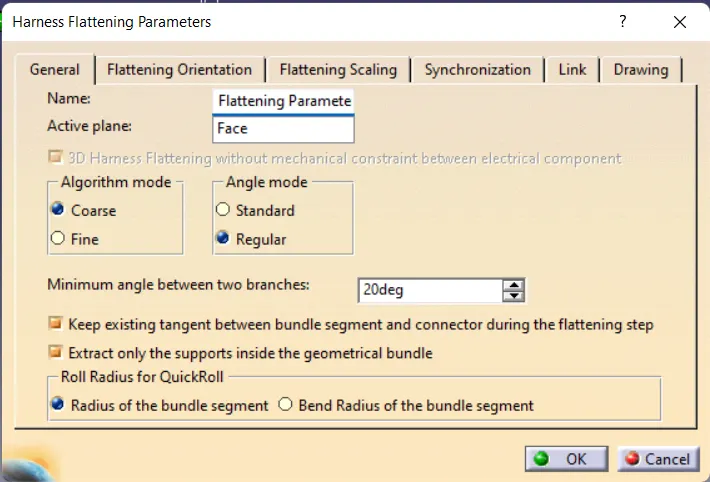
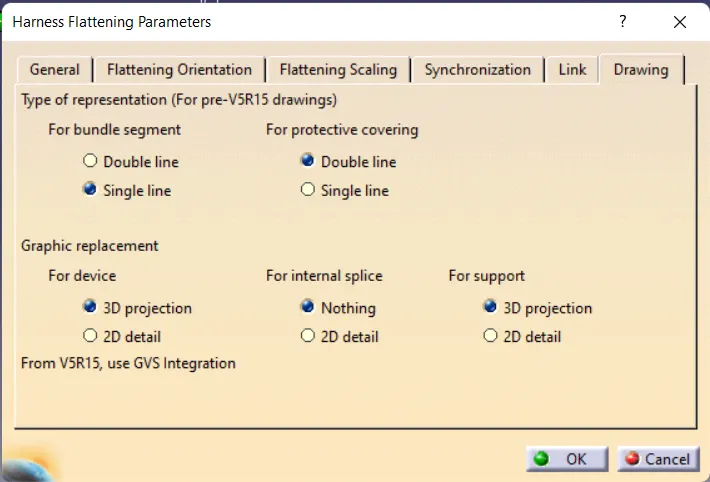
first define the flatness parameters by Harness Flattening Parameters function
Use Extract Function to import required harness assembly into EHF woekbwnch
Use Flatten Function to flatten the imported assembly
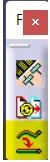
With the help of following function we can place bundles in desired orientation.

SAVE the file
Drawing Operation
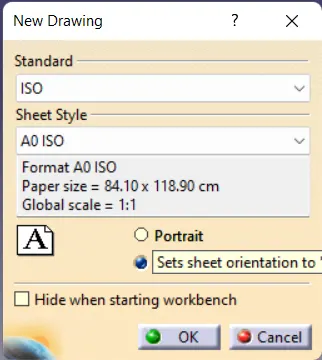
Open the new Drawing Document with desired sheet style and standard
Click on Front View function to import flatten assembly as drawing
Select appropriate PLANE/FACE of connector as reference
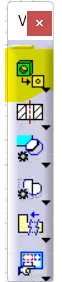
rotate it as per reqirement.
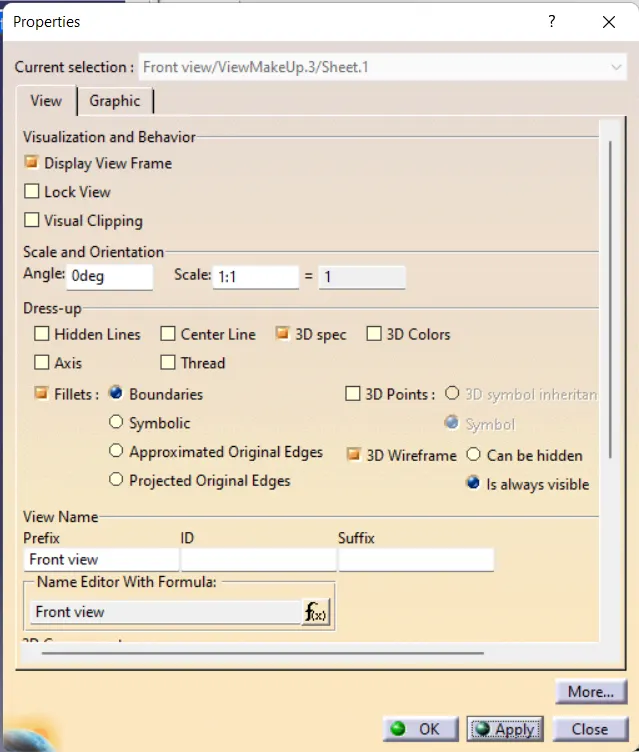
Change the Front View setttings as shown below to get desired flatness drawing
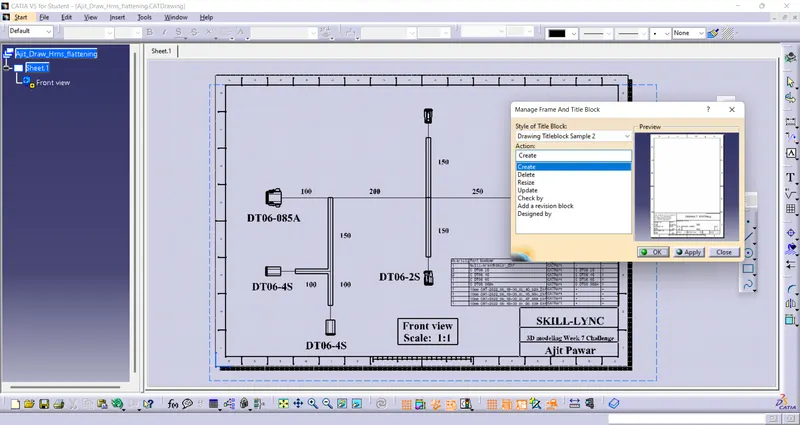
Apply Default Drawing Sheet Template
Edit > SHeet Background > Frame and title Block
Use Text function to add more details in the drawing sheet

Adding BOM in drawing Sheet
Use Advance Bill of Material function to add BOM in sheet
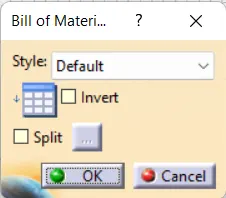
Advance Bill of Material > OK > Click anywhere on screen to import BOM
right click on BOM open preoperties.
Use Reported Properties to update or delete columns as per our need
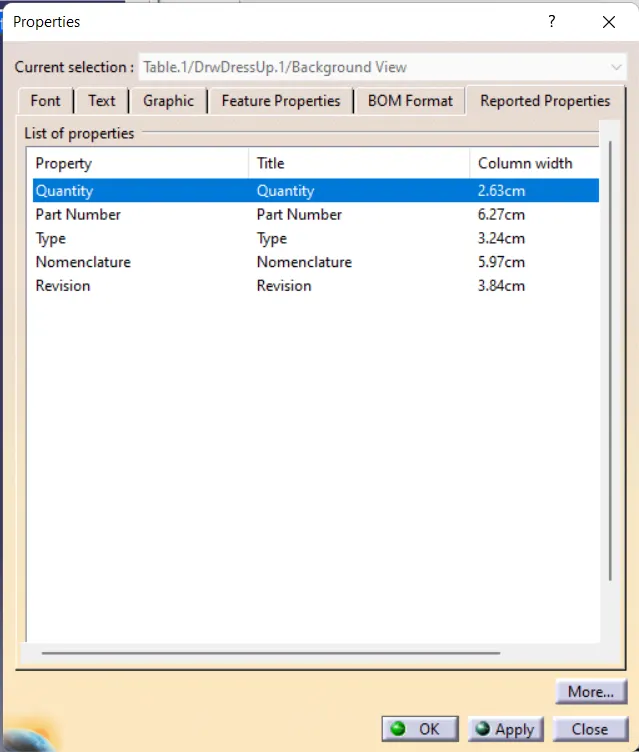
use text property function to change font size and format of BOM table
Save the Drawing Sheet