Wiring harness design in CATIA V5 - 3D modeling Week 7 Challenge
Objective:- Flatten the harness assembly completed in “ week 4 challenge”. Place the flattened view on drawing sheet. Ensure bundles with protective coverings has different visuals on drawing view.
Harness Assembly:-
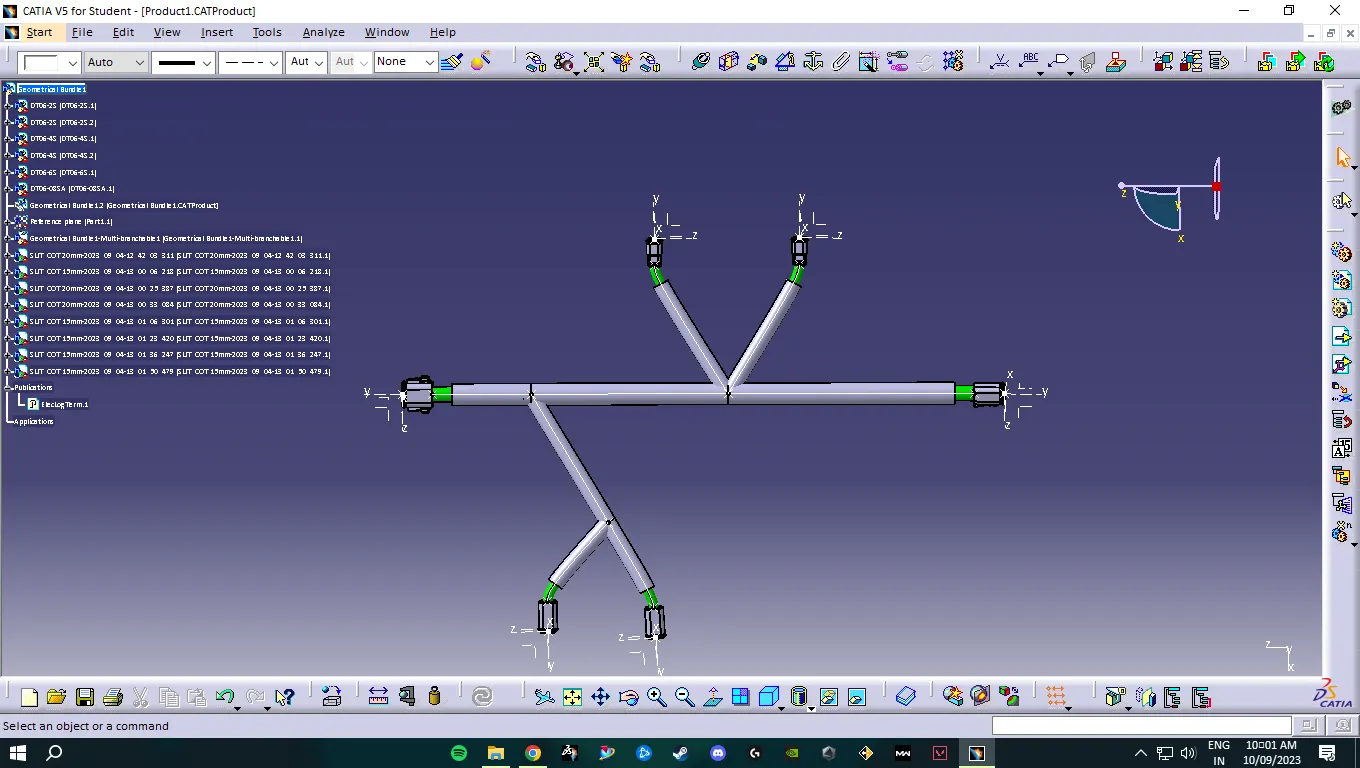
This is the Harness assembly we made in Challenge 4
Procedure:-
- First we need to open our week 4 harness assembly and load it into Catia
- Then we need to open a new product and change the workbench into Electrical flatenning Assembly and name it Flatening Challenge.
- Then we extract the week 4 harness assembly into the Flattening Challenge Product file and save it.
- After that we enable the flatnening parameters.
- Then we perform the flatening of the harness assembly by entering the flatening command and changing the orientation to "face"
- After that we rotate the model as per our requirement and save it.
- In the drawing, we change the drawing properties as per our requirement.
Challenge is completed