Wiring harness design in CATIA V5 - 3D modeling Week 7 Challenge
WIRING HARNESS FLATTENING AND DRAWING
In this project, we are going to flatten the harness assembly that was completed in the Week-4 Challenge and then place the flattened view Into a drawing sheet.
Step 1: Flatten the Harness Assembly
l First, create a new Product file.
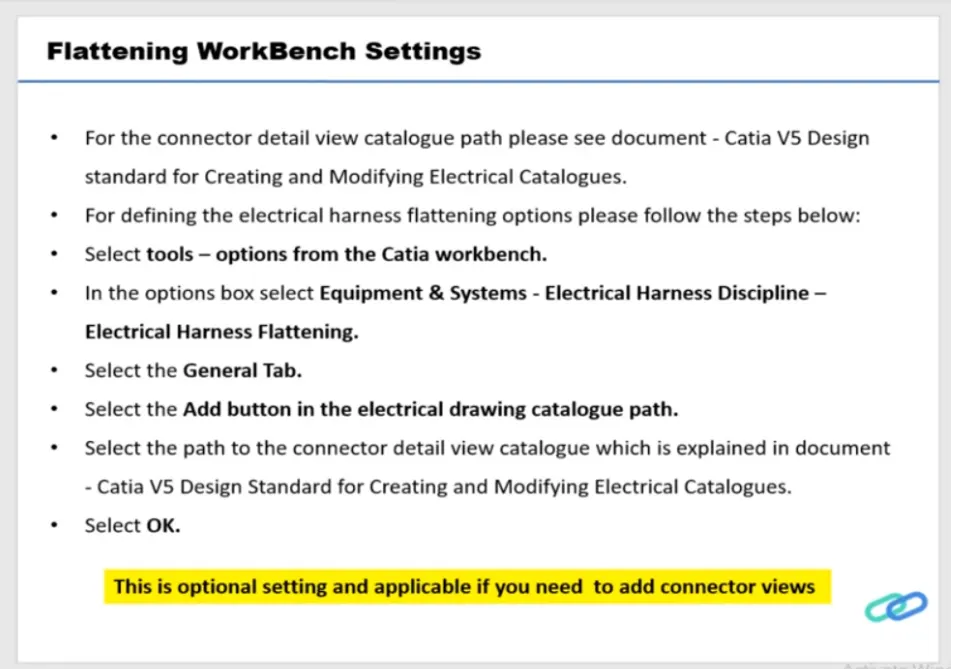
l Navigate to the Electrical Harness Flattening Workbench and save the file in the same location as the wiring harness assembly.
l Before importing the harness assembly, set the required flattening parameters using the Harness Flattening Parameters tool. These parameters are essential for successfully flattening the harness assembly.