Wiring harness design in CATIA V5 - 3D modeling Week 7 Challenge
Flattening Workbeanch:
Flattening Workbeanch Settings
For the defining the flattening we must follow the steps
select the tools- options from the catia workbeanch
in the options box select the equipments & systems - electrical harness discipline - electrical harness flattening
select the general tab
select the add button in the eletrical drawing catalogue path
select the path to the connector detail view catalogue which is explained in document catia v5 design standard for creating and modifying electrical catalogue
select ok
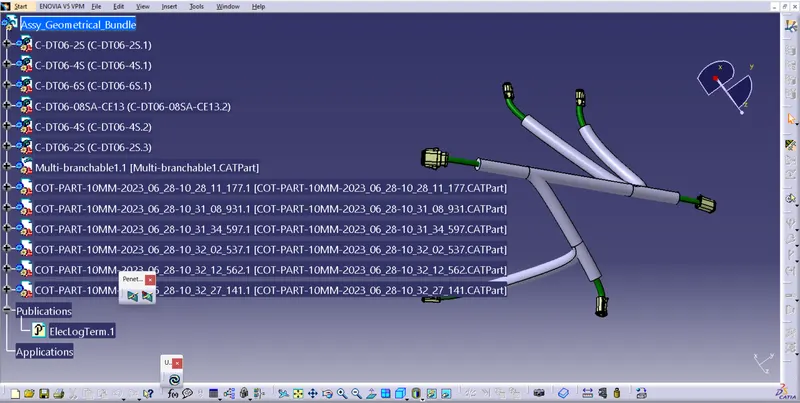
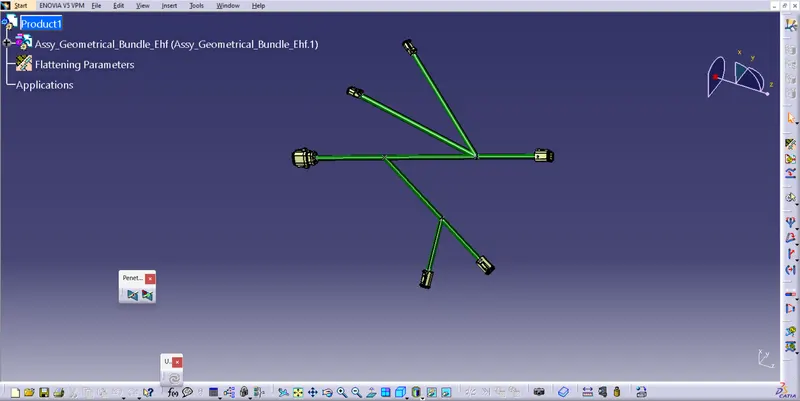
DRAWING:
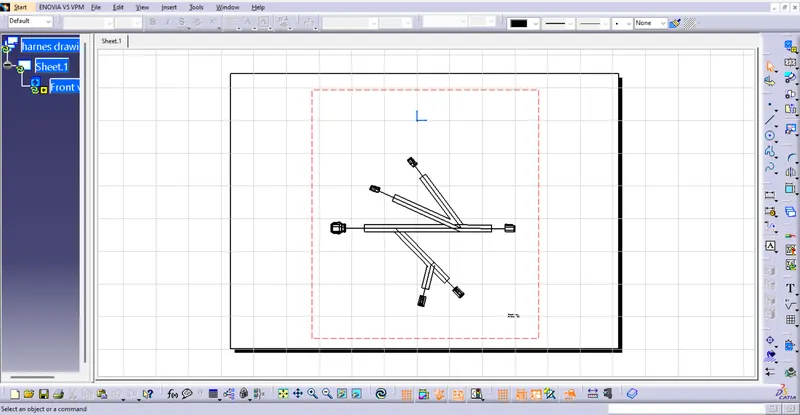
to view the drawing we need to open a drawing file
then we have to click on the front view and then click on the product name in the flattening
the drawing will be visible on the sheet
to view the harness we nee to turn on the 3D wiring.