Wiring harness design in CATIA V5 - 3D modeling Week 5 & 6 Challenge
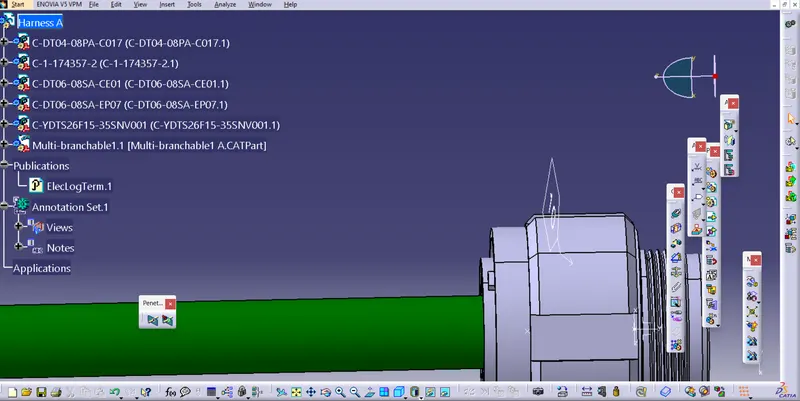
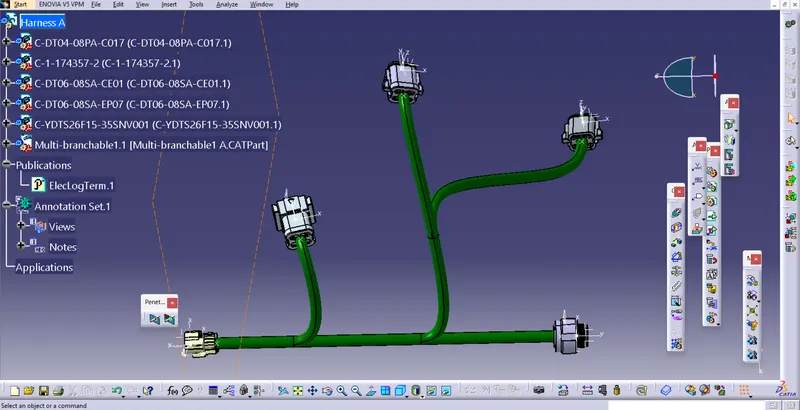
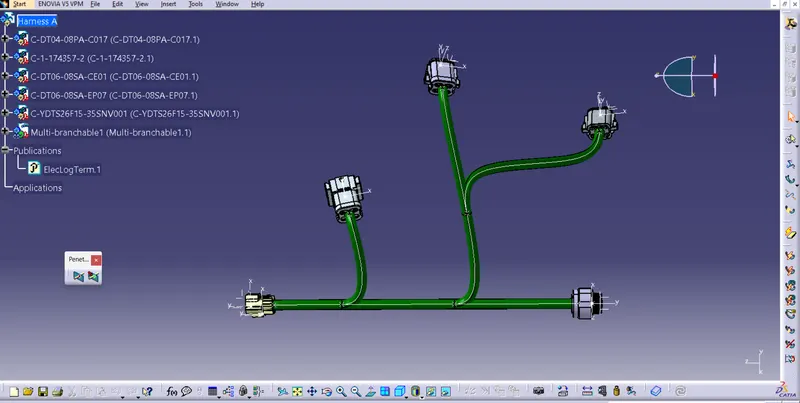
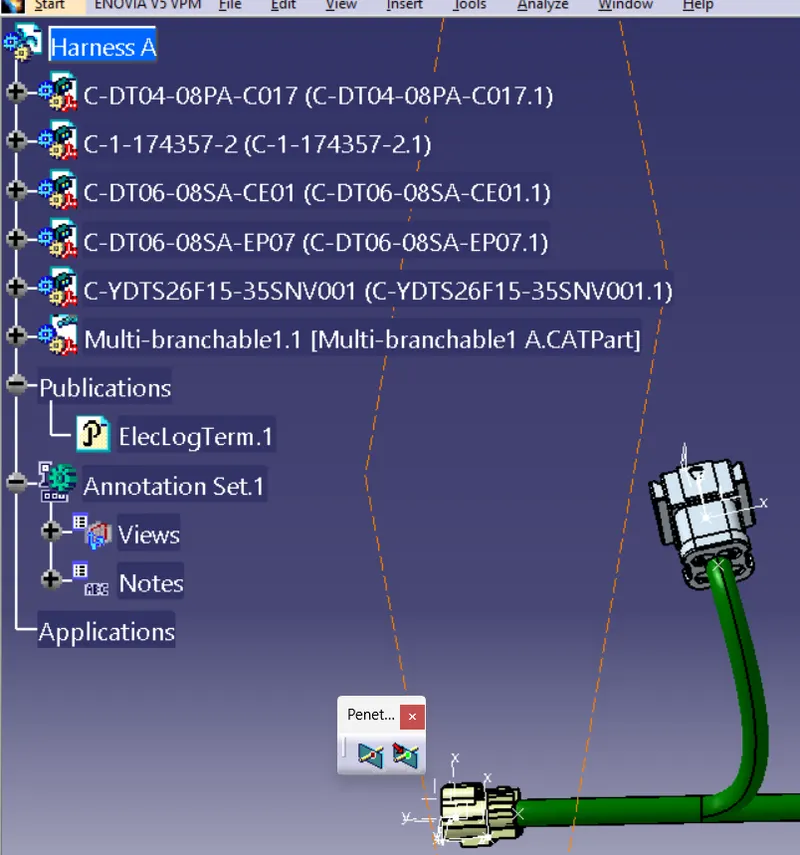
Harness of A:
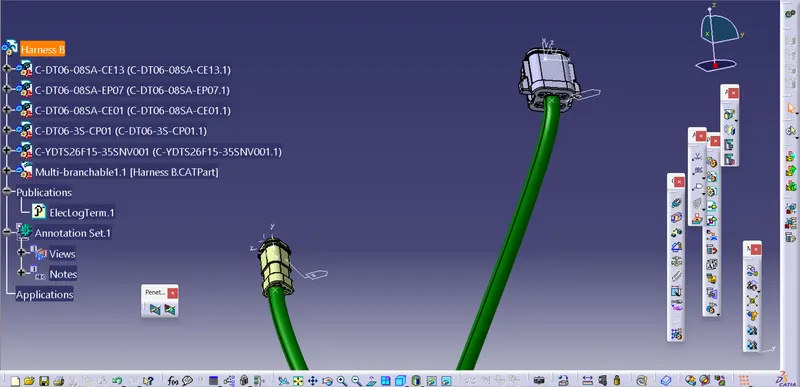
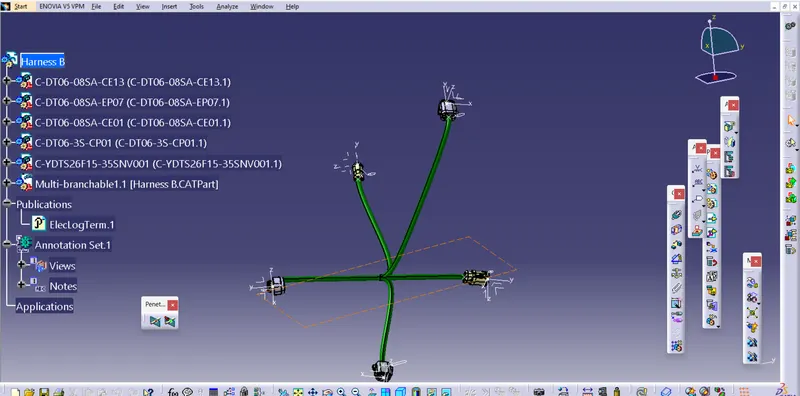
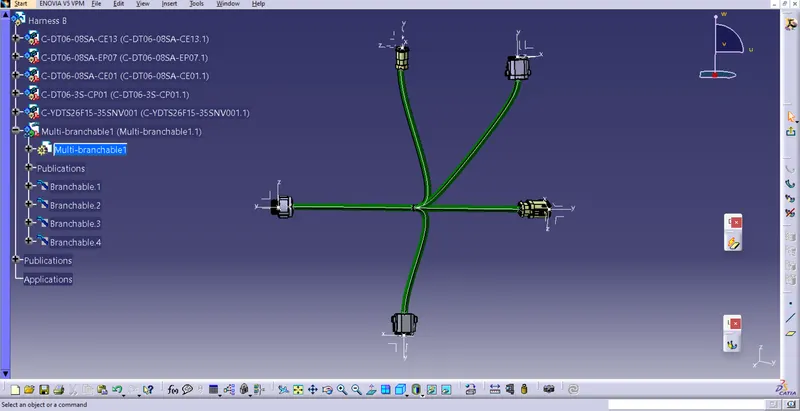
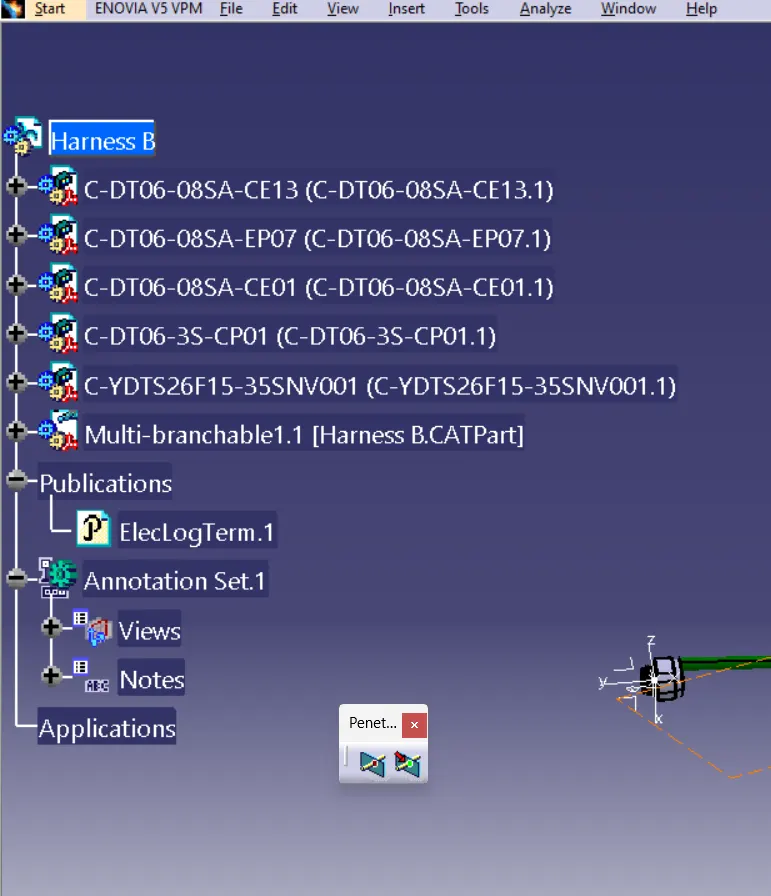
Harness of B:
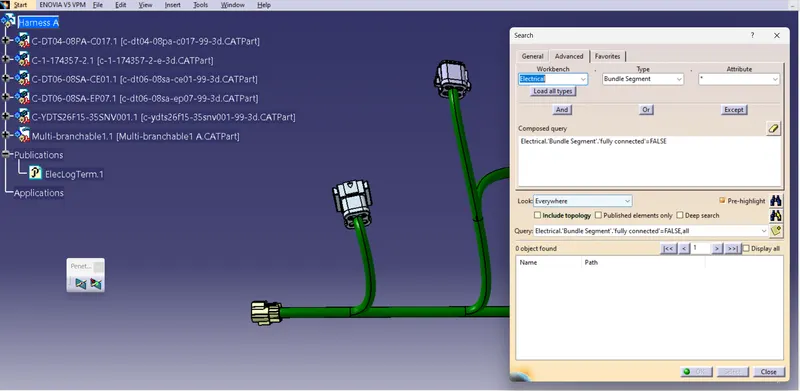
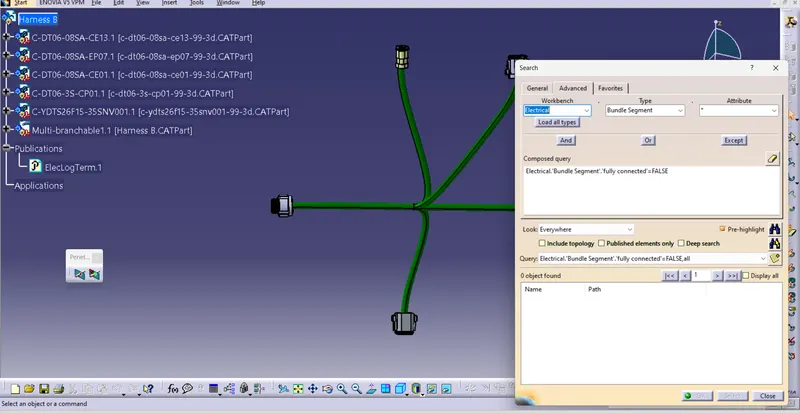
Bundle continuity check:
click on the edit button
click on the search
open advanced
select the electrical
in type select the bundle segment
in attribute select the fully connected
take False/True if falsse which gives the which are not connected
cleach on search
Geometrical Bundle Warnings:
Warnings are possible in the routing the wire harness. These warnings are usually displayed in the tree structure.
these may be related to the bend radius , bundle diameter, ot the vector position of the bundle segments. this warnings are shown with the yellow flash warning symbol in the tree structure.
3D annotations:
This annotations is to be added to the harness data show specific information relating to the harness i.e,wire type, wire spec, or any additional information / comments that need to be specified.