Wiring harness design in CATIA V5 - 3D modeling Week 7 Challenge
To make a Flatten assembly of an Harness assembly and prepare drawing of flattened assembly.
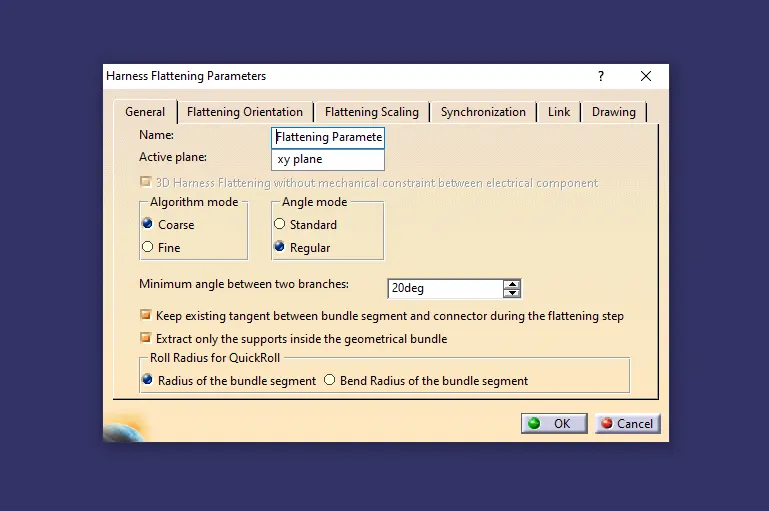
The first step is to set up Harness flattening parameter.
Required parameters are to be given accordingly.
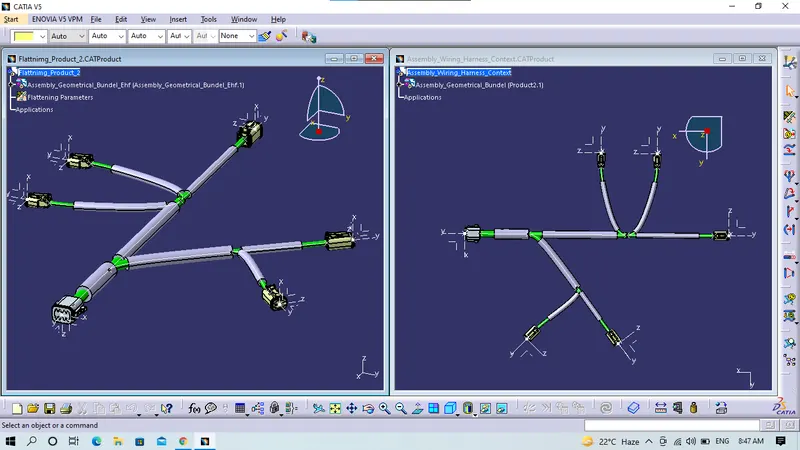
To select the file i.e.. geometrical harness bundel.
Now select the command extract to import the file to flattening product file.
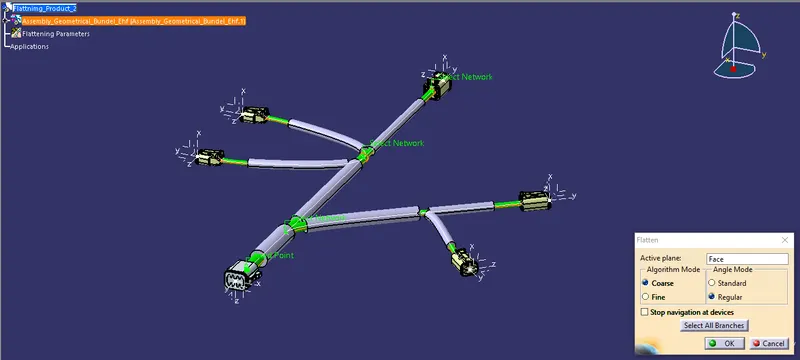
and select the face and all the bundels to be flattened.
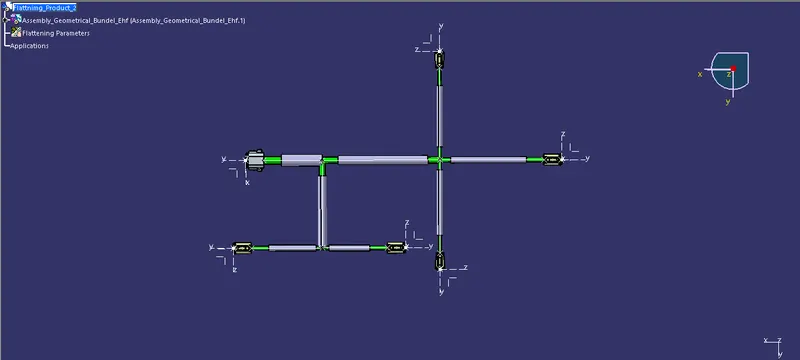
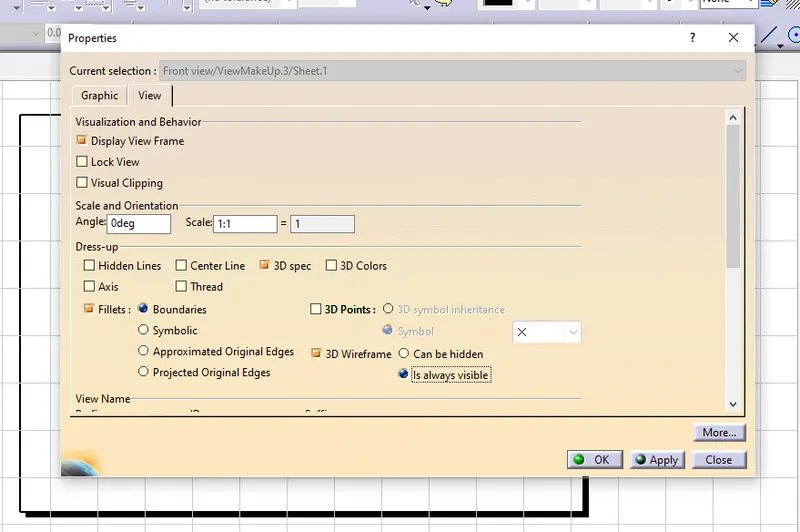
Now set the properties for the drawing sheet for the visiblity bundel harness.
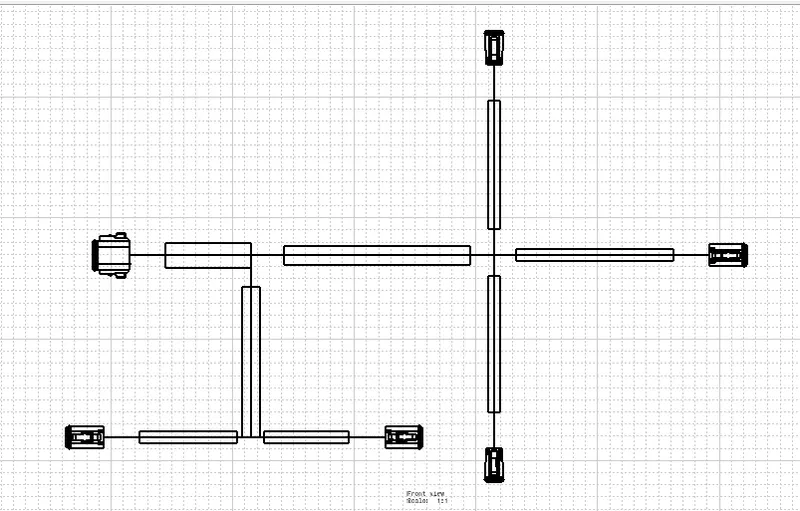
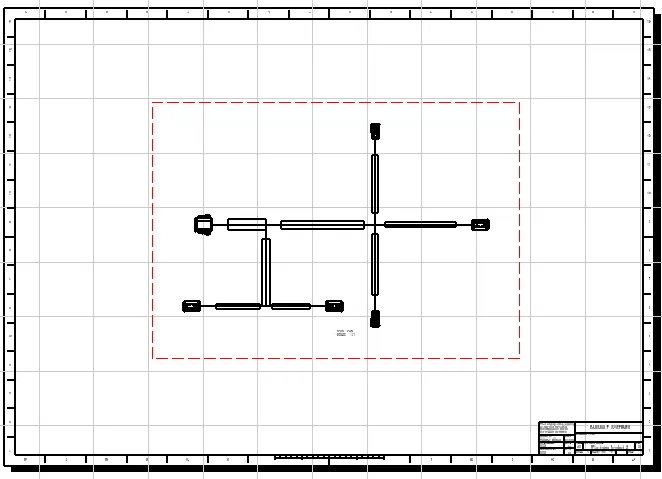
Hence the Geometrical bundel harness is flattened and drawing is prepared.