Wiring harness design in CATIA V5 - 3D modeling Week 7 Challenge
AIM
TO Flatten the harness assembly completed in “ week 4 challenge”. Place the flattened view on drawing sheet. Ensure bundles with protective coverings has different visuals on drawing view.
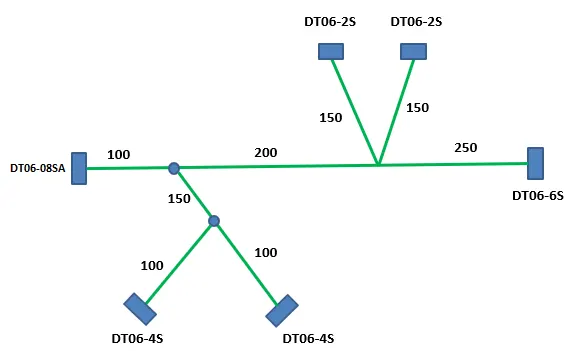
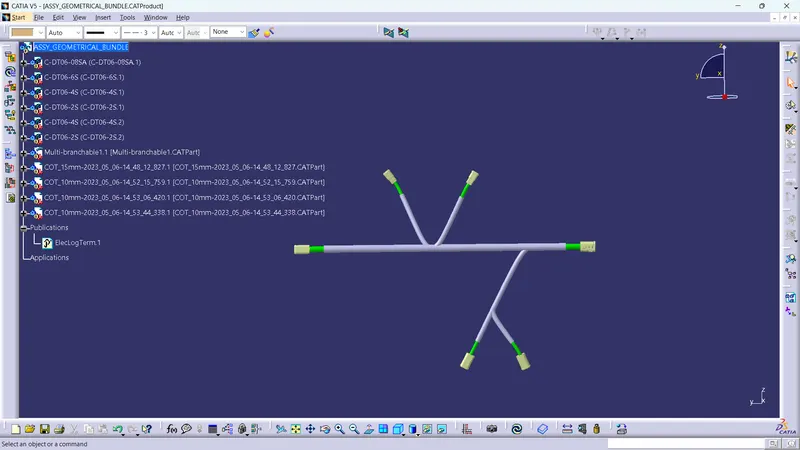
HARNESS ASSEMBLY
HARNESS FLATTENING
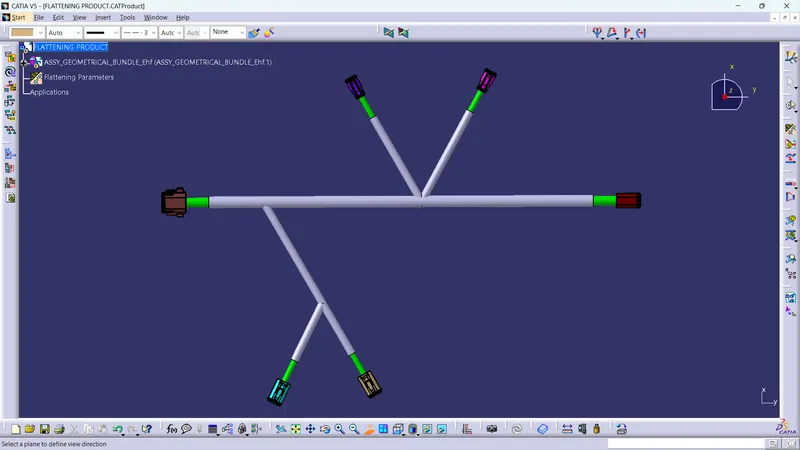
- The parameters are created and the harness assembly is extracted by using extract command
- Then flattening is done in XY plane and we can arrange the connector as per the wish
- We can arrange the harness by the rotate command
HARNESS DRAWING
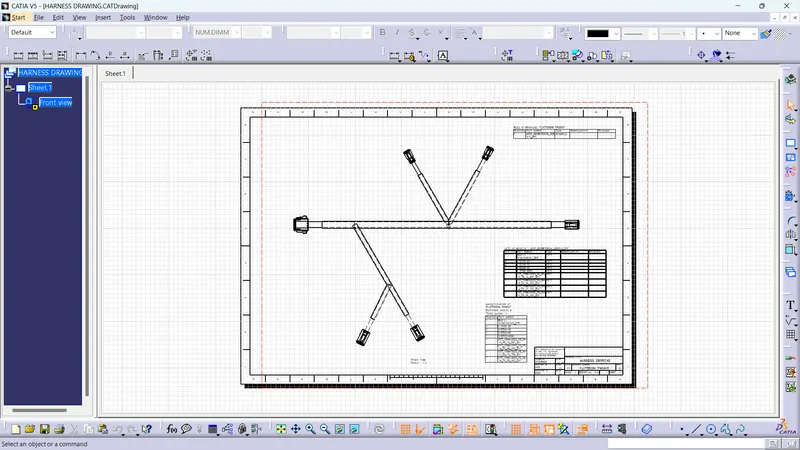
- The darwing is place in front view the bill of the material is placed in the drawing