Wiring harness design in CATIA V5 - 3D modeling Week 7 Challenge
AIM.
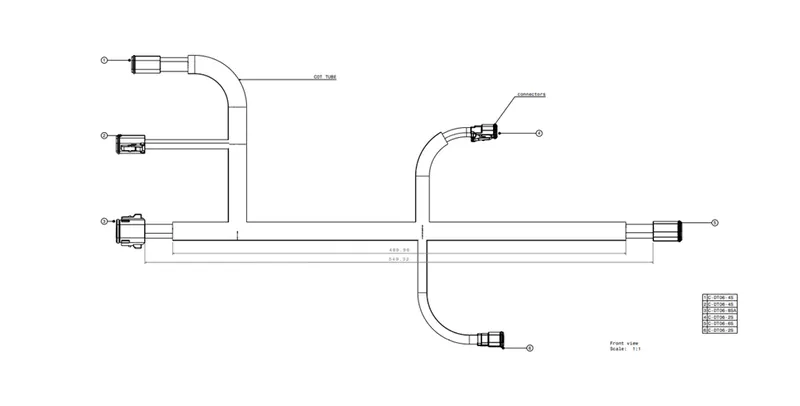
Flatten the harness assembly completed in “week 4 challenge”. Place the flattened view on drawing sheet. Ensure bundles with protective coverings have different visuals on drawing view.
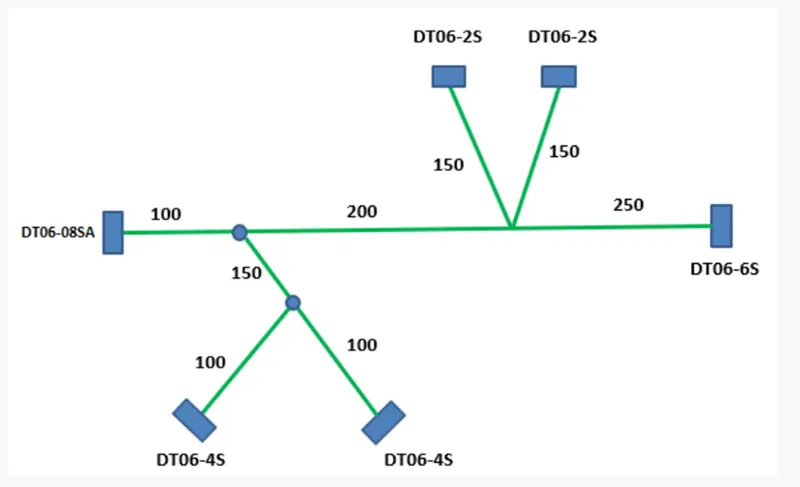
Before we create a flatting model some parameters are required to set
Open the ELECTRICAL HARNESS FLATTING work bench and click harness flatting parameters icon and set the requirements.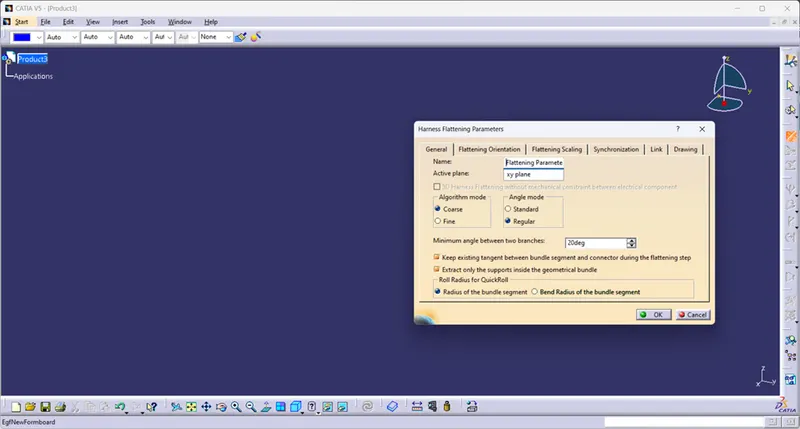
Next extract the given model In to flatting work bench product.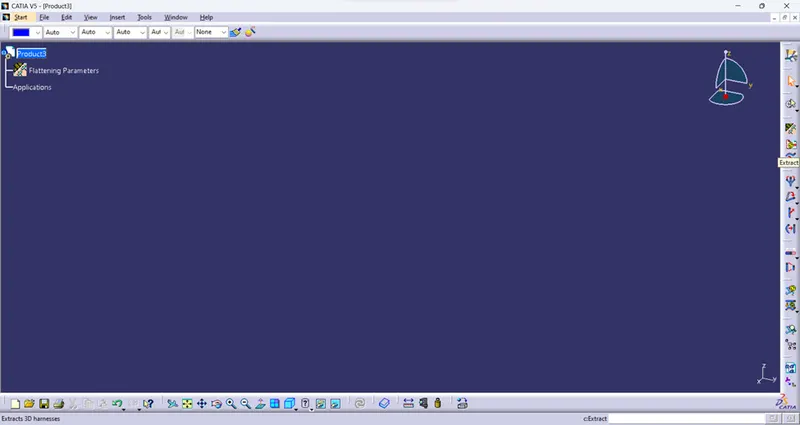
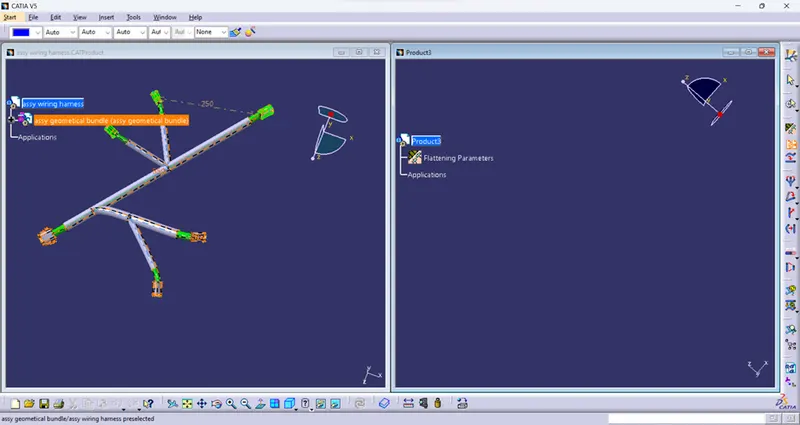
Create the flatting model as show below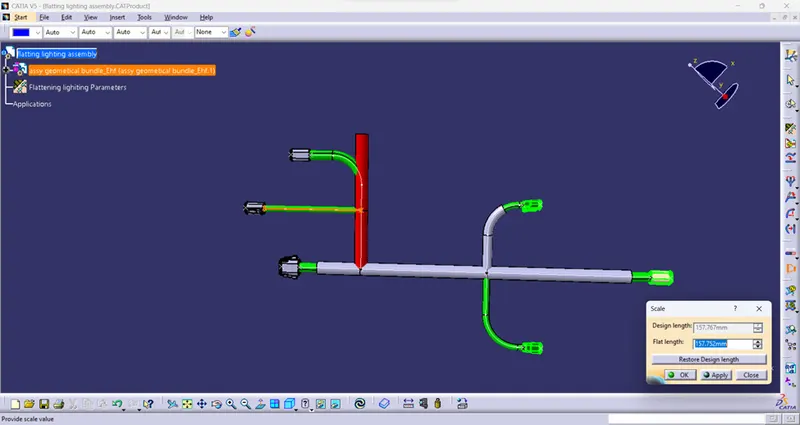
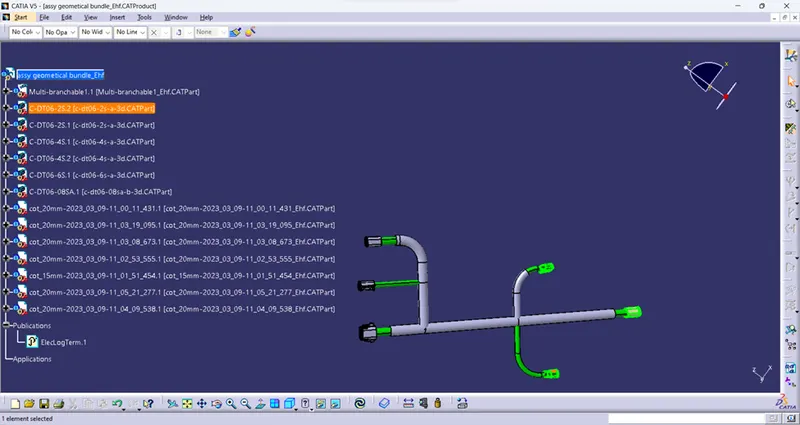
Import the assembly in to a drawing file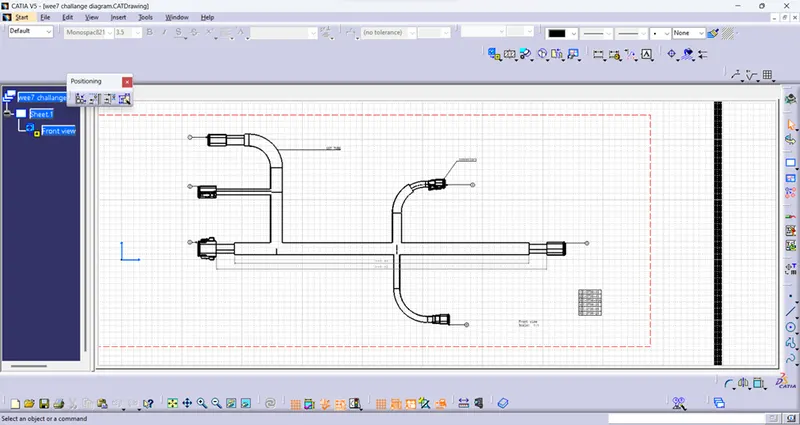
And set the necessary drawing parameters