Wiring harness design in CATIA V5 - 3D modeling Week 7 Challenge
AIM
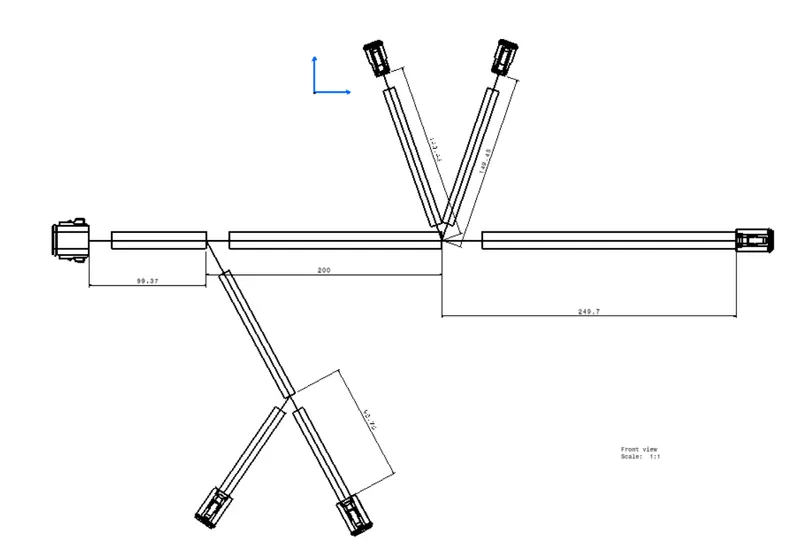
- To flatten the wire harness assembly completed in week 4 assignment and place the flattened view on a drawing sheet.
OBJECTIVE:
- To flatten the wire harness assembly completed in week 4 assignment.
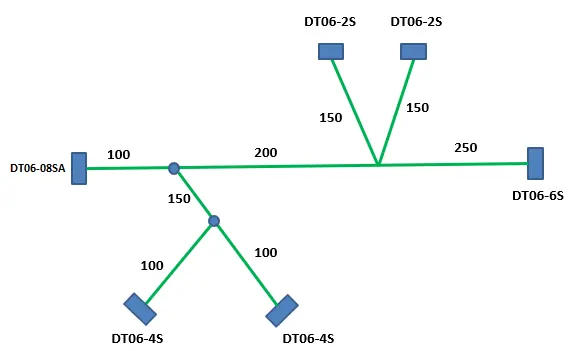
- To orient the wire bundle as shown in the layout.
c-dt06-2s
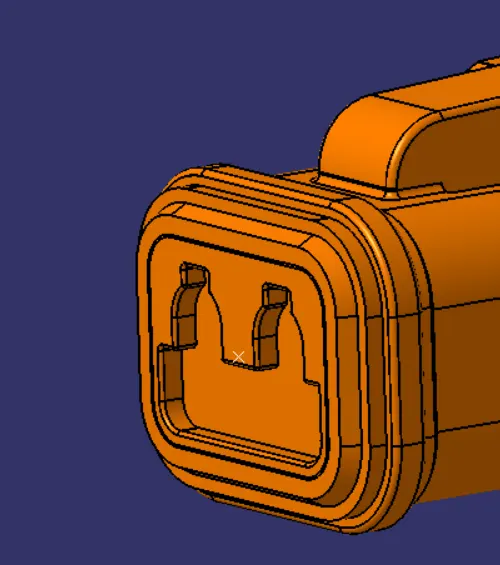
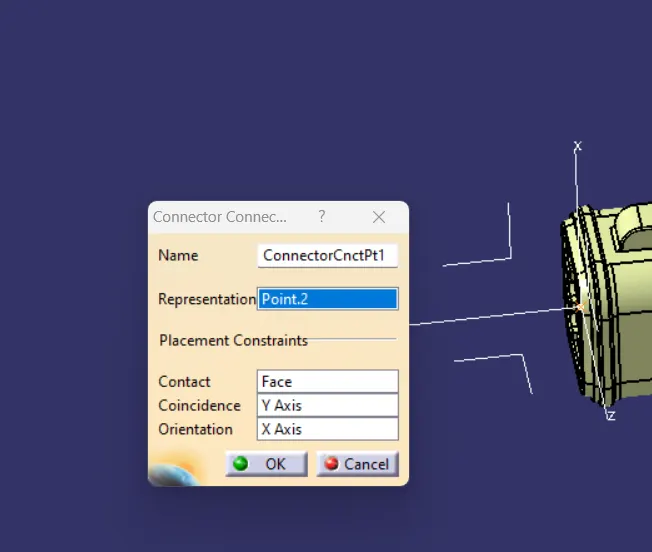
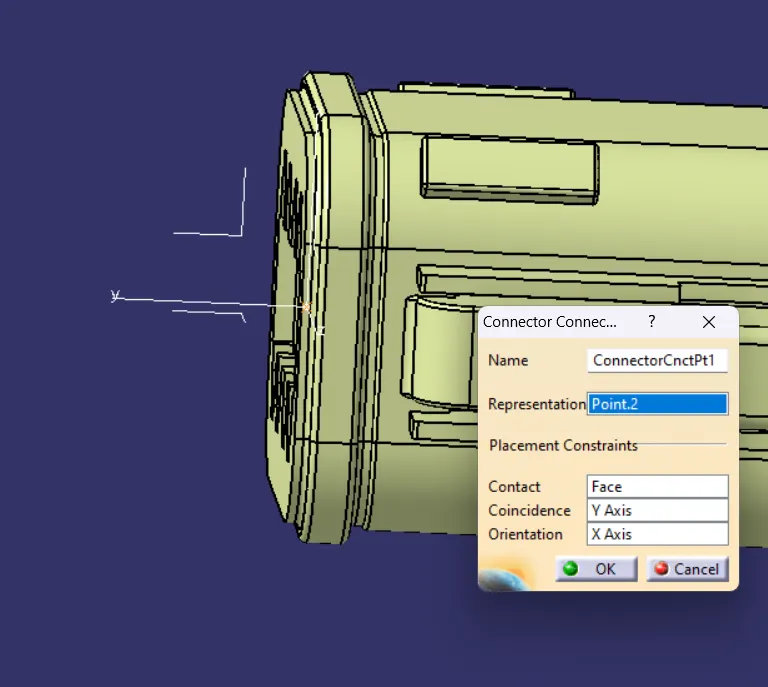
Connector connection point:
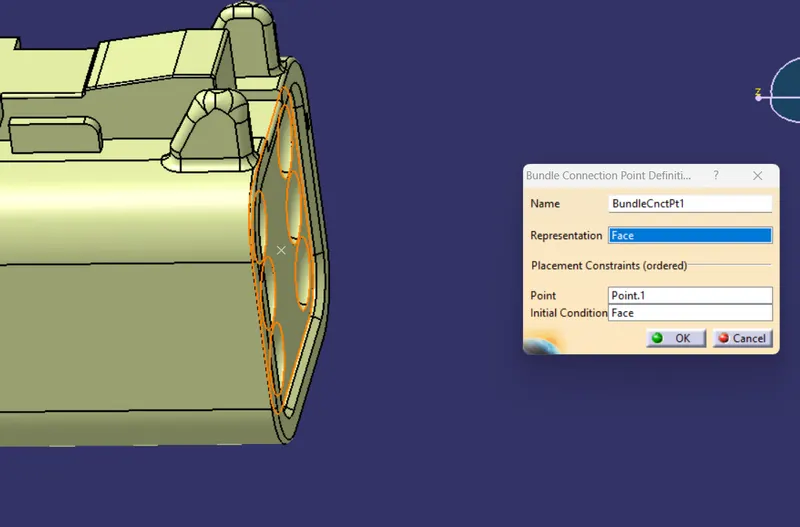
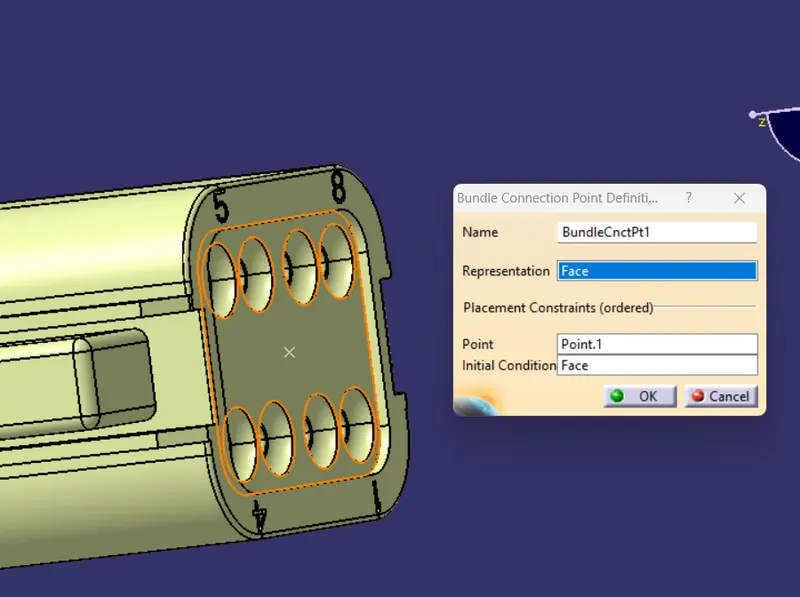
Create midpoint on the contact face which will be normal to wire bunddle insertion.
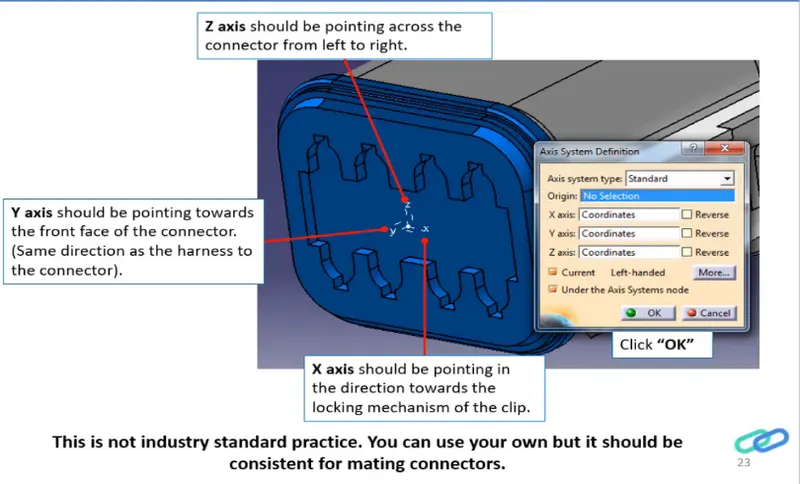
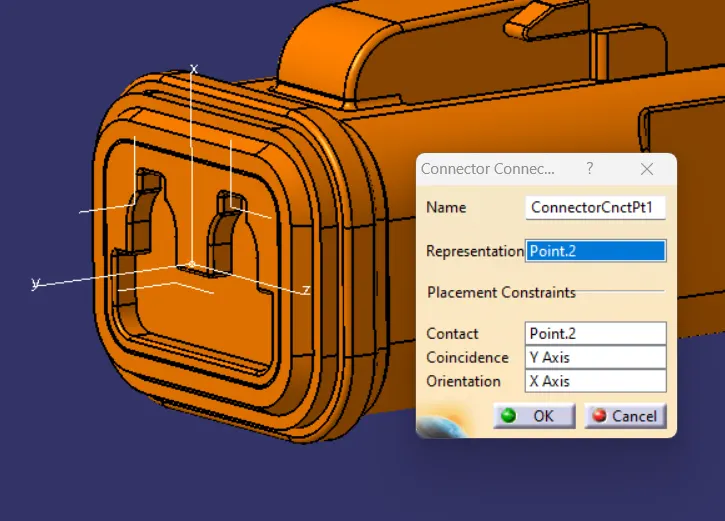
bundle coonection point
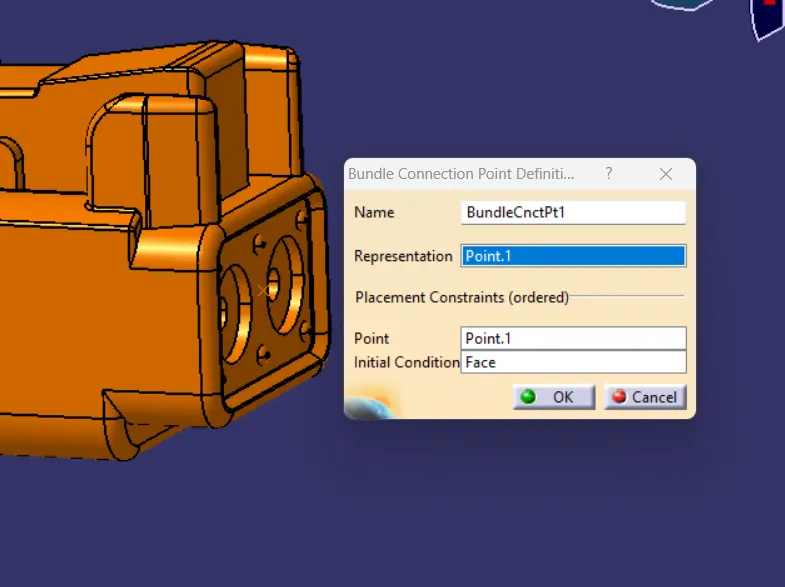
c-dt06-4s
Connector connection point:
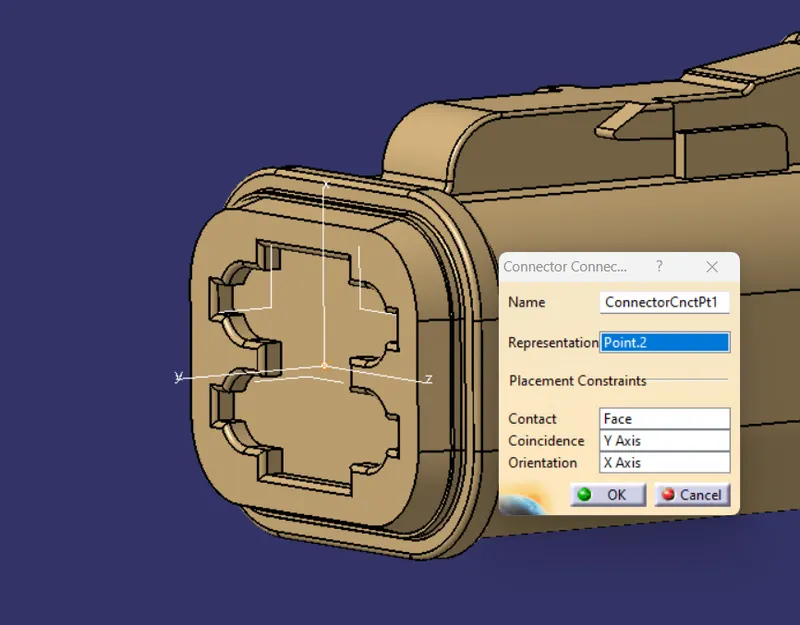
bundle coonection point
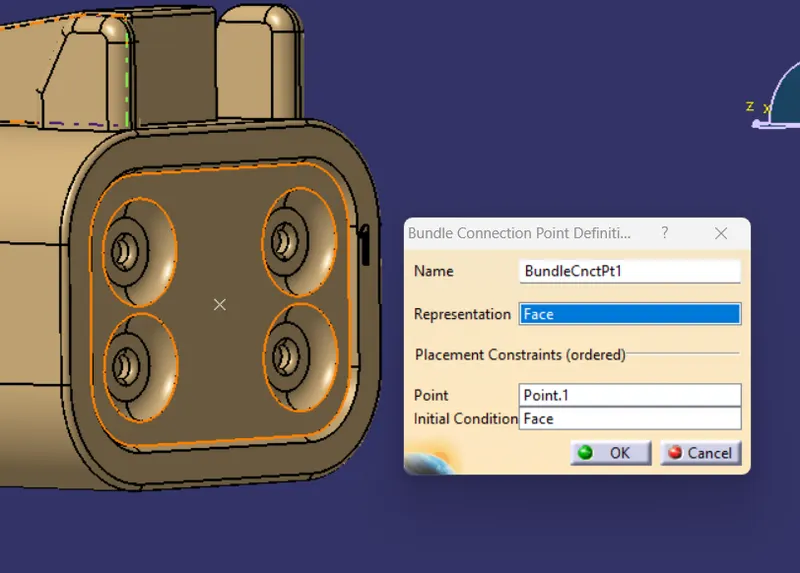
c-dt06-6s
Connector connection point:
bundle coonection point
c-dt06-8s
Connector connection point:
bundle coonection point
solution
- to create the product file then move to the next step.
- Select the 'Extract' option from the Electrical Harness flattening workbench and select the Geometric bundle product in the wire harness assembly product file.
- Then wire harness assembly is imported to the Wire flattening product file with 'EHF' extension added to the geometric bundle assembly name.
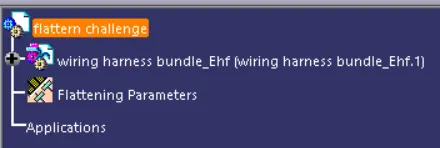
- Select the 'Flatten' option to flatten the wire harness assembly.
- Then select the active plane, then select any one branch and then select the 'select all branches'.
- If there is no discontinuity in the bundle segment then all the branches will be selected and by pressing 'ok' the wire harness assembly will be flattened.
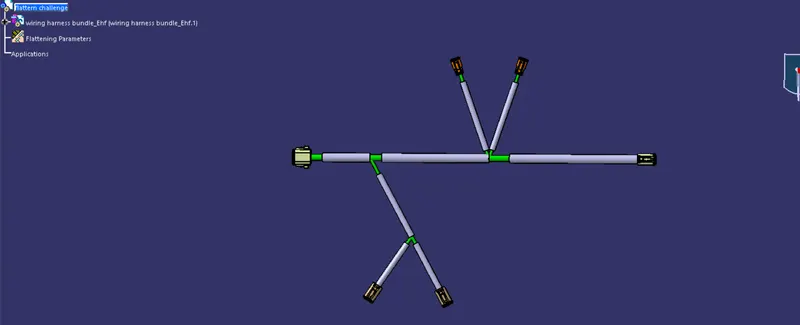
Use 'Rotate' and other commands to rotate the branches and bring them in proper orientation as per the given layout.
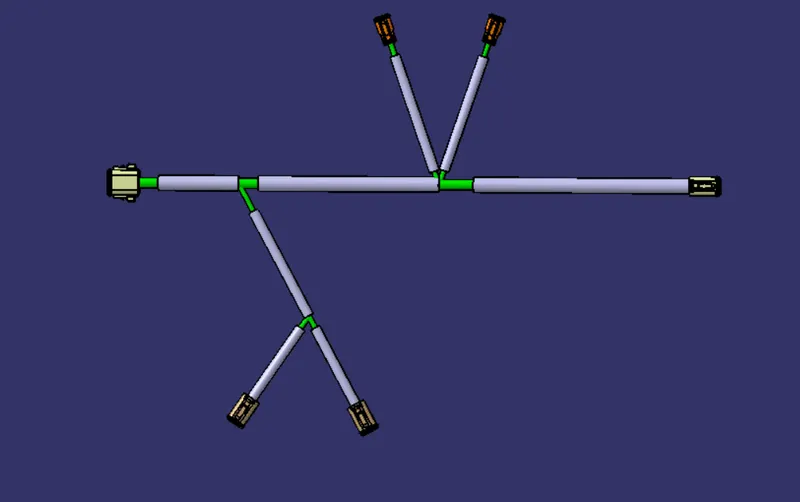
- Save the product file using 'Save management' option so that all the related product files and part files are stored in single directory.