Wiring harness design in CATIA V5 - 3D modeling Week 7 Challenge
OBJECTIVE:
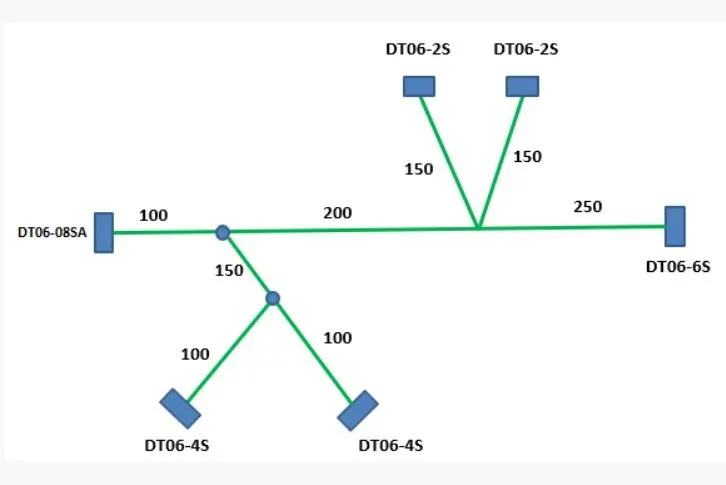
- To Route the following harness layout in the Electrical workbench.
- Add protective covering on all branches.
- create them under electrical flattening harness.
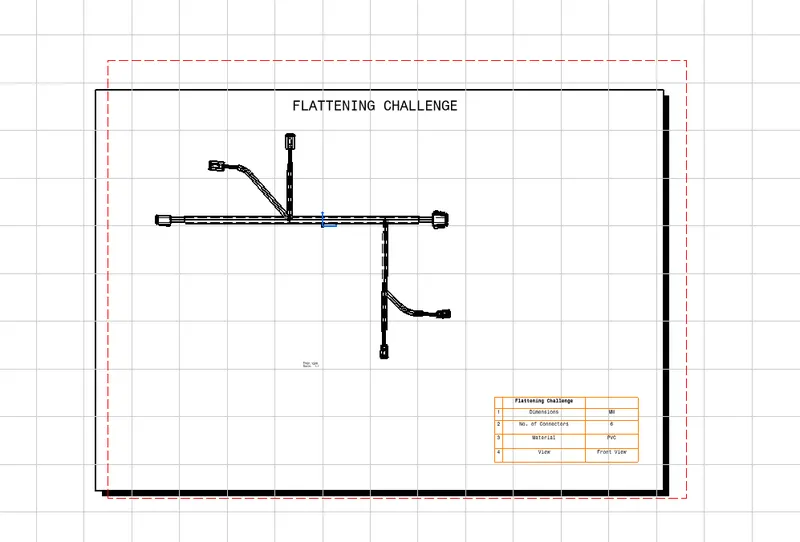
- Flattening view on drawing sheet.
REQUIREMENTS:
- CATIA V5.
- Knowlege of using CATIA V5.
GIVEN
CAD data of the following Connectors:
- DT06-4S.
- DT06-6S.
- DT06-2S.
- DT06-08SA.
LAYOUT DIAGRAM
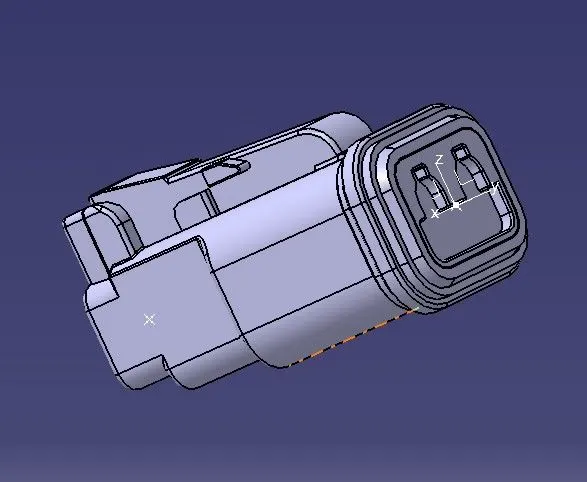
DT06-2S.
PROCEDURE
The following was defined for all the connectors:
- Connector connection point.
- bundle connection point.
- axis system at the connector connection point.
- define all the connectors as electrical components.
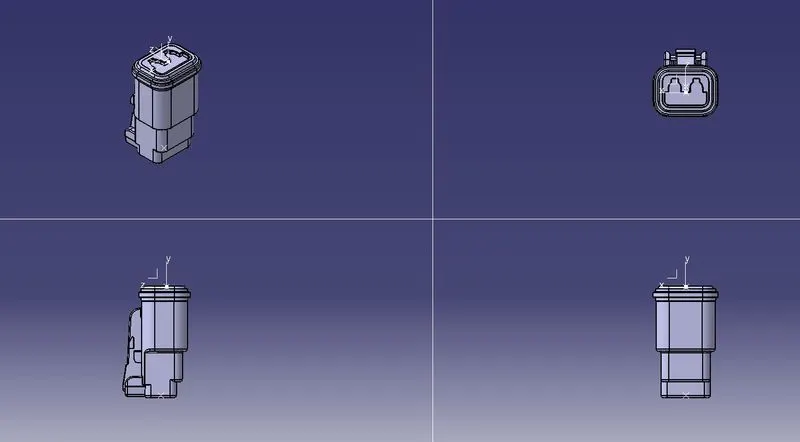
ORIENTATION VIEWS
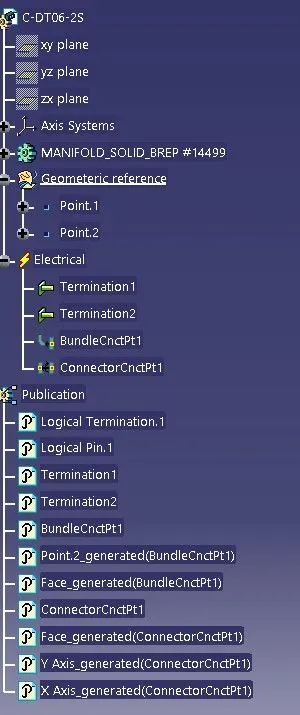
FEATURE TREE
DT06-4S.
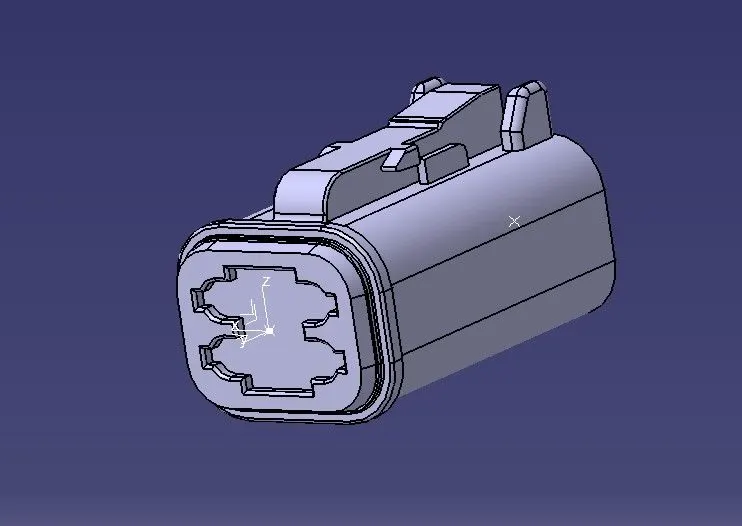
PROCEDURE
The following was defined for all the connectors:
- Connector connection point.
- bundle connection point.
- axis system at the connector connection point.
- define all the connectors as electrical components.
ORIENTATION VIEWS
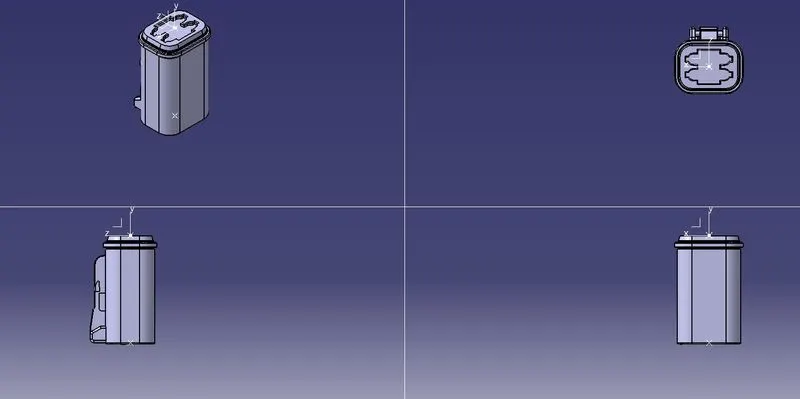
FEATURE TREE
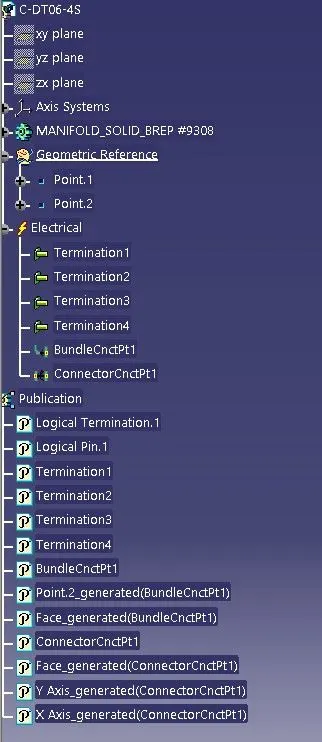
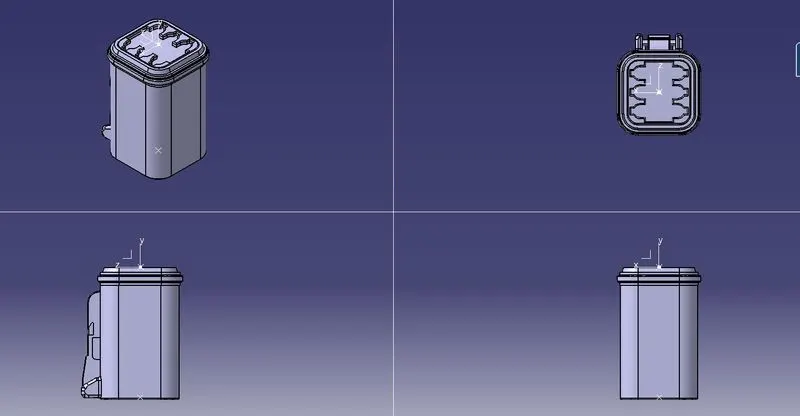
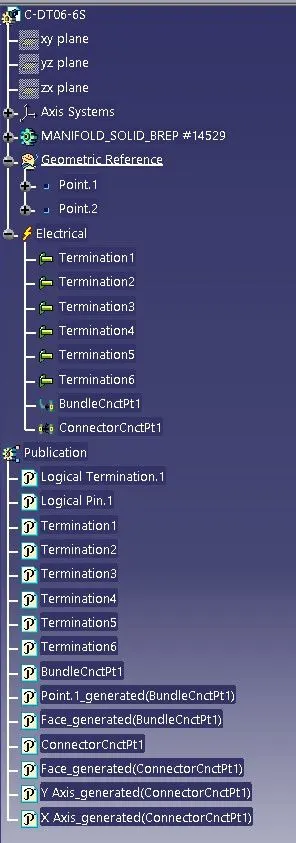
DT06-6S
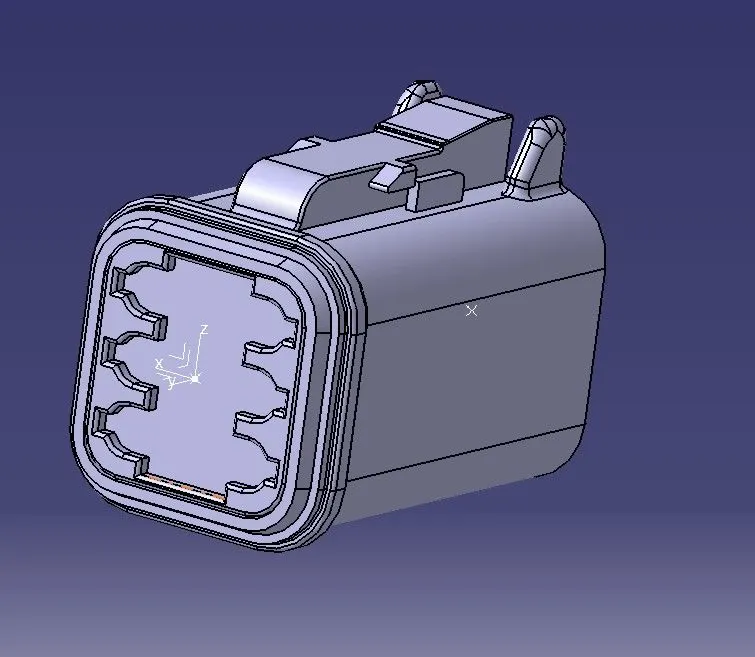
PROCEDURE
The following was defined for all the connectors:
- Connector connection point.
- bundle connection point.
- axis system at the connector connection point.
- define all the connectors as electrical components.
ORIENTATION VIEWS
FEATURE TREE
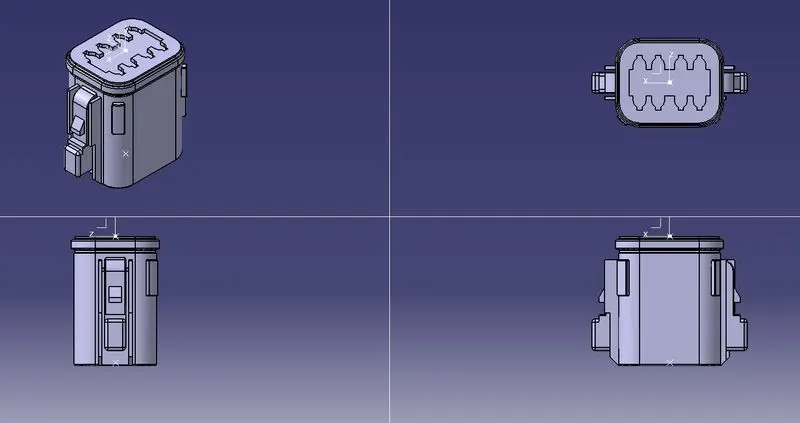
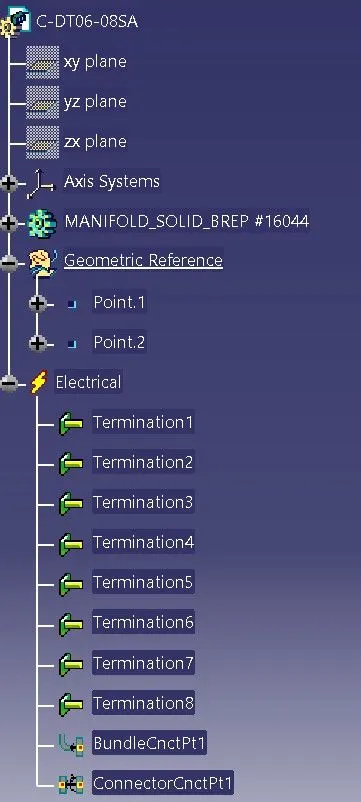
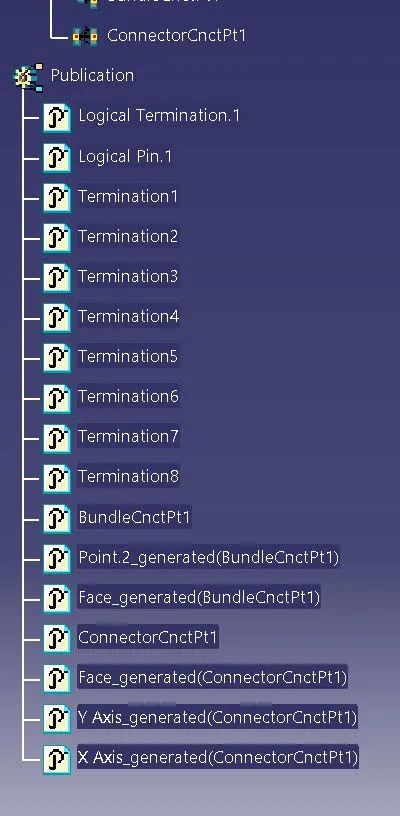
DT06-08SA
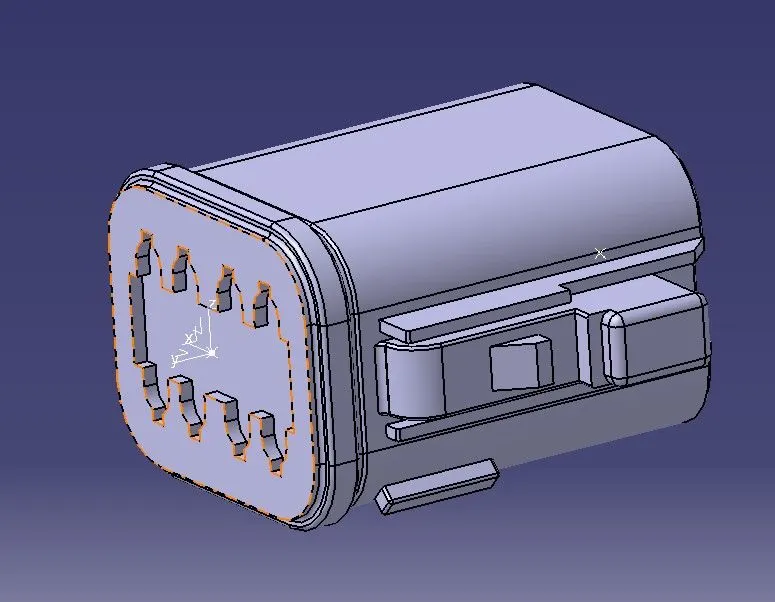
PROCEDURE
The following was defined for all the connectors:
- Connector connection point.
- bundle connection point.
- axis system at the connector connection point.
- define all the connectors as electrical components.
ORIENTATION VIEWS
FEATURE TREE
ASSEMBLY PART
PROCEDURE
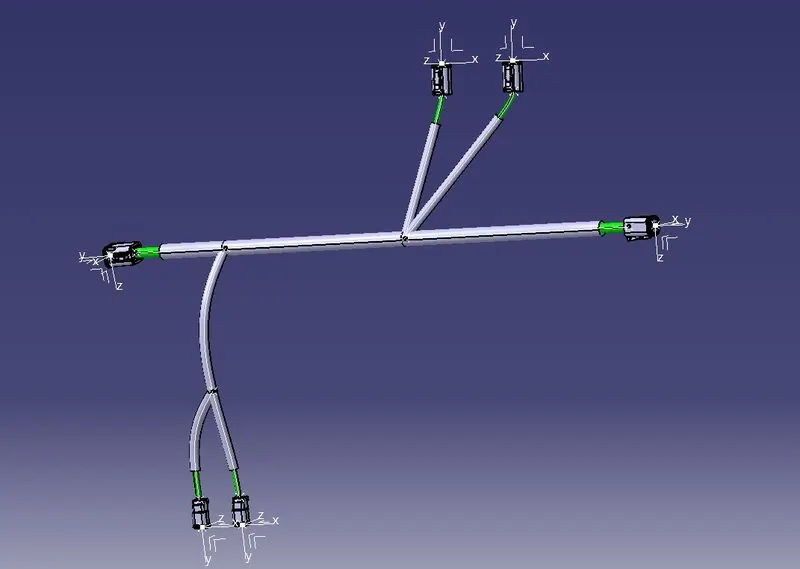
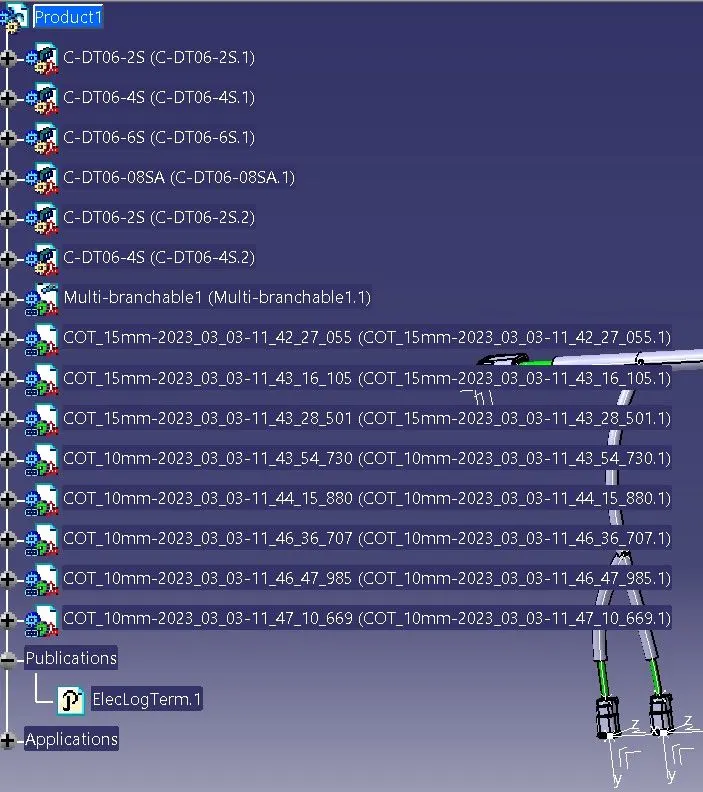
- Create Product File and rename.
- Import all the Connector files into it.
- open assembly under mechanical bench.
- Move according to its required position.
- open the file in harness assembly bench.
- create the wire connections between them with proper diameter and carefully choosing the positions and directions.
- exit the harness workbench where it leads to electrical assembly bench.
- use created cot tube to apply on them.
FEATURE TREE
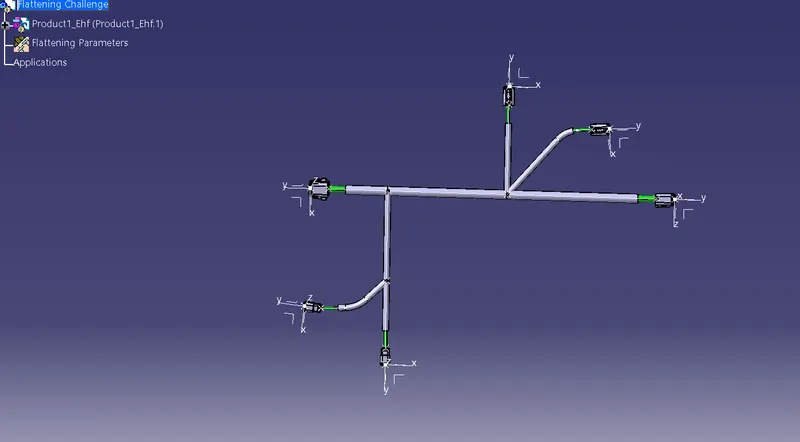
ELECTRICAL FLATENING HARNESS WORKBENCH
- Create a Flatening Harness product file and import the harness assembly file by using extract command.
- Use Harness Flattening command to set the required parameters.
- Make sure you have selected a face of an electrical component instead of given plane.
- Make sure the circuit is proper.
- Use Rotate and role commands to give a proper flat view of the experiment.
DRAWING SHEET
Create new drawing file and import the flatening harness file.
CONCLUSION
- To Route the following harness layout in the Electrical workbench.
- Add protective covering on all branches.
- create them under electrical flattening harness.
- Flattening view on drawing sheet are done using CATIA V5.