Wiring harness design in CATIA V5 - 3D modeling Week 7 Challenge
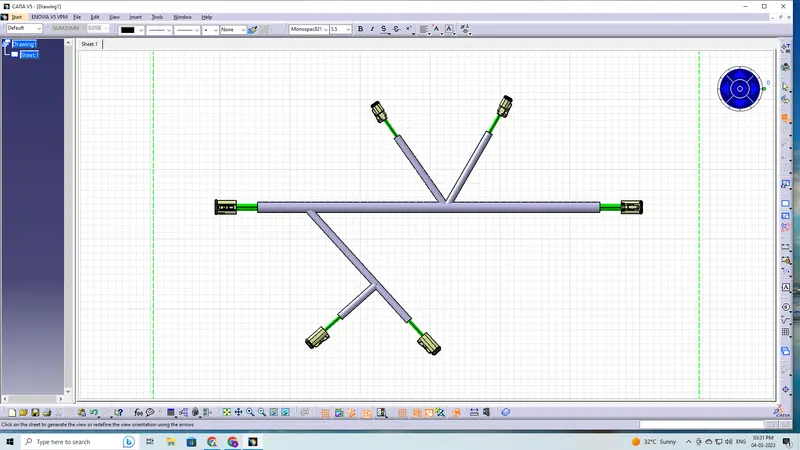
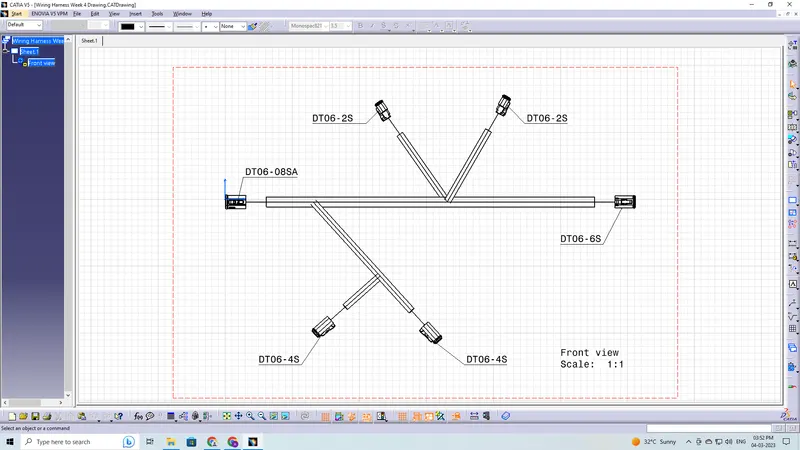
Q1. Flatten the harness assembly completed in “ week 4 challenge”. Place the flattened view on drawing sheet. Ensure bundles with protective coverings has different visuals on drawing view.
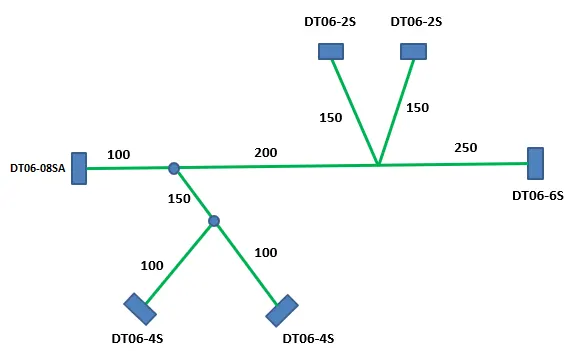
Answer:
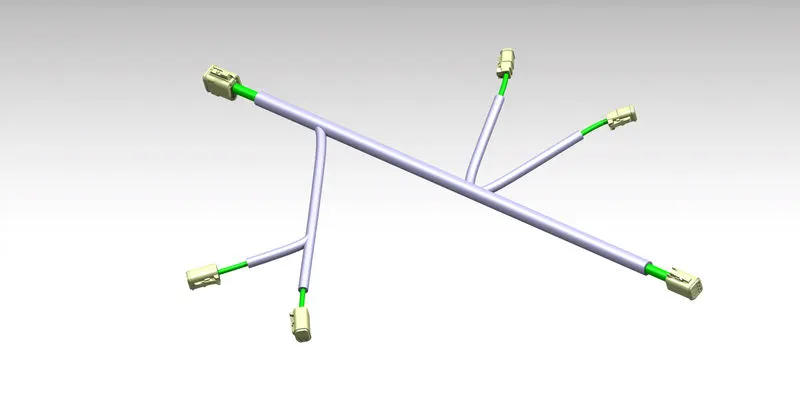
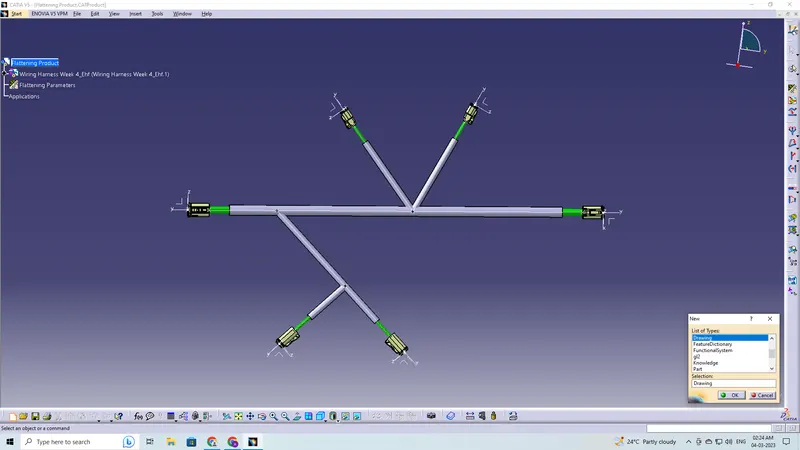
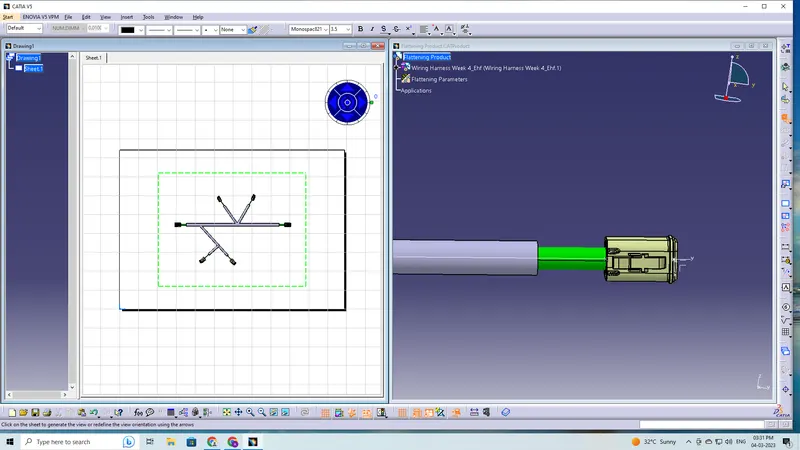
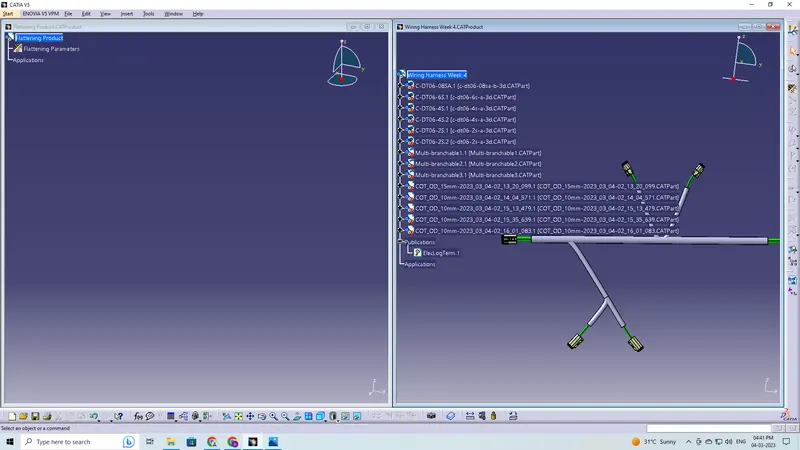
Figure 1: A previously routed harness assembly that requires the creation of a flattened view
The Electrical Harness Flattening workbench of CATIA V5 should be used to create a flattened view of any wiring harness. We must ensure that the flattening file is located in the same folder as the harness assembly's component elements.
The following steps are to be done to complete this project:
Defining harness flatteing parameters
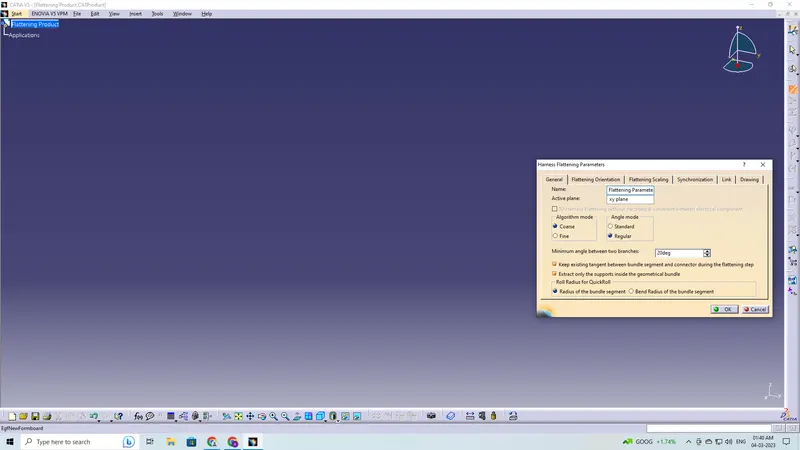
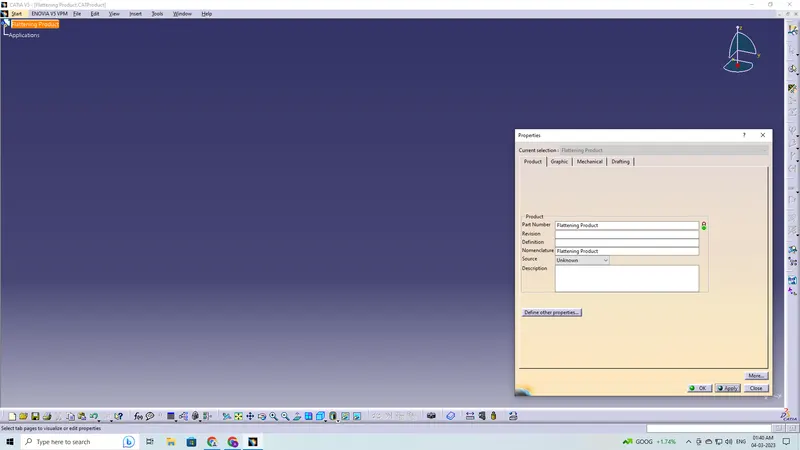
Rename the product file as flattening product
Bring the harness assembly into the newly created flattening product by using the "Extract" feature
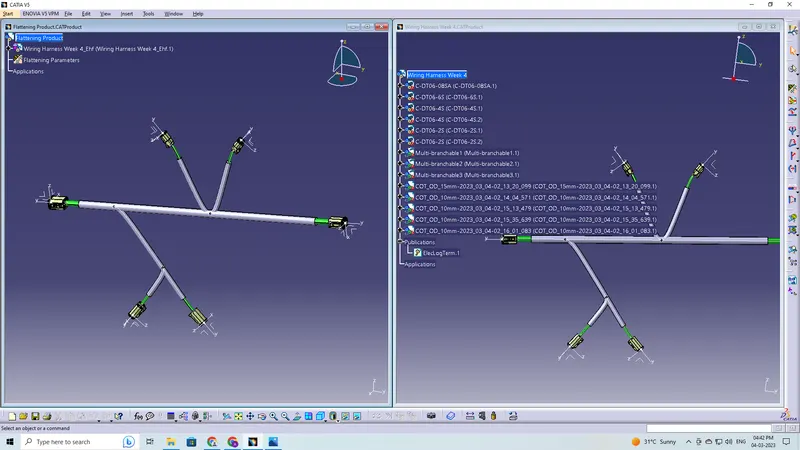
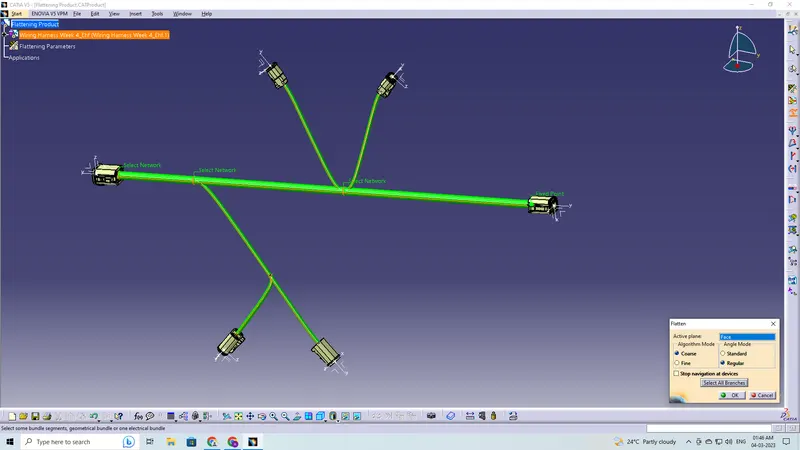
Flattening of the harness
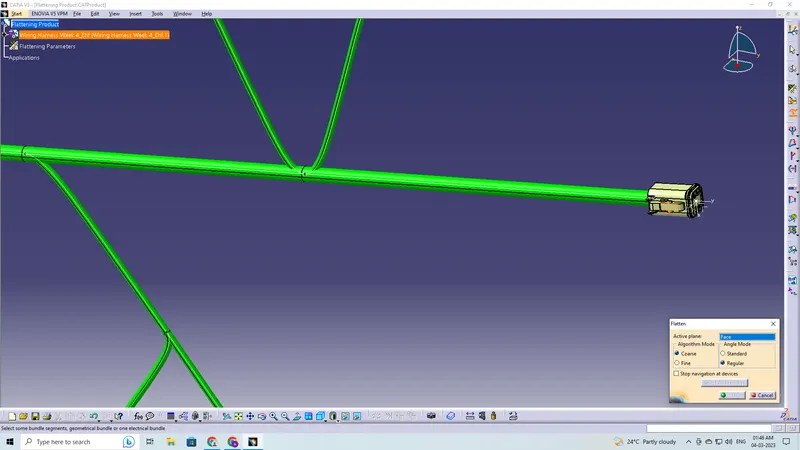
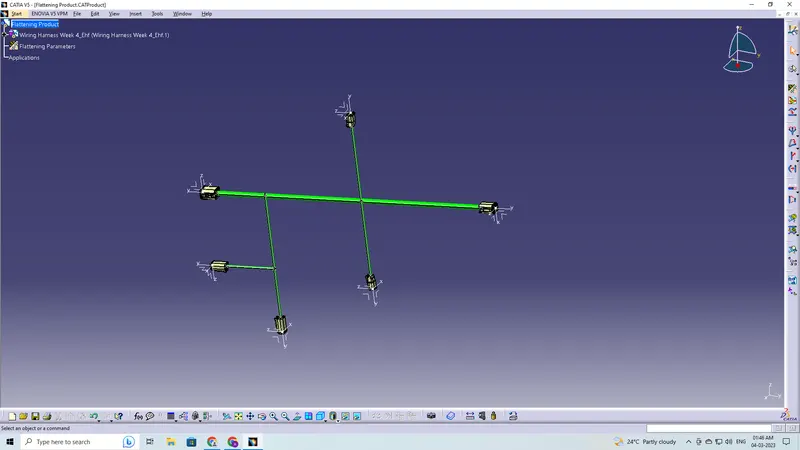
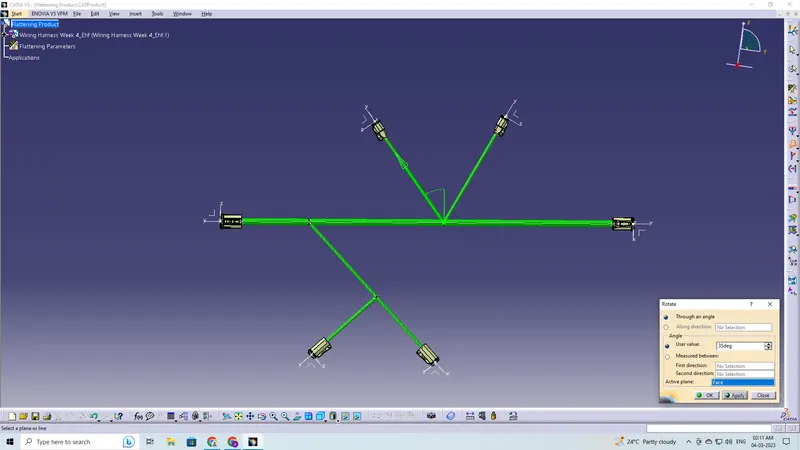
Rotate the bundle segments
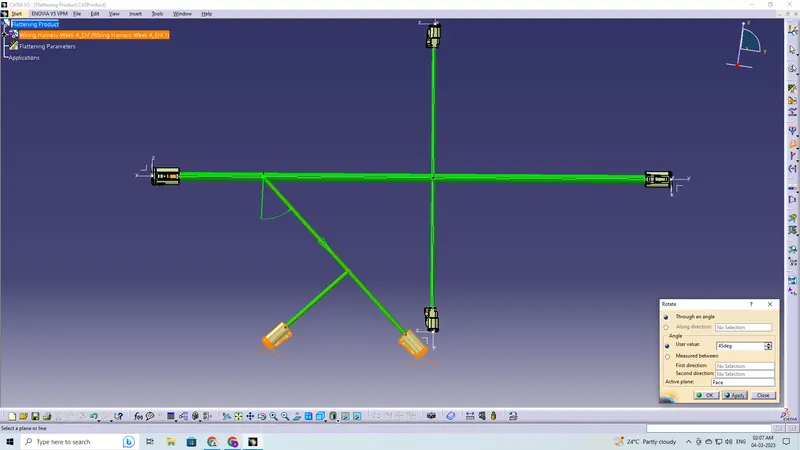
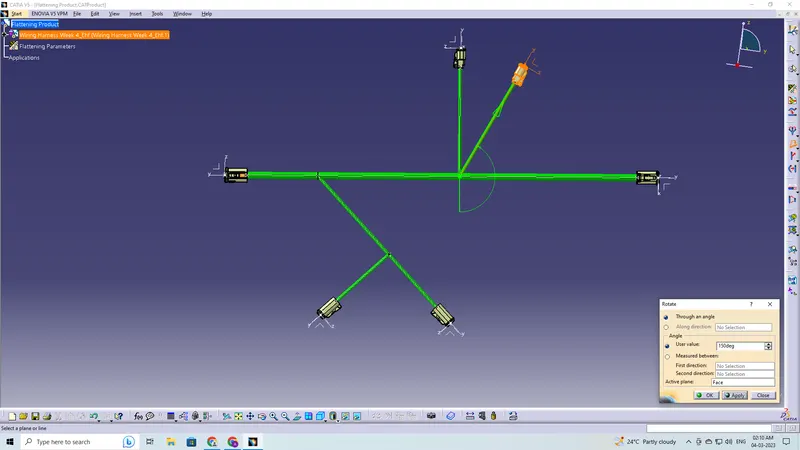
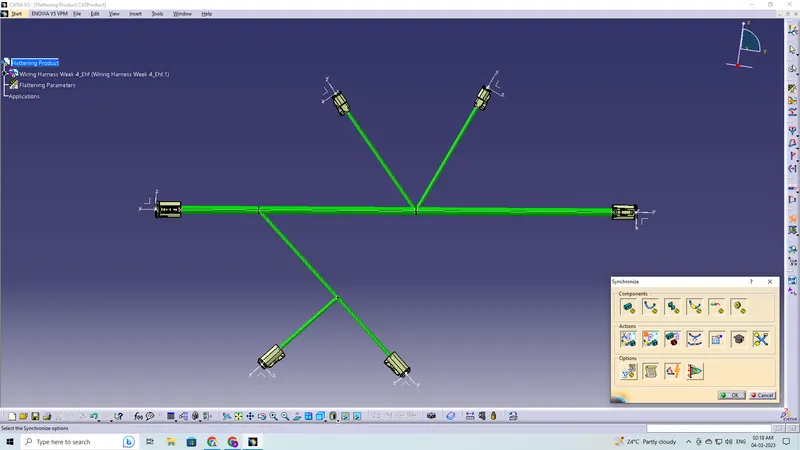
Final Flattening Product
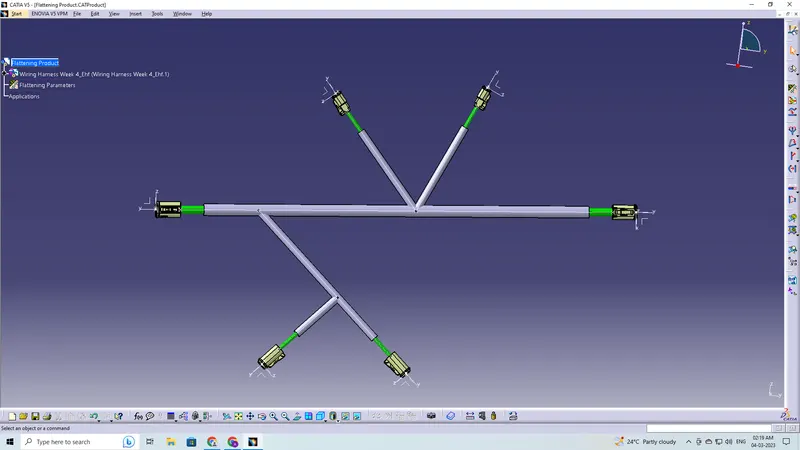
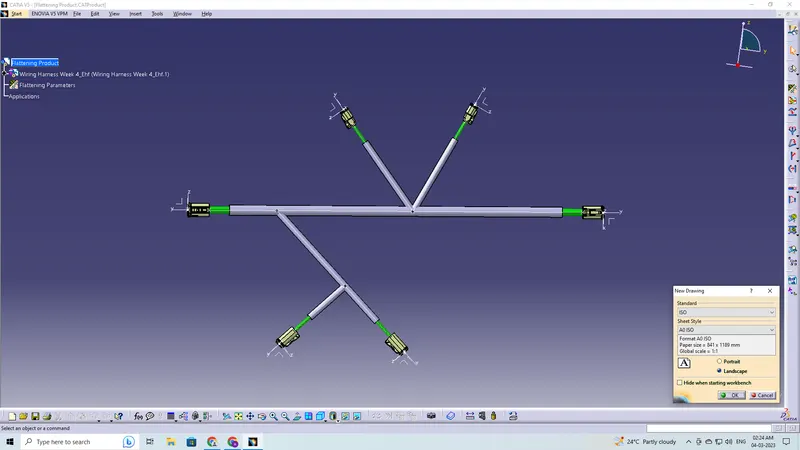
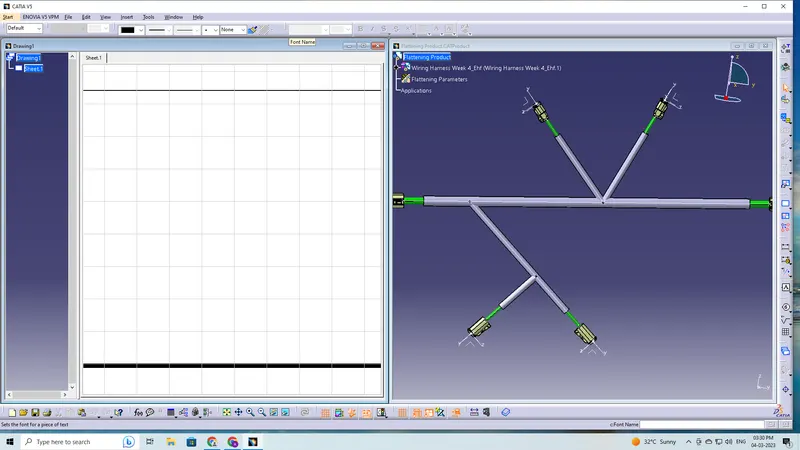
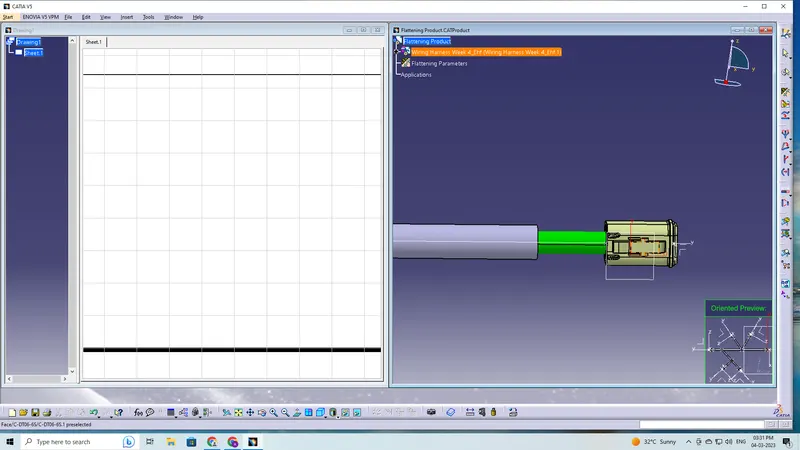
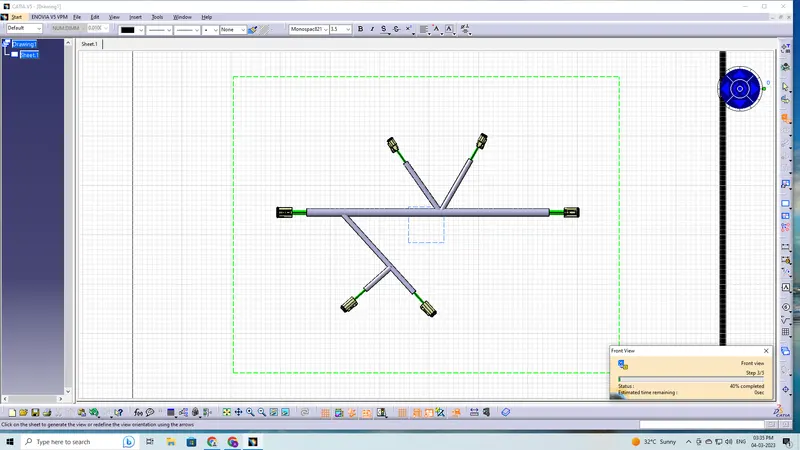
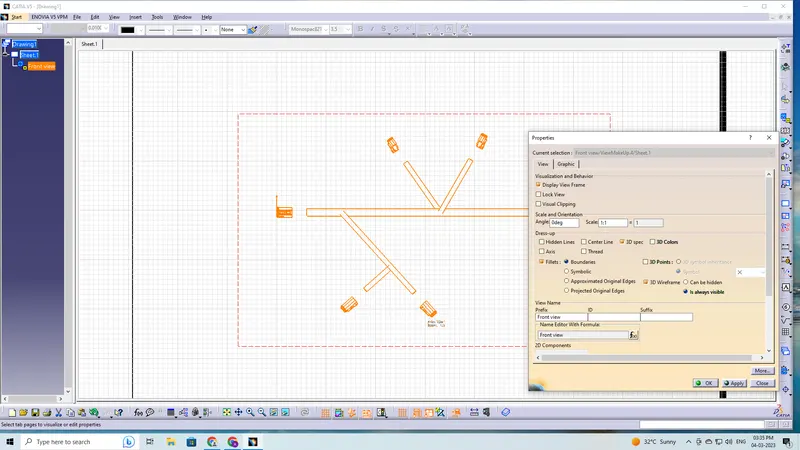
Procedure for Drawing Sheet