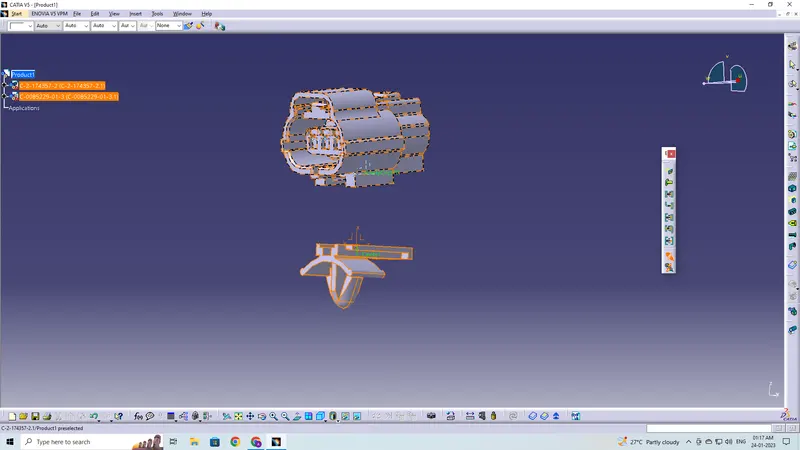
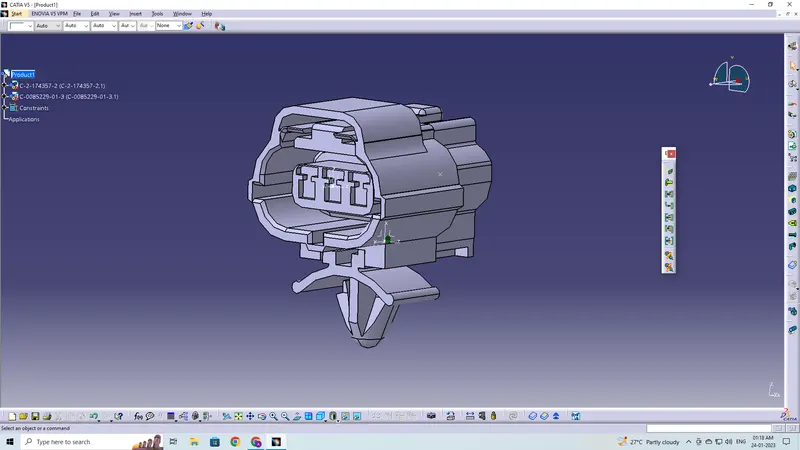
Wiring harness design in CATIA V5 - 3D modeling Week 2 Challenge
Define given connectors & connector clip as an Electrical Connector and add their necessary properties using Electrical Part design workbench in CATIA V5
The objective of this project is to first, download the given files from TE.com then define them as an electrical connector or equipment and lastly give all the required electrical properties to them using the electrical part design workbench on CATIA V5.
These are the steps required to do in this project-
- Create the required geometrical parameters for connector
- Create a bundle entry point
- If connector accommodates clip then define a geometrical parameter for the clip
- Define part as a connector or mounting equipment
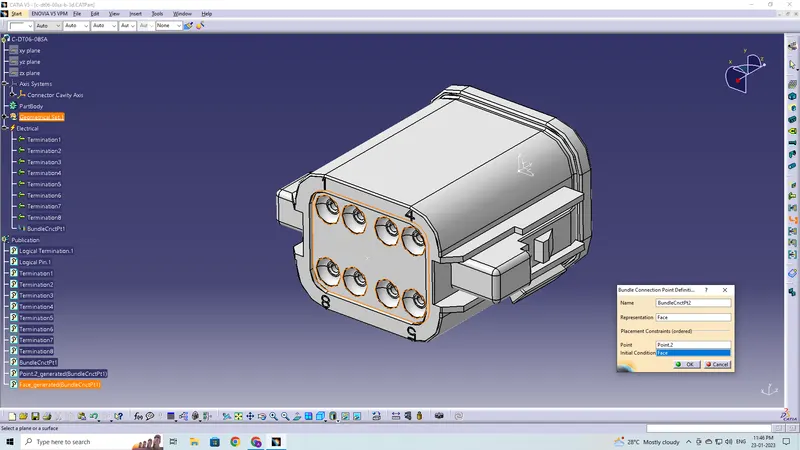
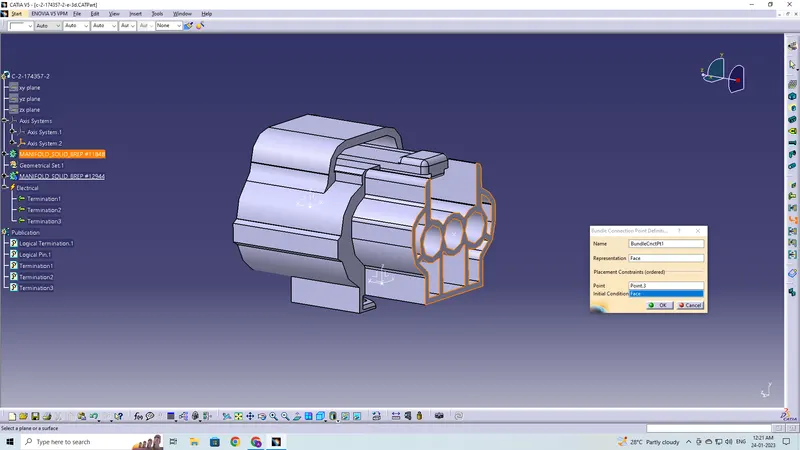
- Create bundle connection point
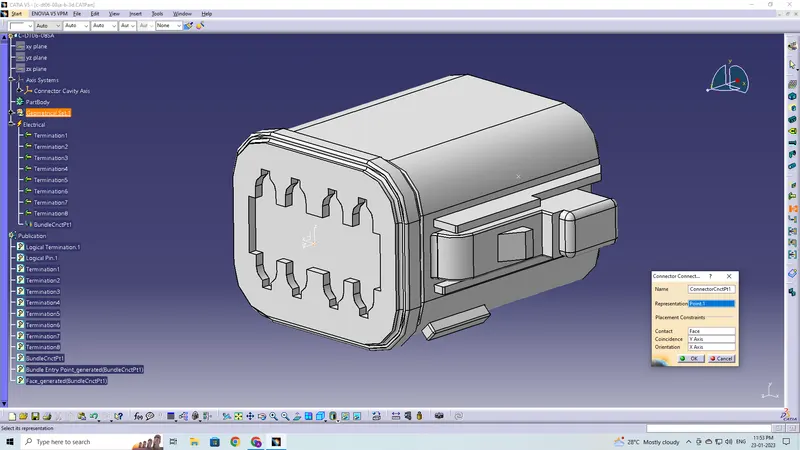
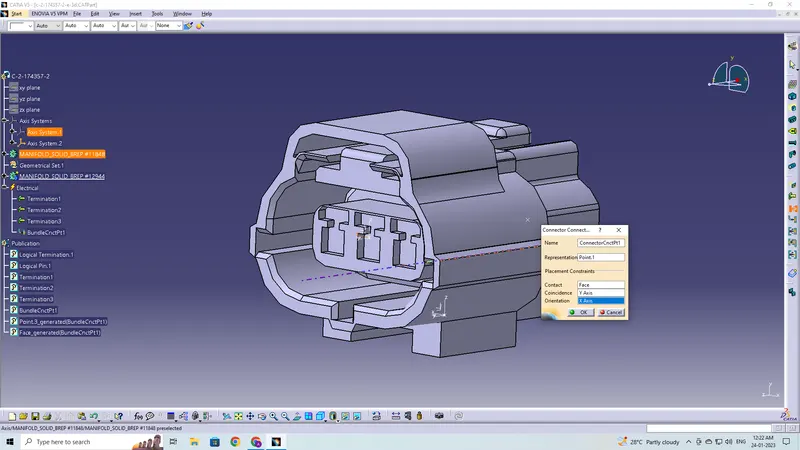
- Create a connector connection point
- Create a cavity connection point if there is a clip
The given components are as follows:
There are two connectors, one with clip attachment feature (TYC0 174357-2) and the other one is without it (Deutsch-DT06-08SA). The third part is the clip (TYCO 85229-1)
Connector 1- without clip attachment (DeutschDT06-08SA)
Defining the Geometrical Parameter to the part
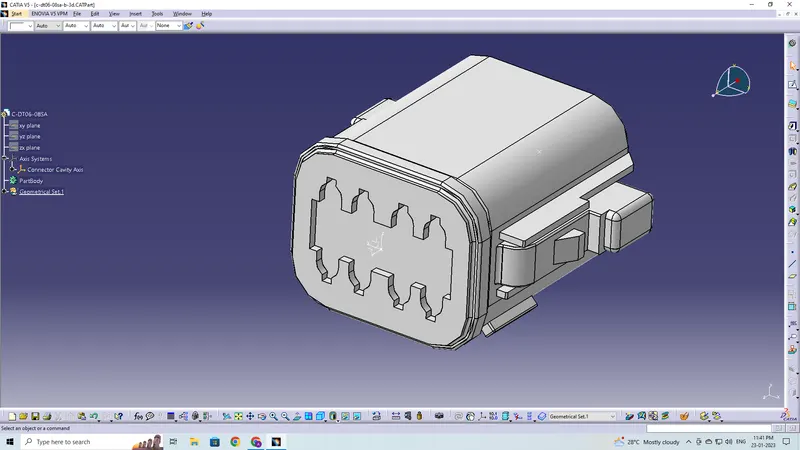
Defining bundle entry point
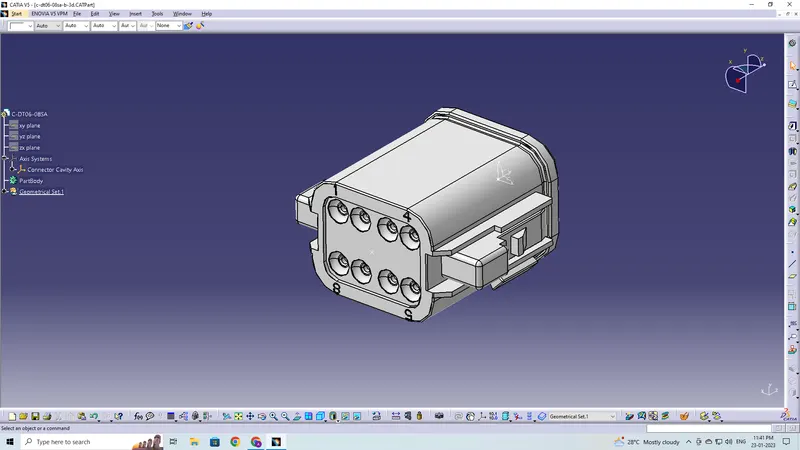
Defining part as a Connector
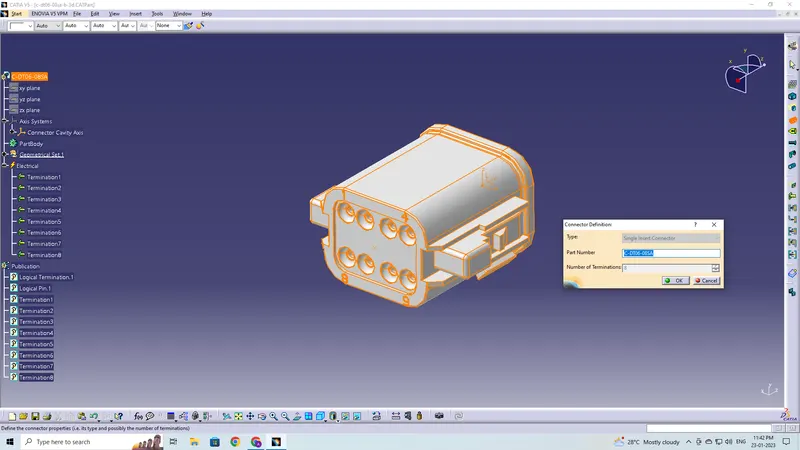
Defining Bundle Connection Point
Defining Connector Connection Point
Connector 2- with clip attachment (2-174357-2)
Defining the Geometrical Parameter to the part
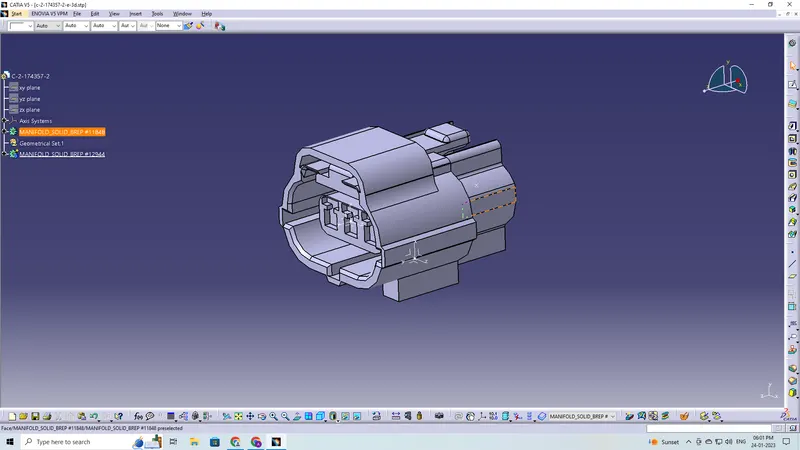
Defining bundle entry point
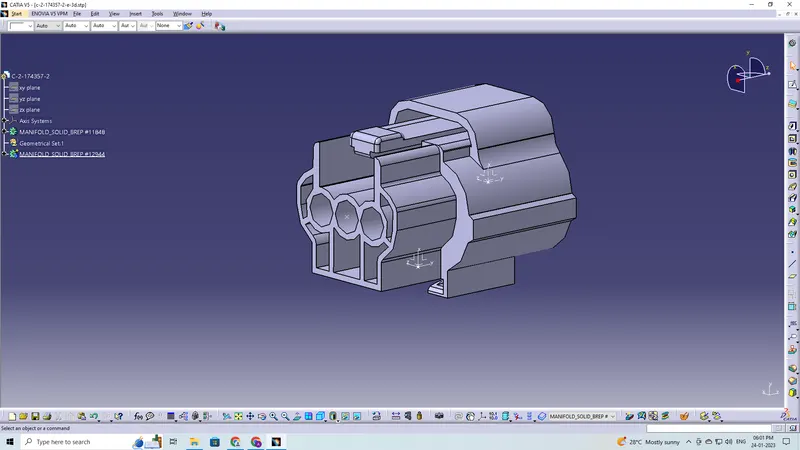
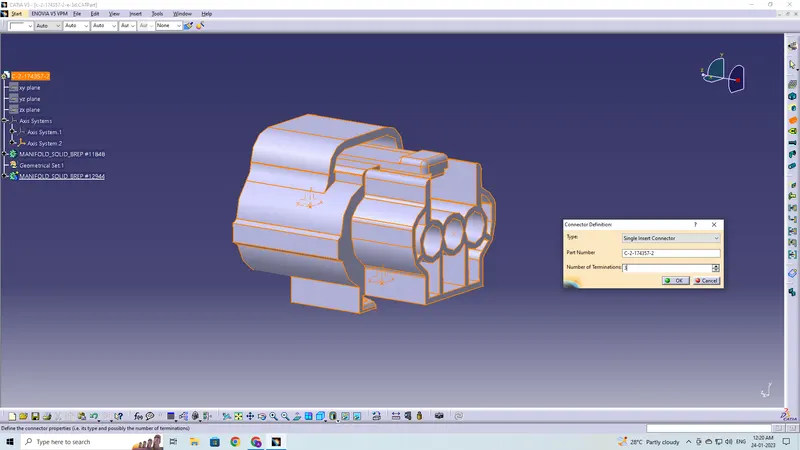
Defining part as a Connector
Defining Bundle Connection Point
Defining Connector Connection Point
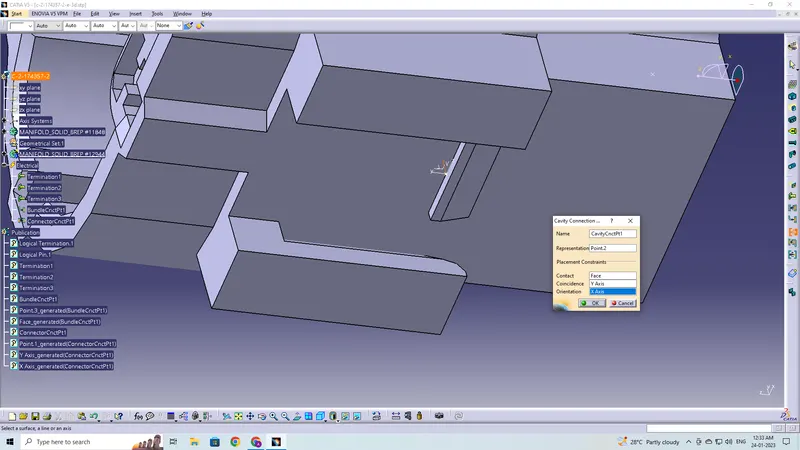
Defining Cavity Connection Point
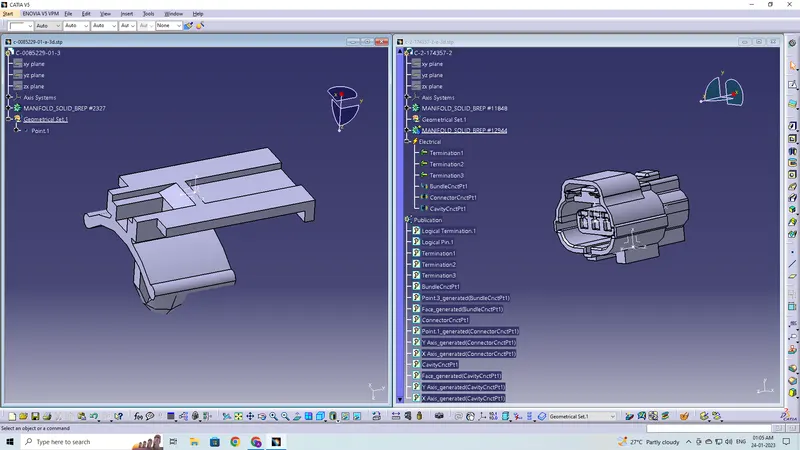
Clip (TYCO 85229-1)
Defining the Geometrical Parameter to the part
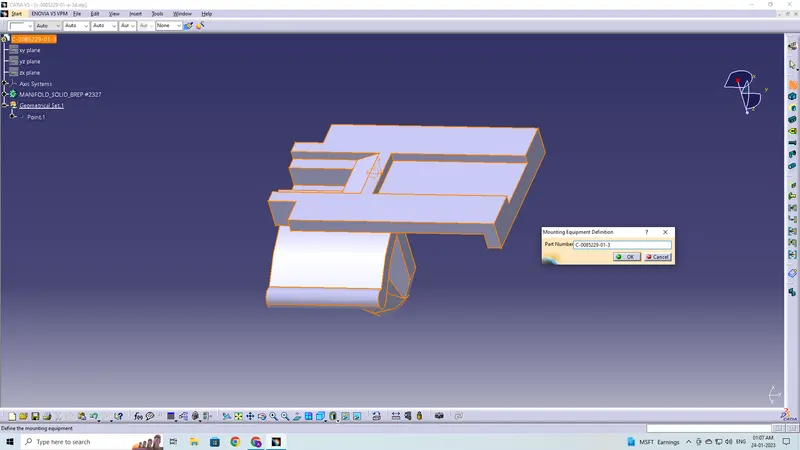
Defining part as a Mounting Equipment (Clip)
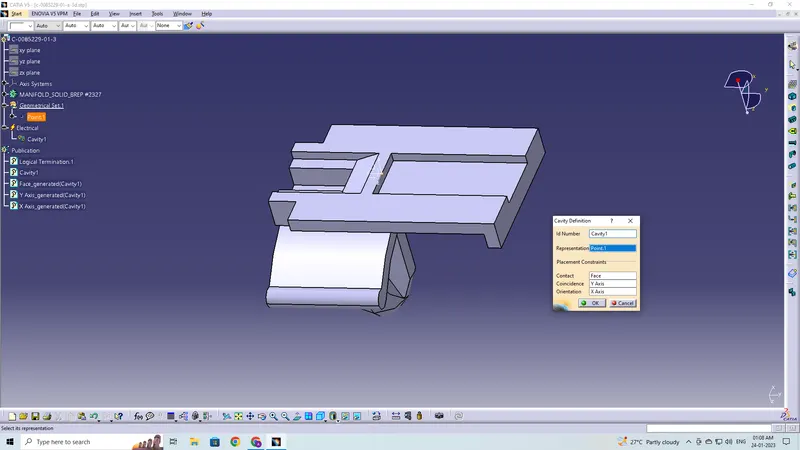
Defining Cavity
Connector and Clip Assembly: